service MERCEDES-BENZ A-CLASS HATCHBACK 2018 Service Manual
[x] Cancel search | Manufacturer: MERCEDES-BENZ, Model Year: 2018, Model line: A-CLASS HATCHBACK, Model: MERCEDES-BENZ A-CLASS HATCHBACK 2018Pages: 609, PDF Size: 10.73 MB
Page 348 of 609
#
Toclose the displa y:tap on the map.
or #
Touse mo torw ay information: select an
ent ry. #
If se veral service facilities are available,
select a service facility from the list.
The destination address and the map posi‐
tion are shown. #
Calculate thero ute (→ page 333).
or #
Sea rchfo r a POI in the vicinit y.
or #
Use other functions, e.g. sa vethe destination
address of the service facility.
Using quick- access for a destination in form a‐
tion, alternative route and POIs
Re quirements:
R The POI categories are con figured forqu ick-
access (→ page 329). #
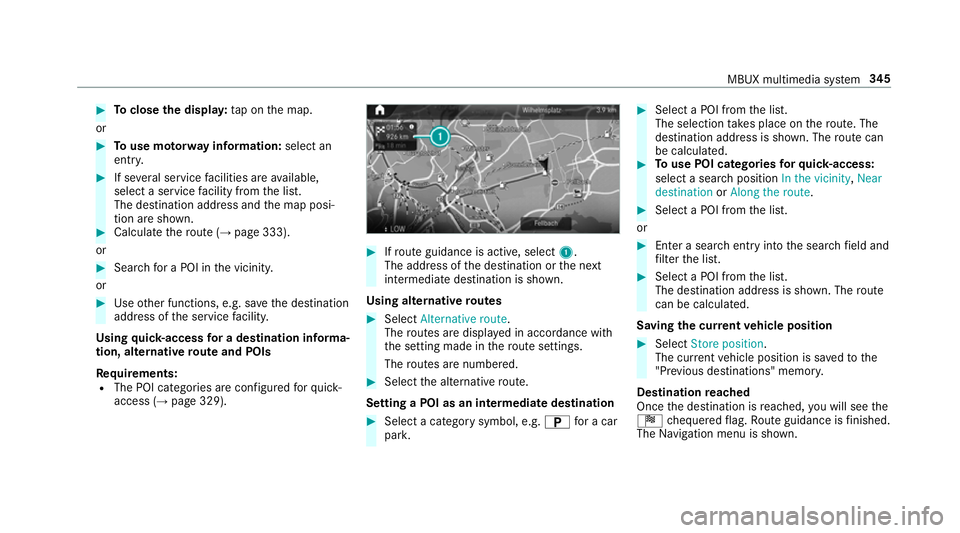
Ifro ute guidance is active, select 1.
The address of the destination or the next
intermediate destination is shown.
Using alternative routes #
Select Alternative route .
The routes are displ ayed in accordance with
th e setting made in thero ute settings.
The routes are numbered. #
Select the alternative route.
Setting a POI as an intermediate destination #
Select a category symbol, e.g. Bfor a car
par k. #
Select a POI from the list.
The selection take s place on thero ute. The
destination address is shown. The route can
be calculated. #
Touse POI catego ries forqu ick- access:
select a sea rch position In the vicinity, Near
destination orAlong the route. #
Select a POI from the list.
or #
Ente r a sear chentry intothe sear chfield and
fi lter the list. #
Select a POI from the list.
The destination address is shown. The route
can be calculated.
Saving the cur rent vehicle position #
Select Store position .
The cur rent vehicle position is sa vedto the
"Pr evious destinations" memo ry.
Destination reached
Once the destination is reached, you will see the
Í chequered flag. Route guidance is finished.
The Navigation menu is shown. MBUX multimedia sy
stem 345
Page 352 of 609
#
Tosave as "Work" address: selectSave as
"Work" .
Deleting a pr evious destination #
Todel ete a destination: selectVfor a
destination. #
Select Delete. #
Select Yes. #
Todel ete all destinations: selectÄ. #
Select Delete all. #
Select Yes.
Using extern al destinations and routes
External destinations and routes can be recei ved
from thefo llowing sources, forex ample:
R Mercedes-Benz Apps
R door-to-door navigation
A prom ptappears on the media displa y.
Re cei ved destinations and routes are sa ved in
th e pr evious destinations. #
A destination has been received: select
Yes . #
Calculate thero ute. #
Ifro ute guidance is already active, select Set
as intermediate dest. orStart new route
guidance .
or #
If a destination wasre cei ved with pho to
information, select Start route guidance. #
Calculate thero ute.
or #
If a destination has been recei ved from an
app, select Details. #
Calculate thero ute. #
Aro ute has been received: selectYes. #
Select Start route guidance from the begin-
ning orStart route guidance from current
location.
Ro ute guidance starts from the selected
position. Ro
ute guidance with cur rent traf fic re ports Tr
af fic information overview
% The services are not available in everycoun‐
tr y.
Tr af fic re ports can be recei ved with thefo llowing
services:
R Live Traf fic Information
R FM RDS-TMC
It is not possible touse bo thservices simul‐
ta neously.
Live Traf fic Information or FM RDS-TMC is
displ ayed with a symbol.
% Hazard warnings can be recei ved using the
Car-to-X service.
% There may be dif fere nces between the traf fic
re ports recei ved and the actual road and
traf fic conditions.
Impor tant information on Live Traf fic Informa‐
tion:
R Current tra ffic reports are recei ved via the
Internet connection (for selected countries). MBUX multimedia sy
stem 349
Page 353 of 609
R
The traf fic situation is upda ted at short, regu‐
lar inter vals.
R In selec ted count ries, the subscription
service is available free of charge for a period
of thre eye ars from the manufacturing date.
Subscription information sho wsthest atus
(→ page 350).
Re gis tering Live Traf fic Information:
R The service must be regis tere d with
Mercedes me (→ page 350).
This secures the free-of- charge period of
th re eye ars.
In fo rm ation on theve hicle's position is regular ly
sent toDaimler AG. The da tais immediately ren‐
de red anonymous byDaimler AGand forw arded
to the tra ffic data pr ovider. Using this data, traf‐
fi c re ports releva nt totheve hicle's position are
sent totheve hicle. The vehicle acts as a sensor
fo rth eflow of traf fic and helps toimpr ovethe
qu ality of the tra ffic reports. If
yo u do not wanttotransmit theve hicle posi‐
tion, you ha vethefo llowing options:
R You deactivate the service in the Mercedes
me por tal.
R You ha vethe service deactivated at a
Mercedes-Benz service cent re.
Useful information on FM RDS-TMC:
R A FM RDS-TMC radio station broadcasts traf‐
fi c re ports alongside thera dio programme.
R FM RDS-TMC is not available in all countries.
Showing subscription information for Li ve
Tr af fic Information
Requ irements:
R The vehicle is equipped with Live Traf fic
Information. Multimedia sy
stem:
, © .
Navigation .
¡ .
Traffic #
Todispl aymanuall y:select Live Traffic Sub-
scription Info.
The traf fic da tasupplier's logo and thest atus
of the subscription are displa yed. The sub‐
scription is either still valid or it has expired.
The subscription expiry date is automatically dis‐
pla yed:
R one month before theex piry date
R one week before theex piry date
R ontheex piry date
% When the subscription for Live Traf fic Infor‐
mation has expired then in selected coun‐
tries FM RDS-TMC is available.
% The subsc ript ion can be extended
(→ page 351).
Re gis tering Live Traf fic Information
Re quirements:
R The vehicle is equipped with Live Traf fic
Information. 350
MBUX multimedia sy stem
Page 354 of 609
R
You ha vea user account on the Mercedes
me website.
The Live Traf fic Information service must be reg‐
is te re d. This secures the full period of three
ye ars. #
Create a user account at Mercedes me at:
http://www.mercedes.me. A valid email
address is requ ired forth is. #
Regis terth eve hicle using theve hicle identifi‐
cation number (VIN). #
Tocar ryout there gistration yourself: con‐
nect theve hicle with your Mercedes me user
account in the Mercedes me por tal.
A code is sent tothe multimedia sy stem. #
Ente rth e code into the multimedia sy stem. #
Accept thege neral and specific term s of use. #
Registration in the Mercedes-Benz
service centre: have the connection car ried
out at a Mercedes-Benz service cent re.Extending a Live
Traf fic Information sub‐
scription
Re quirements:
R The vehicle is equipped with Live Traf fic
Information.
R You ha vea user account on the Mercedes
me website. #
Call up the Mercedes me website. #
Call up the Mercedes me user account. #
Switch tothe Mercedes me connect online
st ore via the linked vehicle. #
Select the Live Traf fic Information service. #
Select there ne wa l period. #
Addth e product tothe shopping bask et. #
Accept thege neral and specific term s of use.
Live Traf fic Information remains activated for
th e selected extension pe riod. Activation
begins on the date of extension. Showing traf
fic information
Re quirements:
R The Traffic display is switched on
(→ page 353).
R The following traf fic displ ays are switched on
(→ page 353):
Traffic incidents
Free-flowing traffic
Delay
Multimedia sy stem:
, © #
Select Navigation.
The map sho ws thefo llowing traf fic information:
R traf fic incidents, forex ample:
- roadwor ks
- road bloc ks
- warning messages
When route guidance is active, the symbols
fo r traf fic incidents will be shown in colour
on thero ute. Off thero ute they are gr ey. MBUX multimedia sy
stem 351
Page 362 of 609
Selecting
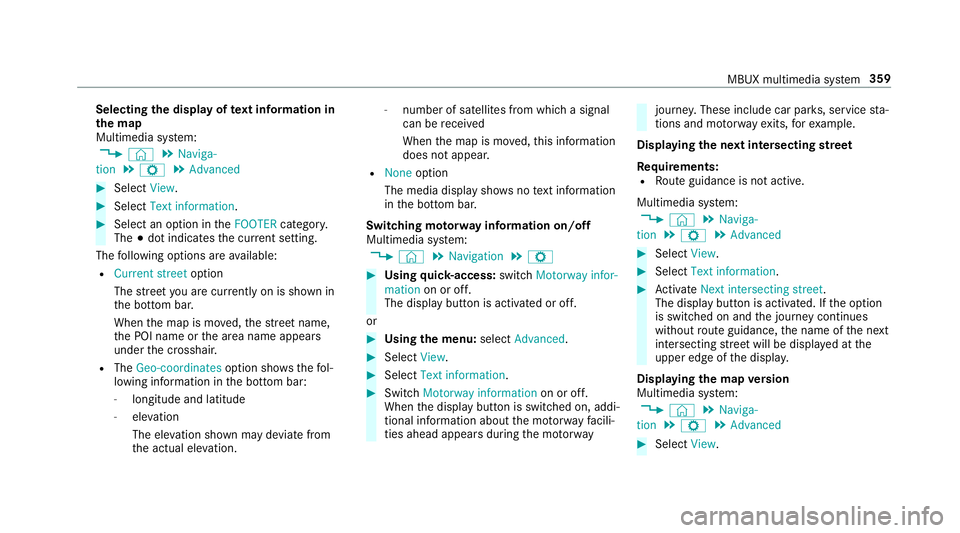
the display of text information in
th e map
Multimedia sy stem:
, © .
Naviga-
tion .
Z .
Advanced #
Select View. #
Select Text information. #
Select an option in theFOOTER category.
The #dot indicates the cur rent setting.
The following options are available:
R Current street option
The stre et you are cur rently on is shown in
th e bottom bar.
When the map is mo ved, thest re et name,
th e POI name or the area name appears
under the crosshair.
R The Geo-coordinates option showsthefo l‐
lowing information in the bottom bar:
- longitude and latitude
- elevation
The el evation shown may deviate from
th e actual ele vation. -
number of sa tellites from which a signal
can be recei ved
When the map is mo ved, this information
does not appear.
R None option
The media display sho wsnotext information
in the bottom bar.
Switching mo torw ay information on/off
Multimedia sy stem:
, © .
Navigation .
Z #
Using quick- access: switchMotorway infor-
mation on or off.
The display button is activated or off.
or #
Using the menu: selectAdvanced. #
Select View. #
Select Text information. #
Swit chMotorway information on or off.
When the display button is switched on, addi‐
tional information about the mo torw ay facili‐
ties ahead appea rsduring the mo torw ay jou
rney . These include car pa rks, service sta‐
tions and mo torw ay ex its,forex ample.
Displ aying the next intersecting stre et
Re quirements:
R Route guidance is not active.
Multimedia sy stem:
, © .
Naviga-
tion .
Z .
Advanced #
Select View. #
Select Text information. #
Activate Next intersecting street .
The display button is acti vated. If the option
is switched on and the journey continues
without route guidance, the name of the next
intersecting stre et will be displa yed at the
upper edge of the displa y.
Displaying the map version
Multimedia sy stem:
, © .
Naviga-
tion .
Z .
Advanced #
Select View. MBUX multimedia sy
stem 359
Page 363 of 609
#
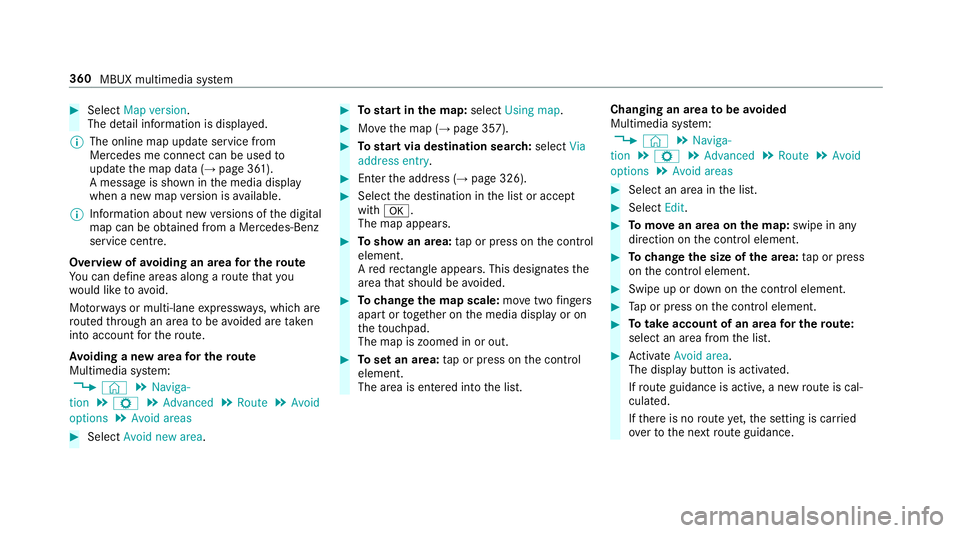
Select Map version.
The de tail information is displa yed.
% The online map update service from
Mercedes me connect can be used to
update the map data (→ page 361).
A message is shown in the media display
when a new map version is available.
% Info rm ation about new versions of the digital
map can be obtained from a Mercedes-Benz
service cent re.
Overview of avoiding an area for the route
Yo u can define areas along a route that you
wo uld like toavoid.
Mo torw ays or multi-lane expressw ays, which are
ro uted thro ugh an area tobe avo ided are taken
into account forth ero ute.
Av oiding a new area for the route
Multimedia sy stem:
, © .
Naviga-
tion .
Z .
Advanced .
Route .
Avoid
options .
Avoid areas #
Select Avoid new area. #
Tostart in the map: selectUsing map. #
Movethe map (→ page 357). #
Tostart via destination sear ch:select Via
address entry. #
Enter the address (→ page 326). #
Select the destination in the list or accept
with a.
The map appears. #
Toshow an area: tap or press on the control
element.
A redre ctangle appea rs. This designates the
area that should be avoided. #
Tochange the map scale: movetwo fingers
apart or toget her on the media display or on
th eto uchpad.
The map is zoomed in or out. #
Toset an area: tap or press on the control
element.
The area is entered into the list. Changing an area
tobe avo ided
Multimedia sy stem:
, © .
Naviga-
tion .
Z .
Advanced .
Route .
Avoid
options .
Avoid areas #
Select an area in the list. #
Select Edit. #
Tomo vean area on the map: swipe in any
direction on the control element. #
Tochange the size of the area: tap or press
on the control element. #
Swipe up or down on the control element. #
Tap or press on the control element. #
Totake account of an area for the route:
select an area from the list. #
Activate Avoid area.
The display button is acti vated.
If ro ute guidance is active, a new route is cal‐
culated.
If th ere is no route yet,th e setting is car ried
ove rto the next route guidance. 360
MBUX multimedia sy stem
Page 364 of 609
The
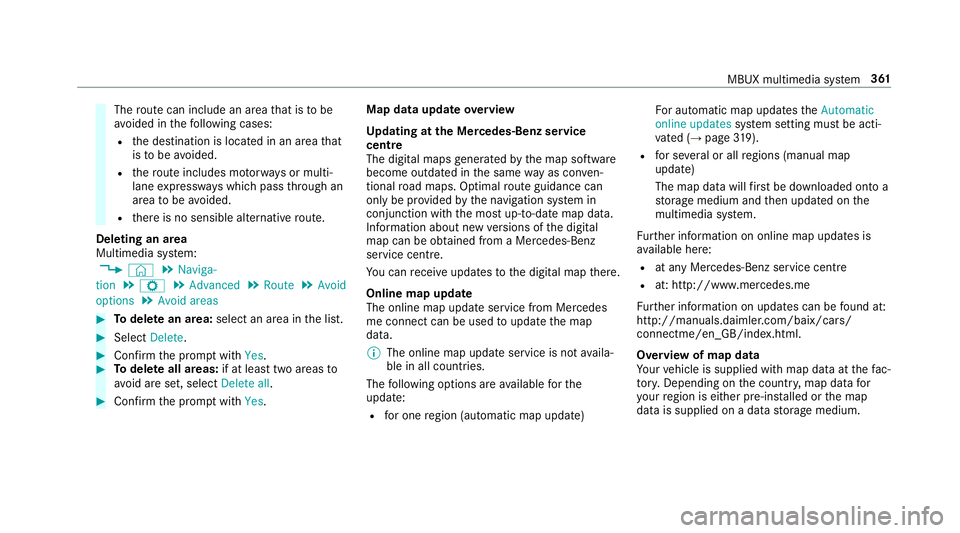
route can include an area that is tobe
av oided in thefo llowing cases:
R the destination is located in an area that
is to be avo ided.
R thero ute includes mo torw ays or multi-
lane expressw ays which pass thro ugh an
area tobe avo ided.
R there is no sensible alternative route.
Deleting an area
Multimedia sy stem:
, © .
Naviga-
tion .
Z .
Advanced .
Route .
Avoid
options .
Avoid areas #
Todel ete an area: select an area in the list. #
Select Delete. #
Confirm the prom ptwith Yes. #
Todel ete all areas: if at least two areas to
av oid are set, select Delete all. #
Confirm the prom ptwith Yes. Map data upda
teoverview
Up dating at the Mercedes-Benz se rvice
centre
The digital maps generated bythe map software
become outdated in the same way as co nven‐
tional road maps. Optimal route guidance can
on ly be pr ovided bythe navigation sy stem in
conjunction with the most up-to-date map data.
Information about new versions of the digital
map can be obtained from a Mercedes-Benz
service cent re.
Yo u can recei veupdates tothe digital map there.
Online map update
The online map update service from Mercedes
me connect can be used toupdate the map
data.
% The online map update service is not availa‐
ble in all countries.
The following options are available forthe
update:
R for one region (automatic map update) Fo
r auto matic map updates theAutomatic
online updates system setting must be acti‐
va ted (→ page 319).
R for se veral or all regions (manual map
update)
The map data will firs t be downloaded onto a
st orage medium and then updated on the
multimedia sy stem.
Fu rther information on online map updates is
av ailable here:
R at any Mercedes-Benz service centre
R at: http://www.mercedes.me
Fu rther information on updates can be found at:
http://manuals.daimler.com/baix/cars/
connectme/en_GB/index.html.
Overview of map data
Yo ur vehicle is supplied with map data at thefa c‐
to ry. Depending on the count ry, map data for
yo ur region is either pre-ins talled or the map
data is supplied on a data storage medium. MBUX multimedia sy
stem 361
Page 365 of 609
If
th e map data on your vehicle has been ins tal‐
led at thefa ctory and you wish toreins tall it, you
do not need toenter the activation code.
Fo r map data that you ha vepur chased in the
fo rm of a data storage medium, you must en ter
th e accompanying activation code.
% Ifyo u sa vethe map data on a data storage
medium with the online map update service,
no entry isrequ ired. The activation code is
st ored on the data storage medium during
th e downloading process.
Obser vethefo llowing when entering the activa‐
tion code:
R The activation code can be used for one vehi‐
cle
R The activation code is not transferable
R The activation code has six digits
In theeve nt of thefo llowing problems, please
con tact a Mercedes-Benz service centre:
R The multimedia sy stem does not accept the
activation code
R You ha velost the activation code Displaying
the compass
Multimedia sy stem:
, © .
Navigation .
¡ .
Position #
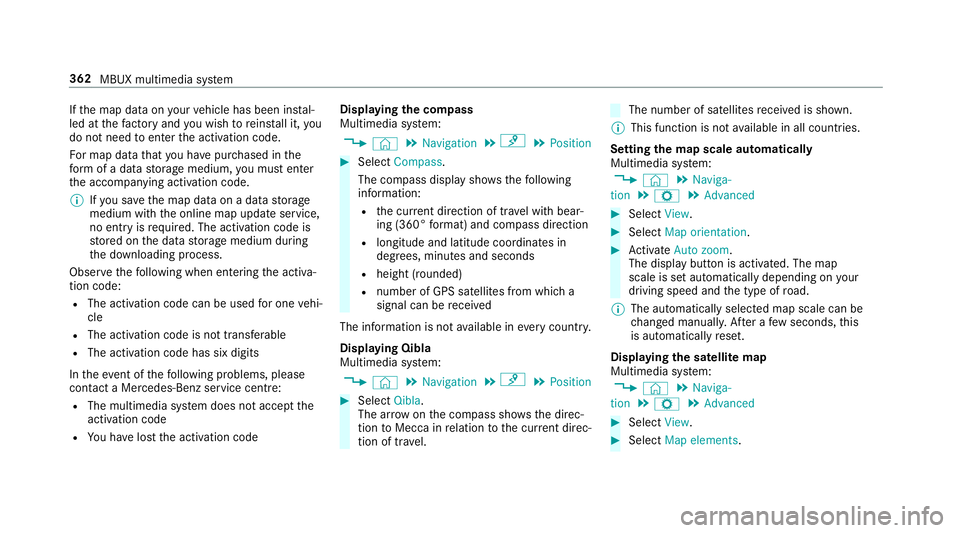
Select Compass.
The compass display sho wsthefo llowing
information:
R the cur rent di rection of tr avel with bear‐
ing (360° form at) and compass direction
R longitude and latitude coo rdinates in
degrees, minutes and seconds
R height (rounded)
R number of GPS satellites from which a
signal can be recei ved
The information is not available in every count ry.
Displaying Qibla
Multimedia sy stem:
, © .
Navigation .
¡ .
Position #
Select Qibla.
The ar rowonthe compass sho wsthe direc‐
tion toMecca in relation tothe cur rent di rec‐
tion of tr avel. The number of satellites
recei ved is shown.
% This function is not available in all countries.
Setting the map scale automatically
Multimedia sy stem:
, © .
Naviga-
tion .
Z .
Advanced #
Select View. #
Select Map orientation. #
Activate Auto zoom.
The display button is acti vated. The map
scale is set automatically depending on your
driving speed and the type of road.
% The automatically selec ted map scale can be
ch anged manuall y.After a few seconds, this
is automatically reset.
Displaying the satellite map
Multimedia sy stem:
, © .
Naviga-
tion .
Z .
Advanced #
Select View. #
Select Map elements. 362
MBUX multimedia sy stem
Page 366 of 609
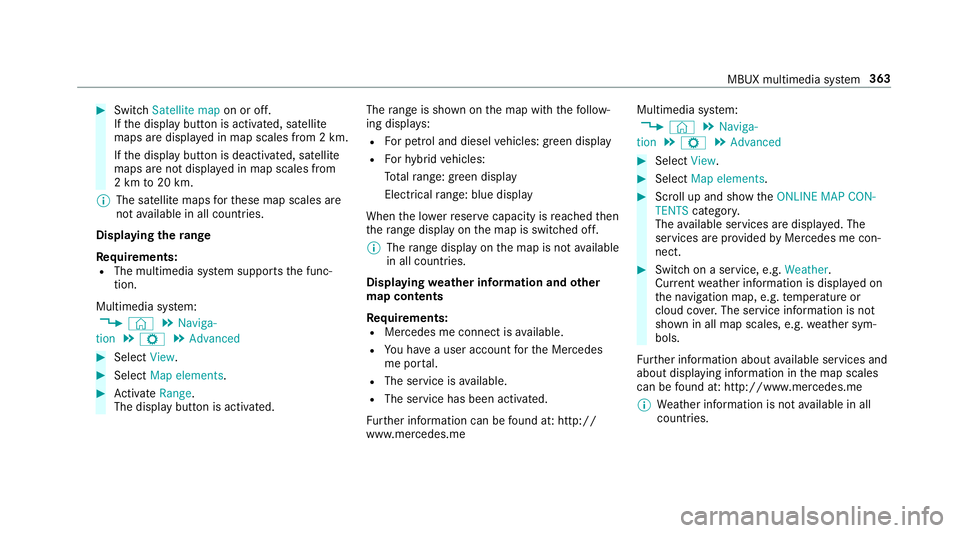
#
Switch Satellite map on or off.
If th e display button is activated, satellite
maps are displa yed in map scales from 2 km.
If th e display button is deactivated, satellite
maps are not displa yed in map scales from
2 km to20 km.
% The satellite maps forth ese map scales are
not available in all countries.
Displ aying thera nge
Re quirements:
R The multimedia sy stem supports the func‐
tion.
Multimedia sy stem:
, © .
Naviga-
tion .
Z .
Advanced #
Select View. #
Select Map elements. #
Activate Range.
The display button is acti vated. The
range is shown on the map with thefo llow‐
ing displa ys:
R For petrol and diesel vehicles: green display
R Forhy brid vehicles:
To talra nge: green displ ay
Electrical range: blue displ ay
When the lo werre ser vecapacity is reached then
th era nge displ ayon the map is switched off.
% The range displ ayon the map is not available
in all countries.
Displ aying weather information and other
map contents
Re quirements:
R Mercedes me connect is available.
R You ha vea user account forth e Mercedes
me por tal.
R The service is available.
R The service has been activated.
Fu rther information can be found at: http://
www.mercedes.me Multimedia sy
stem:
, © .
Naviga-
tion .
Z .
Advanced #
Select View. #
Select Map elements. #
Scroll up and show theONLINE MAP CON-
TENTS categor y.
The available services are displa yed. The
services are pr ovided byMercedes me con‐
nect. #
Switch on a service, e.g. Weather.
Cur rent we ather information is displa yed on
th e navigation map, e.g. temp erature or
cloud co ver.The service information is not
shown in all map scales, e.g. weather sym‐
bols.
Fu rther information about available services and
about displaying information in the map scales
can be found at: http://www.mercedes.me
% Weather information is not available in all
countries. MBUX multimedia sy
stem 363
Page 367 of 609
Showing map view in
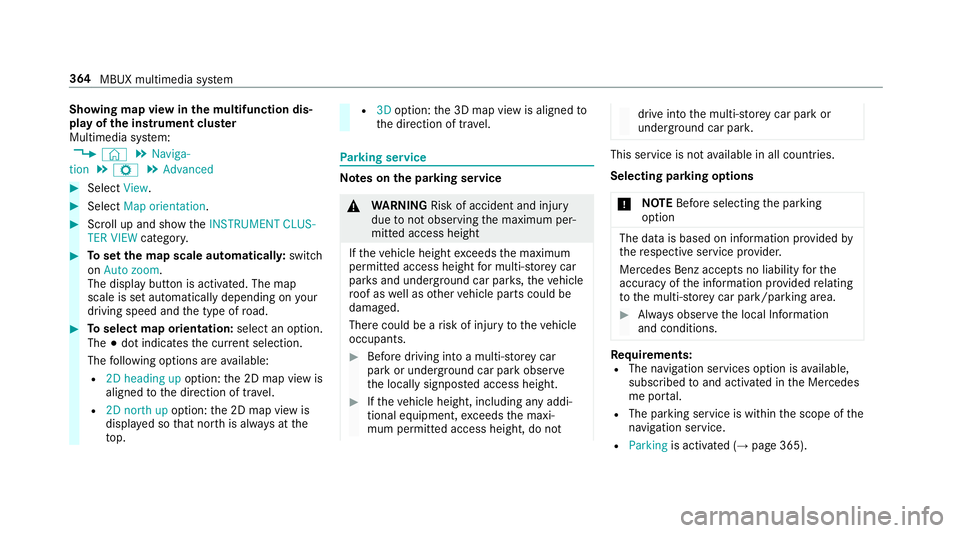
the multifunction dis‐
play of the instrument clus ter
Multimedia sy stem:
, © .
Naviga-
tion .
Z .
Advanced #
Select View. #
Select Map orientation. #
Scroll up and show theINSTRUMENT CLUS-
TER VIEW category. #
Toset the map scale automaticall y:switch
on Auto zoom.
The display button is activated. The map
scale is set automatically depending on your
driving speed and the type of road. #
Toselect map orientation: select an option.
The #dot indicates the cur rent selection.
The following options are available:
R 2D heading up option:the 2D map view is
aligned tothe direction of tra vel.
R 2D north up option:the 2D map view is
displa yed so that no rth is alw ays at the
to p. R
3Doption: the 3D map view is aligned to
th e direction of tra vel. Pa
rking service Note
s onthe pa rking service &
WARNING Risk of accident and inju ry
due tonot observing the maximum per‐
mitted access height
If th eve hicle height exceeds the maximum
permitted access height for multi-s torey car
par ksand unde rgro und car par ks,th eve hicle
ro of as well as other vehicle parts could be
damaged.
There could be a risk of injury totheve hicle
occupants. #
Before driving into a multi-s torey car
park or under ground car pa rkobser ve
th e locally signpos ted access height. #
Ifth eve hicle height, including any addi‐
tional equipment, exceeds the maxi‐
mum permitted access height, do not drive into
the multi-s torey car park or
underground car par k. This service is not
available in all countries.
Selecting pa rking options
* NO
TEBefore selecting the parking
option The data is based on information pr
ovided by
th ere spective service pr ovider.
Mercedes Benz accepts no liability forthe
accuracy of the information pr ovided relating
to the multi-s torey car park/parking area. #
Alwa ys obser vethe local Information
and conditions. Re
quirements:
R The navigation services option is available,
subsc ribed toand activated in the Mercedes
me por tal.
R The parking service is within the scope of the
navigation service.
R Parking is activated (→ page 365). 364
MBUX multimedia sy stem