lights MERCEDES-BENZ C CLASS 2019 Workshop Manual
[x] Cancel search | Manufacturer: MERCEDES-BENZ, Model Year: 2019, Model line: C CLASS, Model: MERCEDES-BENZ C CLASS 2019Pages: 534, PDF Size: 19.88 MB
Page 523 of 534
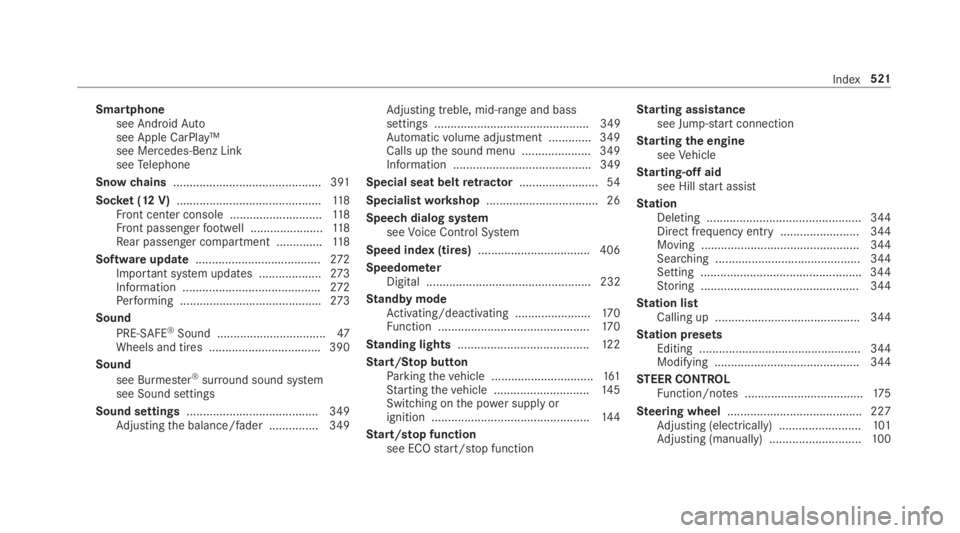
Smartphonesee AndroidAutosee Apple CarPlay™see Mercedes-Benz LinkseeTelephone
Snowchains............................................. 391
Socket (12 V)............................................11 8Front center console ............................118Front passengerfootwell ......................11 8Rear passenger compartment ..............11 8
Software update......................................272Important system updates ...................273Information ..........................................272Performing ...........................................273
Sound
PRE-SAFE®Sound .................................47Wheels and tires ..................................390
Sound
see Burmester®surround sound systemsee Sound settings
Sound settings........................................349Adjustingthe balance/fader ............... 349
Adjusting treble, mid-range and basssettings ............................................... 349Automaticvolume adjustment .............349Calls upthe sound menu ..................... 349Information .......................................... 349
Special seat beltretractor........................54
Specialistworkshop..................................26
Speech dialog systemseeVoice Control System
Speed index (tires)..................................406
SpeedometerDigital .................................................. 232
Standby modeActivating/deactivating .......................170Function ..............................................17 0
Standing lights........................................12 2
Start/Stop buttonParkingthevehicle ...............................161Startingthevehicle .............................14 5Switching onthe power supply orignition ................................................14 4
Start/stop functionsee ECOstart/stop function
Starting assistancesee Jump-startconnection
Startingthe engineseeVehicle
Starting-offaidsee Hillstart assist
StationDeleting ............................................... 344Direct frequency entry ........................ 344Moving ................................................ 344Searching ............................................ 344Setting .................................................344Storing ................................................ 344
Station listCalling up ............................................ 344
Station presetsEditing ................................................. 344Modifying ............................................ 344
STEER CONTROLFunction/notes ....................................175
Steering wheel.........................................227Adjusting (electrically) .........................101Adjusting (manually) ............................100
Index521
Page 528 of 534
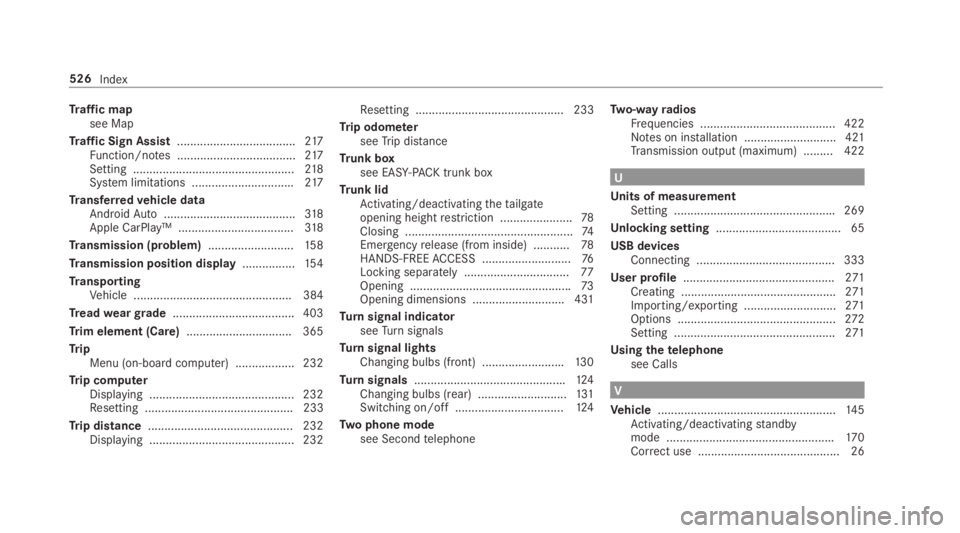
Traffic mapsee Map
Traffic Sign Assist....................................217Function/notes ....................................217Setting .................................................218System limitations ...............................217
Transferredvehicle dataAndroidAuto........................................318Apple CarPlay™ ...................................318
Transmission (problem)..........................15 8
Transmission position display................154
TransportingVehicle ................................................ 384
Treadweargrade..................................... 403
Trim element (Care)................................ 365
TripMenu (on-board computer) .................. 232
Trip computerDisplaying ............................................ 232Resetting ............................................. 233
Trip distance............................................ 232Displaying ............................................ 232
Resetting ............................................. 233
Trip odometerseeTrip distance
Trunk boxsee EASY-PACK trunk box
Trunk lidActivating/deactivatingthetailgateopening heightrestriction ......................78Closing ...................................................74Emergencyrelease (from inside) ...........78HANDS-FREEACCESS ...........................76Locking separately................................77Opening .................................................73Opening dimensions ............................431
Turnsignal indicatorseeTurnsignals
Turnsignal lightsChanging bulbs (front) .........................130
Turnsignals..............................................124Changing bulbs (rear) ...........................131Switching on/off .................................124
Two phone modesee Secondtelephone
Two-wayradiosFrequencies ......................................... 422Notes on installation ............................ 421Transmission output (maximum) .........422
U
Units of measurementSetting .................................................269
Unlocking setting...................................... 65
USB devicesConnecting .......................................... 333
User profile..............................................271Creating ...............................................271Importing/exporting ............................271Options ................................................272Setting .................................................271
Usingthetelephonesee Calls
V
Vehicle......................................................14 5Activating/deactivatingstandbymode ...................................................170Correct use ........................................... 26
526Index