service MERCEDES-BENZ C CLASS 2021 User Guide
[x] Cancel search | Manufacturer: MERCEDES-BENZ, Model Year: 2021, Model line: C CLASS, Model: MERCEDES-BENZ C CLASS 2021Pages: 478, PDF Size: 6.54 MB
Page 210 of 478

Ov
ervie wof butt ons onthest eer ing wheel 1
P Back/Hom ebutt on(press and hold),
on- boar dcom puter
2 Touc hCon trol, on-bo ardco mp uter
3 Con trol pan elforcr uis econtr olor Active
Dis tance AssistDIS TRONI C
4 Contr olpa nel forth emultimedia system
£ Voice con trol 5
00E2 Tocal lup thehome screen ofthemul‐
timedia system
6 Touc hCon trol mult imed iasystem
7 0038 Backbutt on(multimedia system)
8 Brightn esscontrol to adjus tth elighting in
th eIns trument Displayand inthecon trol
element sof theve hicle interior Oper
ating theon-boa rdcom puter
Obser vetheleg alrequ iremen tsforth ecount ry
in whic hyo uar ecur rently drivi ng when operat‐
ing theon- boar dcom puter. The
on-boar dcom puterisoper ated using the
lef t-hand Touc hCon trol and thelef t-hand back/
home button.
When theon- boar dcom puterisbeing operated,
dif fere nt aco ustic signa lswillsou ndasoperati ng
fe edbac k,e.g. when theend ofalis tis reac hed
or when youar esc rolling thro ugh alis t.
The follo wing menusareav ailable:
R Service
R DriveA ssist
R Trip
R Navi gation
R Radio
R Media
R Phon e
R Head -upDisp.
R Vehicl eswith aninstrument displayin
th ewidescr eencockpit:Des igns
% Youcan find informa tionab ou tth epossible
se ttings andselect ionsonthemenus inthe
Dig ital Op erator' sMa nua l. 20
8
Instrum ent Display and on-bo ardcom puter
Page 229 of 478
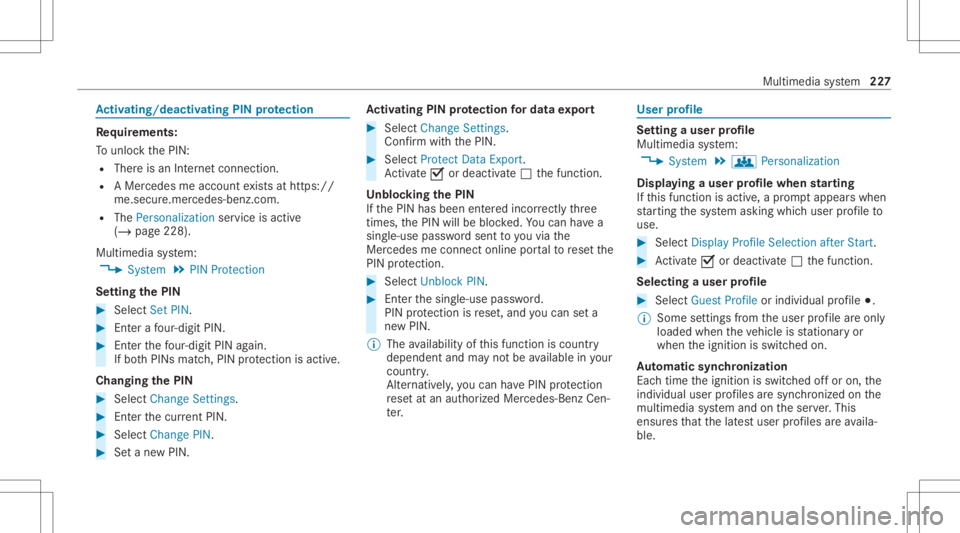
Ac
tiv atin g/deac tivatin gPI N protection Re
quirement s:
To unlo ckthePIN:
R Ther eis an Interne tcon nect ion.
R AMer cedes meaccount exists at htt ps:/ /
me. secur e.mercedes -benz.com.
R The Perso nalization service isact ive
(/ page228) .
Multim ediasystem:
4 System 5
PIN Protec tion
Se tting thePIN #
Sele ctSet PIN. #
Entera fo ur -di git PIN. #
Enterth efo ur -di git PIN again.
If bo th PINs match,PIN protect ion isactiv e.
Changing thePIN #
Sele ctChang eSet tings. #
Enterth ecur rent PIN . #
Select Chang ePIN . #
Seta ne wPIN . Ac
tiv atin gPI N protection fordat aex por t #
Select Change Setting s.
Co nfirm with thePIN. #
Select ProtectData Export .
Ac tivate0073 ordeacti vate 0053 thefunc tion.
Un bloc king thePIN
If th ePIN has been entered incor rectl yth re e
tim es,th ePIN willbebloc ked. Youcan have a
sing le-use passwordsent toyouvia the
Mer cedes meconn ectonline portalto rese tth e
PIN protect ion. #
Select Unbloc kPIN. #
Enterth esing le-use password.
PIN protect ion isrese t,and youcan seta
ne wPIN.
% The availabilit yof this func tion iscoun try
depen dentandmayno tbe available inyour
co unt ry.
Alt ernati vely,yo ucan have PIN protect ion
re se tat an aut hor ized Mercedes-Benz Cen‐
te r. User
profile Se
tting auser profile
Multimedia system:
4 System 5
g Person alization
Displa yingauser profile when star ting
If th is func tion isact ive, apr om ptappear swhen
st ar tin gth esy stem asking whichuser profile to
use. #
Select Display Profile Select ion afterStart . #
Activate0073 ordeacti vate 0053 thefunc tion.
Selecting auser profile #
Select GuestProfile orindividual profile 003B.
% Some settings from theuser profile areonl y
loaded whentheve hicle isstatio naryor
when theignition isswitc hedon.
Au tomatic synchronizat ion
Eac htime theignition isswitc hedoffor on, the
indiv idual userprofiles aresync hroniz edon the
multime diasystem and ontheser ver.This
ensur esthat thelat estuser profiles areav aila‐
ble. Mult
imed iasystem 22
7
Page 230 of 478
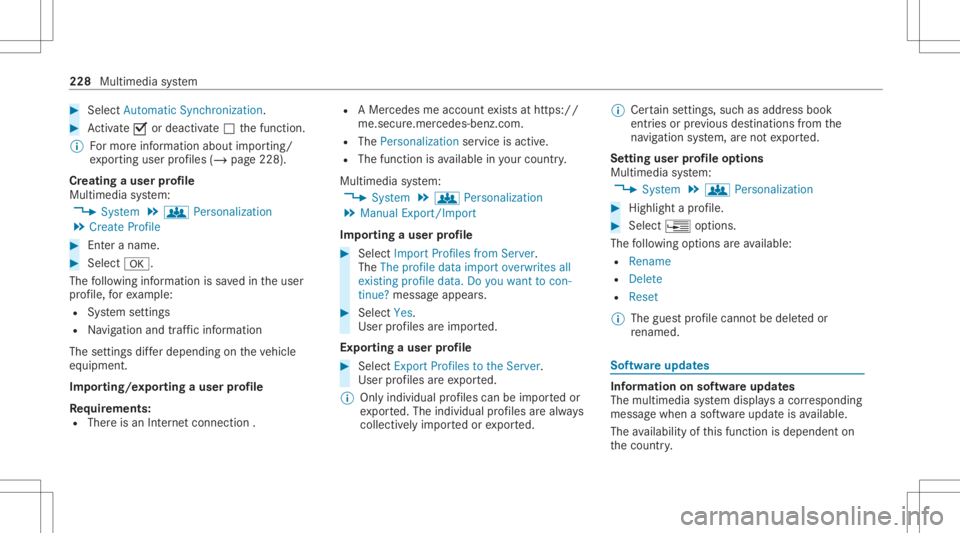
#
Select Autom aticSynch ronization. #
Activate0073 ordeacti vate 0053 thefunc tion.
% Formor einf ormation aboutimpor ting/
ex por tinguser profiles (/ page228 ).
Cr eating auser profile
Multimedia system:
4 System 5
g Person alization
5 Create Profile #
Entera name. #
Select 0076.
The follo wing informatio nis save din theuser
pr ofile, forex am ple:
R System settings
R Navig ation andtraf fic inf ormati on
The settings differ depending ontheve hicle
eq uipment.
Im por ting/e xportingauser profile
Re quirement s:
R Ther eis an Interne tcon nection . R
AMer cedes meacco untexists at htt ps:/ /
me. secur e.mercedes -benz.com.
R The Perso nalization service isact ive.
R The func tion isavailable inyour count ry.
Multimedia system:
4 System 5
g Person alization
5 Manual Export/ Import
Im por ting auser profile #
Select Import Profiles fromServer.
The Theprofile dataimport overwrit esall
exist ingprofile data.Doyou want tocon -
tinue? messag eappear s. #
Select Yes.
User profiles areim por ted.
Expor tingauser profile #
Select Export Profiles tothe Serv er.
User profiles areex por ted.
% Onlyindividual profiles can beimpor tedor
ex por ted. The individual profiles arealw ays
coll ectiv elyimpor tedor expor ted. %
Certain settings ,suc has addr essbook
ent ries orprev ious destination sfrom the
na vig ation system, areno tex por ted.
Se tting user profile options
Multimedia system:
4 System 5
g Person alization #
Highlight apr ofile. #
Select ¥option s.
The follo wing option sar eav ailable:
R Renam e
R Delete
R Reset
% The gues tpr ofile can notbe dele tedor
re nam ed. So
ftwa reupdat es Inf
ormation onsof twareupdat es
The multimedi asy stem displa ysacor responding
messag ewhen asof twareupda teisavailable.
The availabilit yof this func tion isdepen denton
th ecount ry. 228
Multimedia system
Page 231 of 478
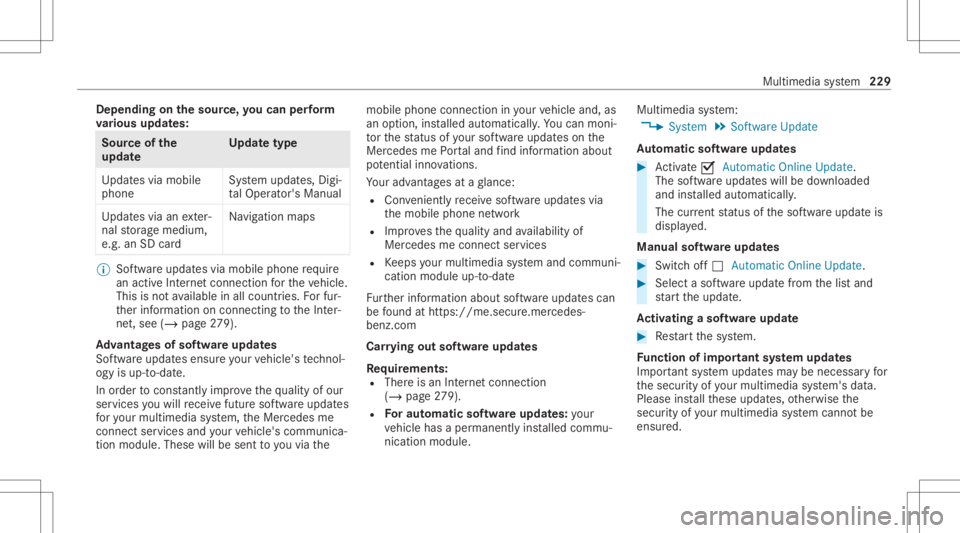
Depe
nding onthesour ce,youcan perform
va rious updates: Sour
ceofthe
updat e Up
dat etype
Up dat esvia mobile
phone Sy
stem updat es,Digi‐
ta lOpera tor's Manua l
Up dat esvia anexter‐
nal stor ag emedium,
e.g. anSD card Na
vig ation maps %
Softwareupd ates via mobil ephone requ ire
an act ive Int erne tcon nection forth eve hicle.
This isno tav ailable inall coun tries. Forfur‐
th er information oncon nect ingtotheInt er‐
ne t,see (/page27 9).
Ad vantag esofsof twareupd ates
Sof twareupdat esensur eyo ur vehicle's tech nol ‐
ogy isup -to-d ate.
In orde rto cons tantl yimpr ovethequ alit yof our
ser vices youwill recei vefutur esof twareupd ates
fo ryo ur mult imed iasystem, theMer cedes me
con nect services andyour vehicle's communica‐
tion module. Thesewillbesent toyouvia the mobil
ephone connection inyour vehicle and,as
an option, installed automat ically.Yo ucan mon i‐
to rth est atus ofyour sof twareupdat eson the
Mer cedes mePortal and find informa tionab ou t
po tentia linno vatio ns.
Yo ur adv antages ataglanc e:
R Con venie ntly recei vesof twareupda tesvia
th emobile phonenetwork
R Improve sth equ alit yand availabilit yof
Mer cedesme connectser vices
R Keeps your mult imed iasystem and comm uni‐
cation module up-to-dat e
Fu rther information aboutsoftwareupdat escan
be found athttp s:// me. secure.m erced es-
ben z.co m
Car rying out softwareupd ates
Re quirement s:
R Ther eis an Interne tcon nection
(/ page27 9).
R Foraut omat icso ftwa reupdat es:your
ve hicle hasaper manent lyins talled com mu‐
nic ation module. Multim
ediasystem:
4 System 5
Soft ware Update
Au tomatic softwa reupdat es #
Activate0073 Auto matic Onl ine Update.
Th esof twareup dateswill bedownloaded
and installed automat ically.
The current status ofthesof twareupdat eis
displa yed.
Manu alsof twareupd ates #
Switc hof f0053 Auto matic OnlineUpdate. #
Select asof twareupdat efrom thelis tand
st ar tth eupdat e.
Ac tiv atin gaso ftwa reupdat e #
Restar tth esy stem.
Fu nction ofimpor tant system updates
Im por tant system updat esma ybe neces saryfo r
th esecur ityofyour mult imed iasystem's data.
Please installth ese updat es,other wise the
secur ityofyour mult imed iasystem cann otbe
ensur ed. Multimedia
system 229
Page 235 of 478

tr
af fic situ ation. Thiscou ldalso cau seyouto
lose control of theve hicle. #
Onlyoper ateth is eq uipmen twhen the
tr af fic situ ation per mits. #
Ifyo ucan notbe sur eof this, stop the
ve hicle whilstpa ying attention toroad
and traffic condi tions andoperate the
eq uipment withth eve hicle statio nary. Yo
umus tobse rveth eleg alrequ iremen tsforth e
cou ntryin whi chyouar ecur rentl ydr ivi ng when
op erati ng themultimedia system.
Re quirement s:
R Forthe online search :Me rcedes mecon‐
nect isavailable.
R Youha ve auser accoun tfo rth eMer cedes
me Portal.
R The serviceis available.
R The servicehas been activat ed atan aut hor ‐
ize dMer cedes-Ben zCent er.
Fu rther information canbefound at:ht tp s://
www .merced es.me Mult
imed iasystem:
4 Navigation #
Sho wthena vig ation menu. #
Select ªEnter Dest ination . The
stat eor prov inc ein whic hth eve hicle is
locat edisset1.
Ther ear etw oav ailable methods ofdes tinat ion
entr y:
R Free sear ch2
R Sea rchstep-b y-step 3 Me
thod 1:free sear ch #
EnterthePOI oraddr essin2. The entries
can bemade inanyor der .
Dur ing destinat ionentry,sugg estion sar e
made bythemultimedia system. Aselect ion
of des tinat ions appear sin alis t.
En terth ese addr esselement s,forex am ple:
R City ,st re et,house number
R Street,cit y
R ZIP code
R POI name
R POI categor y,e.g. Gas Station
R City ,POI name #
Toswitc hto handwr itingrecognit ion:
selec tv 5. #
Write th ech aract eron theto uc hpad. #
Toswitc hto charact ersel ection :pr ess the
0038 button.
or #
Press theto uc hpad. Mult
imed iasystem 233
Page 244 of 478

R
Time ofarriva l
Selec tinganalternativ ero ut e
Mul timedi asy stem:
4 Navigation 5
À Route andPosition #
Select Alternativ eRoute.
The routes aredispl ayed inaccor dance with
th ese tting made inthero utese tting s.
The currentl ysel ect edrouteis sho wnwitha
dar kblue line. #
Select thealt ernativ ero ute.
Swit ching theaut oma ticgasst ation search
on oroff
Multi media system:
4 Navigation 5
Z Option s #
Switc hReserve Fuelon0073 oroff0053.
Switc hedon0073: when thefuel reser veleve l
is reac hed, apr om ptappear sask ing whe ther
yo uwa nttostar tsear ching forga sst atio ns. St
arting theaut oma ticser vice station
sear ch
Re quirement s:
R ATTENTION ASSISTand theSuggest Rest
Area function areactiv ated (/ page16 5).
Dr ivin gsituati on
The ATTEN TIONASSIST Doyouwa ntto sea rch
for ares tare a?mes sage issho wn. #
Selec tYes.
The service statio nsear chstar ts.The availa‐
ble servicest atio nsalon gth ero uteor inthe
vicinity oftheve hicle's current positio nar e
di spl ayed. #
Select theser vice statio n.
The servicest atio naddr essisdispla yed. #
Ifro uteguidan ceisno tact ive, sele ctStart
Rout eGuidan ce.
The selected ser vicest atio nis setas ades ti‐
nat ion.Ro uteguidan cebegin s.
or #
Ifro uteguidan ceisact ive, sele ctStart New
Rout eGuidan ceorSet asNex tWay Point.
St art New RouteGuidan ce:th eselect ed
ser vice statio nis setas ane wdes tinatio n.
The prev ious destination andallintermediat e
des tination sar edele ted. Ro uteguidan ceto
th eser vice statio nbegin s.
Set asNex tWay Point:theselect edser vice
st atio nis setas thene xt int ermediat edes ti‐
nation .Ro uteguidan cebegin s. Ro
uteguidanc e No
teson rout eguidanc e &
WARNIN GRisk ofdist ra ction from oper‐
ati ng integr ated commu nication equip‐
ment whiletheve hicle isin mo tion
If yo uoper ateco mm unic ationeq uipme nt
int egrat edintheve hicle when driving, you
cou ldbe dist ra cted from thetra ffic situat ion.
This could alsocause youto lose control of
th eve hicle. 24
2
Multimedia system
Page 250 of 478

#
Ifro uteguidan ceisno tact ive, sele ctStart
Rout eGuidan ce.
The routeto thedes tinat ioniscalculat ed.
The map showsthero ute. Ro uteguidan ce
th en begins.
or #
Ifro uteguidan ceisact ive, sele ctStart New
Rout eGuidan ceorSet asNex tWay Point.
St art New RouteGuidan ce:th ere cei veddes‐
tin ation addressissetas ane wdes tination.
The prev ious destination sand intermediat e
des tination sar edele ted. Ro uteguidan ceto
th ene wdes tinat ionbegins.
Set asNext WayPoint :th ere cei veddes tina‐
tion addr essissetas thene xt newint er‐
mediat edes tinat ion.Routeguidan cebegin s. #
Ades tination hasbeen receiv edwit hpic‐
tu re informa tion: select Start Route Guid-
ance .
Ro uteguidan cestar ts. Ro
uteguidanc ewith current traf fic re por ts Tr
af fic inf orma tion overview
Tr af fic re por tsarere cei vedusing LiveTr af fic
Inf ormation andareused forro uteguidan ce.
This serviceis una vailable insome countries.
Ther ema ybe differe nces betwee nth etraf fic
re por tsrecei vedand theactual road and traffic
condi tions.
Im por tant informa tionon LiveTr af fic Inf orma‐
tion:
R Current traffic repor tsarere cei vedvia the
Int erne tconnection.
R The traf fic situ ation isup datedat shor t,re gu‐
lar interva ls.
R The subsc ript ion informatio nsho wsthest a‐
tus (/ page24 8).
Inf ormatio non theve hicle's position isregular ly
sent toMer cedes-Ben zAG .The data isimmed i‐
at elyre nde redanon ymous byMer cedes-Ben zAG
and forw arded tothetra ffic dat apr ov ider .Usin g
th is dat a,traf fic re por tsreleva nt totheve hicle's
position aresent totheve hicle. Thevehicle acts as
asensor forth eflow oftraf fic and helpsto
im prove thequ alit yof thetra ffic repor ts.
If yo udo notwish totrans mityo ur vehicle posi‐
tion, youcan have this ser vice deact ivat ed atan
aut hor ized Mercedes -Benz Cent er.
Displa yingsubscr iption informa tion
Re quirement s:
R The vehicle iseq uipped withLiv eTr af fic
Inf ormation.
Multime diasystem:
4 Navigation 5
Z Option s
The subscr iption expir ation dateis aut omatic ally
displa yed:
R one mont hbef oreth eex pir ation date.
R one week bef oreth eex pir ation date.
R ontheex pir ation date. 24
8
Multimedia system
Page 253 of 478
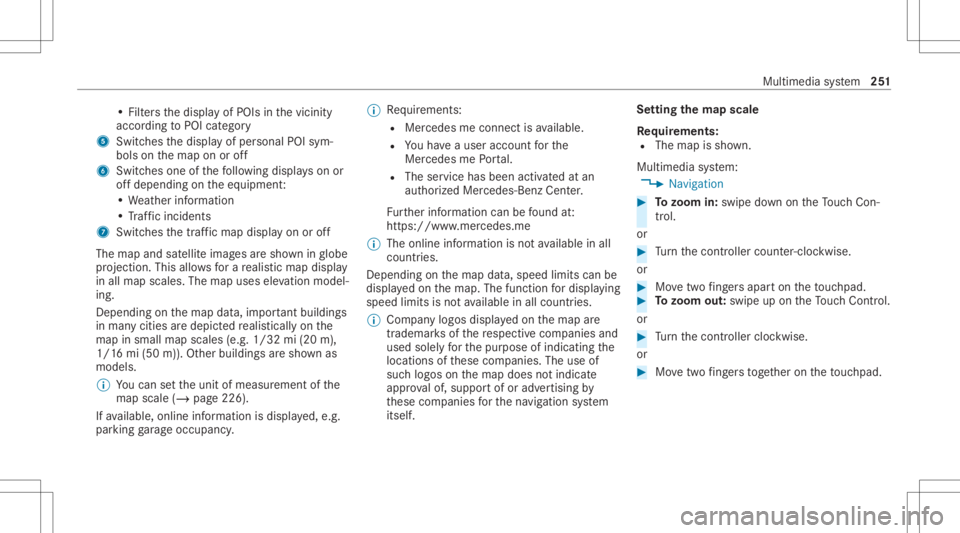
•
Fil ters thedispla yof POIs inthevicinit y
accor dingtoPOI categor y
5 Switc hesthedispla yof per sonal POIsym‐
bols onthemap onoroff
6 Switc hesone ofthefo llo wing displa yson or
of fdepending ontheeq uipment :
• We ather informat ion
• Traf fic inci dents
7 Switches thetra ffic map displa yon oroff
The map andsatellit eimag esaresho wninglobe
pr oject ion.This allowsfora re alis ticmap displa y
in all map scales. Themap uses elevatio nmod el‐
ing .
Dep endingonthemap data,im por tant buildi ngs
in ma nyciti esaredep icted realis ticallyon the
map insmal lmap scale s(e.g. 1/32 mi(20 m),
1/1 6mi (50 m)). Other buildings aresho wnas
model s.
% Youcan setth eunit ofmeasur ementofthe
map scale (/page226) .
If av ailable, online informat ionisdispla yed, e.g.
par kingga rage occupancy . %
Requiremen ts:
R Mer cedes meconnectis available.
R Youha ve auser accoun tfo rth e
Mer cedes mePortal.
R The servicehas been activat ed atan
aut hor izedMer cedes-Ben zCent er.
Fu rther information canbefound at:
ht tp s:// www .merced es.me
% The onlineinf ormat ionisno tav ailable inall
coun tries.
De pen dingon themap data,speed limitscanbe
displa yedon themap. Thefunc tion fordisp laying
spee dlimi tsisno tav ailable inall coun tries.
% Com panylogos displayedon themap are
tra demar ksofthere spectiv ecom panies and
used solely forth epur pose ofindicat ingthe
locat ionsofthese com panies. Theuseof
suc hlogos onthemap does notindicat e
appr oval of, suppo rtof or adv ertising by
th ese com panies forth ena vig ation system
itself. Se
tting thema pscale
Re quirement s:
R The map issho wn.
Multime diasystem:
4 Navigation #
Tozoo min: swi pedown ontheTo uc hCon ‐
tr ol.
or #
Turn thecon troller count er-cloc kwise.
or #
Movetwofing ersap arton theto uc hpad. #
Tozoo mout: swipeup on theTo uc hCon trol.
or #
Turn thecon troller clockwise.
or #
Movetwofing ersto ge ther on theto uc hpad. Mult
imed iasystem 25
1
Page 257 of 478

ch
arge within 60days oftheSD cardbeing firs t
ins talled.
Yo ucan downlo adthemap updat evia theDo wn‐
load Manag eron your PC.
Ov ervie wof ma pda ta and mapsof tware
Va riant 1:an SD cardfo rna vig ation isprov ided
wit hth eve hicle. TheSDcardcont ains map data
and softwarefo rna vig ation.
Once youins ertth eSD cardint oth eSD card
slo t,th eSD cardis onl ymade available toyour
ve hicle. Itis then no long erpossible touse itin
ano ther vehicle. Youwill see ano te on themedia
displa y.
Va riant 2:ifno SD cardfo rna vig ation isprov i‐
ded withth eve hicle, navig ation canno tbe used.
Yo ucan obtain anSD cardfrom anaut hor ized
Mer cedes-Ben zCen terat alat er dat e. Dis
playing thecom pass
Multi media system:
4 Navigation 5
À Route andPosition #
Select Compass.
The com pass displa ysho wsthefo llo wing
inf ormatio n:
R thecur rent dire ction oftrave lwit hbear‐
ing (360 °fo rm at) and compass direct ion
R longitude andlatitude coordinat esin
degr ees, minutes and seco nds
R height (rounded )
R numb erofGPS satellit esfrom whic ha
sign alcan berecei ved
Se tting thema pscale automa tically
Multi media system:
4 Navigation 5
Z Option s
The map scale issetaut omaticall ydepending on
yo ur drivin gspee d. #
Swit chAuto Zoom on0073 oroff0053.
% The automatical lyselect edmap scale canbe
ch ang edman uallyfo ra shor ttime. Theset‐ ting
isrese taut omatically afte ra fe w sec ‐
ond s.
Displa yingweather information
Re quirement s:
R Mer cedes meconnectis available.
R Youha ve auser accoun tfo rth eMer cedes
me Portal.
R The serviceis available.
R The servicehas been activat ed atan aut hor ‐
ize dMer cedes-Ben zCent er.
Fu rther information canbefound at:ht tp s://
www .merced es.me
Mult imed iasystem:
4 Navigation 5
Z Option s
5 Map Conten t #
ActivateWe ath erInfo rma tion0073.
or Mu
ltimed iasystem 255
Page 269 of 478

#
Todel eteate xt messag e:select Delete. Mer
cedes-Benz link Ov
ervie wof Mer cedes-Benz Link &
WARNIN GRisk ofdist ra ction from infor‐
mati onsystems andcomm unication s
eq uipment
If yo uoper ateinf ormat ionand comm unic a‐
tio neq uipme ntintegratedin theve hicle
when driving, youwill bedistract ed from the
tr af fic situ ation. Thiscou ldalso cau seyouto
lose control of theve hicle. #
Onlyoper ateth is eq uipmen twhen the
tr af fic situ ation per mits. #
Ifyo ucan notbe sur eof this, stop the
ve hicle whilstpa ying attention toroad
and traffic condi tions andoperate the
eq uipment withth eve hicle statio nary. Using
Mercedes-Benz Link,va rious funct ions
and select edmobile phoneappscanbetransf er‐
re dto themedia display. The
Mercedes-B enzLink controlbo xsupplemen ‐
ta ry equipment isrequ ired forth is. Youcan
obt ain this at an aut hor ized Mercedes -Benz Cen‐
te r.
% The Mercedes-B enzLink controlbo xuses
th eAn droid oper ating system.
% The service prov ider isresponsible forth ese
apps andtheser vices andcontent conne c‐
te dto it.
Connecting Mercedes-B enzLink withth e
mu ltim edia system #
Conn ecttheMer cedes- BenzLinkcontrol bo x
wit hth eç USBportof themultimedia
con nect ionunit using asuit able connect ing
cable.
% Asuit able connect ingcable isavailable sep‐
ar atelyat an aut hor izedMer cedes-Ben zCen‐
te r.
Using Mercedes-Benz Link
Re quirement s:
R The Mercedes- BenzLink control bo xis con ‐
nec tedwit hth emultimedia system using the
ç USBport. Multimedi
asy stem:
4 Connec t5
Mercedes- BenzLink #
Select MBLink.
The mobile phonefunctionsand apps are
av ailable andshownonthemedia display.
Yo ucan find mor einf orma tionin theMer cedes-
Benz Linkcontrol bo xoper ating instruction s.
Ending Mercedes-Benz Link
Multimedia system:
4 Connec t5
Mercedes- BenzLink #
Select Disconnect.
The connect ionisended.
The mobile phonecontinues tobe supplied
wit helect ricity .
or #
Disco nnect thecon nect ingcable between
th eMer cedes- BenzLinkcontrol bo xand the
multime diasystem.
% Mer cedes- Benzrecomme ndsdisconnecti ng
th econ nect ingcable onlywhen theve hicle
is statio nary. Multimedia
system 26
7