seat memory MERCEDES-BENZ E-CLASS COUPE 2017 User Guide
[x] Cancel search | Manufacturer: MERCEDES-BENZ, Model Year: 2017, Model line: E-CLASS COUPE, Model: MERCEDES-BENZ E-CLASS COUPE 2017Pages: 541, PDF Size: 10.71 MB
Page 521 of 541
Media Inter
face
In fo rm ation .......................................... 333
Overview ............................................ .335
Switching on ....................................... 334
Media mode Activating ............................................ 328
Media playba ck
Operating (on-board computer) ........... 24 3
Media sear ch
St arting .............................................. .333
Media source Selecting (on-boa rdcompu ter) ............ 24 3
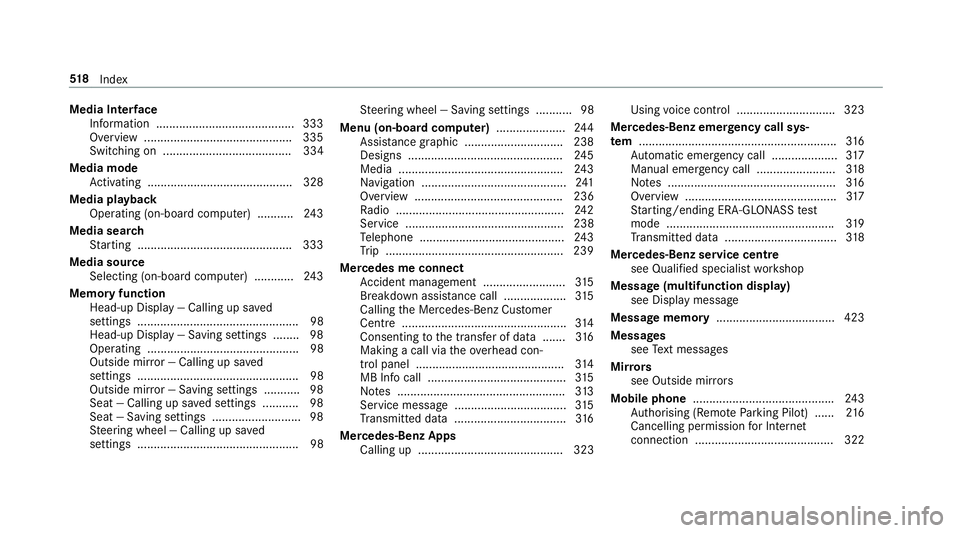
Memory function Head-up Display — Calling up sa ved
settings .................................................98
Head-up Display — Saving settings ........ 98
Ope rating .............................................. 98
Outside mi rror — Calling up sa ved
settings .................................................98
Outside mir ror — Saving settings ........... 98
Seat — Calling up sa ved settings ...........98
Seat — Saving settings ........................... 98
St eering wheel — Calling up sa ved
settings .................................................98 St
eering wheel — Saving settings ........... 98
Menu (on-board computer) .....................24 4
Assi stance graphic .............................. 238
Designs .............................................. .245
Media ................................................. .243
Na vigation ............................................ 241
Overview ............................................. 236
Ra dio ...................................................2 42
Service ................................................ 238
Te lephone ............................................ 24 3
Tr ip ...................................................... 239
Mercedes me connect Accident mana gement ......................... 315
Breakdown assis tance call ................... 315
Calling the Mercedes-Benz Cus tomer
Centre .................................................. 314
Consenting tothe transfer of data .......3 16
Making a call via theove rhead con‐
trol panel ............................................. 314
MB Info call .......................................... 315
No tes ................................................... 313
Service messa ge.................................. 315
Tr ansmit ted data .................................. 316
Mercedes-Benz Apps Calling up ............................................ 323 Using
voice control .............................. 323
Mercedes-Benz emer gency call sys‐
te m ............................................................ 316
Au tomatic emergency call .................... 317
Manual emer gency call ........................ 318
No tes ................................................... 316
Overview ..............................................3 17
St arting/ending ERA-GLONASS test
mode .................................................. .319
Tr ansmit ted data .................................. 318
Mercedes-Benz service centre see Qualified specialist workshop
Message (multifunction display) see Display message
Message memory .................................... 423
Messages see Text messa ges
Mir rors
see Outside mir rors
Mobile phone .......................................... .243
Au thorising (Remo teParking Pilot) ...... 216
Cancelling permission for Internet
connection .......................................... 322 518
Index
Page 523 of 541
O
Occupant saf ety ................ 27, 29, 37,41 , 42
Airbags .................................................. 34
Pe ts in theve hicle ................................. 57
Occupant saf ety
see Child seat
Odome ter
see Total dis tance recorder
Oil see Engine oil
On-board co mputer ................................. 24 4
Assi stance graphic menu .................... 238
Displaying the service due date ........... 352
Media menu ........................................2 43
Menu designs ...................................... 24 5
Menus .................................................2 36
Multifunction display ........................... 237
Na vigation menu .................................. 241
Operating ............................................ 236
Ra dio menu .........................................2 42
Service menu ...................................... 238
Te lephone menu .................................. 24 3
Tr ip menu ............................................ 239 On-boa
rdcompu ter
see Computer
see Operating sy stem
On-board diagnostics inter face
see Diagno stics connection
On-boa rdelectronics
Engine electronics .............................. .408
No tes .................................................. 408
Tw o-w ayradios .................................... 408
On-board electronics see Elect ronics
see Tech nical da ta
Opening the boot lid using your foot ....... 70
Ope rating fluids
Ad Blue ®
............................................... 41 5
Ad ditives (fuel) .....................................4 14
Brake fluid ............................................ 41 8
Coolant (engine) .................................. 41 8
Engine oil ............................................. 416
Fu el (diesel) ......................................... 414
Fu el (petrol) ......................................... 413
No tes ................................................... 412
Wi ndsc reen washer fluid ...................... 419Operating saf
ety
Declaration of Conformity (electro‐
magnetic compatibility) ........................ .22
Declaration of conformity (ja ck) ............ 22
Declaration of con form ity (TIREFIT kit) .. 23
Declaration of con form ity (wireless
ve hicle components) ............................. 22
Information ............................................ 21
Operating sy stem .................................... 236
Outside mir rors ............................... 125, 12 6
Anti-dazzle mode (automatic) .............. 12 6
Au tomatic mir rorfo lding function ........ 127
Fo lding in/out .................................... .125
Pa rking position .................................. .126
Setting ................................................. 12 5
Using the memory function ...................98
Overhead control panel ............................12
Making calls (Mercedes me connect) .. 314
Owner's Manual Vehicle equipment ................................. 21
Owner's Manual (digital) ...........................18 P
Pa int (cleaning instructions) .................. 362520
Index
Page 527 of 541
Ro
llaw ay protection
see HOLD function
Ro ller sunblind
Re ar wind ow.......................................... 72
Ro of lining (care) .................................... .365
Ro of load .................................................. 421
Ro ofrack .................................................. 105
Ro ute ................................................ 280, 282
Calculating .......................................... 280
Displ aying destination information ...... 282
Selecting a type .................................. 280
Selecting an alternative route ............ .282
Selecting notifications ......................... 281
Selecting options ................................. 281
Switching the automatic filling sta‐
tion sear chon/off ...............................2 82
Wi th intermediate destinations ............ 279
Ro ute guidance ....................................... 282
Cancelling .......................................... .285
Changing direction .............................. 283
Continuing .......................................... .285
Destination reached ............................ 284
Fr om an off-road location .................... 286
Lane recommendations ....................... 283 No
tes .................................................. 282
Off-road ............................................... 286
To an off- road destination .................. .286
Ro ute guidance
see Navigation announcements
Ru n-flat characteristics
MOExtended tyres ............................... 369
Ru nning-in no tes .....................................1 43 S
Saf ety
see Child seat
Saf ety sy stems
see Driving saf ety sy stem
Saf etyve st ............................................... 367
Satelli temap ........................................... 295
SD ca rd
Inserting/removing .............................3 28
Seat ........................................................... 101
4-w aylumbar support .......................... .89
Ad justing (electrically) .......................... .88
Ad justing (manually and electrically) ..... 86
Backrest (rear) folding forw ards .......... .101 Backrest (rear) locking ........................
103
Cor rect driver's seat position ................ 85
Fo lding the backrest (rear) back ..........1 02
Fo lding the backrest forw ards/back .... .93
Massage program overview .................. .92
Pa nel heating ......................................... 95
Re setting the settings ............................92
Selecting a massa geprogramme .......... 92
Setting options ...................................... 14
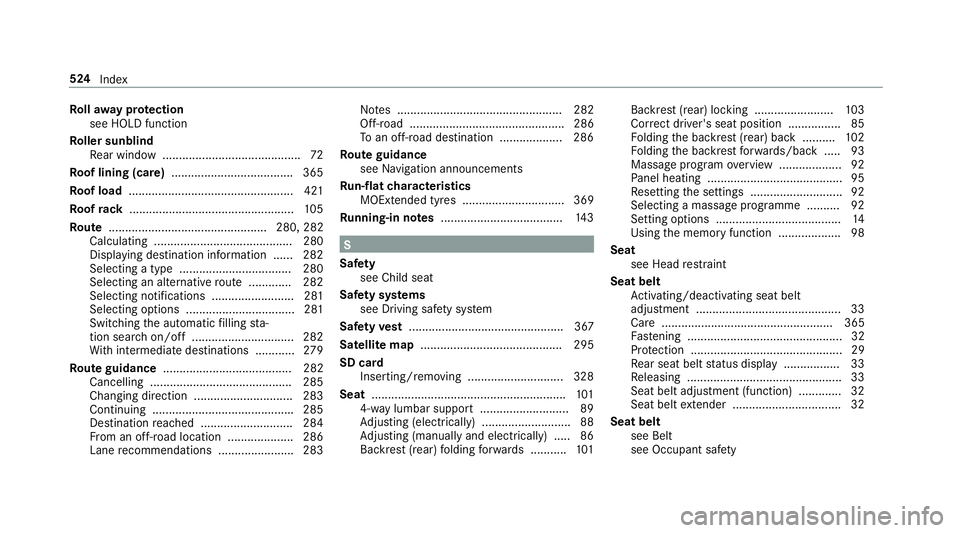
Using the memory function ...................98
Seat see Head restra int
Seat belt Activating/deactivating seat belt
adjustment ............................................ 33
Ca re .................................................... 365
Fa stening ............................................... 32
Pr otection ..............................................29
Re ar seat belt status display ................ .33
Re leasing .............................................. .33
Seat belt adjustment (function) ............. 32
Seat belt extender ................................. 32
Seat belt see Belt
see Occupant sa fety 524
Index