service NISSAN LEAF 2020 Owner´s Manual
[x] Cancel search | Manufacturer: NISSAN, Model Year: 2020, Model line: LEAF, Model: NISSAN LEAF 2020Pages: 596, PDF Size: 4.33 MB
Page 218 of 596
FCC Notice:
For USA:
This device complies with Part 15 of the
FCC Rules. Operation is subject to the fol-
lowing two conditions: (1) This device
may not cause harmful interference, and
(2) this device must accept any interfer-
ence received, including interference
that may cause undesired operation.
NOTE:
Changes or modifications not expressly
approved by the party responsible for
compliance could void the user’s author-
ity to operate the equipment.
For Canada:
This device complies with Industry
Canada licence-exempt RSS standard(s).
Operation is subject to the following two
conditions: (1) this device may not cause
interference, and (2) this device must ac-
cept any interference, including interfer-
ence that may cause undesired opera-
tion of the device.
Security Indicator Light
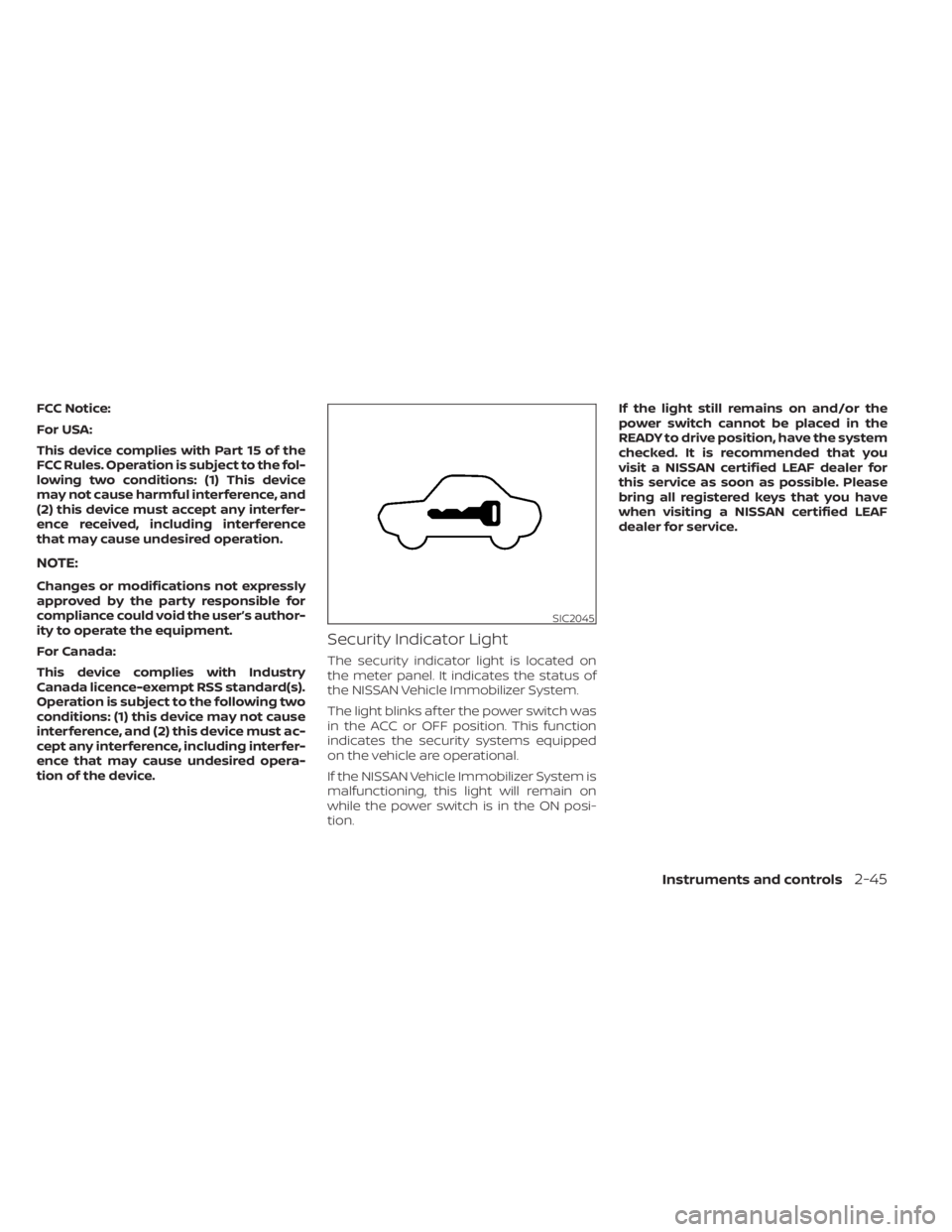
The security indicator light is located on
the meter panel. It indicates the status of
the NISSAN Vehicle Immobilizer System.
The light blinks af ter the power switch was
in the ACC or OFF position. This function
indicates the security systems equipped
on the vehicle are operational.
If the NISSAN Vehicle Immobilizer System is
malfunctioning, this light will remain on
while the power switch is in the ON posi-
tion.If the light still remains on and/or the
power switch cannot be placed in the
READY to drive position, have the system
checked. It is recommended that you
visit a NISSAN certified LEAF dealer for
this service as soon as possible. Please
bring all registered keys that you have
when visiting a NISSAN certified LEAF
dealer for service.
SIC2045
Instruments and controls2-45
Page 226 of 596
If the ambient image sensor is damaged
due to an accident, it is recommended that
you visit a NISSAN certified LEAF dealer for
this service.
Battery saver system
• When the headlight switch is in theorposition while the power switch
is in the ON position, the lights will auto-
matically turn off 45 seconds af ter the
power switch has been placed in the OFF
position.
• When the headlight switch remains in the
orposition af ter the lights
automatically turn off, the lights will turn
on when the power switch is placed in the
ON position.
CAUTION
• When you turn on the headlight
switch again af ter the lights auto-
matically turn off, the lights will not
turn off automatically. Be sure to turn
the light switch to the OFF position
when you leave the vehicle for ex-
tended periods of time, otherwise
the battery will be discharged. •
Never leave the light switch on when
the power switch is in the OFF, ACC or
ON position for extended periods of
time even if the headlights turn off
automatically.
LED DAYTIME RUNNING LIGHTS
(DRL) SYSTEM (if so equipped)
The LED portion of the headlights auto-
matically illuminates at 100% intensity
when the power switch is in the READY to
drive position with the parking brake re-
leased. The LED DRL system operates with
the headlight switch in the OFF position.
Turn headlight switch to the
position
for full illumination when driving at night.
If the parking brake is applied before the
power switch is in the READY to drive posi-
tion, the LED DRL system does not operate.
The LED DRL system illuminates once the
parking brake is released. The LED DRL sys-
tem will remain on until the power switch is
pushed to the OFF position.
WARNING
When the LED DRL system is active, tail
lights on your vehicle are not on. It is
necessary at dusk to turn on your
headlights. Failure to do so could cause
an accident injuring yourself and oth-
ers.
Instruments and controls2-53
Page 230 of 596
•Do not place anything hard or heavy
on the seat or pierce it with a pin or
similar object. This may result in
damage to the heater.
• Any liquid spilled on the heated seat
should be removed immediately with
a dry cloth.
• When cleaning the seat, never use
gasoline, thinner, or any similar
materials.
• If any malfunctions are found or the
heated seat does not operate, turn
the switch off and have the system
checked. It is recommended that you
visit a NISSAN certified LEAF dealer
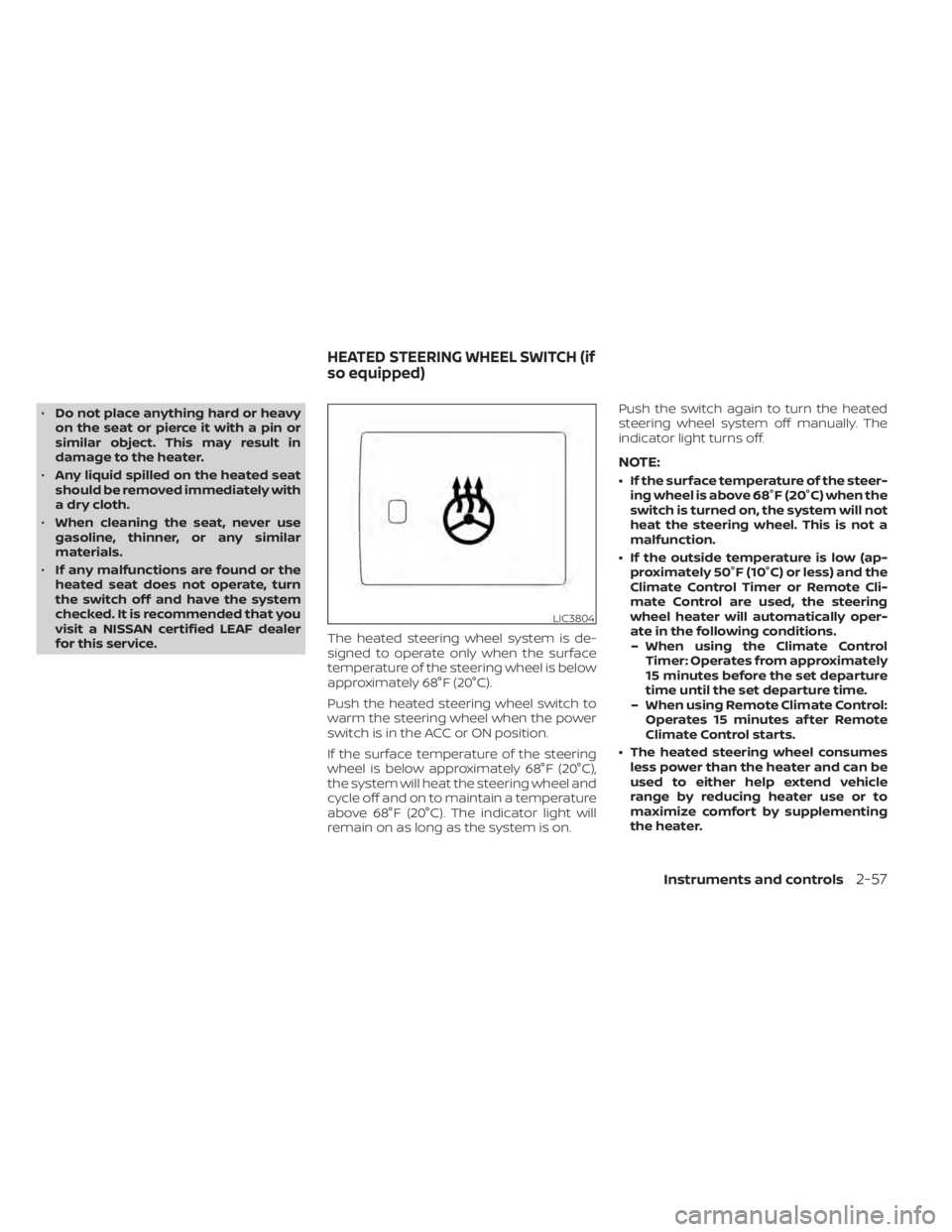
for this service. The heated steering wheel system is de-
signed to operate only when the surface
temperature of the steering wheel is below
approximately 68°F (20°C).
Push the heated steering wheel switch to
warm the steering wheel when the power
switch is in the ACC or ON position.
If the surface temperature of the steering
wheel is below approximately 68°F (20°C),
the system will heat the steering wheel and
cycle off and on to maintain a temperature
above 68°F (20°C). The indicator light will
remain on as long as the system is on. Push the switch again to turn the heated
steering wheel system off manually. The
indicator light turns off.
NOTE:
• If the surface temperature of the steer-
ing wheel is above 68°F (20°C) when the
switch is turned on, the system will not
heat the steering wheel. This is not a
malfunction.
• If the outside temperature is low (ap- proximately 50°F (10°C) or less) and the
Climate Control Timer or Remote Cli-
mate Control are used, the steering
wheel heater will automatically oper-
ate in the following conditions.– When using the Climate Control Timer: Operates from approximately
15 minutes before the set departure
time until the set departure time.
– When using Remote Climate Control: Operates 15 minutes af ter Remote
Climate Control starts.
• The heated steering wheel consumes less power than the heater and can be
used to either help extend vehicle
range by reducing heater use or to
maximize comfort by supplementing
the heater.
LIC3804
HEATED STEERING WHEEL SWITCH (if
so equipped)
Instruments and controls2-57
Page 231 of 596
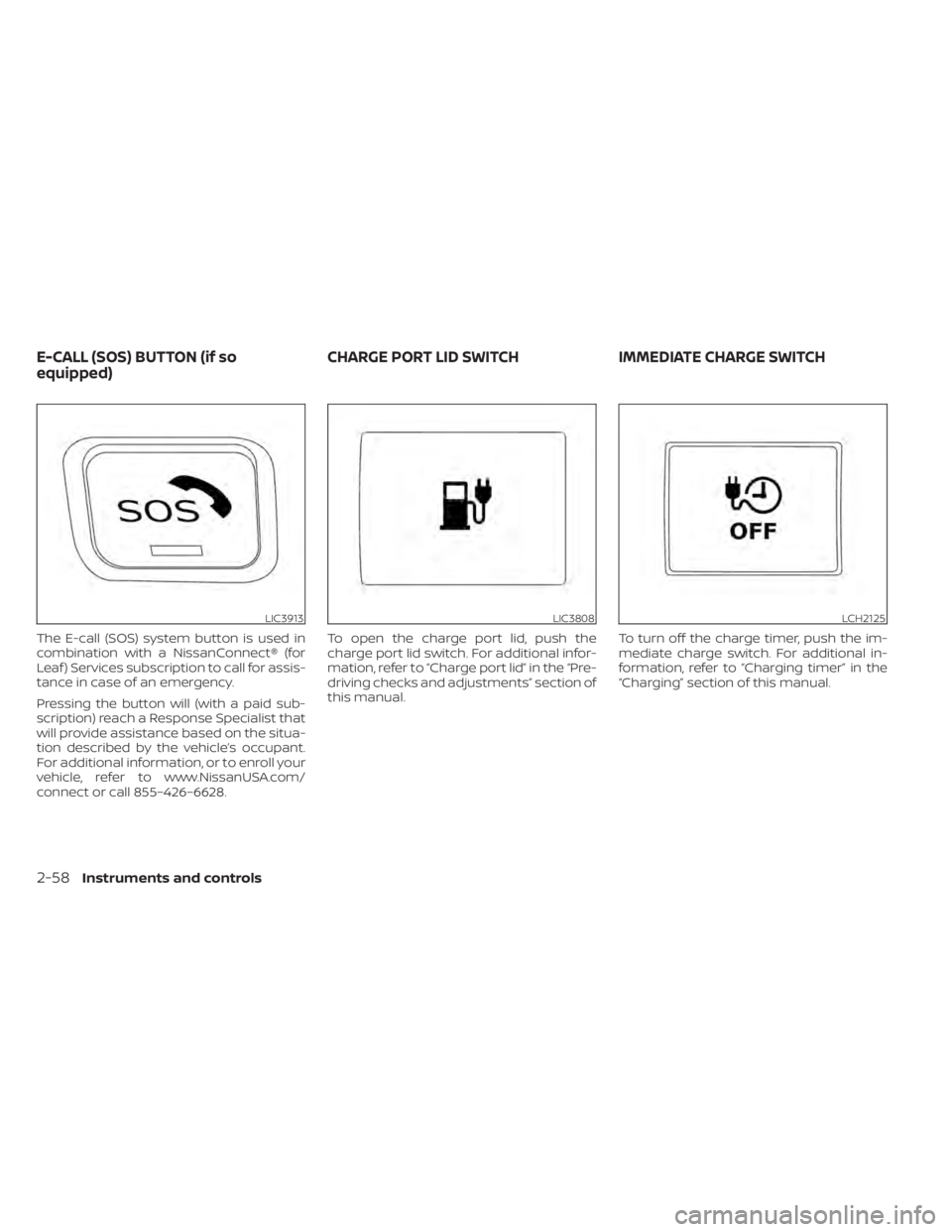
The E-call (SOS) system button is used in
combination with a NissanConnect® (for
Leaf ) Services subscription to call for assis-
tance in case of an emergency.
Pressing the button will (with a paid sub-
scription) reach a Response Specialist that
will provide assistance based on the situa-
tion described by the vehicle’s occupant.
For additional information, or to enroll your
vehicle, refer to www.NissanUSA.com/
connect or call 855–426–6628.To open the charge port lid, push the
charge port lid switch. For additional infor-
mation, refer to “Charge port lid” in the “Pre-
driving checks and adjustments” section of
this manual.
To turn off the charge timer, push the im-
mediate charge switch. For additional in-
formation, refer to “Charging timer” in the
“Charging” section of this manual.
LIC3913LIC3808LCH2125
E-CALL (SOS) BUTTON (if so
equipped)
CHARGE PORT LID SWITCH IMMEDIATE CHARGE SWITCH
2-58Instruments and controls
Page 241 of 596
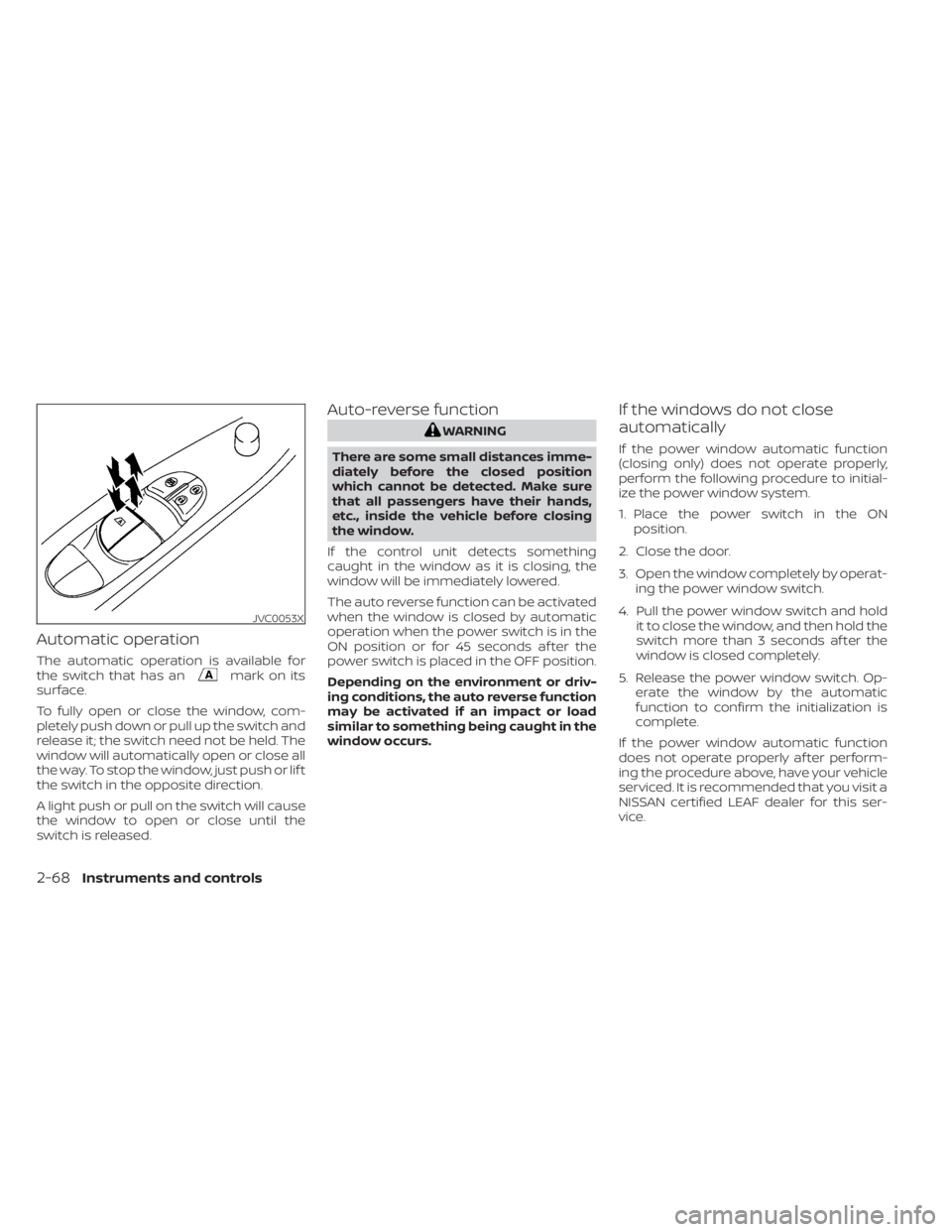
Automatic operation
The automatic operation is available for
the switch that has anmark on its
surface.
To fully open or close the window, com-
pletely push down or pull up the switch and
release it; the switch need not be held. The
window will automatically open or close all
the way. To stop the window, just push or lif t
the switch in the opposite direction.
A light push or pull on the switch will cause
the window to open or close until the
switch is released.
Auto-reverse function
WARNING
There are some small distances imme-
diately before the closed position
which cannot be detected. Make sure
that all passengers have their hands,
etc., inside the vehicle before closing
the window.
If the control unit detects something
caught in the window as it is closing, the
window will be immediately lowered.
The auto reverse function can be activated
when the window is closed by automatic
operation when the power switch is in the
ON position or for 45 seconds af ter the
power switch is placed in the OFF position.
Depending on the environment or driv-
ing conditions, the auto reverse function
may be activated if an impact or load
similar to something being caught in the
window occurs.
If the windows do not close
automatically
If the power window automatic function
(closing only) does not operate properly,
perform the following procedure to initial-
ize the power window system.
1. Place the power switch in the ON position.
2. Close the door.
3. Open the window completely by operat- ing the power window switch.
4. Pull the power window switch and hold it to close the window, and then hold the
switch more than 3 seconds af ter the
window is closed completely.
5. Release the power window switch. Op- erate the window by the automatic
function to confirm the initialization is
complete.
If the power window automatic function
does not operate properly af ter perform-
ing the procedure above, have your vehicle
serviced. It is recommended that you visit a
NISSAN certified LEAF dealer for this ser-
vice.
JVC0053X
2-68Instruments and controls
Page 279 of 596
Refer to the NissanConnect® Manual (for
Leaf ) that includes the following informa-
tion.
• EV-Specific functions
• Audio
• Hands-Free Phone
• NissanConnect® EV and Services (if soequipped)
• Apple CarPlay®
• Android Auto™
• Navigation (if so equipped)
• Voice recognition
• Information and settings viewable on the system
NISSANCONNECT® MANUAL (for
Leaf)
4-2Monitor, climate, audio, phone and voice recognition systems
Page 298 of 596
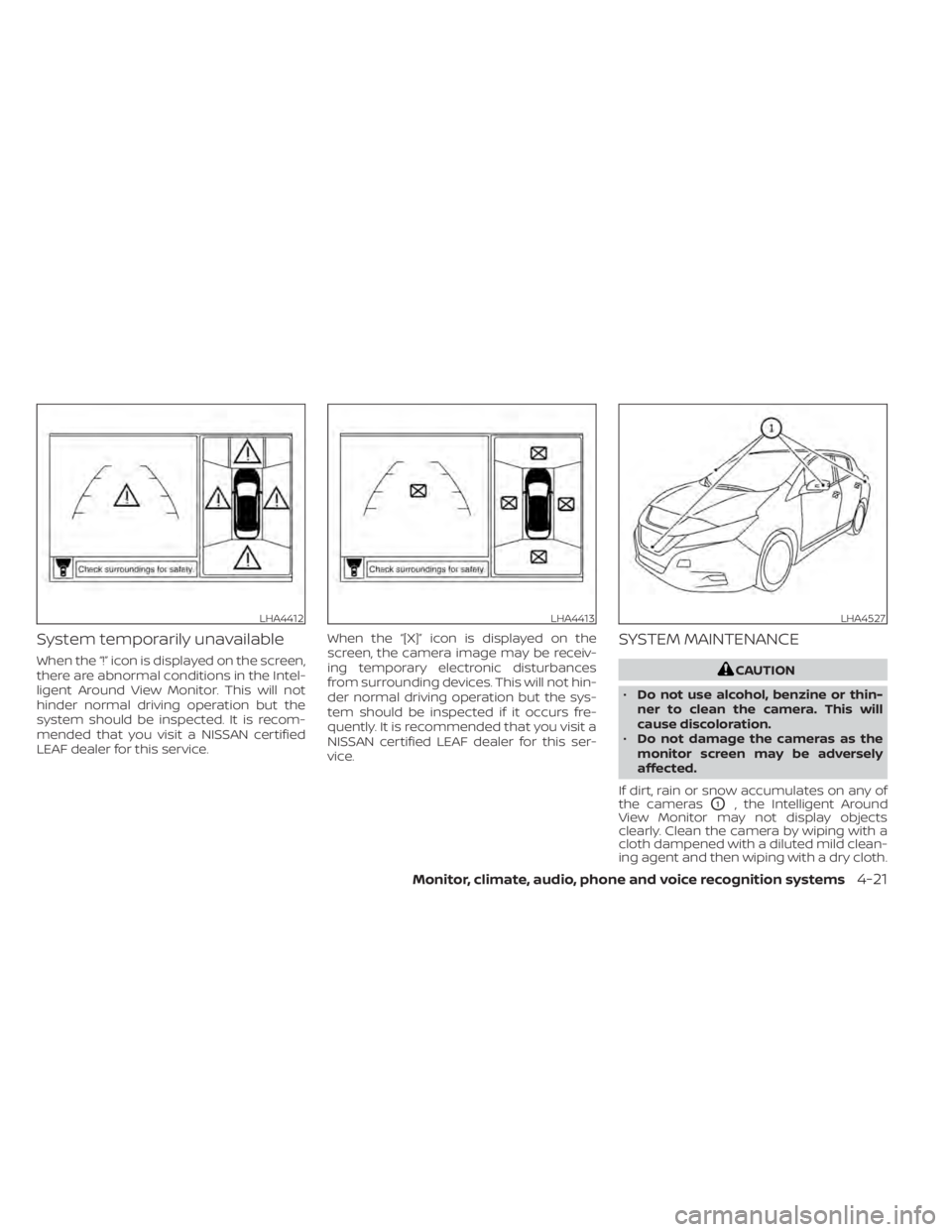
System temporarily unavailable
When the “!” icon is displayed on the screen,
there are abnormal conditions in the Intel-
ligent Around View Monitor. This will not
hinder normal driving operation but the
system should be inspected. It is recom-
mended that you visit a NISSAN certified
LEAF dealer for this service.When the “[X]” icon is displayed on the
screen, the camera image may be receiv-
ing temporary electronic disturbances
from surrounding devices. This will not hin-
der normal driving operation but the sys-
tem should be inspected if it occurs fre-
quently. It is recommended that you visit a
NISSAN certified LEAF dealer for this ser-
vice.
SYSTEM MAINTENANCE
CAUTION
• Do not use alcohol, benzine or thin-
ner to clean the camera. This will
cause discoloration.
• Do not damage the cameras as the
monitor screen may be adversely
affected.
If dirt, rain or snow accumulates on any of
the cameras
O1, the Intelligent Around
View Monitor may not display objects
clearly. Clean the camera by wiping with a
cloth dampened with a diluted mild clean-
ing agent and then wiping with a dry cloth.
LHA4412LHA4413LHA4527
Monitor, climate, audio, phone and voice recognition systems4-21
Page 303 of 596
NOTE:
The blue MOD icon will change to orange
if one of the following has occurred:
• When the system is malfunctioning.
• When the component temperaturereaches a high level (icon will blink).
If the icon light continues to illuminate
orange, have the MOD system checked.
It is recommended that you visit a
NISSAN certified LEAF dealer for this
service.
SYSTEM MAINTENANCE
CAUTION
• Do not use alcohol, benzine or thin-
ner to clean the camera. This will
cause discoloration.
• Do not damage the cameras as the
monitor screen may be adversely
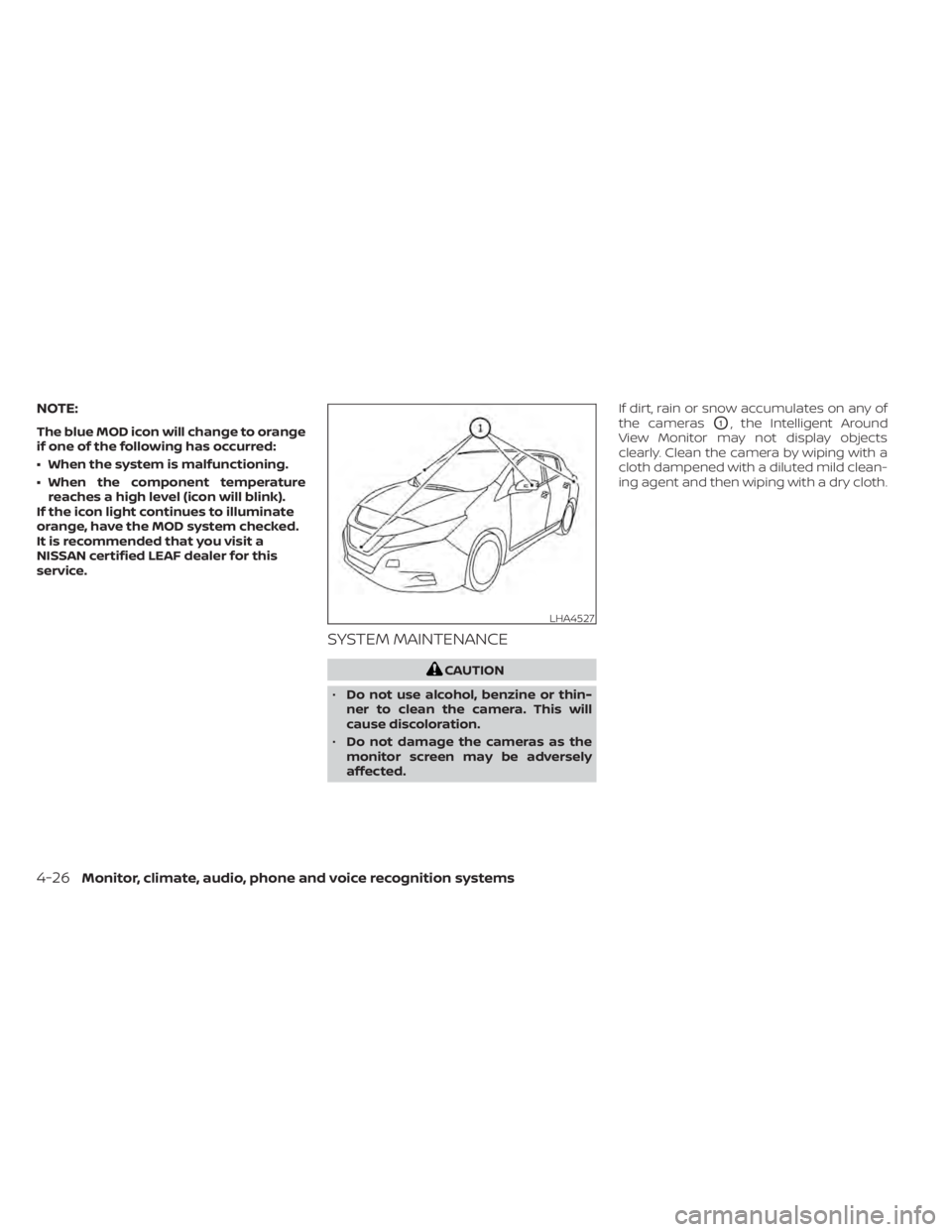
affected. If dirt, rain or snow accumulates on any of
the cameras
O1, the Intelligent Around
View Monitor may not display objects
clearly. Clean the camera by wiping with a
cloth dampened with a diluted mild clean-
ing agent and then wiping with a dry cloth.
LHA4527
4-26Monitor, climate, audio, phone and voice recognition systems
Page 318 of 596
• Timer setting can also be changed whileClimate Ctrl. Timer is operated. When the
power position is switched to OFF, the air
conditioner starts or enters waiting
mode depending on the new timer set-
tings.
• When the difference in temperature be- tween the air conditioner setting tem-
perature and the temperature outside
the vehicle is large, the temperature in-
side the vehicle may not be maintained
at the setting temperature.
• The charging status indicator lights illu- minate in a specific pattern when the Li-
ion battery warmer operates. The charg-
ing status indicator lights use the same
pattern to indicate 12–volt battery charg-
ing, Climate Ctrl. Timer operation or Re-
mote Climate Control operation. The
charging status indicator lights do not
change if the Li-ion battery warmer oper-
ates at the same time as the above fea-
tures.
• The temperature in the passenger com- partment may not be comfortable if en-
tering the vehicle too soon before or too
long af ter the scheduled time of depar-
ture. • Air conditioning is limited to the capacity
of the electric power when the charge
connector is connected. Therefore, the
temperature may not reach the set tem-
perature due to limitations in air condi-
tioning performance, if ambient tem-
perature is excessively high or low, or if
the charge connector is connected to a
120–volt plug outlet.
• The Climate Ctrl. Timer operates the cli- mate control function so that a comfort-
able temperature is provided in the pas-
senger compartment at the scheduled
time of departure. The climate control is
set to stop at the scheduled time of de-
parture.
• Depending on the facilities of charging station, there may be time when it is not
available for charging. Confirm the avail-
ability of the charging facility before set-
ting the Climate Ctrl. Timer. Be sure that
the power switch of the charger is turned
on when setting the Climate Ctrl. Timer.
• When the power switch is turned OFF af- ter changing the setting, the new setting
will be applied.
*models with Navigation SystemRemote climate control
This vehicle incorporates a communica-
tion device that is called a TCU (Telematics
Control Unit). The communication connec-
tion between this unit and Nissan Data
Center allows for various remote function
services.
Even when away from the vehicle, climate
control can be started by accessing the
Web Owner Portal using a cellular phone or
a personal computer.
When operation is started, or at the set
start time, the Nissan Data Center ac-
cesses the vehicle. When the vehicle re-
ceives a command for remote operation,
the climate control immediately turns ON
and operates for the specified period of
time. Confirmation of the ON/OFF of the
climate control operation can be checked
by accessing the Web Owner Portal, or by
e-mail.
Completing registration for the
NissanConnect® EV and Services is neces-
sary before using the service. For additional
information, refer to the NissanConnect®
Manual (for Leaf ).
Monitor, climate, audio, phone and voice recognition systems4-41
Page 320 of 596
• If remote climate control operation isstarted and charging is stopped while
the vehicle is in quick charge mode, cli-
mate control operation is also stopped.
• If the quick charge connector is con- nected and charging is not performed,
remote climate control operation starts
using the battery electric power of the
vehicle.
Servicing climate control
The climate control system in your NISSAN
is charged with a refrigerant designed with
the environment in mind. This refrigerant
will not harm the earth’s ozone layer. Spe-
cial charging equipment and lubricant are
required when servicing your NISSAN cli-
mate control. Using improper refrigerants
or lubricants will cause severe damage to
your climate control system. For additional
information, refer to “Recommended
fluids/lubricants and capacities” in the
“Technical and consumer information” sec-
tion.
It is recommended that you visit a NISSAN
certified LEAF dealer to service your envi-
ronmentally friendly climate control sys-
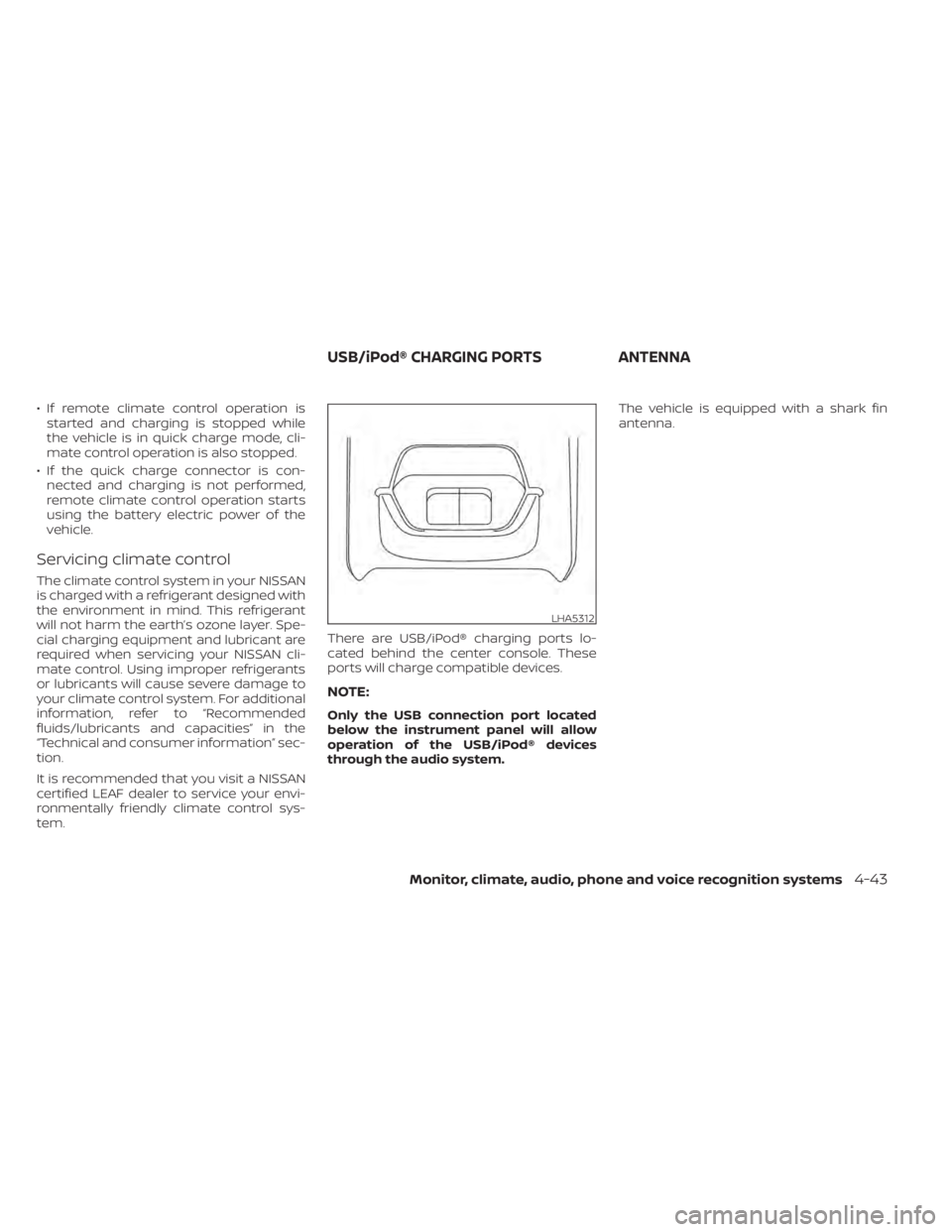
tem. There are USB/iPod® charging ports lo-
cated behind the center console. These
ports will charge compatible devices.
NOTE:
Only the USB connection port located
below the instrument panel will allow
operation of the USB/iPod® devices
through the audio system.The vehicle is equipped with a shark fin
antenna.
LHA5312
USB/iPod® CHARGING PORTS
ANTENNA
Monitor, climate, audio, phone and voice recognition systems4-43