key NISSAN NOTE 2016 Service Repair Manual
[x] Cancel search | Manufacturer: NISSAN, Model Year: 2016, Model line: NOTE, Model: NISSAN NOTE 2016Pages: 3641, PDF Size: 28.72 MB
Page 2775 of 3641
![NISSAN NOTE 2016 Service Repair Manual WT-32
< DTC/CIRCUIT DIAGNOSIS >
C1729 VEHICLE SPEED SIGNAL
C1729 VEHICLE SPEED SIGNAL
DTC LogicINFOID:0000000012432451
NOTE:
The Signal Tech II Tool [- (J-50190)] can be used to perform the following](/img/5/57363/w960_57363-2774.png "NISSAN NOTE 2016 Service Repair Manual WT-32
< DTC/CIRCUIT DIAGNOSIS >
C1729 VEHICLE SPEED SIGNAL
C1729 VEHICLE SPEED SIGNAL
DTC LogicINFOID:0000000012432451
NOTE:
The Signal Tech II Tool [- (J-50190)] can be used to perform the following")
WT-32
< DTC/CIRCUIT DIAGNOSIS >
C1729 VEHICLE SPEED SIGNAL
C1729 VEHICLE SPEED SIGNAL
DTC LogicINFOID:0000000012432451
NOTE:
The Signal Tech II Tool [- (J-50190)] can be used to perform the following functions. Refer to the Signal Tech II
User Guide for additional information.
• Activate and display TPMS transmitter IDs
• Display tire pressure reported by the TPMS transmitter
• Read TPMS DTCs
• Register TPMS transmitter IDs
DTC DETECTION LOGIC
DTC CONFIRMATION PROCEDURE
1.PERFORM SELF DIAGNOSTIC RESULT
With CONSULT
1. Drive for 3 minutes at a speed of 40 km/h (25 MPH) or more without stopping.
2. Stop the vehicle.
3. Perform “Self Diagnostic Result”.
Is DTC
“C1729” detected?
YES >> Proceed to WT-32, "Diagnosis Procedure".
NO >> Inspection End.
Diagnosis ProcedureINFOID:0000000012432452
NOTE:
The Signal Tech II Tool [- (J-50190)] can be used to perform the following functions. Refer to the Signal Tech II
User Guide for additional information.
• Activate and display TPMS transmitter IDs
• Display tire pressure reported by the TPMS transmitter
• Read TPMS DTCs
• Register TPMS transmitter IDs
1.PERFORM COMBINATION METER SELF DIAGNOSTIC RESULT
With CONSULT
Perform “Self Diagnostic Result” for “METER/M&A”. Refer to MWI-18, "
CONSULT Function (METER/M&A)"
(type A) or MWI-71, "CONSULT Function (METER/M&A)" (type B).
Are any DTCs detected?
YES >> Refer to MWI-24, "DTC Index" (type A) or MWI-77, "DTC Index" (type B).
NO >> GO TO 2.
2.CHECK BCM INPUT/OUTPUT SIGNAL
Check the BCM input/output signal values. Refer to BCS-30, "
Reference Value" (with Intelligent Key system)
or BCS-101, "
Reference Value" (without Intelligent Key system).
Is the inspection result normal?
YES >> Check pin terminal and connection of each harness connector for malfunctioning conditions.
NO >> Replace the BCM. Refer to BCS-74, "
Removal and Installation" (with Intelligent Key system) or
BCS-137, "
Removal and Installation" (without Intelligent Key system).
DTC Display Item Malfunction detected condition Possible causes
C1729 VHCL SPEED SIG ERR Vehicle speed signal not detected. • CAN communication malfunction
• Combination meter malfunction
Revision: August 2015
2016 Versa Note
cardiagn.com
Page 2776 of 3641
LOW TIRE PRESSURE WARNING LAMPWT-33
< DTC/CIRCUIT DIAGNOSIS >
C
DF
G H
I
J
K L
M A
B
WT
N
O P
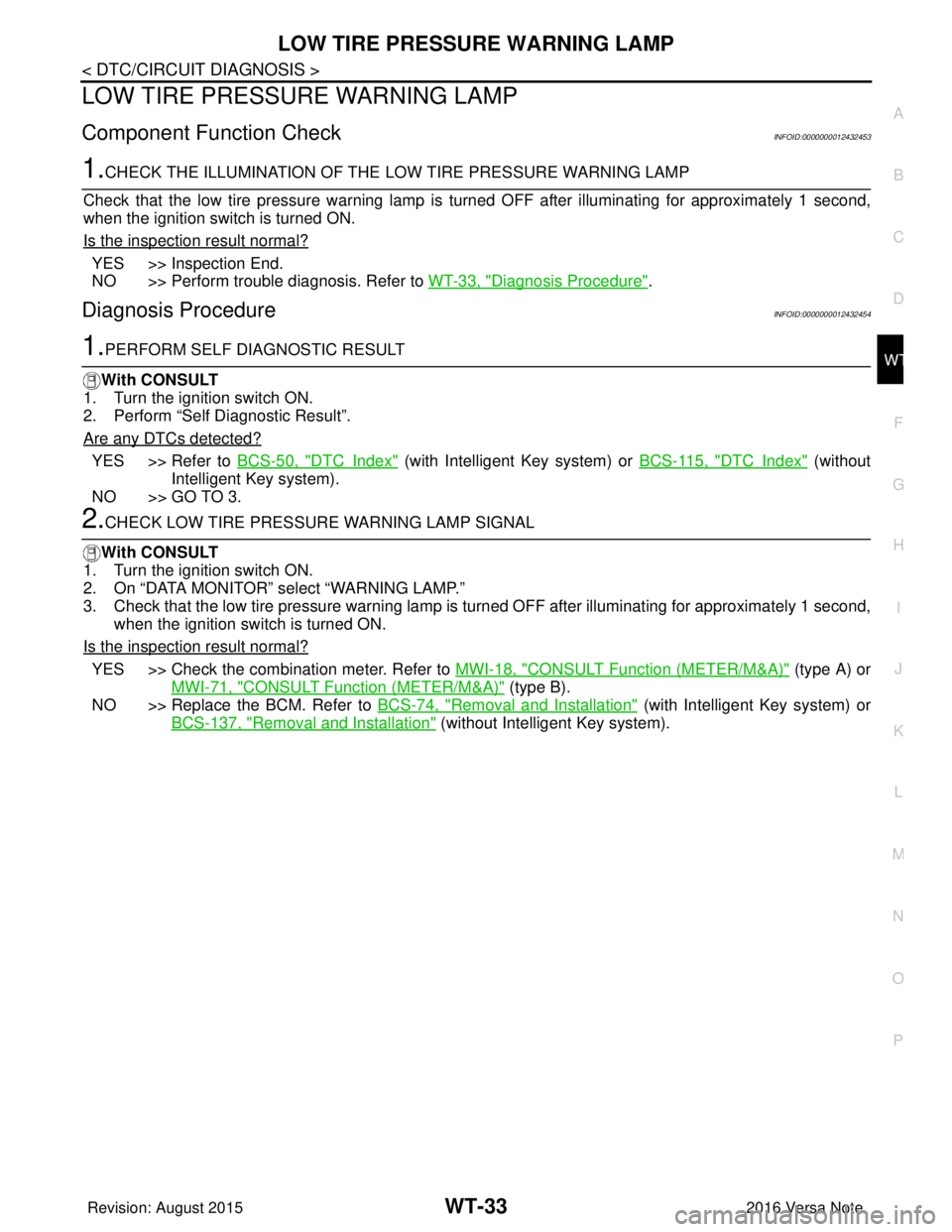
LOW TIRE PRESSUR E WARNING LAMP
Component Function CheckINFOID:0000000012432453
1.CHECK THE ILLUMINATION OF THE LOW TIRE PRESSURE WARNING LAMP
Check that the low tire pressure warning lamp is turned OFF after illuminating for approximately 1 second,
when the ignition switch is turned ON.
Is the inspection result normal?
YES >> Inspection End.
NO >> Perform trouble diagnosis. Refer to WT-33, "
Diagnosis Procedure".
Diagnosis ProcedureINFOID:0000000012432454
1.PERFORM SELF DIAGNOSTIC RESULT
With CONSULT
1. Turn the ignition switch ON.
2. Perform “Self Diagnostic Result”.
Are any DTCs detected?
YES >> Refer to BCS-50, "DTCIndex" (with Intelligent Key system) or BCS-115, "DTCIndex" (without
Intelligent Key system).
NO >> GO TO 3.
2.CHECK LOW TIRE PRESSURE WARNING LAMP SIGNAL
With CONSULT
1. Turn the ignition switch ON.
2. On “DATA MONITOR” select “WARNING LAMP.”
3. Check that the low tire pressure warning lamp is turned OFF after illuminating for approximately 1 second,
when the ignition switch is turned ON.
Is the inspection result normal?
YES >> Check the combination meter. Refer to MWI-18, "CONSULT Function (METER/M&A)" (type A) or
MWI-71, "
CONSULT Function (METER/M&A)" (type B).
NO >> Replace the BCM. Refer to BCS-74, "
Removal and Installation" (with Intelligent Key system) or
BCS-137, "
Removal and Installation" (without Intelligent Key system).
Revision: August 2015 2016 Versa Note
cardiagn.com
Page 2777 of 3641

WT-34
< DTC/CIRCUIT DIAGNOSIS >
POWER SUPPLY AND GROUND CIRCUIT
POWER SUPPLY AND GROUND CIRCUIT
WITH INTELLIGENT KEY
WITH INTELLIGENT KEY : Diagnosis ProcedureINFOID:0000000012542961
Regarding Wiring Diagram information, refer to BCS-52, "Wiring Diagram".
1.CHECK FUSES AND FUSIBLE LINK
Check that the following fuses and fusible link are not blown.
Is the fuse blown?
YES >> Replace the blown fuse or fusible link after repairing the affected circuit.
NO >> GO TO 2.
2.CHECK POWER SUPPLY CIRCUIT
1. Disconnect BCM connector M99.
2. Check voltage between BCM connector M99 and ground.
Is the inspection result normal?
YES >> GO TO 3.
NO >> Repair harness or connector.
3.CHECK GROUND CIRCUIT
Check continuity between BCM connector M99 and ground.
Is the inspection result normal?
YES >> Inspection End.
NO >> Repair harness or connector.
WITHOUT INTELLIGENT KEY
WITHOUT INTELLIGENT KEY : Diagnosis ProcedureINFOID:0000000012542962
Regarding Wiring Diagram information, refer to BCS-117, "Wiring Diagram".
1.CHECK FUSES AND FUSIBLE LINK
Check that the following fuses and fusible link are not blown.
Terminal No. Signal nameFuses and fusible link No.
57 Battery power supply 12 (10A)
70 G (40A)
BCM
Ground Voltage
Connector Terminal
M99 57
— Battery voltage
70
BCM GroundContinuity
Connector Terminal
M99 67—Yes
Revision: August 2015 2016 Versa Note
cardiagn.com
Page 2780 of 3641
LOW TIRE PRESSURE WARNING LAMP DOES NOT TURN ON
WT-37
< SYMPTOM DIAGNOSIS >
C
D F
G H
I
J
K L
M A
B
WT
N
O P
LOW TIRE PRESSURE WARNIN G LAMP DOES NOT TURN ON
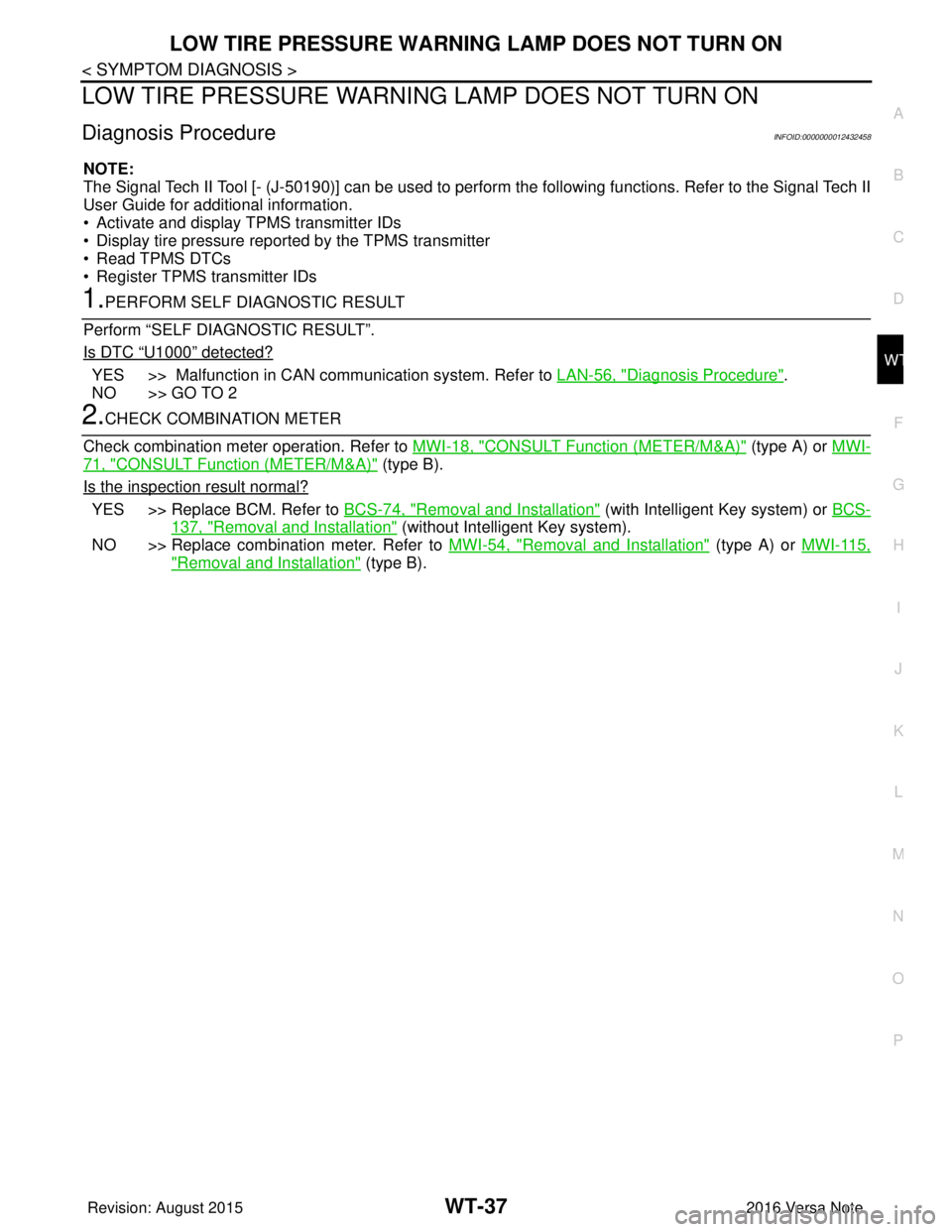
Diagnosis ProcedureINFOID:0000000012432458
NOTE:
The Signal Tech II Tool [- (J-50190)] can be used to perform the following functions. Refer to the Signal Tech II
User Guide for additional information.
• Activate and display TPMS transmitter IDs
• Display tire pressure reported by the TPMS transmitter
• Read TPMS DTCs
• Register TPMS transmitter IDs
1.PERFORM SELF DIAGNOSTIC RESULT
Perform “SELF DIAGNOSTIC RESULT”.
Is DTC
“U1000” detected?
YES >> Malfunction in CAN communication system. Refer to LAN-56, "Diagnosis Procedure".
NO >> GO TO 2
2.CHECK COMBINATION METER
Check combination meter operation. Refer to MWI-18, "
CONSULT Function (METER/M&A)" (type A) or MWI-
71, "CONSULT Function (METER/M&A)" (type B).
Is the inspection result normal?
YES >> Replace BCM. Refer to BCS-74, "Removal and Installation" (with Intelligent Key system) or BCS-
137, "Removal and Installation" (without Intelligent Key system).
NO >> Replace combination meter. Refer to MWI-54, "
Removal and Installation" (type A) or MWI-115,
"Removal and Installation" (type B).
Revision: August 2015 2016 Versa Note
cardiagn.com
Page 2781 of 3641
WT-38
< SYMPTOM DIAGNOSIS >
LOW TIRE PRESSURE WARNING LAMP DOES NOT TURN OFF
LOW TIRE PRESSURE WARNING LAMP DOES NOT TURN OFF
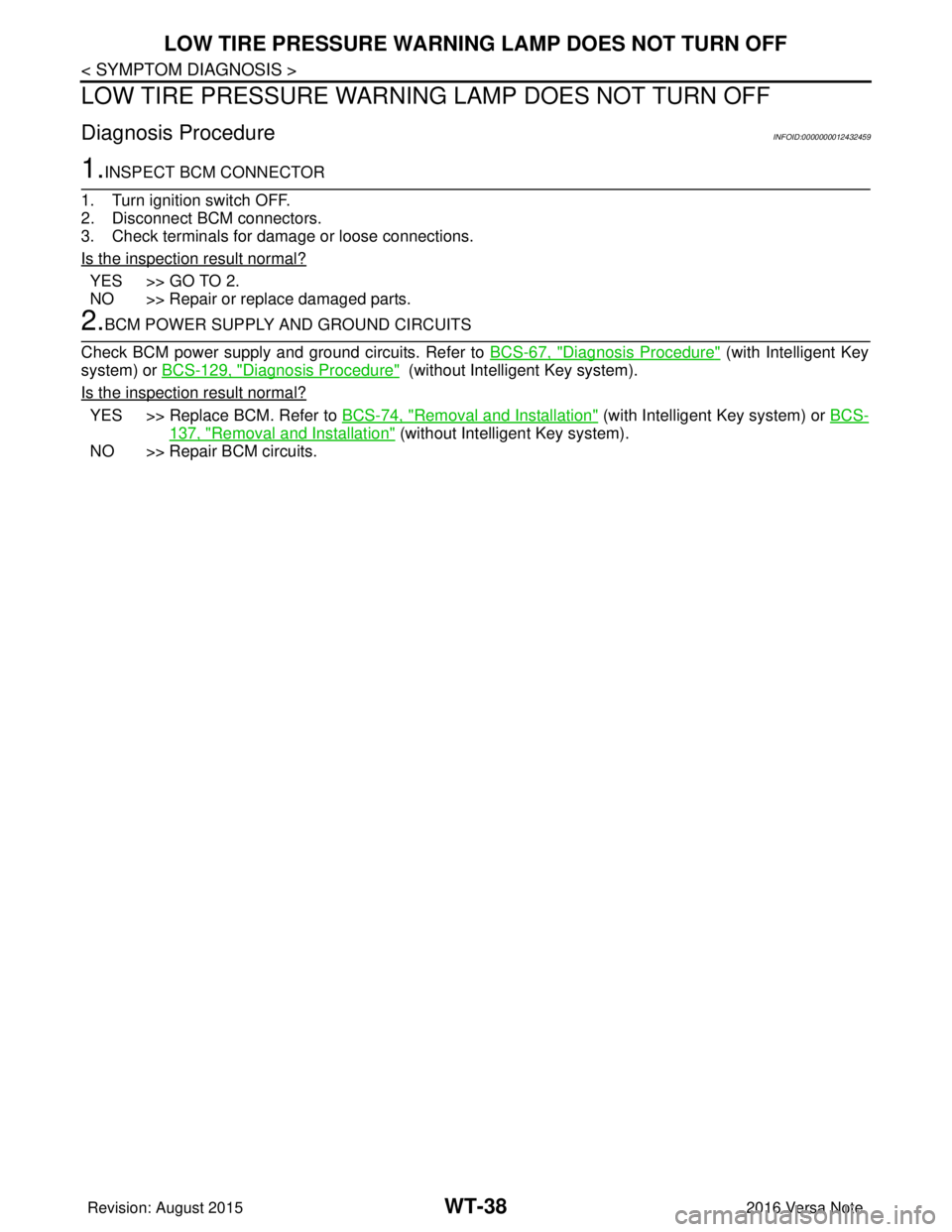
Diagnosis ProcedureINFOID:0000000012432459
1.INSPECT BCM CONNECTOR
1. Turn ignition switch OFF.
2. Disconnect BCM connectors.
3. Check terminals for damage or loose connections.
Is the inspection result normal?
YES >> GO TO 2.
NO >> Repair or replace damaged parts.
2.BCM POWER SUPPLY AND GROUND CIRCUITS
Check BCM power supply and ground circuits. Refer to BCS-67, "
Diagnosis Procedure" (with Intelligent Key
system) or BCS-129, "
Diagnosis Procedure" (without Intelligent Key system).
Is the inspection result normal?
YES >> Replace BCM. Refer to BCS-74, "Removal and Installation" (with Intelligent Key system) or BCS-
137, "Removal and Installation" (without Intelligent Key system).
NO >> Repair BCM circuits.
Revision: August 2015 2016 Versa Note
cardiagn.com
Page 2782 of 3641
LOW TIRE PRESSURE WARNING LAMP BLINKSWT-39
< SYMPTOM DIAGNOSIS >
C
DF
G H
I
J
K L
M A
B
WT
N
O P
LOW TIRE PRESSURE WA RNING LAMP BLINKS
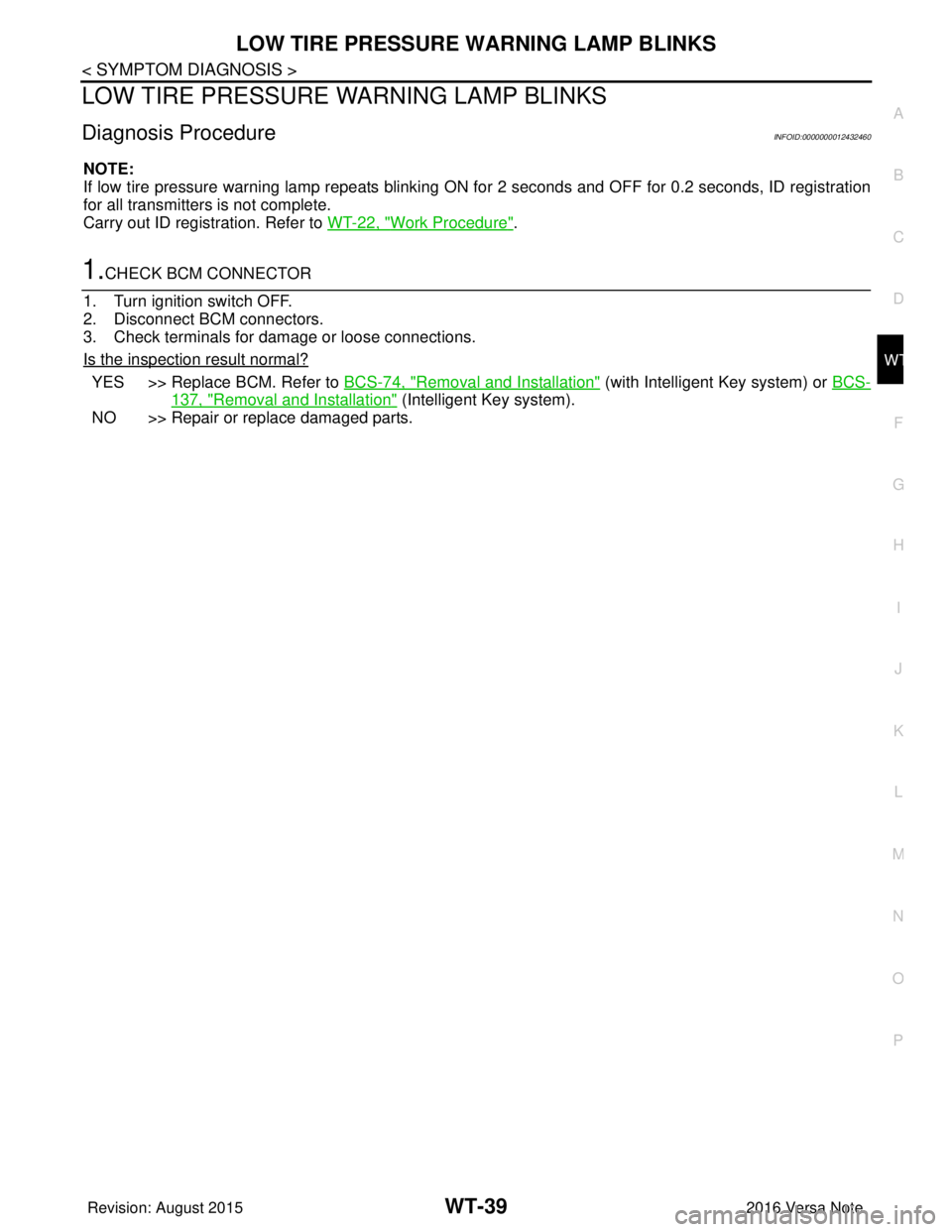
Diagnosis ProcedureINFOID:0000000012432460
NOTE:
If low tire pressure warning lamp repeats blinking ON for 2 seconds and OFF for 0.2 seconds, ID registration
for all transmitters is not complete.
Carry out ID registration. Refer to WT-22, "
Work Procedure".
1.CHECK BCM CONNECTOR
1. Turn ignition switch OFF.
2. Disconnect BCM connectors.
3. Check terminals for damage or loose connections.
Is the inspection result normal?
YES >> Replace BCM. Refer to BCS-74, "Removal and Installation" (with Intelligent Key system) or BCS-
137, "Removal and Installation" (Intelligent Key system).
NO >> Repair or replace damaged parts.
Revision: August 2015 2016 Versa Note
cardiagn.com
Page 2783 of 3641
WT-40
< SYMPTOM DIAGNOSIS >
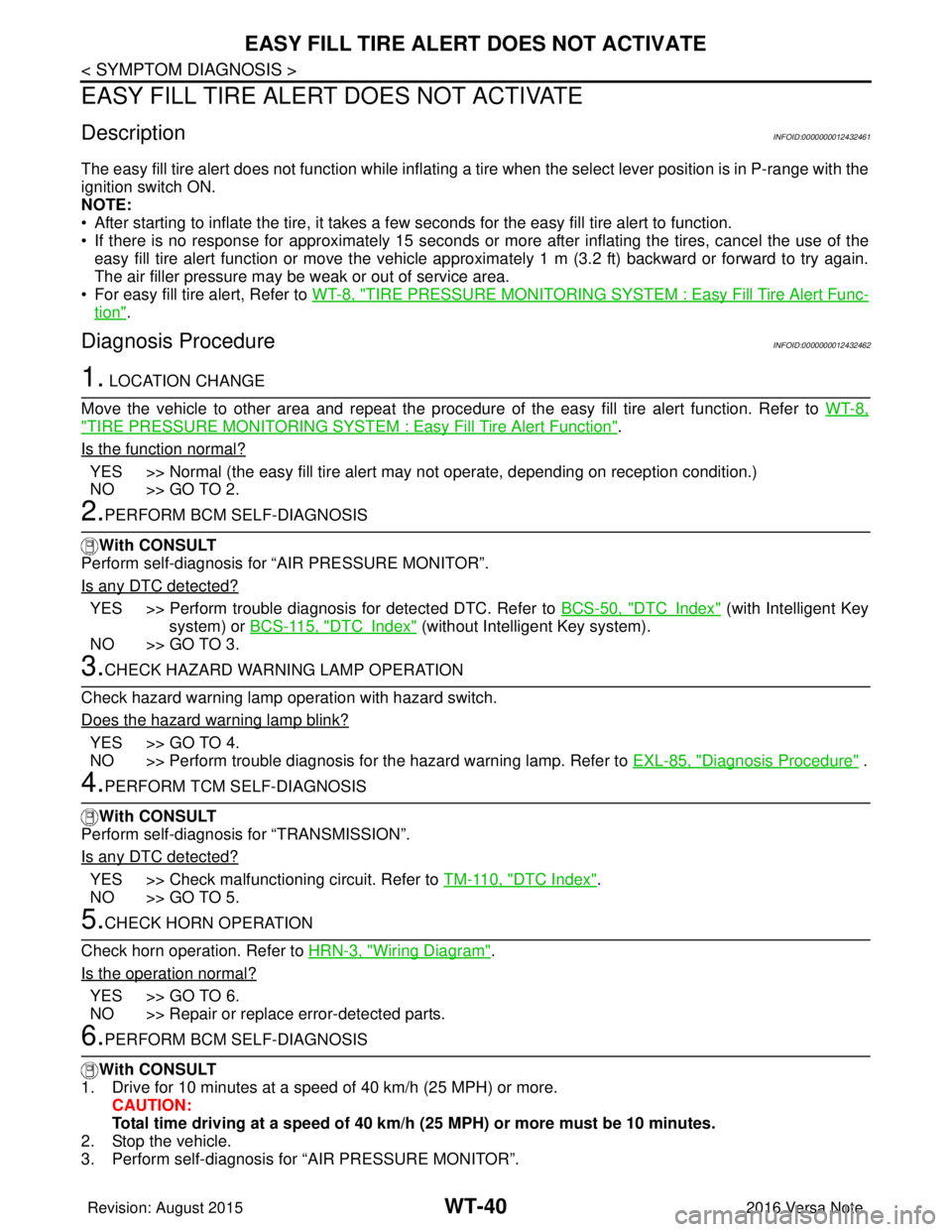
EASY FILL TIRE ALERT DOES NOT ACTIVATE
EASY FILL TIRE ALERT DOES NOT ACTIVATE
DescriptionINFOID:0000000012432461
The easy fill tire alert does not function while inflating a tire when the select lever position is in P-range with the
ignition switch ON.
NOTE:
• After starting to inflate the tire, it takes a few seconds for the easy fill tire alert to function.
• If there is no response for approximately 15 seconds or mo re after inflating the tires, cancel the use of the
easy fill tire alert function or move the vehicle approximately 1 m (3.2 ft) backward or forward to try again.
The air filler pressure may be weak or out of service area.
• For easy fill tire alert, Refer to WT-8, "
TIRE PRESSURE MONITORING SYST EM : Easy Fill Tire Alert Func-
tion".
Diagnosis ProcedureINFOID:0000000012432462
1. LOCATION CHANGE
Move the vehicle to other area and repeat the procedure of the easy fill tire alert function. Refer to WT-8,
"TIRE PRESSURE MONITORING SYSTEM : Easy Fill Tire Alert Function".
Is the function normal?
YES >> Normal (the easy fill tire alert may not operate, depending on reception condition.)
NO >> GO TO 2.
2.PERFORM BCM SELF-DIAGNOSIS
With CONSULT
Perform self-diagnosis for “AIR PRESSURE MONITOR”.
Is any DTC detected?
YES >> Perform trouble diagnosis for detected DTC. Refer to BCS-50, "DTCIndex" (with Intelligent Key
system) or BCS-115, "
DTCIndex" (without Intelligent Key system).
NO >> GO TO 3.
3.CHECK HAZARD WARNING LAMP OPERATION
Check hazard warning lamp operation with hazard switch.
Does the hazard warning lamp blink?
YES >> GO TO 4.
NO >> Perform trouble diagnosis for the hazard warning lamp. Refer to EXL-85, "
Diagnosis Procedure" .
4.PERFORM TCM SELF-DIAGNOSIS
With CONSULT
Perform self-diagnosis for “TRANSMISSION”.
Is any DTC detected?
YES >> Check malfunctioning circuit. Refer to TM-110, "DTC Index".
NO >> GO TO 5.
5.CHECK HORN OPERATION
Check horn operation. Refer to HRN-3, "
Wiring Diagram".
Is the operation normal?
YES >> GO TO 6.
NO >> Repair or replace error-detected parts.
6.PERFORM BCM SELF-DIAGNOSIS
With CONSULT
1. Drive for 10 minutes at a speed of 40 km/h (25 MPH) or more.
CAUTION:
Total time driving at a speed of 40 km/h (25 MPH) or more must be 10 minutes.
2. Stop the vehicle.
3. Perform self-diagnosis for “AIR PRESSURE MONITOR”.
Revision: August 2015 2016 Versa Note
cardiagn.com
Page 2784 of 3641
EASY FILL TIRE ALERT DOES NOT ACTIVATEWT-41
< SYMPTOM DIAGNOSIS >
C
DF
G H
I
J
K L
M A
B
WT
N
O P
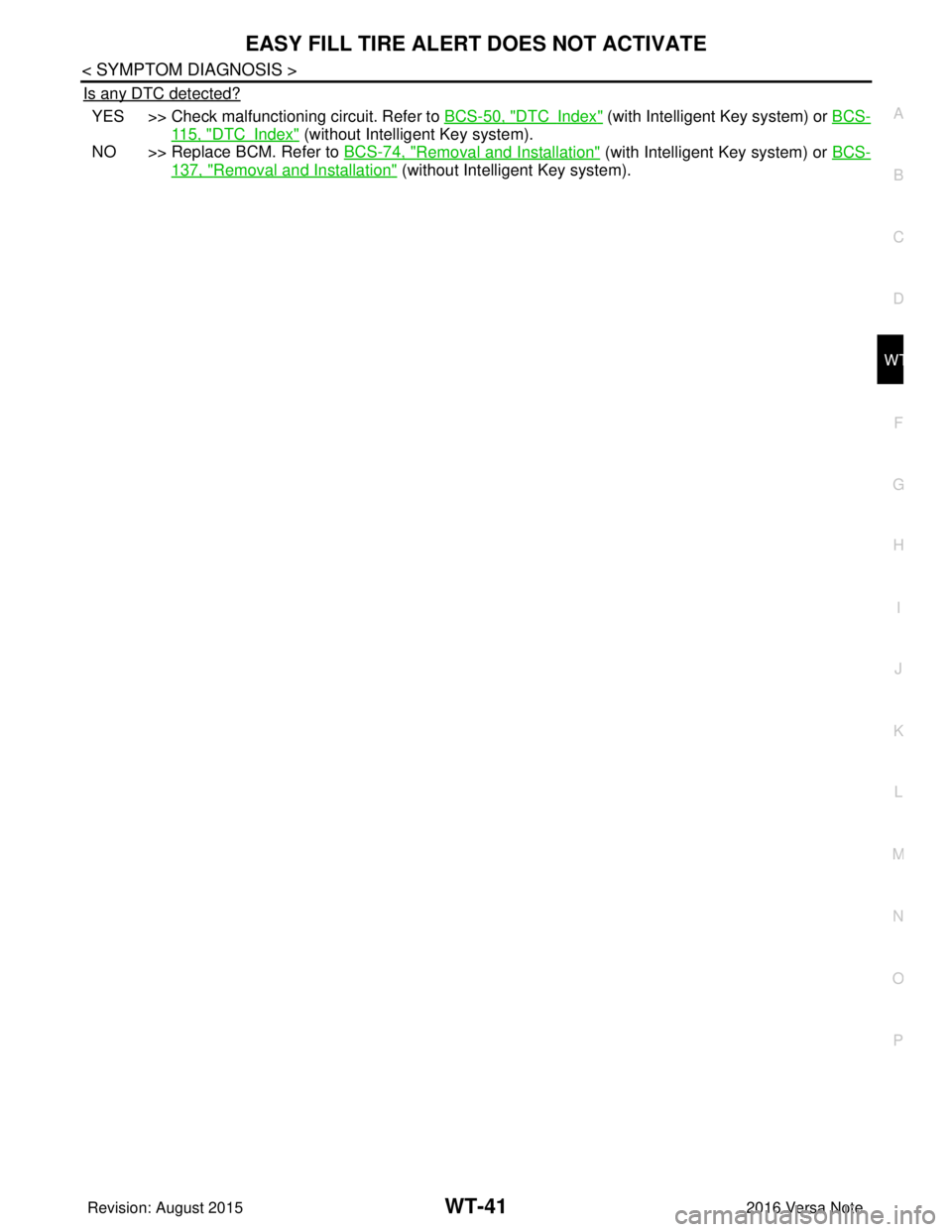
Is any DTC detected?
YES >> Check malfunctioning circuit. Refer to BCS-50, "DTCIndex" (with Intelligent Key system) or BCS-
115, "DTCIndex" (without Intelligent Key system).
NO >> Replace BCM. Refer to BCS-74, "
Removal and Installation" (with Intelligent Key system) or BCS-
137, "Removal and Installation" (without Intelligent Key system).
Revision: August 2015 2016 Versa Note
cardiagn.com
Page 2785 of 3641
![NISSAN NOTE 2016 Service Repair Manual WT-42
< SYMPTOM DIAGNOSIS >
ID REGISTRATION CANNOT BE COMPLETED
ID REGISTRATION CANNOT BE COMPLETED
Diagnosis ProcedureINFOID:0000000012432463
NOTE:
The Signal Tech II Tool [- (J-50190)] can be used t](/img/5/57363/w960_57363-2784.png "NISSAN NOTE 2016 Service Repair Manual WT-42
< SYMPTOM DIAGNOSIS >
ID REGISTRATION CANNOT BE COMPLETED
ID REGISTRATION CANNOT BE COMPLETED
Diagnosis ProcedureINFOID:0000000012432463
NOTE:
The Signal Tech II Tool [- (J-50190)] can be used t")
WT-42
< SYMPTOM DIAGNOSIS >
ID REGISTRATION CANNOT BE COMPLETED
ID REGISTRATION CANNOT BE COMPLETED
Diagnosis ProcedureINFOID:0000000012432463
NOTE:
The Signal Tech II Tool [- (J-50190)] can be used to perform the following functions. Refer to the Signal Tech II
User Guide for additional information.
• Activate and display TPMS transmitter IDs
• Display tire pressure reported by the TPMS transmitter
• Read TPMS DTCs
• Register TPMS transmitter IDs
1.PERFORM ID REGISTRATION OF ALL TRANSMITTERS
Carry out ID registration of all transmitters. Refer to WT-22, "
Work Procedure".
Can ID registration of all transmitters be completed?
YES >> Inspection End.
NO >> Refer to WT-11, "
WITH INTELLIGENT KEY : CONSULT F unction (BCM - AIR PRESSURE MON-
ITOR)" (with Intelligent Key system) or WT-12, "WITHOUT INTELLIGENT KEY : CONSULT Func-
tion (BCM - AIR PRESSURE MONITOR)" (without Intelligent Key system).
Revision: August 2015 2016 Versa Note
cardiagn.com
Page 2796 of 3641

TIRE PRESSURE RECEIVERWT-53
< REMOVAL AND INSTALLATION >
C
DF
G H
I
J
K L
M A
B
WT
N
O P
TIRE PRESSURE RECEIVER
Removal and InstallationINFOID:0000000012432472
The tire pressure receiver is integral to the remote keyless entry receiver. Refer to SEC-116, "Removal and
Installation".
Revision: August 2015 2016 Versa Note
cardiagn.com