ignition NISSAN NOTE 2016 Service Repair Manual
[x] Cancel search | Manufacturer: NISSAN, Model Year: 2016, Model line: NOTE, Model: NISSAN NOTE 2016Pages: 3641, PDF Size: 28.72 MB
Page 2764 of 3641
DIAGNOSIS AND REPAIR WORK FLOWWT-21
< BASIC INSPECTION >
C
DF
G H
I
J
K L
M A
B
WT
N
O P
BASIC INSPECTION
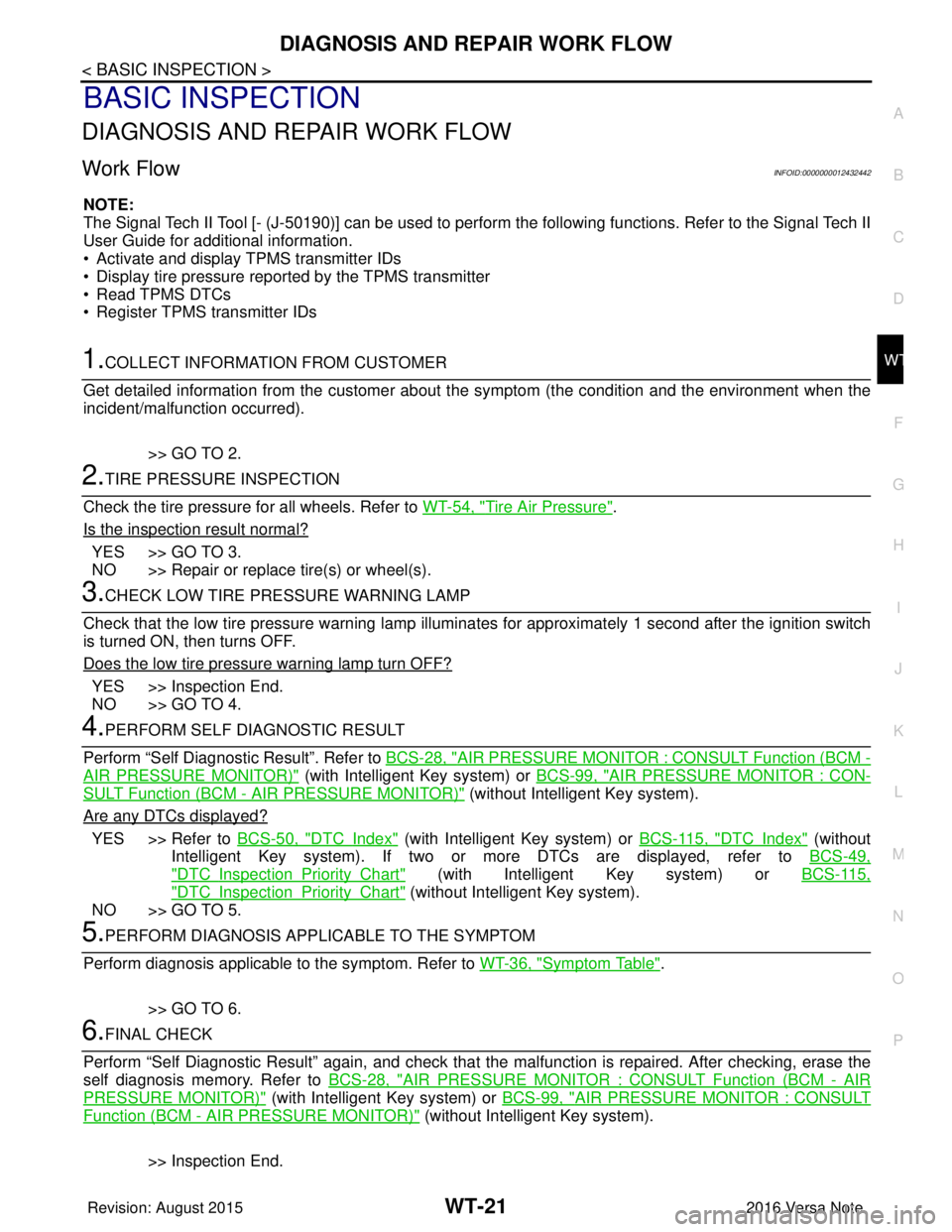
DIAGNOSIS AND REPAIR WORK FLOW
Work Flow INFOID:0000000012432442
NOTE:
The Signal Tech II Tool [- (J-50190)] can be used to perform the following functions. Refer to the Signal Tech II
User Guide for additional information.
• Activate and display TPMS transmitter IDs
• Display tire pressure repor ted by the TPMS transmitter
• Read TPMS DTCs
• Register TPMS transmitter IDs
1.COLLECT INFORMATION FROM CUSTOMER
Get detailed information from the customer about t he symptom (the condition and the environment when the
incident/malfunction occurred).
>> GO TO 2.
2.TIRE PRESSURE INSPECTION
Check the tire pressure for all wheels. Refer to WT-54, "
Tire Air Pressure".
Is the inspection result normal?
YES >> GO TO 3.
NO >> Repair or replace tire(s) or wheel(s).
3.CHECK LOW TIRE PRE SSURE WARNING LAMP
Check that the low tire pressure warning lamp illumi nates for approximately 1 second after the ignition switch
is turned ON, then turns OFF.
Does the low tire pressure warning lamp turn OFF?
YES >> Inspection End.
NO >> GO TO 4.
4.PERFORM SELF DIAGNOSTIC RESULT
Perform “Self Diagnostic Result”. Refer to BCS-28, "
AIR PRESSURE MONITOR : CONSULT Function (BCM -
AIR PRESSURE MONITOR)" (with Intelligent Key system) or BCS-99, "AIR PRESSURE MONITOR : CON-
SULT Function (BCM - AIR PRESSURE MONITOR)" (without Intelligent Key system).
Are any DTCs displayed?
YES >> Refer to BCS-50, "DTCIndex" (with Intelligent Key system) or BCS-115, "DTCIndex" (without
Intelligent Key system). If two or more DTCs are displayed, refer to BCS-49,
"DTCInspectionPriorityChart" (with Intelligent Key system) or BCS-115,
"DTCInspectionPriorityChart" (without Intelligent Key system).
NO >> GO TO 5.
5.PERFORM DIAGNOSIS APPLICABLE TO THE SYMPTOM
Perform diagnosis applicable to the symptom. Refer to WT-36, "
Symptom Table".
>> GO TO 6.
6.FINAL CHECK
Perform “Self Diagnostic Result” again, and check that the malfunction is repaired. After checking, erase the
self diagnosis memory. Refer to BCS-28, "
AIR PRESSURE MONITOR : CONSULT Function (BCM - AIR
PRESSURE MONITOR)" (with Intelligent Key system) or BCS-99, "AIR PRESSURE MONITOR : CONSULT
Function (BCM - AIR PRESSURE MONITOR)" (without Intelligent Key system).
>> Inspection End.
Revision: August 2015 2016 Versa Note
cardiagn.com
Page 2765 of 3641
WT-22
< BASIC INSPECTION >
ID REGISTRATION PROCEDURE
ID REGISTRATION PROCEDURE
DescriptionINFOID:0000000012432443
This procedure must be performed after replacing wheels, transmitters or the BCM.
Work ProcedureINFOID:0000000012432444
TPMS ID registration can be performed using one of the following procedures:
• Transmitter Activation tool [KV48105501 (J-45295-A)] with CONSULT (preferred method)
• Signal Tech II tool [- (J- 50190)] with CONSULT (preferred method)
• Signal Tech II tool [- (J-50190)] without CONSULT
• CONSULT only
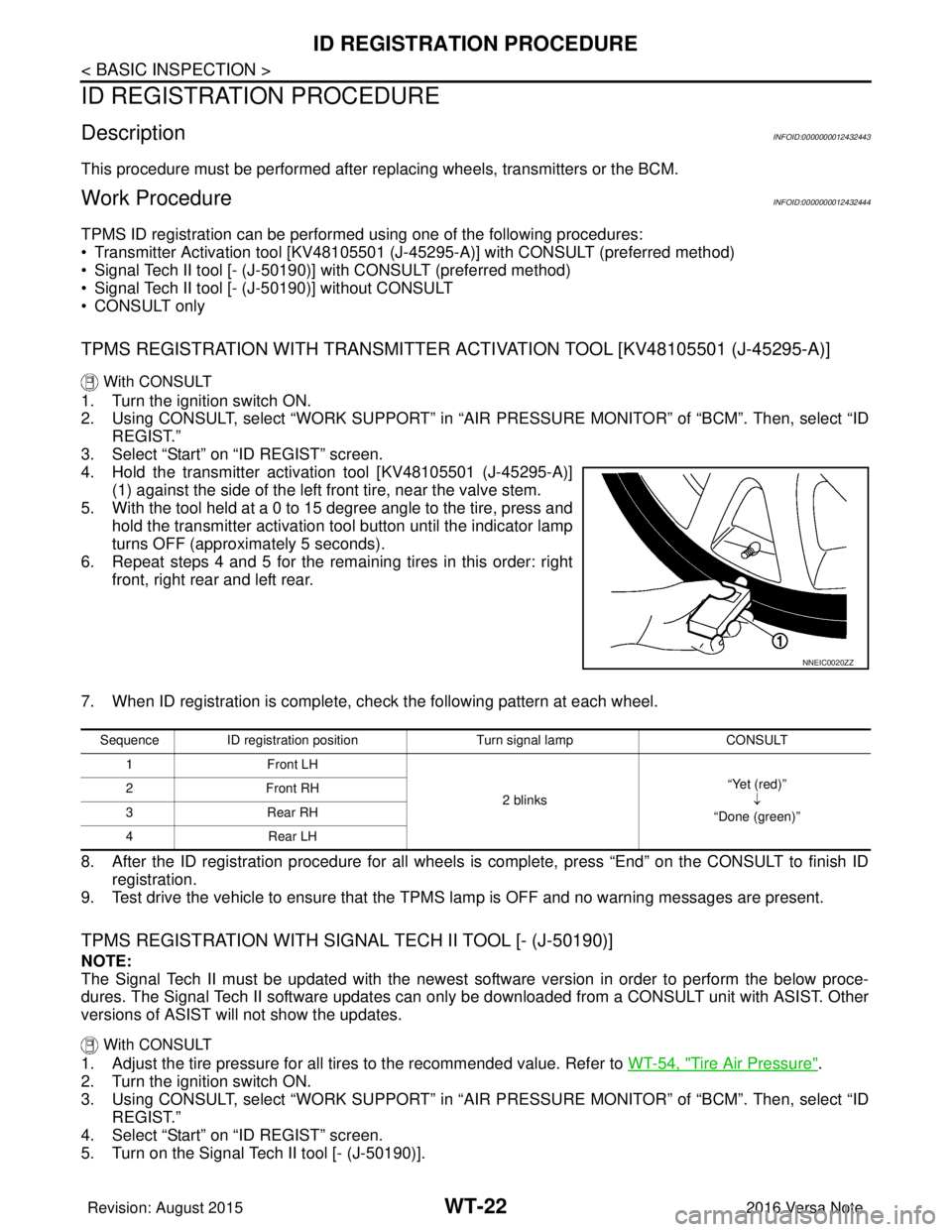
TPMS REGISTRATION WITH TRANSMITTER ACTIVATION TOOL [KV48105501 (J-45295-A)]
With CONSULT
1. Turn the ignition switch ON.
2. Using CONSULT, select “WORK SUPPORT” in “AIR PRESSURE MONITOR” of “BCM”. Then, select “ID
REGIST.”
3. Select “Start” on “ID REGIST” screen.
4. Hold the transmitter activation tool [KV48105501 (J-45295-A)] (1) against the side of the left front tire, near the valve stem.
5. With the tool held at a 0 to 15 degree angle to the tire, press and hold the transmitter activation tool button until the indicator lamp
turns OFF (approximately 5 seconds).
6. Repeat steps 4 and 5 for the remaining tires in this order: right front, right rear and left rear.
7. When ID registration is complete, check the following pattern at each wheel.
8. After the ID registration procedure for all wheels is complete, press “End” on the CONSULT to finish ID registration.
9. Test drive the vehicle to ensure that the TPMS lamp is OFF and no warning messages are present.
TPMS REGISTRATION WITH SIGNAL TECH II TOOL [- (J-50190)]
NOTE:
The Signal Tech II must be updated with the newest software version in order to perform the below proce-
dures. The Signal Tech II software updates can onl y be downloaded from a CONSULT unit with ASIST. Other
versions of ASIST wil l not show the updates.
With CONSULT
1. Adjust the tire pressure for all tires to the recommended value. Refer to WT-54, "Tire Air Pressure".
2. Turn the ignition switch ON.
3. Using CONSULT, select “WORK SUPPORT” in “AIR PRESSURE MONITOR” of “BCM”. Then, select “ID
REGIST.”
4. Select “Start” on “ID REGIST” screen.
5. Turn on the Signal Tech II tool [- (J-50190)].
NNEIC0020ZZ
Sequence ID registration position Turn signal lamp CONSULT
1F ro nt L H
2 blinks “Yet (red)”
↓
“Done (green)”
2F
ro nt R H
3R ea r R H
4R ear L H
Revision: August 2015 2016 Versa Note
cardiagn.com
Page 2767 of 3641

WT-24
< BASIC INSPECTION >
ID REGISTRATION PROCEDURE
2. Turn the ignition switch ON.
3. Using CONSULT, select “WORK SUPPORT” in “AIR PRESSURE MONITOR” of “BCM”. Then, select “ID
REGIST.”
4. Select “Start” on “ID REGIST” screen.
5. Drive the vehicle at a speed greater than 40 km/h (25 MPH) for 3 minutes or more.
6. After ID registration for all wheels is complete, press “End” on the CONSULT to finish ID registration.
7. Adjust the tire pressures for all tires to the recommended value. Refer to WT-54, "
Tire Air Pressure".
8. Test drive the vehicle to ensure that the TPMS lamp is OFF and no warning messages are present.
ID registration position CONSULT
Front LH “Yet (red)”↓
“Done (green)”
Front RH
Rear RHRear LH
Revision: August 2015 2016 Versa Note
cardiagn.com
Page 2768 of 3641
C1704, C1705, C1706, C1707 LOW TIRE PRESSURE
WT-25
< DTC/CIRCUIT DIAGNOSIS >
C
D F
G H
I
J
K L
M A
B
WT
N
O P
DTC/CIRCUIT DIAGNOSIS
C1704, C1705, C1706, C1707 LOW TIRE PRESSURE
DTC LogicINFOID:0000000012432445
NOTE:
The Signal Tech II Tool [- (J-50190)] can be used to perform the following functions. Refer to the Signal Tech II
User Guide for additional information.
• Activate and display TPMS transmitter IDs
• Display tire pressure repor ted by the TPMS transmitter
• Read TPMS DTCs
• Register TPMS transmitter IDs
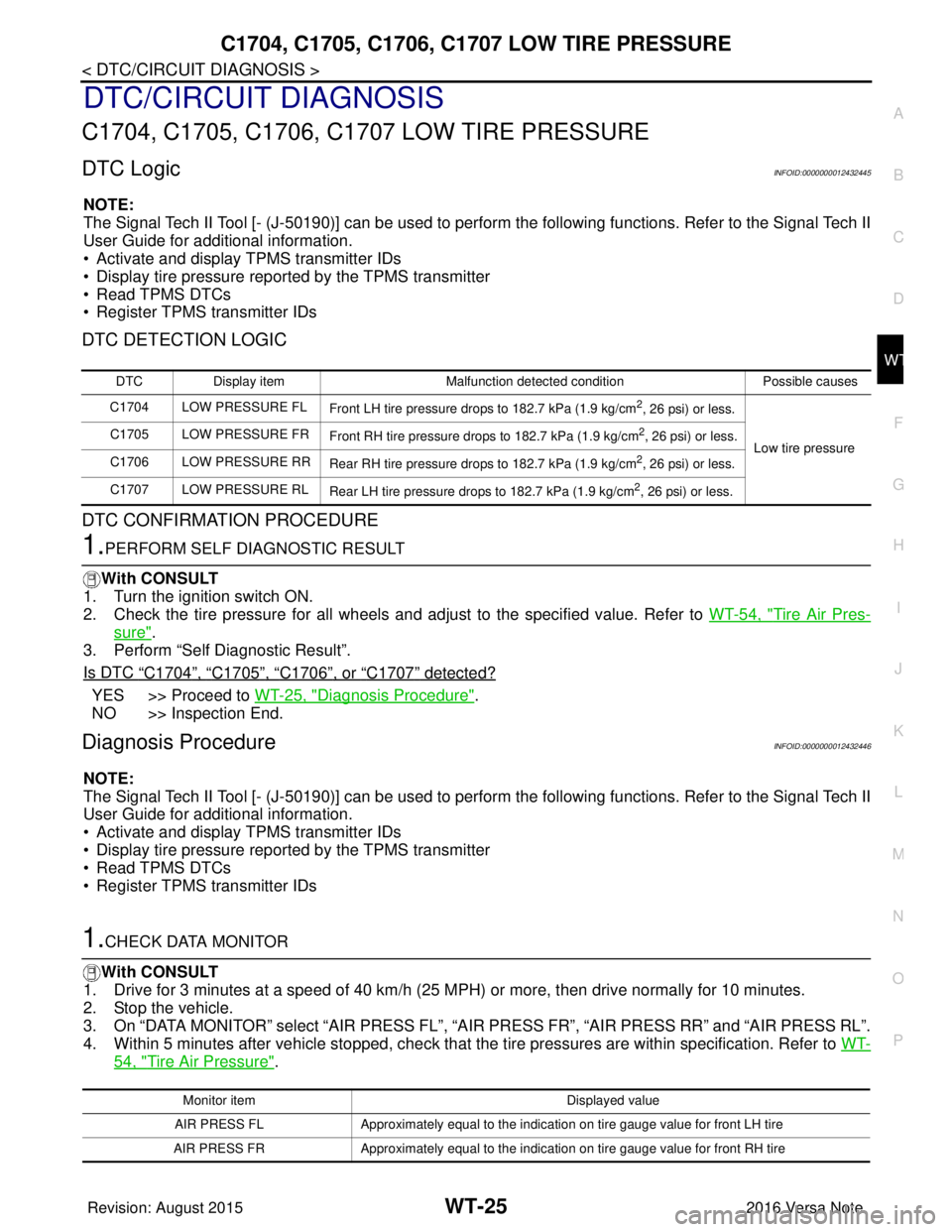
DTC DETECTION LOGIC
DTC CONFIRMATION PROCEDURE
1.PERFORM SELF DIAGNOSTIC RESULT
With CONSULT
1. Turn the ignition switch ON.
2. Check the tire pressure for all wheels and adjust to the specified value. Refer to WT-54, "
Tire Air Pres-
sure".
3. Perform “Self Diagnostic Result”.
Is DTC
“C1704”, “C1705”, “C1706”, or “C1707” detected?
YES >> Proceed to WT-25, "Diagnosis Procedure".
NO >> Inspection End.
Diagnosis ProcedureINFOID:0000000012432446
NOTE:
The Signal Tech II Tool [- (J-50190)] can be used to perform the following functions. Refer to the Signal Tech II
User Guide for additional information.
• Activate and display TPMS transmitter IDs
• Display tire pressure repor ted by the TPMS transmitter
• Read TPMS DTCs
• Register TPMS transmitter IDs
1.CHECK DATA MONITOR
With CONSULT
1. Drive for 3 minutes at a speed of 40 km/h (25 MPH) or more, then drive normally for 10 minutes.
2. Stop the vehicle.
3. On “DATA MONITOR” select “AIR PRESS FL”, “AIR PRESS FR”, “AIR PRESS RR” and “AIR PRESS RL”.
4. Within 5 minutes after vehicle stopped, check that the tire pressures are within specification. Refer to WT-
54, "Tire Air Pressure".
DTCDisplay item Malfunction detected condition Possible causes
C1704 LOW PRESSURE FL Front LH tire pressure drops to 182.7 kPa (1.9 kg/cm
2, 26 psi) or less.
Low tire pressure
C1705 LOW PRESSURE FR
Front RH tire pressure drops to 182.7 kPa (1.9 kg/cm
2, 26 psi) or less.
C1706 LOW PRESSURE RR Rear RH tire pressure drops to 182.7 kPa (1.9 kg/cm
2, 26 psi) or less.
C1707 LOW PRESSURE RL Rear LH tire pressure drops to 182.7 kPa (1.9 kg/cm
2, 26 psi) or less.
Monitor item Displayed value
AIR PRESS FL Approximately equal to the indication on tire gauge value for front LH tire
AIR PRESS FR Approximately equal to the indication on tire gauge value for front RH tire
Revision: August 2015 2016 Versa Note
cardiagn.com
Page 2771 of 3641

WT-28
< DTC/CIRCUIT DIAGNOSIS >
C1708, C1709, C1710, C1711 TRANSMITTER (NO DATA)
2.CHECK REMOTE KEYLESS ENTRY RECEIVER POWER CIRCUIT
Check voltage between remote keyless entry receiver connector and ground.
Is the inspection result normal?
YES >> GO TO 3.
NO >> Repair or replace harness or connectors.
3.CHECK REMOTE KEYL ESS ENTRY RECEIVER SIGNAL CIRCUIT
1. Turn the ignition switch OFF.
2. Disconnect BCM and remote keyless entry receiver connectors.
3. Check continuity between BCM and remote keyless entry receiver connectors.
4. Check continuity between BCM connector and ground.
Is the inspection result normal?
YES >> GO TO 4.
NO >> Repair or replace the ma lfunctioning harness or connector.
4.CHECK REMOTE KEYLESS ENTRY RECEIVER GROUND CIRCUIT
Check continuity between BCM and remote keyless entry receiver connectors.
Is the inspection result normal?
YES >> GO TO 5.
NO >> Repair or replace the ma lfunctioning harness or connector.
5.TRANSMITTER ID REGISTRATION
Perform transmitter ID registration. Refer to WT-22, "
Work Procedure".
Is transmitter ID registration completed?
YES >> GO TO 6.
NO >> Replace applicable transmitter. Refer to WT-49, "
Removal and Installation".
6.CHECK TIRE PRESSURE SIGNAL
With CONSULT
1. Drive for 3 minutes at a speed of 40 km/h (25 MPH) or more, then drive normally for 10 minutes.
2. Stop the vehicle.
3. On “DATA MONITOR” select “AIR PRESS FL”, “A IR PRESS FR”, “AIR PRESS RR” and “AIR PRESS RL”.
Remote keyless entry receiver
GroundVo l ta g e
(Approx.)
Connector Terminal
M94 (with Intelligent Key system) 1
—Battery voltage
M23 (without Intelligent Key system) 4 5V
BCMRemote keyless entry receiver
Continuity
Connector TerminalConnector Terminal
M97 (with Intelligent Key system) 38 M94 (with Intelligent Key system)
2Yes
M18 (without Intelligent Key system) 20 M23 (without Intelligent Key system)
BCM —Continuity
Connector Terminal
M97 (with Intelligent Key system) 38 GroundNo
M18 (without Intelligent Key system) 20
BCMRemote keyless entry receiver
Continuity
Connector TerminalConnector Terminal
M97 (with Intelligent Key system) 18M94 (with Intelligent Key system)
4
Ye s
M18 (without Intelligent Key system) M23 (without Intelligent Key system) 1
Revision: August 2015 2016 Versa Note
cardiagn.com
Page 2773 of 3641
WT-30
< DTC/CIRCUIT DIAGNOSIS >
C1716, C1717, C1718, C1719 TRANSMITTER (PRESSURE DATA)
C1716, C1717, C1718, C1719 TRAN SMITTER (PRESSURE DATA)
DTC LogicINFOID:0000000012432449
NOTE:
The Signal Tech II Tool [- (J-50190)] can be used to perform the following functions. Refer to the Signal Tech II
User Guide for additional information.
• Activate and display TPMS transmitter IDs
• Display tire pressure reported by the TPMS transmitter
• Read TPMS DTCs
• Register TPMS transmitter IDs
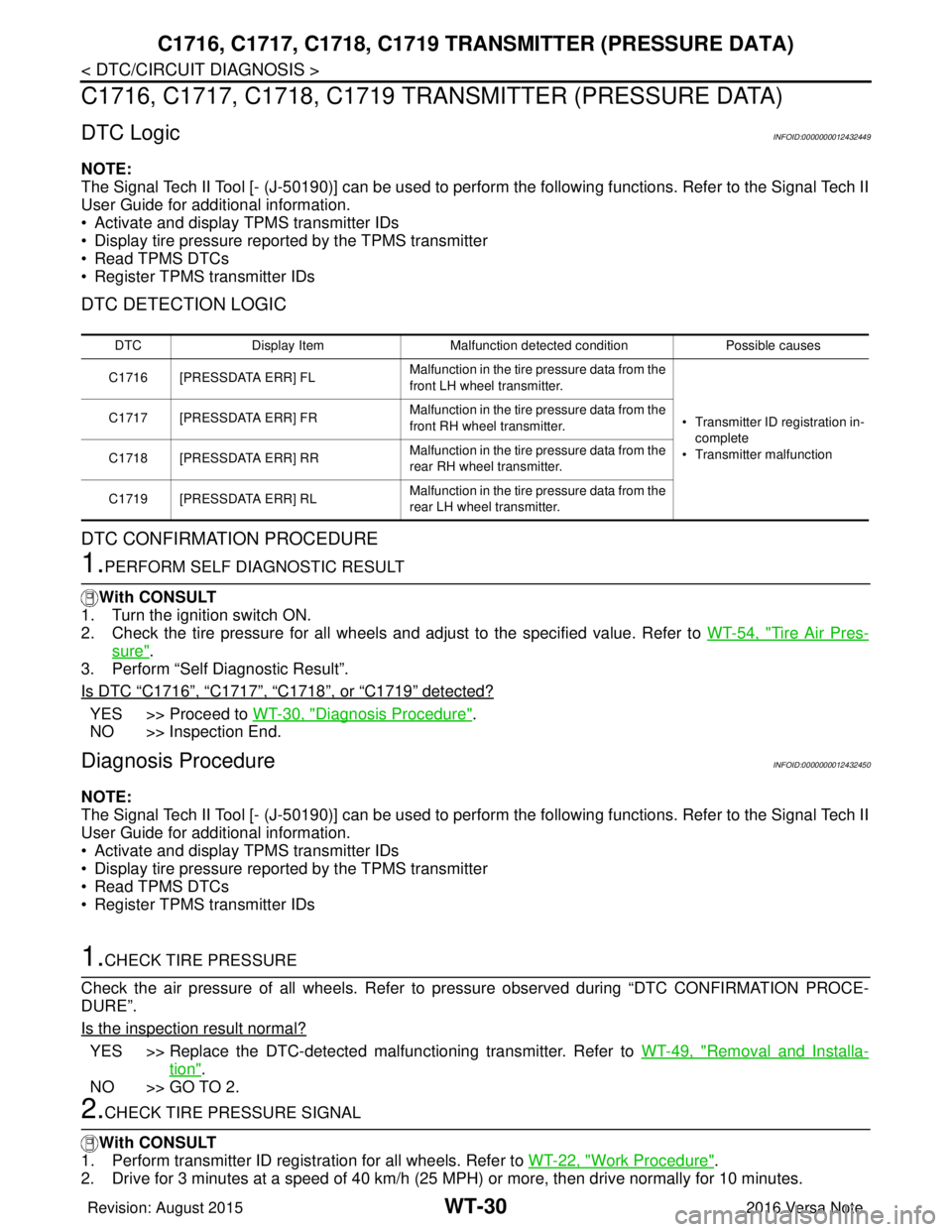
DTC DETECTION LOGIC
DTC CONFIRMATION PROCEDURE
1.PERFORM SELF DIAGNOSTIC RESULT
With CONSULT
1. Turn the ignition switch ON.
2. Check the tire pressure for all wheels and adjust to the specified value. Refer to WT-54, "
Tire Air Pres-
sure".
3. Perform “Self Diagnostic Result”.
Is DTC
“C1716”, “C1717”, “C1718”, or “C1719” detected?
YES >> Proceed to WT-30, "Diagnosis Procedure".
NO >> Inspection End.
Diagnosis ProcedureINFOID:0000000012432450
NOTE:
The Signal Tech II Tool [- (J-50190)] can be used to perform the following functions. Refer to the Signal Tech II
User Guide for additional information.
• Activate and display TPMS transmitter IDs
• Display tire pressure reported by the TPMS transmitter
• Read TPMS DTCs
• Register TPMS transmitter IDs
1.CHECK TIRE PRESSURE
Check the air pressure of all wheels. Refer to pressure observed during “DTC CONFIRMATION PROCE-
DURE”.
Is the inspection result normal?
YES >> Replace the DTC-detected malfunctioning transmitter. Refer to WT-49, "Removal and Installa-
tion".
NO >> GO TO 2.
2.CHECK TIRE PRESSURE SIGNAL
With CONSULT
1. Perform transmitter ID regist ration for all wheels. Refer to WT-22, "
Work Procedure".
2. Drive for 3 minutes at a speed of 40 km/h (25 MPH) or more, then drive normally for 10 minutes.
DTC Display Item Malfunction detected condition Possible causes
C1716 [PRESSDATA ERR] FL Malfunction in the tire pressure data from the
front LH wheel transmitter.
• Transmitter ID registration in-
complete
• Transmitter malfunction
C1717 [PRESSDATA ERR] FR
Malfunction in the tire pressure data from the
front RH wheel transmitter.
C1718 [PRESSDATA ERR] RR Malfunction in the tire pressure data from the
rear RH wheel transmitter.
C1719 [PRESSDATA ERR] RL Malfunction in the tire pressure data from the
rear LH wheel transmitter.
Revision: August 2015
2016 Versa Note
cardiagn.com
Page 2776 of 3641
LOW TIRE PRESSURE WARNING LAMPWT-33
< DTC/CIRCUIT DIAGNOSIS >
C
DF
G H
I
J
K L
M A
B
WT
N
O P
LOW TIRE PRESSUR E WARNING LAMP
Component Function CheckINFOID:0000000012432453
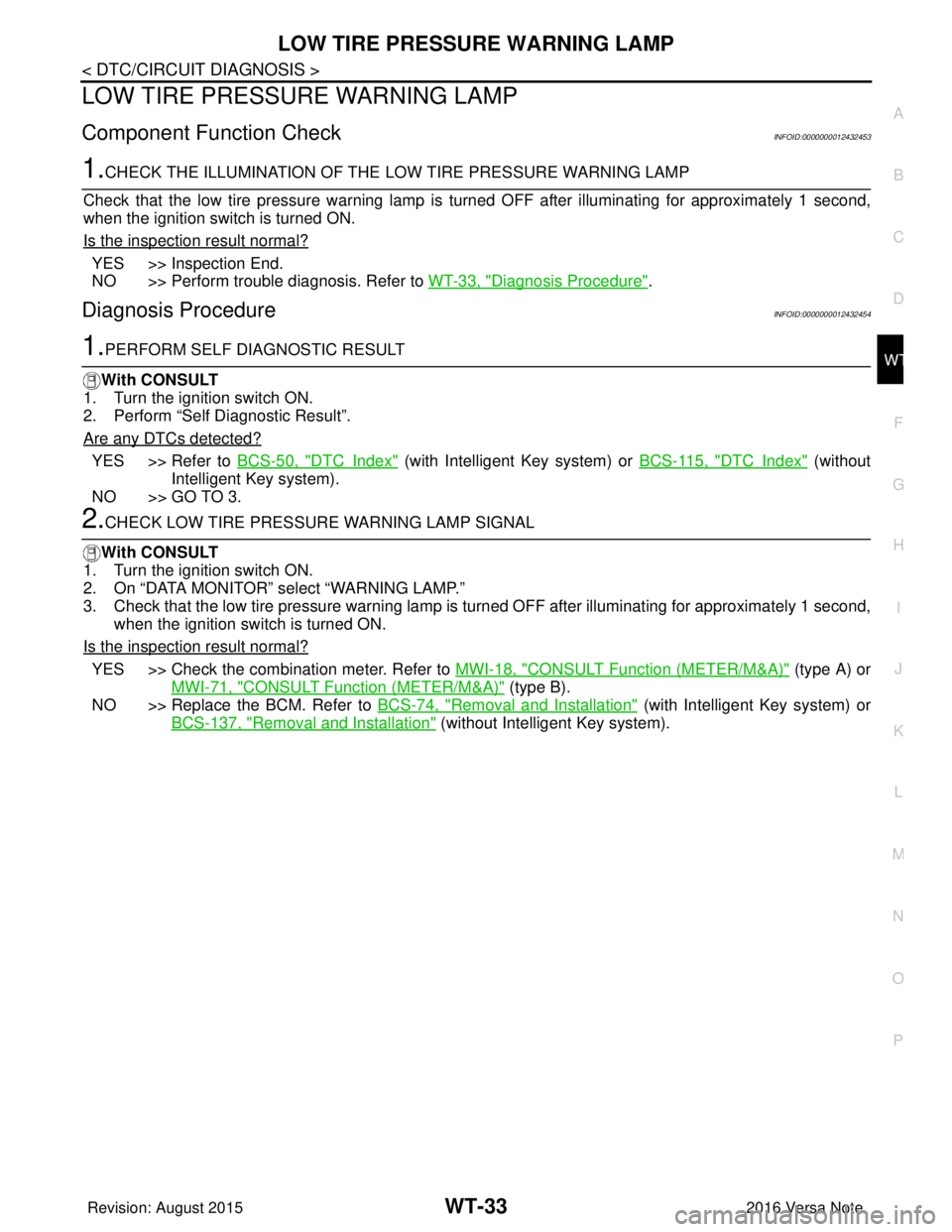
1.CHECK THE ILLUMINATION OF THE LOW TIRE PRESSURE WARNING LAMP
Check that the low tire pressure warning lamp is turned OFF after illuminating for approximately 1 second,
when the ignition switch is turned ON.
Is the inspection result normal?
YES >> Inspection End.
NO >> Perform trouble diagnosis. Refer to WT-33, "
Diagnosis Procedure".
Diagnosis ProcedureINFOID:0000000012432454
1.PERFORM SELF DIAGNOSTIC RESULT
With CONSULT
1. Turn the ignition switch ON.
2. Perform “Self Diagnostic Result”.
Are any DTCs detected?
YES >> Refer to BCS-50, "DTCIndex" (with Intelligent Key system) or BCS-115, "DTCIndex" (without
Intelligent Key system).
NO >> GO TO 3.
2.CHECK LOW TIRE PRESSURE WARNING LAMP SIGNAL
With CONSULT
1. Turn the ignition switch ON.
2. On “DATA MONITOR” select “WARNING LAMP.”
3. Check that the low tire pressure warning lamp is turned OFF after illuminating for approximately 1 second,
when the ignition switch is turned ON.
Is the inspection result normal?
YES >> Check the combination meter. Refer to MWI-18, "CONSULT Function (METER/M&A)" (type A) or
MWI-71, "
CONSULT Function (METER/M&A)" (type B).
NO >> Replace the BCM. Refer to BCS-74, "
Removal and Installation" (with Intelligent Key system) or
BCS-137, "
Removal and Installation" (without Intelligent Key system).
Revision: August 2015 2016 Versa Note
cardiagn.com
Page 2778 of 3641

POWER SUPPLY AND GROUND CIRCUITWT-35
< DTC/CIRCUIT DIAGNOSIS >
C
DF
G H
I
J
K L
M A
B
WT
N
O P
Is the fuse blown?
YES >> Replace the blown fuse or fusible link after repairing the affected circuit.
NO >> GO TO 2.
2.CHECK POWER SUPPLY CIRCUIT
1. Turn ignition switch OFF.
2. Disconnect BCM connectors.
3. Check voltage between BCM connector and ground.
Is the inspection result normal?
YES >> GO TO 3.
NO >> Repair harness or connector.
3.CHECK GROUND CIRCUIT
Check continuity between BCM connector and ground.
Is the inspection result normal?
YES >> Inspection End.
NO >> Repair harness or connector.
Terminal No. Signal nameFuses and fusible link No.
37 Battery power supply 8 (10A)
42 12 (10A)
50 G (40A)
11 Ignition switch ACC or ON 18 (10A)
38 Ignition switch ON or START 2 (10A)
BCMGround Ignition switch position
Connector Terminal
—OFF
ACC ON
M18 11
0 V
Battery voltage
Battery voltage
37
Battery voltage
38 0 V0 V
M19 42
Battery voltage Battery voltage
50
BCM GroundContinuity
Connector Terminal
M19 55—Yes
Revision: August 2015 2016 Versa Note
cardiagn.com
Page 2781 of 3641
WT-38
< SYMPTOM DIAGNOSIS >
LOW TIRE PRESSURE WARNING LAMP DOES NOT TURN OFF
LOW TIRE PRESSURE WARNING LAMP DOES NOT TURN OFF
Diagnosis ProcedureINFOID:0000000012432459
1.INSPECT BCM CONNECTOR
1. Turn ignition switch OFF.
2. Disconnect BCM connectors.
3. Check terminals for damage or loose connections.
Is the inspection result normal?
YES >> GO TO 2.
NO >> Repair or replace damaged parts.
2.BCM POWER SUPPLY AND GROUND CIRCUITS
Check BCM power supply and ground circuits. Refer to BCS-67, "
Diagnosis Procedure" (with Intelligent Key
system) or BCS-129, "
Diagnosis Procedure" (without Intelligent Key system).
Is the inspection result normal?
YES >> Replace BCM. Refer to BCS-74, "Removal and Installation" (with Intelligent Key system) or BCS-
137, "Removal and Installation" (without Intelligent Key system).
NO >> Repair BCM circuits.
Revision: August 2015 2016 Versa Note
cardiagn.com
Page 2782 of 3641
LOW TIRE PRESSURE WARNING LAMP BLINKSWT-39
< SYMPTOM DIAGNOSIS >
C
DF
G H
I
J
K L
M A
B
WT
N
O P
LOW TIRE PRESSURE WA RNING LAMP BLINKS
Diagnosis ProcedureINFOID:0000000012432460
NOTE:
If low tire pressure warning lamp repeats blinking ON for 2 seconds and OFF for 0.2 seconds, ID registration
for all transmitters is not complete.
Carry out ID registration. Refer to WT-22, "
Work Procedure".
1.CHECK BCM CONNECTOR
1. Turn ignition switch OFF.
2. Disconnect BCM connectors.
3. Check terminals for damage or loose connections.
Is the inspection result normal?
YES >> Replace BCM. Refer to BCS-74, "Removal and Installation" (with Intelligent Key system) or BCS-
137, "Removal and Installation" (Intelligent Key system).
NO >> Repair or replace damaged parts.
Revision: August 2015 2016 Versa Note
cardiagn.com