ignition NISSAN TEANA 2014 Service Manual
[x] Cancel search | Manufacturer: NISSAN, Model Year: 2014, Model line: TEANA, Model: NISSAN TEANA 2014Pages: 4801, PDF Size: 51.2 MB
Page 4746 of 4801

DIAGNOSIS SYSTEM (BCM)WW-11
< SYSTEM DESCRIPTION >
C
D E
F
G H
I
J
K
M A
B
WW
N
O P
WIPER
WIPER : CONSULT Func tion (BCM - WIPER)INFOID:0000000009944152
CAUTION:
After disconnecting the CONSULT vehicle interface (VI) from the data link connector, the ignition must
be cycled OFF → ON (for at least 5 seconds) → OFF. If this step is not performed, the BCM may not go
to ”sleep mode”, potentiall y causing a discharged battery and a no-start condition.
DATA MONITOR
ACTIVE TEST
WORK SUPPORT
* : Initial setting RAP system RETAINED PWR
×
Signal buffer system SIGNAL BUFFER ×
TPMS AIR PRESSURE MONITOR ××××
System Sub System
Direct Diagnostic Mode
Ecu Identification
Self Diagnostic Result
Data Monitor
Active Test
Work support
Configuration
CAN Diag Support Mntr
Monitor Item [Unit] Description
PUSH SW [On/Off] Indicates condition of push-button ignition switch.
VEH SPEED 1 [km/h] Indicates vehicle speed signal received from ABS on CAN communication line.
FR WIPER HI [On/Off]
Indicates condition of wiper operation of combination switch.
FR WIPER LOW [On/Off]
FR WASHER SW [On/Off]
FR WIPER INT [On/Off]
FR WIPER STOP [On/Off] Indicates front wiper auto stop signal received from IPDM E/R on CAN communication
line.
INT VOLUME [1 − 7] Indicates condition of intermittent wiper operation of combination switch.
Test Item Description
FR WIPER This test is able to check front wiper operation [Hi/Lo/INT/Off].
Support Item Setting Description
WIPER SPEED SETTING On Front wiper intermittent time linked with vehicle speed and wiper dial position.
Off* Front wiper intermittent time linked with wiper dial position.
Revision: November 20132014 Altima NAMRevision: November 20132014 Altima NAM
Page 4747 of 4801

WW-12
< SYSTEM DESCRIPTION >
DIAGNOSIS SYSTEM (IPDM E/R)
DIAGNOSIS SYSTEM (IPDM E/R)
Diagnosis DescriptionINFOID:0000000009944155
AUTO ACTIVE TEST
Description
In auto active test mode, the IPDM E/R sends a drive signal to the follo wing systems to check their operation.
• Front wiper (LO, HI)
• Front fog lamps
• Parking lamps
• Side marker lamps
• Tail lamps
• License plate lamps
• Daytime running lamps
• Headlamps (LO, HI)
• A/C compressor
• Cooling fans (LO, HI)
Operation Procedure
CAUTION:
Do not start the engine.
NOTE:
When auto active test is performed with hood opened, sprinkle water on windshield before hand.
NOTE:
• If auto active test mode cannot be actuat ed, check door switch system. Refer to DLK-100,
"Component Function Check".
• When auto active test mode has to be cancelled halfway through test, turn ignition switch OFF.
1. Close the hood and lift the wiper arms from the windshield. (Prevent windshield damage due to wiper
operation)
2. Turn ignition switch OFF.
3. Turn the ignition switch ON, and within 20 seconds, press the front door switch LH 10 times. Then turn the ignition switch OFF.
4. Turn the ignition switch ON within 10 seconds. Af ter that the horn sounds once, and the auto active test
starts.
5. After a series of the following operations is repeated 3 times, auto active test is completed.
Inspection in Auto Active Test Mode
When auto active test mode is actuated, the following operation sequence is repeated 3 times.
*: Outputs duty ratio of 50% for 5 seconds → duty ratio of 100% for 5 seconds on the cooling fan control module.
Operation se-
quence Inspection Location Operation
1 Front wiper LO for 3 seconds → HI for 3 seconds
2 •Front fog lamps
• Parking lamps
• Side marker lamps
•Tail lamps
• License plate lamps 10 seconds
3 Daytime running lamps 10 seconds
4 Headlamps LO ⇔ HI 5 times
5 A/C compressor ON ⇔ OFF 5 times
6
*Cooling fans LO for 5 seconds → HI for 5 seconds
Revision: November 20132014 Altima NAMRevision: November 20132014 Altima NAM
Page 4748 of 4801
DIAGNOSIS SYSTEM (IPDM E/R)WW-13
< SYSTEM DESCRIPTION >
C
D E
F
G H
I
J
K
M A
B
WW
N
O P
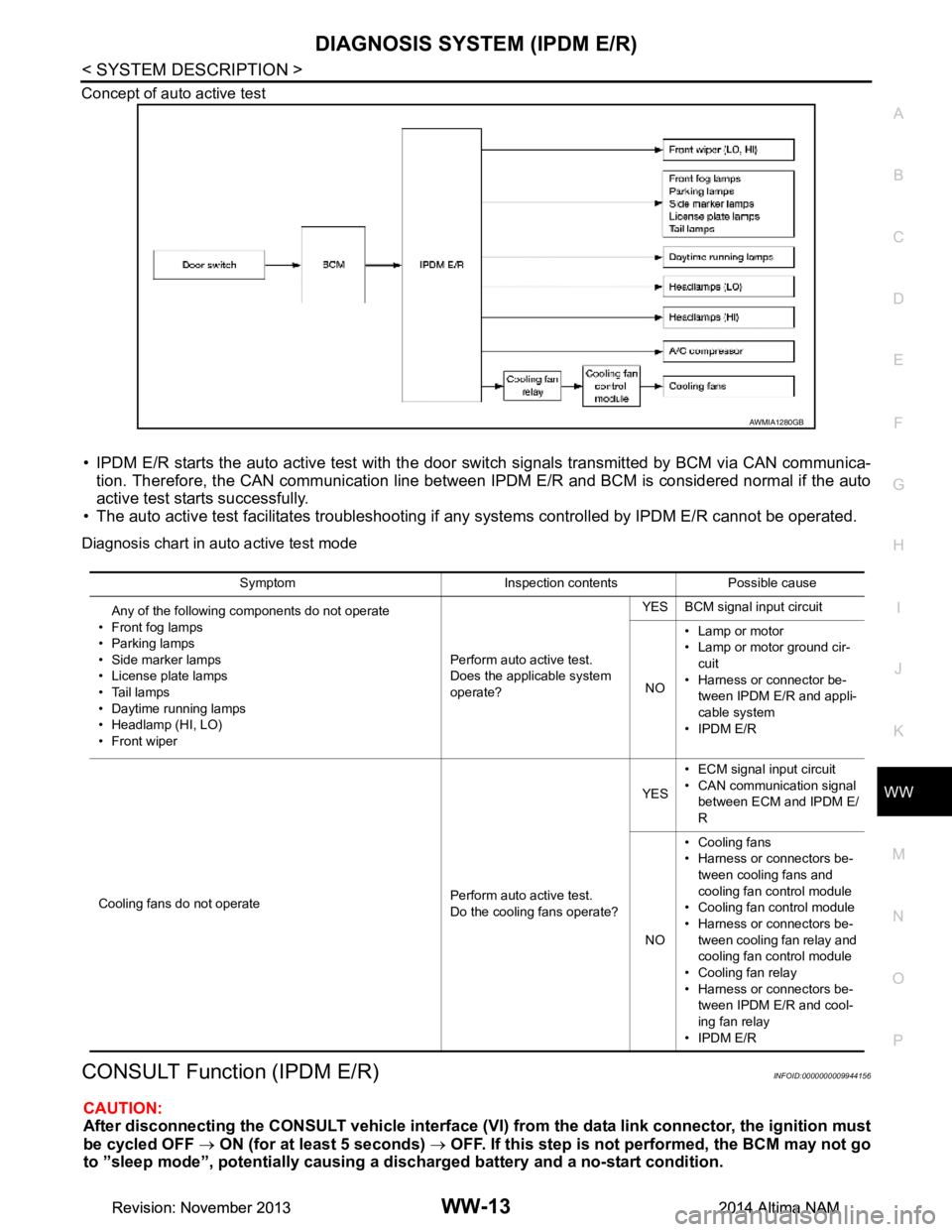
Concept of auto active test
• IPDM E/R starts the auto active test with the door
switch signals transmitted by BCM via CAN communica-
tion. Therefore, the CAN communication line between IPDM E/R and BCM is considered normal if the auto
active test starts successfully.
• The auto active test facilitates troubleshooting if any systems controlled by IPDM E/R cannot be operated.
Diagnosis chart in auto active test mode
CONSULT Function (IPDM E/R)INFOID:0000000009944156
CAUTION:
After disconnecting the CONSULT vehicle interface (VI) from the data link connector, the ignition must
be cycled OFF → ON (for at least 5 seconds) → OFF. If this step is not performed, the BCM may not go
to ”sleep mode”, potentiall y causing a discharged battery and a no-start condition.
AWMIA1280GB
Symptom Inspection contents Possible cause
Any of the following components do not operate
• Front fog lamps
•Parking lamps
• Side marker lamps
• License plate lamps
•Tail lamps
• Daytime running lamps
• Headlamp (HI, LO)
• Front wiper Perform auto active test.
Does the applicable system
operate? YES BCM signal input circuit
NO • Lamp or motor
• Lamp or motor ground cir-
cuit
• Harness or connector be- tween IPDM E/R and appli-
cable system
• IPDM E/R
Cooling fans do not operate Perform auto active test.
Do the cooling fans operate? YES
• ECM signal input circuit
• CAN communication signal between ECM and IPDM E/
R
NO • Cooling fans
• Harness or connectors be-
tween cooling fans and
cooling fan control module
• Cooling fan control module
• Harness or connectors be- tween cooling fan relay and
cooling fan control module
• Cooling fan relay
• Harness or connectors be- tween IPDM E/R and cool-
ing fan relay
• IPDM E/R
Revision: November 20132014 Altima NAMRevision: November 20132014 Altima NAM
Page 4749 of 4801

WW-14
< SYSTEM DESCRIPTION >
DIAGNOSIS SYSTEM (IPDM E/R)
APPLICATION ITEM
CONSULT performs the following functions via CAN communication with IPDM E/R.
ECU IDENTIFICATION
The IPDM E/R part number is displayed.
SELF DIAGNOSTIC RESULT
Refer to PCS-20, "DTC Index".
DATA MONITOR
Direct Diagnostic Mode Description
Ecu Identification The IPDM E/R part number is displayed.
Self Diagnostic Result The IPDM E/R self diagnostic results are displayed.
Data Monitor The IPDM E/R input/output data is displayed in real time.
Active Test The IPDM E/R activates outputs to test components.
CAN Diag Support Mntr The result of transmit/receive diagnosis of CAN communication is displayed.
Monitor Item [Unit] Main
Signals Description
MOTOR FAN REQ [%] ×Indicates cooling fan speed signal received from ECM on CAN communication
line
AC COMP REQ [On/Off] ×Indicates A/C compressor request signal received from ECM on CAN commu-
nication line
TAIL&CLR REQ [On/Off] ×Indicates position light request signal received from BCM on CAN communica-
tion line
HL LO REQ [On/Off] ×Indicates low beam request signal received from BCM on CAN communication
line
HL HI REQ [On/Off] ×Indicates high beam request signal received from BCM on CAN communication
line
FR FOG REQ [On/Off] ×Indicates front fog light request signal received from BCM on CAN communica-
tion line
FR WIP REQ [Stop/1LOW/Low/Hi] ×Indicates front wiper request signal received from BCM on CAN communication
line
WIP AUTO STOP [STOP P/ACT P] ×Indicates condition of front wiper auto stop signal
WIP PROT [Off/BLOCK] ×Indicates condition of front wiper fail-safe operation
IGN RLY1 -REQ [On/Off] Indicates ignition switch ON signal received from BCM on CAN communication
line
IGN RLY [On/Off] ×Indicates condition of ignition relay
PUSH SW [On/Off] Indicates condition of push-button ignition switch
INTER/NP SW [On/Off] Indicates condition of CVT shift position
ST RLY CONT [On/Off] Indicates starter relay status signal received from BCM on CAN communication
line
IHBT RLY -REQ [On/Off] Indicates starter control relay signal received from BCM on CAN communication
line
ST/INHI RLY [Off/ ST /INHI] Indicates condition of starter relay and starter control relay
DETENT SW [On/Off] Indicates condition of CVT shift selector (park position switch)
DTRL REQ [Off] Indicates daytime light request signal received from BCM on CAN communica-
tion line
HOOD SW [On/Off] Indicates condition of hood switch
THFT HRN REQ [On/Off] Indicates theft warning horn request signal received from BCM on CAN commu-
nication line
Revision: November 20132014 Altima NAMRevision: November 20132014 Altima NAM
Page 4769 of 4801
WW-34
< DTC/CIRCUIT DIAGNOSIS >
FRONT WIPER MOTOR LO CIRCUIT
FRONT WIPER MOTOR LO CIRCUIT
Component Function CheckINFOID:0000000009464614
1. CHECK FRONT WIPER LO OPERATION
IPDM E/R AUTO ACTIVE TEST
1. Start IPDM E/R auto active test. Refer to PCS-8, "Diagnosis Description"
.
2. Check that the front wiper operates at the LO operation.
CONSULT ACTIVE TEST
1. Select FRONT WIPER of IPDM E/R active test item.
2. While operating the test item, check that front wiper LO operation and OFF.
Is the inspection result normal?
YES >> Front wiper motor LO circuit is normal.
NO >> Refer to WW-34, "Diagnosis Procedure"
.
Diagnosis ProcedureINFOID:0000000009464615
Regarding Wiring Diagram information, refer to WW-23, "Wiring Diagram - With Rear View Camera Washer
Control System".
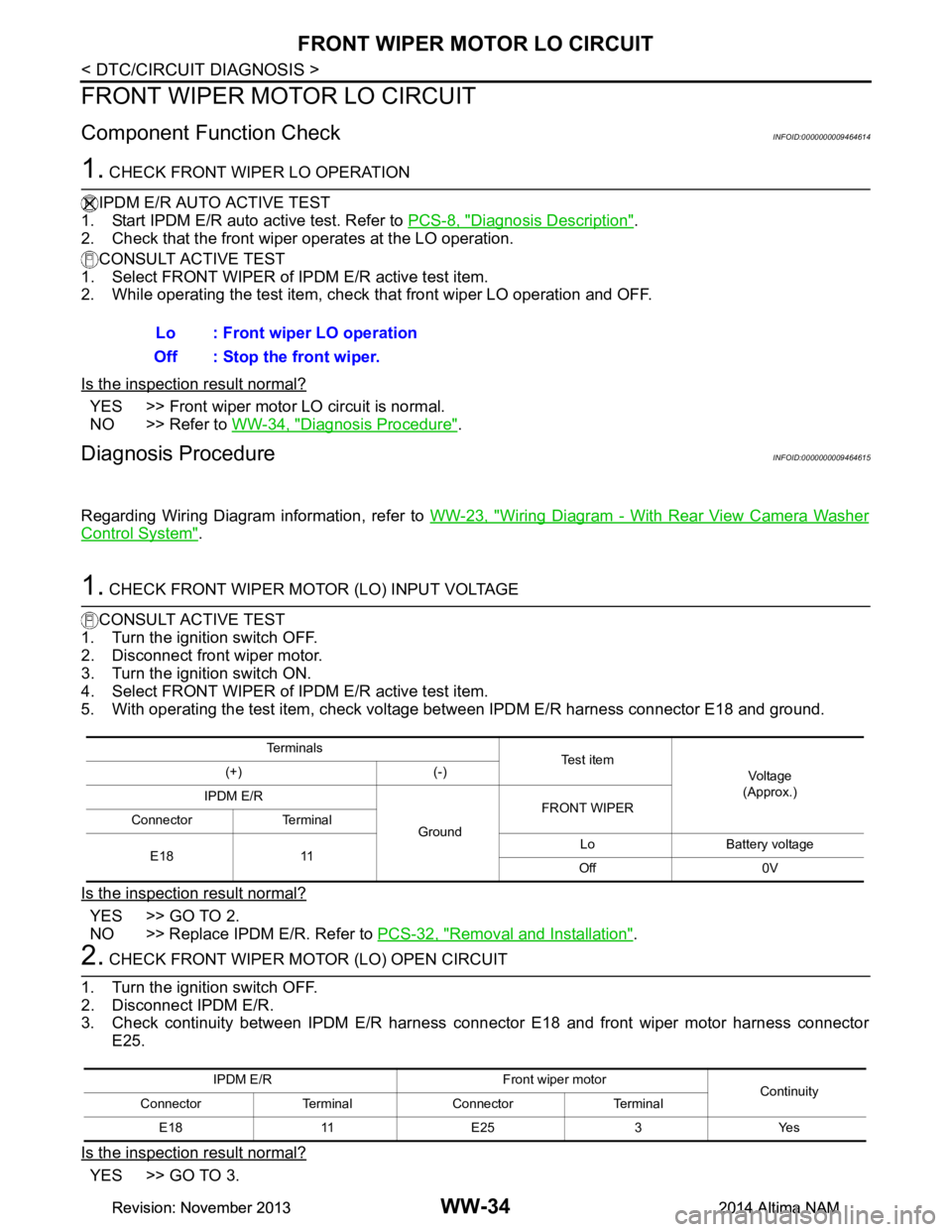
1. CHECK FRONT WIPER MOTOR (LO) INPUT VOLTAGE
CONSULT ACTIVE TEST
1. Turn the ignition switch OFF.
2. Disconnect front wiper motor.
3. Turn the ignition switch ON.
4. Select FRONT WIPER of IPDM E/R active test item.
5. With operating the test item, check volt age between IPDM E/R harness connector E18 and ground.
Is the inspection result normal?
YES >> GO TO 2.
NO >> Replace IPDM E/R. Refer to PCS-32, "Removal and Installation"
.
2. CHECK FRONT WIPER MOTOR (LO) OPEN CIRCUIT
1. Turn the ignition switch OFF.
2. Disconnect IPDM E/R.
3. Check continuity between IPDM E/R harness c onnector E18 and front wiper motor harness connector
E25.
Is the inspection result normal?
YES >> GO TO 3. Lo : Front wiper LO operation
Off : Stop the front wiper.
Te r m i n a l s Te s t i t e m
Vo l ta g e
(Approx.)
(+) (-)
IPDM E/R
GroundFRONT WIPER
Connector Terminal
E18 11 Lo Battery voltage
Off 0V
IPDM E/R Front wiper motor Continuity
Connector Terminal Connector Terminal
E18 11 E25 3 Yes
Revision: November 20132014 Altima NAMRevision: November 20132014 Altima NAM
Page 4771 of 4801
WW-36
< DTC/CIRCUIT DIAGNOSIS >
FRONT WIPER MOTOR HI CIRCUIT
FRONT WIPER MOTOR HI CIRCUIT
Component Function CheckINFOID:0000000009464616
1. CHECK FRONT WIPER HI OPERATION
IPDM E/R AUTO ACTIVE TEST
1. Start IPDM E/R auto active test. Refer to PCS-8, "Diagnosis Description"
.
2. Check that the front wiper operates at the HI operation.
CONSULT ACTIVE TEST
1. Select FRONT WIPER of IPDM E/R active test item.
2. While operating the test item, check that front wiper HI operation and OFF.
Is the inspection result normal?
YES >> The front wiper motor HI circuit is normal.
NO >> Refer to WW-36, "Diagnosis Procedure"
.
Diagnosis ProcedureINFOID:0000000009464617
Regarding Wiring Diagram information, refer to WW-23, "Wiring Diagram - With Rear View Camera Washer
Control System".
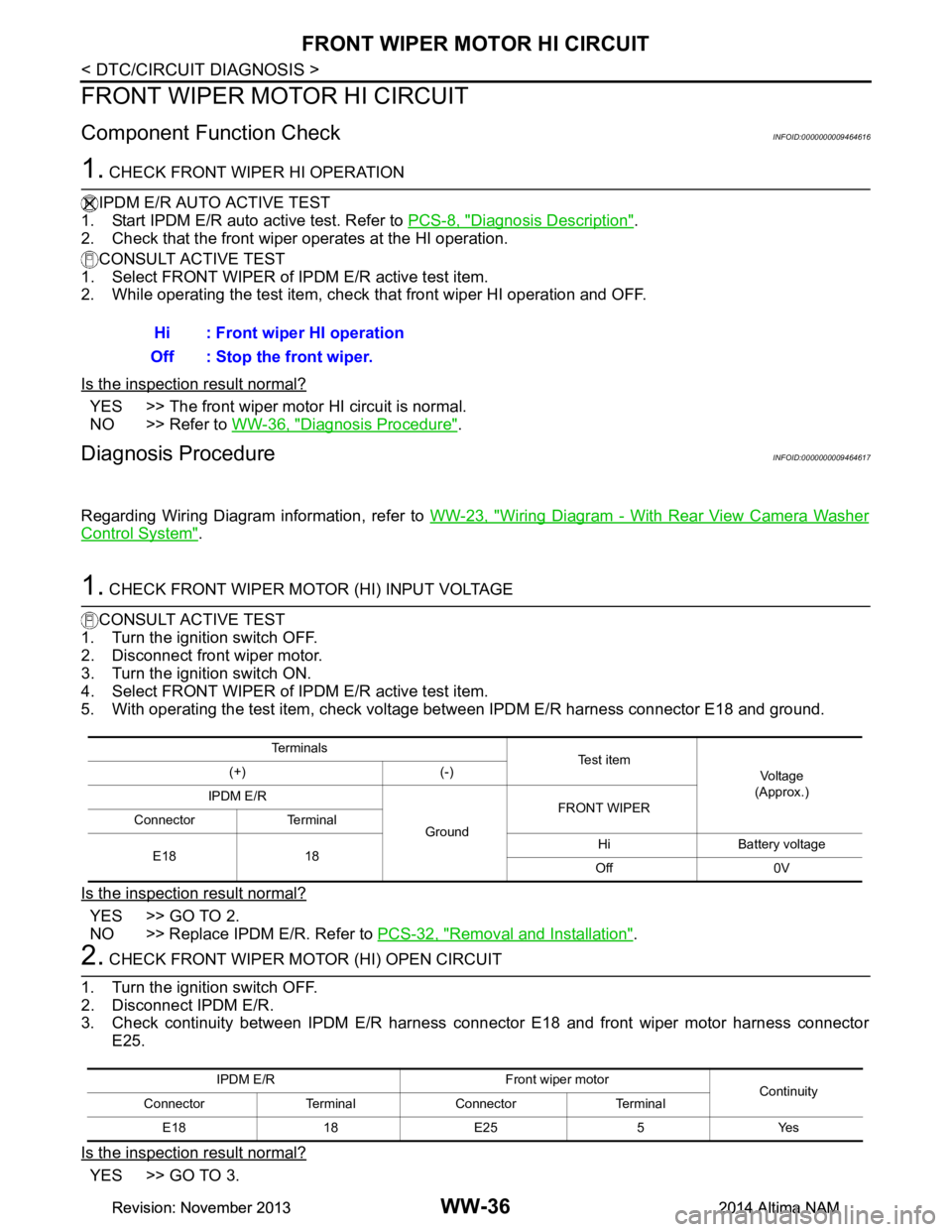
1. CHECK FRONT WIPER MOTOR (HI) INPUT VOLTAGE
CONSULT ACTIVE TEST
1. Turn the ignition switch OFF.
2. Disconnect front wiper motor.
3. Turn the ignition switch ON.
4. Select FRONT WIPER of IPDM E/R active test item.
5. With operating the test item, check volt age between IPDM E/R harness connector E18 and ground.
Is the inspection result normal?
YES >> GO TO 2.
NO >> Replace IPDM E/R. Refer to PCS-32, "Removal and Installation"
.
2. CHECK FRONT WIPER MOTOR (HI) OPEN CIRCUIT
1. Turn the ignition switch OFF.
2. Disconnect IPDM E/R.
3. Check continuity between IPDM E/R harness c onnector E18 and front wiper motor harness connector
E25.
Is the inspection result normal?
YES >> GO TO 3. Hi : Front wiper HI operation
Off : Stop the front wiper.
Te r m i n a l s Te s t i t e m
Vo l ta g e
(Approx.)
(+) (-)
IPDM E/R
GroundFRONT WIPER
Connector Terminal
E18 18 Hi Battery voltage
Off 0V
IPDM E/R Fron t wiper motor
Continuity
Connector Terminal Connector Terminal
E18 18 E25 5 Yes
Revision: November 20132014 Altima NAMRevision: November 20132014 Altima NAM
Page 4773 of 4801
WW-38
< DTC/CIRCUIT DIAGNOSIS >
FRONT WIPER AUTO STOP SIGNAL CIRCUIT
FRONT WIPER AUTO STOP SIGNAL CIRCUIT
Component Function CheckINFOID:0000000009464618
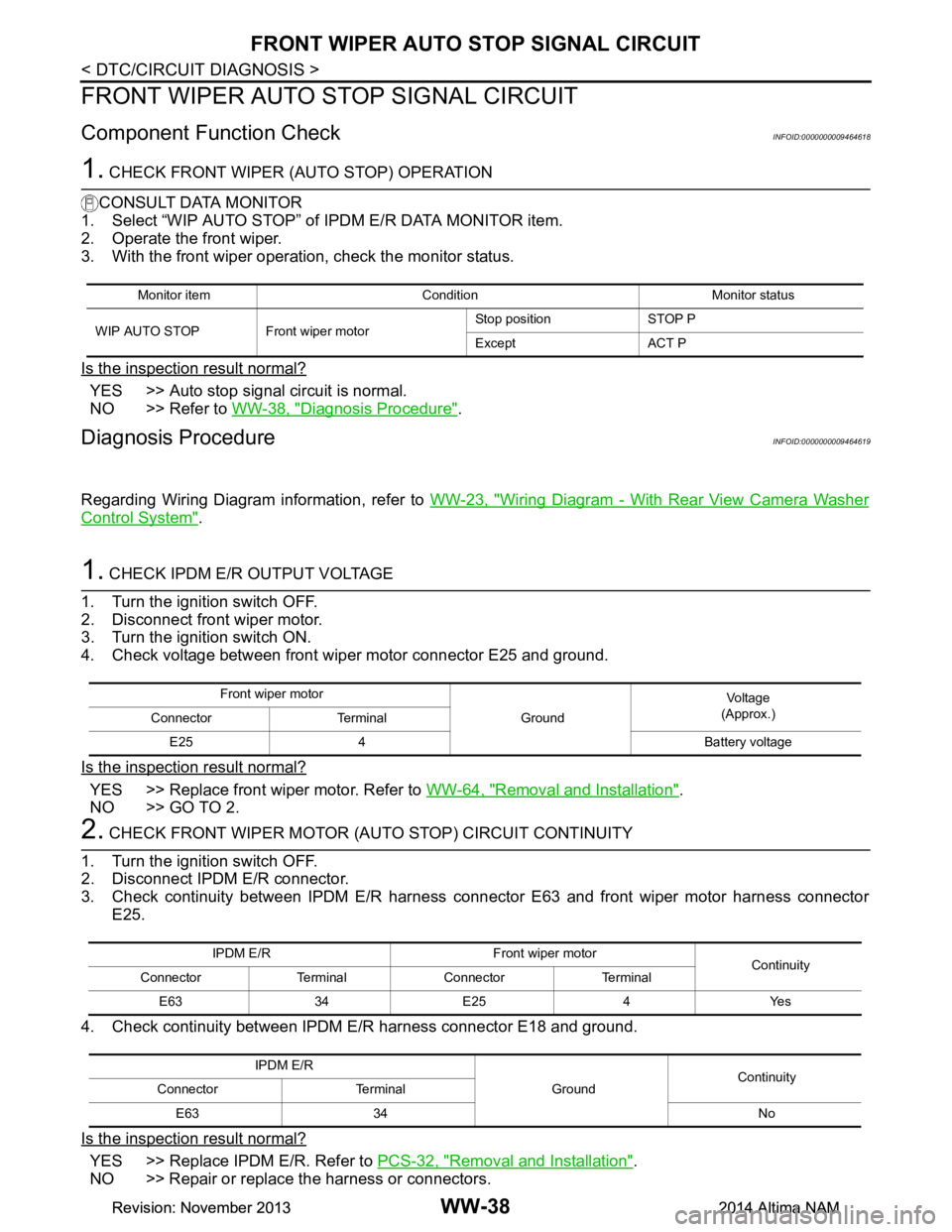
1. CHECK FRONT WIPER (AUTO STOP) OPERATION
CONSULT DATA MONITOR
1. Select “WIP AUTO STOP” of IPDM E/R DATA MONITOR item.
2. Operate the front wiper.
3. With the front wiper operation, check the monitor status.
Is the inspection result normal?
YES >> Auto stop signal circuit is normal.
NO >> Refer to WW-38, "Diagnosis Procedure"
.
Diagnosis ProcedureINFOID:0000000009464619
Regarding Wiring Diagram information, refer to WW-23, "Wiring Diagram - With Rear View Camera Washer
Control System".
1. CHECK IPDM E/R OUTPUT VOLTAGE
1. Turn the ignition switch OFF.
2. Disconnect front wiper motor.
3. Turn the ignition switch ON.
4. Check voltage between front wiper motor connector E25 and ground.
Is the inspection result normal?
YES >> Replace front wiper motor. Refer to WW-64, "Removal and Installation".
NO >> GO TO 2.
2. CHECK FRONT WIPER MOTOR (A UTO STOP) CIRCUIT CONTINUITY
1. Turn the ignition switch OFF.
2. Disconnect IPDM E/R connector.
3. Check continuity between IPDM E/R harness c onnector E63 and front wiper motor harness connector
E25.
4. Check continuity between IPDM E/R harness connector E18 and ground.
Is the inspection result normal?
YES >> Replace IPDM E/R. Refer to PCS-32, "Removal and Installation".
NO >> Repair or replace the harness or connectors.
Monitor item Condition Monitor status
WIP AUTO STOP Front wiper motor Stop position STOP P
Except ACT P
Front wiper motor GroundVo l ta g e
(Approx.)
Connector Terminal
E25 4 Battery voltage
IPDM E/R Front wiper motor Continuity
Connector Terminal Connector Terminal
E63 34 E25 4 Yes
IPDM E/R GroundContinuity
Connector Terminal
E63 34 No
Revision: November 20132014 Altima NAMRevision: November 20132014 Altima NAM
Page 4774 of 4801
FRONT WIPER MOTOR GROUND CIRCUITWW-39
< DTC/CIRCUIT DIAGNOSIS >
C
D E
F
G H
I
J
K
M A
B
WW
N
O P
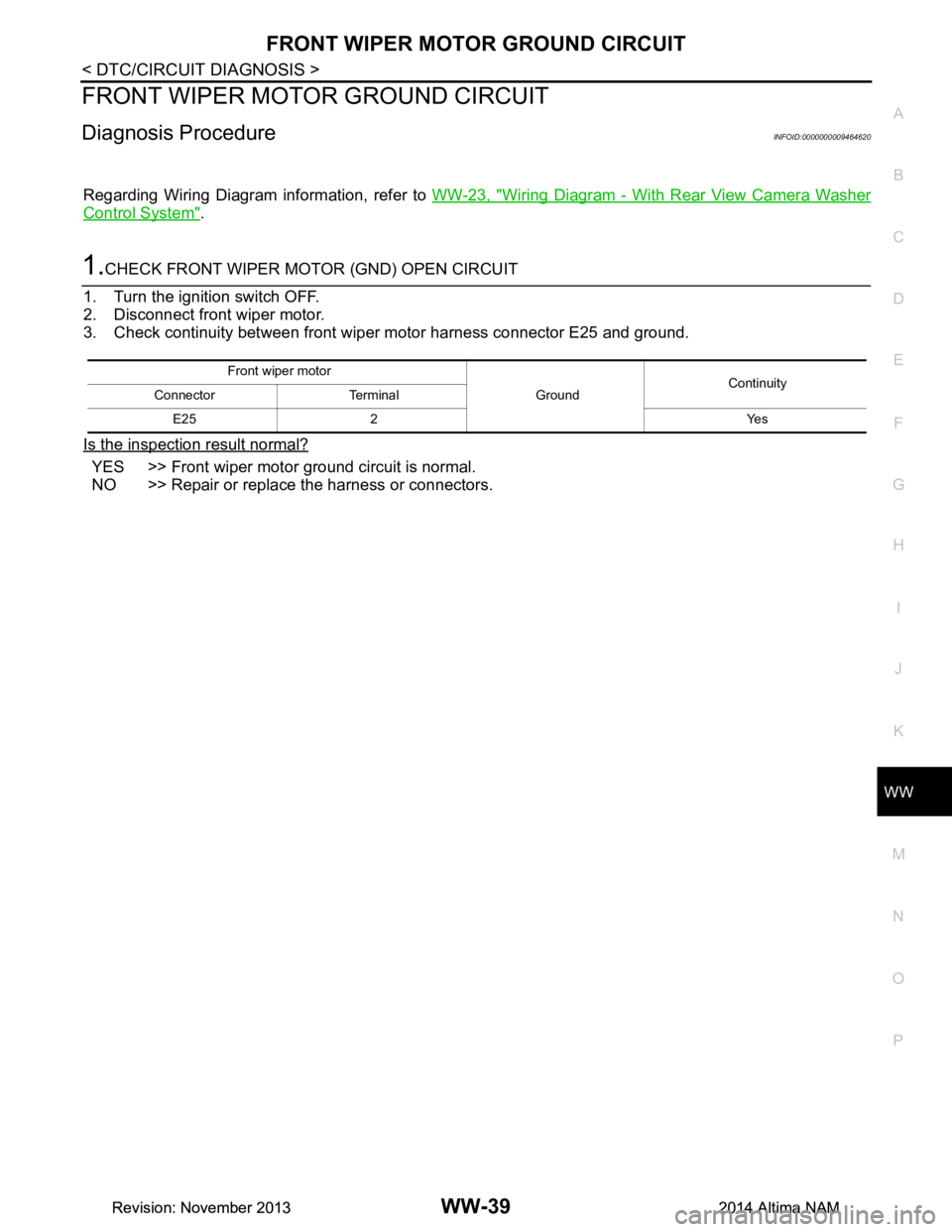
FRONT WIPER MOTOR GROUND CIRCUIT
Diagnosis ProcedureINFOID:0000000009464620
Regarding Wiring Diagram information, refer to WW-23, "Wiring Diagram - With Rear View Camera Washer
Control System".
1.CHECK FRONT WIPER MOTOR (GND) OPEN CIRCUIT
1. Turn the ignition switch OFF.
2. Disconnect front wiper motor.
3. Check continuity between front wiper motor harness connector E25 and ground.
Is the inspection result normal?
YES >> Front wiper motor ground circuit is normal.
NO >> Repair or replace the harness or connectors.
Front wiper motor
GroundContinuity
Connector Terminal
E25 2 Yes
Revision: November 20132014 Altima NAMRevision: November 20132014 Altima NAM
Page 4775 of 4801

WW-40
< DTC/CIRCUIT DIAGNOSIS >
WASHER MOTOR CIRCUIT
WASHER MOTOR CIRCUIT
Diagnosis ProcedureINFOID:0000000009464621
WITHOUT REAR VIEW CAMERA WASHER CONTROL SYSTEM
Regarding Wiring Diagram information, refer to WW-17, "Wiring Diagram - Without Rear View Camera
Washer Control System".
1. CHECK FRONT WASHER MOTOR FUSE
1. Turn the ignition switch OFF.
2. Check that the following fuse is not blown.
Is the fuse blown?
YES >> Replace the blown fuse after repairing the affected circuit.
NO >> GO TO 2.
2. CHECK FRONT WASHER MOTOR POWER SUPPLY
1. Disconnect front washer motor.
2. Turn ignition switch ON.
3. Check voltage between front washer motor harness connector E226 and ground.
Is the inspection result normal?
YES >> GO TO 3.
NO >> Repair or replace the harness or connectors.
3. CHECK FRONT WASHER MOTOR CIRCUIT CONTINUITY
1. Turn the ignition switch OFF.
2. Disconnect combination switch (wiper and washer switch).
3. Check continuity between combination switch (wiper and washer switch) harness connector M28 and
front washer motor E226.
Is the inspection result normal?
YES >> GO TO 4.
NO >> Repair or replace the harness or connectors.
4. CHECK WIPER AND WASHER SWITCH GROUND CIRCUIT
Check continuity between combination switch (wiper and washer switch) harness connector M28 and ground.
Is the inspection result normal?
YES >> GO TO 5.
NO >> Repair or replace the harness or connectors.
Unit Location Fuse No. Capacity
Front washer motor IPDM E/R 50 10A
Front washer motor
GroundVo l ta g e
(Approx.)
Connector Terminal
E226 1 Battery voltage
Combination switch (wiper and washer switch) Front washer motor Continuity
Connector Terminal Connector Terminal
M281E2262 Yes
Combination switch (wiper and washer switch) GroundContinuity
Connector Terminal
M28 6 Yes
Revision: November 20132014 Altima NAMRevision: November 20132014 Altima NAM
Page 4776 of 4801
WASHER MOTOR CIRCUITWW-41
< DTC/CIRCUIT DIAGNOSIS >
C
D E
F
G H
I
J
K
M A
B
WW
N
O P
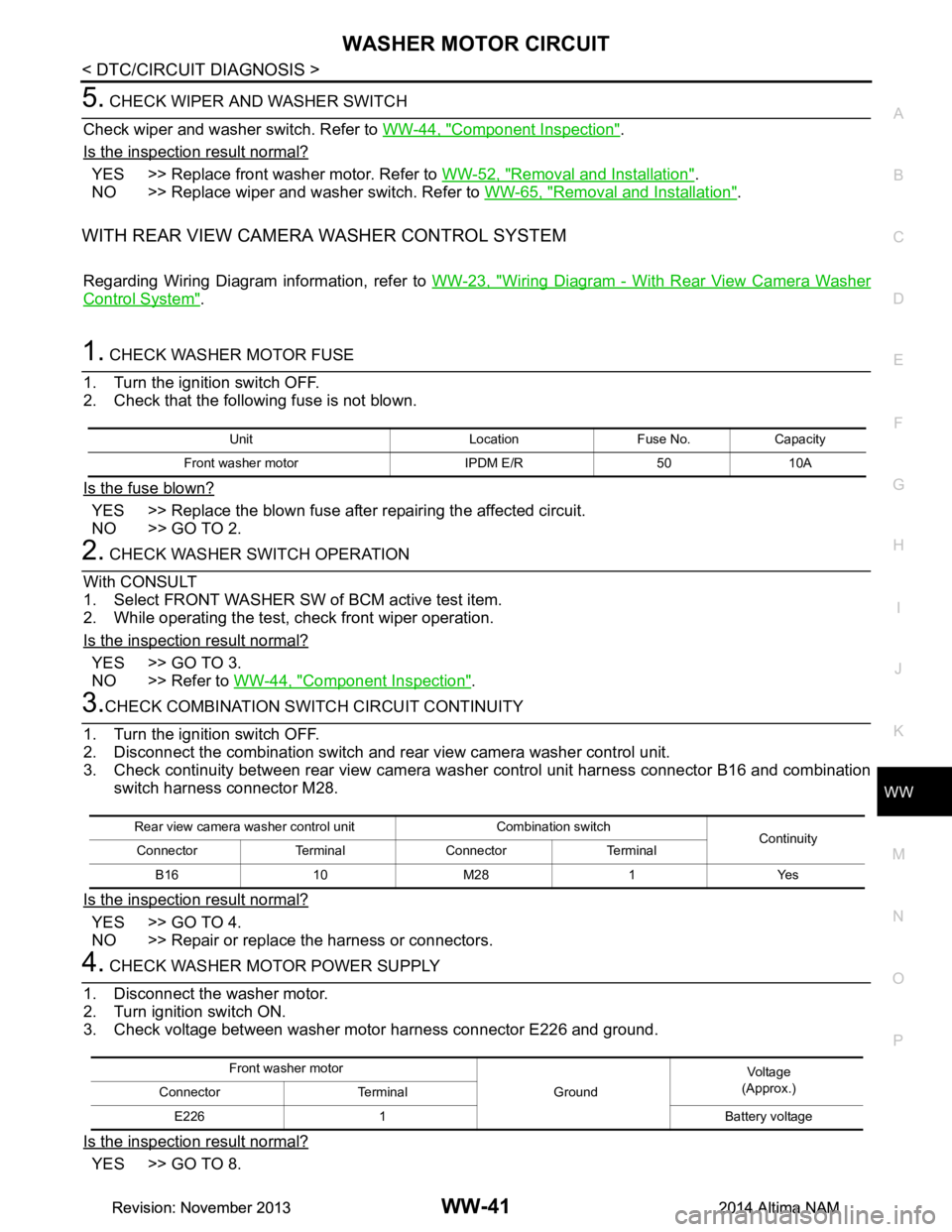
5. CHECK WIPER AND WASHER SWITCH
Check wiper and washer switch. Refer to WW-44, "Component Inspection"
.
Is the inspection result normal?
YES >> Replace front washer motor. Refer to WW-52, "Removal and Installation".
NO >> Replace wiper and washer switch. Refer to WW-65, "Removal and Installation"
.
WITH REAR VIEW CAMERA WASHER CONTROL SYSTEM
Regarding Wiring Diagram information, refer to WW-23, "Wiring Diagram - With Rear View Camera Washer
Control System".
1. CHECK WASHER MOTOR FUSE
1. Turn the ignition switch OFF.
2. Check that the following fuse is not blown.
Is the fuse blown?
YES >> Replace the blown fuse after repairing the affected circuit.
NO >> GO TO 2.
2. CHECK WASHER SWITCH OPERATION
With CONSULT
1. Select FRONT WASHER SW of BCM active test item.
2. While operating the test, check front wiper operation.
Is the inspection result normal?
YES >> GO TO 3.
NO >> Refer to WW-44, "Component Inspection"
.
3.CHECK COMBINATION SWITCH CIRCUIT CONTINUITY
1. Turn the ignition switch OFF.
2. Disconnect the combination switch and rear view camera washer control unit.
3. Check continuity between rear view camera was her control unit harness connector B16 and combination
switch harness connector M28.
Is the inspection result normal?
YES >> GO TO 4.
NO >> Repair or replace the harness or connectors.
4. CHECK WASHER MOTOR POWER SUPPLY
1. Disconnect the washer motor.
2. Turn ignition switch ON.
3. Check voltage between washer motor harness connector E226 and ground.
Is the inspection result normal?
YES >> GO TO 8.
Unit Location Fuse No. Capacity
Front washer motor IPDM E/R 50 10A
Rear view camera washer control unit Combination switch Continuity
Connector Terminal Connector Terminal
B16 10 M28 1 Yes
Front washer motor GroundVoltag e
(Approx.)
Connector Terminal
E226 1 Battery voltage
Revision: November 20132014 Altima NAMRevision: November 20132014 Altima NAM