lock Oldsmobile Cutlass Supreme 1993 s Owner's Guide
[x] Cancel search | Manufacturer: OLDSMOBILE, Model Year: 1993, Model line: Cutlass Supreme, Model: Oldsmobile Cutlass Supreme 1993Pages: 340, PDF Size: 16.21 MB
Page 84 of 340
Features & Controls
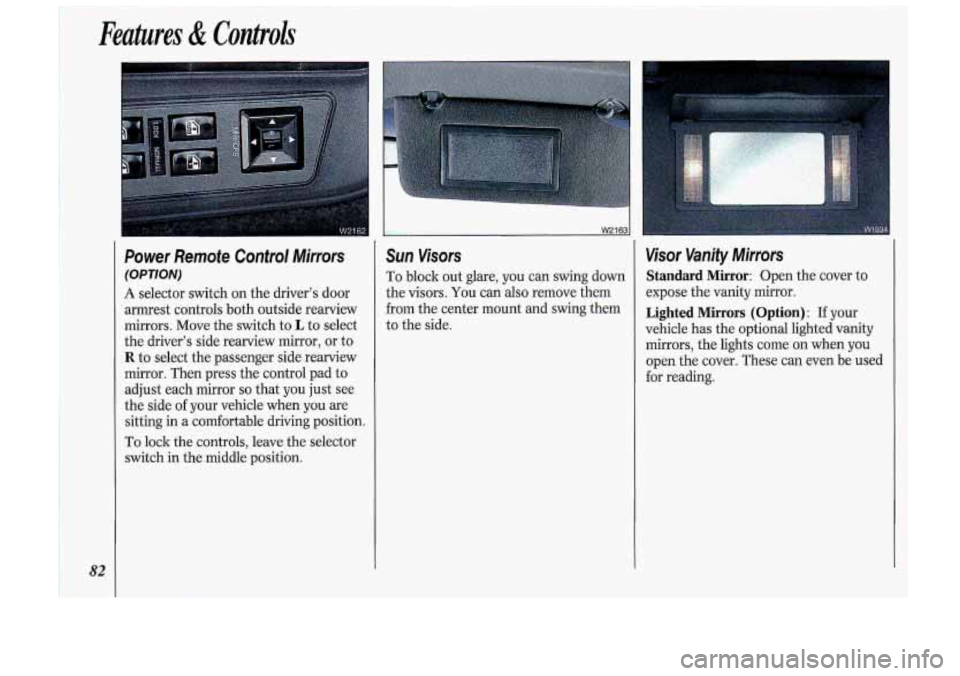
Power Remofe Control Mirrors
(OPTION)
A selector switch on the driver's door
armrest controls both outside rearview
mirrors. Move the switch to
L to select
the driver's side rearview mirror, or to
R to select the passenger side rearview
mirror. Then press the control pad to
adjust each mirror
so that you just see
the side
of your vehicle when you are
sitting in a comfortable driving position.
To lock the controls, leave the selector
switch in the middle position.
W2163 1
Sun Visors
To block out glare, you can swing down
the visors.
You can also remove them
from the center mount and swing them
to the side.
Visor Vanity Mirrors
Standard Mirror: Open the cover to
expose the vanity mirror.
Lighted Mirrors (Option) : If your
vehicle has the optional lighted vanity
mirrors, the lights come on when you
open the cover. These can even be used
for reading.
Page 101 of 340
brake is fully released, it means you
have a brake problem.
If the light comes
on while driving, pull
off the road and stop carefully. You may
notice that the pedal is harder to push.
Or, the pedal may go closer to the floor.
It may take longer to stop. If the light is
still on, have the vehicle towed for
service. (See the
Index under Towing
Your Oldsrnobile.)
CAUTION
Your brake system may not I
be working properly if the
brake warning light is on. Driving
with the brake warning light on can
lead to an accident. If the light is
still on after you’ve pulled
off the
road and stopped carefully, have
the vehicle towed for service.
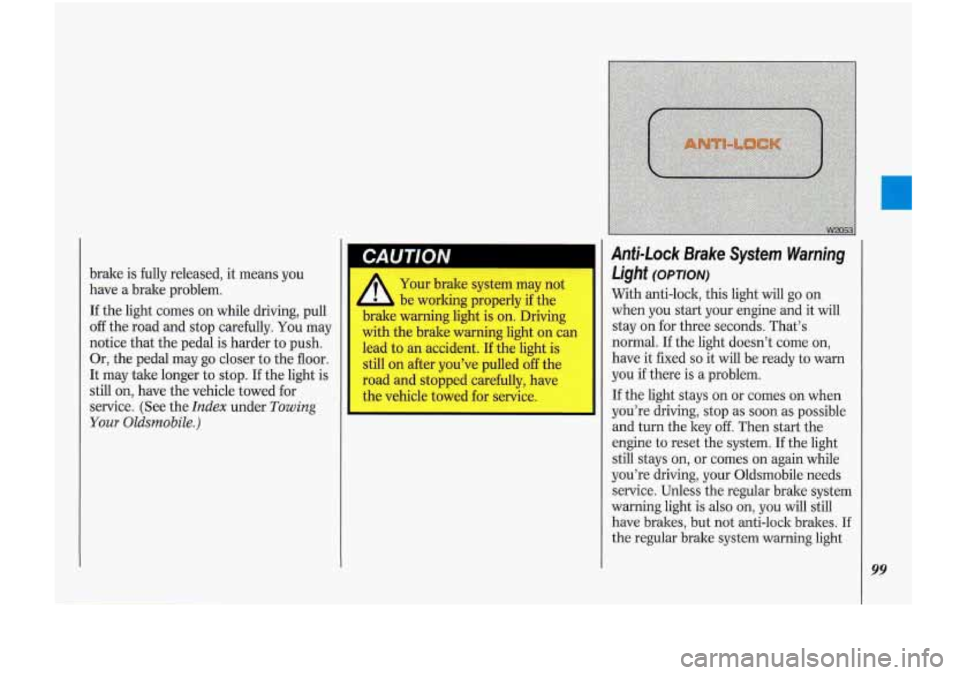
Anti-Lock Brake System Warning
Light
(opTloN)
With anti-lock, this light will go on
when you start your engine and it will
stay on for three seconds. That’s
normal. If the light doesn’t come on,
have it fixed
so it will be ready to warn
you if there is a problem.
If the light stays on or comes on when
you’re driving, stop as soon as possible
and turn the key
off. Then start the
engine to reset the system.
If the light
still stays on, or comes
on again while
you’re driving, your Oldsmobile needs
service. Unless the regular brake system
warning light
is also on, you will still
have brakes, but not anti-lock brakes.
If
the regular brake system warning light
99
Page 102 of 340
100
Anti-Lock Brake System Warning Light
(CONT.)
is also on, see Brake System Warning
Light earlier in this section.
If the anti-lock brake system warning
light ever flashes, your anti-lock bralre system is still working but needs service
as soon as possible.
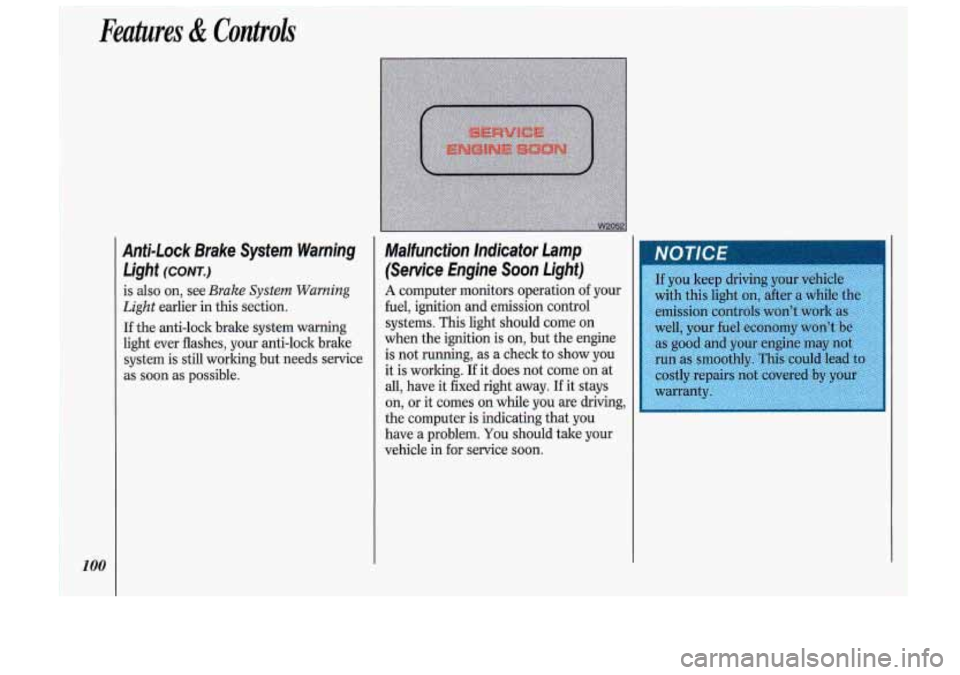
Malfunction lnelicator Lamp
(Service Engine Soon Light)
A computer monitors operation of your
fuel, ignition and emission control
.systems.
This light should come on
when the ignition is on, but the engine
is not running, as a check
to show you-
it is working. If it does not come on at
all, have it fixed right away. If it stays
on,
or it comes on while you are driving,
the computer is indicating that you
have
a problem. You should take your
vehicle in
for service soon.
Page 111 of 340

In this part you’ll find out how to
operate the comfort control systems
and audio systems offered with
your
Oldsmobile . Be sure to read about the
particular system supplied with your
vehicle
.
I Part 3
I Comfort Controls & Audio Systems
Climate Control ........................................................................\
.............................. 110
Electronic Climate Control
........................................................................\
.............. 113
Steering Wheel Touch Controls for Climate Control ............................................. 116
Setting the Clock
........................................................................\
............................. 118
AM/FM Stereo Radio ........................................................................\
...................... 119
AM/FM Stereo Radio
with Cassette Player .......................................................... 121
AM/FM Stereo with Cassette Player and Graphic Equalizer
................................ 126
Compact Disc Player Anti-Theft Feature
............................................................... 131
Audio Bass Control
........................................................................\
......................... 133
Understanding Radio Reception ........................................................................\
..... 133
Care of Your Compact Discs ........................................................................\
........... 135
Fixed Mast Antenna
........................................................................\
....................... 135
Power Antenna Mast Care ........................................................................\
............. 135
AM/FM Stereo with Cassette Player and Music Search ........................................ 123
AM/FM Stereo with Compact Disc Player ............................................................. 129
Steering Wheel Touch Controls for Audio System
................................................ 132
Care
of Your Cassette Tape Player ........................................................................\
134
109
Page 120 of 340

Comfort Controls &Audio Systems
Audio Systems
The following pages describe the audio
systems available for your Oldsmobile,
and how to get the best performance
from them. Please read about the system
in your vehicle.
A
Hearing damage from loud
noise is almost undetectable
until it is too late. Your hearing can
adapt to higher volumes of sound.
Sound that seems normal can be
loud and harmful to your hearing.
Take precautions by adjusting the
volume control on your radio to a
safe sound level before your hearing
adapts to it.
To help avoid hearing loss or
damage:
1. Adjust the volume control to the
lowest setting.
2. Increase volume slowly until you
hear
comfort: ~ Id clez ’ ‘. __
equipment to your vehicle
tape player,
CB radio, mobil
telephone or two-way radio-De
sure you can add what you wanl.
I
you can, it’s very important to do i
properly. Added sound equipment
may interfere with the operation
oj
your vehicle’s engine, DelcoQ radic
or other systems, and even damage
them. And, your vehicle’s systems
may interfere with the operation
ol
No matter which audio system you have
in your vehicle, setting the clock is easy.
1 For Radios with SCAN and One
SEEK Button:
1. With the radio off and the ignition on,
press
SET. The SET indicator will
appear on the digital screen for five
seconds.
, During those five seconds, you can
set the clock to the correct hour and
minute by depressing the
SEEK and
SCAN buttons. For some radios
SEEK will set the hour, for others it
sets the minute. For some radios,
SCAN will set the hour, for others it
sets the minute.
Page 121 of 340
For Radios with SCAN and SEEKA
and SEEKV:
1. With the radio off and the ignition
on, press
SET. The SET indicator
will appear on the digital screen for
five seconds.
2. Press and hold SCAN until the
correct hour appears on the display.
3. Press SET again.
4. Press and hold SEEK A or SEEKV
until the correct minute appears on
the display.
R . ,._
Pi
L ..
as
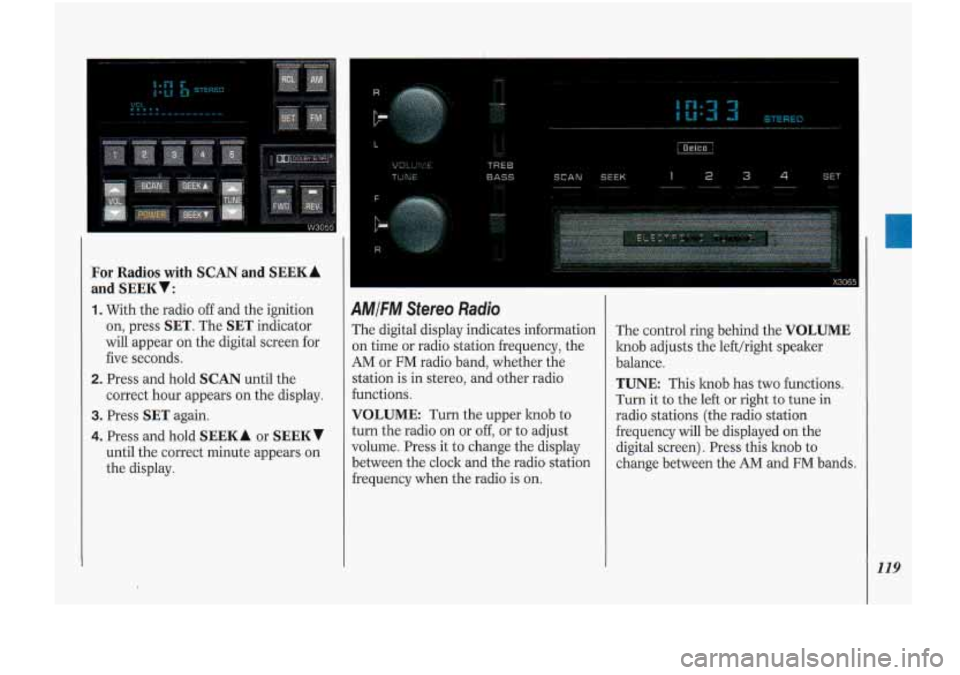
4MIFM Stereo Radio
The digital display indicates information
3n time or radio station frequency, the
AM or FM radio band, whether the
station is in stereo, and other radio
€unctions.
VOLUME: Turn the upper knob to
turn the radio on or off, or to adjust
volume. Press it to change the display
between the clock and the radio station
hequency when the radio is
on.
The control ring behind the VOLUME
knob adjusts the lefthight speaker
balance.
TUNE: This knob has two functions.
Turn it to the left or right to tune in
radio stations (the radio station
frequency will be displayed on the
digital screen). Press this knob to
change between the AM and FM bands.
119
Page 126 of 340
Comfort Controls &Audio Systems
I 124
AMIFM Stereo with Cassette
Player
and Music Search (CONT.)
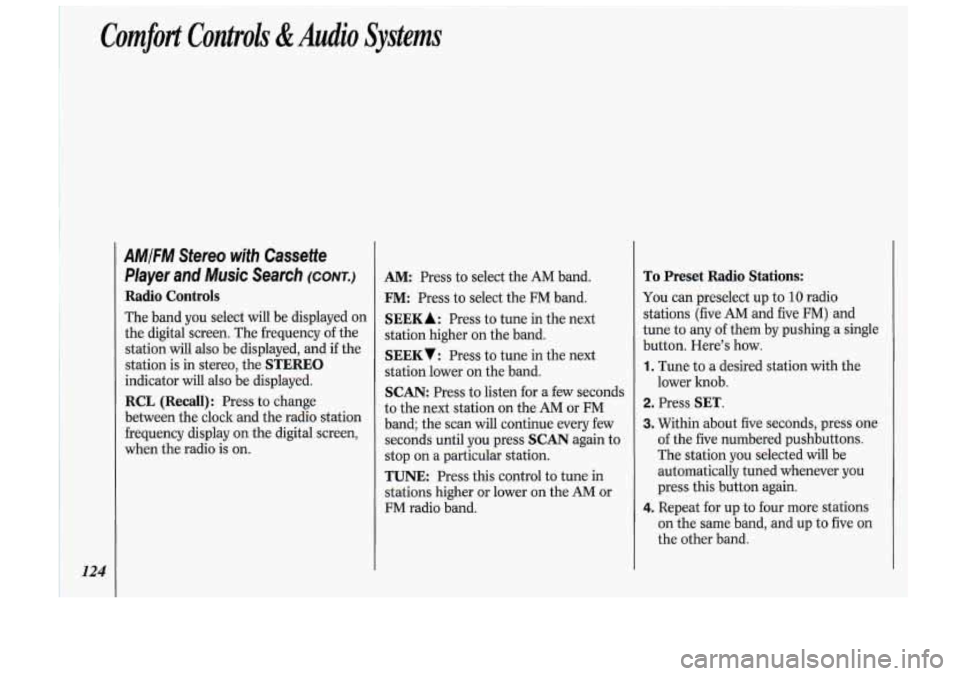
Radio Controls
The band you select will be displayed on
the digital screen. The frequency
of the
station will
also be displayed, and if the
station is in stereo, the
STEREO
indicator will also be displayed.
RCL (Recall): Press to change
between the clock and the radio station
frequency display on the digital screen,
when the radio is on.
AM: Press to select the AM band.
FM: Press to select the FM band.
SEEK A : Press to tune in the next
station higher on the band.
SEEKV: Press to tune in the next
station lower on the band.
SCAN: Press to listen for a few seconds
to the next station on the AM or FM
band; the scan will continue every few
seconds until you press
SCAN again to
stop on a particular station.
TUNE: Press this control to tune in
stations higher or lower on the
AM or
FM radio band.
To Preset Radio Stations:
You can preselect up to 10 radio
stations (five AM and five
FM) and
tune to any
of them by pushing a single
button. Here’s how.
1. Tune to a desired station with the
lower hob.
2. Press SET.
3. Within about five seconds, press one
of the five numbered pushbuttons.
The station you selected will be
automatically tuned whenever you
press this button again.
4. Repeat for up to four more stations
on the same band, and up to five on
the other band.
Page 131 of 340
i, DGlCO-l0C SI )
AM/FM Stereo with Compact Disc
Player
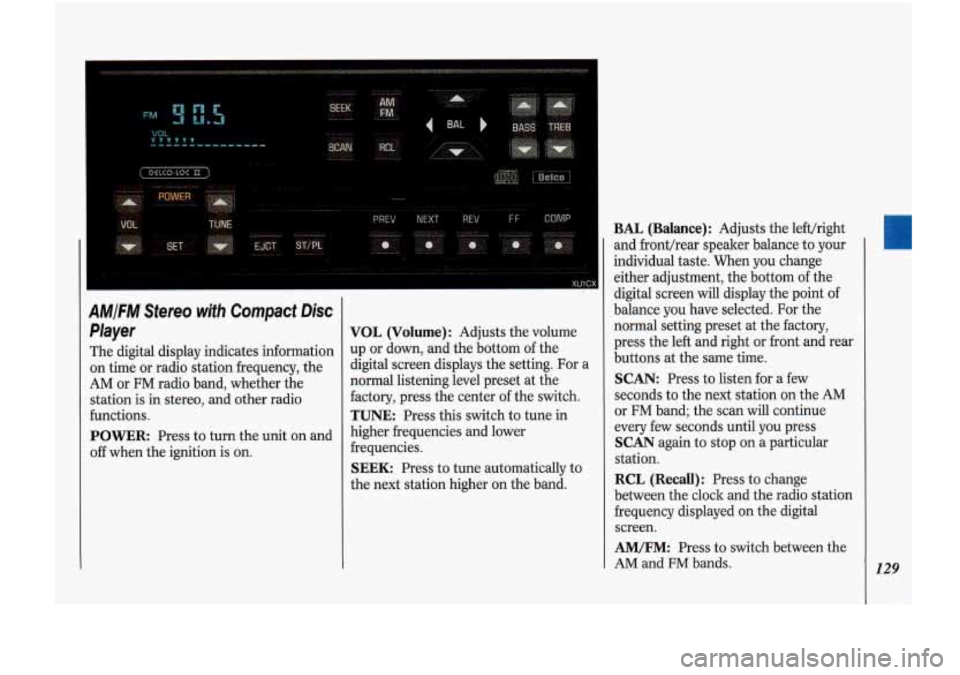
The digital display indicates information
on time or radio station frequency, the
AM or FM radio band, whether the
station
is in stereo, and other radio
functions.
POWER: Press to turn the unit on and
off when the ignition is on.
VOL (Volume): Adjusts the volume
up or down, and the bottom of the
digital screen displays the setting. For a
normal listening level preset at the
factory, press the center of the switch.
TUNE: Press this switch to tune in
higher frequencies and lower
frequencies.
SEEK: Press to tune automatically to
the next station higher on the band.
BAL (Balance): Adjusts the lefthight
and fronthear speaker balance to your
individual taste. When you change
either adjustment, the bottom of the
digital screen
will display the point of
balance you have selected.
For the
normal setting preset at the factory,
press the left and right or front and rear
buttons at the same time.
SCAN: Press to listen for a few
seconds to the next station on the AM
or
FM band; the scan will continue
every few seconds until you press
SCAN again to stop on a particular
station.
RCL (Recall): Press to change
between the clock and the radio station
frequency displayed on the digital
screen.
AM/FM: Press to switch between the
AM and
FM bands. 129
Page 132 of 340
Comfort Controls &Audio Systems
130
AMIFM Stereo with Compact Disc
Player
(CONT.)
To Preset Radio Stations:
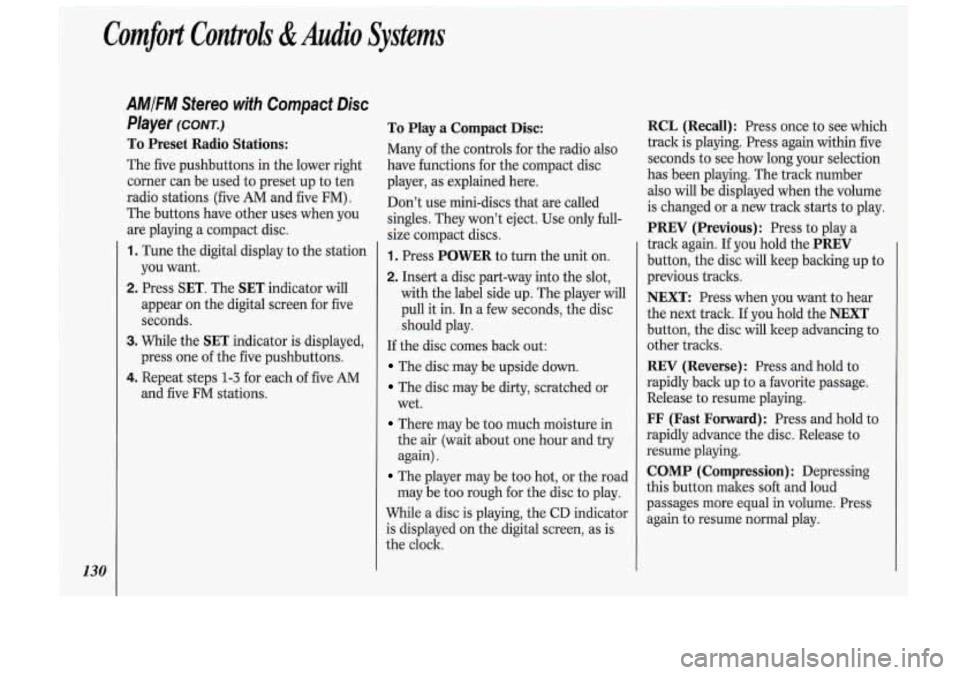
The five pushbuttons in the lower right
corner can be used to preset up to ten
radio stations (five
AM and five FM) .
The buttons have other uses when you
are playing a compact disc.
1. Tune the digital display to the station
you want.
2. Press SET. The SET indicator will
appear on the digital screen for five
seconds.
3. While the SET indicator is displayed,
press one
of the five pushbuttons.
4. Repeat steps 1-3 for each of five AM
and five FM stations.
To Play a Compact Disc:
Many of the controls for the radio also
have functions for the compact disc
player, as explained here.
Don’t use mini-discs that are called
singles. They won’t eject. Use only hll-
size compact discs.
1. Press POWER to turn the unit on.
2. Insert a disc part-way into the slot,
with the label side
up. The player will
pull it in. In a few seconds, the disc
should play.
If the disc comes back out:
The disc may be upside down.
The disc may be dirty, scratched or
wet.
There may be too much moisture in
the air (wait about one hour and try
again).
The player may be too hot, or the road
may be too rough
for the disc to play.
While a disc is playing, the CD indicator
is displayed on the digital screen, as is
the clock.
RCL (Recall): Press once 10 see which
track is playing. Press again within five
seconds to see how long your selection
has been playing. The track number
also will be displayed when the volume
is changed or a new track starts to play.
PREV (Previous): Press to play a
track again. If you hold the
PREV
button, the disc will keep backing up to
previous tracks.
NEXT: Press when you want to hear
the next track.
If you hold the NEXT
button, the disc will keep advancing to
other tracks.
REV (Reverse): Press and hold to
rapidly back up to a favorite passage.
Release to resume playing.
FF (Fast Forward): Press and hold to
rapidly advance the disc. Release to
resume playing.
COMP (Compression) : Depressing
this button makes
soft and loud
Page 134 of 340
Comfort Controls &Audio Systems
132
CD Player Anti-Theft Feature
(CONT.)
To Disable the Anti-Theft System:
Enter your secret code by following
these steps (you will have only
15
seconds between each step).
1. Turn the ignition to Accessory or
Run and the radio off, then press the
PREV and FF buttons of the station
presets.
SEC will appear, showing the
radio is secure.
2. Press SET and 000 appears on the
display.
3. Press and hold SEEK until the first
digit of your secret code appears.
4. Press and hold SCAN until the
second and third digits of your code
appear.
the display).
5. Press AM-FM (000 will appear on
6. Press and hold SEEK until the fourth
digit of your code appears.
7. Press and hold SCAN until the fifth
and sixth digits of your code appear.
8. Press AM/FM. If the display shows
--- ” the radio is unsecured and
will play again. If the display shows
SEC, the steps were not successful
and the numbers did not match the
secret code.
If you lose or forget your code, see your
dealer.
If you lose battery power, when the
battery is reconnected, the system will
not turn on and
LOC will appear.
Follow steps
1-8 for disabling your
system (the time will appear if you are
successful). If
SEC appears, the
numbers did not match and your unit is
still locked.
((
Steering Wheel Touch Controls
for Audio System (OPTION)
Some audio system functions described
in the previous pages can also be
operated with the Steering Wheel
Touch Controls option. These touch controls
also operate some climate
controls. See the
Index under Steering
Wheel
Touch Controls for Climate
Control.
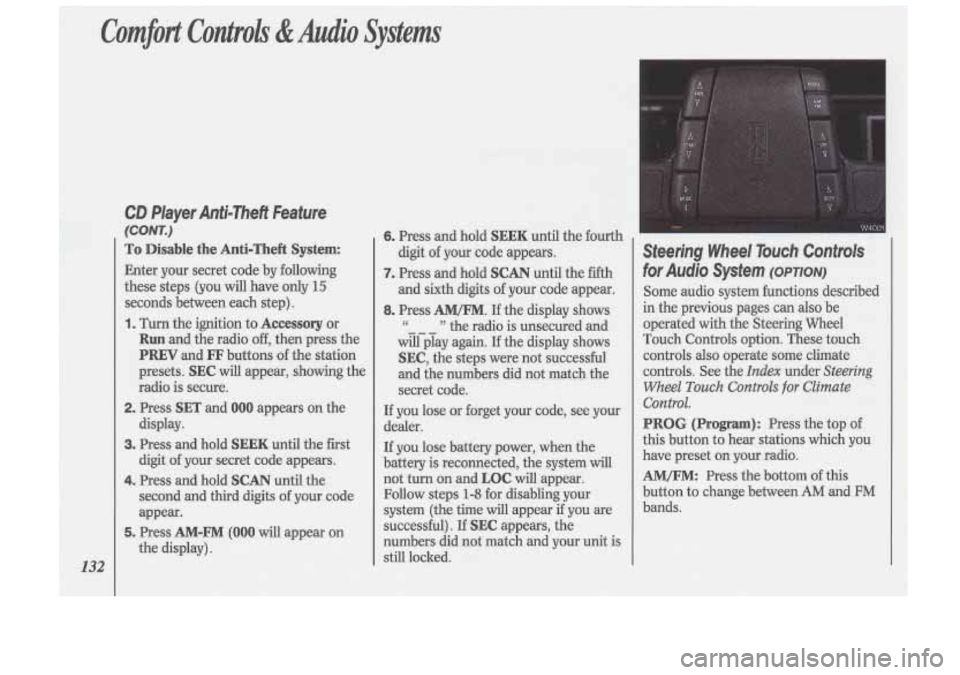
PROG (Program): Press the top of
this button to hear stations which you
have preset on your radio.
AM/FM: Press the bottom of this
button to change between
AM and FM
bands.