warning OPEL CORSA 2009 User Guide
[x] Cancel search | Manufacturer: OPEL, Model Year: 2009, Model line: CORSA, Model: OPEL CORSA 2009Pages: 284, PDF Size: 4.96 MB
Page 39 of 284
33
Keys, doors, windows, sun roof
Picture no: 16968t.tif
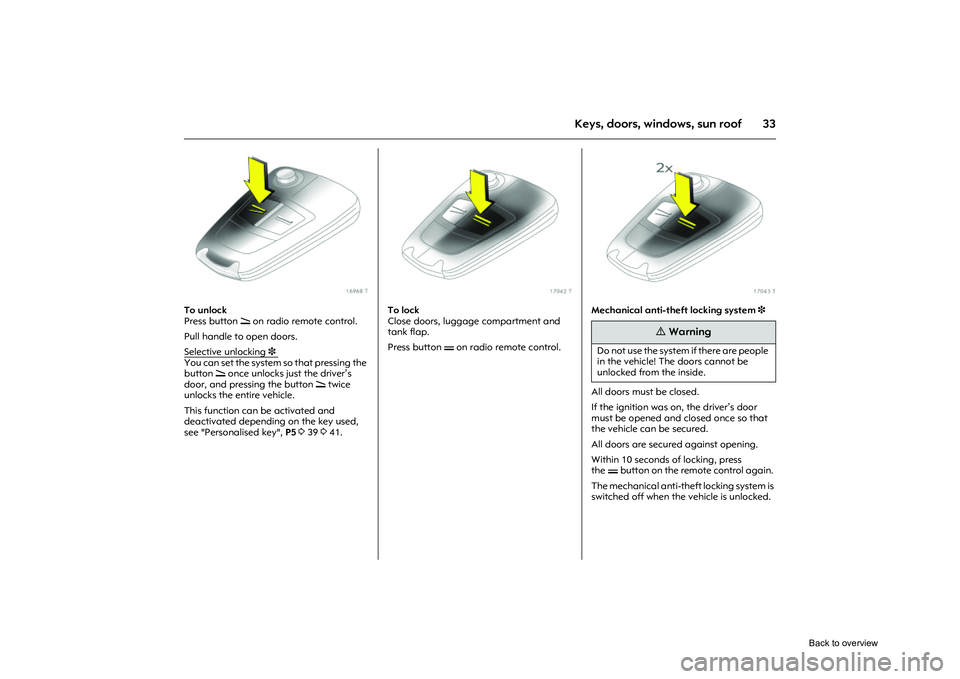
To unlock
Press button q on radio remote control.
Pull handle to open doors.
Selective unlocking
3
You can set the system so that pressing the
button q once unlocks just the driver’s
door, and pressing the button q twice
unlocks the entire vehicle.
This function can be activated and
deactivated depending on the key used,
see "Personalised key", P5 339 341.
Picture no: 17042t.tif
To lock
Close doors, luggage compartment and
tank flap.
Press button p on radio remote control.
Picture no: 17043t.tif
Mechanical anti-theft locking system 3
All doors must be closed.
If the ignition was on, the driver’s door
must be opened and closed once so that
the vehicle can be secured.
All doors are secured against opening.
Within 10 seconds of locking, press
the pbutton on the remote control again.
The mechanical anti-theft locking system is
switched off when the vehicle is unlocked.
9
Warning
Do not use the system if there are people
in the vehicle! The doors cannot be
unlocked from the inside.
Back to overview
Page 40 of 284

34 Keys, doors, windows, sun roof
Picture no: 18243s.tif
Central locking button for locking and
unlocking the doors from inside the
vehicle
Press button m in the centre console: doors
are locked or unlocked.
The LED in the central locking button m
comes on for approx. 2 minutes once the
vehicle is locked with the remote control.
If the doors are locked from inside using the
central locking button while the vehicle is in
motion, the LED m stays on. If the key is in the ignition, locking is only
possible if all doors are closed.
The doors cannot be unlocked with this
button when the anti-theft locking system
3
is activated.
Note
z If the driver’s door is not closed properly,
the central locking system will not lock.
z The doors lock again automatically a
short time after unlocking the vehicle
using the remote control if no door is
opened in the meantime.
z To lock the doors from the inside (e. g. to
prevent unwanted entry from outside),
press central locking button m in the
centre console.
z The doors can also be opened from the
inside by pulling th e handle even when
the central locking system is locked.
z Locked doors unlock automatically in
the event of an accident of a certain
severity (to allow exte rnal help to gain
access). The hazard warning lamps and
courtesy lamp also come on. For this to
occur, the key must be in the ignition
switch. Fault
If the central locking system cannot be
operated with the remote control, it may be
due to the following:
z
If the central locking system is
overloaded as a result of repeated
operation at short intervals. The power
supply is cut off for a brief period.
z Faulty fuse in fuse box 3209.
Please contact a workshop to have the
cause of the fault remedied.
Opening driver’s door with key 335.
Automatic locking 3
Above a certain speed, the central locking
system automatically locks all doors.
This function can be activated and
deactivated depending on the key used,
see "Personalised key", P4 339 341.
Back to overview
Page 42 of 284
36 Keys, doors, windows, sun roof
Picture no: 16968t.tif
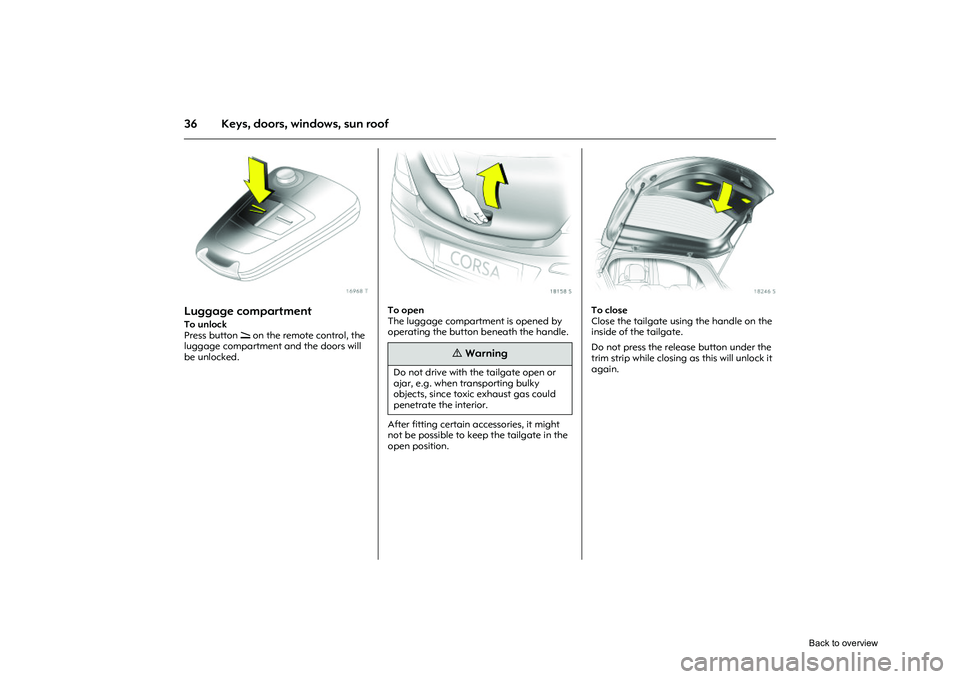
Luggage compartment To unlock
Press button q on the remote control, the
luggage compartment and the doors will
be unlocked.
Picture no: 18158s.tif
To open
The luggage compartment is opened by
operating the button beneath the handle.
After fitting certain accessories, it might
not be possible to keep the tailgate in the
open position.
Picture no: 18246s.tif
To close
Close the tailgate using the handle on the
inside of the tailgate.
Do not press the release button under the
trim strip while closing as this will unlock it
again.
9
Warning
Do not drive with the tailgate open or
ajar, e.g. when transporting bulky
objects, since toxi c exhaust gas could
penetrate the interior.
Back to overview
Page 43 of 284
37
Keys, doors, windows, sun roof
Picture no: 17042t.tif
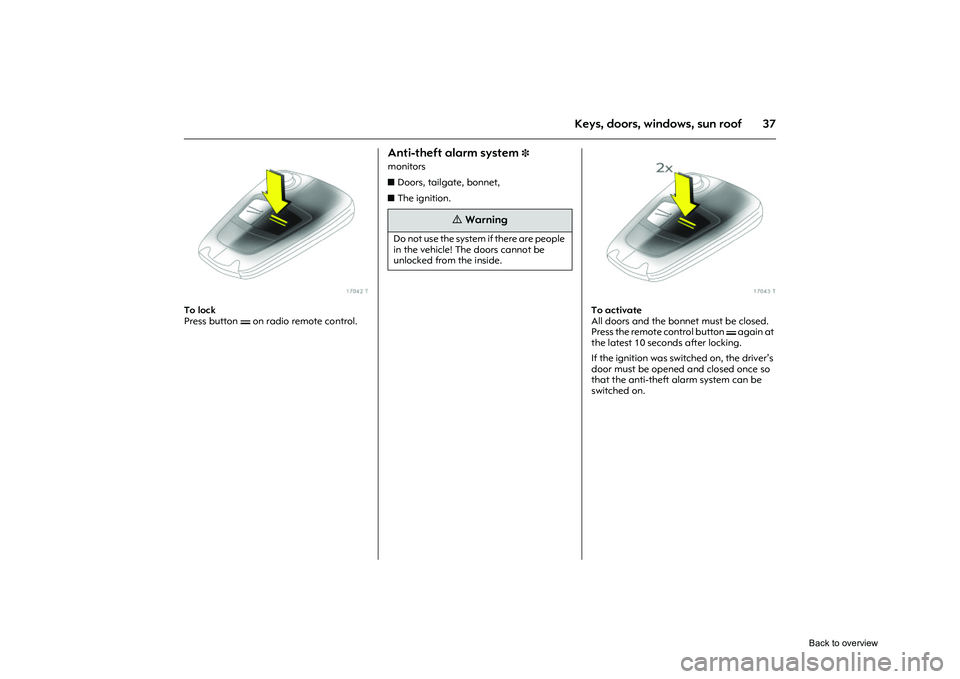
To lock
Press button p on radio remote control.
Anti-theft alarm system
3
monitors
zDoors, tailgate, bonnet,
z The ignition.
Picture no: 17043t.tif
To activate
All doors and the bonnet must be closed.
Press the remote control button p again at
the latest 10 seconds after locking.
If the ignition was swit ched on, the driver’s
door must be opened and closed once so
that the anti-theft alarm system can be
switched on.
9
Warning
Do not use the system if there are people
in the vehicle! The doors cannot be
unlocked from the inside.
Back to overview
Page 44 of 284
38 Keys, doors, windows, sun roof
Picture no: 18286s.tif
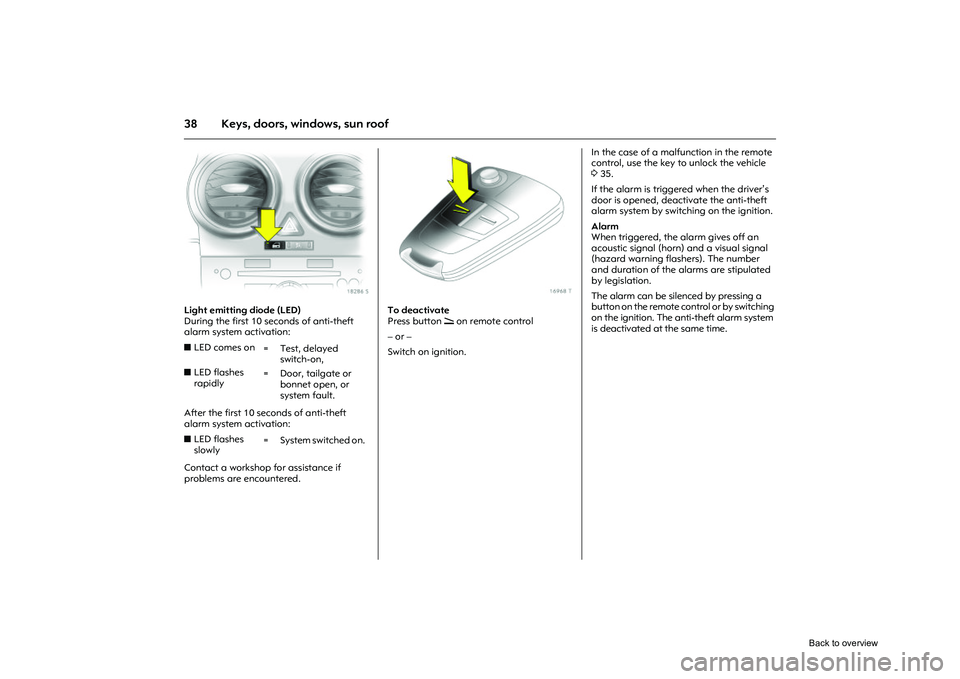
Light emitting diode (LED)
During the first 10 seconds of anti-theft
alarm system activation:
After the first 10 seconds of anti-theft
alarm system activation:
Contact a workshop for assistance if
problems are encountered.
Picture no: 16968t.tif
To deactivate
Press button q on remote control
– or –
Switch on ignition. In the case of a malfunction in the remote
control, use the key to unlock the vehicle
3
35.
If the alarm is triggered when the driver’s
door is opened, deactivate the anti-theft
alarm system by switching on the ignition.
Alarm
When triggered, the alarm gives off an
acoustic signal (horn) and a visual signal
(hazard warning flashers). The number
and duration of the alarms are stipulated
by legislation.
The alarm can be silenced by pressing a
button on the remote co ntrol or by switching
on the ignition. The anti-theft alarm system
is deactivated at the same time.
z LED comes on
=Test, delayed
switch-on,
z LED flashes
rapidly = Door, tailgate or
bonnet open, or
system fault.
z LED flashes
slowly =System switched on.
Back to overview
Page 45 of 284
39
Keys, doors, windows, sun roof
Picture no: 18287s.tif
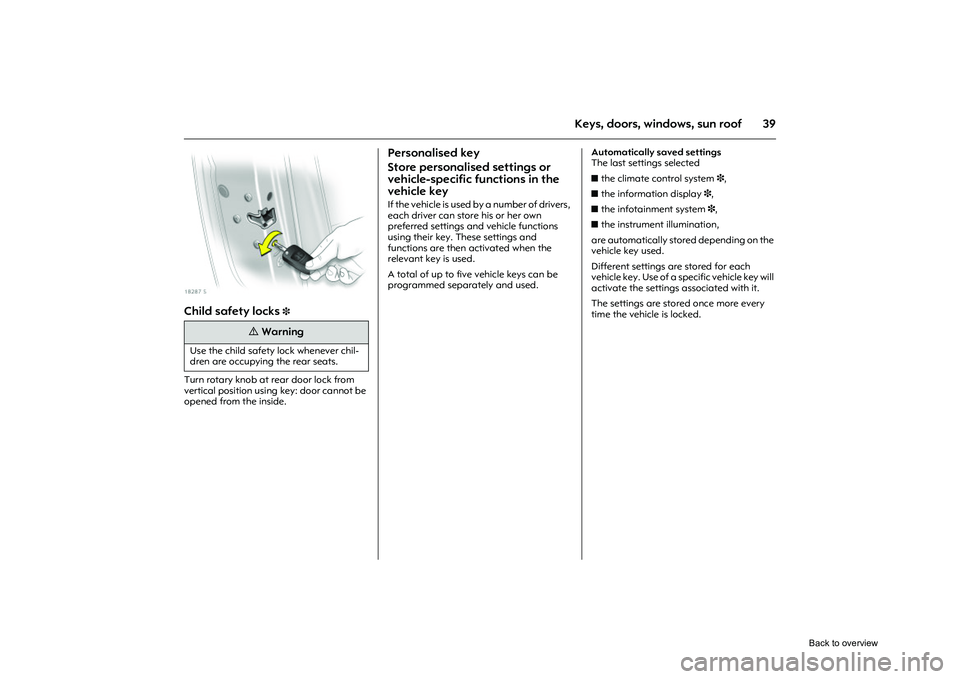
Child safety locks
3
Turn rotary knob at rear door lock from
vertical position using key: door cannot be
opened from the inside.
Personalised key
Store personalised settings or
vehicle-specific functions in the
vehicle key If the vehicle is used by a number of drivers,
each driver can store his or her own
preferred settings and vehicle functions
using their key. These settings and
functions are then activated when the
relevant key is used.
A total of up to five vehicle keys can be
programmed separately and used. Automatically saved settings
The last settings selected
z
the climate control system 3,
z the information display 3,
z the infotainment system 3,
z the instrument illumination,
are automatically stored depending on the
vehicle key used.
Different settings are stored for each
vehicle key. Use of a specific vehicle key will
activate the settings associated with it.
The settings are stored once more every
time the vehicle is locked.
9
Warning
Use the child safety lock whenever chil-
dren are occupying the rear seats.
Back to overview
Page 47 of 284
41
Keys, doors, windows, sun roof
Picture no: 18412s.tif
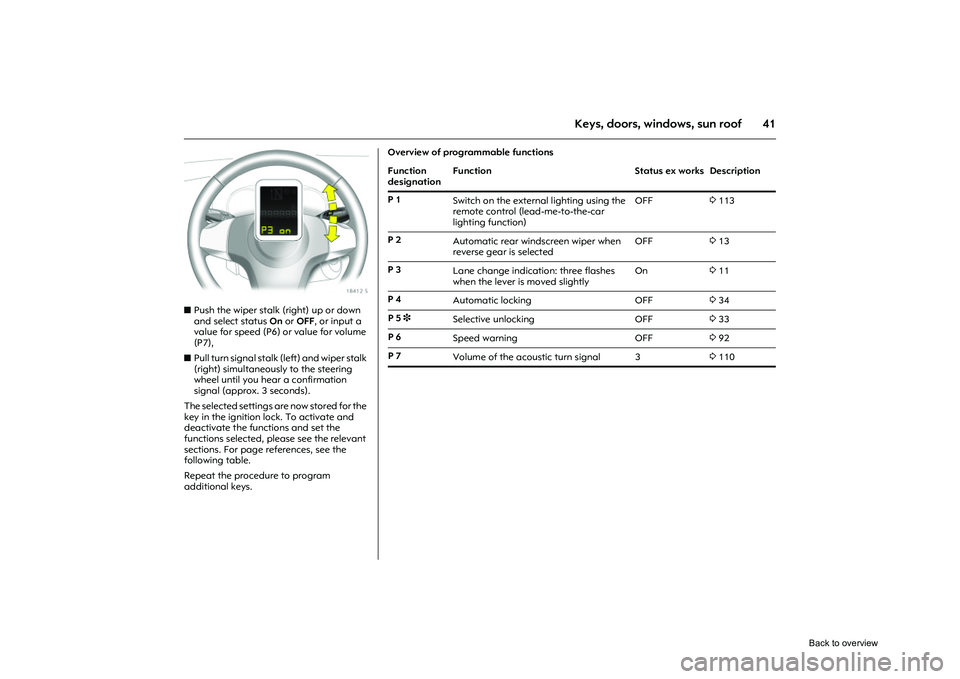
z Push the wiper stalk (right) up or down
and select status On or OFF , or input a
value for speed (P6) or value for volume
(P7),
z Pull turn signal stalk (left) and wiper stalk
(right) simultaneously to the steering
wheel until you hear a confirmation
signal (approx. 3 seconds).
The selected settings are now stored for the
key in the ignition lock. To activate and
deactivate the functions and set the
functions selected, please see the relevant
sections. For page references, see the
following table.
Repeat the procedure to program
additional keys.
Overview of programmable functions
Function
designation Function
Status ex works Description
P 1 Switch on the extern al lighting using the
remote control (lead-me-to-the-car
lighting function) OFF
3113
P 2 Automatic rear windscreen wiper when
reverse gear is selected OFF
313
P 3 Lane change indication: three flashes
when the lever is moved slightly On
311
P 4 Automatic locking OFF334
P 5 3
Selective unlocking OFF333
P 6 Speed warning OFF392
P 7 Volume of the acoustic turn signal 3 3110
Back to overview
Page 51 of 284
45
Keys, doors, windows, sun roof
Electric windows
3 on the
front doors
Operational readiness
The electric windows can be used
z with ignition on,
z within 5 minutes of sw itching ignition off,
z within 5 minutes of switching ignition key
to position 1.
After switching off the ignition, the
operational readiness is terminated by
opening the driver’s door.
Picture no: 18202s.tif
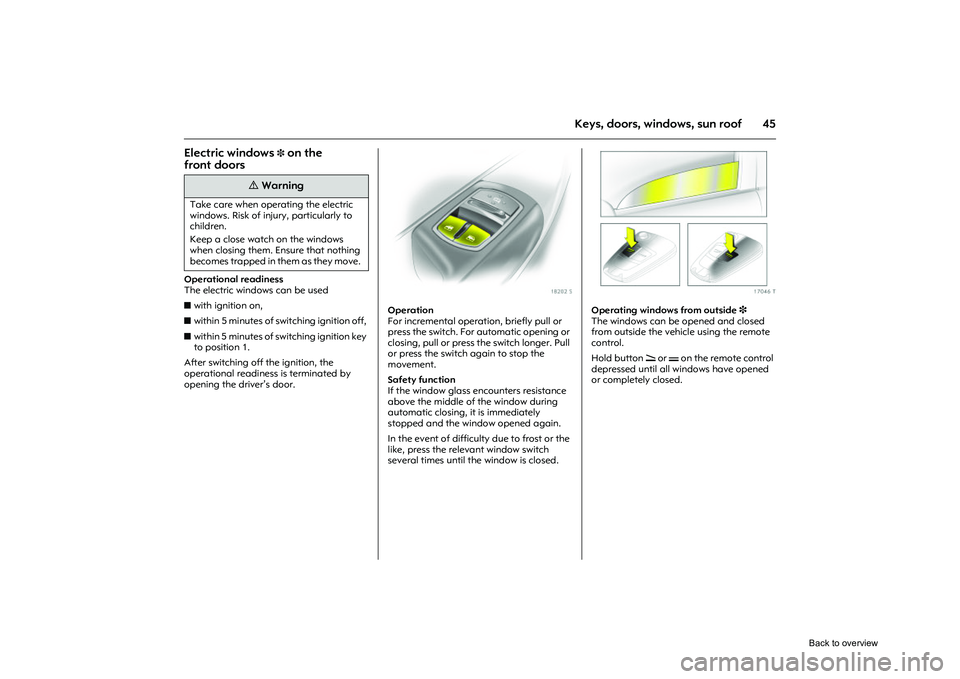
Operation
For incremental operation, briefly pull or
press the switch. For automatic opening or
closing, pull or press the switch longer. Pull
or press the switch again to stop the
movement.
Safety function
If the window glass encounters resistance
above the middle of the window during
automatic closing, it is immediately
stopped and the window opened again.
In the event of difficulty due to frost or the
like, press the releva nt window switch
several times until the window is closed.
Picture no: 17046t.tif
Operating windows from outside 3
The windows can be opened and closed
from outside the vehicle using the remote
control.
Hold button q or p on the remote control
depressed until all windows have opened
or completely closed.
9
Warning
Take care when oper ating the electric
windows. Risk of injury, particularly to
children.
Keep a close watch on the windows
when closing them. Ensure that nothing
becomes trapped in them as they move.
Back to overview
Page 52 of 284
46 Keys, doors, windows, sun roof
Picture no: 18206s.tif
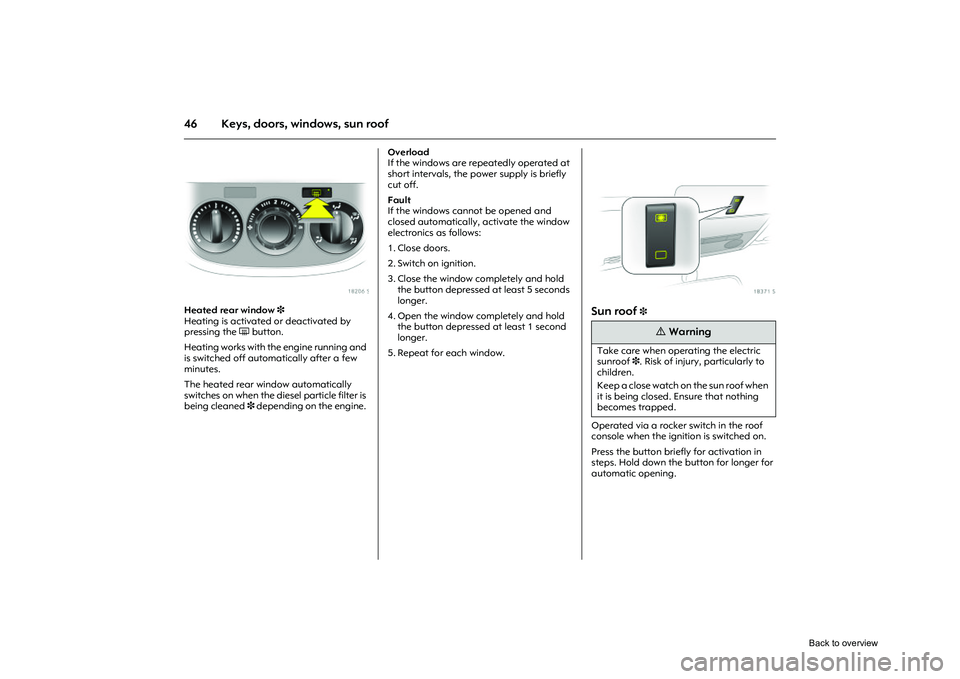
Heated rear window 3
Heating is activated or deactivated by
pressing the Ü button.
Heating works with the engine running and
is switched off automatically after a few
minutes.
The heated rear window automatically
switches on when the diesel particle filter is
being cleaned 3 depending on the engine. Overload
If the windows are repeatedly operated at
short intervals, the power supply is briefly
cut off.
Fault
If the windows cannot be opened and
closed automatically, activate the window
electronics as follows:
1. Close doors.
2. Switch on ignition.
3. Close the window completely and hold
the button depressed at least 5 seconds
longer.
4. Open the window completely and hold the button depressed at least 1 second
longer.
5. Repeat for each window.
Picture no: 18371s.tif
Sun roof
3
Operated via a rocker switch in the roof
console when the ignition is switched on.
Press the button briefly for activation in
steps. Hold down the button for longer for
automatic opening.
9
Warning
Take care when oper ating the electric
sunroof 3. Risk of injury, particularly to
children.
Keep a close watch on the sun roof when
it is being closed. Ensure that nothing
becomes trapped.
Back to overview
Page 54 of 284
48 Seats, InteriorSeats, Interior
Picture no: 18159s.tif
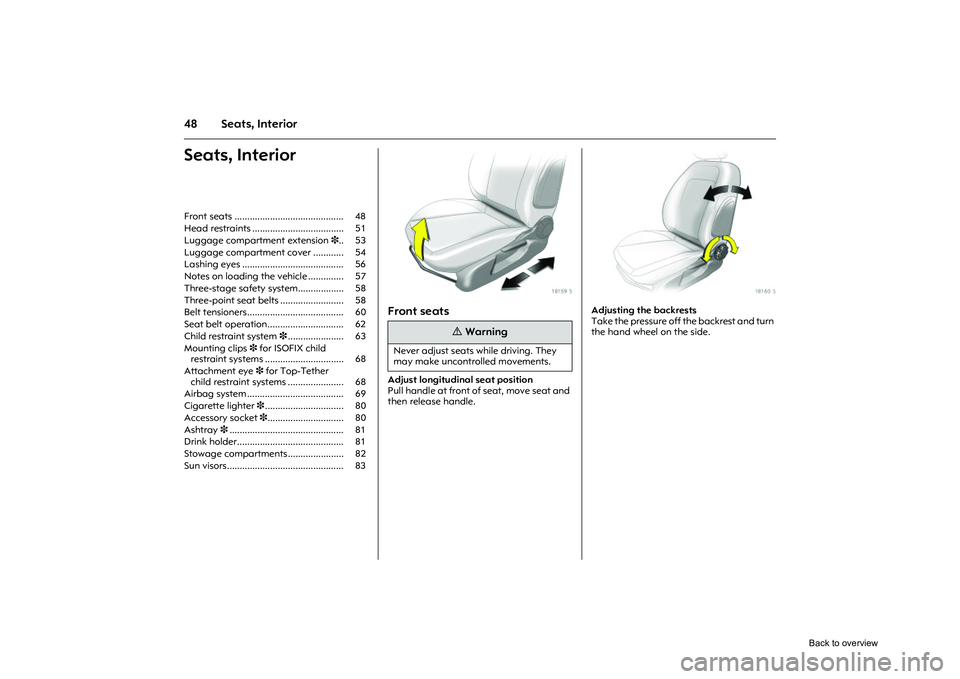
Front seats Adjust longitudinal seat position
Pull handle at front of seat, move seat and
then release handle.
Picture no: 18160s.tif
Adjusting the backrests
Take the pressure off the backrest and turn
the hand wheel on the side.
Front seats ........................................... 48
Head restraints .................................... 51
Luggage compartment extension
3.. 53
Luggage compartment cover ............ 54
Lashing eyes ........................................ 56
Notes on loading the vehicle .............. 57
Three-stage safety system.................. 58
Three-point seat be lts ......................... 58
Belt tensioners...................................... 60
Seat belt operation.............................. 62
Child restraint system 3...................... 63
Mounting clips 3 for ISOFIX child
restraint systems ............................... 68
Attachment eye 3 for Top-Tether
child restraint systems ...................... 68
Airbag system ...................................... 69
Cigarette lighter 3............................... 80
Accessory socket 3.............................. 80
Ashtray 3............................................. 81
Drink holder.......................................... 81
Stowage compartments ...................... 82
Sun visors.............................................. 83
9
Warning
Never adjust seats while driving. They
may make uncontrolled movements.
Back to overview