ECO mode PEUGEOT 108 2014 Owners Manual
[x] Cancel search | Manufacturer: PEUGEOT, Model Year: 2014, Model line: 108, Model: PEUGEOT 108 2014Pages: 256, PDF Size: 5.88 MB
Page 5 of 256
.
.
B3_en_Chap00a_sommaire_ed01-2014
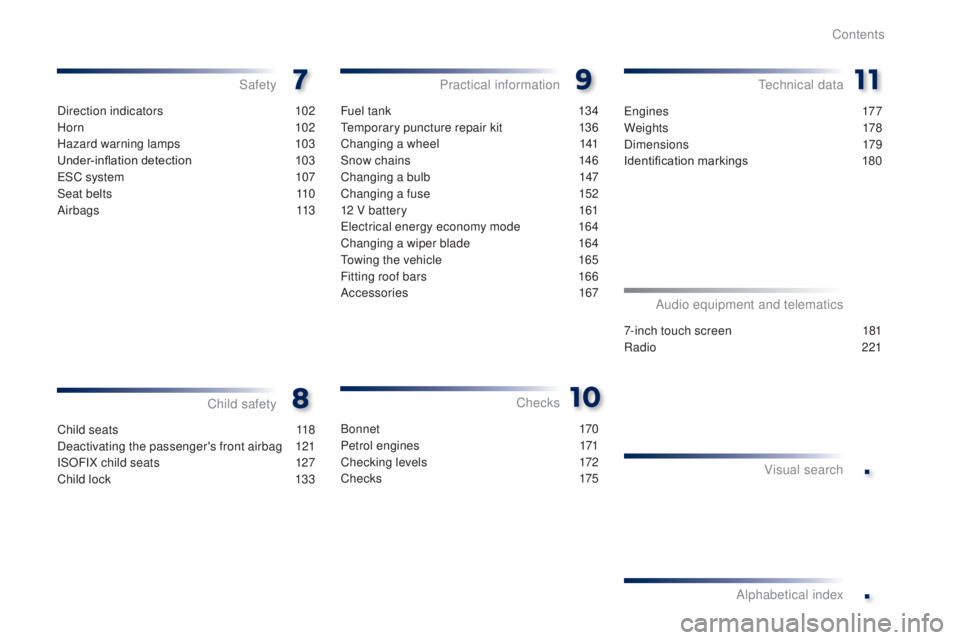
Direction indicators 102
Horn
10
2
Hazard warning lamps
1
03
Under-inflation detection
1
03
e
SC system
1
07
Seat belts
1
10
Airbags
113
Safety
Child seats 1 18
Deactivating the passenger's front airbag
1
21
ISOFIX child seats
1
27
Child lock
1
33
Child safety Checks
Fuel tank 1
34
te
mporary puncture repair kit
1
36
Changing a wheel
1
41
Snow chains
1
46
Changing a bulb
1
47
Changing a fuse
1
52
12 V battery
1
61
el
ectrical energy economy mode
1
64
Changing a wiper blade
1
64
to
wing the vehicle
1
65
Fitting roof bars
1
66
Accessories
167
Practical informationte chnical data
7-inch touch screen 181
Radio
2
21
Audio equipment and telematics
Visual search
Alphabetical index
B o n n et 170
Petrol engines
1
71
Checking levels
1
72
C h e c ks
175
en
gines
177
We i g ht s
178
Dimensions
179
Identification markings
1
80
Contents
Page 10 of 256
8
Optimise the use of your gearbox
With a manual gearbox, move off gently and change up without waiting.
During acceleration change up early.
With an etg electronic gearbox, give preference to automatic (
ea
sy)
mode and avoid pressing the accelerator pedal heavily or suddenly.
Control the use of your electrical
equipment
Before moving off, if the passenger compartment is too warm, ventilate it
by opening the windows and air vents before using the air conditioning.
Above 30 mph (50 km/h), close the windows and leave the air vents
open.
Remember to make use of equipment that can help keep the
temperature in the passenger compartment down (sunroof and window
blinds...).
Switch off the air conditioning, unless it has automatic regulation, as
soon as the desired temperature is attained.
Switch off the demisting and defrosting controls, if not automatic.
Switch off the heated seat as soon as possible.
Switch off the headlamps and front foglamps when the level of light
does not require their use.
Avoid running the engine before moving off, particularly in winter; your
vehicle will warm up much faster while driving.
As a passenger, if you avoid connecting your multimedia devices
(film, music, video game...), you will contribute towards limiting the
consumption of electrical energy, and so of fuel.
Disconnect your portable devices before leaving the vehicle.
eco-driving
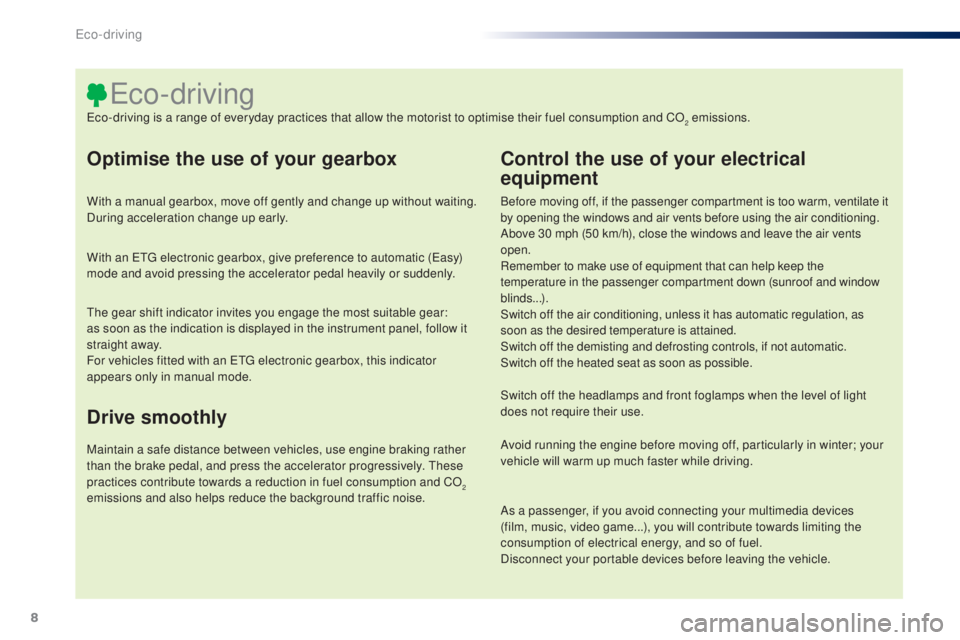
eco-driving is a range of everyday practices that allow the motorist to optimise their fuel consumption and CO2 emissions.
th
e gear shift indicator invites you engage the most suitable gear:
as
soon as the indication is displayed in the instrument panel, follow it
straight away.
For vehicles fitted with an
etg
electronic gearbox, this indicator
appears only in manual mode.
Drive smoothly
Maintain a safe distance between vehicles, use engine braking rather
than the brake pedal, and press the accelerator progressively. th ese
practices contribute towards a reduction in fuel consumption and CO
2
emissions and also helps reduce the background traffic noise.
Eco-driving
Page 15 of 256

13
Indicator and warning lamps
Certain warning lamps may come on in
one of two modes: fixed (continuous) or
flashing.
Only by relating the type of illumination
to the operation of the vehicle can it
be determined whether the situation is
normal or a fault has occurred.
Refer to the tables in the following
pages for more information.
Visual indicators informing the driver that a system is in operation or is switched off (indicator lamp) or has a fault (warning lamp).
When the ignition is switched on
Certain warning lamps come on for a few
seconds in the instrument panel when the
vehicle's ignition is switched on.
When the engine is star ted, these same
warning lamps should go off.
If they remain on, before moving off, refer to the
information on the warning lamp concerned.
Associated warnings
the switching on of certain warning lamps may
be accompanied by an audible signal.
th
e warning lamps may come on continuously
(fixed) or flash.
1
Monitoring
Page 17 of 256
15
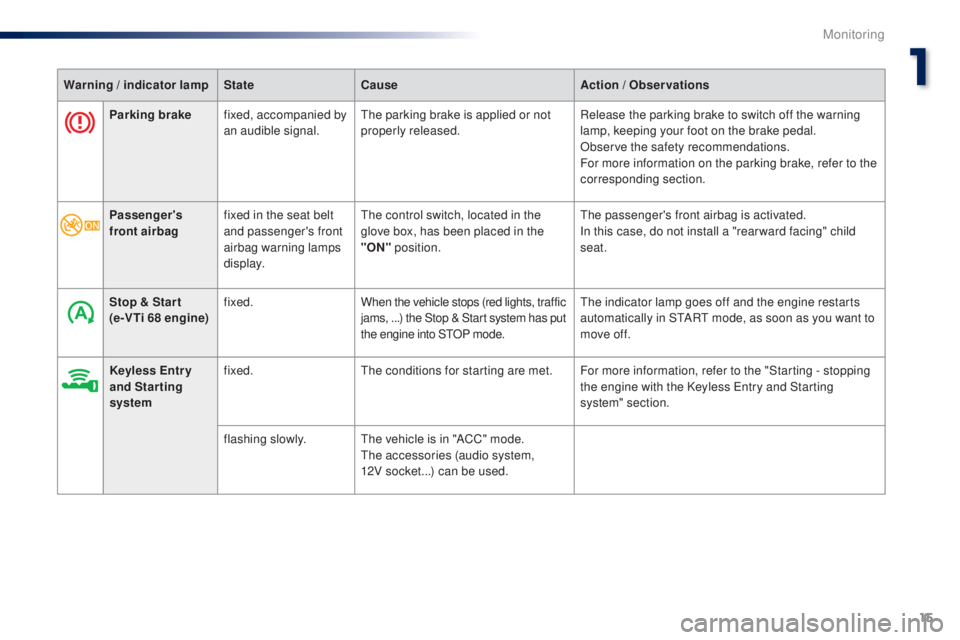
Parking brakefixed, accompanied by
an audible signal.th e parking brake is applied or not
properly released. Release the parking brake to switch off the warning
lamp, keeping your foot on the brake pedal.
Observe the safety recommendations.
For more information on the parking brake, refer to the
corresponding section.
Warning / indicator lamp
StateCause Action / Observations
Passenger's
front airbag fixed in the seat belt
and passenger's front
airbag warning lamps
display.
th
e control switch, located in the
glove box, has been placed in the
"ON" position.
the
passenger's front airbag is activated.
In this case, do not install a "rear ward facing" child
seat.
Stop & Star t
(e-VTi 68 engine) fixed.
When the vehicle stops (red lights, traffic
jams, ...) the Stop & Start system has put
the engine into S
tO
P mode.
th
e indicator lamp goes off and the engine restarts
automatically in S
tA
R
t
mode, as soon as you want to
move off.
Keyless Entr y
and Starting
system fixed.
th
e conditions for starting are met. For more information, refer to the "Starting - stopping the engine with the Keyless
e
n
try and Starting
system" section.
flashing slowly.
th
e vehicle is in "ACC" mode.
th
e accessories (audio system,
12V socket...) can be used.
1
Monitoring
Page 29 of 256
27
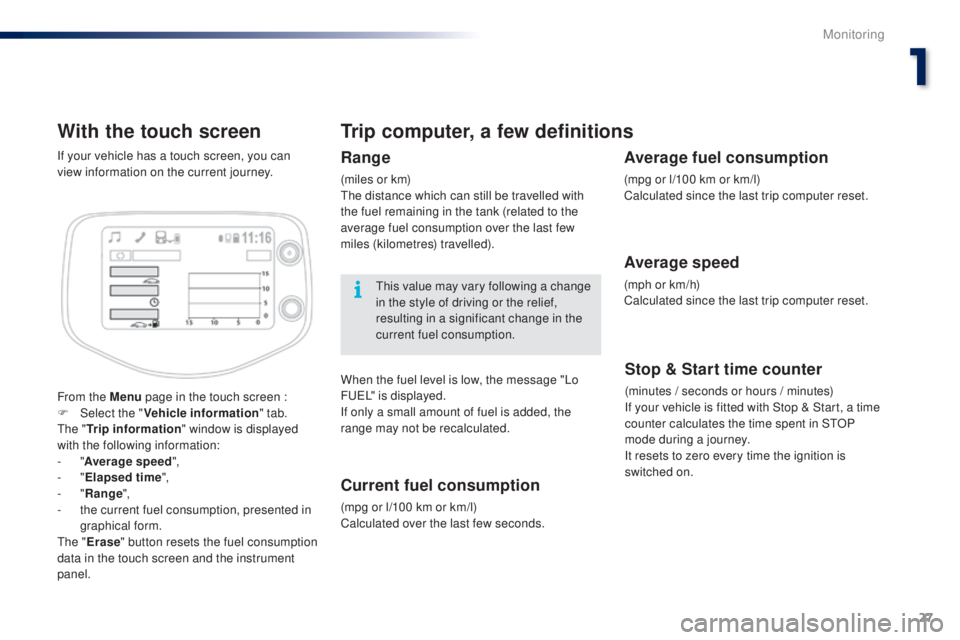
With the touch screen
From the Menu page in the touch screen :
F Sel ect the " Vehicle information " tab.
th
e " Trip information " window is displayed
with the following information:
-
"Average speed ",
-
"Elapsed time ",
-
"Range ",
-
t
he current fuel consumption, presented in
graphical form.
th
e " Erase " button resets the fuel consumption
data in the touch screen and the instrument
panel. If your vehicle has a touch screen, you can
view information on the current journey.
Trip computer, a few definitions
Range
(miles or km)th e distance which can still be travelled with
the fuel remaining in the tank (related to the
average fuel consumption over the last few
miles (kilometres) travelled).
th
is value may vary following a change
in the style of driving or the relief,
resulting in a significant change in the
current fuel consumption.
When the fuel level is low, the message "Lo
F
u
e
L
" is displayed.
If only a small amount of fuel is added, the
range may not be recalculated.
Current fuel consumption
(mpg or l/100 km or km/l)
Calculated over the last few seconds.
Stop & Start time counter
(minutes / seconds or hours / minutes)
If your vehicle is fitted with Stop & Start, a time
counter calculates the time spent in S
tO
P
mode during a journey.
It resets to zero every time the ignition is
switched on.
Average fuel consumption
(mpg or l/100 km or km/l)
Calculated since the last trip computer reset.
Average speed
(mph or km/h)
Calculated since the last trip computer reset.
1
Monitoring
Page 60 of 256
58
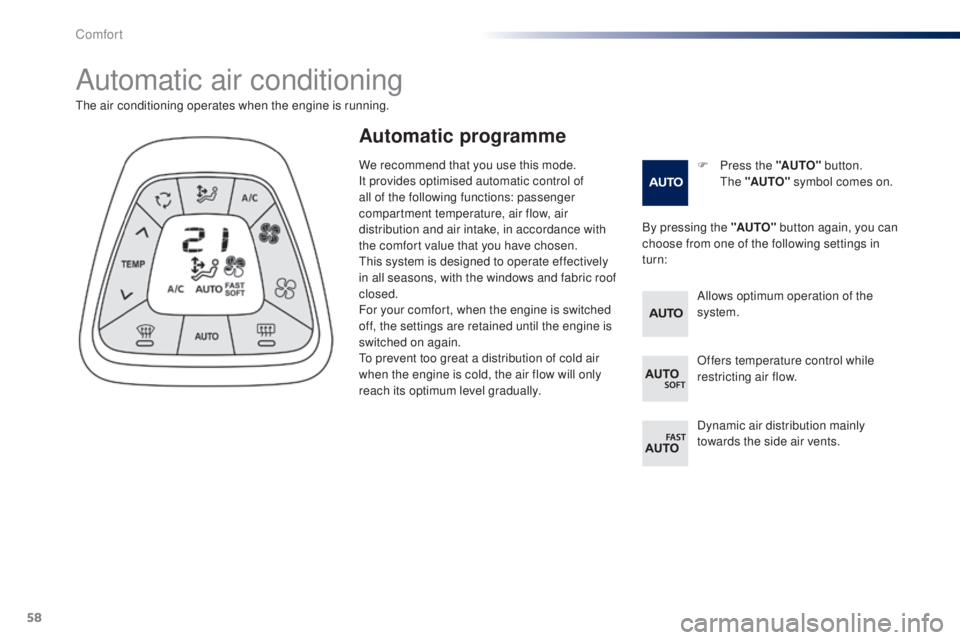
Automatic air conditioning
F Press the "AUTO" button. th
e "AUTO" symbol comes on.
the
air conditioning operates when the engine is running.
By pressing the "AUTO" button again, you can
choose from one of the following settings in
turn:
Automatic programme
Allows optimum operation of the
system.
Offers temperature control while
restricting air flow.
Dynamic air distribution mainly
towards the side air vents.
We recommend that you use this mode.
It provides optimised automatic control of
all of the following functions: passenger
compartment temperature, air flow, air
distribution and air intake, in accordance with
the comfort value that you have chosen.
th
is system is designed to operate effectively
in all seasons, with the windows and fabric roof
closed.
For your comfort, when the engine is switched
off, the settings are retained until the engine is
switched on again.
to p
revent too great a distribution of cold air
when the engine is cold, the air flow will only
reach its optimum level gradually.
Comfort
Page 76 of 256
74
there is an audible signal when the driver's
door is opened and the vehicle is not in "OFF"
mode.
If the vehicle is not immobilised, the
engine will not stop.
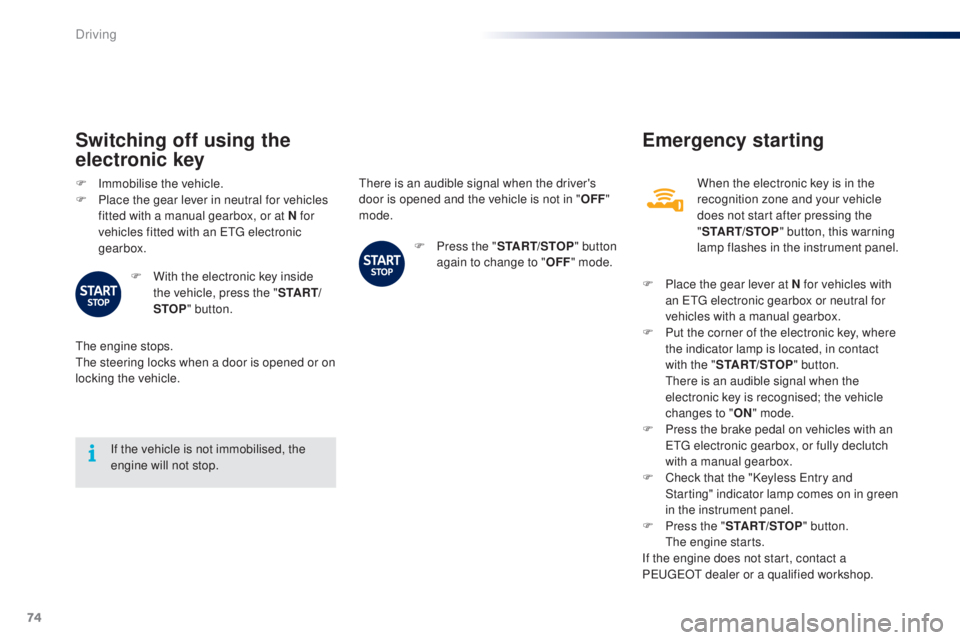
Switching off using the
electronic key
F Immobilise the vehicle.
F P lace the gear lever in neutral for vehicles
fitted with a manual gearbox, or at N for
vehicles fitted with an
etg electronic
gearbox.
F
W
ith the electronic key inside
the vehicle, press the " S TA R T/
STOP " button.
the
engine stops.
th
e steering locks when a door is opened or on
locking the vehicle. F
P
ress the "START/STOP " button
again to change to " OFF" mode.
Emergency starting
When the electronic key is in the
recognition zone and your vehicle
does not start after pressing the
"START/STOP " button, this warning
lamp flashes in the instrument panel.
F
P
lace the gear lever at N for vehicles with
an
etg electronic gearbox or neutral for
vehicles with a manual gearbox.
F
P
ut the corner of the electronic key, where
the indicator lamp is located, in contact
with the " START/STOP " button.
t
h
ere is an audible signal when the
electronic key is recognised; the vehicle
changes to " ON" mode.
F
P
ress the brake pedal on vehicles with an
e
tg
electronic gearbox, or fully declutch
with a manual gearbox.
F
C
heck that the "Keyless e
n
try and
Starting" indicator lamp comes on in green
in the instrument panel.
F
P
ress the " START/STOP " button.
t
h
e engine starts.
If the engine does not start, contact a
P
e
uge
Ot
dealer or a qualified workshop.
Driving
Page 83 of 256
81
System which reduces fuel consumption by recommending the most appropriate gear.
gear shift indicator
Operation
example:
- Y ou are in third gear.
-
Y
ou press the accelerator pedal.
-
t
h
e system may suggest that you engage
a higher gear.
Depending on the driving situation and your
vehicle's equipment, the system may advise
you to change gear.
the
gear engagement recommendations must
not be considered compulsory. In fact, the
configuration of the road, the amount of traffic
and safety remain determining factors when
choosing the best gear.
t
her
efore, the driver
remains responsible for deciding whether or not
to follow the advice given by the system.
th
is function cannot be deactivated.
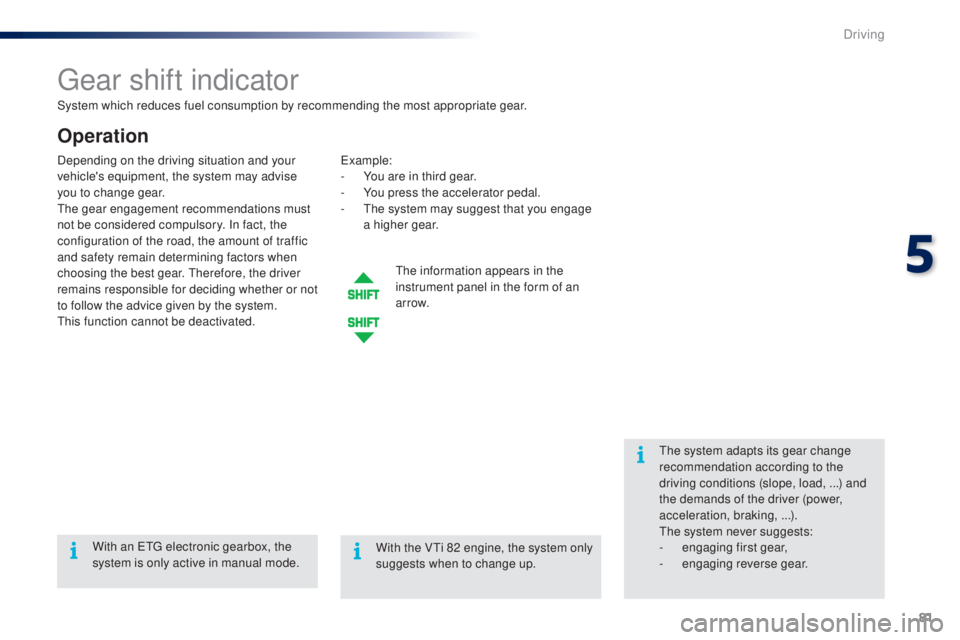
th
e information appears in the
instrument panel in the form of an
ar row.
th
e system adapts its gear change
recommendation according to the
driving conditions (slope, load,
...) and
the demands of the driver (power,
acceleration, braking,
...).
th
e system never suggests:
-
e
ngaging first gear,
-
enga
ging reverse gear.
With an
etg
electronic gearbox, the
system is only active in manual mode. With the V
ti 8
2 engine, the system only
suggests when to change up.
5
Driving
Page 85 of 256
83
Stop & Start (e-Vti 68 engine)
Operation
Going into engine STOP mode
this indicator lamp comes on in the
instrument panel and the engine
goes into standby automatically:
-
w
hen stationary, in neutral, and you
release the clutch pedal.
Never refuel with the engine in S
tO
P
mode; you must switch off the ignition
with the button. For smoother operation, during
parking manoeuvres S
tO
P mode is
not available for a few seconds after
coming out of reverse gear.
S
tO
P mode does not affect the
vehicle's systems, such as for example,
braking, power steering...
Special cases: STOP mode not
available
StOP mode is not invoked principally when:
- t he driver's door is open,
-
t
he driver's seat belt is not fastened,
-
t
he engine is needed to maintain a
comfortable temperature in the passenger
compartment,
-
d
emisting is active,
-
s
ome special conditions (battery charge,
engine temperature, braking assistance,
vehicle stopped on a steep gradient, high
altitude...) where the engine is needed to
assure control of a system.
th
e Stop & Start
system puts the engine temporarily into standby - S
tO
P mode - during stops in the traffic (red lights, traffic jams, or other...).
th
e
engine restarts automatically - S
tA
R
t
mode - as soon as you want to move off.
t
h
e restart takes place instantly, quickly and silently.
Per fect for urban use, the Stop & Start system reduces fuel consumption and exhaust emissions as well as the noise level when stationary.
Stop & Start time counters
A partial time counter counts the periods in
StO P mode during a journey.
It is displayed in the trip computer once the
Stop & Start acts.
Press one of the screen management buttons
to return to the previous display.
A global time counter counts the periods in
S
tO
P mode since the last reset.
When it is displayed, press one of the screen
management buttons to reset the counter.
5
Driving
Page 107 of 256
105
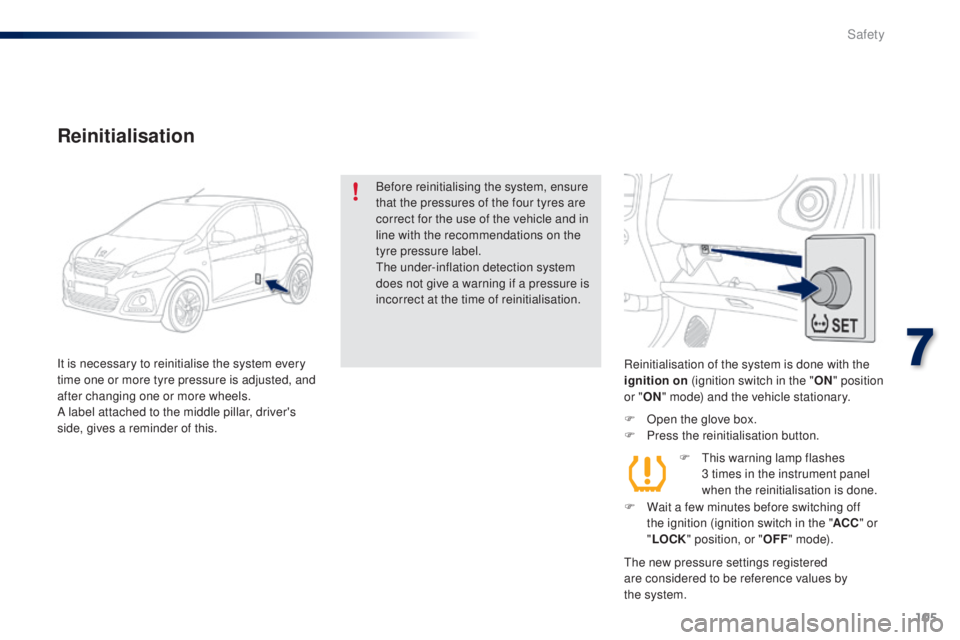
Reinitialisation of the system is done with the
ignition on (ignition switch in the " ON" position
or " ON" mode) and the vehicle stationary.
F
O
pen the glove box.
F
P
ress the reinitialisation button.
the
new pressure settings registered
are considered to be reference values by
the
system.
Reinitialisation
Before reinitialising the system, ensure
that the pressures of the four tyres are
correct for the use of the vehicle and in
line with the recommendations on the
tyre pressure label.
th
e under-inflation detection system
does not give a warning if a pressure is
incorrect at the time of reinitialisation.
It is necessary to reinitialise the system every
time one or more tyre pressure is adjusted, and
after changing one or more wheels.
A label attached to the middle pillar, driver's
side, gives a reminder of this. F
t
h
is warning lamp flashes
3
times in the instrument panel
when the reinitialisation is done.
F
W
ait a few minutes before switching off
the ignition (ignition switch in the " ACC" or
" LOCK " position, or " OFF" m o d e).
7
Safety