battery Peugeot Boxer 2020 Owner's Guide
[x] Cancel search | Manufacturer: PEUGEOT, Model Year: 2020, Model line: Boxer, Model: Peugeot Boxer 2020Pages: 196, PDF Size: 5.1 MB
Page 147 of 196
145
Special features
10Tipper truck
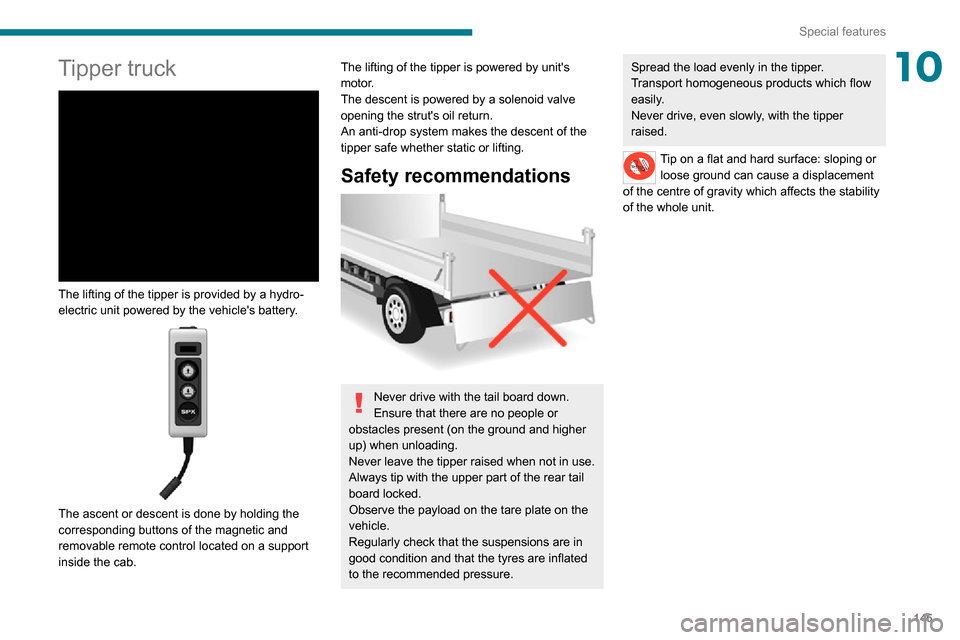
The lifting of the tipper is provided by a hydro-
electric unit powered by the vehicle's battery.
The ascent or descent is done by holding the
corresponding buttons of the magnetic and
removable remote control located on a support
inside the cab.
The lifting of the tipper is powered by unit's
motor.
The descent is powered by a solenoid valve
opening the strut's oil return.
An anti-drop system makes the descent of the
tipper safe whether static or lifting.
Safety recommendations
Never drive with the tail board down.
Ensure that there are no people or
obstacles present (on the ground and higher
up) when unloading.
Never leave the tipper raised when not in use.
Always tip with the upper part of the rear tail
board locked.
Observe the payload on the tare plate on the
vehicle.
Regularly check that the suspensions are in
good condition and that the tyres are inflated
to the recommended pressure.
Spread the load evenly in the tipper.
Transport homogeneous products which flow
easily.
Never drive, even slowly, with the tipper
raised.
Tip on a flat and hard surface: sloping or loose ground can cause a displacement
of the centre of gravity which affects the stability
of the whole unit.
Page 153 of 196
151
Audio system
11Audio system
Multimedia audio system -
Bluetooth
® telephone
The system is protected in such a way that it will only operate in your vehicle.
For safety reasons, the driver must only
carry out operations that require close
attention with the vehicle stationary.When the engine is switched off and to
prevent discharging of the battery, the
system switches off after activation of energy
economy mode.
First steps
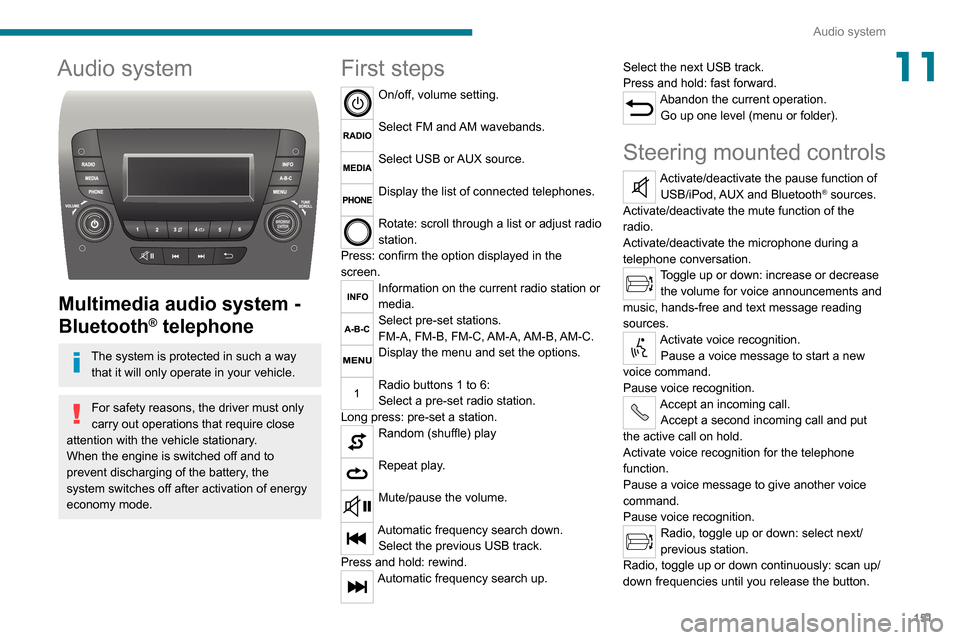
On/off, volume setting.
Select FM and AM wavebands.
Select USB or AUX source.
Display the list of connected telephones.
Rotate: scroll through a list or adjust radio
station.
Press: confirm the option displayed in the
screen.
Information on the current radio station or
media.
Select pre-set stations.
FM-A, FM-B, FM-C, AM-A, AM-B, AM-C.
Display the menu and set the options.
Radio buttons 1 to 6:
Select a pre-set radio station.
Long press: pre-set a station.
Random (shuffle) play
Repeat play.
Mute/pause the volume.
Automatic frequency search down.
Select the previous USB track.
Press and hold: rewind.
Automatic frequency search up. Select the next USB track.
Press and hold: fast forward.
Abandon the current operation.
Go up one level (menu or folder).
Steering mounted controls
Activate/deactivate the pause function of USB/iPod, AUX and Bluetooth® sources.
Activate/deactivate the mute function of the
radio.
Activate/deactivate the microphone during a
telephone conversation.
Toggle up or down: increase or decrease the volume for voice announcements and
music, hands-free and text message reading
sources.
Activate voice recognition. Pause a voice message to start a new
voice command.
Pause voice recognition.
Accept an incoming call. Accept a second incoming call and put
the active call on hold.
Activate voice recognition for the telephone
function.
Pause a voice message to give another voice
command.
Pause voice recognition.
Radio, toggle up or down: select next/
previous station.
Radio, toggle up or down continuously: scan up/
down frequencies until you release the button.
Page 160 of 196
158
Touch screen audio and telematics system
Touch screen audio and telematics system
Multimedia audio system -
Bluetooth
® telephone - GPS
navigation
The system is protected in such a way
that it will only operate in your vehicle.
For safety reasons, the driver must only
carry out operations that require close
attention with the vehicle stationary.
When the engine is switched off and to
prevent discharging of the battery, the
system switches off after activation of energy
economy mode.
First steps
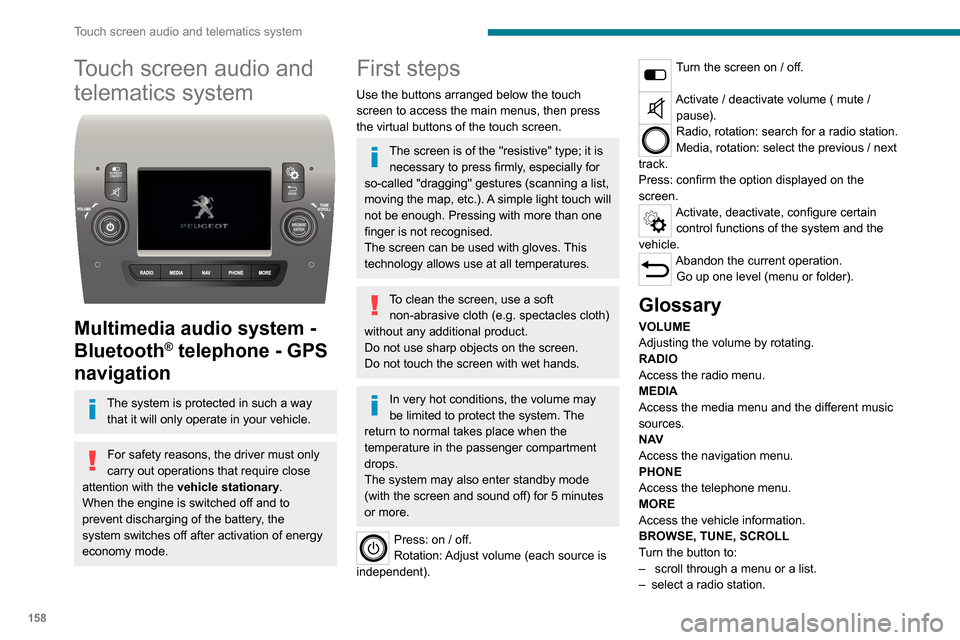
Use the buttons arranged below the touch
screen to access the main menus, then press
the virtual buttons of the touch screen.
The screen is of the "resistive" type; it is necessary to press firmly, especially for
so-called "dragging" gestures (scanning a list,
moving the map, etc.). A simple light touch will
not be enough. Pressing with more than one
finger is not recognised.
The screen can be used with gloves. This
technology allows use at all temperatures.
To clean the screen, use a soft non-abrasive cloth (e.g. spectacles cloth)
without any additional product.
Do not use sharp objects on the screen.
Do not touch the screen with wet hands.
In very hot conditions, the volume may
be limited to protect the system. The
return to normal takes place when the
temperature in the passenger compartment
drops.
The system may also enter standby mode
(with the screen and sound off) for 5 minutes
or more.
Press: on / off.
Rotation: Adjust volume (each source is
independent).
Turn the screen on / off.
Activate / deactivate volume ( mute / pause).
Radio, rotation: search for a radio station.
Media, rotation: select the previous / next
track.
Press: confirm the option displayed on the
screen.
Activate, deactivate, configure certain control functions of the system and the
vehicle.
Abandon the current operation. Go up one level (menu or folder).
Glossary
VOLUME
Adjusting the volume by rotating.
RADIO
Access the radio menu.
MEDIA
Access the media menu and the different music
sources.
N AV
Access the navigation menu.
PHONE
Access the telephone menu.
MORE
Access the vehicle information.
BROWSE, TUNE, SCROLL
Turn the button to:
– scroll through a menu or a list.– select a radio station.
ENTERConfirm an option displayed on the screen by
pressing.
Steering mounted controls
Activate / deactivate the pause function of USB/iPod and Bluetooth® sources.
Activate / deactivate the mute function of the
radio.
Activate / deactivate the microphone during a
telephone conversation.
Toggle up or down: increase or decrease volume for voice announcements, and
music sources, hands-free, and text message
reader.
Activate voice recognition.Pause a voice message to start a new
voice command.
Pause voice recognition.
Accept an incoming call.Accept a second incoming call and put
the active call on hold.
Activate voice recognition for the telephone
function.
Pause a voice message to give another voice
command.
Pause voice recognition.
Radio, toggle up or down: select next / previous station.
Radio, toggle up or down continuously: scan up /
down frequencies until you release the button.
Page 175 of 196
173
ALPINE® X902D system
13ALPINE® X902D system
Multimedia audio system -
Bluetooth
® telephone- GPS
navigation
For safety reasons, the driver must only
carry out operations that require close
attention with the vehicle stationary.
When the engine is switched off and to
prevent discharging of the battery, the
system switches off after activation of energy
economy mode.
For further information, refer to the
ALPINE user guide at:
https://www.alpine-europe.com
First steps
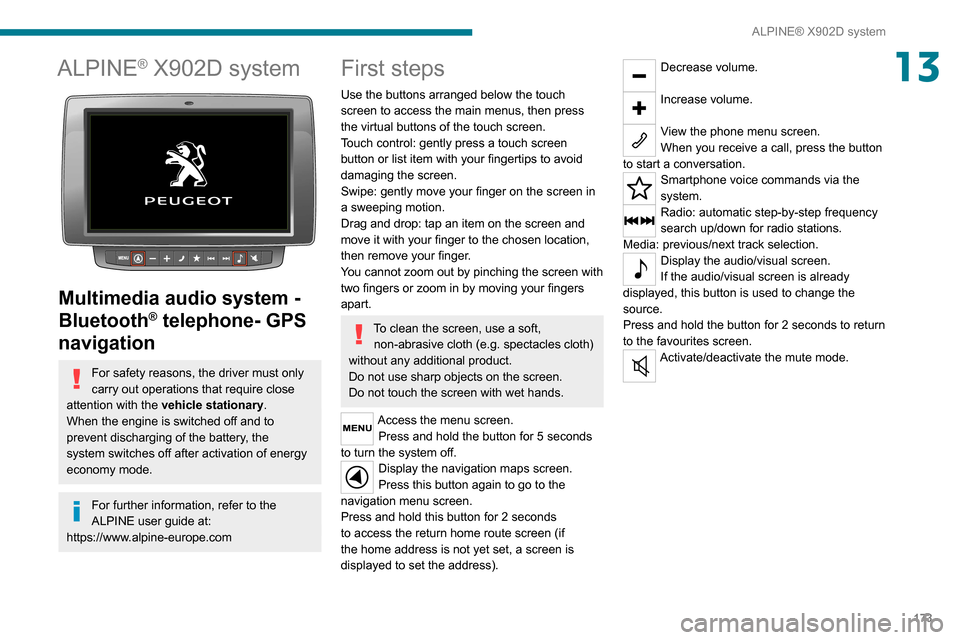
Use the buttons arranged below the touch
screen to access the main menus, then press
the virtual buttons of the touch screen.
Touch control: gently press a touch screen
button or list item with your fingertips to avoid
damaging the screen.
Swipe: gently move your finger on the screen in
a sweeping motion.
Drag and drop: tap an item on the screen and
move it with your finger to the chosen location,
then remove your finger.
You cannot zoom out by pinching the screen with
two fingers or zoom in by moving your fingers
apart.
To clean the screen, use a soft, non-abrasive cloth (e.g. spectacles cloth)
without any additional product.
Do not use sharp objects on the screen.
Do not touch the screen with wet hands.
Access the menu screen. Press and hold the button for 5 seconds
to turn the system off. Display the navigation maps screen.
Press this button again to go to the
navigation menu screen.
Press and hold this button for 2 seconds
to access the return home route screen (if
the home address is not yet set, a screen is
displayed to set the address).
Decrease volume.
Increase volume.
View the phone menu screen.
When you receive a call, press the button
to start a conversation.
Smartphone voice commands via the
system.
Radio: automatic step-by-step frequency
search up/down for radio stations.
Media: previous/next track selection.
Display the audio/visual screen.
If the audio/visual screen is already
displayed, this button is used to change the
source.
Press and hold the button for 2 seconds to return
to the favourites screen.
Activate/deactivate the mute mode.
Page 178 of 196
176
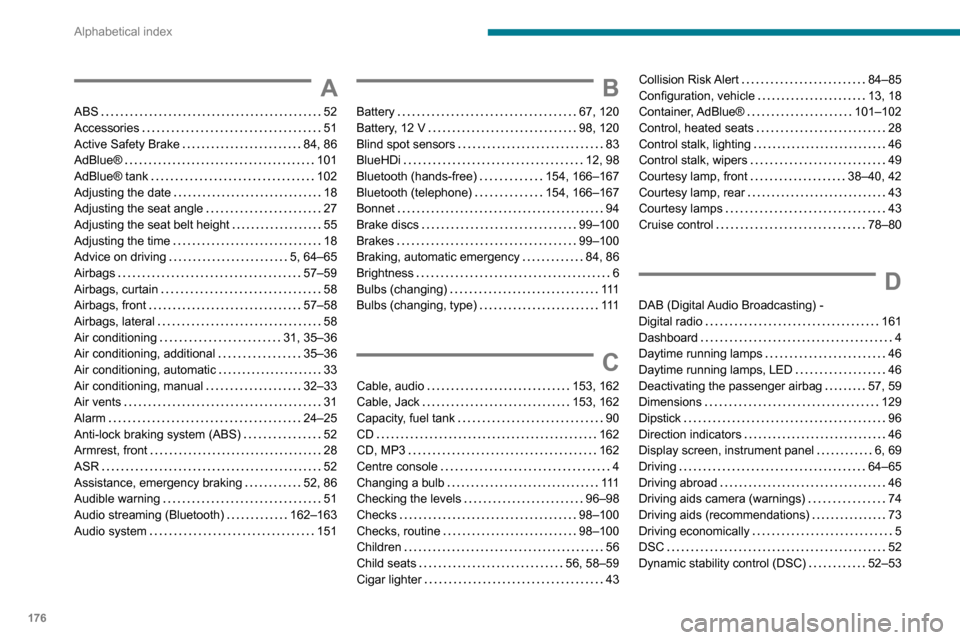
Alphabetical index
A
ABS 52Accessories 51Active Safety Brake 84, 86AdBlue® 101AdBlue® tank 102Adjusting the date 18Adjusting the seat angle 27
Adjusting the seat belt height 55Adjusting the time 18Advice on driving 5, 64–65Airbags 57–59Airbags, curtain 58Airbags, front 57–58Airbags, lateral 58Air conditioning 31, 35–36Air conditioning, additional 35–36Air conditioning, automatic 33Air conditioning, manual 32–33Air vents 31Alarm 24–25Anti-lock braking system (ABS) 52Armrest, front 28ASR 52Assistance, emergency braking 52, 86Audible warning 51Audio streaming (Bluetooth) 162–163Audio system 151
B
Battery 67, 120Battery, 12 V 98, 120Blind spot sensors 83BlueHDi 12, 98Bluetooth (hands-free) 154, 166–167Bluetooth (telephone) 154, 166–167Bonnet 94
Brake discs 99–100Brakes 99–100Braking, automatic emergency 84, 86Brightness 6Bulbs (changing) 111Bulbs (changing, type) 111
C
Cable, audio 153, 162Cable, Jack 153, 162Capacity, fuel tank 90CD 162CD, MP3 162Centre console 4Changing a bulb 111Checking the levels 96–98Checks 98–100Checks, routine 98–100Children 56Child seats 56, 58–59Cigar lighter 43
Collision Risk Alert 84–85Configuration, vehicle 13, 18Container, AdBlue® 101–102Control, heated seats 28Control stalk, lighting 46Control stalk, wipers 49Courtesy lamp, front 38–40, 42Courtesy lamp, rear 43Courtesy lamps 43
Cruise control 78–80
D
DAB (Digital Audio Broadcasting) - Digital radio 161Dashboard 4Daytime running lamps 46Daytime running lamps, LED 46Deactivating the passenger airbag 57, 59Dimensions 129Dipstick 96Direction indicators 46Display screen, instrument panel 6, 69Driving 64–65Driving abroad 46Driving aids camera (warnings) 74Driving aids (recommendations) 73Driving economically 5DSC 52Dynamic stability control (DSC) 52–53