ignition PONTIAC GRAND PRIX 2004 Workshop Manual
[x] Cancel search | Manufacturer: PONTIAC, Model Year: 2004, Model line: GRAND PRIX, Model: PONTIAC GRAND PRIX 2004Pages: 432, PDF Size: 2.99 MB
Page 167 of 432
KEY CYLINDER DISARM:This screen lets you select
this feature to be turned OFF or ON. This mode
arms the vehicle's ignition so that if a key other than
the one that came with the vehicle is used to try to start
it, the horn will sound.
If OFF is selected, the content theft-deterrent system
will not disarm when the vehicle is unlocked using
the door lock, or if someone tampers with the door lock.
If ON is selected, the content theft-deterrent system
will disarm when the vehicle unlocked using the door key
cylinder. This alerts the content theft-deterrent system
to start the arming process when a lock switch is
pressed while the door is open.
To program this mode do use the following procedure:
1. Press the set/reset button to scroll to OFF or ON.
2. Press the options button again to advance to the
next screen.LOCK SWITCH ARM:If the vehicle is equipped with
the content theft-deterrent system and ON was selected
on the THEFT DETERRENT screen, this screen lets
you select this feature to be turned OFF or ON.
If OFF is selected, the theft-deterrent system will not
activate this feature.
If ON is selected, the content theft-deterrent system
will arm when the doors are locked with the door lock
switch. The key must be removed from the ignition when
the doors are locked or the content theft-deterrent
system will not arm.
To program this mode use the following procedure:
1. Press the set/reset button to scroll to OFF or ON.
2. Press the options button again to advance to
the next screen.
PROGRAMMING FINISHED will appear on the next
screen. This con®rms that the personal options
programming is complete.
DISPLAY OFF will appear on the next screen.
This screen will ªcount downº and then go blank.
3-63
Page 169 of 432
DIC Warnings and Messages
These messages will appear if there is a problem in
one of the vehicle's systems. They will override
any other mode or screen the DIC may be in.
Some messages allow you to erase them from the
DIC screen. To do this you must acknowledge
the message. To acknowledge or clear the message
from the screen, press the set/reset button on the DIC.
See
DIC Controls and Displays on page 3-45for
DIC button descriptions.
Other warning messages are not allowed to be erased
until the problem indicated by the warning message
is taken care of. When the problem indicated by
the message is resolved, it can be acknowledged and
the screen can be reset.
Be sure to take any message that appears on the
DIC screen seriously and remember that clearing the
messages that are able to be acknowledged, will
only make the message disappear, not the problem.
A/C OFF FOR ENGINE PROTECTION
This warning message appears when the engine coolant
becomes hotter than the normal operating temperature.
To avoid added strain on a hot engine, the air
conditioning compressor is automatically turned off.
When the coolant temperature returns to normal, the air
conditioning compressor will turn back on. You can
continue to drive your vehicle.
This warning message will display while the ignition
is in RUN. A chime will sound for two seconds when
this message is displayed. Press the set/reset button
to acknowledge this warning message and to clear
it from the screen.
This message will continue to display if it has not been
acknowledged when the engine is turned off. It will
also re-display for three seconds if the message has
been acknowledged, but the condition still exists
when the engine is turned off.
The message will re-appear when the engine is turned
on and the condition still exists.
3-65
Page 170 of 432
AJAR
This symbol appears
with the AJAR warning
message.
This warning message appears when a door, the trunk
or the hood of the vehicle is not properly closed.
The graphic will highlight the hood or trunk if either
one is not closed properly. The graphic will indicate a
highlighted, open door to show which door or doors
are not properly closed.
This warning message will display while the ignition is
in RUN. A chime will sound for two seconds when
the ignition is shifted out of PARK (P). Press the
set/reset button to acknowledge this warning message
and to clear it from the screen.
This message will continue to display if it has not been
acknowledged when the engine is turned off. It will
also re-display for three seconds if the message has
been acknowledged, but the condition still exists
when the engine is turned off.
The message will re-appear when the engine is turned
on and the condition still exists.
CHANGE OIL SOON
This symbol appears with
the CHANGE OIL SOON
warning message.
This warning message indicates that the life of the engine
oil has expired and it should be changed within 200 miles.
See
Engine Oil on page 5-16for more information.
When you reset the CHANGE OIL SOON message by
acknowledging the message, you must also reset
the ENGINE OIL MONITOR SYSTEM screen under the
options menu on the DIC. See ªEngine Oil Monitor
Systemº in options under
DIC Controls and Displays
on page 3-45for more information.
This warning message will display while the ignition is in
RUN. Press the set/reset button to acknowledge this
warning message and to clear it from the screen.
This message will continue to display if it has not been
acknowledged when the engine is turned off. It will
also re-display for three seconds if the message has
been acknowledged, but the condition still exists
when the engine is turned off.
The message will re-appear when the engine is turned
on and the condition still exists.
3-66
Page 171 of 432
CHARGING SYSTEM FAILURE
This symbol appears with
the CHARGING SYSTEM
FAILURE warning
message.
This warning message indicates that there is a problem
with the generator and battery charging systems.
Have the electrical system checked by your dealer as
soon as possible.
This warning message will display when the ignition
is in RUN. A chime will sound for two seconds when this
message is displayed. Press the set/reset button to
acknowledge this warning message and to clear it from
the screen.
This message will continue to display if it has not been
acknowledged when the engine is turned off. It will
also re-display for three seconds if the message has
been acknowledged, but the condition still exists
when the engine is turned off.
The message will re-appear when the engine is turned
on and the condition still exists.
CHECK GAS CAP
This warning message appears when the gas cap is not
on, or is not fully tightened. Check the gas cap to ensure
it is on and properly tightened.
This warning message will display while the ignition is
in RUN. A chime will sound for two seconds when this
message is displayed and then the screen will clear after
three seconds. Press the set/reset button to acknowledge
this warning message and to clear it from the screen.
This message will continue to display if it has not been
acknowledged when the engine is turned off. It will
also re-display for three seconds if the message has
been acknowledged, but the condition still exists
when the engine is turned off.
The message will re-appear when the engine is turned
on and the condition still exists.
3-67
Page 172 of 432
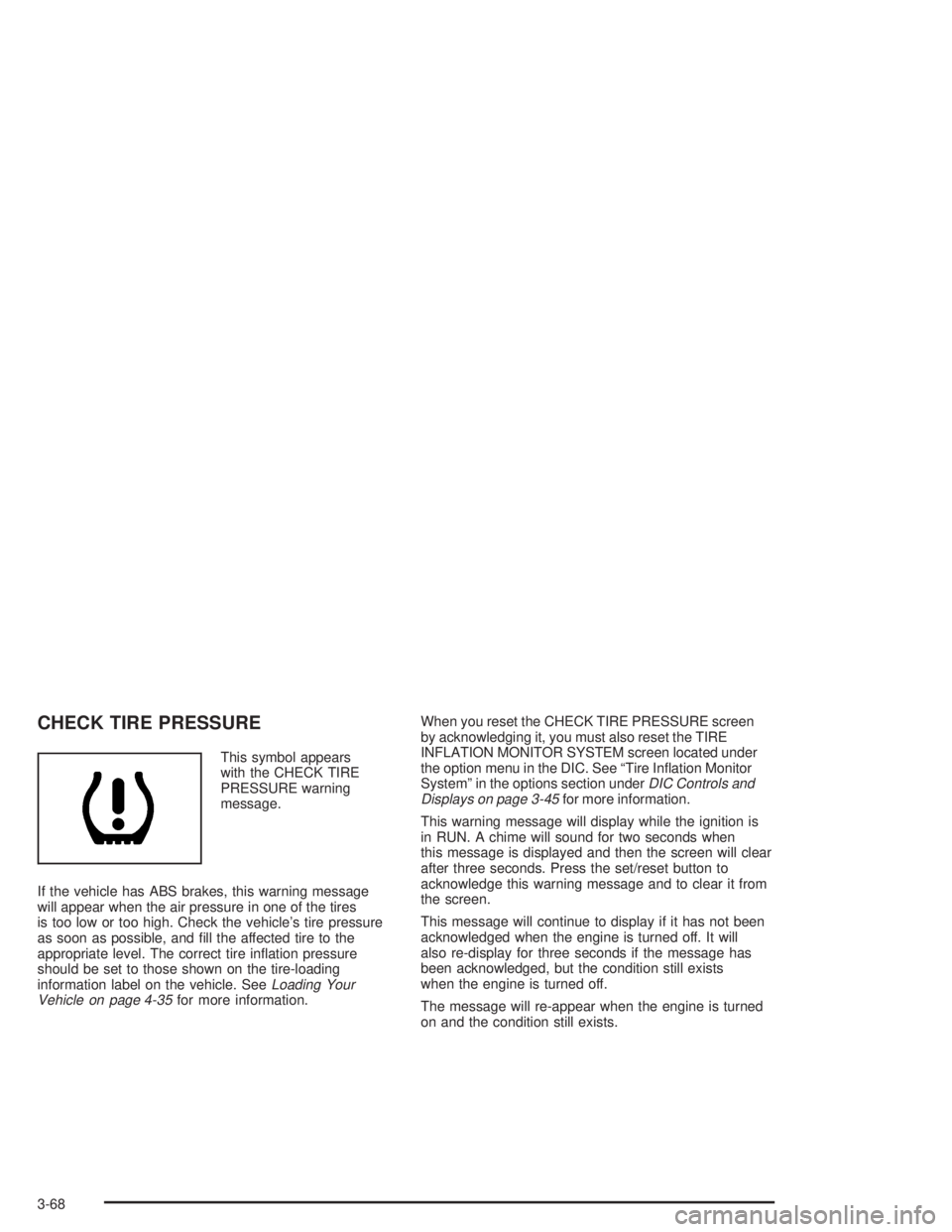
CHECK TIRE PRESSURE
This symbol appears
with the CHECK TIRE
PRESSURE warning
message.
If the vehicle has ABS brakes, this warning message
will appear when the air pressure in one of the tires
is too low or too high. Check the vehicle's tire pressure
as soon as possible, and ®ll the affected tire to the
appropriate level. The correct tire in¯ation pressure
should be set to those shown on the tire-loading
information label on the vehicle. See
Loading Your
Vehicle on page 4-35for more information.When you reset the CHECK TIRE PRESSURE screen
by acknowledging it, you must also reset the TIRE
INFLATION MONITOR SYSTEM screen located under
the option menu in the DIC. See ªTire In¯ation Monitor
Systemº in the options section under
DIC Controls and
Displays on page 3-45for more information.
This warning message will display while the ignition is
in RUN. A chime will sound for two seconds when
this message is displayed and then the screen will clear
after three seconds. Press the set/reset button to
acknowledge this warning message and to clear it from
the screen.
This message will continue to display if it has not been
acknowledged when the engine is turned off. It will
also re-display for three seconds if the message has
been acknowledged, but the condition still exists
when the engine is turned off.
The message will re-appear when the engine is turned
on and the condition still exists.
3-68
Page 173 of 432
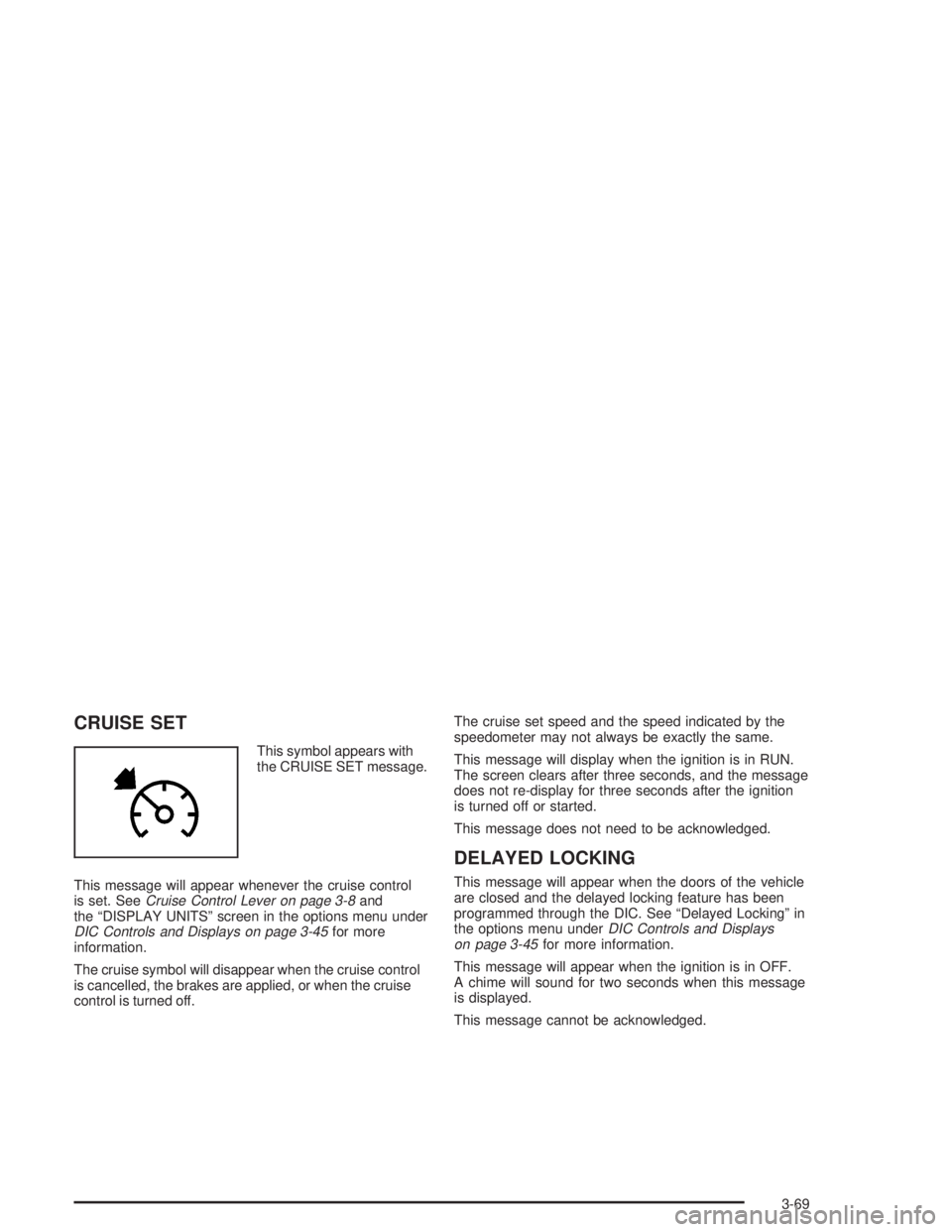
CRUISE SET
This symbol appears with
the CRUISE SET message.
This message will appear whenever the cruise control
is set. See
Cruise Control Lever on page 3-8and
the ªDISPLAY UNITSº screen in the options menu under
DIC Controls and Displays on page 3-45for more
information.
The cruise symbol will disappear when the cruise control
is cancelled, the brakes are applied, or when the cruise
control is turned off.The cruise set speed and the speed indicated by the
speedometer may not always be exactly the same.
This message will display when the ignition is in RUN.
The screen clears after three seconds, and the message
does not re-display for three seconds after the ignition
is turned off or started.
This message does not need to be acknowledged.
DELAYED LOCKING
This message will appear when the doors of the vehicle
are closed and the delayed locking feature has been
programmed through the DIC. See ªDelayed Lockingº in
the options menu under
DIC Controls and Displays
on page 3-45for more information.
This message will appear when the ignition is in OFF.
A chime will sound for two seconds when this message
is displayed.
This message cannot be acknowledged.
3-69
Page 174 of 432
HEADLAMPS SUGGESTED
This message appears when the amount of available
light outside the vehicle is low and the exterior
lamps control is off. This message informs the driver
that turning on the exterior lamps is recommended even
though the Daytime Running Lamps (DRL) are still
illuminated and it has become dark enough outside to
require the headlamps and/or other exterior lamps.
This message will display while the ignition is in RUN.
A chime will sound for two seconds when this message
is displayed. Press the set/reset button to acknowledge
this warning message and to clear it from the screen.
This message will continue to display if it has not been
acknowledged when the engine is turned off. It will
also re-display for three seconds if the message has
been acknowledged, but the condition still exists
when the engine is turned off.
The message will re-appear when the engine is turned
on and the condition still exists.
HOT COOLANT
Notice:If the HOT COOLANT warning message
appears on the DIC display, stop the vehicle as soon
as possible. Do not increase the engine speed
above normal idling speed. Severe engine damage
can result from driving a vehicle with an overheated
engine. See ªEngine Overheatingº in the Service
and Appearance Care section for more information.
This symbol will appear
with the HOT COOLANT
warning message.
This warning message will appear while the engine
coolant temperature is too hot. The hot coolant
temperature warning light will also appear on the
instrument panel cluster. Also, the engine coolant
temperature gage will read in the red or ªhotº area.
See
Engine Coolant Temperature Warning Light
on page 3-39andEngine Coolant Temperature Gage
on page 3-39for more information.
3-70
Page 175 of 432
To avoid added strain, turn off the air conditioner if it is
on. When the coolant temperature returns to normal,
the air conditioning compressor can be turned back on.
This warning message will display only while the
ignition is in RUN. A chime will sound continuously
when this message is displayed. Press the set/reset
button to acknowledge this warning message and
to clear it from the screen.
This message will continue to display if it has not been
acknowledged when the engine is turned off. It will
also re-display for three seconds if the message has
been acknowledged, but the condition still exists
when the engine is turned off.
The message will re-appear when the engine is turned
on and the condition still exists.HOT ENGINE OIL. REDUCE SPEED
This warning message will display when the vehicle's
engine oil is above the proper engine operating
temperature. Reduce the speed of the vehicle. If the
warning message continues to display, have the vehicle
serviced as soon as possible. A chime will sound
continuously when this message is displayed. Press the
set/reset button to acknowledge this warning message.
This clears it from the screen.
This message will continue to display if it has not been
acknowledged when the engine is turned off. It will
also re-display for three seconds if the message has
been acknowledged, but the condition still exists
when the engine is turned off.
The message will re-appear when the engine is turned
on and the condition still exists.
3-71
Page 176 of 432
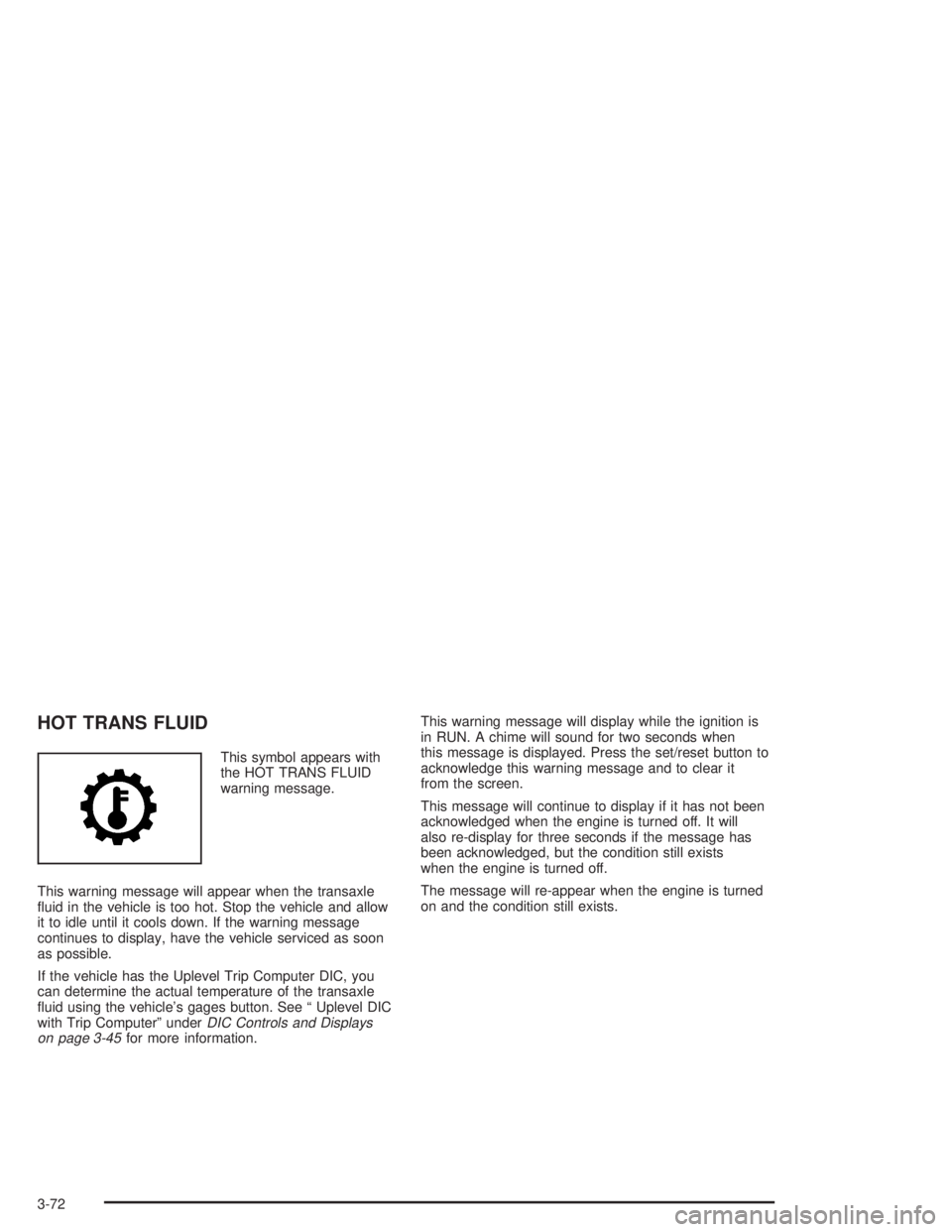
HOT TRANS FLUID
This symbol appears with
the HOT TRANS FLUID
warning message.
This warning message will appear when the transaxle
¯uid in the vehicle is too hot. Stop the vehicle and allow
it to idle until it cools down. If the warning message
continues to display, have the vehicle serviced as soon
as possible.
If the vehicle has the Uplevel Trip Computer DIC, you
can determine the actual temperature of the transaxle
¯uid using the vehicle's gages button. See ª Uplevel DIC
with Trip Computerº under
DIC Controls and Displays
on page 3-45for more information.This warning message will display while the ignition is
in RUN. A chime will sound for two seconds when
this message is displayed. Press the set/reset button to
acknowledge this warning message and to clear it
from the screen.
This message will continue to display if it has not been
acknowledged when the engine is turned off. It will
also re-display for three seconds if the message has
been acknowledged, but the condition still exists
when the engine is turned off.
The message will re-appear when the engine is turned
on and the condition still exists.
3-72
Page 177 of 432
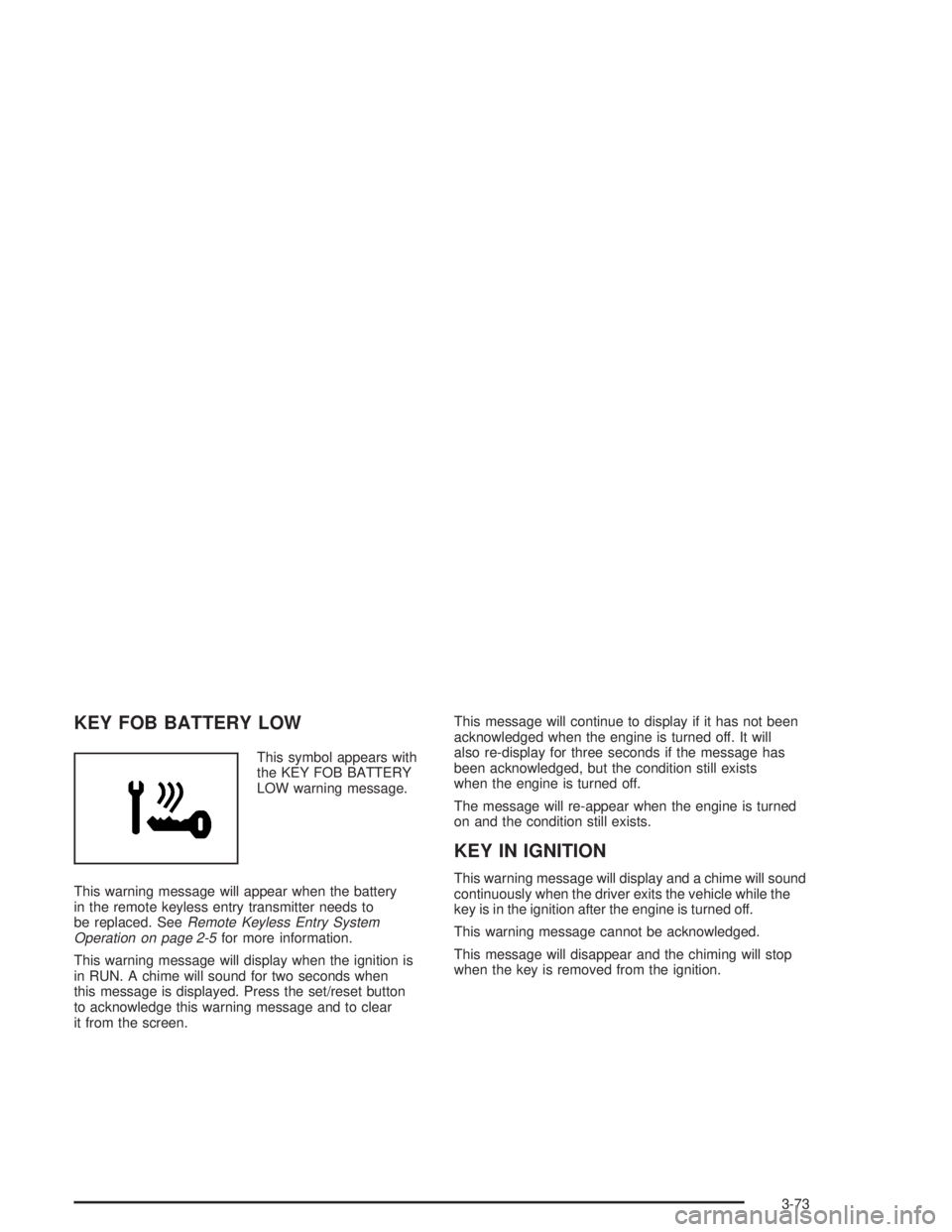
KEY FOB BATTERY LOW
This symbol appears with
the KEY FOB BATTERY
LOW warning message.
This warning message will appear when the battery
in the remote keyless entry transmitter needs to
be replaced. See
Remote Keyless Entry System
Operation on page 2-5for more information.
This warning message will display when the ignition is
in RUN. A chime will sound for two seconds when
this message is displayed. Press the set/reset button
to acknowledge this warning message and to clear
it from the screen.This message will continue to display if it has not been
acknowledged when the engine is turned off. It will
also re-display for three seconds if the message has
been acknowledged, but the condition still exists
when the engine is turned off.
The message will re-appear when the engine is turned
on and the condition still exists.
KEY IN IGNITION
This warning message will display and a chime will sound
continuously when the driver exits the vehicle while the
key is in the ignition after the engine is turned off.
This warning message cannot be acknowledged.
This message will disappear and the chiming will stop
when the key is removed from the ignition.
3-73