lock Ram 1500 2020 Service Manual
[x] Cancel search | Manufacturer: RAM, Model Year: 2020, Model line: 1500, Model: Ram 1500 2020Pages: 674, PDF Size: 32.69 MB
Page 98 of 674

96 GETTING TO KNOW YOUR VEHICLE
NOTE:
If the window runs into any obstacle during the Auto-Closure,
it will reverse direction and then go back down. Remove the
obstacle and use the window switch again to close the
window. Any impact due to rough road conditions may
trigger the auto reverse function unexpectedly during auto
closure. If this happens, pull the switch lightly to the first
detent and hold to close the window manually.
Reset Auto-Up
Should the Auto-Up feature stop working, the window may
need to be reset. To reset Auto-Up:
1. Make sure the door is fully closed.
2. Pull the window switch up to close the windowcompletely and continue to hold the switch up for an
additional two seconds after the window is closed. 3. Push the window switch down firmly to the second
detent to open the window completely and continue to
hold the switch down for an additional two seconds after
the window is fully open.
Window Lockout Switch
The window lockout switch on the driver's door allows you
to disable the window control on the rear passenger doors.
To disable the window controls on the rear passenger doors,
push the window lock switch into the latched or down posi -
tion. To enable the window controls, push the window lock
switch again and return the switch to the released or up posi -
tion.
Window Lockout Switch
WARNING!
There is no anti-pinch protection when the window is
almost closed. Be sure to clear all objects from the
window before closing.
2020_DT_1500_OM_US.book Page 96
Page 99 of 674
GETTING TO KNOW YOUR VEHICLE 97
Power Sliding Rear Window — If Equipped
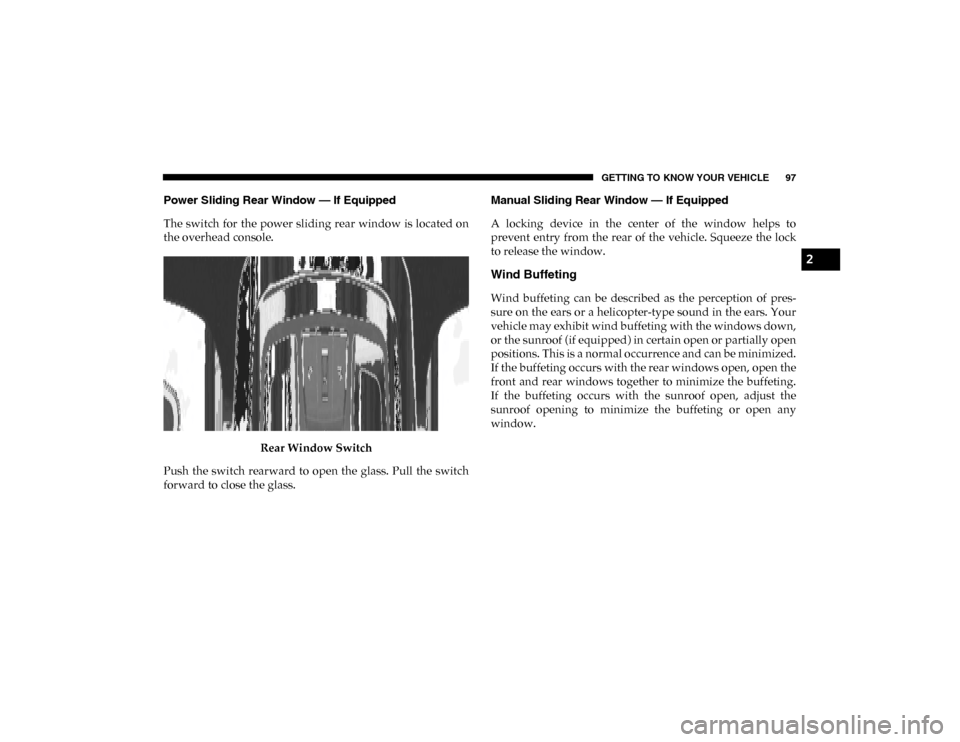
The switch for the power sliding rear window is located on
the overhead console.Rear Window Switch
Push the switch rearward to open the glass. Pull the switch
forward to close the glass. Manual Sliding Rear Window — If Equipped
A locking device in the center of the window helps to
prevent entry from the rear of the vehicle. Squeeze the lock
to release the window.
Wind Buffeting
Wind buffeting can be described as the perception of pres
-
sure on the ears or a helicopter-type sound in the ears. Your
vehicle may exhibit wind buffeting with the windows down,
or the sunroof (if equipped) in certain open or partially open
positions. This is a normal occurrence and can be minimized.
If the buffeting occurs with the rear windows open, open the
front and rear windows together to minimize the buffeting.
If the buffeting occurs with the sunroof open, adjust the
sunroof opening to minimize the buffeting or open any
window.
2
2020_DT_1500_OM_US.book Page 97
Page 100 of 674
98 GETTING TO KNOW YOUR VEHICLE
POWER SUNROOF — IF EQUIPPED
Single Pane Power Sunroof — If Equipped
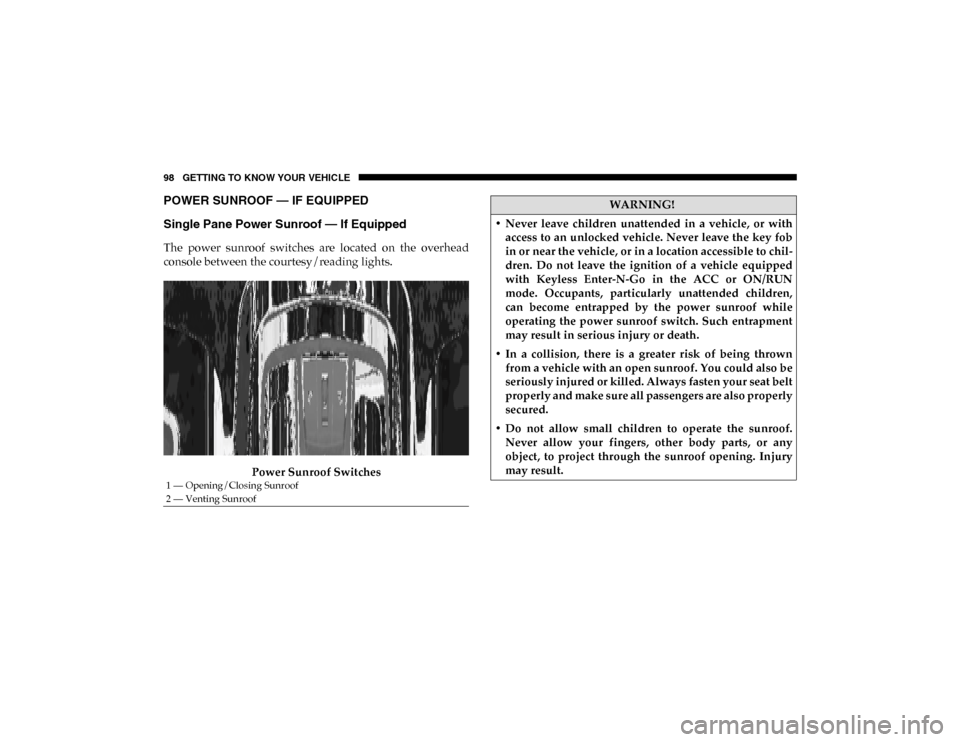
The power sunroof switches are located on the overhead
console between the courtesy/reading lights.Power Sunroof Switches
1 — Opening/Closing Sunroof
2 — Venting Sunroof
WARNING!
• Never leave children unattended in a vehicle, or with access to an unlocked vehicle. Never leave the key fob
in or near the vehicle, or in a location accessible to chil -
dren. Do not leave the ignition of a vehicle equipped
with Keyless Enter-N-Go in the ACC or ON/RUN
mode. Occupants, particularly unattended children,
can become entrapped by the power sunroof while
operating the power sunroof switch. Such entrapment
may result in serious injury or death.
• In a collision, there is a greater risk of being thrown from a vehicle with an open sunroof. You could also be
seriously injured or killed. Always fasten your seat belt
properly and make sure all passengers are also properly
secured.
• Do not allow small children to operate the sunroof. Never allow your fingers, other body parts, or any
object, to project through the sunroof opening. Injury
may result.
2020_DT_1500_OM_US.book Page 98
Page 104 of 674

102 GETTING TO KNOW YOUR VEHICLE
Opening Sunroof
The sunroof has two programmed open positions, comfort
stop position and full open position. The comfort stop posi-
tion has been optimized to minimize wind buffeting when driving with side windows closed and sunroof open. If the
sunshade is in the closed position when initiating a sunroof
open command the sunshade will automatically open to the
half open position prior to the sunroof opening.
Express
Push the switch rearward and release it within one-half
second, the sunroof will open to the comfort stop position
and automatically stop. Push the switch rearward and
release it again, the sunroof will open to the full open posi
-
tion and automatically stop. This is called “Express Open”.
During Express Open operation, any movement of the
sunroof switch will stop the sunroof.
Manual
Push and hold the switch rearward, the sunroof will open to
the comfort stop position and automatically stop. Push the
switch rearward and hold it again, the sunroof will open to
the full open position and automatically stop. Any release of
the switch will stop the sunroof movement. The sunroof will
remain in a partially opened condition until the switch is
pushed and held again.
WARNING!
• Never leave children unattended in a vehicle, or with access to an unlocked vehicle. Never leave the key fob
in or near the vehicle, or in a location accessible to chil -
dren. Do not leave the ignition of a vehicle equipped
with Keyless Enter-N-Go in the ACC or ON/RUN
mode. Occupants, particularly unattended children,
can become entrapped by the power sunroof while
operating the power sunroof switch. Such entrapment
may result in serious injury or death.
• In a collision, there is a greater risk of being thrown from a vehicle with an open sunroof. You could also be
seriously injured or killed. Always fasten your seat belt
properly and make sure all passengers are also properly
secured.
• Do not allow small children to operate the sunroof. Never allow your fingers, other body parts, or any
object, to project through the sunroof opening. Injury
may result.
2020_DT_1500_OM_US.book Page 102
Page 108 of 674
106 GETTING TO KNOW YOUR VEHICLE
1. Pull the hood release lever located below the steeringwheel at the base of the instrument panel.
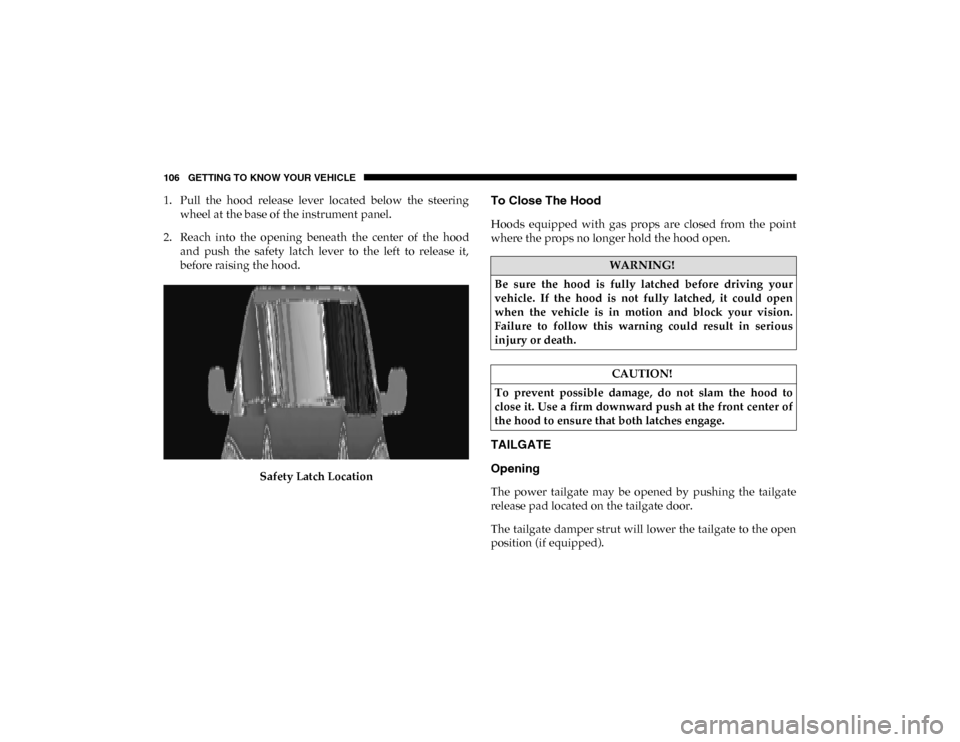
2. Reach into the opening beneath the center of the hood and push the safety latch lever to the left to release it,
before raising the hood.
Safety Latch LocationTo Close The Hood
Hoods equipped with gas props are closed from the point
where the props no longer hold the hood open.
TAILGATE
Opening
The power tailgate may be opened by pushing the tailgate
release pad located on the tailgate door.
The tailgate damper strut will lower the tailgate to the open
position (if equipped).
WARNING!
Be sure the hood is fully latched before driving your
vehicle. If the hood is not fully latched, it could open
when the vehicle is in motion and block your vision.
Failure to follow this warning could result in serious
injury or death.
CAUTION!
To prevent possible damage, do not slam the hood to
close it. Use a firm downward push at the front center of
the hood to ensure that both latches engage.
2020_DT_1500_OM_US.book Page 106
Page 116 of 674

114 GETTING TO KNOW YOUR VEHICLE
4. Watch for the HomeLink® indicator to change flashrates. When it changes, it is programmed. It may take up
to 30 seconds or longer in rare cases. The garage door
may open and close while you are programming.
5. Press and hold the programmed HomeLink® button and observe the indicator light.
NOTE:
• If the indicator light stays on constantly, programming is complete and the garage door/device should activate
when the HomeLink® button is pressed.
• To program the two remaining HomeLink® buttons, repeat each step for each remaining button. DO NOT erase
the channels.
If you unplugged the garage door opener/device for
programming, plug it back in at this time.
Reprogramming A Single HomeLink® Button (Canadian/
Gate Operator)
To reprogram a channel that has been previously trained,
follow these steps:
1. Place the ignition in the ON/RUN position. 2. Press and hold the desired HomeLink® button until the
indicator light begins to flash after 20 seconds. Do not
release the button.
3. Without releasing the button, proceed with “Canadian/ Gate Operator Programming” step 2 and follow all
remaining steps.
Using HomeLink®
To operate, push and release the programmed HomeLink®
button. Activation will now occur for the programmed
device (i.e. garage door opener, gate operator, security
system, entry door lock, home/office lighting, etc.) The
hand-held transmitter of the device may also be used at any
time.
Security
It is advised to erase all channels before you sell or turn in
your vehicle.
To do this, push and hold the two outside buttons for 20 seconds
until the orange indicator flashes. Note that all channels will be
erased. Individual channels cannot be erased.
The HomeLink® Universal Transceiver is disabled when the
Vehicle Security Alarm is active.
2020_DT_1500_OM_US.book Page 114
Page 126 of 674

124 GETTING TO KNOW YOUR VEHICLE
Each storage bin also contains two hooks for securing cargo.
These hooks should be used to secure loads safely when the
vehicle is moving.In-Floor Storage Bin Hooks
NOTE:
The maximum load limit for each hook is 250 lbs (113 kg). Below Rear Seat Storage — If Equipped
1. For additional storage below the rear seats, unlatch the
lock mechanism in the center of the seat base by rotating
it to either side, and fold the front of the base forward.
Rotate Lock Mechanism
2020_DT_1500_OM_US.book Page 124
Page 127 of 674
GETTING TO KNOW YOUR VEHICLE 125
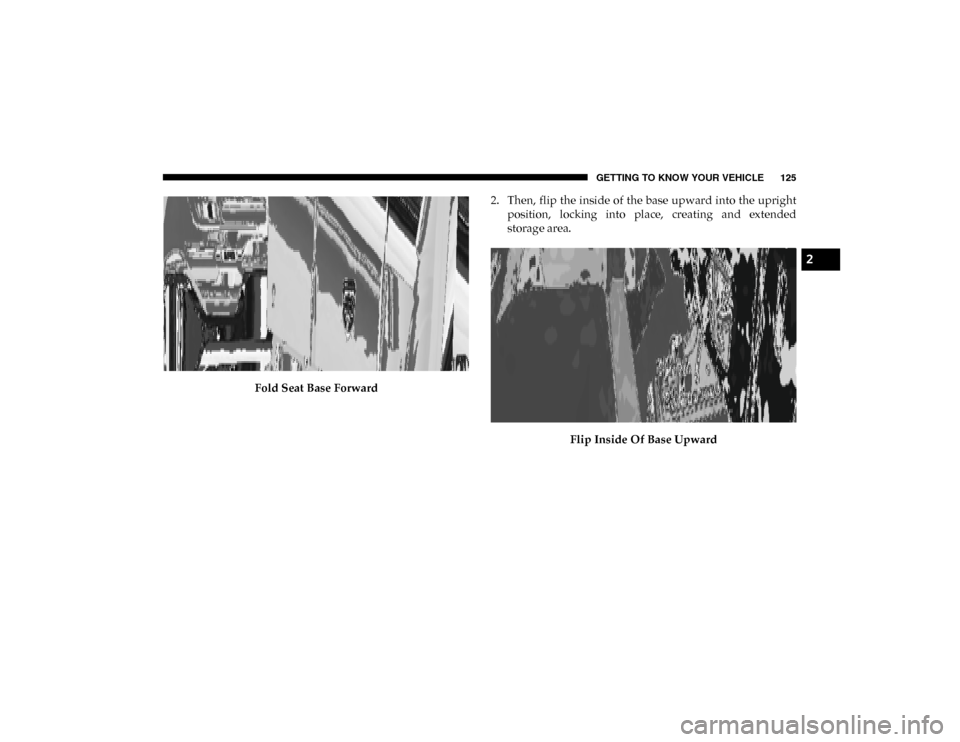
Fold Seat Base Forward2. Then, flip the inside of the base upward into the upright
position, locking into place, creating and extended
storage area.
Flip Inside Of Base Upward
2
2020_DT_1500_OM_US.book Page 125
Page 136 of 674

134 GETTING TO KNOW YOUR VEHICLE
Wireless Charging Pad — If Equipped
Wireless Charging PadYour vehicle may be equipped with a 15W 3A Qi wireless
charging pad located inside of the center console just below
the CD player (if equipped). This charging pad is designed to
wirelessly charge your Qi enabled mobile phone. Qi is a stan
-
dard that uses magnetic induction to transfer power to your
mobile device.
Your mobile phone must be designed for Qi wireless
charging. If the phone is not equipped with Qi wireless
charging functionality, an aftermarket sleeve or a specialized
back plate can be purchased from your mobile phone
provider or an local electronics retailer. Please see your
phone’s owner’s manual for further information.
The wireless charging pad is equipped with an anti-slip mat,
an adjustable cradle to hold your mobile phone in place and
an LED indicator light.
WARNING!
To avoid serious injury or death:
• Do not insert any objects into the receptacles.
• Do not touch with wet hands.
• Close the lid when not in use.
• If this outlet is mishandled, it may cause an electric shock and failure.
CAUTION!
The key fob should not be placed on the charging pad or
within 15 cm (150 mm) of it. Doing so can cause excessive
heat buildup and damage to the fob. Placing the fob in
close proximity of the charging pad blocks the fob from
being detected by the vehicle and prevents the vehicle
from starting.
2020_DT_1500_OM_US.book Page 134
Page 139 of 674

GETTING TO KNOW YOUR VEHICLE 137
NOTE:
Bed rail tie-down system is also available for vehicles not
equipped with a RamBox.
RamBox Integrated Box Side Storage Bins
Cargo storage bins are located on both sides of the pickup
box. The cargo storage bins provide watertight, lockable,
illuminated storage for up to 150 lbs (68 kg) of evenly distrib-
uted cargo.
RamBox Cargo Storage Bins To open a storage bin with the RamBox unlocked, push and
release the button located on the lid. The RamBox lid will
open upward to allow hand access. Lift the lid to fully open.
NOTE:
RamBox will not open when the pushbutton is pushed if the
RamBox is locked.
CAUTION!
Failure to follow the following items could cause
damage to the vehicle:
• Assure that all cargo inside the storage bins is properly secured.
• Do not exceed cargo weight rating of 150 lb (68 kg) per bin.
2
2020_DT_1500_OM_US.book Page 137