instrument panel Ram 3500 2020 User Guide
[x] Cancel search | Manufacturer: RAM, Model Year: 2020, Model line: 3500, Model: Ram 3500 2020Pages: 568
Page 51 of 568

GETTING TO KNOW YOUR VEHICLE49
Rotate the headlight switch clockwise to the first
detent for parking light and instrument panel
light operation. Rotate the headlight switch to the
second detent for headlight, parking light, and
instrument panel light operation.
DAYTIME RUNNING LIGHTS (DRLS) — IF
E
QUIPPED
The headlights on your vehicle will illuminate
when the engine is started and the
transmission is in any gear except PARK. This
provides a constant "lights on" condition until
the ignition is placed in the OFF position. The
lights illuminate at less than half of normal
intensity. If the parking brake is applied, the
Daytime Running Lights (DRLs) will turn off.
Also, if a turn signal is activated, the DRL lamp
on the same side of the vehicle may turn off for
the duration of the turn signal activation. Once
the turn signal is no longer active, the DRL lamp
will illuminate.
NOTE:
If allowed by law in the country in which the
vehicle was purchased, the Daytime Running
Lights can be turned on and off using the Ucon -
nect system, refer to “Uconnect Settings” in
“Multimedia” for further information.
HIGH/LOW BEAM SWITCH
Push the multifunction lever toward the
instrument panel to switch the headlights to
high beam. Pulling the multifunction lever back
toward the steering wheel will turn the low
beams back on, or shut the high beams off.
AUTOMATIC HIGH BEAM HEADLAMP
C
ONTROL — IF EQUIPPED
The Automatic High Beam Headlamp Control
system provides increased forward lighting at
night by automating high beam control through
the use of a digital camera mounted on the inside
rearview mirror or forward facing camera. This
camera detects vehicle specific light and
automatically switches from high beams to low
beams until the approaching vehicle is out of view.
NOTE:
The Automatic High Beam Headlamp Control
can be turned on or off by selecting “ON”
under “Auto Dim High Beams” within your
Uconnect settings, as well as turning the
headlight switch to the AUTO position. Refer
to “Uconnect Settings” in “Multimedia” for
further information.
Broken, muddy, or obstructed headlights
and taillights of vehicles in the field of view
will cause headlights to remain on longer
(closer to the vehicle). Also, dirt, film, and
other obstructions on the windshield or
camera lens will cause the system to func -
tion improperly.
To opt out of the Advanced Auto High Beam
Sensitivity Control (default) and enter
Reduced High Beam Sensitivity Control (not
recommended), on vehicles equipped with
mirror controlled automatic high beams and
without the forward facing camera, toggle the
high beam lever six full on/off cycles within
10 seconds of placing the ignition in the ON
position. The system will return to the default
setting when the ignition is OFF.
If the windshield or Automatic High Beam
Headlamp Control mirror is replaced, the mirror
must be re-aimed to ensure proper
performance. See a local authorized dealer.
2
20_DJD2_OM_EN_USC_t.book Page 49
Page 53 of 568
GETTING TO KNOW YOUR VEHICLE51
PARKING LIGHTS AND PANEL LIGHTS
To turn on the parking lights and instrument
panel lights, from the O (off) position, rotate the
headlight switch clockwise to the first detent. To
turn off the parking lights, rotate the headlight
switch back to the O (off) position.
HEADLIGHTS ON WITH WIPERS
(A
VAILABLE WITH AUTOMATIC
H
EADLIGHTS ONLY)
When this feature is active, the headlights will
turn on approximately 10 seconds after the
wipers are turned on if the headlight switch is
placed in the AUTO position. In addition, the
headlights will turn off when the wipers are
turned off, if they were turned on by this feature.
NOTE:
This feature can be programmed through the
Uconnect system. Refer to “Uconnect Settings”
in “Multimedia” for further information.
HEADLIGHT DELAY
To aid in your exit, your vehicle is equipped with
a headlight delay that will leave the headlights
on for up to 90 seconds. This delay is initiated
when the ignition is turned off while the headlight switch is on, and then the headlight
switch is cycled off. Headlight delay can be
canceled by either turning the headlight switch
on then off, or by placing the ignition in the ON/
RUN position.
NOTE:
This feature can be programmed through the
Uconnect system. Refer to “Uconnect Settings”
in “Multimedia” for further information.
LIGHTS-ON REMINDER
If the headlights, parking lights, or cargo lights
are left on after the ignition is placed in the OFF
position, a chime will sound and a message will
appear in the instrument cluster display when
the driver’s door is opened.
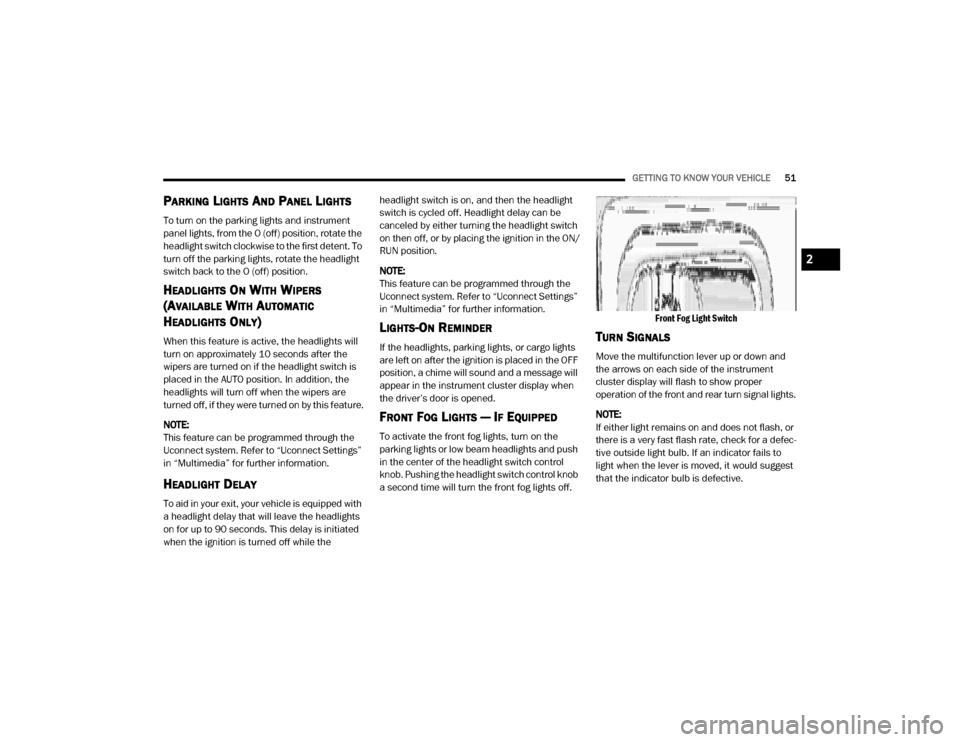
FRONT FOG LIGHTS — IF EQUIPPED
To activate the front fog lights, turn on the
parking lights or low beam headlights and push
in the center of the headlight switch control
knob. Pushing the headlight switch control knob
a second time will turn the front fog lights off.
Front Fog Light Switch
TURN SIGNALS
Move the multifunction lever up or down and
the arrows on each side of the instrument
cluster display will flash to show proper
operation of the front and rear turn signal lights.
NOTE:
If either light remains on and does not flash, or
there is a very fast flash rate, check for a defec
-
tive outside light bulb. If an indicator fails to
light when the lever is moved, it would suggest
that the indicator bulb is defective.
2
20_DJD2_OM_EN_USC_t.book Page 51
Page 56 of 568

54GETTING TO KNOW YOUR VEHICLE
NOTE:
On vehicles equipped with an LED overhead
console, if both the Dome On and Dome Defeat
buttons are pushed, the Illuminated Entry with
door ajar feature will be disabled, but the Dome
Lights inside the vehicle will turn on.
Three types of Rear Courtesy/Reading Lights
are available for your vehicle:
Push button on/off
Push lens on/off
No on/off button, only Courtesy Light.
Push Lens On/Off Rear Courtesy Light
NOTE:
The Rear Courtesy/Reading Lights will remain
on until the switch is pushed a second time, so
be sure they have been turned off before exiting
the vehicle. If the interior lights are left on after
the ignition is turned off, they will automatically
turn off after 10 minutes.
Dimmer Control
The dimmer controls are part of the headlight
switch and are located on the left side of the
instrument panel.
Dimmer Controls
With the parking lights or headlights on, rotating
the right dimmer control upward will increase
the brightness of the instrument panel lights.
Rotating the left dimmer control will adjust the
interior and ambient light levels.
NOTE:
The ambient lights are only active when the
headlights or parking lights are on.ILLUMINATED ENTRY
The courtesy lights will turn on when you use the
key fob to unlock the doors or open any door.
This feature also turns on the puddle lamps
located beneath the outside mirrors (if
equipped).
The lights will fade to off after approximately
30 seconds, or they will immediately fade to off
once the ignition switch is placed in the ON/
RUN position from the OFF position.
The front courtesy overhead console and door
courtesy lights will not turn off if the Dome On
button on the overhead console is pushed.
The illuminated entry system will not operate if
the Dome Defeat button on the overhead
console is pushed.
1 — Ambient Light Control
2 — Instrument Panel Dimmer Control
20_DJD2_OM_EN_USC_t.book Page 54
Page 59 of 568
GETTING TO KNOW YOUR VEHICLE57
CLIMATE CONTROLS
The Climate Control system allows you to
regulate the temperature, air flow, and direction
of air circulating throughout the vehicle. The
controls are located on the touchscreen (if
equipped), on the sides of the touchscreen, or
on the instrument panel below the radio.
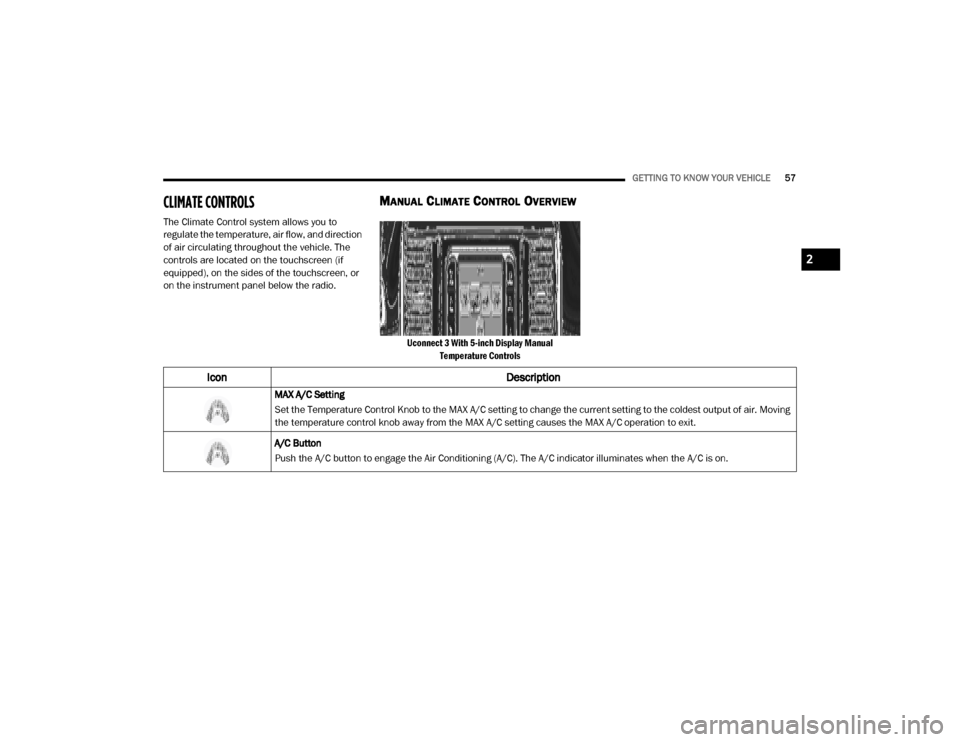
MANUAL CLIMATE CONTROL OVERVIEW
Uconnect 3 With 5-inch Display Manual
Temperature Controls
Icon Description
MAX A/C Setting
Set the Temperature Control Knob to the MAX A/C setting to change the current setting to the coldest output of air. Moving
the temperature control knob away from the MAX A/C setting causes the MAX A/C operation to exit.
A/C Button
Push the A/C button to engage the Air Conditioning (A/C). The A/C indicator illuminates when the A/C is on.
2
20_DJD2_OM_EN_USC_t.book Page 57
Page 61 of 568

GETTING TO KNOW YOUR VEHICLE59
Mode Control
Turn the Mode Control knob to adjust the airflow distribution. The airflow distribution mode can be adjusted so air comes
from the instrument panel outlets, floor outlets, defrost outlets and demist outlets. The Mode settings are as follows:
Panel Mode Panel Mode
Air comes from the outlets in the instrument panel. Each of these outlets can be individually adjusted to direct the flow of
air. The air vanes of the center outlets and outboard outlets can be moved up and down or side to side to regulate airflow
direction. There is a shut off wheel located below the air vanes to shut off or adjust the amount of airflow from these
outlets.
Bi-Level Mode Bi-Level Mode
Air comes from the instrument panel outlets and floor outlets. A slight amount of air is directed through the defrost and
side window demister outlets.
NOTE:
Bi-Level mode is designed under comfort conditions to provide cooler air out of the panel outlets and warmer air from the
floor outlets.
Icon
Description
2
20_DJD2_OM_EN_USC_t.book Page 59
Page 67 of 568
GETTING TO KNOW YOUR VEHICLE65
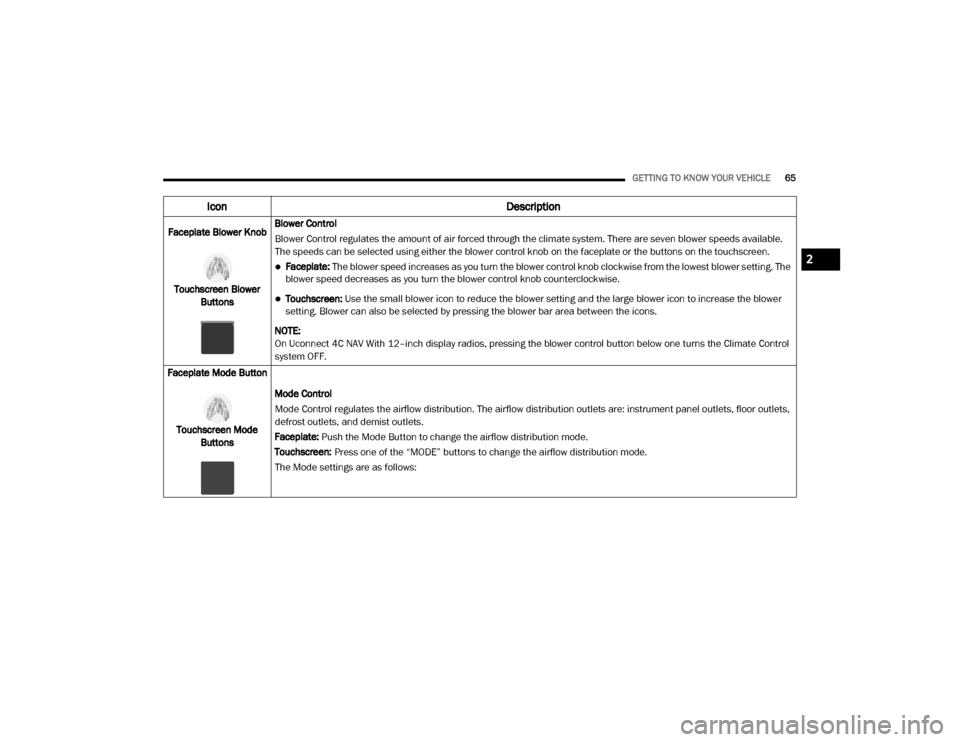
Faceplate Blower Knob
Touchscreen Blower Buttons Blower Control
Blower Control regulates the amount of air forced through the climate system. There are seven blower speeds available.
The speeds can be selected using either the blower control knob on the faceplate or the buttons on the touchscreen.
Faceplate: The blower speed increases as you turn the blower control knob clockwise from the lowest blower setting. The
blower speed decreases as you turn the blower control knob counterclockwise.
Touchscreen:
Use the small blower icon to reduce the blower setting and the large blower icon to increase the blower
setting. Blower can also be selected by pressing the blower bar area between the icons.
NOTE:
On Uconnect 4C NAV With 12–inch display radios, pressing the blower control button below one turns the Climate Control
system OFF.
Faceplate Mode Button
Touchscreen Mode Buttons Mode Control
Mode Control regulates the airflow distribution. The airflow distribution outlets are: instrument panel outlets, floor outlets,
defrost outlets, and demist outlets.
Faceplate: Push the Mode Button to change the airflow distribution mode.
Touchscreen:
Press one of the “MODE” buttons to change the airflow distribution mode.
The Mode settings are as follows:
Icon Description
2
20_DJD2_OM_EN_USC_t.book Page 65
Page 68 of 568

66GETTING TO KNOW YOUR VEHICLE
Panel ModePanel Mode
Air comes from the outlets in the instrument panel. Each of these outlets can be individually adjusted to direct the flow of
air. The air vanes of the center outlets and outboard outlets can be moved up and down or side to side to regulate airflow
direction. There is a shut off wheel located below the air vanes to shut off or adjust the amount of airflow from these
outlets.
Bi-Level Mode Bi-Level Mode
Air comes from the instrument panel outlets and floor outlets. A slight amount of air is directed through the defrost and
side window demister outlets.
NOTE:
Bi-Level mode is designed under comfort conditions to provide cooler air out of the panel outlets and warmer air from the
floor outlets.
Floor Mode Floor Mode
Air comes from the floor outlets. A slight amount of air is directed through the defrost and side window demister outlets.
Mix Mode Mix Mode
Air is directed through the floor, defrost, and side window demister outlets. This setting works best in cold or snowy
conditions that require extra heat to the windshield. This setting is good for maintaining comfort while reducing moisture on
the windshield.
Climate Control OFF Button
Press and release this button to turn the Climate Control ON/OFF.
Icon Description
20_DJD2_OM_EN_USC_t.book Page 66
Page 76 of 568
74GETTING TO KNOW YOUR VEHICLE
HOOD
TO OPEN THE HOOD
To open the hood, two latches must be
released.
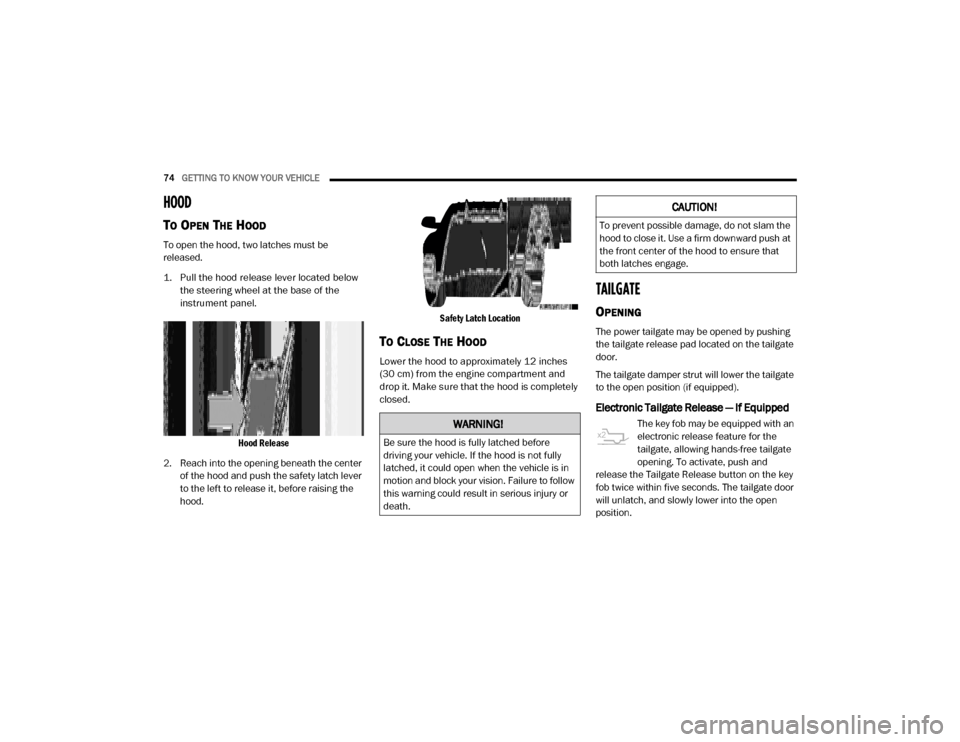
1. Pull the hood release lever located below
the steering wheel at the base of the
instrument panel.
Hood Release
2. Reach into the opening beneath the center of the hood and push the safety latch lever
to the left to release it, before raising the
hood.
Safety Latch Location
TO CLOSE THE HOOD
Lower the hood to approximately 12 inches
(30 cm) from the engine compartment and
drop it. Make sure that the hood is completely
closed.
TAILGATE
OPENING
The power tailgate may be opened by pushing
the tailgate release pad located on the tailgate
door.
The tailgate damper strut will lower the tailgate
to the open position (if equipped).
Electronic Tailgate Release — If Equipped
The key fob may be equipped with an
electronic release feature for the
tailgate, allowing hands-free tailgate
opening. To activate, push and
release the Tailgate Release button on the key
fob twice within five seconds. The tailgate door
will unlatch, and slowly lower into the open
position.WARNING!
Be sure the hood is fully latched before
driving your vehicle. If the hood is not fully
latched, it could open when the vehicle is in
motion and block your vision. Failure to follow
this warning could result in serious injury or
death.
CAUTION!
To prevent possible damage, do not slam the
hood to close it. Use a firm downward push at
the front center of the hood to ensure that
both latches engage.
20_DJD2_OM_EN_USC_t.book Page 74
Page 83 of 568

GETTING TO KNOW YOUR VEHICLE81
2. l'utilisateur de l'appareil doit accepter tout
brouillage radioélectrique subi, même si le
brouillage est susceptible d'en compro -
mettre le fonctionnement.
La operación de este equipo está sujeta a las
siguientes dos condiciones:
1. es posible que este equipo o dispositivo no cause interferencia perjudicial y
2. este equipo o dispositivo debe aceptar cualquier interferencia, incluyendo la que
pueda causar su operación no deseada.
NOTE:
Changes or modifications not expressly
approved by the party responsible for compli -
ance could void the user’s authority to operate
the equipment.
INTERNAL EQUIPMENT
STORAGE
Glove Compartment
The glove compartment is located on the
passenger side of the instrument panel and
features both an upper and lower storage area. NOTE:
Not all vehicles are equipped with a door over
the upper storage area.
Glove Compartment
If equipped with a covered upper glove
compartment, push the release button to open.
To open the lower glove compartment, pull the
release handle.
Door Storage
Front Door Storage — If Equipped
Storage areas and bottle holders (driver’s side
only) are located in the door trim panels.
Rear Door Storage — If Equipped
Storage compartments are located in both the
driver and passenger rear door trim panels.
Center Storage Compartment — If
Equipped
The center storage compartment is located
between the driver and passenger seats. The
storage compartment provides an armrest and
contains both an upper and lower storage area.
Center Storage Compartment
1 — Upper Glove Compartment Release Button (If
Equipped)
2 — Upper Glove Compartment
3 — Lower Glove Compartment
2
20_DJD2_OM_EN_USC_t.book Page 81
Page 85 of 568

GETTING TO KNOW YOUR VEHICLE83
Tandem Doors Open Position
Push the release button at the front of the
cupholder bin to slide tray rearward for access
of front lower storage bin, or forward to access
the rear lower storage bin with the center
console lid in the open position.
Push Release Button To Slide Tray
Front Bench Seat Storage — If Equipped
If your vehicle is equipped with a front bench
seat, storage can be found by folding down the
center seat back. A console storage area and
cupholders are available. With the seatback in
the upright position, lifting the seat bottom also
reveals a storage location.
Front Bench Seat Storage Location
If equipped, there is also a storage drawer
located in the lower center of the instrument
panel. It can be released by pushing the access
button above it. The drawer is actuator assisted
once the access button is pushed. Pull the
drawer outward to the fully open position.
Storage Drawer Access Button
Seatback Storage — If Equipped
Located in the back of both the driver and
passenger front seats are pockets that can be
used for storage.
Driver’s Side Seatback Storage
1 — Front Bin Open
2 — Rear Bin Open
2
20_DJD2_OM_EN_USC_t.book Page 83