key Ram ProMaster City 2020 User Guide
[x] Cancel search | Manufacturer: RAM, Model Year: 2020, Model line: ProMaster City, Model: Ram ProMaster City 2020Pages: 350, PDF Size: 13.27 MB
Page 24 of 350

GETTING TO KNOW YOUR VEHICLE 21
VEHICLE SECURITY ALARM — IF EQUIPPED
The Vehicle Security Alarm monitors the vehicle doors and
ignition for unauthorized operation. When the Vehicle Secu-
rity Alarm is activated, interior switches for door locks are
disabled. The system provides both audible and visible
signals. Every intrusion attempt causes six continuous alarm
cycles. Every alarm cycle lasts for 30 seconds. For 26 seconds,
the horn will sound, and the turn signal lights will flash. For
four seconds, it will pause. After a maximum of 10 alarm
cycles, only the turn signal lights will flash until the next
alarm activation.
To Arm The System
To arm the system, the Vehicle Security Alarm will set when
you use the key fob to lock the doors. If a door or the hood is
not properly shut, the alarm system will not be armed.
To Disarm The System
Use the key fob to unlock the door and disarm the system.
The Vehicle Security Alarm will also disarm if a
programmed Sentry Key is inserted into the ignition switch.
To exit the alarm mode, push the key fob unlock button, or
insert a programmed Sentry Key into the ignition switch.The Vehicle Security Alarm is designed to protect your
vehicle. However, you can create conditions where the
system will give you a false alarm. If one of the previously
described arming sequences has occurred, the Vehicle Secu-
rity Alarm will arm regardless of whether you are in the
vehicle or not. If you remain in the vehicle and open a door,
the alarm will sound. If this occurs, disarm the Vehicle Secu-
rity Alarm.
Rearming Of The System
If the system has not been disabled, the Vehicle Security
Alarm will rearm itself after the 15 additional minutes of
turn lamps flashing. If the condition which initiated the
alarm is still present, the system will ignore that condition
and monitor the remaining doors and ignition.
Security System Manual Override
The Vehicle Security Alarm will not arm/disarm if you lock/
unlock the doors using the manual door lock plunger.
2
2020_RAM_PROMASTER_CITY_OM_USA=GUID-7B6A7FCA-79B0-423F-95C5-ED2A949C3D13=1=en=.book Page 21
Page 25 of 350
22 GETTING TO KNOW YOUR VEHICLE
DOORS
Door Locks
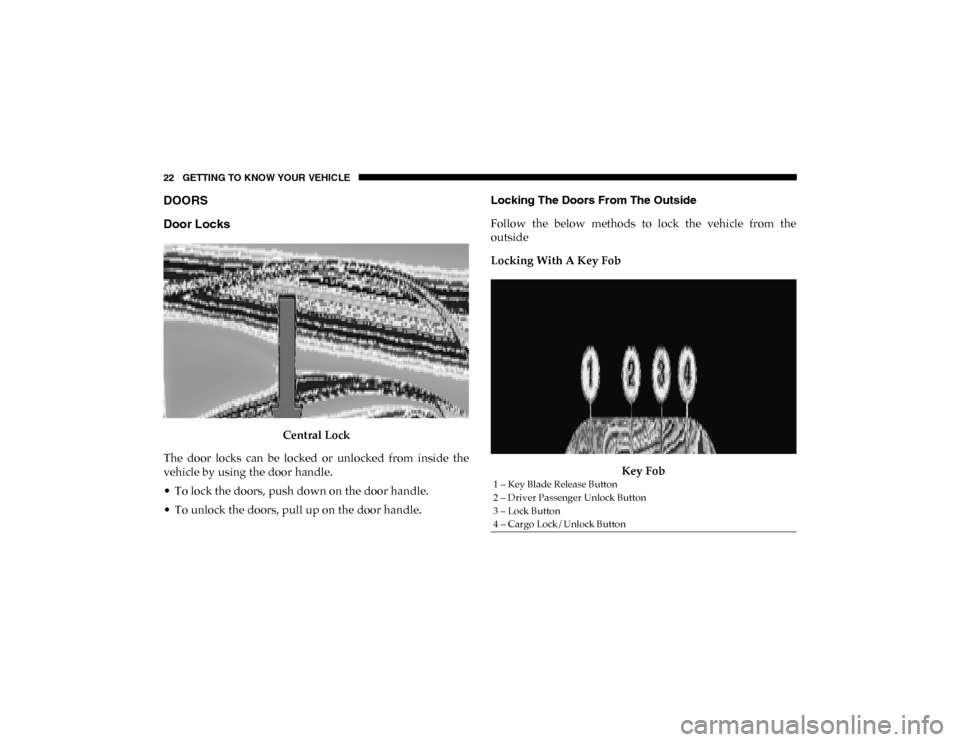
Central Lock
The door locks can be locked or unlocked from inside the
vehicle by using the door handle.
• To lock the doors, push down on the door handle.
• To unlock the doors, pull up on the door handle. Locking The Doors From The Outside
Follow the below methods to lock the vehicle from the
outside
Locking With A Key Fob
Key Fob
1 – Key Blade Release Button
2 – Driver Passenger Unlock Button
3 – Lock Button
4 – Cargo Lock/Unlock Button
2020_RAM_PROMASTER_CITY_OM_USA=GUID-7B6A7FCA-79B0-423F-95C5-ED2A949C3D13=1=en=.book Page 22
Page 26 of 350
GETTING TO KNOW YOUR VEHICLE 23
Push and release the lock button on the key fob to lock all doors.
The turn signal lights will flash to acknowledge the signal.
Horn activation settings after a Radio Frequency (RF) lock
command can be adjusted manually Refer to “Uconnect
Settings” in “Multimedia” for further information.
Locking With The Key BladeKey Blade Released
Push the Key Blade Release Button to expose the key blade,
insert the key blade into the doors exterior lock cylinder and
turn the key clockwise to lock the front door. Unlock The Doors From The Outside
Follow the below methods to unlock the vehicle from the
outside:
Unlocking With A Key Fob For All Passenger Vans And
U.S. Cargo Vans — If Equipped
To unlock all the doors, push and release the unlock button
on the key fob. The turn signal lights will flash to acknowl
-
edge the unlock signal. Push and release the Cargo unlock
button to unlock the rear cargo doors only.
Unlocking With A Key Fob For Canadian Cargo Vans — If
Equipped
Push and release the unlock button to unlock the front doors.
Push and release the Cargo unlock button to unlock the side
sliding doors and the rear cargo doors.
Unlocking With The Key Blade
Push the Key Blade Release Button to expose the key blade,
insert the key blade into the driver door exterior lock
cylinder and turn the key counterclockwise to unlock all
doors.
2
2020_RAM_PROMASTER_CITY_OM_USA=GUID-7B6A7FCA-79B0-423F-95C5-ED2A949C3D13=1=en=.book Page 23
Page 27 of 350

24 GETTING TO KNOW YOUR VEHICLE
Unlocking The Rear Cargo Area From Inside The Vehicle
Pull up on the lock/unlock lever located on the drivers door
panel to the 1st detent to unlock all doors from inside the
vehicle.
Auto Unlock Doors
Auto Unlocking For All Passenger Vehicles and U.S. Cargo
Vehicles — If Equipped
This feature unlocks all doors when the driver door is
opened.
Auto Unlocking For Canadian Cargo Vehicles — If
Equipped
This feature unlocks all front doors when the driver door is
opened.
NOTE:
If the front passenger door, or the rear or side door is opened,
only the rear or side door is unlocked.Sliding Side Door
On Cargo versions, the sliding side door is fitted with a
spring-loaded latch that stops the door from opening any
further. To lock it, simply push the door as far as it will go; to
unlock it, pull forward firmly.
Opening And Closing From Outside The Vehicle
Opening/Unlocking With A Key Fob In the Passenger
Vehicle and U.S. Cargo Vehicle — If Equipped
Push and release the unlock button on the key fob to unlock
all doors. Push and release the cargo unlock button on the
key fob to unlock the sliding side doors. To open one of the
sliding side doors, pull the handle out from the bottom, then
slide the door towards the rear of the vehicle until it locks
into place and cannot go any further. The turn signal lights
will flash to acknowledge the unlock signal.
Opening/Unlocking With A Key Fob In the Canadian
Cargo Vehicle — If Equipped
Push and release the unlock button on the key fob to unlock
the front two doors. Push and release the cargo unlock
button on the key fob once to unlock the passenger/cargo
area (side lateral sliding doors and rear doors). The turn
signal lights will flash to acknowledge the unlock signal.
2020_RAM_PROMASTER_CITY_OM_USA=GUID-7B6A7FCA-79B0-423F-95C5-ED2A949C3D13=1=en=.book Page 24
Page 28 of 350

GETTING TO KNOW YOUR VEHICLE 25
Unlocking With The Key Blade In Passenger Vehicle
Push the Key Blade Release Button to expose the key blade,
insert the key blade into the driver door exterior lock
cylinder and turn the key counterclockwise to unlock all
doors.
Unlocking With The Key Blade In Cargo Vehicle
Push the Key Blade Release Button to expose the key blade,
insert the key blade into the driver door exterior lock
cylinder and turn the key counterclockwise to unlock the
front doors. Push the Key Blade Release Button to expose the
key blade, insert the key blade into the rear door exterior lock
cylinder and turn the key counterclockwise to unlock the
rear doors.
Closing/Locking With A Key Fob
Push and release the lock button on the key fob to lock all
doors, including the cargo area (side lateral sliding doors
and rear doors). The turn signal lights will flash to acknowl-
edge the lock signal.
Horn activation settings after a Radio Frequency (RF) lock
command can be adjusted manually. Refer to “Uconnect
Settings” in “Multimedia” for further information. Locking With The Key Blade In Passenger Vehicle
Push the Key Blade Release button to expose the key blade,
insert the key blade into the driver door exterior lock
cylinder and turn the key clockwise to lock all doors.
Locking With The Key Blade In Cargo Vehicle
Push the Key Blade Release button to expose the key blade,
insert the key blade into the driver door exterior lock
cylinder and turn the key clockwise to lock the front doors.
Push the Key Blade Release button to expose the key blade,
insert the key blade into the rear door exterior lock cylinder
and turn the key clockwise to lock the rear doors.
Closing And Locking From Outside
Grab the side door handle and push towards the front of the
vehicle. Once the side door is secured in the full closed posi
-
tion, use one of the locking methods above to lock the sliding
side doors.
2
2020_RAM_PROMASTER_CITY_OM_USA=GUID-7B6A7FCA-79B0-423F-95C5-ED2A949C3D13=1=en=.book Page 25
Page 29 of 350
26 GETTING TO KNOW YOUR VEHICLE
Opening And Closing From The Inside
Opening:
Pull the interior door handle switch to unlock the door, then
pull the handle and slide the door towards the rear of the
vehicle until it can go no further.
Closing:
Pull the interior door handle switch to release the door and
then push it towards the front of the vehicle.
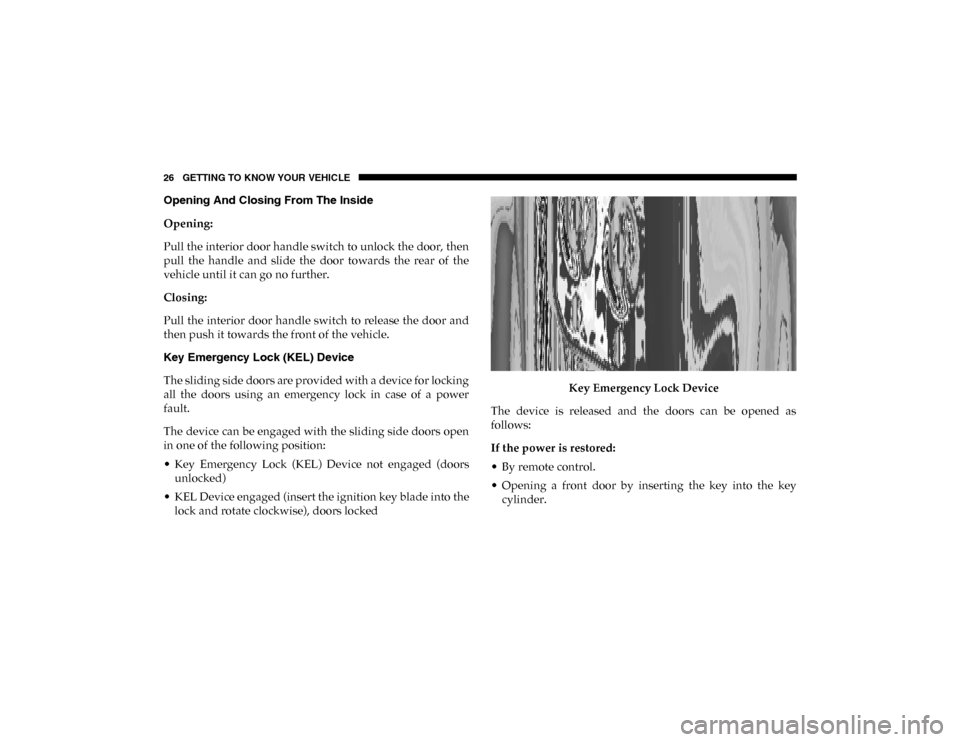
Key Emergency Lock (KEL) Device
The sliding side doors are provided with a device for locking
all the doors using an emergency lock in case of a power
fault.
The device can be engaged with the sliding side doors open
in one of the following position:
• Key Emergency Lock (KEL) Device not engaged (doorsunlocked)
• KEL Device engaged (insert the ignition key blade into the lock and rotate clockwise), doors locked Key Emergency Lock Device
The device is released and the doors can be opened as
follows:
If the power is restored:
• By remote control.
• Opening a front door by inserting the key into the key cylinder.
2020_RAM_PROMASTER_CITY_OM_USA=GUID-7B6A7FCA-79B0-423F-95C5-ED2A949C3D13=1=en=.book Page 26
Page 30 of 350
GETTING TO KNOW YOUR VEHICLE 27
If the power is not restored:
• Opening the driver side door by key blade and the otherdoors (passenger's side and sliding side door) by pulling
the inner handle.
If the child lock was engaged and the previously described
locking procedure was carried out, operating the internal
handle will not open the door but will only realign the door
lock knob. To open the door, the outside handle must be
pulled. The door central locking/unlocking button is not
disabled by the engagement of the emergency lock.
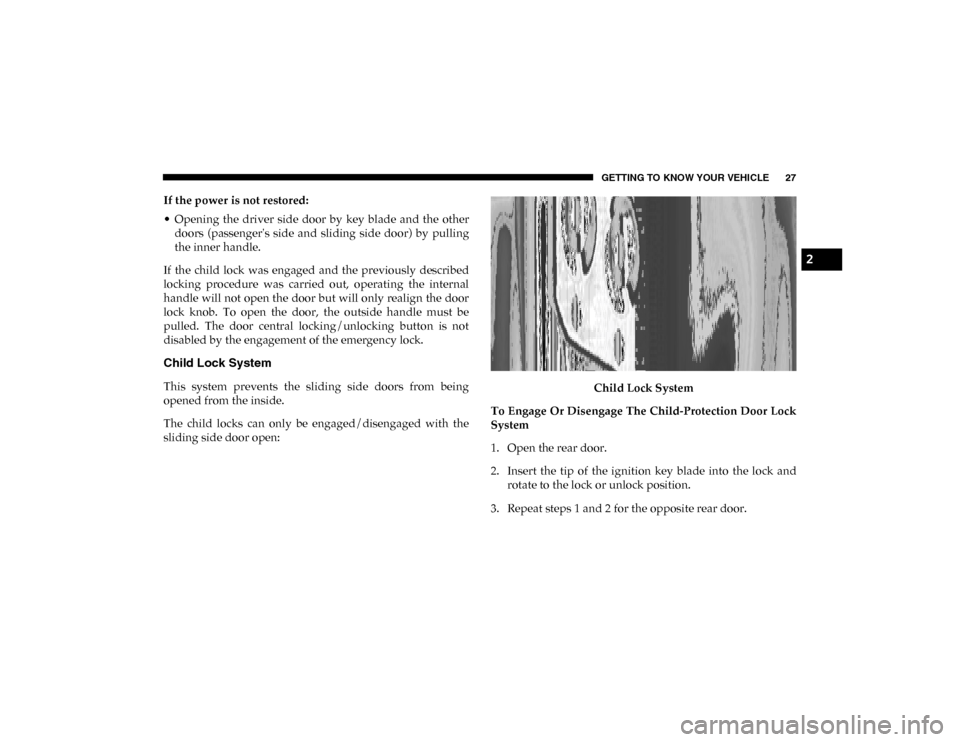
Child Lock System
This system prevents the sliding side doors from being
opened from the inside.
The child locks can only be engaged/disengaged with the
sliding side door open: Child Lock System
To Engage Or Disengage The Child-Protection Door Lock
System
1. Open the rear door.
2. Insert the tip of the ignition key blade into the lock and rotate to the lock or unlock position.
3. Repeat steps 1 and 2 for the opposite rear door.
2
2020_RAM_PROMASTER_CITY_OM_USA=GUID-7B6A7FCA-79B0-423F-95C5-ED2A949C3D13=1=en=.book Page 27
Page 32 of 350
GETTING TO KNOW YOUR VEHICLE 29
Using the key fob on the door, you can do the following:
• For Cargo versions with swing door/cargo doors:centrally unlock the load compartment (sliding side doors
+ rear swing doors/tailgate), centrally lock all the doors.
• For versions with swing door: local unlocking/locking.
Opening/Closing The First Swing Door From The
Outside
To open the door, turn the key in the lock or push the cargo
unlock button on the key fob and then pull the exterior
handle to the left. To close the door, turn the key in the lock
or push the lock button on the key fob.
Emergency Opening Of The First Swing Door From The
Inside
From inside the vehicle, use the interior door release mecha -
nism located on the left rear trim panel.
Opening The Second Swing Door
After having opened the first door, pull the handle located
on the door face toward the rear of the vehicle.SEATS
Seats are a part of the Occupant Restraint System of the
vehicle.
WARNING!
• It is dangerous to ride in a cargo area, inside or outside of a vehicle. In a collision, people riding in these areas
are more likely to be seriously injured or killed.
• Do not allow people to ride in any area of your vehicle that is not equipped with seats and seat belts. In a colli -
sion, people riding in these areas are more likely to be
seriously injured or killed.
• Be sure everyone in your vehicle is in a seat and using a seat belt properly.2
2020_RAM_PROMASTER_CITY_OM_USA=GUID-7B6A7FCA-79B0-423F-95C5-ED2A949C3D13=1=en=.book Page 29
Page 35 of 350
32 GETTING TO KNOW YOUR VEHICLE
Heated Seats — If Equipped
On some models, the front driver and passenger seats may
be equipped with heaters in both the seat cushions and seat-
backs. The controls for the front heated seats are located on
the lower outboard side of the seat.
Heated Seat Control Button
Push the switch once to turn on the heated seats. The LED on
the switch illuminates when the heated seat is on. Push the
switch a second time to shut the heating elements off. NOTE:
• This feature is only available with the ignition key in MAR
(ACC/ON/RUN) position.
• Once a heat setting is selected, heat will be felt within two to five minutes.
WARNING!
• Persons who are unable to feel pain to the skin because of advanced age, chronic illness, diabetes, spinal cord
injury, medication, alcohol use, exhaustion or other
physical condition must exercise care when using the
seat heater. It may cause burns even at low tempera -
tures, especially if used for long periods of time.
• Do not place anything on the seat or seatback that insu -
lates against heat, such as a blanket or cushion. This
may cause the seat heater to overheat. Sitting in a seat
that has been overheated could cause serious burns due
to the increased surface temperature of the seat.
2020_RAM_PROMASTER_CITY_OM_USA=GUID-7B6A7FCA-79B0-423F-95C5-ED2A949C3D13=1=en=.book Page 32
Page 47 of 350

44 GETTING TO KNOW YOUR VEHICLE
High Beams
With the low beams activated, pull the multifunction lever
towards the steering wheel to turn on the high beams. A high
beam symbol will illuminate in the cluster to indicate the
high beams are on. Pull the multifunction lever a second time
to switch the headlights back to low beam.
NOTE:
If the vehicle’s ignition is turned off, both high and low beam
headlights will also turn off.
Flash-To-Pass
You can signal another vehicle with your headlights by
partially pulling the multifunction lever toward the steering
wheel. This will cause the high beam headlights to turn on
until the lever is released.
Parking Lights
These lights can only be turned on with ignition key in the
STOP (OFF/LOCK) position or removed, by moving the end
of the multifunction lever to O (Off) position and then to the
headlight position.
The warning light telltale in the instrument panel comes on.
The lights stay on until the next ignition cycle is performed.
Follow Me Home/Headlight Delay
When this feature is selected, the driver can choose to have
the headlights remain on for a preset period of time after the
engine is turned off.
Activation
Remove the key or turn the ignition to the STOP (OFF/
LOCK) position, and pull the multifunction lever toward the
steering wheel within two minutes. Each time the lever is
pulled, the activation of the lights will be extended by 30
seconds. The activation of the lights can be extended to a
maximum of 210 seconds.
2020_RAM_PROMASTER_CITY_OM_USA=GUID-7B6A7FCA-79B0-423F-95C5-ED2A949C3D13=1=en=.book Page 44