ABS RENAULT SCENIC 2008 J84 / 2.G Automatic Transmission Siemens TA2000 Owner's Manual
[x] Cancel search | Manufacturer: RENAULT, Model Year: 2008, Model line: SCENIC, Model: RENAULT SCENIC 2008 J84 / 2.GPages: 128, PDF Size: 0.43 MB
Page 54 of 128
AUTOMATIC TRANSMISSION
Fault finding – Interpretation of faults23A
23A-54V4 MR-372-J84-23A050$396.mif
SIEMENS TA2000
Vdiag No.: 10-11-15
DF123
PRESENT
OR
STOREDABS COMPUTER CONNECTION
NOTESNone.
Run a multiplex network test (see 88B, Multiplexing).
If the fault is still present, run fault finding on the Anti-lock braking and Electronic stability program systems
(see 38C, Anti-lock braking system).
AFTER REPAIRDeal with any other faults. Clear the fault memory.
Switch off the ignition and carry out a road test followed by a test with the
diagnostic tool.
DP0TA2000_V10_DF123/DP0TA2000_V11_DF123/DP0TA2000_V15_DF123
Page 58 of 128
AUTOMATIC TRANSMISSION
Fault finding – Interpretation of faults23A
23A-58V4 MR-372-J84-23A050$396.mif
SIEMENS TA2000
Vdiag No.: 10-11-15
DF174
PRESENT
OR
STOREDABS FAULT DETECTION
NOTESNone.
Run a multiplex network test (see 88B, Multiplexing).
If the fault is still present, run fault finding on the Anti-lock braking and Electronic stability program systems
(see 38C, Anti-lock braking system).
AFTER REPAIRDeal with any other faults. Clear the fault memory.
Switch off the ignition and carry out a road test followed by a test with the
diagnostic tool.
DP0TA2000_V10_DF174/DP0TA2000_V11_DF174/DP0TA2000_V15_DF174
Page 78 of 128
AUTOMATIC TRANSMISSION
Fault finding – Interpretation of statuses23A
23A-78V4 MR-372-J84-23A050$594.mif
SIEMENS TA2000
Vdiag No.: 10-11-15
ET003
BRAKE LIGHT SWITCH (OPENING)
NOTESThere must be no present or stored faults.
The status displays OPEN with the pedal released and changes to CLOSED with the brake pedal depressed.
Check the cleanliness and the condition of the brake light switch connections.
Check the positioning, setting and correct operation of the brake light switch (Pay attention to the floor carpet which
can block the switch).
Disconnect the battery.
Disconnect the computer. Check the cleanliness and condition of the connections.
Use the Universal bornier Elé. 1681 to check the insulation, continuity and the absence of interference resistance
on the following connection:
●Connection code 5A, between components 119 and 160.
If the connection is faulty and there is a repair procedure (see Technical Note 6015A, Electrical wiring repair,
Wiring: Precautions for repair), repair the wiring, otherwise replace it.
If the correct status is not displayed, replace the switch.
AFTER REPAIRRepeat the conformity check from the start.
DP0TA2000_V10_ET003/DP0TA2000_V11_ET003/DP0TA2000_V15_ET003
Page 79 of 128
AUTOMATIC TRANSMISSION
Fault finding – Interpretation of statuses23A
23A-79V4 MR-372-J84-23A050$594.mif
SIEMENS TA2000
Vdiag No.: 10-11-15
ET004
STOP LIGHT SWITCH (CLOSURE)
NOTESThere must be no present or stored faults.
The status displays CLOSED with the pedal released and changes to OPEN with the brake pedal depressed.
Check the cleanliness and the condition of the brake light switch connections.
Check the positioning, setting and correct operation of the brake light switch (Pay attention to the floor carpet
which can block the switch).
Disconnect the battery.
Disconnect the computer. Check the cleanliness and condition of the connections.
Use the Universal bornier Elé. 1681 to check the insulation, continuity and the absence of interference
resistance on the following connection:
●Connection code 5A, between components 119 and 160.
If the connection is faulty and there is a repair procedure (see Technical Note 6015A, Electrical wiring repair,
Wiring: Precautions for repair), repair the wiring, otherwise replace it.
Repair if necessary.
If the correct status is not displayed, replace the switch.
AFTER REPAIRRepeat the conformity check from the start.
DP0TA2000_V10_ET004/DP0TA2000_V11_ET004/DP0TA2000_V15_ET004
Page 82 of 128
AUTOMATIC TRANSMISSION
Fault finding – Interpretation of statuses23A
23A-82V4 MR-372-J84-23A050$594.mif
SIEMENS TA2000
Vdiag No.: 10-11-15
ET012
CONTINUED
SIDE LEVER
"P"-"R"- "N"-"D"
(continued)
LEVER POSITION
M, M+ AND M-
incremental shift
Disconnect the multifunction switch.
Use the universal bornier Elé. 1681 to check the insulation, continuity and
the absence of interference resistance on the following connections:
●Connection code 5DG between components 119 and 485.
●Connection code 5DH between components 119 and 485.
●Connection code 5DJ between components 119 and 485.
●Connection code 5DK between components 119 and 485.
If the connection or connections are faulty and there is a repair procedure (see Technical
Note 6015A, Electrical wiring repair, Wiring: Precautions for repair), repair the wiring,
otherwise replace it.
Repair if necessary.
Check the cleanliness and the condition of the sequential lever module connections.
Disconnect the battery. Disconnect the computer.
Check the cleanliness and condition of the connections.
Use the Universal bornier Elé. 1681.
Check the insulation, continuity and absence of interference resistance
on the following connections:
●Connection code 5FM between components 119 and 129.
If the connection is faulty and there is a repair procedure (see Technical Note 6015A,
Electrical wiring repair, Wiring: Precautions for repair), repair the wiring, otherwise
replace it.
●Connection code 5H between components 119 and 129.
If the connection is faulty and there is a repair procedure (see Technical Note 6015A,
Electrical wiring repair, Wiring: Precautions for repair), repair the wiring, otherwise
replace it.
●Connection code N between components 129 and 107.
If the connection is faulty and there is a repair procedure (see Technical Note 6015A,
Electrical wiring repair, Wiring: Precautions for repair), repair the wiring, otherwise
replace it.
Repair if necessary.
AFTER REPAIRRepeat the conformity check from the start.
Page 97 of 128
AUTOMATIC TRANSMISSION
Fault finding – Parameter summary table23A
23A - 97V4 MR-372-J84-23A050$660.mif
SIEMENS TA2000
Vdiag No.: 10-11-15AUTOMATIC TRANSMISSION
Fault finding – Parameter summary table
ET142
BRAKE PEDAL DEPRESSED
NOTESThere must be no present or stored faults.
This status indicates the position of the brake pedal
The status is YES when the brake pedal is pressed.
The status is NO when the brake pedal is not pressed.
If the status does not function as specified above, use the interpretation of fault DF119 Brake pedal position.
Disconnect the computer.
Check the cleanliness and condition of the connections.
Check the continuity, insulation and the absence of interference resistance on the following connections:
●Connection code 5A between components 119 and 160.
If the connection is faulty and there is a repair procedure (see Technical Note 6015A, Electrical wiring repair,
Wiring: Precautions for repair), repair the wiring, otherwise replace it.
If the fault is still present, replace the brake sensor.
If the fault is still present, contact the Techline.
DP0TA2000_V10_ET142/DP0TA2000_V11_ET142/DP0TA2000_V15_ET142
MR-372-J84-23A050$660.mif
Page 102 of 128
AUTOMATIC TRANSMISSION
Fault finding – Parameter interpretation23A
23A - 102V4 MR-372-J84-23A050$726.mif
SIEMENS TA2000
Vdiag No.: 10-11-15
PR003
OIL PRESSURE
NOTESThere must be no present or stored faults.
Disconnect the battery.
Disconnect the modular connector, and check the cleanliness and condition of the connections.
Disconnect the computer.
Check the cleanliness and condition of the connections.
Use the Universal bornier Elé. 1681 to check the insulation, continuity and the absence of interference resistance
on the following connections:
●Connection code 5U between components 119 and 781.
●Connection code 5W between components 119 and 781.
●Connection code 5V between components 119 and 781.
●Connection code 5AZ, between components 119 and 754.
●Connection code 5BA between components 119 and 754.
If the connection or connections are faulty and there is a repair procedure (see Technical Note 6015A, Electrical
wiring repair, Wiring: Precautions for repair), repair the wiring, otherwise replace it.
Reconnect the modular connector.
Measure the resistance of component 781 between the following connections:
●Connection code 5U.
●Connection code 5W.
The value should be approximately 20 kΩ.
If the connection or connections are faulty and there is a repair procedure (see Technical Note 6015A, Electrical
wiring repair, Wiring: Precautions for repair), repair the wiring, otherwise replace it.
If the value is not correct, replace the sensor.
Measure the resistance of component 754 between the following connections:
●Connection code 5AZ.
●Connection code 5BA.
The value should be approximately 1 Ω ± 0.2 Ω at 20 ˚C.
If the connection or connections are faulty and there is a repair procedure (see Technical Note 6015A, Electrical
wiring repair, Wiring: Precautions for repair), repair the wiring, otherwise replace it.
If the value is not correct, the solenoid valve or the electric/hydraulic interface harness is damaged.
Check gearbox oil grade and level.
If an operation is necessary (see MR 364 Mechanical, 23A, Automatic transmission, Filling-Levels
(for Mégane II) and MR 370 Mechanical, 23A, Automatic transmission, Draining-Filling (for Scénic II)).
Check that the gearbox is not leaking oil.
AFTER REPAIRRepeat the conformity check from the start.
DP0TA2000_V10_PR003/DP0TA2000_V11_PR003 /DP0TA2000_V15_PR003
Page 104 of 128
AUTOMATIC TRANSMISSION
Fault finding – Parameter interpretation23A
23A - 104V4 MR-372-J84-23A050$726.mif
SIEMENS TA2000
Vdiag No.: 10-11-15
PR004
GEARBOX OIL TEMPERATURE
NOTESThere must be no present or stored faults.
Disconnect the battery.
Disconnect the modular connector, and check the cleanliness and condition of the connections.
Disconnect the computer.
Check the cleanliness and condition of the connections.
Use the Universal bornier Elé. 1681 to check the insulation, continuity and the absence of interference resistance
on the following connections:
●Connection code 5BC between components 119 and 754.
●Connection code 5BB, between components 119 and 754.
●Connection code 5DN between components 119 and 1019.
●Connection code 5DD between components 119 and 1019.
If the connection or connections are faulty and there is a repair procedure (see Technical Note 6015A, Electrical
wiring repair, Wiring: Precautions for repair), repair the wiring, otherwise replace it.
Reconnect the modular connector.
Measure the resistance of component 754 between the following connections:
●Connection code 5BC.
●Connection code 5BB.
The value should be between 2360 and 2660 Ω at a temperature of 20 ˚C and between 290 and 327 Ω at a
temperature of 80 ˚C.
If the connection or connections are faulty and there is a repair procedure (see Technical Note 6015A, Electrical
wiring repair, Wiring: Precautions for repair), repair the wiring, otherwise replace it.
If the value is not correct, the sensor or the electric/hydraulic interface harness is damaged.
Measure the resistance of component 1019 between the following connections:
●Connection code 5DN.
●Connection code 5DD.
The value should be approximately 40 Ω ± 4 Ω at 20 ˚C.
If the connection or connections are faulty and there is a repair procedure (see Technical Note 6015A, Electrical
wiring repair, Wiring: Precautions for repair), repair the wiring, otherwise replace it.
If the value is not correct, the solenoid valve or the electric/hydraulic interface harness is damaged.
Make sure that the water-oil exchanger is not blocked.
AFTER REPAIRRepeat the conformity check from the start.
DP0TA2000_V10_PR004/DP0TA2000_V11_PR004 /DP0TA2000_V15_PR004
Page 105 of 128
AUTOMATIC TRANSMISSION
Fault finding – Parameter interpretation23A
23A - 105V4 MR-372-J84-23A050$726.mif
SIEMENS TA2000
Vdiag No.: 10-11-15
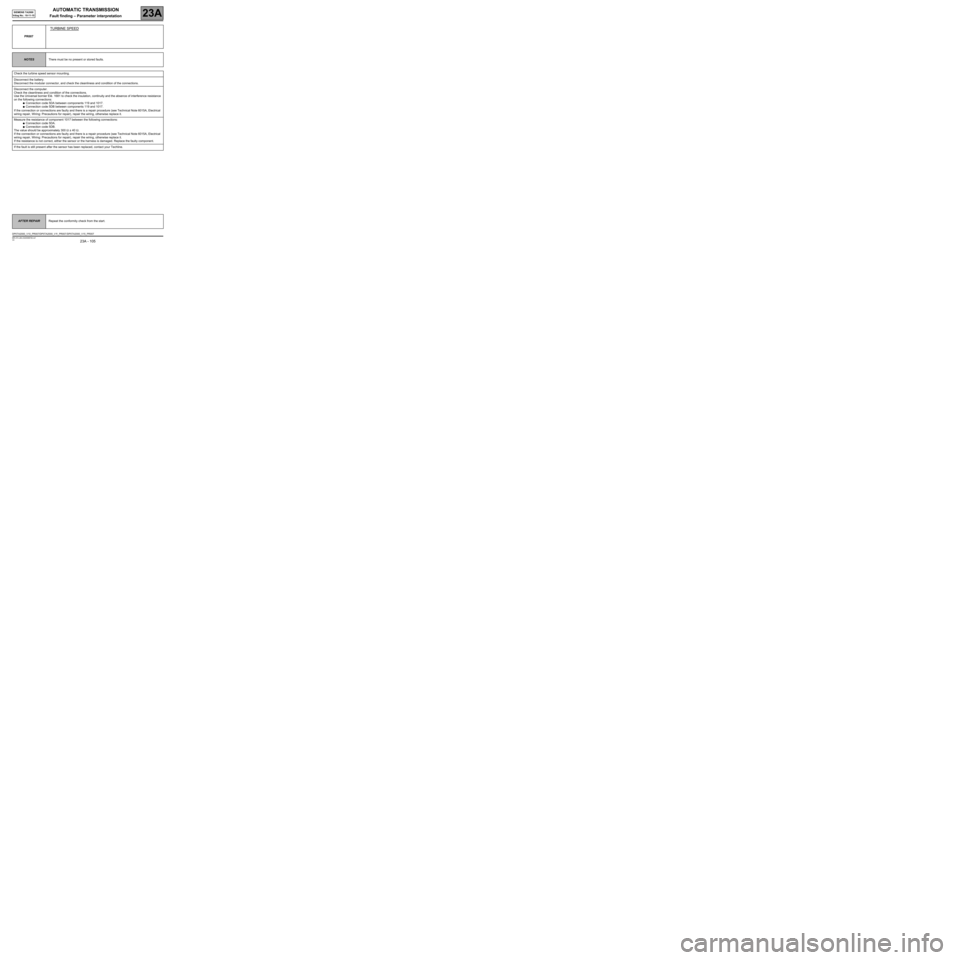
PR007
TURBINE SPEED
NOTESThere must be no present or stored faults.
Check the turbine speed sensor mounting.
Disconnect the battery.
Disconnect the modular connector, and check the cleanliness and condition of the connections.
Disconnect the computer.
Check the cleanliness and condition of the connections.
Use the Universal bornier Elé. 1681 to check the insulation, continuity and the absence of interference resistance
on the following connections:
●Connection code 5DA between components 119 and 1017.
●Connection code 5DB between components 119 and 1017.
If the connection or connections are faulty and there is a repair procedure (see Technical Note 6015A, Electrical
wiring repair, Wiring: Precautions for repair), repair the wiring, otherwise replace it.
Measure the resistance of component 1017 between the following connections:
●Connection code 5DA.
●Connection code 5DB.
The value should be approximately 300 Ω ± 40 Ω.
If the connection or connections are faulty and there is a repair procedure (see Technical Note 6015A, Electrical
wiring repair, Wiring: Precautions for repair), repair the wiring, otherwise replace it.
If the resistance is not correct, either the sensor or the harness is damaged. Replace the faulty component.
If the fault is still present after the sensor has been replaced, contact your Techline.
AFTER REPAIRRepeat the conformity check from the start.
DP0TA2000_V10_PR007/DP0TA2000_V11_PR007 /DP0TA2000_V15_PR007
Page 106 of 128
AUTOMATIC TRANSMISSION
Fault finding – Parameter interpretation23A
23A - 106V4 MR-372-J84-23A050$726.mif
SIEMENS TA2000
Vdiag No.: 10-11-15
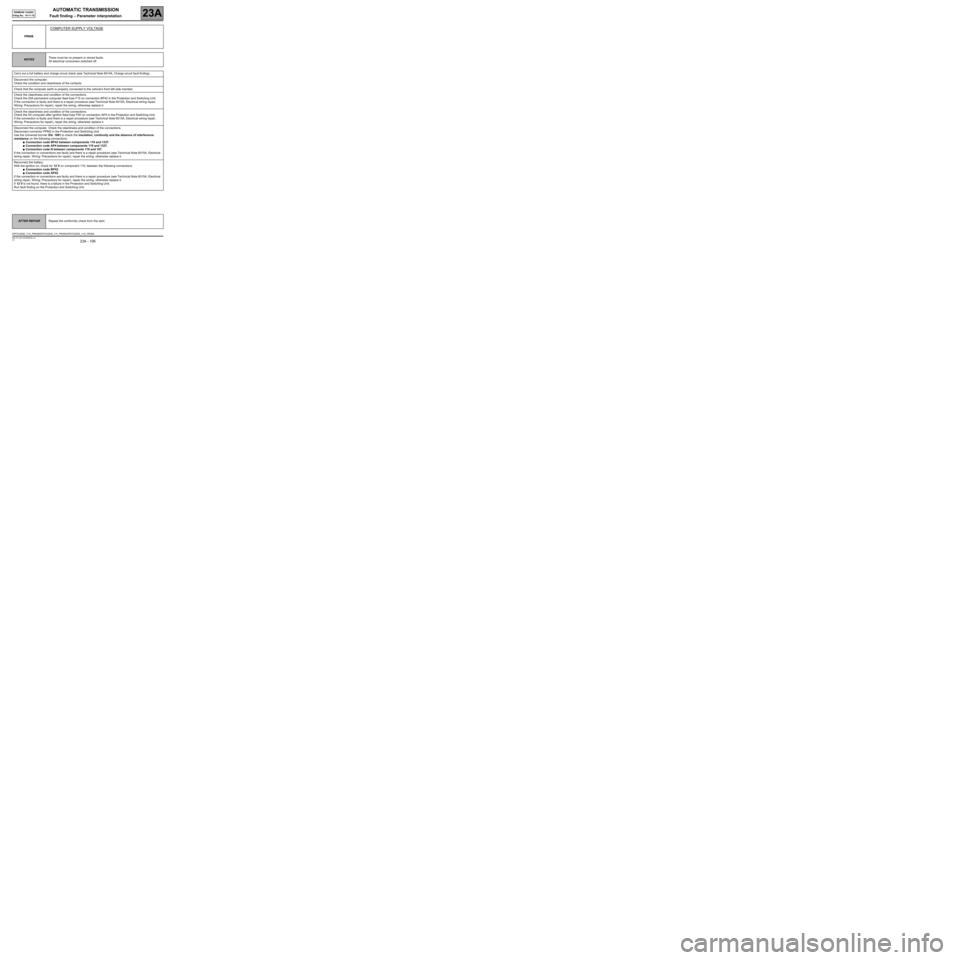
PR008
COMPUTER SUPPLY VOLTAGE
NOTESThere must be no present or stored faults.
All electrical consumers switched off.
Carry out a full battery and charge circuit check (see Technical Note 6014A, Charge circuit fault finding).
Disconnect the computer.
Check the condition and cleanliness of the contacts.
Check that the computer earth is properly connected to the vehicle's front left side member.
Check the cleanliness and condition of the connections.
Check the 20A permanent computer feed fuse F15 on connection BP42 in the Protection and Switching Unit.
If the connection is faulty and there is a repair procedure (see Technical Note 6015A, Electrical wiring repair,
Wiring: Precautions for repair), repair the wiring, otherwise replace it.
Check the cleanliness and condition of the connections.
Check the 5A computer after ignition feed fuse F5H on connection AP4 in the Protection and Switching Unit.
If the connection is faulty and there is a repair procedure (see Technical Note 6015A, Electrical wiring repair,
Wiring: Precautions for repair), repair the wiring, otherwise replace it.
Disconnect the computer. Check the cleanliness and condition of the connections.
Disconnect connector PPM2 in the Protection and Switching Unit.
Use the Universal bornier Elé. 1681 to check the insulation, continuity and the absence of interference
resistance on the following connections:
●Connection code BP42 between components 119 and 1337.
●Connection code AP4 between components 119 and 1337.
●Connection code N between components 119 and 107.
If the connection or connections are faulty and there is a repair procedure (see Technical Note 6015A, Electrical
wiring repair, Wiring: Precautions for repair), repair the wiring, otherwise replace it.
Reconnect the battery.
With the ignition on, check for 12 V on component 119, between the following connections:
●Connection code BP42.
●Connection code AP42.
If the connection or connections are faulty and there is a repair procedure (see Technical Note 6015A, Electrical
wiring repair, Wiring: Precautions for repair), repair the wiring, otherwise replace it.
If 12 V is not found, there is a failure in the Protection and Switching Unit.
Run fault finding on the Protection and Switching Unit.
AFTER REPAIRRepeat the conformity check from the start.
DP0TA2000_V10_PR008/DP0TA2000_V11_PR008 /DP0TA2000_V15_PR008