maintenance reset TOYOTA CAMRY 2019 Owners Manual (in English)
[x] Cancel search | Manufacturer: TOYOTA, Model Year: 2019, Model line: CAMRY, Model: TOYOTA CAMRY 2019Pages: 612, PDF Size: 11.44 MB
Page 103 of 612
1032. Instrument cluster
2
Instrument cluster
CAMRY_U■
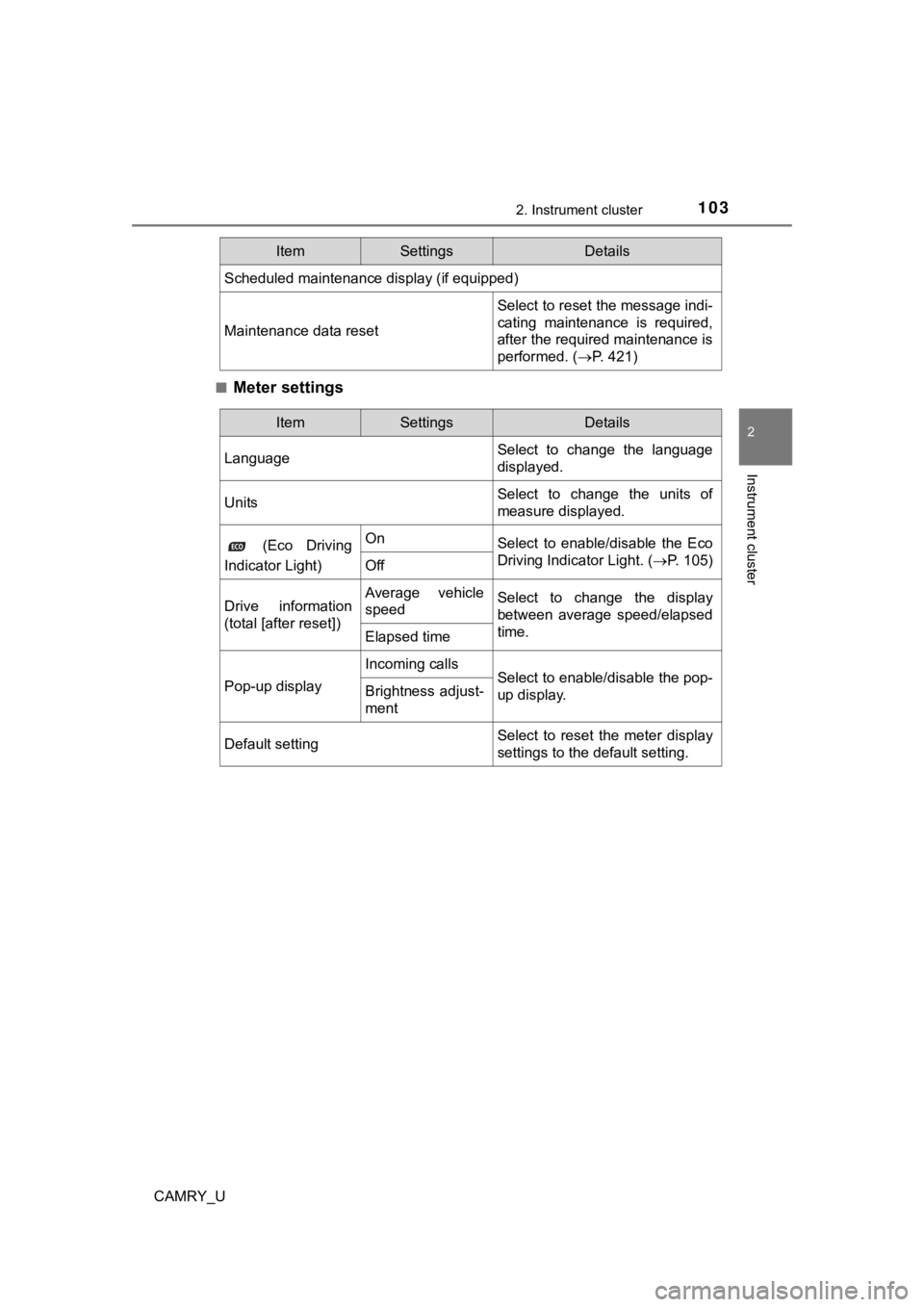
Meter settings
Scheduled maintenance display (if equipped)
Maintenance data reset
Select to reset the message indi-
cating maintenance is required,
after the required maintenance is
performed. (
P. 421)
ItemSettingsDetails
ItemSettingsDetails
Language Select to change the language
displayed.
UnitsSelect to change the units of
measure displayed.
(Eco Driving
Indicator Light)OnSelect to enable/disable the Eco
Driving Indicator Light. ( P. 105)
Off
Drive information
(total [after reset])Average vehicle
speedSelect to change the display
between average speed/elapsed
time.
Elapsed time
Pop-up display
Incoming callsSelect to enable/disable the pop-
up display.Brightness adjust-
ment
Default settingSelect to reset the meter display
settings to the default setting.
Page 116 of 612
1162. Instrument cluster
CAMRY_U■
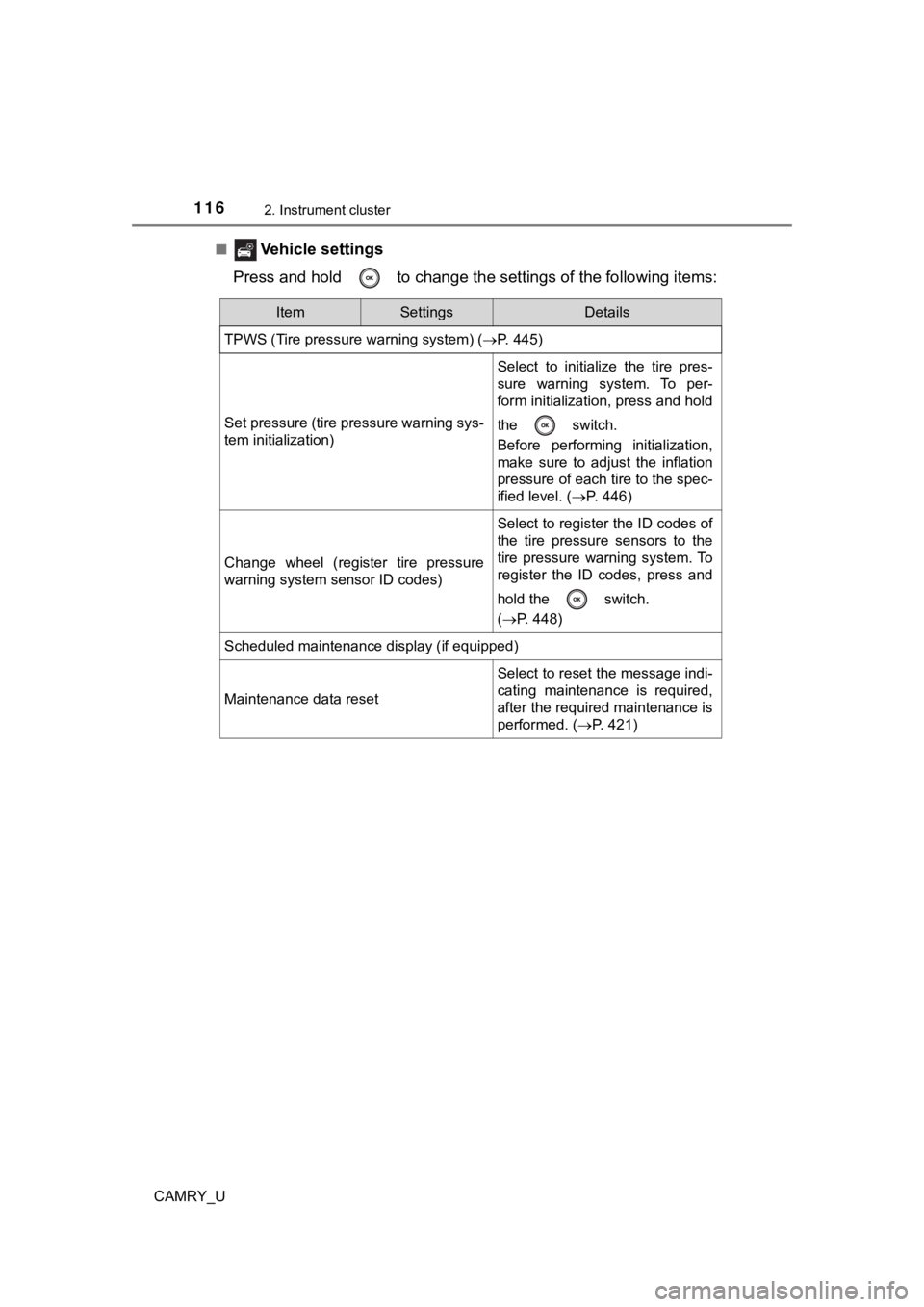
Vehicle settings
Press and hold to change the se ttings of the following items:
ItemSettingsDetails
TPWS (Tire pressure warning system) ( P. 445)
Set pressure (tire pressure warning sys-
tem initialization)
Select to initialize the tire pres-
sure warning system. To per-
form initialization, press and hold
the switch.
Before performing initialization,
make sure to adjust the inflation
pressure of each tire to the spec-
ified level. (P. 446)
Change wheel (register tire pressure
warning system sensor ID codes)
Select to register the ID codes of
the tire pressure sensors to the
tire pressure warning system. To
register the ID codes, press and
hold the switch.
(P. 448)
Scheduled maintenance display (if equipped)
Maintenance data reset
Select to reset the message indi-
cating maintenance is required,
after the required maintenance is
performed. ( P. 421)
Page 421 of 612
4216-2. Maintenance
CAMRY_U
6
Maintenance and care
■Repair and replacement
It is recommended that genuine Toyota parts be used for repairs to ensure
performance of each system. If non-Toyota parts are used in rep lacement or if
a repair shop other than a Toyota dealer performs repairs, conf irm the war-
ranty coverage.
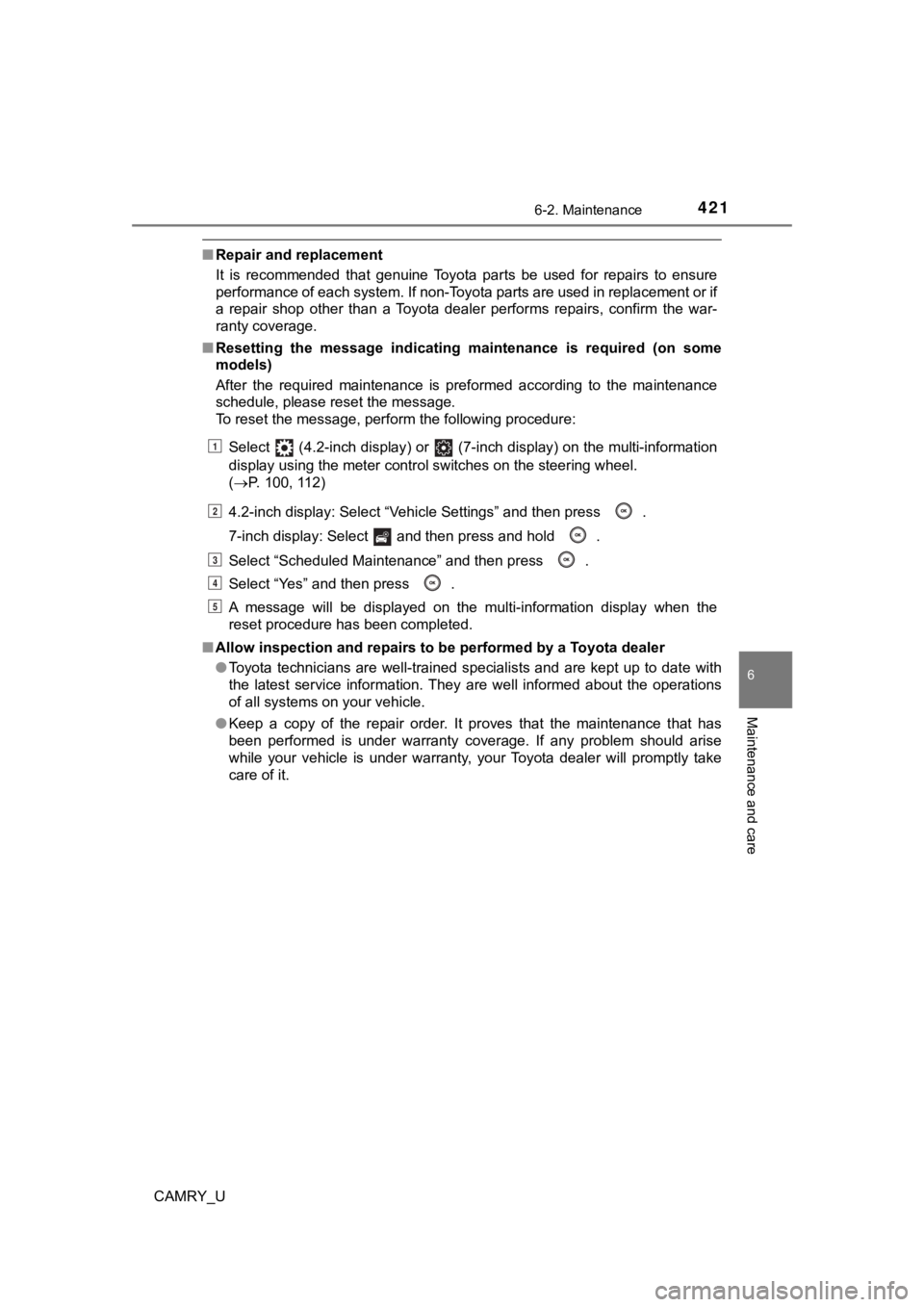
■ Resetting the message indicating maintenance is required (on so me
models)
After the required maintenance is preformed according to the ma intenance
schedule, please reset the message.
To reset the message, perform the following procedure:
Select (4.2-inch display) or (7-inch display) on the multi-in formation
display using the meter control switches on the steering wheel.
( P. 100, 112)
4.2-inch display: Select “Vehicle Settings” and then press .
7-inch display: Select and then press and hold .
Select “Scheduled Maintenance” and then press .
Select “Yes” and then press .
A message will be displayed on the multi-information display wh en the
reset procedure has been completed.
■ Allow inspection and repairs to be performed by a Toyota dealer
●Toyota technicians are well-trained specialists and are kept up to date with
the latest service information. They are well informed about th e operations
of all systems on your vehicle.
● Keep a copy of the repair order. It proves that the maintenance that has
been performed is under warranty coverage. If any problem should arise
while your vehicle is under warranty, your Toyota dealer will p romptly take
care of it.
1
2
3
4
5
Page 510 of 612
5107-2. Steps to take in an emergency
CAMRY_U■
If “A New Key has been Registered Contact Your Dealer for Detai ls” is
displayed (if equipped)
This message will be displayed each time the driver’s door is opened when
the doors are unlocked from the outside for approximately one w eek after a
new electronic key has been registered.
If this message is displayed but you have not had a new electro nic key regis-
tered, ask your Toyota dealer to check if an unknown electronic key (other
than those in your possession) has been registered.
■ When “Headlight System Malfunction Visit Your Dealer” is displa yed
The following systems may be malfunctioning. Have the vehicle inspected by
your Toyota dealer immediately.
● The LED headlight system
● Automatic High Beam (if equipped)
■ “Front Camera Unavailable” or “F ront Camera Vision Blocked Clean and
Demist Windshield” is displayed (if equipped)
The following systems may be suspended until the problem shown in the
message is resolved. ( P. 259, 497)
● PCS (Pre-Collision System)
● LDA (Lane Departure Alert with steering control)
● Dynamic radar cruise control with full-speed range
● Dynamic radar cruise control
● Automatic High Beam
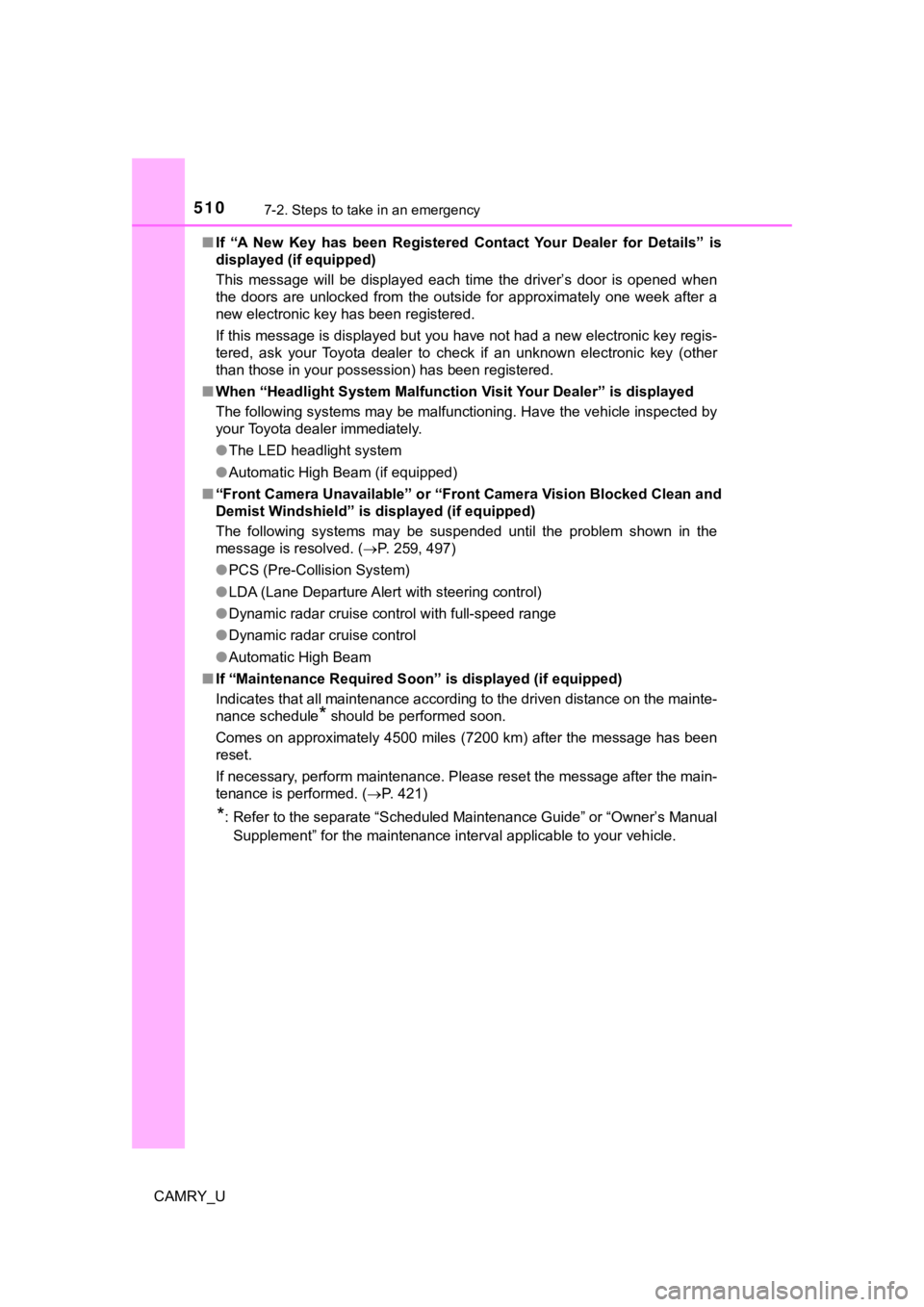
■ If “Maintenance Required Soon” is displayed (if equipped)
Indicates that all maintenance according to the driven distance on the mainte-
nance schedule
* should be performed soon.
Comes on approximately 4500 miles (7200 km) after the message has been
reset.
If necessary, perform maintenance. Please reset the message aft er the main-
tenance is performed. ( P. 421)
*: Refer to the separate “Scheduled Maintenance Guide” or “Owner’ s Manual
Supplement” for the maintenance interval applicable to your veh icle.
Page 511 of 612
5117-2. Steps to take in an emergency
CAMRY_U
7
When trouble arises
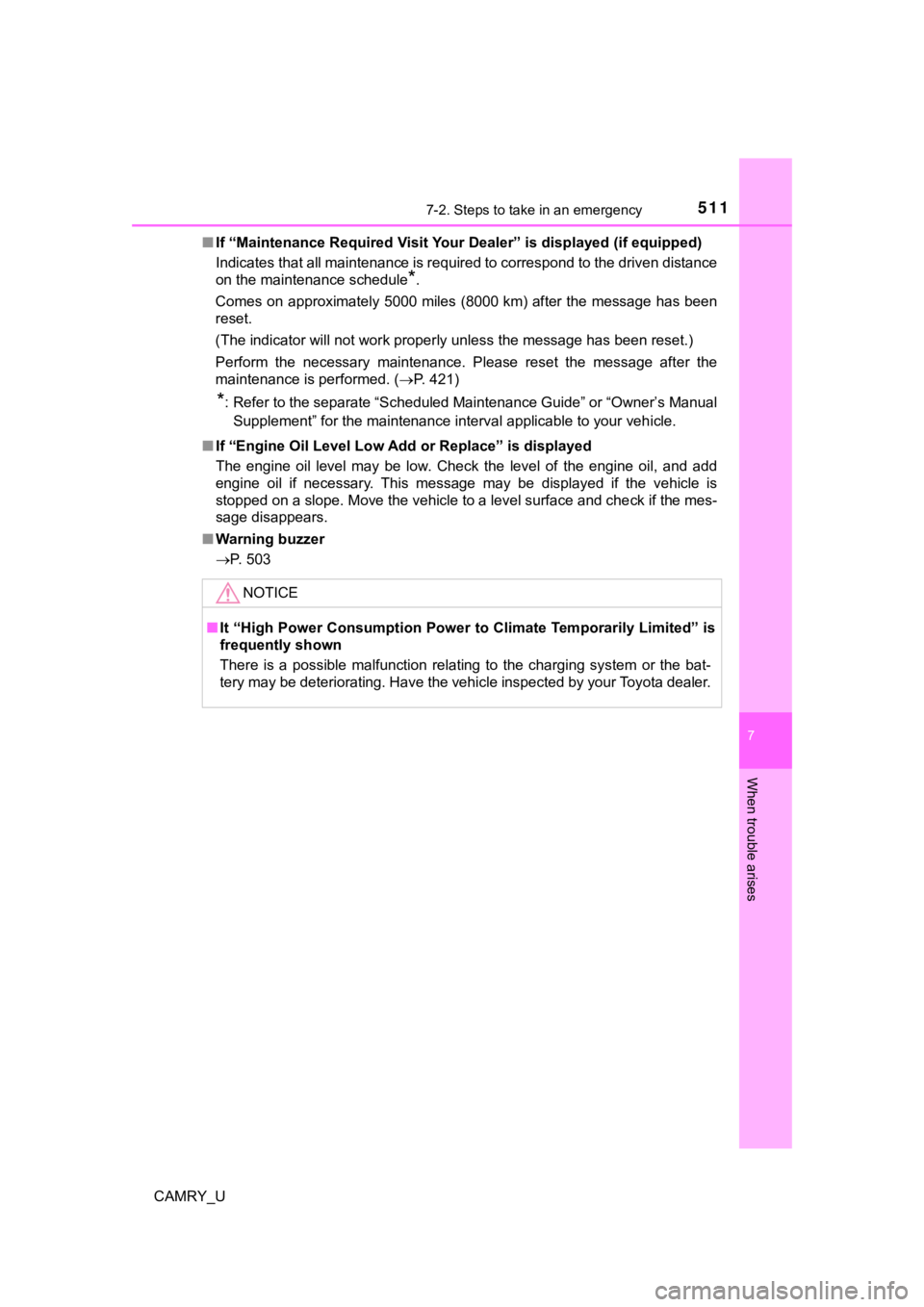
■If “Maintenance Required Visit Your Dealer” is displayed (if eq uipped)
Indicates that all maintenance is required to correspond to the driven distance
on the maintenance schedule
*.
Comes on approximately 5000 miles (8000 km) after the message has been
reset.
(The indicator will not work properly unless the message has been reset.)
Perform the necessary maintenance. Please reset the message aft er the
maintenance is performed. ( P. 421)
*: Refer to the separate “Scheduled Maintenance Guide” or “Owner’ s Manual
Supplement” for the maintenance interval applicable to your veh icle.
■ If “Engine Oil Level Low Add or Replace” is displayed
The engine oil level may be low. Check the level of the engine oil, and add
engine oil if necessary. This message may be displayed if the vehicle is
stopped on a slope. Move the vehicle to a level surface and che ck if the mes-
sage disappears.
■ Warning buzzer
P. 503
NOTICE
■It “High Power Consumption Power to Climate Temporarily Limited” is
frequently shown
There is a possible malfunction relating to the charging system or the bat-
tery may be deteriorating. Have the vehicle inspected by your T oyota dealer.
Page 603 of 612
603Alphabetical index
CAMRY_U
MaintenanceDo-it-yourself maintenance ... 428
General maintenance ........... 423
Maintenance data ................. 540
Maintenance
requirements ...................... 420
Resetting the message indicating maintenance
is required........................... 421
Malfunction indicator lamp ..... 497
Manual air conditioning system .................................... 360
Meter ........................................... 92 Head-up display .................... 121
Indicators ................................ 89
Instrument panel light control................................... 93
Meters ..................................... 92
Multi-information display .......................... 95, 107
Settings ......................... 100, 112
Warning lights ......................... 87
Warning messages ............... 507
Mirrors Inside rear view mirror .......... 174
Outside rear view mirror defoggers ........... 361, 367, 374
Outside rear view mirrors...... 176
Vanity mirrors........................ 390 Mobile Assistant
*
Moon roof ................................. 182
Door lock linked moon roof operation ............................ 183
Jam protection function ........ 183
Operation .............................. 182
MP3 disc
*
Multi-information display.............................. 95, 107 Drive information .................... 98
Dynamic radar cruise control ................................ 285
Dynamic radar cruise control with full-speed range .......... 271
Eco-friendly driving information ......................... 110
Language...................... 103, 117
LDA (Lane Departure Alert
with steering control) .......... 261
Outside temperature ............... 92
PCS (Pre-Collision
System) .............................. 250
Settings......................... 100, 112
Suggestion function ...... 104, 118
Warning messages ............... 507
Navigation system
*
Noise from under vehicle ........... 8
M
N
*: Refer to the “NAVIGATION AND MULTIMEDIA SYSTEM OWNER’S MANUAL”.
Page 605 of 612
605Alphabetical index
CAMRY_U
Radar cruise control (dynamic radar cruise control) ............. 285
Radar cruise control (dynamic radar cruise
control with full-speed
range) ..................................... 271
Radiator .................................... 438
Radio
*
Rear Camera Detection Function ................................. 320
Rear Cross Traffic Alert .......... 316
Rear Cross Traffic Auto
Brake ...................................... 334
Rear interior light..................... 381
Wattage ................................ 550
Rear passengers’ seat belt reminder light ........................ 500
Rear personal lights ................ 382
Rear seat Folding down ........................ 168
Rear side marker lights Light switch ........................... 227
Replacing light bulbs..... 480, 483
Wattage ................................ 550
Rear turn signal lights Replacing light bulbs..... 480, 483
Turn signal lever ................... 219
Wattage ................................ 550
Rear view mirror Inside rear view mirror .......... 174
Outside rear view mirrors...... 176
Rear view monitor system
*
Rear window defogger ................. 361, 367, 374 Refueling .................................. 239
Capacity................................ 542
Fuel types ............................. 542
Opening the fuel tank cap..... 241
When the fuel filler door
cannot be opened .............. 242
Replacing Electronic key battery ........... 466
Fuses .................................... 470
Light bulbs ............................ 473
Tires...................................... 512
Wireless remote control
battery ................................ 466
Reporting safety defects
for U.S. owners...................... 578
Resetting the message indicating maintenance
is required.............................. 421
R
*: Refer to the “NAVIGATION AND MULTIMEDIA SYSTEM OWNER’S MANUAL”.