maintenance TOYOTA RAV4 2020 Owners Manual (in English)
[x] Cancel search | Manufacturer: TOYOTA, Model Year: 2020, Model line: RAV4, Model: TOYOTA RAV4 2020Pages: 736, PDF Size: 30.79 MB
Page 1 of 736
RAV4_OM_OM0R024U_(U)
1
2
3
4
5
6
7
8
9
10
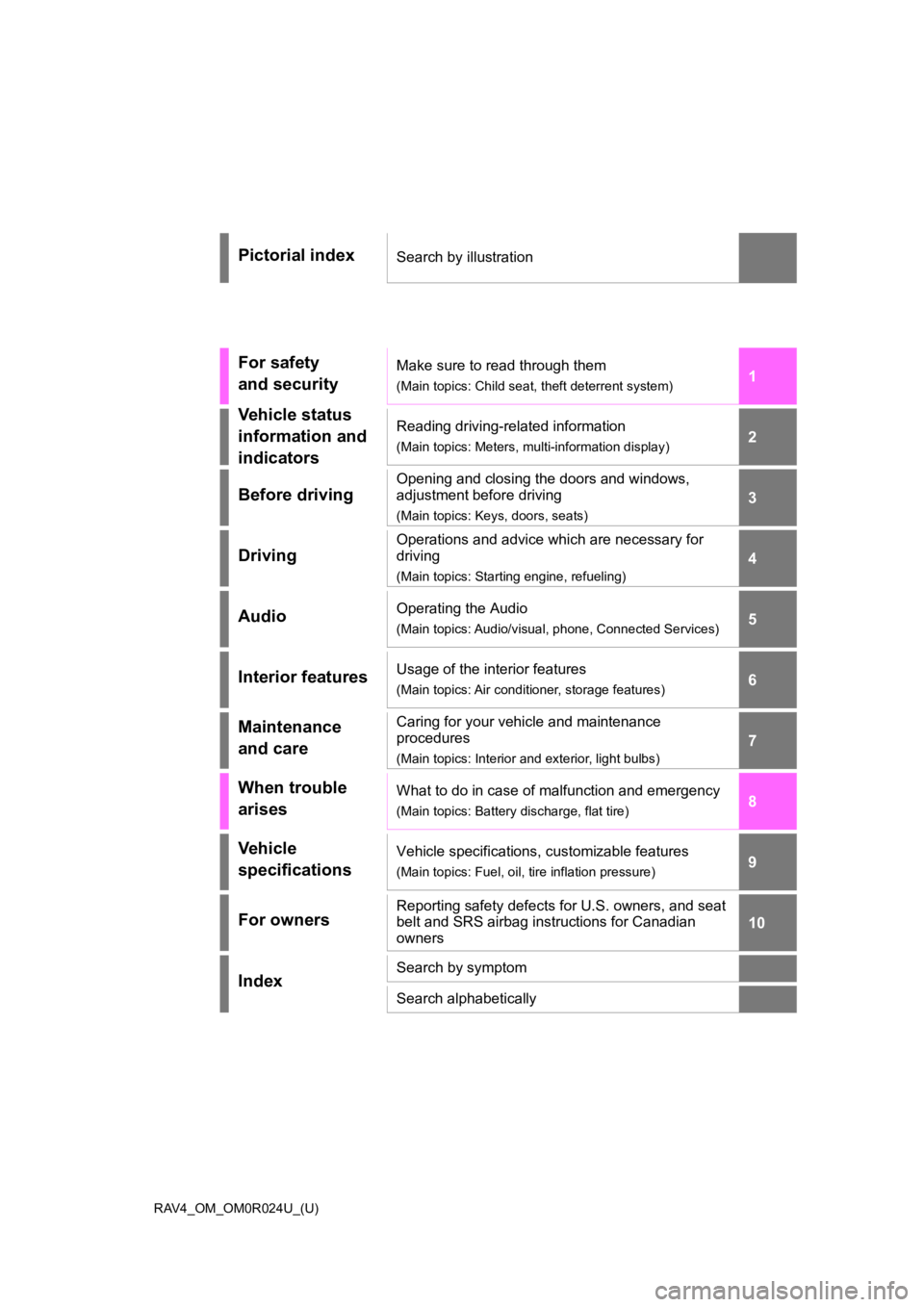
Pictorial indexSearch by illustration
For safety
and securityMake sure to read through them
(Main topics: Child seat, theft deterrent system)
Vehicle status
information and
indicatorsReading driving-related information
(Main topics: Meters, multi-information display)
Before driving
Opening and closing the doors and windows,
adjustment before driving
(Main topics: Keys, doors, seats)
Driving
Operations and advice which are necessary for
driving
(Main topics: Starting engine, refueling)
AudioOperating the Audio
(Main topics: Audio/visual, phone, Connected Services)
Interior featuresUsage of the interior features
(Main topics: Air conditioner, storage features)
Maintenance
and careCaring for your vehicle and maintenance
procedures
(Main topics: Interior and exterior, light bulbs)
When trouble
arisesWhat to do in case of malfunction and emergency
(Main topics: Battery discharge, flat tire)
Vehicle
specificationsVehicle specifications, customizable features
(Main topics: Fuel, oil, tire inflation pressure)
For ownersReporting safety defects for U.S. owners, and seat
belt and SRS airbag instructions for Canadian
owners
IndexSearch by symptom
Search alphabetically
Page 5 of 736
5TABLE OF CONTENTS
1
2
3
4
5
6
7
8
9
10
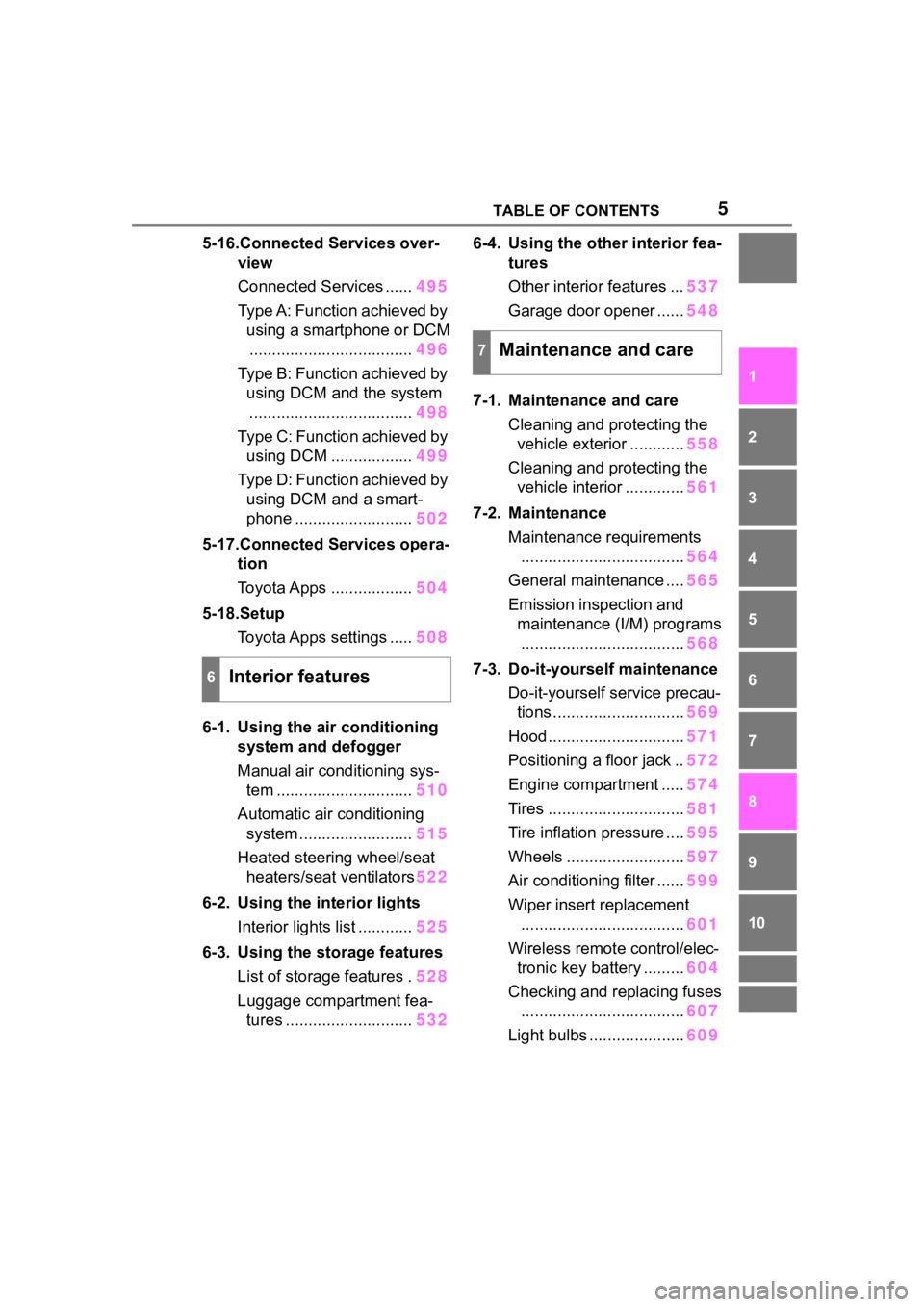
5-16.Connected Services over-view
Connected Services ...... 495
Type A: Function achieved by using a smartphone or DCM.................................... 496
Type B: Function achieved by using DCM and the system
.................................... 498
Type C: Function achieved by using DCM .................. 499
Type D: Function achieved by using DCM and a smart-
phone .......................... 502
5-17.Connected Services opera- tion
Toyota Apps .................. 504
5-18.Setup Toyota Apps settings ..... 508
6-1. Using the air conditioning
system and defogger
Manual air conditioning sys- tem .............................. 510
Automatic air conditioning system ......................... 515
Heated steering wheel/seat heaters/seat ventilators 522
6-2. Using the interior lights Interior lights list ............ 525
6-3. Using the storage features List of storage features . 528
Luggage compartment fea- tures ............................ 5326-4. Using the other interior fea-
tures
Other interior features ... 537
Garage door opener ...... 548
7-1. Maintenance and care Cleaning and protecting the vehicle exterior ............ 558
Cleaning and protecting the vehicle interior ............. 561
7-2. Maintenance Maintenance requirements.................................... 564
General maintenance .... 565
Emission inspection and maintenance (I/M) programs.................................... 568
7-3. Do-it-yourself maintenance Do-it-yourself service precau-tions ............................. 569
Hood .............................. 571
Positioning a floor jack .. 572
Engine compartment ..... 574
Tires .............................. 581
Tire inflation pressure .... 595
Wheels .......................... 597
Air conditioning filter ...... 599
Wiper insert replacement .................................... 601
Wireless remote control/elec- tronic key battery ......... 604
Checking and replacing fuses .................................... 607
Light bulbs ..................... 609
6Interior features
7Maintenance and care
Page 6 of 736
6TABLE OF CONTENTS
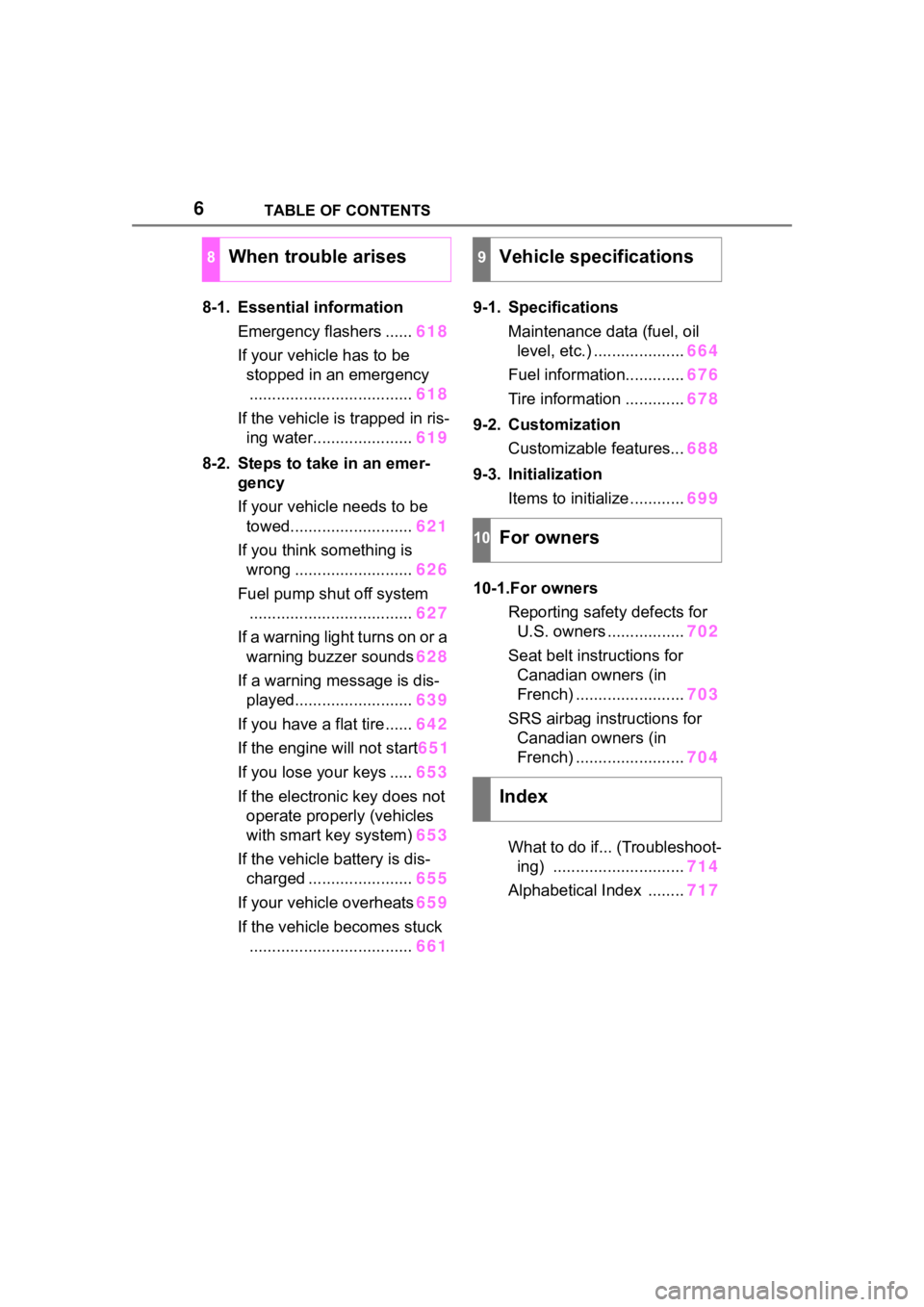
8-1. Essential informationEmergency flashers ...... 618
If your vehicle has to be stopped in an emergency.................................... 618
If the vehicle is trapped in ris- ing water...................... 619
8-2. Steps to take in an emer- gency
If your vehicle needs to be
towed........................... 621
If you think something is wrong .......................... 626
Fuel pump shut off system .................................... 627
If a warning light turns on or a warning buzzer sounds 628
If a warning message is dis- played.......................... 639
If you have a flat tire...... 642
If the engine will not start 651
If you lose your keys ..... 653
If the electronic key does not operate properly (vehicles
with smart key system) 653
If the vehicle battery is dis- charged ....................... 655
If your vehicle overheats 659
If the vehicle becomes stuck .................................... 6619-1. Specifications
Maintenance data (fuel, oil level, etc.) .................... 664
Fuel information............. 676
Tire information ............. 678
9-2. Customization Customizable features... 688
9-3. Initialization Items to initialize ............ 699
10-1.For owners Reporting safet y defects for
U.S. owners ................. 702
Seat belt instructions for Canadian owners (in
French) ........................ 703
SRS airbag instructions for Canadian owners (in
French) ........................ 704
What to do if... (Troubleshoot- ing) ............................. 714
Alphabetical Index ........ 717
8When trouble arises9Vehicle specifications
10For owners
Index
Page 70 of 736
701-4. Theft deterrent system
1-4.Theft deterrent system
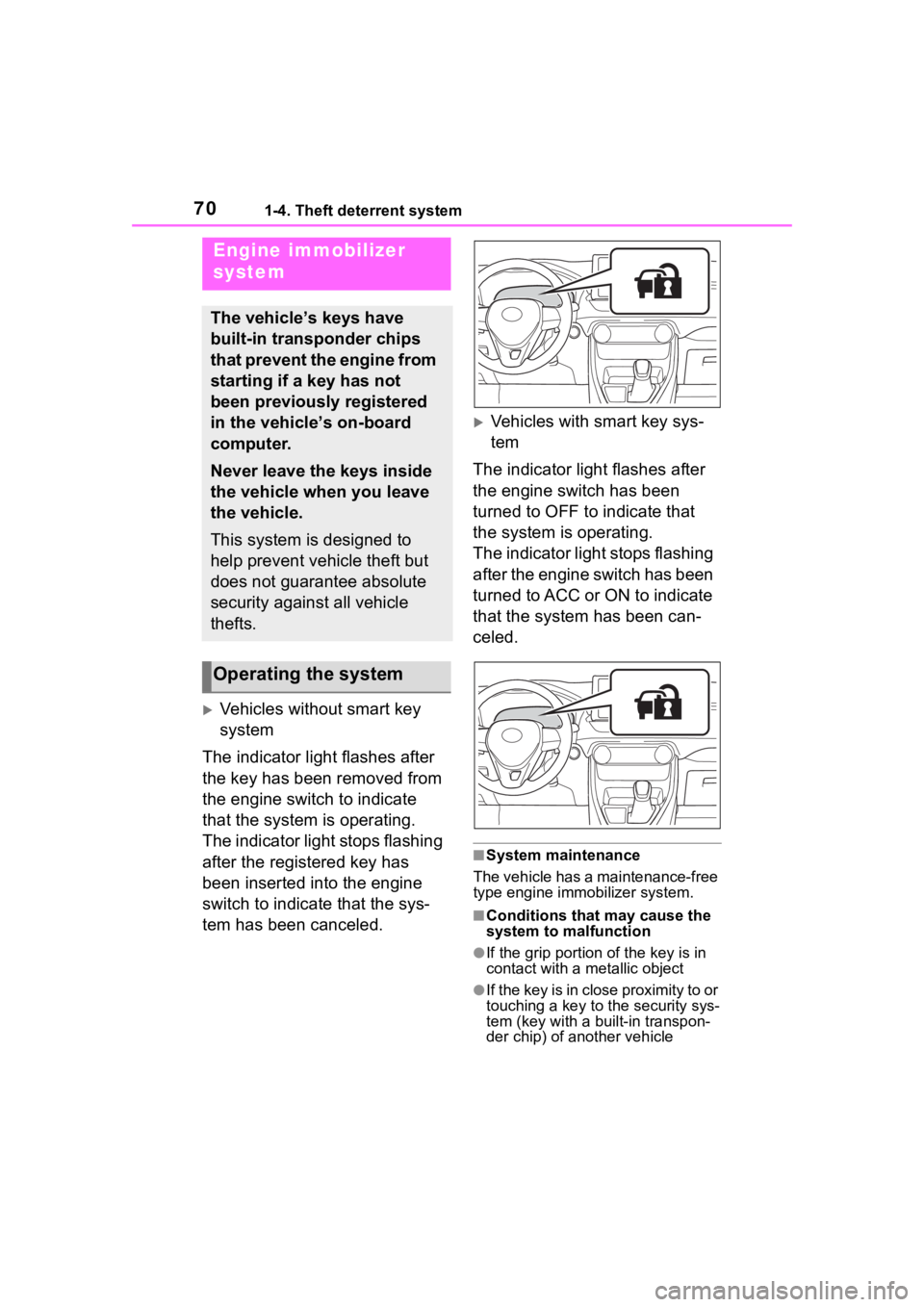
Vehicles without smart key
system
The indicator light flashes after
the key has been removed from
the engine switch to indicate
that the system is operating.
The indicator light stops flashing
after the registered key has
been inserted into the engine
switch to indicate that the sys-
tem has been canceled.
Vehicles with smart key sys-
tem
The indicator light flashes after
the engine switch has been
turned to OFF to indicate that
the system is operating.
The indicator light stops flashing
after the engine switch has been
turned to ACC or ON to indicate
that the system has been can-
celed.
■System maintenance
The vehicle has a maintenance-free
type engine immo bilizer system.
■Conditions that may cause the
system to malfunction
●If the grip portion of the key is in
contact with a metallic object
●If the key is in close proximity to or
touching a key to the security sys-
tem (key with a built-in transpon-
der chip) of another vehicle
Engine immobilizer
system
The vehicle’s keys have
built-in transponder chips
that prevent the engine from
starting if a key has not
been previously registered
in the vehicle’s on-board
computer.
Never leave the keys inside
the vehicle when you leave
the vehicle.
This system is designed to
help prevent vehicle theft but
does not guarantee absolute
security against all vehicle
thefts.
Operating the system
Page 73 of 736
731-4. Theft deterrent system
1
For safety and security
*: If equipped
■Items to check before lock-
ing the vehicle
To prevent unexpected trigger-
ing of the alarm and vehicle
theft, make sure of the following:
Nobody is in the vehicle.
The side windows and moon
roof (if equipped) or pan- oramic moon roof (if
equipped) are closed before
the alarm is set.
No valuables or other per-
sonal items are left in the
vehicle.
■Setting
Close the doors and hood, and
lock all the doors. The system
will be set automatically after 30
seconds.
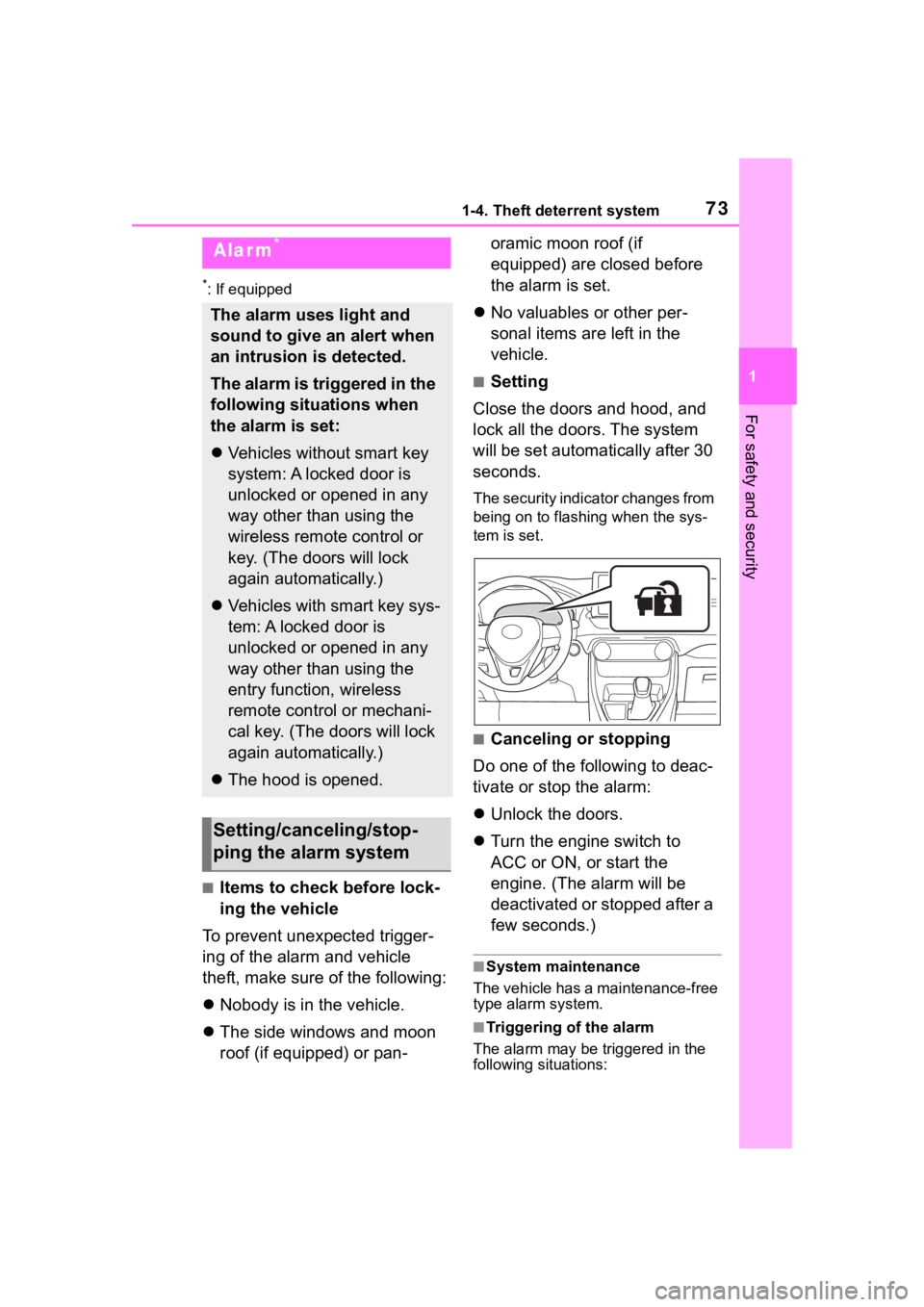
The security indicator changes from
being on to flashing when the sys-
tem is set.
■Canceling or stopping
Do one of the following to deac-
tivate or stop the alarm:
Unlock the doors.
Turn the engine switch to
ACC or ON, or start the
engine. (The alarm will be
deactivated or stopped after a
few seconds.)
■System maintenance
The vehicle has a maintenance-free
type alarm system.
■Triggering of the alarm
The alarm may be triggered in the
following situations:
Alarm*
The alarm uses light and
sound to give an alert when
an intrusion is detected.
The alarm is triggered in the
following situations when
the alarm is set:
Vehicles without smart key
system: A locked door is
unlocked or opened in any
way other than using the
wireless remote control or
key. (The doors will lock
again automatically.)
Vehicles with smart key sys-
tem: A locked door is
unlocked or opened in any
way other than using the
entry function, wireless
remote control or mechani-
cal key. (The doors will lock
again automatically.)
The hood is opened.
Setting/canceling/stop-
ping the alarm system
Page 96 of 736
962-1. Instrument cluster
Select to change each notification
method used to warn the driver
when the system recognizes
excess speed, no overtaking and
no-entry sign.
“Notification Level”
Select to change e ach notification
level used to warn the driver when
the system recognizes a speed limit
sign.
■ Vehicle Settings
PBD (Power Back Door)
(if equipped) ( P.118)
Select to set up the following items.
• System settings
Select to enable/disable the power
back door system.
• “Kick Sensor”
*
Select to enable/disable the kick
sensor.
• “Opening Adjustment”
Select the open position when
power back door is fully open.
•“Volume”
Select to set the volume of the
buzzer which sounds when the
power back door system operates.
*: Vehicles with hands free power
back door
(Stop & Start system) (if
equipped) ( P.345)
Select to set the length of time the
Stop & Start system will operate
when the “A/C” switch of the air
conditioning system is on.
“TPWS” (Tire Pressure Warn-
ing System) (if equipped) (
P.584)
• “Set Pressure”
Select to initialize the tire pressure
warning system.
• “Change Wheel” (except for mod-
els made in Japan
* without tire
inflation pressure display func-
tion)
Select to register the ID codes of
the tire pressure se nsors to the tire
pressure warning system.
• “Change Wheel” (for models
made in Japan
* without tire infla-
tion pressure display function)
Select to change the tire pressure
warning system sen sor ID code set.
To enable this function, a second
set of tire pressure warning system
sensor ID codes must be registered
by a Toyota dealer. For information
regarding changing the registered
ID code set, contact your Toyota
dealer.
*: The country of production is writ- ten on the Certification Regula-
tion label. ( P.665)
“Scheduled Maintenance”
( P.565)
Select to reset the scheduled main-
tenance information (message indi-
cating maintenance is required and
distance until the next mainte-
nance) after all ma intenance is per-
formed.
■ Settings
“Language”
Select to change the language on
the multi-information display.
“Units”
Page 190 of 736

1904-1. Before driving
3When the wheel blocks are in
place, release the brakes
slowly until the blocks absorb
the load.
4 Apply the parking brake
firmly.
5 Shift into P and turn off the
engine.
When restarting after parking
on a slope:
1 With the transmission in P,
start the engine. Be sure to
keep the brake pedal
depressed.
2 Shift into a forward gear. If
reversing, shift into R.
3 If the parking brake is in man-
ual mode, release the park-
ing brake. ( P.203)
4 Release the brake pedal, and
slowly pull or back away from
the wheel blocks. Stop and
apply the brakes.
5 Have someone retrieve the
blocks.
■Break-in schedule
If your vehicle is new or equipped
with any new power train compo-
nents (such as an engine, transmis-
sion, differential or wheel bearing),
Toyota recommends that you do not
tow a trailer unt il the vehicle has
been driven for over 500 miles (800
km).
After the vehicle has been driven for
over 500 miles (800 km), you can
start towing. However, for the next
500 miles (800 km), drive the vehi-
cle at a speed of less than 45 mph
(72 km/h) when towing a trailer, and avoid full throttle acceleration.
■Maintenance
●If you tow a trailer, your vehicle
will require more fr
equent mainte-
nance due to the additional load.
(See “Scheduled Maintenance
Guide” or “Owner ’s Manual Sup-
plement”.)
●Retighten the fixing bolts of the
towing ball and bracket after
approximately 600 miles (1000
km) of tra iler towing.
■If trailer sway occurs
One or more factors (crosswinds,
passing vehicles, rough roads, etc.)
can adversely affect handling of
your vehicle and trailer, causing
instability.
●If trailer swaying occurs:
• Firmly grip the steering wheel. Steer straight ahead.
Do not try to contr ol trailer sway-
ing by turning the steering wheel.
• Begin releasing the accelerator pedal immediately but very gradu-
ally to reduce speed.
Do not increase speed. Do not
apply vehicle brakes.
If you make no extreme correction
with the steering or brakes, your
vehicle and trailer should stabilize (if
enabled, Trailer Sway Control can
also help to stabilize the vehicle and
trailer.).
●After the trailer swaying has
stopped:
• Stop in a safe place. Get all occu- pants out of the vehicle.
• Check the tires of the vehicle and the trailer.
• Check the load in the trailer.
Make sure the load has not
shifted.
Make sure the tongue weight is
appropriate, if possible.
• Check the load in the vehicle. Make sure the vehicle is not over-
loaded after occupants get in.
If you cannot find any problems, the
Page 372 of 736
3724-6. Driving tips
WA R N I N G
●When driving off-road or in rug-
ged terrain, do not drive at
excessive speeds, jump, make
sharp turns, strike objects, etc.
This may cause loss of control
or vehicle rollover causing
death or serious injury. You are
also risking expensive damage
to your vehicle’s suspension
and chassis.
NOTICE
■To prevent the water damage
Take all necessary safety mea-
sures to ensure that water dam-
age to the engine or other
components does not occur.
●Water entering the engine air
intake will cause severe engine
damage.
●Water entering the automatic
transmission will cause deterio-
ration in shift quality, locking up
of your transmission accompa-
nied by vibration, and ultimately
damage.
●Water can wash the grease
from wheel bearings, causing
rusting and premature failure,
and may also enter the differen-
tials, transmission and transfer
case (AWD models), reducing
the gear oil’s lub ricating quali-
ties.
■When you drive through
water
If driving through water, such as
when crossing shallow streams,
first check the depth of the water
and the bottom of the riverbed for
firmness. Drive slowly and avoid
deep water.
■Inspection after off-road driv-
ing
●Sand and mud that has accu-
mulated around brake discs
may affect braking efficiency
and may damage brake system
components.
●Always perform a maintenance
inspection after each day of off-
road driving that has taken you
through rough terrain, sand,
mud, or water. For scheduled
maintenance information, refer
to the “Scheduled Maintenance
Guide” or “Owner’s Manual
Supplement”.
Page 503 of 736
5035-16. Connected Services overview
5
Audio
Service Connect uses DCM to
collect and transmit vehicle data
that allows Toyota to provide:
Vehicle Health Report (VHR)
(Safety Recalls, Service Cam-
paigns, Current Vehicle
Alerts, Required Mainte-
nance, and Vehicle Condition
Status)
Maintenance Notifications
Vehicle Alert Notifications
■Availability of function
Service Connect is available
in the contiguous United
States, Washington D.C. and
Alaska.
●Availability of fun ctions of the Ser-
vice Connect is dependent on net-
work reception level.
Service Connect
Page 557 of 736
557
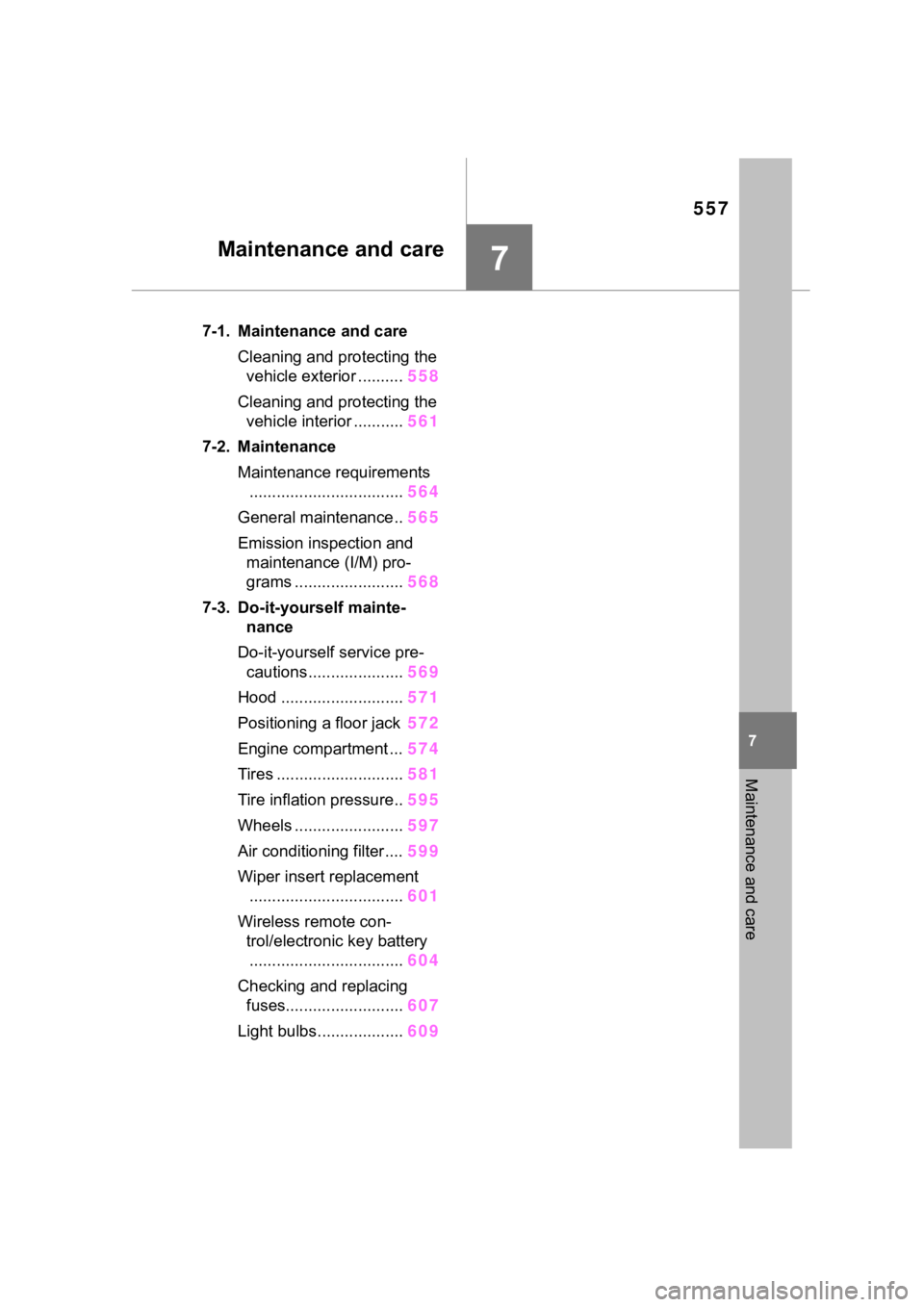
7
7
Maintenance and care
Maintenance and care
7-1. Maintenance and careCleaning and protecting the vehicle exterior .......... 558
Cleaning and protecting the vehicle interior ........... 561
7-2. Maintenance Maintenance requirements.................................. 564
General maintenance.. 565
Emission inspection and maintenance (I/M) pro-
grams ........................ 568
7-3. Do-it-yourself mainte- nance
Do-it-yourself service pre- cautions ..................... 569
Hood ........................... 571
Positioning a floor jack 572
Engine compartment ... 574
Tires ............................ 581
Tire inflation pressure.. 595
Wheels ......... ...............597
Air conditioning filter .... 599
Wiper insert replacement .................................. 601
Wireless remote con- trol/electronic key battery.................................. 604
Checking and replacing fuses.......................... 607
Light bulbs................... 609