park assist TOYOTA RAV4 PLUG-IN HYBRID 2021 Owner's Manual
[x] Cancel search | Manufacturer: TOYOTA, Model Year: 2021, Model line: RAV4 PLUG-IN HYBRID, Model: TOYOTA RAV4 PLUG-IN HYBRID 2021Pages: 666, PDF Size: 161.28 MB
Page 442 of 666

4405-5. Using the driving support systems
System), PCS will also be disabled
(only Pre-Collision warning is avail -
able). The PCS warning light will
come on and a message will be dis -
played on the multi-information dis -
play. ( →P.361)
■When the message is displayed on
the multi-information display show -
ing that TRC has been disabled
even if has not been pressed
TRC is temporary deactivated. If the information continues to show, contact
any authorized Toyota retailer or Toyota
authorized repairer, or any reliable repairer.
■Operating conditions of hill-start
assist control
When the following four conditions are met, the hill-start as sist control will oper-
ate:
●The shift lever is in a position other
than P or N (when starting off for-
ward/backward on an upward incline).
●The vehicle is stopped.
●The accelerator pedal is not
depressed.
●The parking brake is not engaged.
■Automatic system cancelation of
hill-start assist control
The hill-start assist control will turn off in any of the following situations:
●The shift lever is shifted to P or N.
●The accelerator pedal is depressed.
●The parking brak e is engaged.
●No more than 2 seconds have elapsed after the brake pedal is
released.
■Sounds and vibrations caused by
the ABS, brake assist, VSC, Trailer Sway Control, TRC and hill-start
assist control systems
●A sound may be heard from the
engine compartment when the brake
pedal is depressed repeatedly, when
the hybrid system i s started or just
after the vehicle beg ins to move. This sound does not indicate that a mal -
function has occurred in any of these
systems.
●Any of the followin g conditions may
occur when the a bove systems are operating. None of these indicates
that a malfunction has occurred.
• Vibrations may be felt through the vehicle body and steering.
• A motor sound may be heard also
after the vehicle comes to a stop.
■ECB operating sound
ECB operating sound may be heard in
the following cases, but it does not indi-
cate that a malfun ction has occurred.
●Operating sound heard from the
engine compartment when the brake pedal is operated.
●Motor sound of the brake system heard from the front part of the vehicle
when the driver’ door is opened.
●Operating sound heard from the
engine compartment when one or two
minutes passed after the stop of the hybrid system.
■Active Cornering Assist operation
sounds and vibrations
When the Active Cornering Assist is operated, operation sounds and vibra -
tions may be generat ed from the brake
system, but thi s is not a malfunction.
■EPS operation sound
When the steering wheel is operated, a
motor sound (whirring sound) may be
heard. This does not indicate a malfunc - tion.
■Automatic reacti vation of TRC,
Trailer Sway Control and VSC sys -
tems
After turning the TRC, Trailer Sway Control and VSC systems off, the sys -
tems will be automati cally re-enabled in
the following situations:
●When the power switch is turned off.
●If only the TRC syst em is turned off,
Page 445 of 666
443
5
5-5. Using the driving support systems
Driving
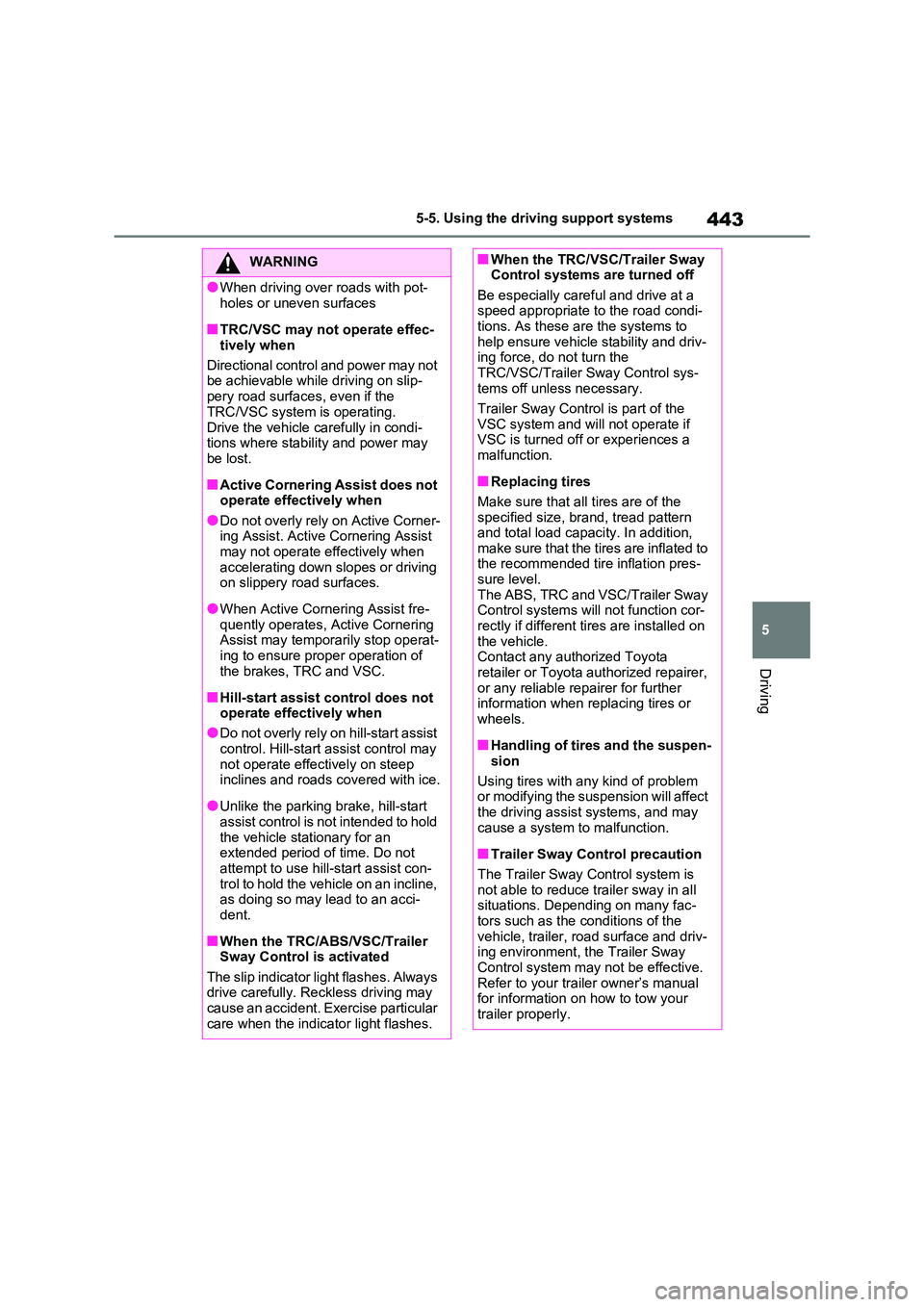
WARNING
●When driving over roads with pot -
holes or uneven surfaces
■TRC/VSC may not operate effec -
tively when
Directional control and power may not be achievable while driving on slip -
pery road surfaces , even if the
TRC/VSC system is operating.
Drive the vehicle carefully in condi - tions where stabilit y and power may
be lost.
■Active Cornering Assist does not
operate effectively when
●Do not overly rely on Active Corner - ing Assist. Active Cornering Assist
may not operate effectively when
accelerating down slopes or driving on slippery road surfaces.
●When Active Cornering Assist fre - quently operates, Active Cornering
Assist may temporarily stop operat -
ing to ensure prop er operation of the brakes, TRC and VSC.
■Hill-start assist control does not operate effectively when
●Do not overly rely on hill-start assist
control. Hill-start assist control may not operate effectively on steep
inclines and roads covered with ice.
●Unlike the parking brake, hill-start
assist control is not intended to hold
the vehicle stationary for an extended period of time. Do not
attempt to use hill-start assist con -
trol to hold the vehicle on an incline, as doing so may lead to an acci-
dent.
■When the TRC/ABS/VSC/Trailer
Sway Control is activated
The slip indicator light flashes. Always drive carefully. Reckless driving may
cause an accident. Exercise particular
care when the indicat or light flashes.
■When the TRC/VSC/Trailer Sway Control systems are turned off
Be especially careful and drive at a
speed appropriate t o the road condi- tions. As these ar e the systems to
help ensure vehicl e stability and driv-
ing force, do not turn the TRC/VSC/Trailer Sway Control sys -
tems off unle ss necessary.
Trailer Sway Control is part of the VSC system and will not operate if
VSC is turned off or experiences a
malfunction.
■Replacing tires
Make sure that all tires are of the specified size, brand, tread pattern
and total load capac ity. In addition,
make sure that the tires are inflated to the recommended tire inflation pres -
sure level.
The ABS, TRC and VSC/Trailer Sway Control systems will not function cor -
rectly if different ti res are installed on
the vehicle. Contact any authorized Toyota
retailer or Toyota a uthorized repairer,
or any reliable repairer for further information when replacing tires or
wheels.
■Handling of tires and the suspen -
sion
Using tires with any kind of problem or modifying the suspension will affect
the driving assist systems, and may
cause a system to malfunction.
■Trailer Sway Control precaution
The Trailer Sway C ontrol system is not able to reduce tr ailer sway in all
situations. Depending on many fac -
tors such as the conditions of the
vehicle, trailer, road surface and driv - ing environment, the Trailer Sway
Control system may not be effective.
Refer to your traile r owner’s manual for information on how to tow your
trailer properly.
Page 458 of 666
4566-1. Using the air conditioning system and defogger
●During use, various odors from inside
and outside the vehicle may enter into and accumulate in the air conditioning
system. This may t hen cause odor to
be emitted from the vents.
●To reduce potential odors from occur -
ring: • It is recommended that the air condi-
tioning system be se t to outside air
mode prior to turning the vehicle off. • The start timing o f the blower may be
delayed for a short period of time
immediately after t he air conditioning system is started in automatic mode.
●When parking, the system automati- cally switches to outside air mode to
encourage better air circulation
throughout the vehicle, helping to reduce odors that occur when starting
the vehicle.
■Air conditioning filter
→ P.532
■Noise from air conditioning system
Approximately 90 seconds after the
power switch turned to OFF, you may
hear sound coming from air conditioning system. This is the sound of a air condi -
tioning system initial ize and, it does not
indicate a malfunction.
■Customization
Settings (e.g. A/C Auto switch opera-
tion) can be changed.
(Customizable features: →P.640)
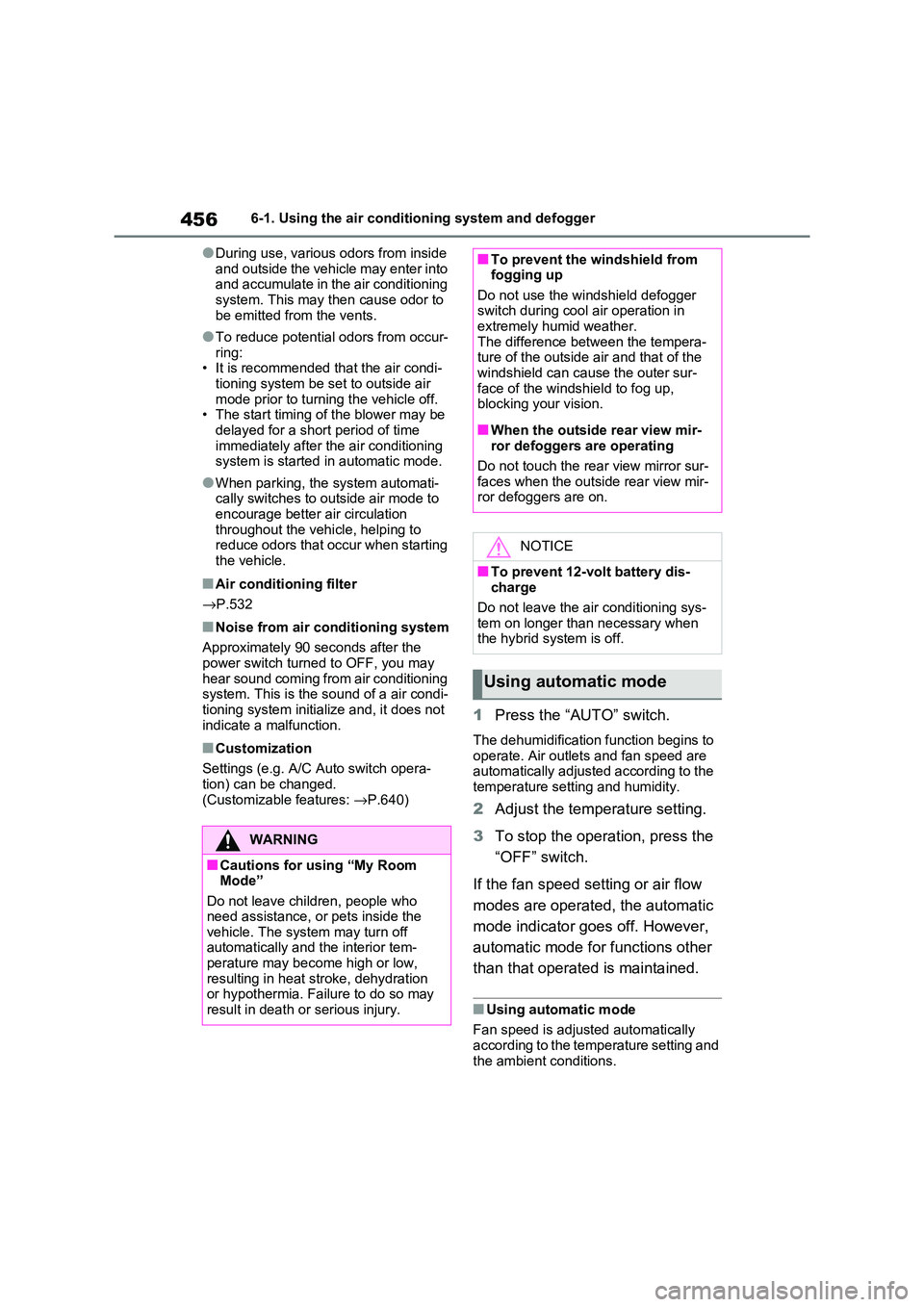
1Press the “AUTO” switch.
The dehumidification function begins to
operate. Air outlets and fan speed are automatically adjusted according to the
temperature setting and humidity.
2 Adjust the temperature setting.
3 To stop the operation, press the
“OFF” switch.
If the fan speed se tting or air flow
modes are operated, the automatic
mode indicator goes off. However,
automatic mode for functions other
than that operated is maintained.
■Using automatic mode
Fan speed is adjusted automatically
according to the temperature setting and
the ambient conditions.
WARNING
■Cautions for using “My Room Mode”
Do not leave children, people who
need assistance, or pets inside the vehicle. The system may turn off
automatically and the interior tem-
perature may become high or low, resulting in heat stroke, dehydration
or hypothermia. Fa ilure to do so may
result in death or serious injury.
■To prevent the windshield from fogging up
Do not use the wi ndshield defogger
switch during cool air operation in extremely humid weather.
The difference bet ween the tempera-
ture of the outside air and that of the windshield can cause the outer sur -
face of the windshield to fog up,
blocking your vision.
■When the outside rear view mir -
ror defoggers are operating
Do not touch the rear view mirror sur -
faces when the out side rear view mir-
ror defoggers are on.
NOTICE
■To prevent 12-volt battery dis - charge
Do not leave the ai r conditioning sys-
tem on longer than necessary when the hybrid system is off.
Using automatic mode
Page 568 of 666
5668-2. Steps to take in an emergency
5Securely attach cables or chains
to the towing eyelet.
Take care not to damage the vehicle
body.
6 Enter the vehicle being towed
and start the hybrid system.
Turn off the Parking Support Brake
function. (if equipped): →P.420
If the hybrid system d oes not start, turn
the power switch to ON.
7 Shift the shift lever to N and
release the parking brake.
Turn automatic mode off. ( →P.327)
When the shift lever cannot be shifted:
→ P.323
■While towing
If the hybrid system is not running, the
power assist for the brakes and steering will not function, making steering and
braking more difficult.
■Wheel nut wrench (if equipped)
Wheel nut wrench is installed in the deck under tray. ( →P.583, 594)
Fluid leaks under the vehicle
(Water dripping from the air con -
ditioning after use is normal.)
Flat-looking tires or uneven tire
wear
High coolant temperature warn-
ing light flashes or come on
Changes in exhaust sound
Excessive tire squeal when cor-
nering
Strange noises related to the
suspension system
Pinging or other noises related to
the hybrid system
Engine missing, stumbling or
running roughly
Appreciable loss of power
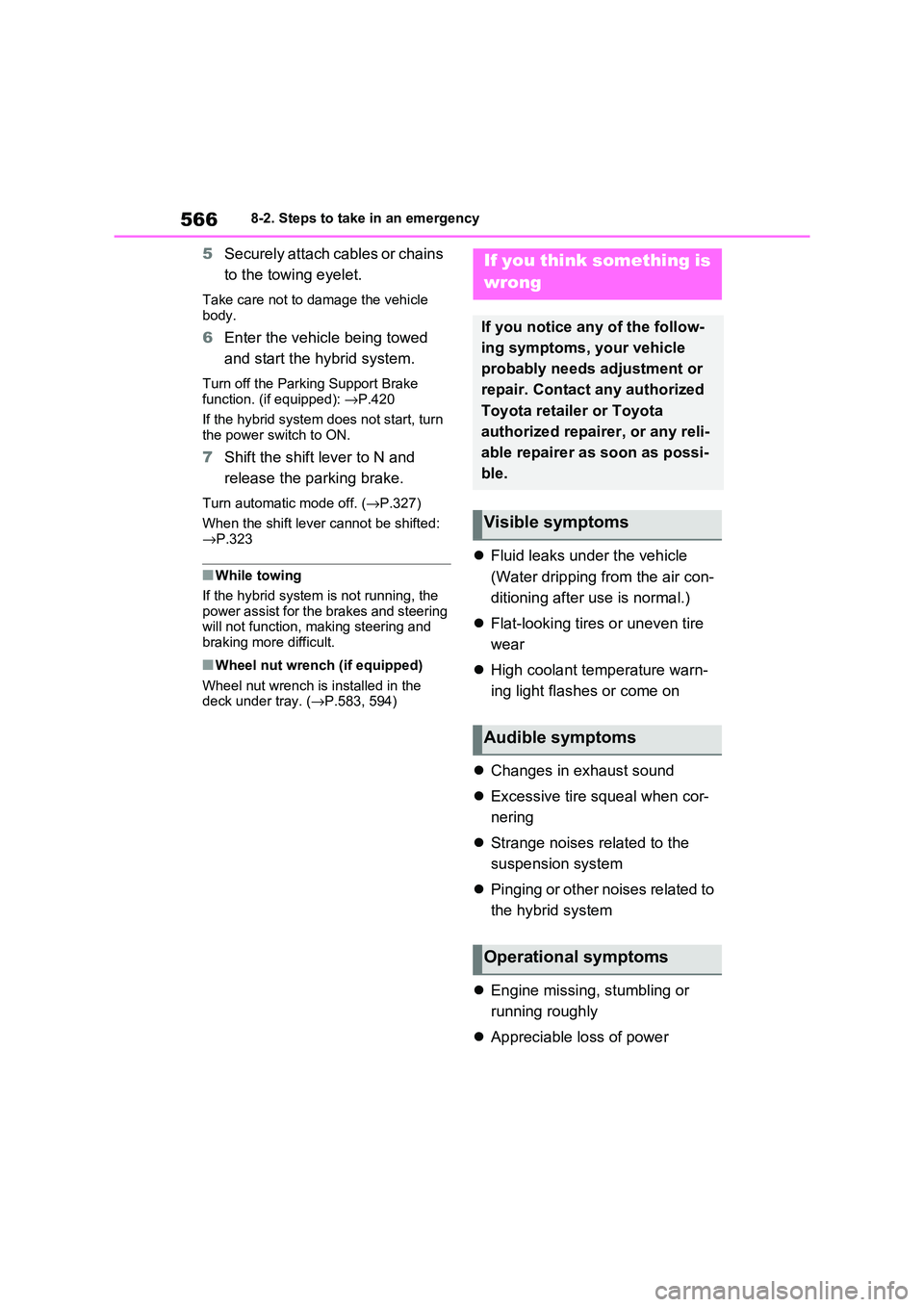
If you think something is
wrong
If you notice any of the follow -
ing symptoms, your vehicle
probably needs adjustment or
repair. Contact any authorized
Toyota retailer or Toyota
authorized repairer, or any reli -
able repairer as soon as possi -
ble.
Visible symptoms
Audible symptoms
Operational symptoms
Page 574 of 666
5728-2. Steps to take in an emergency
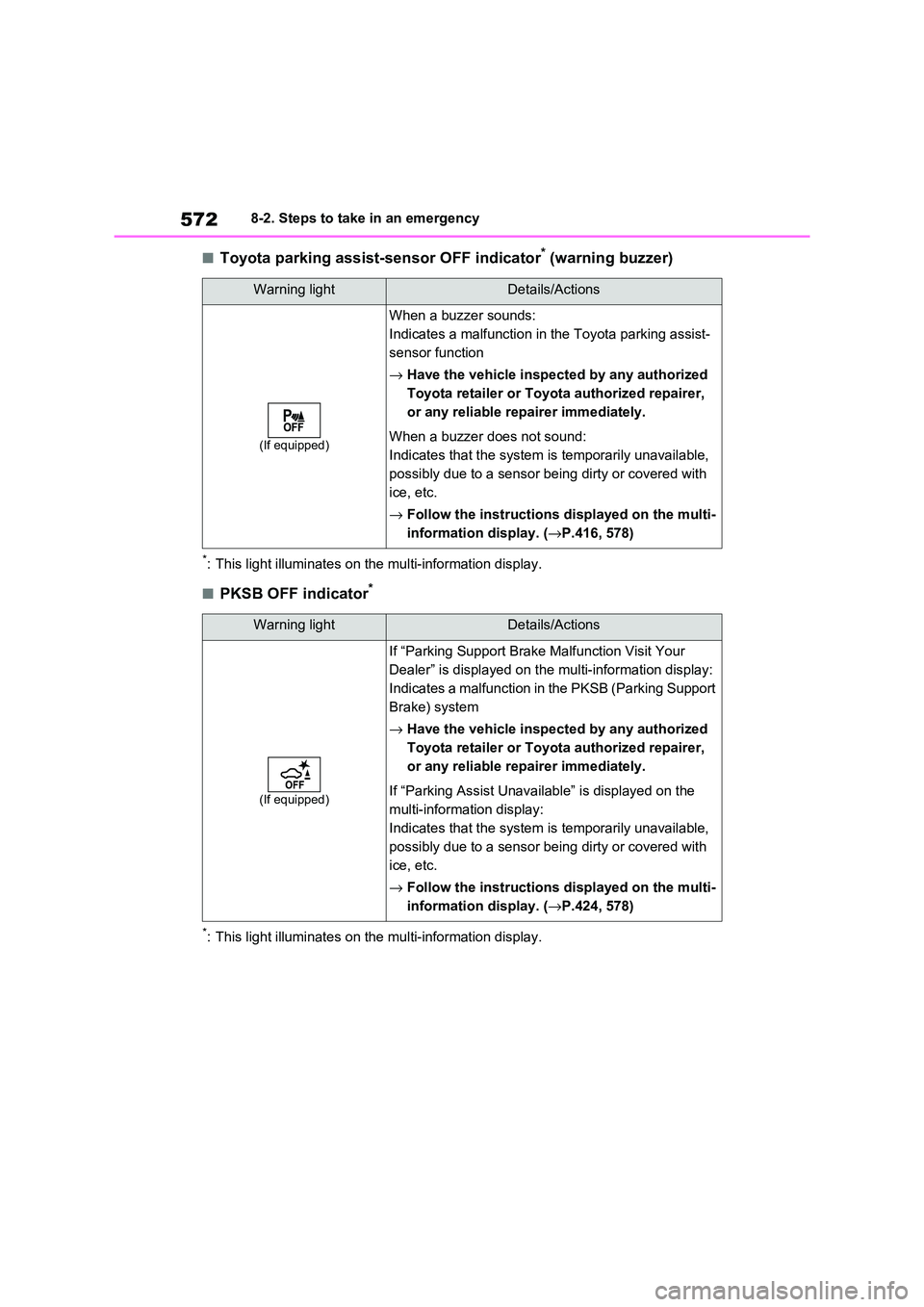
■Toyota parking assist-sensor OFF indicator* (warning buzzer)
*: This light illuminates on the multi-information display.
■PKSB OFF indicator*
*: This light illuminates on the multi-information display.
Warning lightDetails/Actions
(If equipped)
When a buzzer sounds:
Indicates a ma lfunction in the Toyota parking assist-
sensor function
→ Have the vehicle inspected by any authorized
Toyota retailer or Toyota authorized repairer,
or any reliable re pairer immediately.
When a buzzer does not sound:
Indicates that the system is temporarily unavailable,
possibly due to a sensor being dirty or covered with
ice, etc.
→ Follow the instructions displayed on the multi-
information display. ( →P.416, 578)
Warning lightDetails/Actions
(If equipped)
If “Parking Support Brake Malfunction Visit Your
Dealer” is displayed on the multi-information display:
Indicates a malfun ction in the PKSB (Parking Support
Brake) system
→ Have the vehicle inspected by any authorized
Toyota retailer or Toyota authorized repairer,
or any reliable re pairer immediately.
If “Parking Assist Unavaila ble” is displayed on the
multi-information display:
Indicates that the system is temporarily unavailable,
possibly due to a sensor being dirty or covered with
ice, etc.
→ Follow the instructions displayed on the multi-
information display. ( →P.424, 578)
Page 602 of 666
6008-2. Steps to take in an emergency
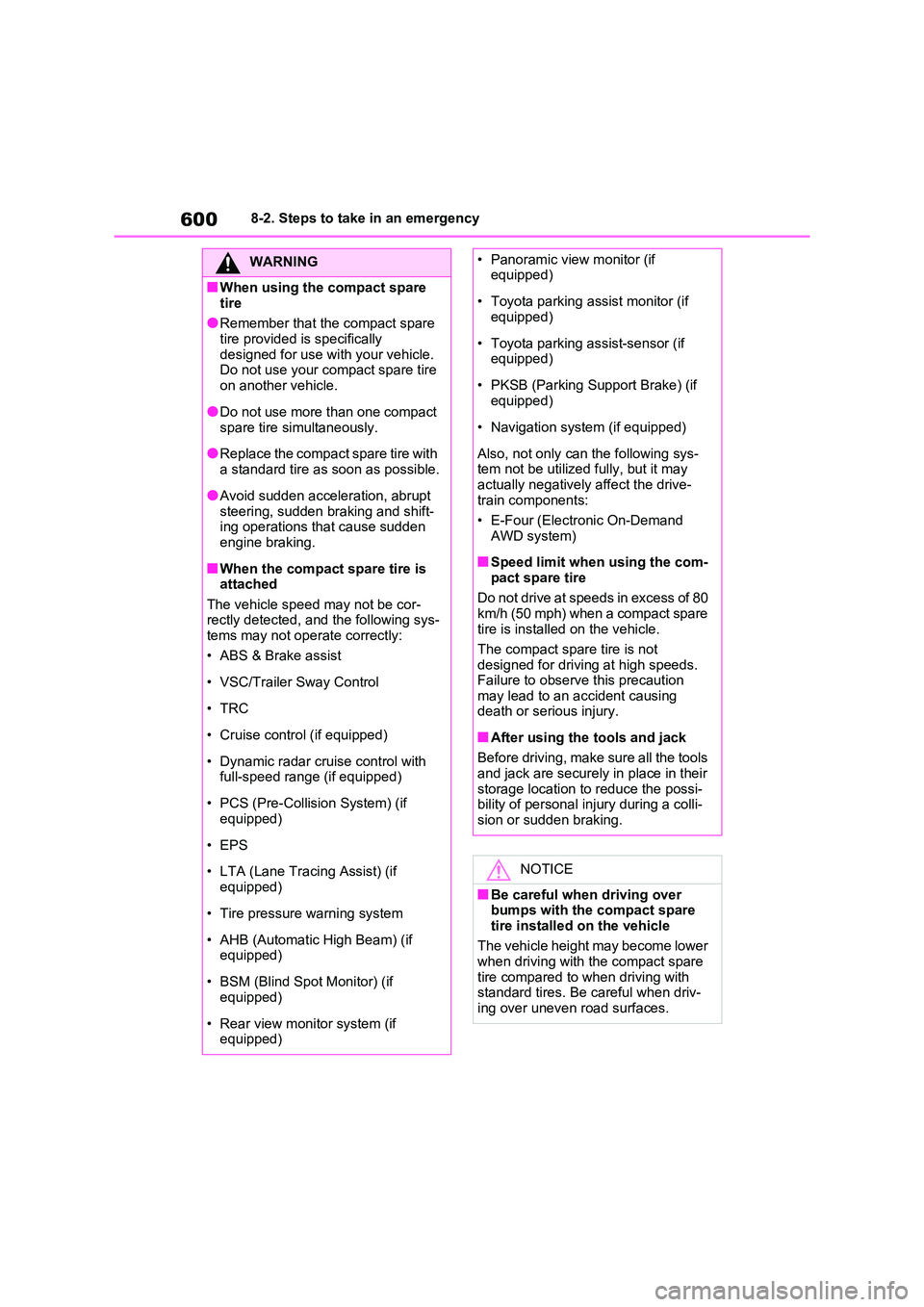
WARNING
■When using the compact spare
tire
●Remember that the compact spare tire provided is specifically
designed for use with your vehicle.
Do not use your compact spare tire on another vehicle.
●Do not use more than one compact
spare tire simultaneously.
●Replace the compact spare tire with
a standard tire as soon as possible.
●Avoid sudden acceleration, abrupt
steering, sudden braking and shift - ing operations that cause sudden
engine braking.
■When the compact spare tire is
attached
The vehicle speed may not be cor - rectly detected, and the following sys -
tems may not oper ate correctly:
• ABS & Brake assist
• VSC/Trailer Sway Control
•TRC
• Cruise control (if equipped)
• Dynamic radar cruise control with
full-speed range (if equipped)
• PCS (Pre-Collision System) (if
equipped)
• EPS
• LTA (Lane Tracing Assist) (if
equipped)
• Tire pressure warning system
• AHB (Automatic High Beam) (if equipped)
• BSM (Blind Spot Monitor) (if equipped)
• Rear view monitor system (if equipped)
• Panoramic view monitor (if equipped)
• Toyota parking assist monitor (if equipped)
• Toyota parking assist-sensor (if equipped)
• PKSB (Parking Support Brake) (if equipped)
• Navigation system (if equipped)
Also, not only can the following sys-
tem not be utilized fully, but it may actually negatively affect the drive-
train components:
• E-Four (Electro nic On-Demand AWD system)
■Speed limit when using the com - pact spare tire
Do not drive at speeds in excess of 80
km/h (50 mph) when a compact spare tire is installed on the vehicle.
The compact spare tire is not
designed for driving at high speeds. Failure to observe this precaution
may lead to an accident causing
death or serious injury.
■After using the tools and jack
Before driving, make sure all the tools and jack are securely in place in their
storage location to reduce the possi -
bility of personal i njury during a colli- sion or sudden braking.
NOTICE
■Be careful when driving over
bumps with the compact spare
tire installed on the vehicle
The vehicle height may become lower
when driving with the compact spare
tire compared to w hen driving with standard tires. Be careful when driv-
ing over uneven road surfaces.
Page 641 of 666
639
9
9-2. Customization
Vehicle specifications
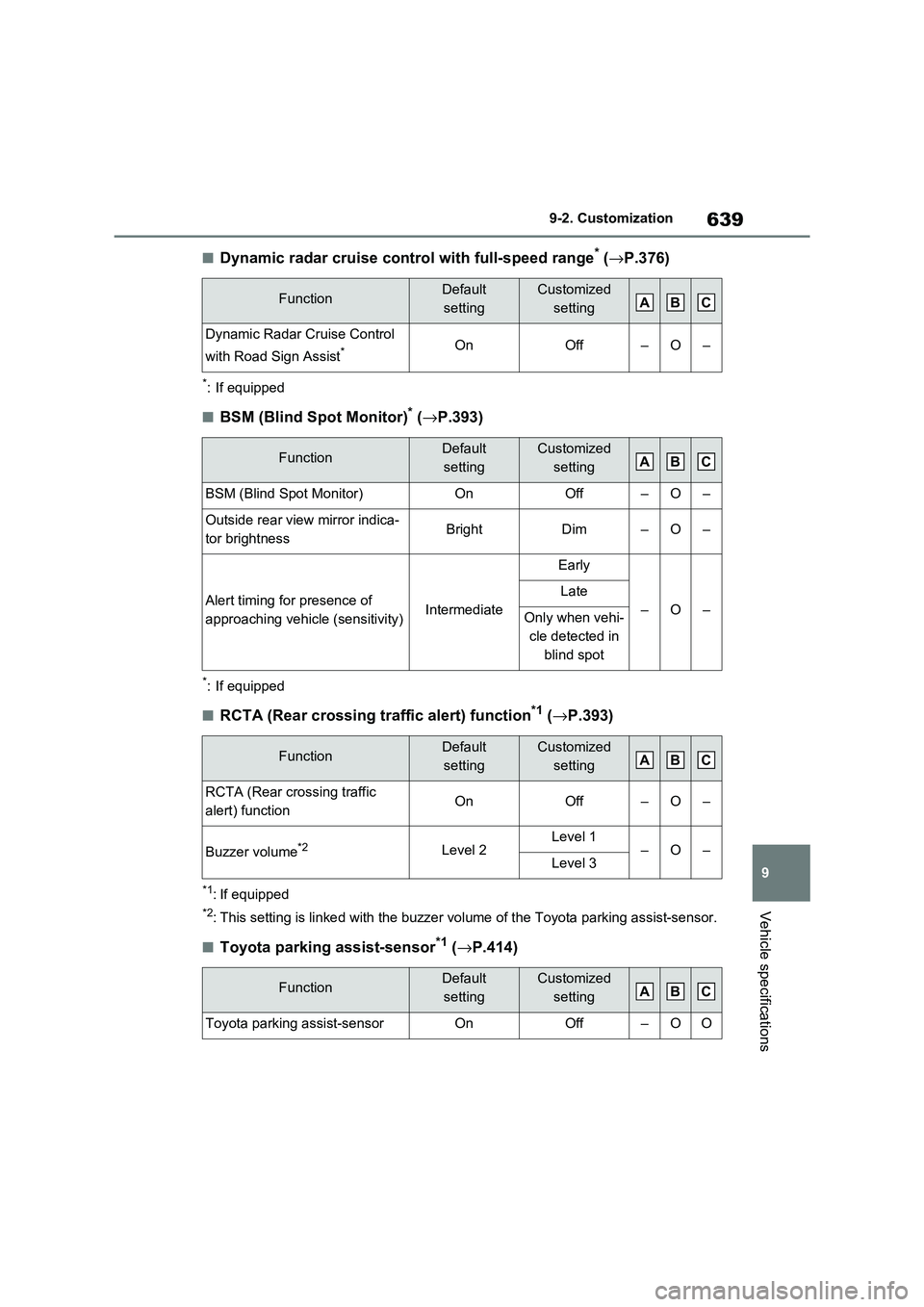
■Dynamic radar cruise contro l with full-speed range* (→P.376)
*: If equipped
■BSM (Blind Spot Monitor)* (→P.393)
*: If equipped
■RCTA (Rear crossing traffic alert) function*1 (→P.393)
*1: If equipped
*2: This setting is linked with the buzzer volume of the Toyota parking assist-sensor.
■Toyota parking assist-sensor*1 (→P.414)
FunctionDefault
setting
Customized
setting
Dynamic Radar Cruise Control
with Road Sign Assist*OnOff–O–
FunctionDefault
setting
Customized
setting
BSM (Blind Spot Monitor)OnOff–O–
Outside rear vie w mirror indica-
tor brightnessBrightDim–O–
Alert timing for presence of
approaching vehicle (sensitivity)Intermediate
Early
–O–
Late
Only when vehi -
cle detected in
blind spot
FunctionDefault
setting
Customized
setting
RCTA (Rear crossing traffic
alert) functionOnOff–O–
Buzzer volume*2Level 2Level 1–O–Level 3
FunctionDefault
setting
Customized
setting
Toyota parking assist-sensorOnOff–OO
ABC
ABC
ABC
ABC
Page 645 of 666
643
9
9-3. Initialization
Vehicle specifications
9-3.Initialization
*: If equipped
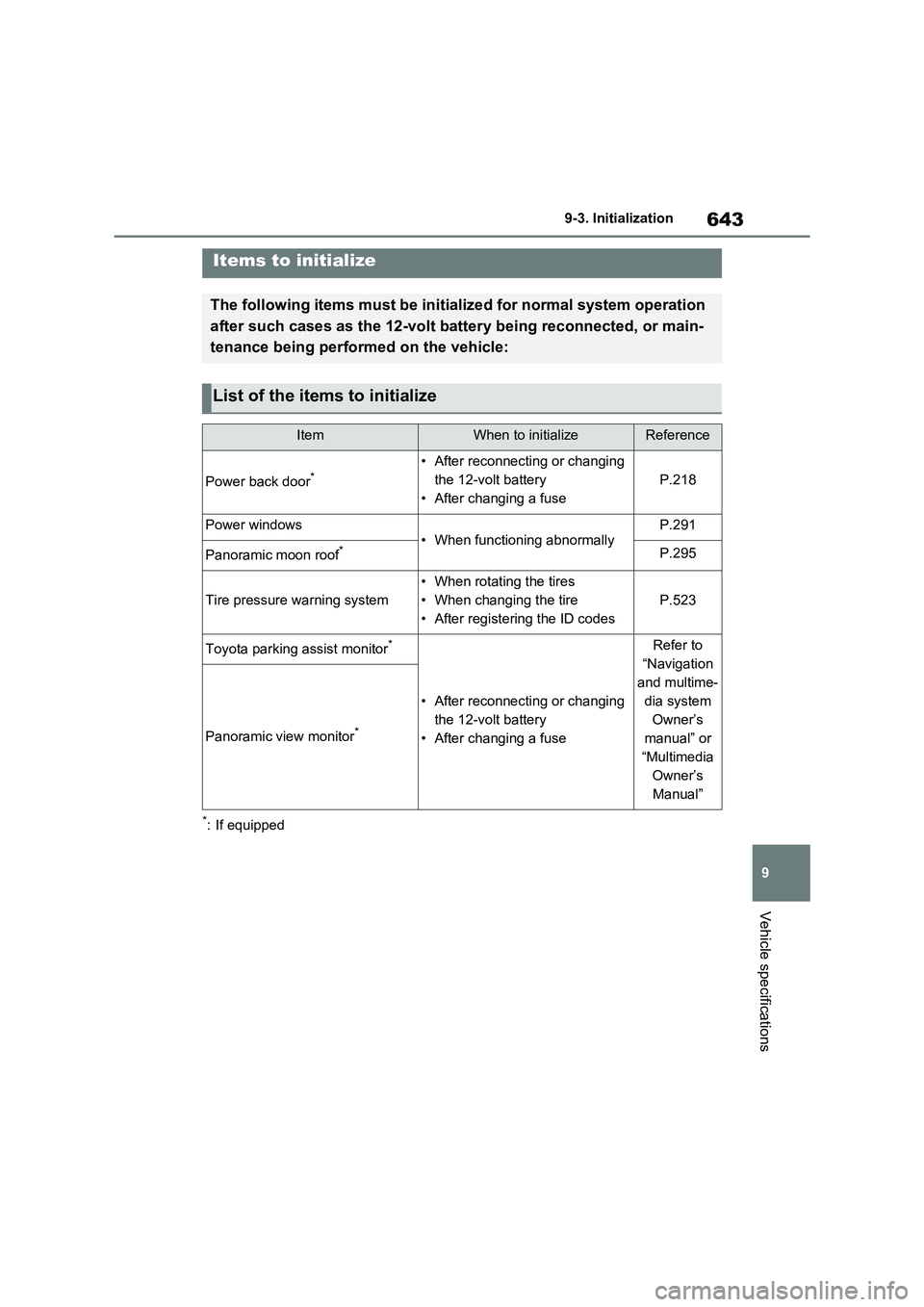
Items to initialize
The following items must be initialized for normal system opera tion
after such cases as the 12-volt battery being reconnected, or main-
tenance being performed on the vehicle:
List of the items to initialize
ItemWhen to initializeReference
Power back door*• After reconnecting or changing
the 12-volt battery
• After changing a fuse
P.218
Power windows• When functioning abnormallyP.291
Panoramic moon roof*P.295
Tire pressure warning system
• When rotating the tires
• When changing the tire
• After registering the ID codes
P.523
Toyota parking assist monitor*
• After reconnecting or changing
the 12-volt battery
• After changing a fuse
Refer to
“Navigation
and multime -
dia system
Owner’s
manual” or
“Multimedia
Owner’s
Manual”
Panoramic view monitor*
Page 652 of 666
650Alphabetical Index
Blower customization ................. 454
Front seat concent rated airflow
mode (S-FLOW) ...................... 457
Humidity sensor ......................... 459
Remote Air Conditioning System460
Automatic headlight leveling system
..................................................... 333
Automatic High Beam (AHB) ....... 334
Automatic light control system ... 332
Auxiliary box ................................. 471
Average fuel consumption .......... 198
Average fuel economy ................. 181
Average vehicle speed ......... 185, 198
B
Back door ........ .............................. 210
Hands Free Power Back Door ... 215
Power back door ........ ................ 213
Wireless remote con trol ............. 213
Back-up lights
Replacing light bulbs .................. 548
Wattage...................................... 626
Battery (12-volt batte ry) ............... 506
If the 12-volt batt ery is discharged
................................................. 606
Preparing and c hecking before win-
ter ............................................ 445
Replacing ................................... 609
Warning light .............................. 569
Battery (tracti on battery)................ 94
Charging .................................... 135
Location ....................................... 94
Specification............................... 621
Blind Spot Monitor (BSM) ............ 393
Blind Spot Monitor function ........ 408
Rear Crossing Traff ic Alert function
................................................. 411
Bottle holders ............................... 470
Brake
Brake Hold ................................. 329
Parking brake ............................. 326
Regenerative braking ................... 90
Warning light ..............................568
Brake assist...................................438
Brake Hold .....................................329
Brake Override System ................301
Break-in tips .................................. 301
BSM (Blind Spot Monitor) ............393
Blind Spot Monitor function ........ 408
Rear Crossing Traffic Alert function
.................................................411
C
Card holder.................................... 471
Care
Aluminum wheels .......................488
Exterior ....................................... 488
Front camera ..............................345
Interior ........................................491
Radar sensor..............................345
Seat belts ...................................491
Water-repellent coating .............. 489
Cargo hooks .................................. 472
Chains ............................................447
Charging
“My Room Mode” .......................153
AC charging cable ...................... 108
Charging equipment ................... 105
Charging indicator ...................... 106
Charging messages ................... 160
Charging procedure ................... 135
Charging schedule function........ 144
Charging time may increase ...... 128
High voltage components............. 94
How to charge ............................ 135
Information related to charging dis -
play .......................................... 131
Opening and closing the charging
port lid ......................................106
Power sources precautions ........ 125
Power sources that can be used 124
Safety functions..........................132
Page 654 of 666
652Alphabetical Index
Cruise control ............................. 388
Drive information ........................ 185
Driving information ..................... 181
Dynamic radar cruise control with
full-speed range ....................... 376
Energy monitor........................... 195
Head-up display ...... ................... 191
LTA (Lane-Tracing Assist) ......... 368
Multi-information disp lay ............ 179
Parking Support Brake function . 422
Pre-collision warning . ................. 355
RCTA ......................................... 393
RSA (Road Sign Assist) ............. 373
Toyota parking assi st-sensor ..... 414
Warning messages .... ................ 578
Do-it-yourself maintenance . 494, 496
Door lock
Back door ................................... 210
Side doors .................................. 205
Smart entry & start system......... 223
Wireless remote con trol ............. 203
Doors
Automatic door locking and unlock -
ing system .... ........................... 209
Back door ................................... 210
Door glasses .............................. 291
Door lock .................................... 205
Open door warning buzzer......... 208
Outside rear view mirrors ........... 289
Rear door child-protectors ......... 209
Side doors .................................. 205
Double locking system .................. 77
Drive information .......................... 185
Driver’s seat belt r eminder light.. 575
Driver’s seat position memory .... 273
Driving position memory ............ 273
Memory recall function ............... 274
Drive-start control ........................ 301
Driving
Break-in tips ............................... 301
Correct posture ............................ 33
Driving mode select switch.........434
Plug-in hybrid vehicle driving tips . 99
Procedures ................................. 300
Winter drive tips ......................... 445
Driving information display .........181
Driving mode select switch .........434
Driving position memory .............273
Memory recall function ...............274
Driving support system information
display .........................................184
Dynamic radar cruise control with
full-speed range
Function .....................................376
Warning message ...................... 578
E
eCall ................................................. 65
ECB (Electronically Controlled Brake
System) ....................................... 438
Eco drive mode .............................434
E-Four (Electronic On-Demand AWD
system) .......... ..............................439
Elapsed time.................................. 185
Electric motor
Location........................................ 84
Specification ............................... 620
Electric Power Steering (EPS)
Function .....................................438
Warning light ..............................570
Electronically Cont rolled Brake Sys-
tem (ECB) .................................... 438
Electronic key
Battery-saving function...............224
If the electronic key does not operate
properly .................................... 604
Replacing the battery ................. 543
Electronic sunshade.....................294
Jam protection function .............. 295
Operation ...................................294
Emergency, in case of
If a warning buzzer sounds ........ 568