bluetooth TOYOTA SUPRA 2019 User Guide
[x] Cancel search | Manufacturer: TOYOTA, Model Year: 2019, Model line: SUPRA, Model: TOYOTA SUPRA 2019Pages: 456, PDF Size: 88.65 MB
Page 71 of 456
71
3
Supra Owner's Manual3-1. CONTROLS
CONTROLS
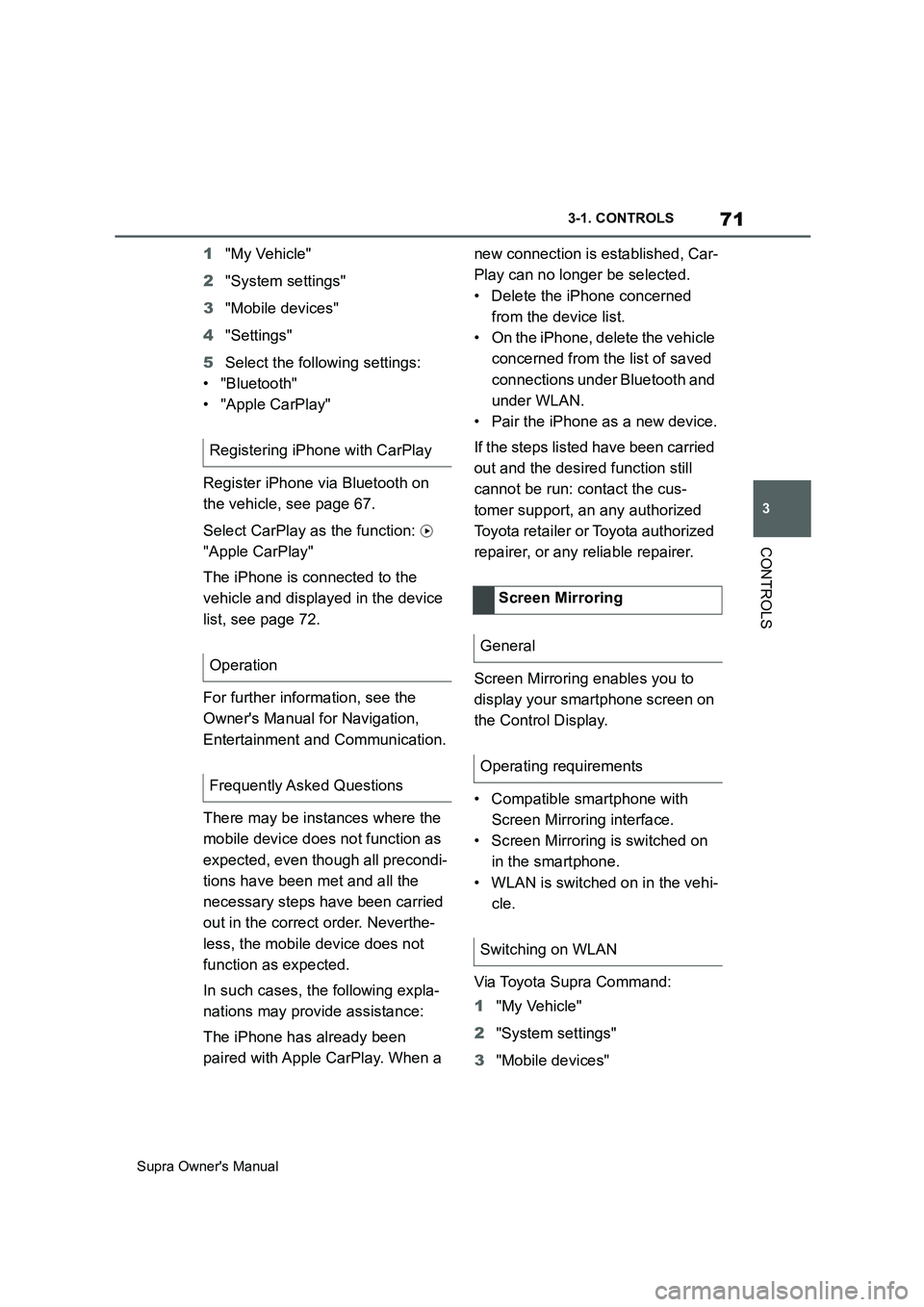
1"My Vehicle"
2"System settings"
3"Mobile devices"
4"Settings"
5Select the following settings:
• "Bluetooth"
• "Apple CarPlay"
Register iPhone via Bluetooth on
the vehicle, see page 67.
Select CarPlay as the function:
"Apple CarPlay"
The iPhone is connected to the
vehicle and displayed in the device
list, see page 72.
For further information, see the
Owner's Manual for Navigation,
Entertainment and Communication.
There may be instances where the
mobile device does not function as
expected, even though all precondi-
tions have been met and all the
necessary steps have been carried
out in the correct order. Neverthe-
less, the mobile device does not
function as expected.
In such cases, the following expla-
nations may provide assistance:
The iPhone has already been
paired with Apple CarPlay. When a new connection is established, Car-
Play can no longer be selected.
• Delete the iPhone concerned
from the device list.
• On the iPhone, delete the vehicle
concerned from the list of saved
connections under Bluetooth and
under WLAN.
• Pair the iPhone as a new device.
If the steps listed have been carried
out and the desired function still
cannot be run: contact the cus-
tomer support, an any authorized
Toyota retailer or Toyota authorized
repairer, or any reliable repairer.
Screen Mirroring enables you to
display your smartphone screen on
the Control Display.
• Compatible smartphone with
Screen Mirroring interface.
• Screen Mirroring is switched on
in the smartphone.
• WLAN is switched on in the vehi-
cle.
Via Toyota Supra Command:
1"My Vehicle"
2"System settings"
3"Mobile devices" Registering iPhone with CarPlay
Operation
Frequently Asked Questions
Screen Mirroring
General
Operating requirements
Switching on WLAN
Page 72 of 456
72
Supra Owner's Manual3-1. CONTROLS
4"Settings"
5"Vehicle WiFi"
Via Toyota Supra Command:
1"My Vehicle"
2"System settings"
3"Mobile devices"
4"Connect new device"
5 "Screen Mirroring"
The WLAN name of the vehicle is dis-
played in the Control Display.
6On the smartphone, search for
WLAN devices in the vicinity.
The WLAN name of the vehicle is
shown on the display of the device.
Select WLAN name of the vehicle.
7Confirm the connection via
Toyota Supra Command.
The device is connected and dis-
played in the device list, see page
72.
• Following one-off registration,
the devices are automatically
detected and connected again
when the standby state is
switched on.
• The data saved on the SIM card
or in the mobile telephone is
transferred to the vehicle follow-
ing detection.• Some devices may require par-
ticular settings, for example
authorisation; see the user man-
ual of the device.
All devices registered or connected
to the vehicle are displayed in the
device list.
Via Toyota Supra Command:
1"My Vehicle"
2"System settings"
3"Mobile devices"
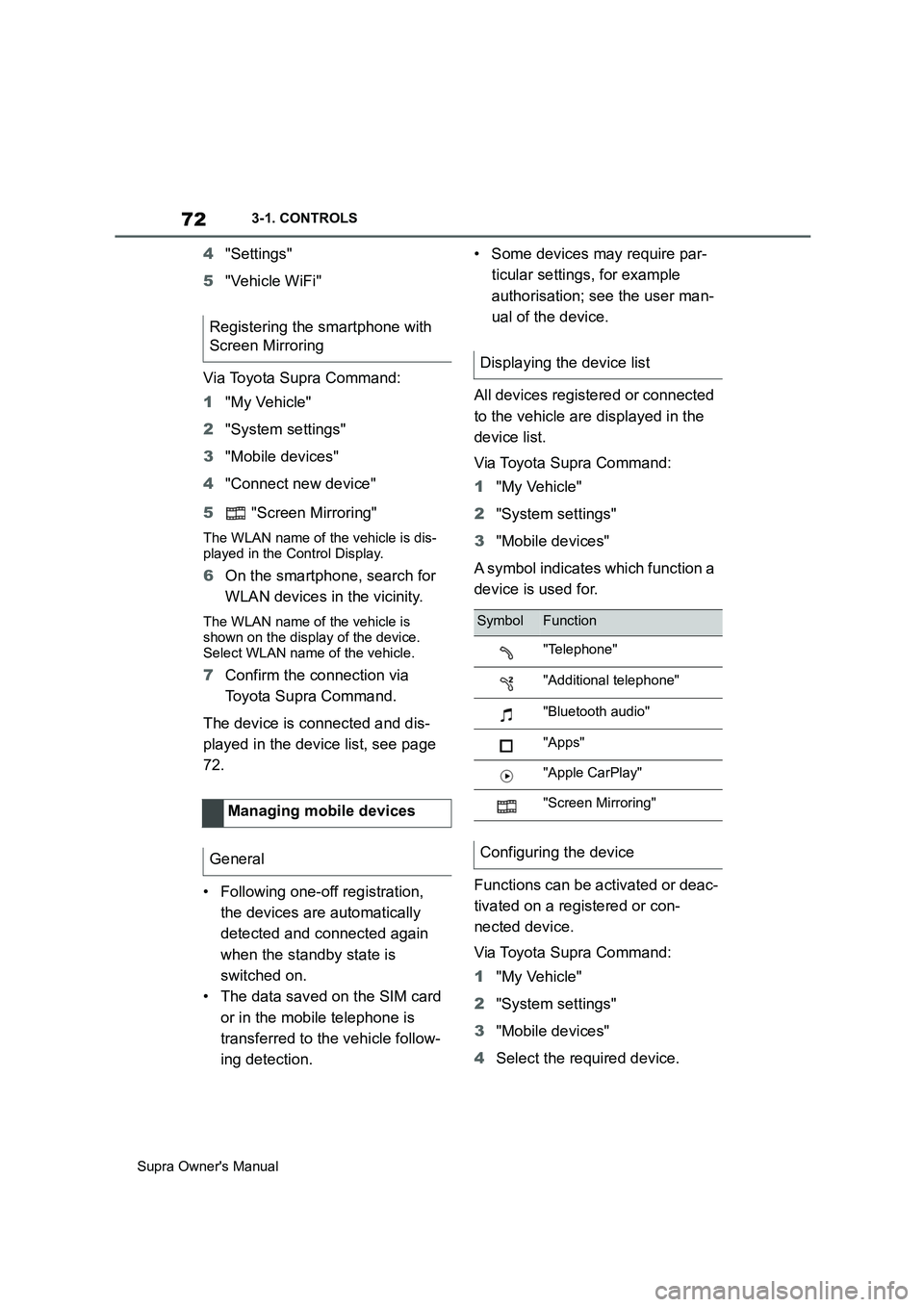
A symbol indicates which function a
device is used for.
Functions can be activated or deac-
tivated on a registered or con-
nected device.
Via Toyota Supra Command:
1"My Vehicle"
2"System settings"
3"Mobile devices"
4Select the required device. Registering the smartphone with
Screen Mirroring
Managing mobile devices
General
Displaying the device list
SymbolFunction
"Telephone"
"Additional telephone"
"Bluetooth audio"
"Apps"
"Apple CarPlay"
"Screen Mirroring"
Configuring the device
Page 444 of 456
444
Supra Owner's ManualAlphabetical Index
Alphabetical Index
A
A/C button, see Cooling function 251
ABS, anti-lock braking system.... 215
ACC, see Adaptive Cruise Control
..................................................... 225
Acceleration assistant, see Launch
Control ........................................ 148
Accessories and parts ..................... 7
Acknowledgement signals of the
vehicle ........................................... 90
Activated carbon filter.................. 255
Activation, airbags ....................... 188
Active bonnet, see Active pedestrian
protection.................................... 190
Active Guard, see Toyota Supra
Safety .......................................... 191
Active pedestrian protection ....... 190
Adaptive brake assist .................. 216
Adaptive Cruise Control with Stop &
Go ACC........................................ 225
Adaptive variable suspension..... 248
Adaptive variable suspension, adap-
tive ............................................... 248
Additives, engine oil grades ........ 311
Adjustable speed limit, see Manual
Speed Limiter ............................. 220
Adjusting the headlights.............. 176
Age of tyres ................................... 281
Air conditioning ............................ 250
Air outlets, see Ventilation........... 255
Air pressure, tyres ........................ 278
Airbag switch, see Key switch for
front passenger airbags ............ 188
Airbags .......................................... 179
Airbags, indicator/warning lamp . 181
Alarm system .................................. 91
Alarm, false ..................................... 93
All-season tyres, see Winter tyres
..................................................... 283
Angle, backrest ............................... 98
Anti-lock braking system, ABS ... 215
Anti-theft alarm system, see Alarm
system ........................................... 91
Anti-theft system, locking.............. 76Anti-theft system, see Thiefproof
wheel studs ................................. 300
Anti-theft, wheel studs ................. 300
Anti-trap mechanism, windows ..... 94
Apple CarPlay, connection to the
vehicle ........................................... 70
Aquaplaning .................................. 269
AUTO programme, automatic air
conditioning ................................ 252
Auto Start Stop function .............. 134
Automatic air conditioning .......... 250
Automatic anti-glare control, see
Automatic high-beam................. 174
Automatic Cruise Control, see Adap-
tive Cruise Control ..................... 225
Automatic driving lights control . 171
Automatic emergency call ........... 338
Automatic high-beam ................... 174
Automatic locking........................... 90
Automatic parking function, exterior
mirror ........................................... 105
Automatic start-stop function ..... 134
Automatic transmission ............... 143
Automatic transmission, see Auto-
matic transmission..................... 143
Automatic unlocking ...................... 91
Avoiding false alarms..................... 93
Axle load limit ............................... 357
Axle loads, weight ........................ 357
B
Backrest angle ................................ 98
Backrest contour, see Lumbar sup-
port ................................................ 98
Backrest width ................................ 98
Backrest, seats ............................... 95
Bag holders ................................... 262
Bar for tow-starting/towing .......... 346
Battery, vehicle ............................. 327
Belts, see Seat belts ....................... 98
Black ice, see Outside temperature
warning........................................ 158
Blind spot monitor........................ 207
Bluetooth connection ..................... 67