cruise control TOYOTA SUPRA 2019 User Guide
[x] Cancel search | Manufacturer: TOYOTA, Model Year: 2019, Model line: SUPRA, Model: TOYOTA SUPRA 2019Pages: 456, PDF Size: 88.65 MB
Page 225 of 456
225
3
Supra Owner's Manual3-1. CONTROLS
CONTROLS
saved speed is not excessively
large. Otherwise, there may be
inadvertent braking or acceleration.
Cruise Control is resumed with the
saved values.
The saved speed value is deleted
and can no longer be called up in
the following instances:
When the system is switched off.
When drive-ready state is
switched off.
With the corresponding equipment,
the set speed limit is displayed digi-
tally for a short time.
Some information from the system
can also be shown in the Head-Up
Display.The desired speed is also main-
tained on a downhill stretch. The
vehicle may drive slower than the
desired speed on uphill gradients if
the engine power is not sufficient.
This system allows you to set a
desired speed and a desired dis-
tance from the vehicle in front,
using the buttons on the steering
wheel.
When the road ahead is clear, the
system maintains the desired
speed by braking or accelerating
the vehicle automatically, as
required.
If there is a vehicle driving in front,
the system adapts your own vehicle
speed in order to maintain the set
distance from the vehicle ahead.
The speed is adapted as far as the
given situation allows.
A radar sensor is fitted in the front
bumper and a camera on the
rear-view mirror for detecting vehi-
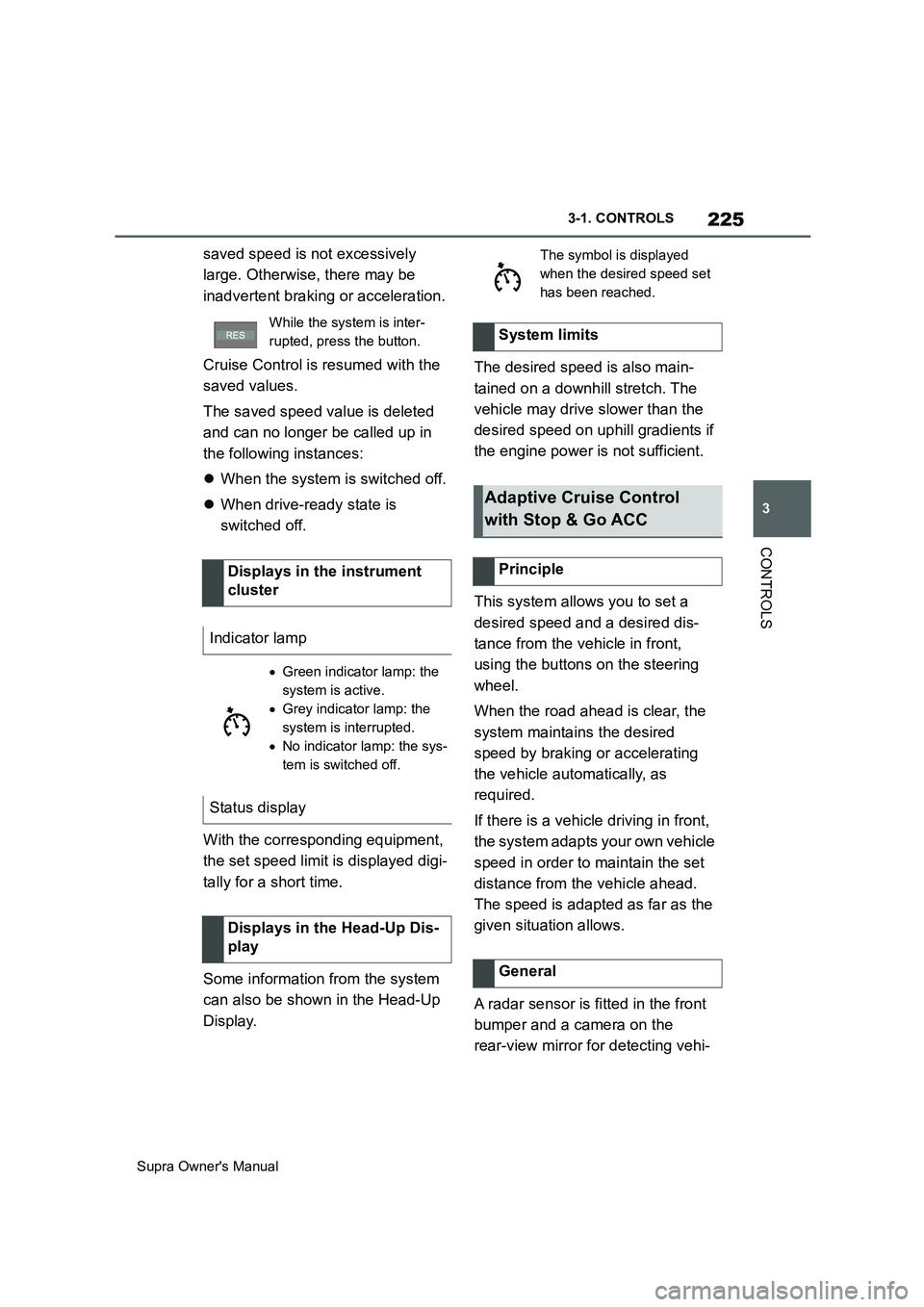
While the system is inter-
rupted, press the button.
Displays in the instrument
cluster
Indicator lamp
Green indicator lamp: the
system is active.
Grey indicator lamp: the
system is interrupted.
No indicator lamp: the sys-
tem is switched off.
Status display
Displays in the Head-Up Dis-
play
The symbol is displayed
when the desired speed set
has been reached.
System limits
Adaptive Cruise Control
with Stop & Go ACC
Principle
General
Page 226 of 456
226
Supra Owner's Manual3-1. CONTROLS
cles driving in front.
Depending on the vehicle settings,
the characteristics of the Cruise
Control may change.
The distance can be set in several
stages, and is dependent on the
individual speed for reasons of
safety.
If the vehicle ahead brakes to a
standstill and sets off again shortly
afterwards, the system can recog-
nise this within the given context.
Safety notes
WARNING
The system does not relieve you of
your personal responsibility to assess
the traffic situation correctly. Due to
system limitations, it cannot respond
independently and appropriately in all
traffic conditions. There is a danger of
accidents. Adapt your driving style to
the traffic conditions. Observe the
traffic situation and intervene actively
if the situation warrants it.
WARNING
An unsecured vehicle can start mov-
ing and rolling away. There is a dan-
ger of accidents. Before leaving the
vehicle, secure it to prevent it from
rolling away.
Observe the following to ensure that
the vehicle is secured against rolling
away:
●Apply the parking brake.
●Turn the front wheels towards the
kerb on upward or downward gradi-
ents.
●Additionally secure the vehicle on
upward or downward gradients, for
example with a chock.
WARNING
The desired speed may be acciden-
tally set incorrectly or called up by
mistake. There is a danger of acci-
dents. Adjust the desired speed to the
traffic conditions. Observe the traffic
situation and intervene actively if the
situation warrants it.
WARNING
There is a danger of accidents if the
difference in speed relative to other
vehicles is excessively high. This may
occur, for example, in the following
situations:
●When quickly approaching a slowly
moving vehicle.
●If another vehicle suddenly veers
into the vehicle's own lane.
●When quickly approaching station-
ary vehicles.
There is a danger of injury or even
death. Observe the traffic situation
and intervene actively if the situation
warrants it.
Page 227 of 456
227
3
Supra Owner's Manual3-1. CONTROLS
CONTROLS
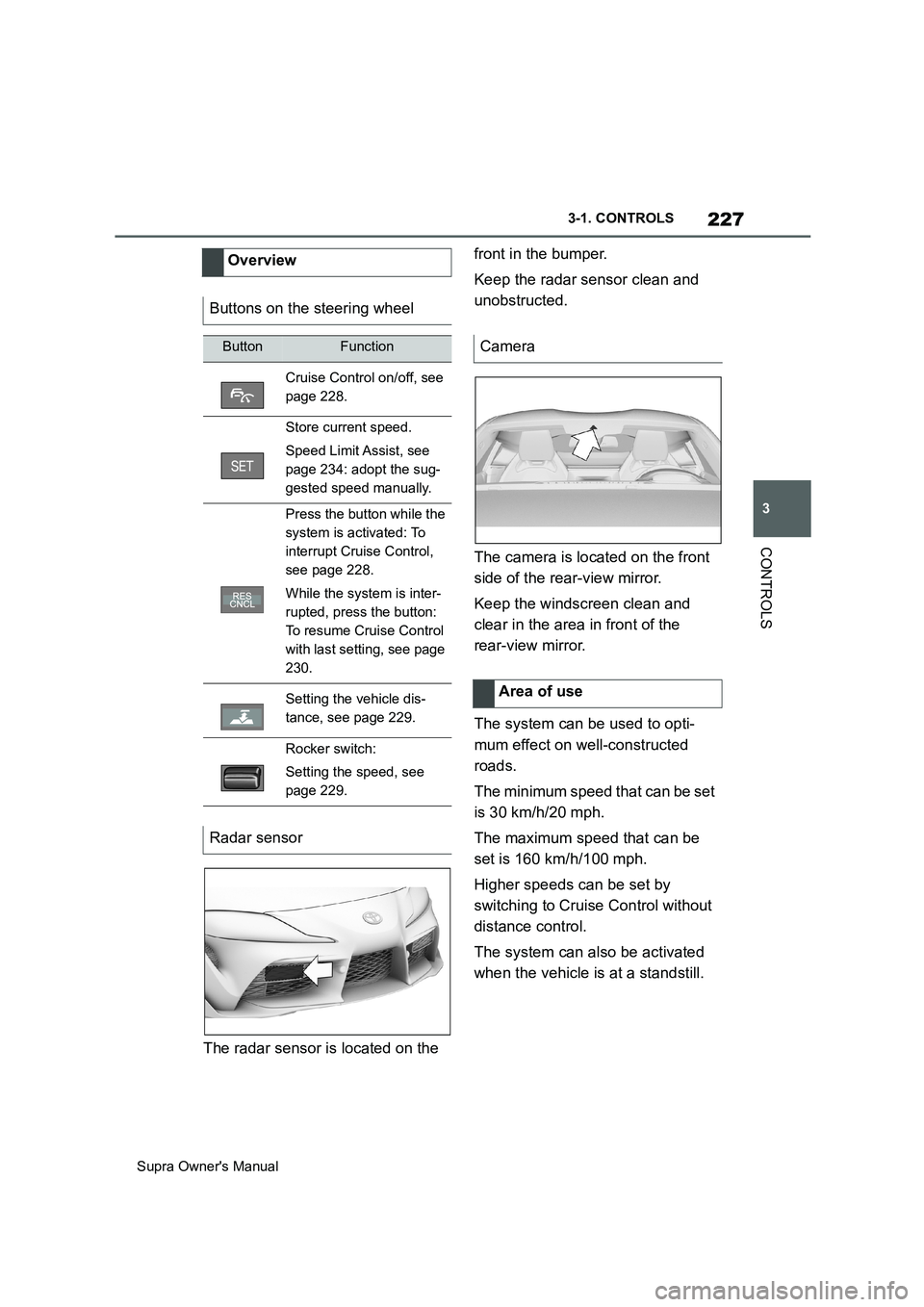
The radar sensor is located on the front in the bumper.
Keep the radar sensor clean and
unobstructed.
The camera is located on the front
side of the rear-view mirror.
Keep the windscreen clean and
clear in the area in front of the
rear-view mirror.
The system can be used to opti-
mum effect on well-constructed
roads.
The minimum speed that can be set
is 30 km/h/20 mph.
The maximum speed that can be
set is 160 km/h/100 mph.
Higher speeds can be set by
switching to Cruise Control without
distance control.
The system can also be activated
when the vehicle is at a standstill. Overview
Buttons on the steering wheel
ButtonFunction
Cruise Control on/off, see
page 228.
Store current speed.
Speed Limit Assist, see
page 234: adopt the sug-
gested speed manually.
Press the button while the
system is activated: To
interrupt Cruise Control,
see page 228.
While the system is inter-
rupted, press the button:
To resume Cruise Control
with last setting, see page
230.
Setting the vehicle dis-
tance, see page 229.
Rocker switch:
Setting the speed, see
page 229.
Radar sensor
Camera
Area of use
Page 228 of 456
228
Supra Owner's Manual3-1. CONTROLS
The indicator will come on.
Cruise Control is active. The driven
speed is maintained and stored as
the desired speed.
Vehicle Stability Control VSC is
switched on, if necessary.
When switching off with the vehicle
at a standstill, depress the brake
pedal at the same time.
Press the following button on the
steering wheel again:
The displays turn off. The desired
speed saved is deleted.
When the system is activated,
press the following button on the
steering wheel:
If interrupting the system when the
vehicle is at a standstill, depress
the brake pedal at the same time.The system interrupts automatically
in the following situations:
If the driver brakes.
If the selector lever is moved out
of selector lever position D.
If Traction mode is activated or
Vehicle Stability Control VSC
deactivated.
If Vehicle Stability Control VSC
intervenes.
If the vehicle is stationary and
the seat belt is unfastened and
the driver's door is opened.
If the system has not detected
any objects for an extended
period of time, for example on
roads with little traffic and without
defined boundaries.
If the detection zone of the radar
is disrupted, for example, due to
contamination or heavy rainfall.
After an extended stationary
period, if the vehicle was decel-
erated to a standstill by the sys-
tem. Switching Cruise Control
on/off and interrupting
Switching on
Press the button on the steer-
ing wheel.
Switching off
Button on the steering wheel.
Interrupting manually
Button on the steering wheel.
Interrupting automatically
Page 230 of 456
230
Supra Owner's Manual3-1. CONTROLS
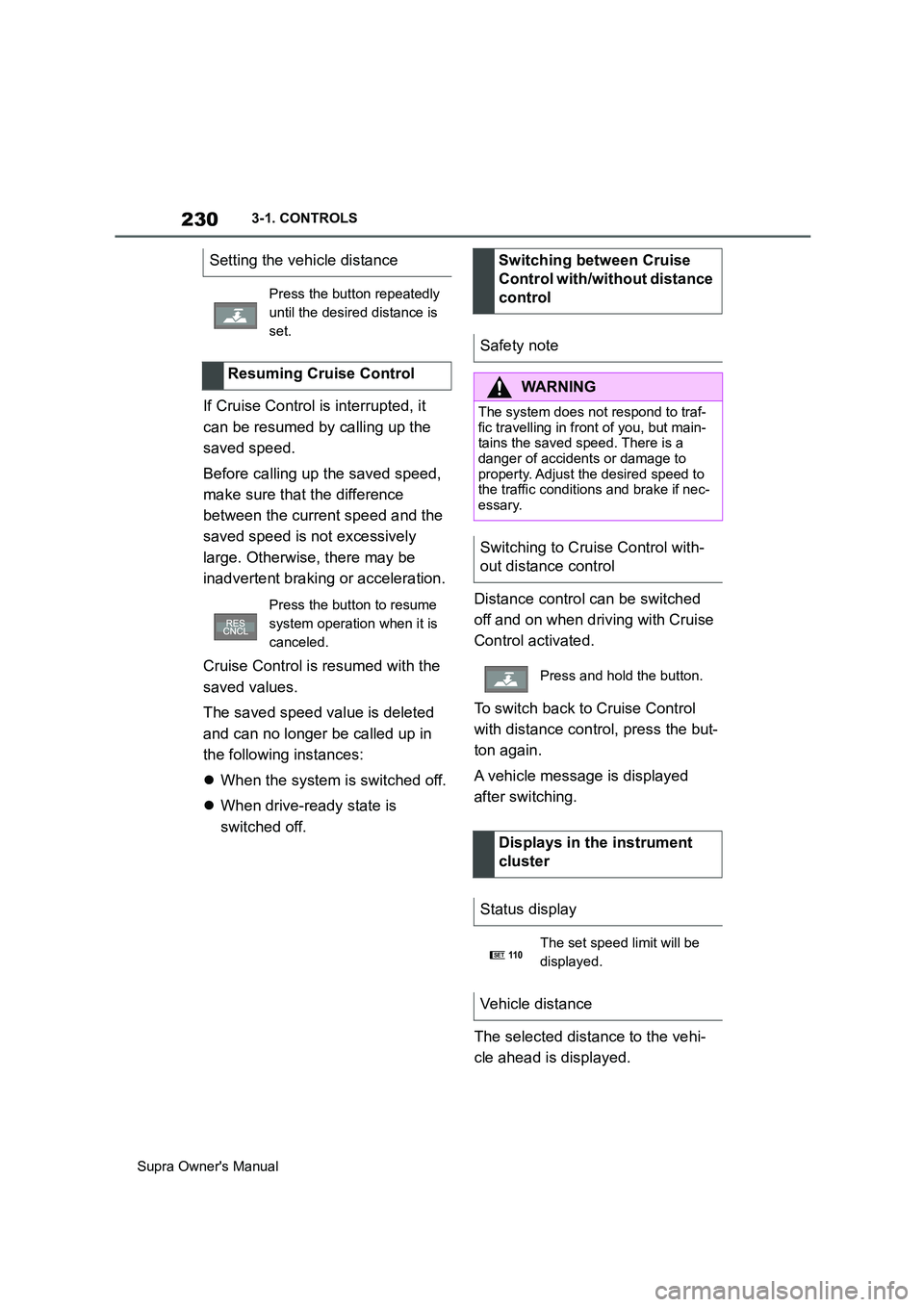
If Cruise Control is interrupted, it
can be resumed by calling up the
saved speed.
Before calling up the saved speed,
make sure that the difference
between the current speed and the
saved speed is not excessively
large. Otherwise, there may be
inadvertent braking or acceleration.
Cruise Control is resumed with the
saved values.
The saved speed value is deleted
and can no longer be called up in
the following instances:
When the system is switched off.
When drive-ready state is
switched off.Distance control can be switched
off and on when driving with Cruise
Control activated.
To switch back to Cruise Control
with distance control, press the but-
ton again.
A vehicle message is displayed
after switching.
The selected distance to the vehi-
cle ahead is displayed. Setting the vehicle distance
Press the button repeatedly
until the desired distance is
set.
Resuming Cruise Control
Press the button to resume
system operation when it is
canceled.
Switching between Cruise
Control with/without distance
control
Safety note
WARNING
The system does not respond to traf-
fic travelling in front of you, but main-
tains the saved speed. There is a
danger of accidents or damage to
property. Adjust the desired speed to
the traffic conditions and brake if nec-
essary.
Switching to Cruise Control with-
out distance control
Press and hold the button.
Displays in the instrument
cluster
Status display
The set speed limit will be
displayed.
Vehicle distance
SET11 0
Page 232 of 456
232
Supra Owner's Manual3-1. CONTROLS
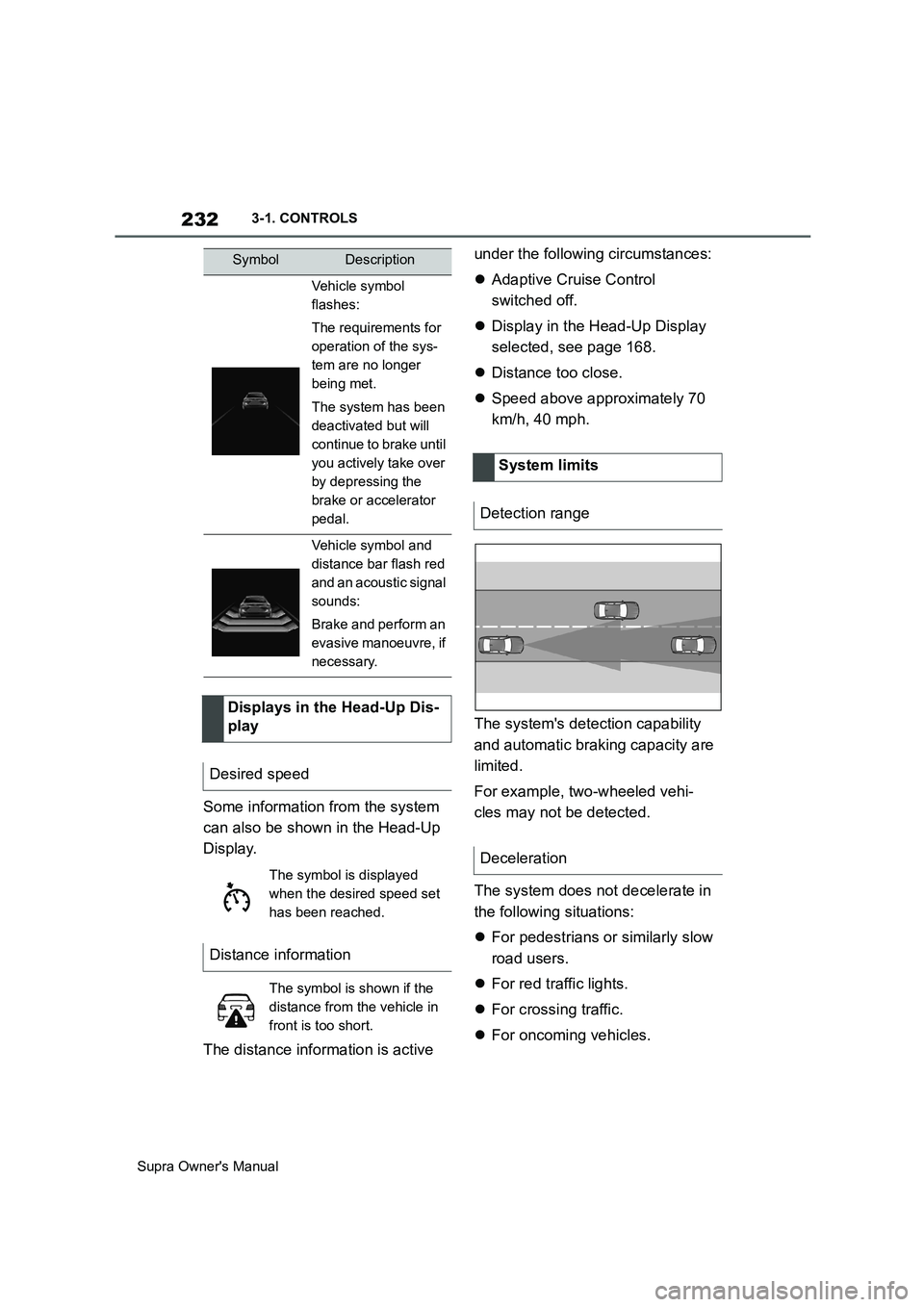
Some information from the system
can also be shown in the Head-Up
Display.
The distance information is active under the following circumstances:
Adaptive Cruise Control
switched off.
Display in the Head-Up Display
selected, see page 168.
Distance too close.
Speed above approximately 70
km/h, 40 mph.
The system's detection capability
and automatic braking capacity are
limited.
For example, two-wheeled vehi-
cles may not be detected.
The system does not decelerate in
the following situations:
For pedestrians or similarly slow
road users.
For red traffic lights.
For crossing traffic.
For oncoming vehicles.
Vehicle symbol
flashes:
The requirements for
operation of the sys-
tem are no longer
being met.
The system has been
deactivated but will
continue to brake until
you actively take over
by depressing the
brake or accelerator
pedal.
Vehicle symbol and
distance bar flash red
and an acoustic signal
sounds:
Brake and perform an
evasive manoeuvre, if
necessary.
Displays in the Head-Up Dis-
play
Desired speed
The symbol is displayed
when the desired speed set
has been reached.
Distance information
The symbol is shown if the
distance from the vehicle in
front is too short.
SymbolDescription
System limits
Detection range
Deceleration
Page 235 of 456
235
3
Supra Owner's Manual3-1. CONTROLS
CONTROLS
detect a change in the speed limit
on the route, it is possible to adopt
this new speed limit value for the
following systems:
Manual Speed Limiter.
Cruise Control.
Adaptive Cruise Control with
Stop & Go function.
The speed value is proposed as a
new desired speed for adopting.
The relevant system must be acti-
vated for the speed value to be
adopted.Via Toyota Supra Command:
1"My vehicle"
2"Vehicle settings"
3"Speed Assistant"
A message is displayed in the
instrument cluster if the system and
the Cruise Control are switched on. Safety notes
WARNING
The system does not relieve you of
your personal responsibility to assess
the traffic situation correctly. Due to
system limitations, it cannot respond
independently and appropriately in all
traffic conditions. There is a danger of
accidents. Adapt your driving style to
the traffic conditions. Observe the
traffic situation and intervene actively
if the situation warrants it.
WARNING
The desired speed may be acciden-
tally set incorrectly or called up by
mistake. There is a danger of acci-
dents. Adjust the desired speed to the
traffic conditions. Observe the traffic
situation and intervene actively if the
situation warrants it.
Overview
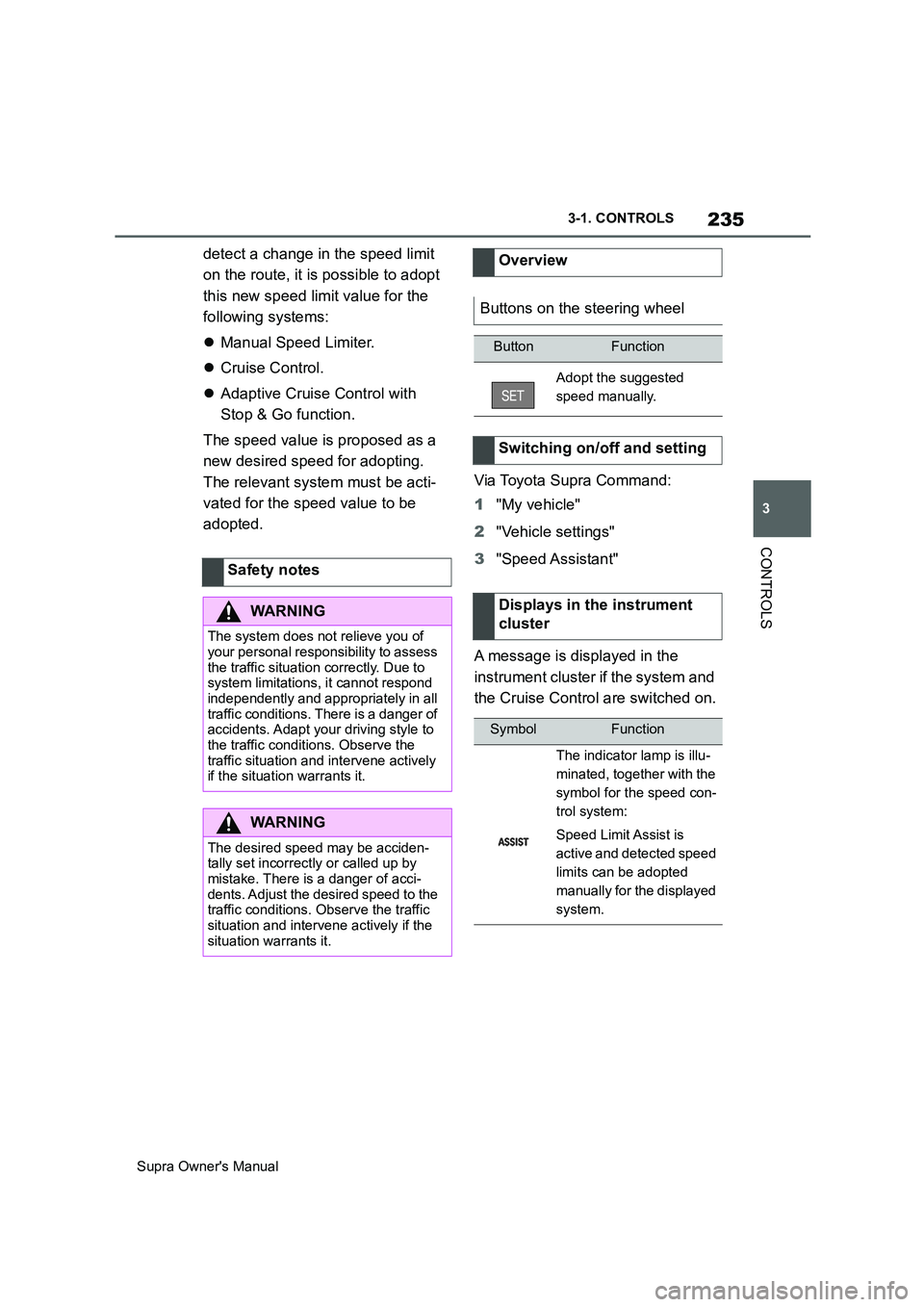
Buttons on the steering wheel
ButtonFunction
Adopt the suggested
speed manually.
Switching on/off and setting
Displays in the instrument
cluster
SymbolFunction
The indicator lamp is illu-
minated, together with the
symbol for the speed con-
trol system:
Speed Limit Assist is
active and detected speed
limits can be adopted
manually for the displayed
system.
Page 236 of 456
236
Supra Owner's Manual3-1. CONTROLS
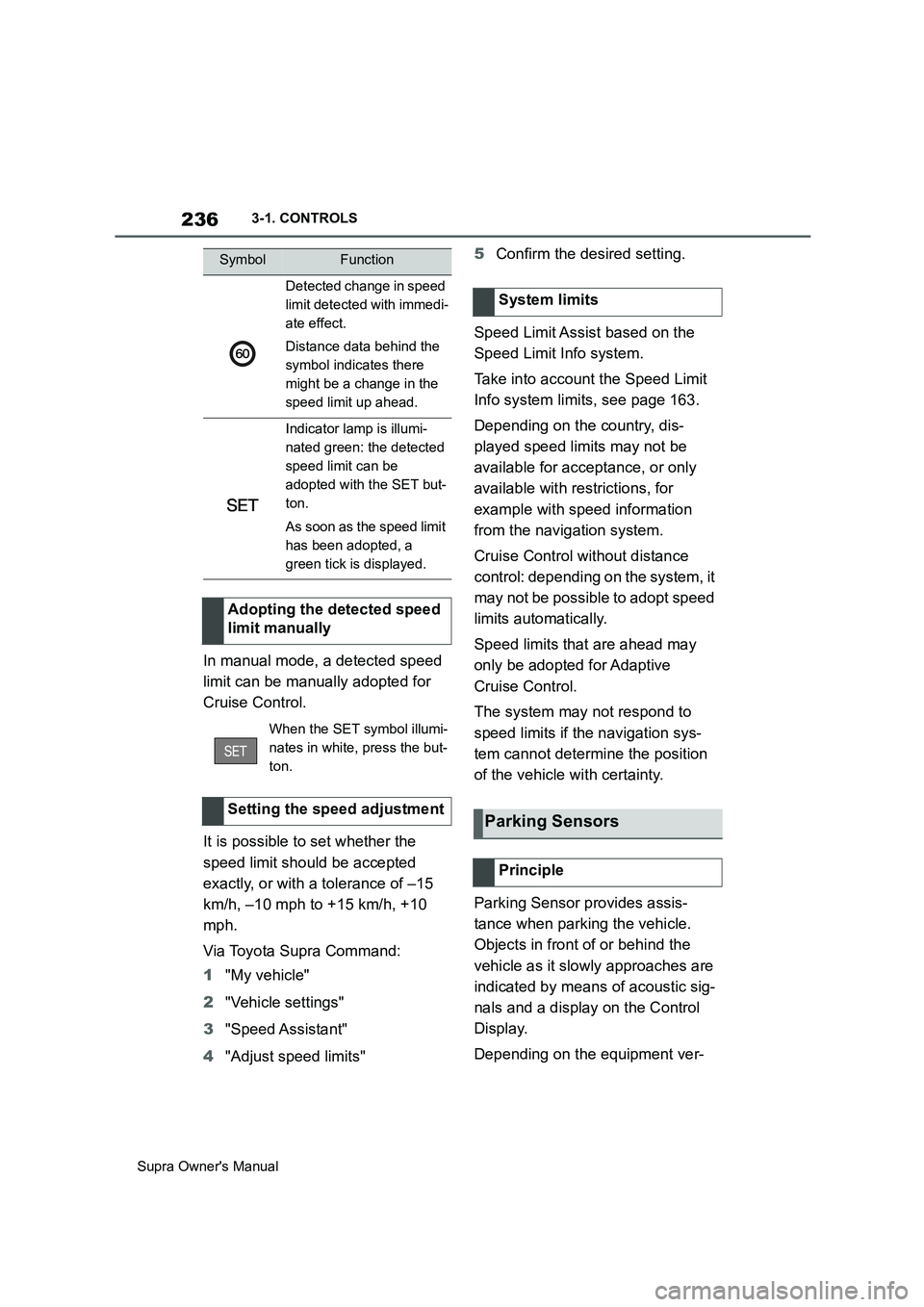
In manual mode, a detected speed
limit can be manually adopted for
Cruise Control.
It is possible to set whether the
speed limit should be accepted
exactly, or with a tolerance of –15
km/h, –10 mph to +15 km/h, +10
mph.
Via Toyota Supra Command:
1"My vehicle"
2"Vehicle settings"
3"Speed Assistant"
4"Adjust speed limits"5Confirm the desired setting.
Speed Limit Assist based on the
Speed Limit Info system.
Take into account the Speed Limit
Info system limits, see page 163.
Depending on the country, dis-
played speed limits may not be
available for acceptance, or only
available with restrictions, for
example with speed information
from the navigation system.
Cruise Control without distance
control: depending on the system, it
may not be possible to adopt speed
limits automatically.
Speed limits that are ahead may
only be adopted for Adaptive
Cruise Control.
The system may not respond to
speed limits if the navigation sys-
tem cannot determine the position
of the vehicle with certainty.
Parking Sensor provides assis-
tance when parking the vehicle.
Objects in front of or behind the
vehicle as it slowly approaches are
indicated by means of acoustic sig-
nals and a display on the Control
Display.
Depending on the equipment ver-
Detected change in speed
limit detected with immedi-
ate effect.
Distance data behind the
symbol indicates there
might be a change in the
speed limit up ahead.
Indicator lamp is illumi-
nated green: the detected
speed limit can be
adopted with the SET but-
ton.
As soon as the speed limit
has been adopted, a
green tick is displayed.
Adopting the detected speed
limit manually
When the SET symbol illumi-
nates in white, press the but-
ton.
Setting the speed adjustment
SymbolFunction
System limits
Parking Sensors
Principle
Page 268 of 456
268
Supra Owner's Manual4-1. DRIVING HINTS
Noise, for example caused by
the radiator fan running, even
some minutes after stopping the
engine.
It is normal for the radiator fan to
keep running for several minutes,
even after short trips.
Various driver profiles ensure that
the exhaust gas particle filter is
self-cleaning. If, in addition to the
self-cleaning function, the exhaust
gas particle filter needs to be
actively cleaned while driving, a
vehicle message is displayed.
Proceed as follows the next time
you drive outside of built-up areas
for around 30 minutes:
Deactivate Cruise Control sys-
tems.
Take your foot off the accelerator
repeatedly and allow the vehicle
to roll in overrun mode, see page
273.
If possible, drive at alternating
speeds.Cleaning the exhaust gas
particle filter while drivingRadio signals
WARNING
Certain vehicle functions may be
affected by interference from high-fre-
quency radio signals. Such signals
originate from various transmitter sys-
tems, for example, from air traffic bea-
cons or relay stations for mobile
telecommunications.
We recommend you consult any
authorized Toyota retailer or Toyota
authorized repairer, or any reliable
repairer should you experience any
difficulties in this regard.
Mobile communication in the
vehicle
WARNING
There is a possibility of reciprocal
interference between the vehicle elec-
tronics and mobile radio devices.
Radiation is generated when mobile
radio devices are transmitting. There
is a danger of injury or damage to
property. If possible, only use mobile
radio devices, for example mobile
telephones, in the interior if they are
connected directly to an external
antenna in order to eliminate recipro-
cal interference and to dissipate the
radiation from vehicle's interior.
Page 444 of 456
444
Supra Owner's ManualAlphabetical Index
Alphabetical Index
A
A/C button, see Cooling function 251
ABS, anti-lock braking system.... 215
ACC, see Adaptive Cruise Control
..................................................... 225
Acceleration assistant, see Launch
Control ........................................ 148
Accessories and parts ..................... 7
Acknowledgement signals of the
vehicle ........................................... 90
Activated carbon filter.................. 255
Activation, airbags ....................... 188
Active bonnet, see Active pedestrian
protection.................................... 190
Active Guard, see Toyota Supra
Safety .......................................... 191
Active pedestrian protection ....... 190
Adaptive brake assist .................. 216
Adaptive Cruise Control with Stop &
Go ACC........................................ 225
Adaptive variable suspension..... 248
Adaptive variable suspension, adap-
tive ............................................... 248
Additives, engine oil grades ........ 311
Adjustable speed limit, see Manual
Speed Limiter ............................. 220
Adjusting the headlights.............. 176
Age of tyres ................................... 281
Air conditioning ............................ 250
Air outlets, see Ventilation........... 255
Air pressure, tyres ........................ 278
Airbag switch, see Key switch for
front passenger airbags ............ 188
Airbags .......................................... 179
Airbags, indicator/warning lamp . 181
Alarm system .................................. 91
Alarm, false ..................................... 93
All-season tyres, see Winter tyres
..................................................... 283
Angle, backrest ............................... 98
Anti-lock braking system, ABS ... 215
Anti-theft alarm system, see Alarm
system ........................................... 91
Anti-theft system, locking.............. 76Anti-theft system, see Thiefproof
wheel studs ................................. 300
Anti-theft, wheel studs ................. 300
Anti-trap mechanism, windows ..... 94
Apple CarPlay, connection to the
vehicle ........................................... 70
Aquaplaning .................................. 269
AUTO programme, automatic air
conditioning ................................ 252
Auto Start Stop function .............. 134
Automatic air conditioning .......... 250
Automatic anti-glare control, see
Automatic high-beam................. 174
Automatic Cruise Control, see Adap-
tive Cruise Control ..................... 225
Automatic driving lights control . 171
Automatic emergency call ........... 338
Automatic high-beam ................... 174
Automatic locking........................... 90
Automatic parking function, exterior
mirror ........................................... 105
Automatic start-stop function ..... 134
Automatic transmission ............... 143
Automatic transmission, see Auto-
matic transmission..................... 143
Automatic unlocking ...................... 91
Avoiding false alarms..................... 93
Axle load limit ............................... 357
Axle loads, weight ........................ 357
B
Backrest angle ................................ 98
Backrest contour, see Lumbar sup-
port ................................................ 98
Backrest width ................................ 98
Backrest, seats ............................... 95
Bag holders ................................... 262
Bar for tow-starting/towing .......... 346
Battery, vehicle ............................. 327
Belts, see Seat belts ....................... 98
Black ice, see Outside temperature
warning........................................ 158
Blind spot monitor........................ 207
Bluetooth connection ..................... 67