radio controls TOYOTA SUPRA 2019 User Guide
[x] Cancel search | Manufacturer: TOYOTA, Model Year: 2019, Model line: SUPRA, Model: TOYOTA SUPRA 2019Pages: 456, PDF Size: 88.65 MB
Page 79 of 456
79
3
Supra Owner's Manual3-1. CONTROLS
CONTROLS
vicinity of the remote control.
Do not transport the remote control
together with electronic devices.
• Interference with radio transmis-
sion caused by the charging of
mobile devices, for example a
mobile phone.
• The remote control is located in
the immediate vicinity of the
wireless charging dock. Place
the remote control somewhere
else.
If there is a malfunction, the vehicle
can be unlocked and locked from
the outside with the integrated key,
see page 79.
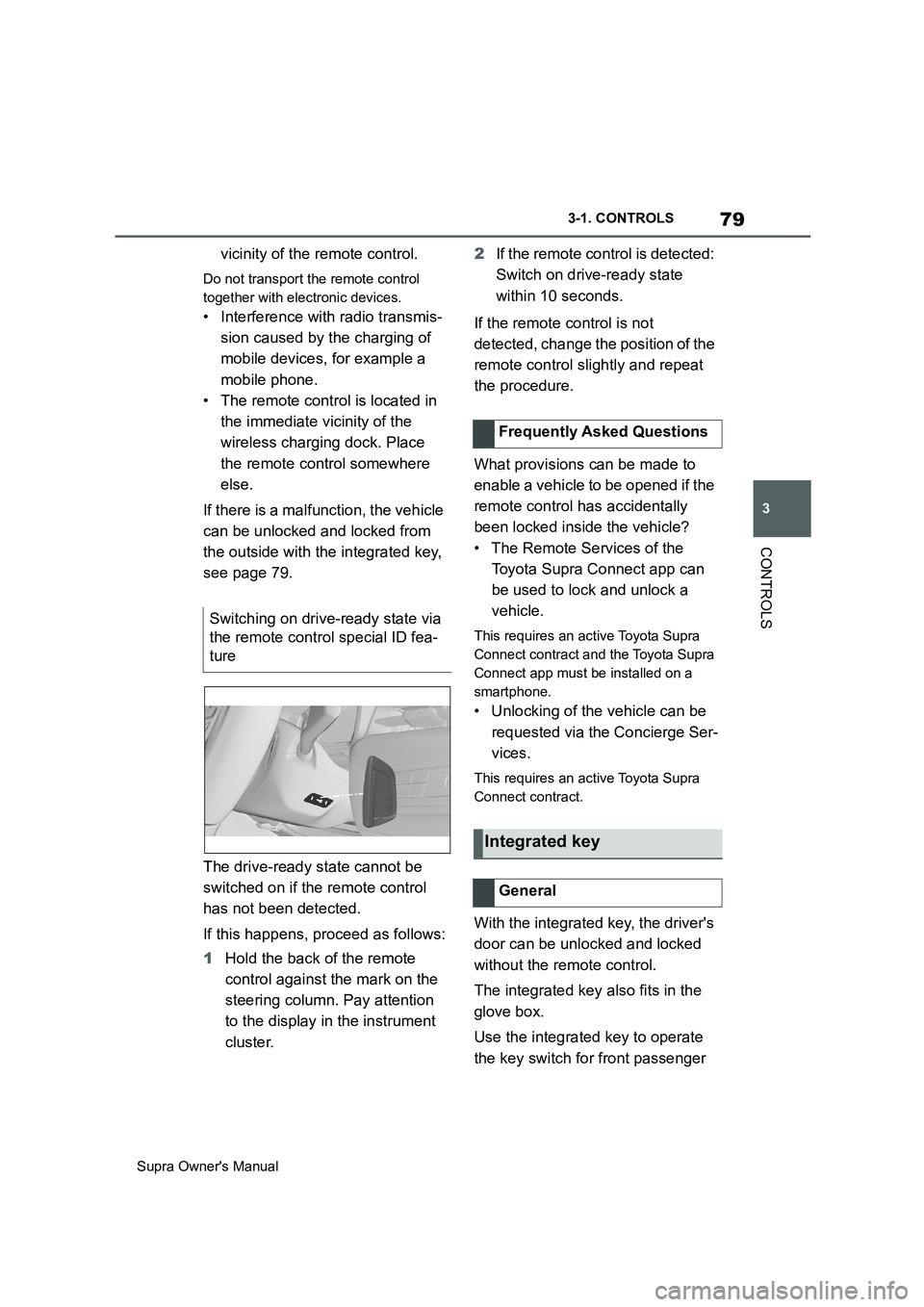
The drive-ready state cannot be
switched on if the remote control
has not been detected.
If this happens, proceed as follows:
1Hold the back of the remote
control against the mark on the
steering column. Pay attention
to the display in the instrument
cluster.2If the remote control is detected:
Switch on drive-ready state
within 10 seconds.
If the remote control is not
detected, change the position of the
remote control slightly and repeat
the procedure.
What provisions can be made to
enable a vehicle to be opened if the
remote control has accidentally
been locked inside the vehicle?
• The Remote Services of the
Toyota Supra Connect app can
be used to lock and unlock a
vehicle.
This requires an active Toyota Supra
Connect contract and the Toyota Supra
Connect app must be installed on a
smartphone.
• Unlocking of the vehicle can be
requested via the Concierge Ser-
vices.
This requires an active Toyota Supra
Connect contract.
With the integrated key, the driver's
door can be unlocked and locked
without the remote control.
The integrated key also fits in the
glove box.
Use the integrated key to operate
the key switch for front passenger Switching on drive-ready state via
the remote control special ID fea-
ture
Frequently Asked Questions
Integrated key
General
Page 82 of 456
82
Supra Owner's Manual3-1. CONTROLS
This feature allows you to access
the vehicle without having to oper-
ate the remote control.
Simply having the remote control
with you, for example in your trou-
ser pocket, is sufficient.
The vehicle automatically recog-
nises the remote control when it is
in the immediate vicinity or inside
the vehicle.
Smart Key System supports the fol-
lowing functions:
• Unlocking and locking the vehi-
cle using the door handle.
• To lock, the remote control must
be located outside the vehicle in
the vicinity of the doors.
• The vehicle can only be
unlocked and locked again after
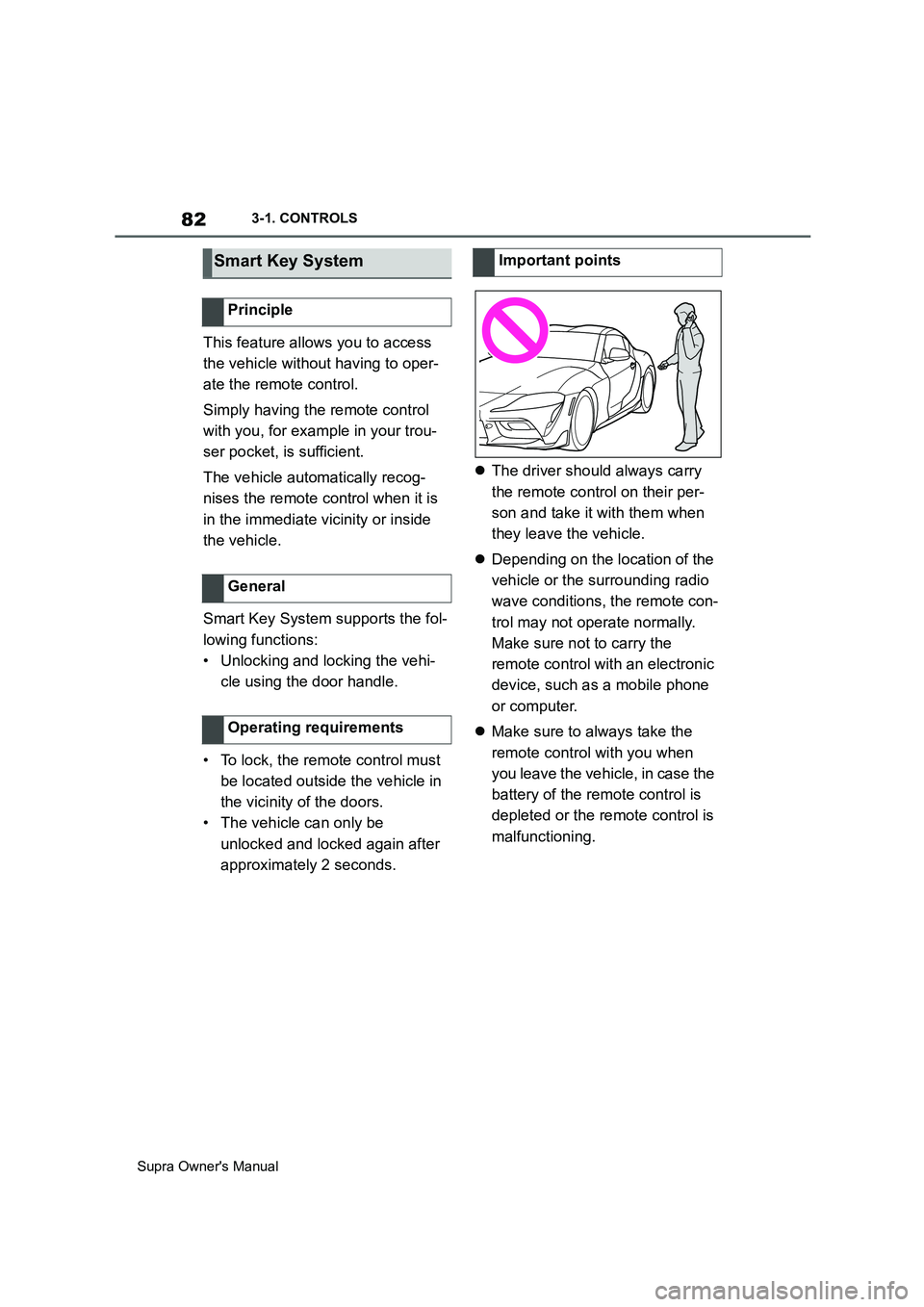
approximately 2 seconds.The driver should always carry
the remote control on their per-
son and take it with them when
they leave the vehicle.
Depending on the location of the
vehicle or the surrounding radio
wave conditions, the remote con-
trol may not operate normally.
Make sure not to carry the
remote control with an electronic
device, such as a mobile phone
or computer.
Make sure to always take the
remote control with you when
you leave the vehicle, in case the
battery of the remote control is
depleted or the remote control is
malfunctioning.
Smart Key System
Principle
General
Operating requirements
Important points
Page 83 of 456
83
3
Supra Owner's Manual3-1. CONTROLS
CONTROLS
Safety notes
WARNING
The vehicle transmits radio waves
whenever the Smart Key System is
used to lock or unlock the doors, open
the boot lid, or when the engine
switch is operated. Therefore, this
system may affect the operation of
implantable cardiac pacemakers and
implantable cardioverter defibrillators.
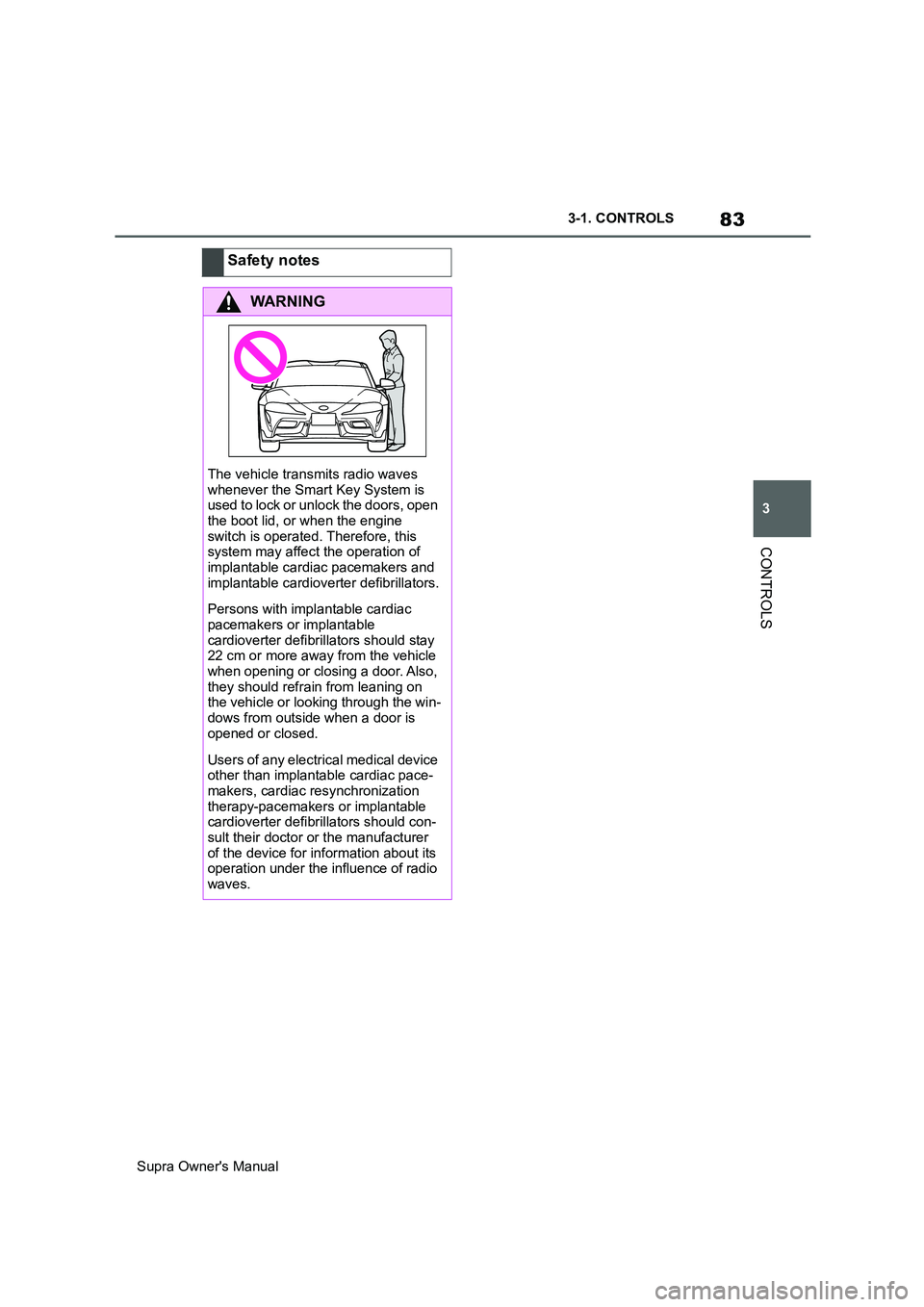
Persons with implantable cardiac
pacemakers or implantable
cardioverter defibrillators should stay
22 cm or more away from the vehicle
when opening or closing a door. Also,
they should refrain from leaning on
the vehicle or looking through the win-
dows from outside when a door is
opened or closed.
Users of any electrical medical device
other than implantable cardiac pace-
makers, cardiac resynchronization
therapy-pacemakers or implantable
cardioverter defibrillators should con-
sult their doctor or the manufacturer
of the device for information about its
operation under the influence of radio
waves.
Page 84 of 456
84
Supra Owner's Manual3-1. CONTROLS
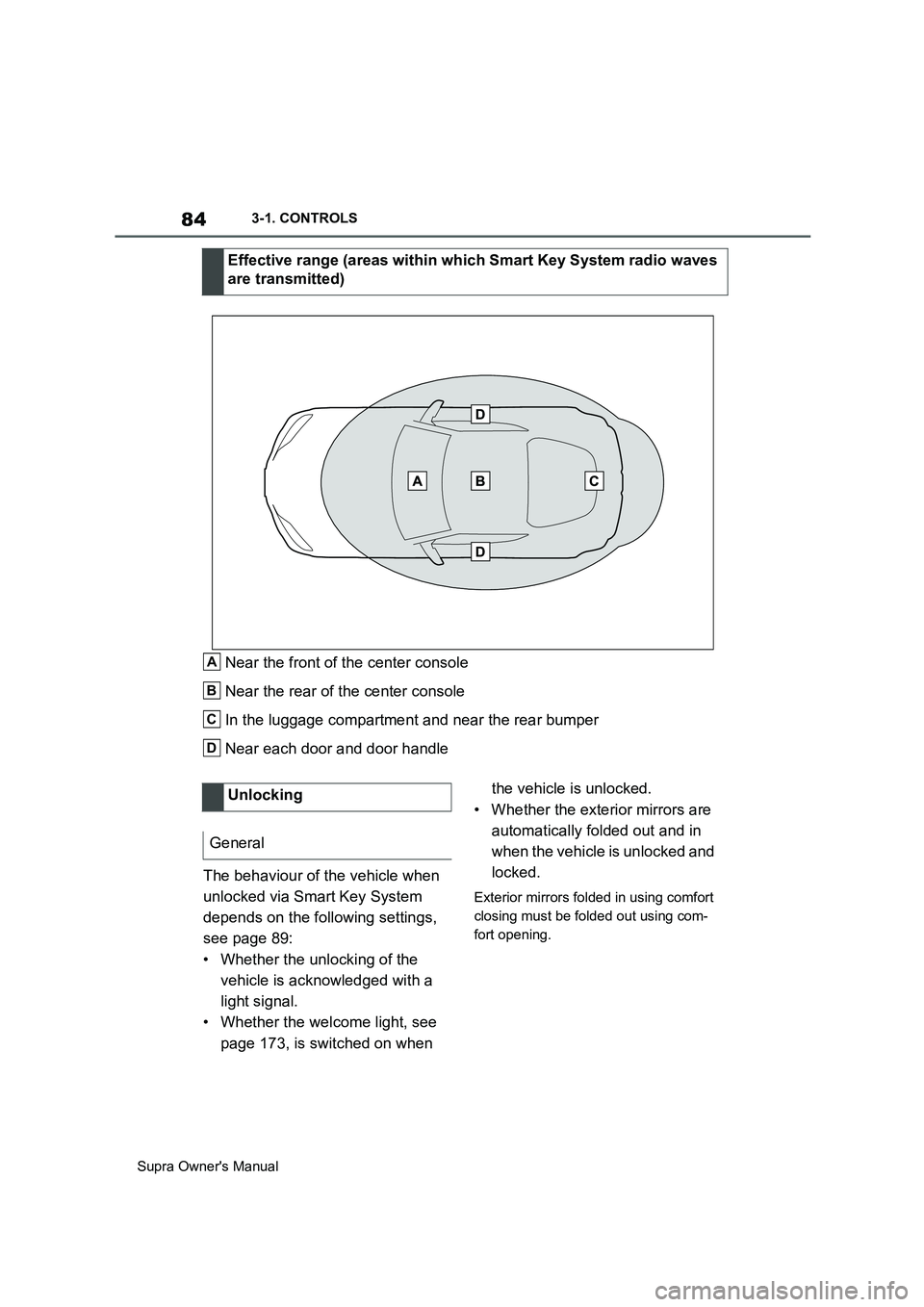
Near the front of the center console
Near the rear of the center console
In the luggage compartment and near the rear bumper
Near each door and door handle
The behaviour of the vehicle when
unlocked via Smart Key System
depends on the following settings,
see page 89:
• Whether the unlocking of the
vehicle is acknowledged with a
light signal.
• Whether the welcome light, see
page 173, is switched on when the vehicle is unlocked.
• Whether the exterior mirrors are
automatically folded out and in
when the vehicle is unlocked and
locked.
Exterior mirrors folded in using comfort
closing must be folded out using com-
fort opening.
Effective range (areas within which Smart Key System radio waves
are transmitted)
A
B
C
D
Unlocking
General
Page 87 of 456
87
3
Supra Owner's Manual3-1. CONTROLS
CONTROLS
are also restored if the vehicle is
used in the intervening period by
someone with a different remote
control.
Changes to settings are saved
automatically in the currently used
driver profile.
If a different driver profile is
selected via Toyota Supra Com-
mand, the settings saved there are
automatically applied. The new
driver profile is allocated to the
remote control currently used.
A guest profile is also available
which is not allocated to any remote
control. It can be used to perform
settings on the vehicle without
changing the personal driver pro-
files.
To ensure that the correct driver
profile can be set, the system must
be able to allocate the detected
remote control uniquely to the
driver.
This is ensured if the following con-
ditions are met:
• The driver is only carrying their
own remote control.
• The driver unlocks the vehicle.
• The driver enters the vehicle
through the driver's door.
The name of the currently used
driver profile is displayed when the Control Display is switched on.
Select a driver profile, see page 88.
As soon as the engine is started or
any button pressed, the display
selected last is shown on the Con-
trol Display.
To cancel the welcome screen via
Toyota Supra Command: "OK"
Settings for the following systems
and functions are saved in the cur-
rently used driver profile. Which
settings can be saved depends on
the country and equipment.
• Unlocking and locking.
•Lights.
• Air conditioning.
• Radio.
• Instrument cluster.
• Favourites buttons.
• Volumes, sound.
• Control Display.
• Navigation.
• Parking Sensors.
• Rear-view camera.
• Head-Up Display.
•Sport mode switch.
• Seat position, exterior mirror
position
The positions set via the seat memory
and the last position set are saved.
• Cruise Control.
• Toyota Supra Safety. Operating requirements
Currently used driver profile
Settings
Page 155 of 456
155
3
Supra Owner's Manual3-1. CONTROLS
CONTROLS
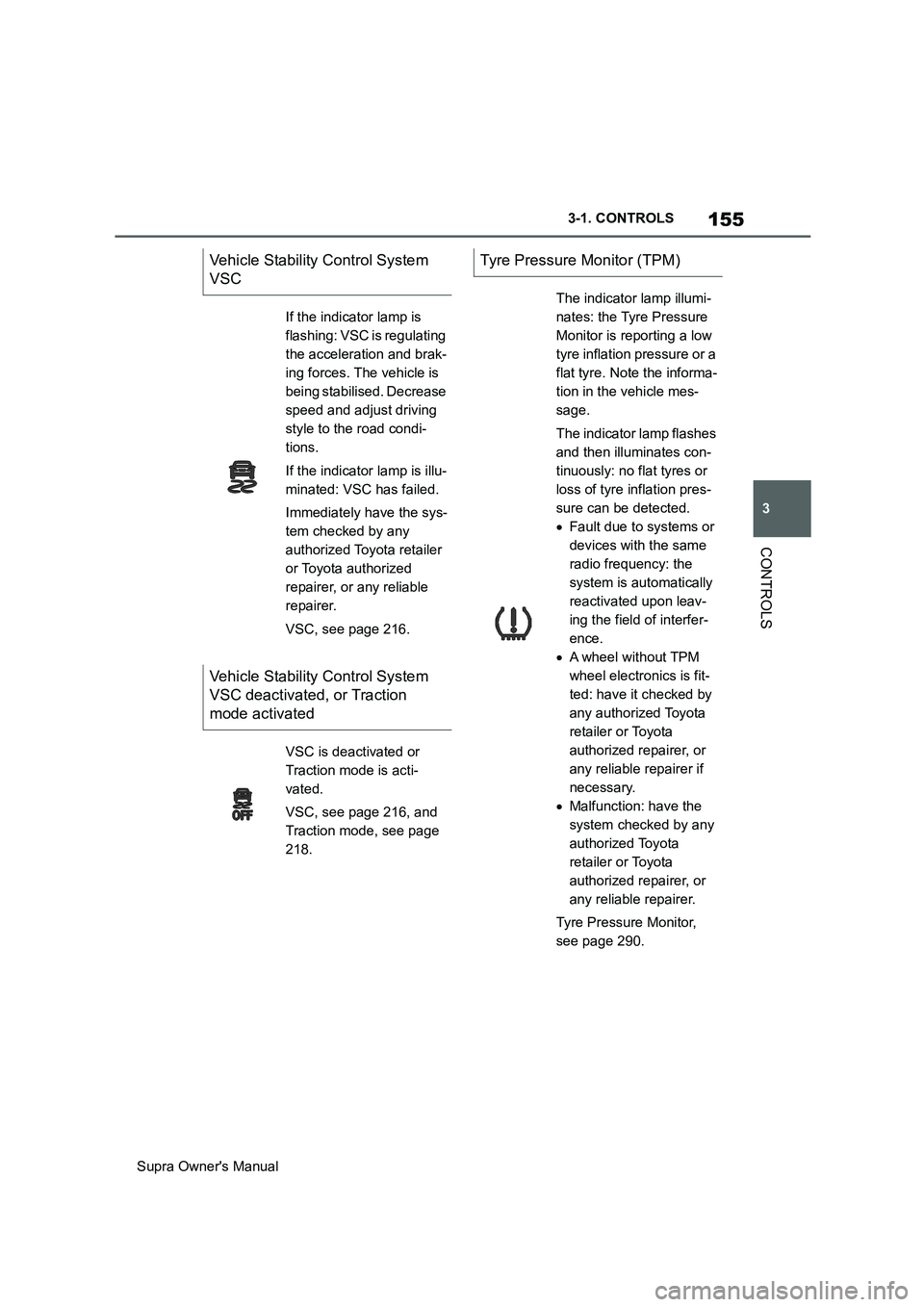
Vehicle Stability Control System
VSC
If the indicator lamp is
flashing: VSC is regulating
the acceleration and brak-
ing forces. The vehicle is
being stabilised. Decrease
speed and adjust driving
style to the road condi-
tions.
If the indicator lamp is illu-
minated: VSC has failed.
Immediately have the sys-
tem checked by any
authorized Toyota retailer
or Toyota authorized
repairer, or any reliable
repairer.
VSC, see page 216.
Vehicle Stability Control System
VSC deactivated, or Traction
mode activated
VSC is deactivated or
Traction mode is acti-
vated.
VSC, see page 216, and
Traction mode, see page
218.
Tyre Pressure Monitor (TPM)
The indicator lamp illumi-
nates: the Tyre Pressure
Monitor is reporting a low
tyre inflation pressure or a
flat tyre. Note the informa-
tion in the vehicle mes-
sage.
The indicator lamp flashes
and then illuminates con-
tinuously: no flat tyres or
loss of tyre inflation pres-
sure can be detected.
Fault due to systems or
devices with the same
radio frequency: the
system is automatically
reactivated upon leav-
ing the field of interfer-
ence.
A wheel without TPM
wheel electronics is fit-
ted: have it checked by
any authorized Toyota
retailer or Toyota
authorized repairer, or
any reliable repairer if
necessary.
Malfunction: have the
system checked by any
authorized Toyota
retailer or Toyota
authorized repairer, or
any reliable repairer.
Tyre Pressure Monitor,
see page 290.