buttons TOYOTA SUPRA 2019 Owner's Manual
[x] Cancel search | Manufacturer: TOYOTA, Model Year: 2019, Model line: SUPRA, Model: TOYOTA SUPRA 2019Pages: 456, PDF Size: 88.65 MB
Page 209 of 456
209
3
Supra Owner's Manual3-1. CONTROLS
CONTROLS
the rear bumper.
Keep the bumpers clean and unob-
structed in the area of the radar
sensors.
The Blind spot monitor is reacti-
vated automatically at the start of a
journey if the function was switched
on the last time the engine was
stopped.
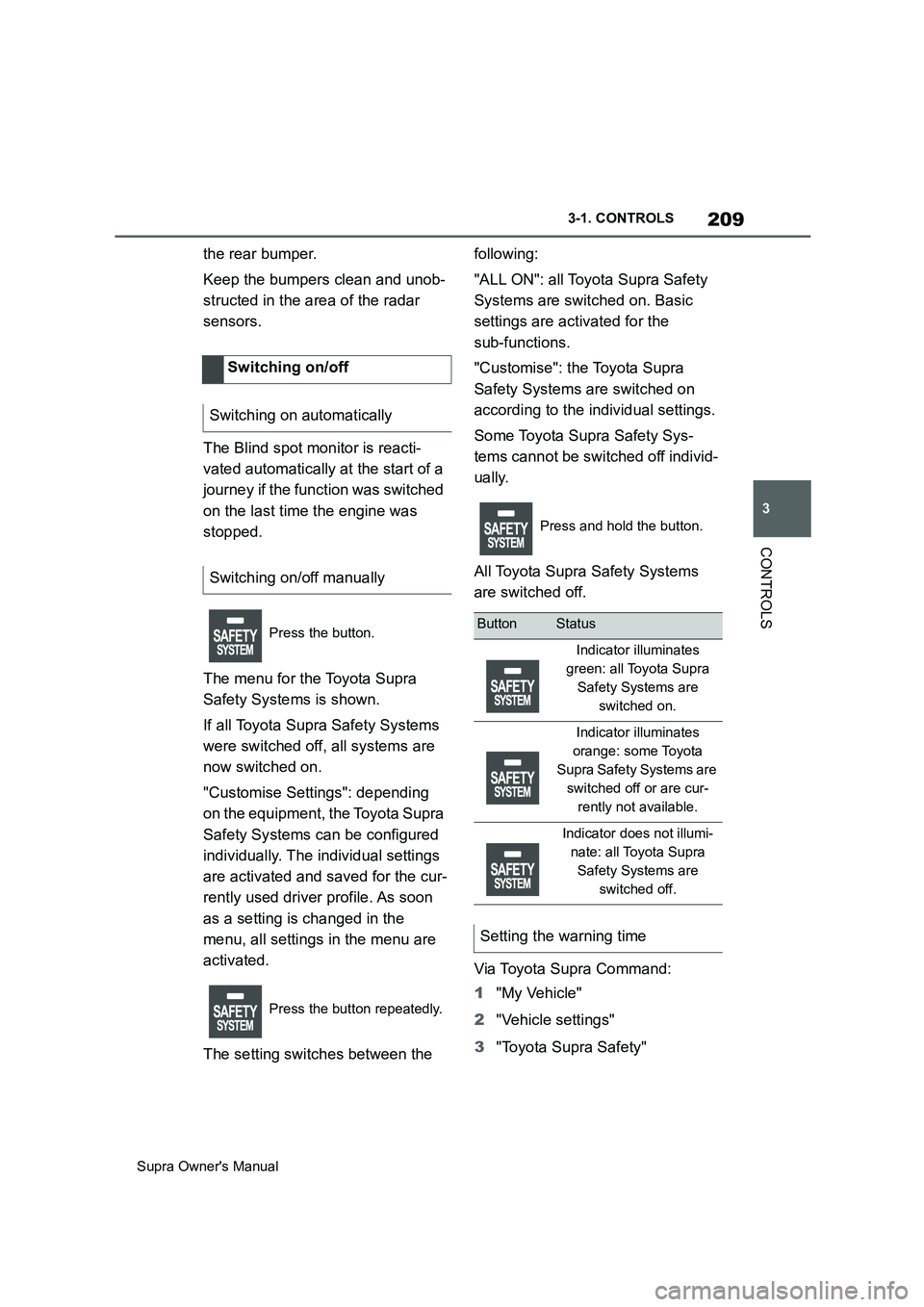
The menu for the Toyota Supra
Safety Systems is shown.
If all Toyota Supra Safety Systems
were switched off, all systems are
now switched on.
"Customise Settings": depending
on the equipment, the Toyota Supra
Safety Systems can be configured
individually. The individual settings
are activated and saved for the cur-
rently used driver profile. As soon
as a setting is changed in the
menu, all settings in the menu are
activated.
The setting switches between the following:
"ALL ON": all Toyota Supra Safety
Systems are switched on. Basic
settings are activated for the
sub-functions.
"Customise": the Toyota Supra
Safety Systems are switched on
according to the individual settings.
Some Toyota Supra Safety Sys-
tems cannot be switched off individ-
ually.
All Toyota Supra Safety Systems
are switched off.
Via Toyota Supra Command:
1"My Vehicle"
2"Vehicle settings"
3"Toyota Supra Safety" Switching on/off
Switching on automatically
Switching on/off manually
Press the button.
Press the button repeatedly.
Press and hold the button.
ButtonStatus
Indicator illuminates
green: all Toyota Supra
Safety Systems are
switched on.
Indicator illuminates
orange: some Toyota
Supra Safety Systems are
switched off or are cur-
rently not available.
Indicator does not illumi-
nate: all Toyota Supra
Safety Systems are
switched off.
Setting the warning time
Page 220 of 456
220
Supra Owner's Manual3-1. CONTROLS
This chapter describes all standard,
country-specific and special equip-
ment available for the model series.
It may therefore describe equip-
ment and functions which are not
installed in your vehicle, for exam-
ple on account of the optional
equipment selected or the country
specification. This also applies to
safety-relevant functions and sys-
tems. Please comply with the rele-
vant laws and regulations when
using the corresponding functions
and systems.
The system can be used to set a
speed limit so that speed restric-
tions are not exceeded.
The system enables speeds from a
value of 30 km/h/20 mph and above
to be set as a speed limit. Below
the set speed limit, the vehicle can
be driven without restriction.The current speed is adopted as
the speed limit.
When switching on at a standstill or
driving at low speed, 30 km/h/20
mph is set as the speed limit.
When activating the speed limit it is
possible that Vehicle Stability Con-
trol VSC will be switched on and
the drive mode switched to NOR-
MAL.
The system switches off automati-
Driver Assistance Sys-
tems
Vehicle equipment
Manual Speed Limiter
Principle
General
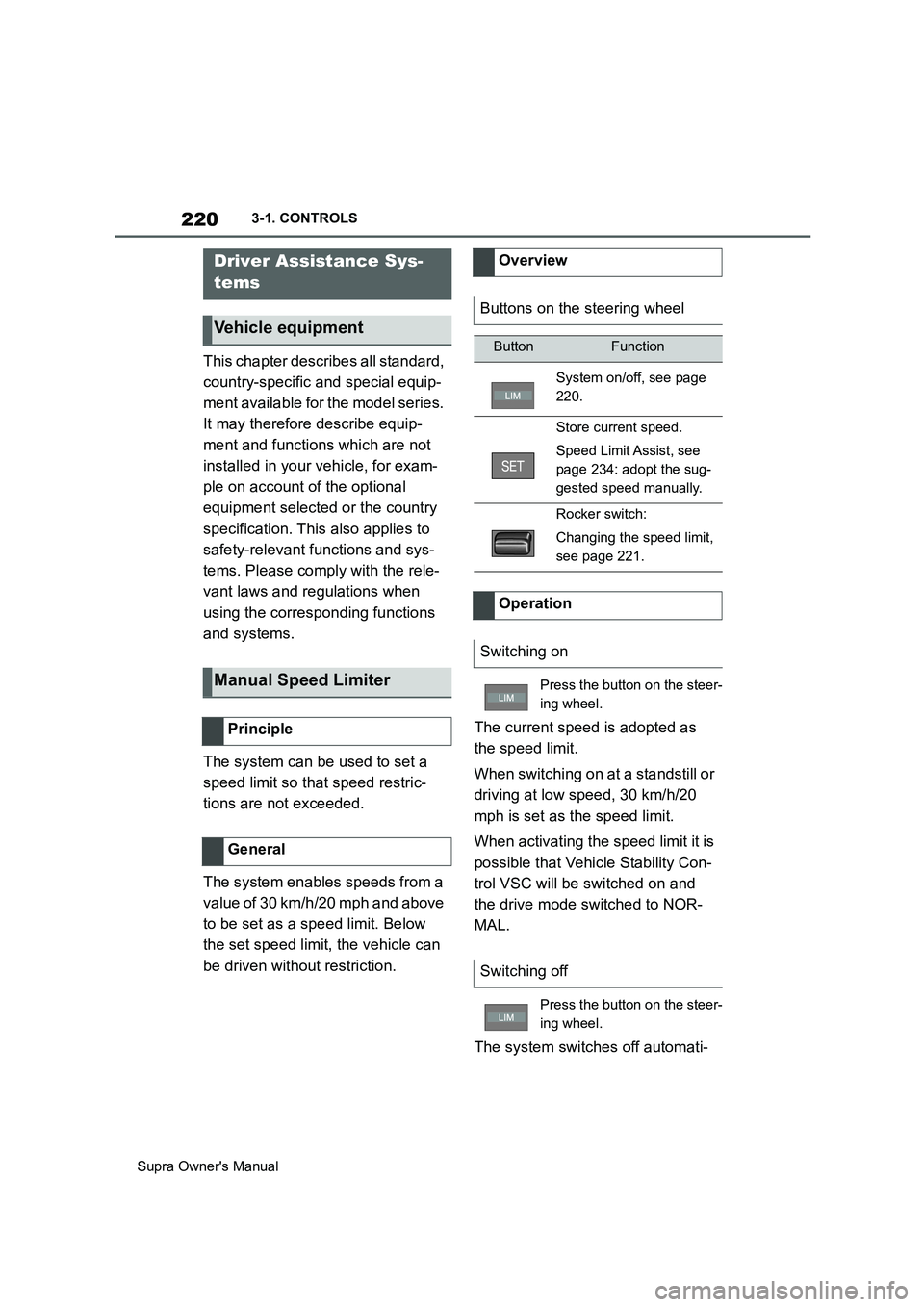
Overview
Buttons on the steering wheel
ButtonFunction
System on/off, see page
220.
Store current speed.
Speed Limit Assist, see
page 234: adopt the sug-
gested speed manually.
Rocker switch:
Changing the speed limit,
see page 221.
Operation
Switching on
Press the button on the steer-
ing wheel.
Switching off
Press the button on the steer-
ing wheel.
Page 222 of 456
222
Supra Owner's Manual3-1. CONTROLS
Depending on the vehicle specifica-
tions, the set speed limit will be dis-
played.
This system allows a desired speed
to be set using the buttons on the
steering wheel. The desired speed
is then maintained by the system.
To do this, the system automatically
accelerates and brakes the vehicle as necessary.
Depending on the vehicle settings,
the characteristics of the Cruise
Control may change. Warning when the speed limit
is exceeded
Visual warning
If the speed limit is exceeded:
the indicator lamp in the
instrument cluster flashes for
as long as you exceed the set
speed limit.
Displays in the instrument
cluster
Indicator lamp
If the indicator lamp is illu-
minated: the system is
switched on.
If the indicator lamp is
flashing: set speed limit is
exceeded.
Grey indicator lamp: the
system is interrupted.
Status display
Cruise Control
Principle
General
Safety notes
WARNING
The system does not relieve you of
your personal responsibility to assess
the traffic situation correctly. Due to
system limitations, it cannot respond
independently and appropriately in all
traffic conditions. There is a danger of
accidents. Adapt your driving style to
the traffic conditions. Observe the
traffic situation and intervene actively
if the situation warrants it.
WARNING
Using the system in the following situ-
ations may increase the risk of an
accident, for example:
●On stretches of road with many cor-
ners and bends.
●In heavy traffic.
●If the road is icy, if there is fog or
snow, if conditions are wet or on a
loose road surface.
There is a danger of accidents or
damage to property. Only use the sys-
tem if it is possible to drive at a con-
stant speed.
Page 223 of 456
223
3
Supra Owner's Manual3-1. CONTROLS
CONTROLS
The indicator will come on.
Cruise Control is active. The driven speed is maintained and stored as
the desired speed.
Vehicle Stability Control VSC is
switched on, if necessary.
The displays turn off. The desired
speed saved is deleted.
The system interrupts automatically
in the following situations:
If the driver brakes.
Automatic transmission: if the
selector lever is moved out of
selector lever position D.
If Traction mode is activated or
Vehicle Stability Control VSC
deactivated.
If Vehicle Stability Control VSC
intervenes.
WARNING
The desired speed may be acciden-
tally set incorrectly or called up by
mistake. There is a danger of acci-
dents. Adjust the desired speed to the
traffic conditions. Observe the traffic
situation and intervene actively if the
situation warrants it.
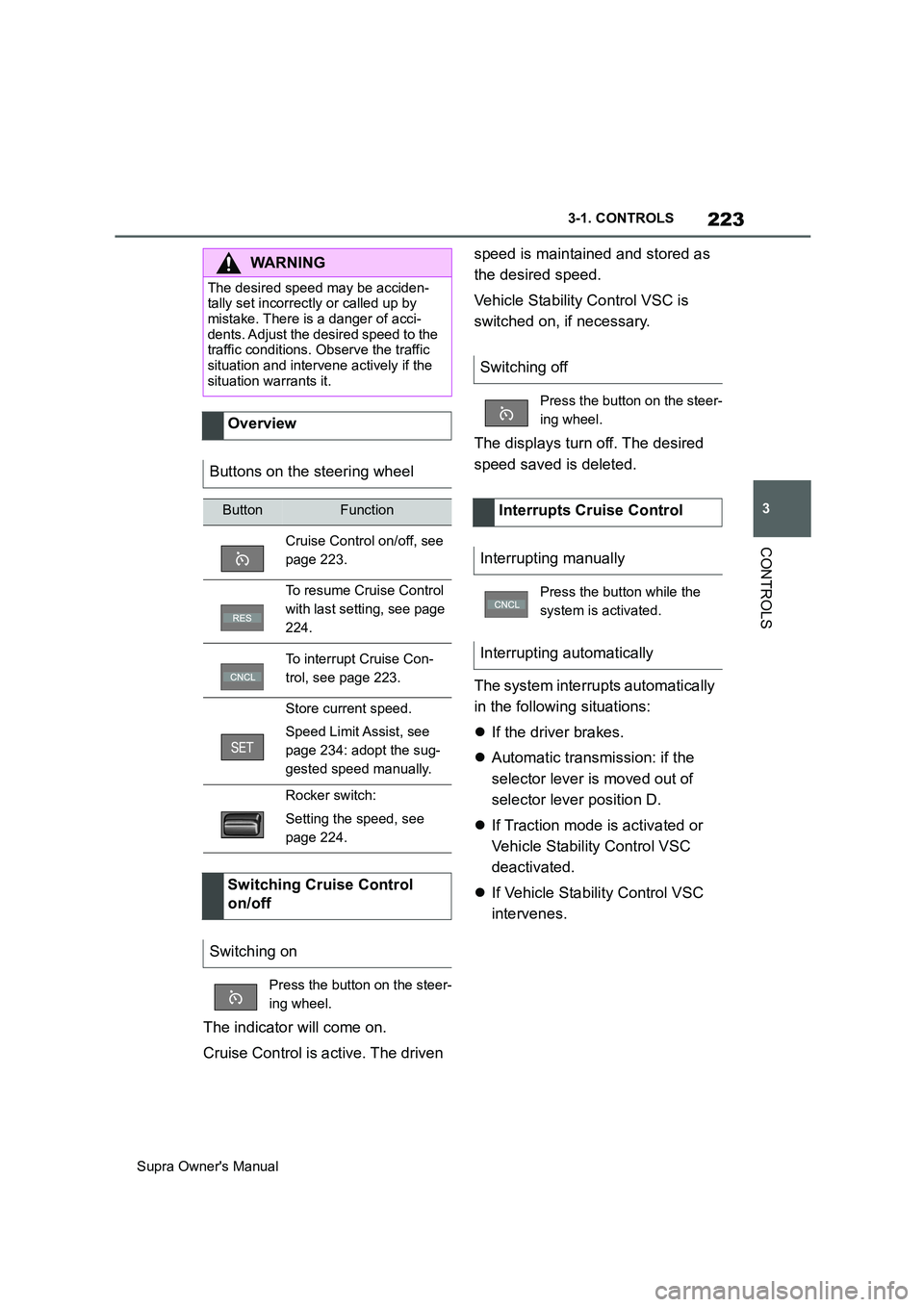
Overview
Buttons on the steering wheel
ButtonFunction
Cruise Control on/off, see
page 223.
To resume Cruise Control
with last setting, see page
224.
To interrupt Cruise Con-
trol, see page 223.
Store current speed.
Speed Limit Assist, see
page 234: adopt the sug-
gested speed manually.
Rocker switch:
Setting the speed, see
page 224.
Switching Cruise Control
on/off
Switching on
Press the button on the steer-
ing wheel.
Switching off
Press the button on the steer-
ing wheel.
Interrupts Cruise Control
Interrupting manually
Press the button while the
system is activated.
Interrupting automatically
Page 225 of 456
225
3
Supra Owner's Manual3-1. CONTROLS
CONTROLS
saved speed is not excessively
large. Otherwise, there may be
inadvertent braking or acceleration.
Cruise Control is resumed with the
saved values.
The saved speed value is deleted
and can no longer be called up in
the following instances:
When the system is switched off.
When drive-ready state is
switched off.
With the corresponding equipment,
the set speed limit is displayed digi-
tally for a short time.
Some information from the system
can also be shown in the Head-Up
Display.The desired speed is also main-
tained on a downhill stretch. The
vehicle may drive slower than the
desired speed on uphill gradients if
the engine power is not sufficient.
This system allows you to set a
desired speed and a desired dis-
tance from the vehicle in front,
using the buttons on the steering
wheel.
When the road ahead is clear, the
system maintains the desired
speed by braking or accelerating
the vehicle automatically, as
required.
If there is a vehicle driving in front,
the system adapts your own vehicle
speed in order to maintain the set
distance from the vehicle ahead.
The speed is adapted as far as the
given situation allows.
A radar sensor is fitted in the front
bumper and a camera on the
rear-view mirror for detecting vehi-
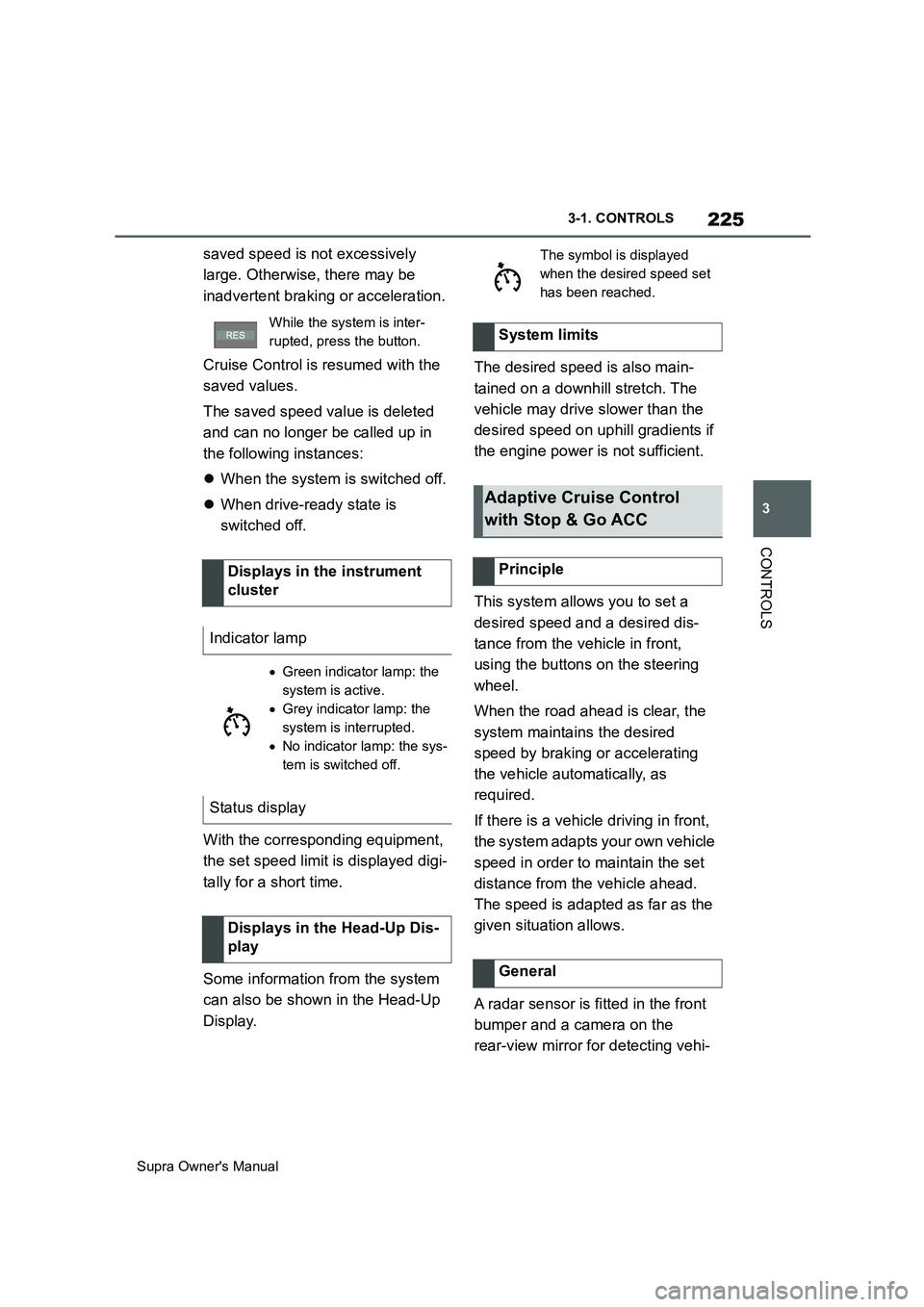
While the system is inter-
rupted, press the button.
Displays in the instrument
cluster
Indicator lamp
Green indicator lamp: the
system is active.
Grey indicator lamp: the
system is interrupted.
No indicator lamp: the sys-
tem is switched off.
Status display
Displays in the Head-Up Dis-
play
The symbol is displayed
when the desired speed set
has been reached.
System limits
Adaptive Cruise Control
with Stop & Go ACC
Principle
General
Page 227 of 456
227
3
Supra Owner's Manual3-1. CONTROLS
CONTROLS
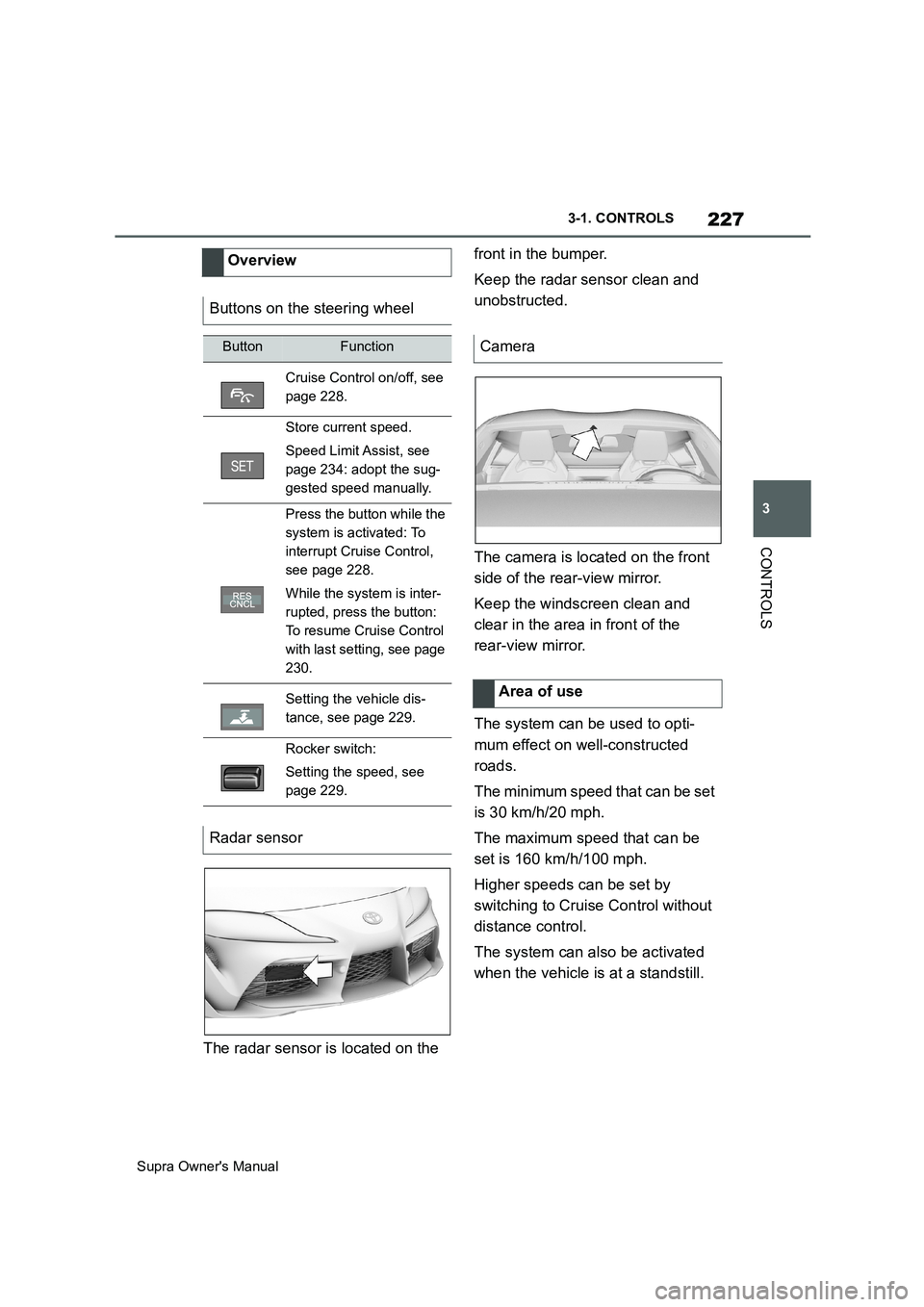
The radar sensor is located on the front in the bumper.
Keep the radar sensor clean and
unobstructed.
The camera is located on the front
side of the rear-view mirror.
Keep the windscreen clean and
clear in the area in front of the
rear-view mirror.
The system can be used to opti-
mum effect on well-constructed
roads.
The minimum speed that can be set
is 30 km/h/20 mph.
The maximum speed that can be
set is 160 km/h/100 mph.
Higher speeds can be set by
switching to Cruise Control without
distance control.
The system can also be activated
when the vehicle is at a standstill. Overview
Buttons on the steering wheel
ButtonFunction
Cruise Control on/off, see
page 228.
Store current speed.
Speed Limit Assist, see
page 234: adopt the sug-
gested speed manually.
Press the button while the
system is activated: To
interrupt Cruise Control,
see page 228.
While the system is inter-
rupted, press the button:
To resume Cruise Control
with last setting, see page
230.
Setting the vehicle dis-
tance, see page 229.
Rocker switch:
Setting the speed, see
page 229.
Radar sensor
Camera
Area of use
Page 235 of 456
235
3
Supra Owner's Manual3-1. CONTROLS
CONTROLS
detect a change in the speed limit
on the route, it is possible to adopt
this new speed limit value for the
following systems:
Manual Speed Limiter.
Cruise Control.
Adaptive Cruise Control with
Stop & Go function.
The speed value is proposed as a
new desired speed for adopting.
The relevant system must be acti-
vated for the speed value to be
adopted.Via Toyota Supra Command:
1"My vehicle"
2"Vehicle settings"
3"Speed Assistant"
A message is displayed in the
instrument cluster if the system and
the Cruise Control are switched on. Safety notes
WARNING
The system does not relieve you of
your personal responsibility to assess
the traffic situation correctly. Due to
system limitations, it cannot respond
independently and appropriately in all
traffic conditions. There is a danger of
accidents. Adapt your driving style to
the traffic conditions. Observe the
traffic situation and intervene actively
if the situation warrants it.
WARNING
The desired speed may be acciden-
tally set incorrectly or called up by
mistake. There is a danger of acci-
dents. Adjust the desired speed to the
traffic conditions. Observe the traffic
situation and intervene actively if the
situation warrants it.
Overview
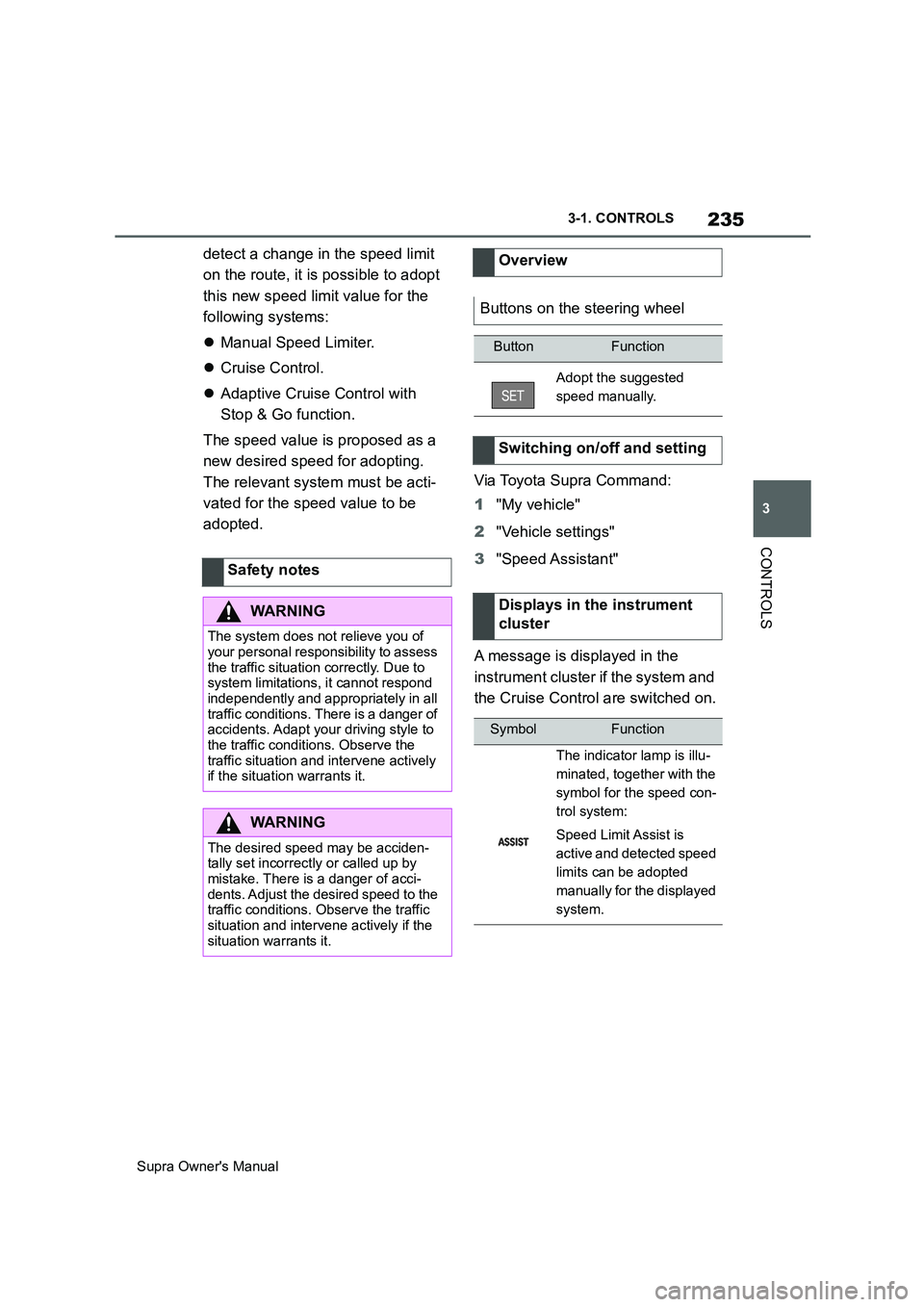
Buttons on the steering wheel
ButtonFunction
Adopt the suggested
speed manually.
Switching on/off and setting
Displays in the instrument
cluster
SymbolFunction
The indicator lamp is illu-
minated, together with the
symbol for the speed con-
trol system:
Speed Limit Assist is
active and detected speed
limits can be adopted
manually for the displayed
system.
Page 250 of 456
250
Supra Owner's Manual3-1. CONTROLS
Safety notes
WARNING
When using the air conditioning sys-
tem, seat heaters, etc. for a long
period of time, make sure that no
body parts are kept near the air out-
lets or in direct contact with the seat,
as doing so may lead to minor burns
or chill burns. If you feel unusual while
using the air conditioning system or
seat heaters, stop use or change the
setting immediately.
Automatic air conditioning
Overview
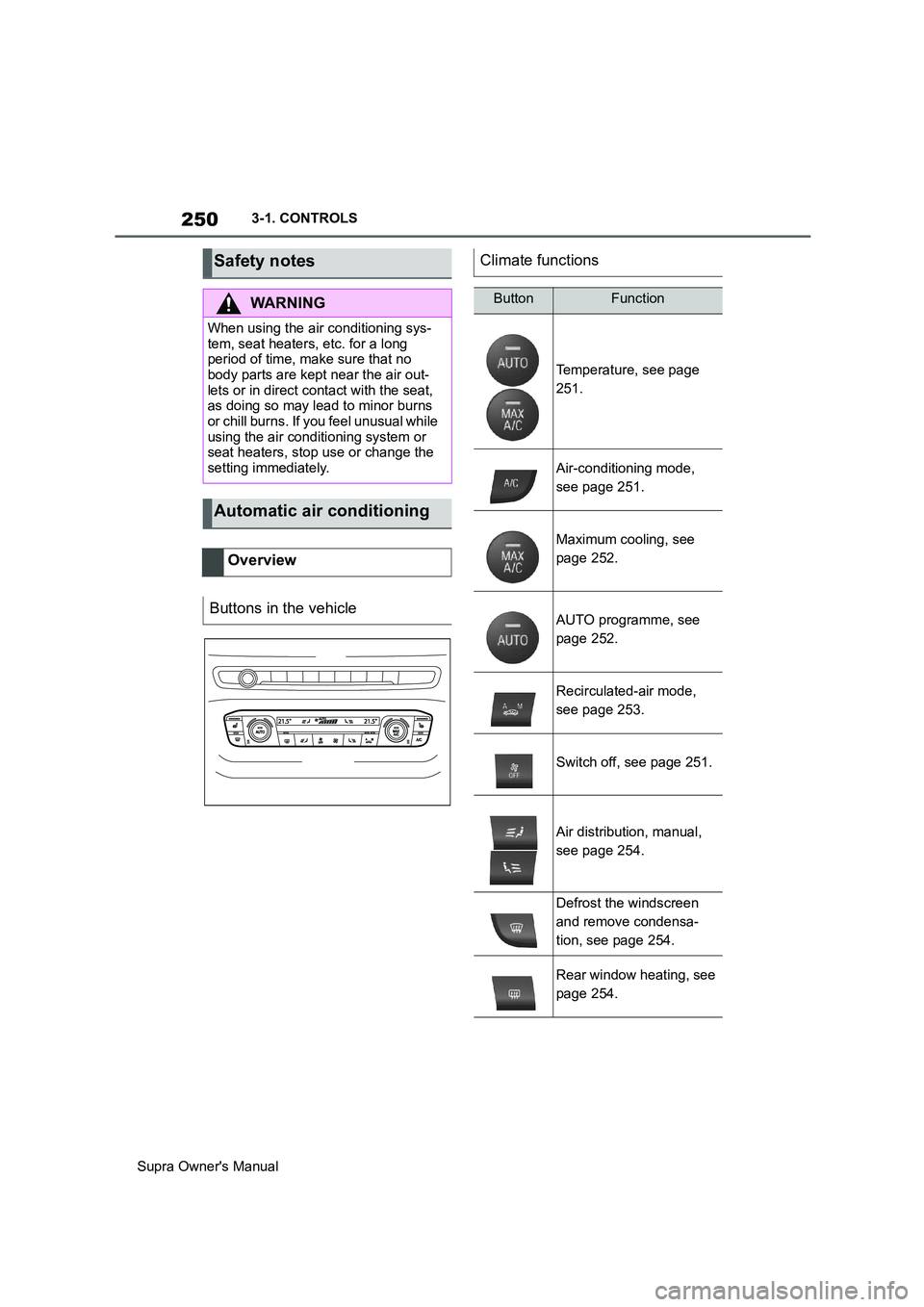
Buttons in the vehicle
Climate functions
ButtonFunction
Temperature, see page
251.
Air-conditioning mode,
see page 251.
Maximum cooling, see
page 252.
AUTO programme, see
page 252.
Recirculated-air mode,
see page 253.
Switch off, see page 251.
Air distribution, manual,
see page 254.
Defrost the windscreen
and remove condensa-
tion, see page 254.
Rear window heating, see
page 254.
Page 256 of 456
256
Supra Owner's Manual3-1. CONTROLS
tery. As a result, the maximum
activation time is restricted to protect
the battery. After the engine is started
or after driving a short distance, the
system will be available again.
Ensure that the date and time
are set correctly in the vehicle.
Open the side nozzles to allow
the air to enter the passenger
compartment.
The system can be switched on or
off in various ways.
The system switches off automati-
cally after a certain period of time. It
continues to run for a short time
after it has been switched off.
If the vehicle is in standby state, the
independent ventilation can be
switched on or off via the buttons of
the automatic air conditioning.
Press any button, except:
Rear window heating.
Seat heating.
Menu.
The system switches off after leav-
ing and locking the vehicle.
1"My Vehicle" 2"Vehicle settings"
3"Climate comfort"
4"Auxiliary ventilation"
5"Activate now"
To ensure a pleasant interior tem-
perature in the vehicle at the start
of the journey, it is possible to set
different departure times.
One-off departure time: the time
can be set.
System is switched on once.
Departure time with day of the
week: time and day of the week
can be set.
The system is switched on in good time
before the set departure time on the
required days of the week.
The departure time is preselected
in two steps:
Set departure times.
Activate departure time. Switching on/off directly
General
Using the button
Via Toyota Supra Command
Display
SymbolDescription
Symbol on the climate dis-
play.
Flashing: independent
ventilation is switched on.
Departure time
Principle
Page 445 of 456
445
Supra Owner's ManualAlphabetical Index
Bonnet ........................................... 306
Boot ............................................... 261
Boot lid ............................................ 85
Boot lid via remote control ............ 77
Boot lid, emergency release .......... 86
Boot, emergency release ............... 86
Bottle holder, see Cupholder....... 261
Brake assist .................................. 216
Brake assist, adaptive .................. 216
Brake lights, see Bulbs and lights
..................................................... 327
Brake system ................................ 267
Braking safely ............................... 270
Braking, notes .............................. 270
Break recommendations, see Driver
Attention Control........................ 213
Breakdown Assist ........................ 336
Breakdown assistance................. 336
Breakdown, help........................... 336
Brightness, Control Display .......... 63
Bulbs and lights ........................... 327
Button SOS, see Automatic emer-
gency call .................................... 338
Button, start/stop.......................... 134
Buttons on the steering wheel ...... 40
C
Call up mirror adjustment .............. 90
Call up seat adjustment ................. 90
Calling up steering wheel adjust-
ment............................................... 90
Camera lenses, care..................... 353
Camera, rear-view camera, without
Surround View ............................ 242
Camera-based assistance systems,
see Toyota Supra Safety ............ 191
Camera-based Cruise Control, see
Adaptive Cruise Control ............ 225
Can holder, see Cupholder .......... 261
Car wash ....................................... 348
Care of displays, screens ............ 354
Care of upholstery fabrics ........... 352
Care products ............................... 350
Care, Head-Up Display ................. 354Care, see Vehicle wash ................ 348
Care, vehicle.................................. 350
Carpet, care ................................... 353
CarPlay, connection to the vehicle70
Carrying children .......................... 109
Carrying children safely ............... 109
Catalytic converter, see Hot exhaust
system ......................................... 267
CBS Condition Based Service ..... 315
CC, see Cruise Control................. 222
Central locking system .................. 81
Central screen, see Control Display
....................................................... 50
Centre console ................................ 42
Changes, technical, see Your own
safety ...............................................6
Changing bulbs, see Bulbs and
lights ............................................ 327
Changing gear, Automatic transmis-
sion .............................................. 143
Chassis number, see Vehicle identifi-
cation number............................... 17
Checking the oil level electronically
..................................................... 309
Child restraint systems, i-Size..... 113
Child restraint systems, see Carry-
ing children safely ...................... 109
Child seat mounting ..................... 110
Child seat mountings, ISOFIX ..... 112
Child seats, see Carrying children
safely ........................................... 109
Chrome surfaces, care ................. 352
Chrome-plated surfaces, care ..... 352
Cleaning of displays, screens ..... 354
Cleaning, Head-Up Display .......... 354
Comfort closing with the remote
control ........................................... 76
Comfort opening using the remote
control ........................................... 76
Compact wheel, see Emergency
wheel ........................................... 303
Compartments in the doors ......... 260
Compressor................................... 286
Condensation when vehicle is
parked.......................................... 271