AUX TOYOTA SUPRA 2019 Owners Manual
[x] Cancel search | Manufacturer: TOYOTA, Model Year: 2019, Model line: SUPRA, Model: TOYOTA SUPRA 2019Pages: 456, PDF Size: 88.65 MB
Page 256 of 456
256
Supra Owner's Manual3-1. CONTROLS
tery. As a result, the maximum
activation time is restricted to protect
the battery. After the engine is started
or after driving a short distance, the
system will be available again.
Ensure that the date and time
are set correctly in the vehicle.
Open the side nozzles to allow
the air to enter the passenger
compartment.
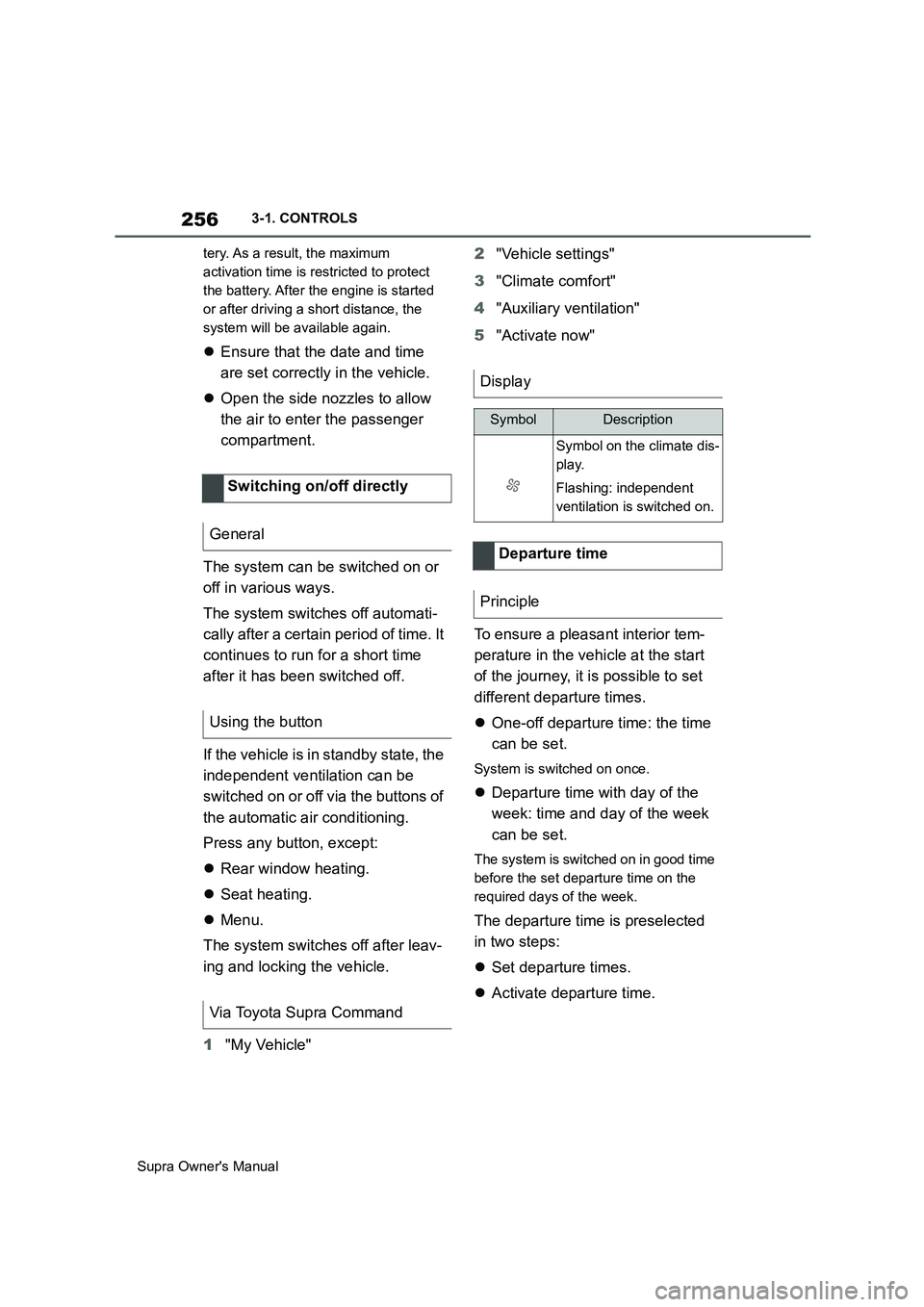
The system can be switched on or
off in various ways.
The system switches off automati-
cally after a certain period of time. It
continues to run for a short time
after it has been switched off.
If the vehicle is in standby state, the
independent ventilation can be
switched on or off via the buttons of
the automatic air conditioning.
Press any button, except:
Rear window heating.
Seat heating.
Menu.
The system switches off after leav-
ing and locking the vehicle.
1"My Vehicle" 2"Vehicle settings"
3"Climate comfort"
4"Auxiliary ventilation"
5"Activate now"
To ensure a pleasant interior tem-
perature in the vehicle at the start
of the journey, it is possible to set
different departure times.
One-off departure time: the time
can be set.
System is switched on once.
Departure time with day of the
week: time and day of the week
can be set.
The system is switched on in good time
before the set departure time on the
required days of the week.
The departure time is preselected
in two steps:
Set departure times.
Activate departure time. Switching on/off directly
General
Using the button
Via Toyota Supra Command
Display
SymbolDescription
Symbol on the climate dis-
play.
Flashing: independent
ventilation is switched on.
Departure time
Principle
Page 257 of 456
257
3
Supra Owner's Manual3-1. CONTROLS
CONTROLS
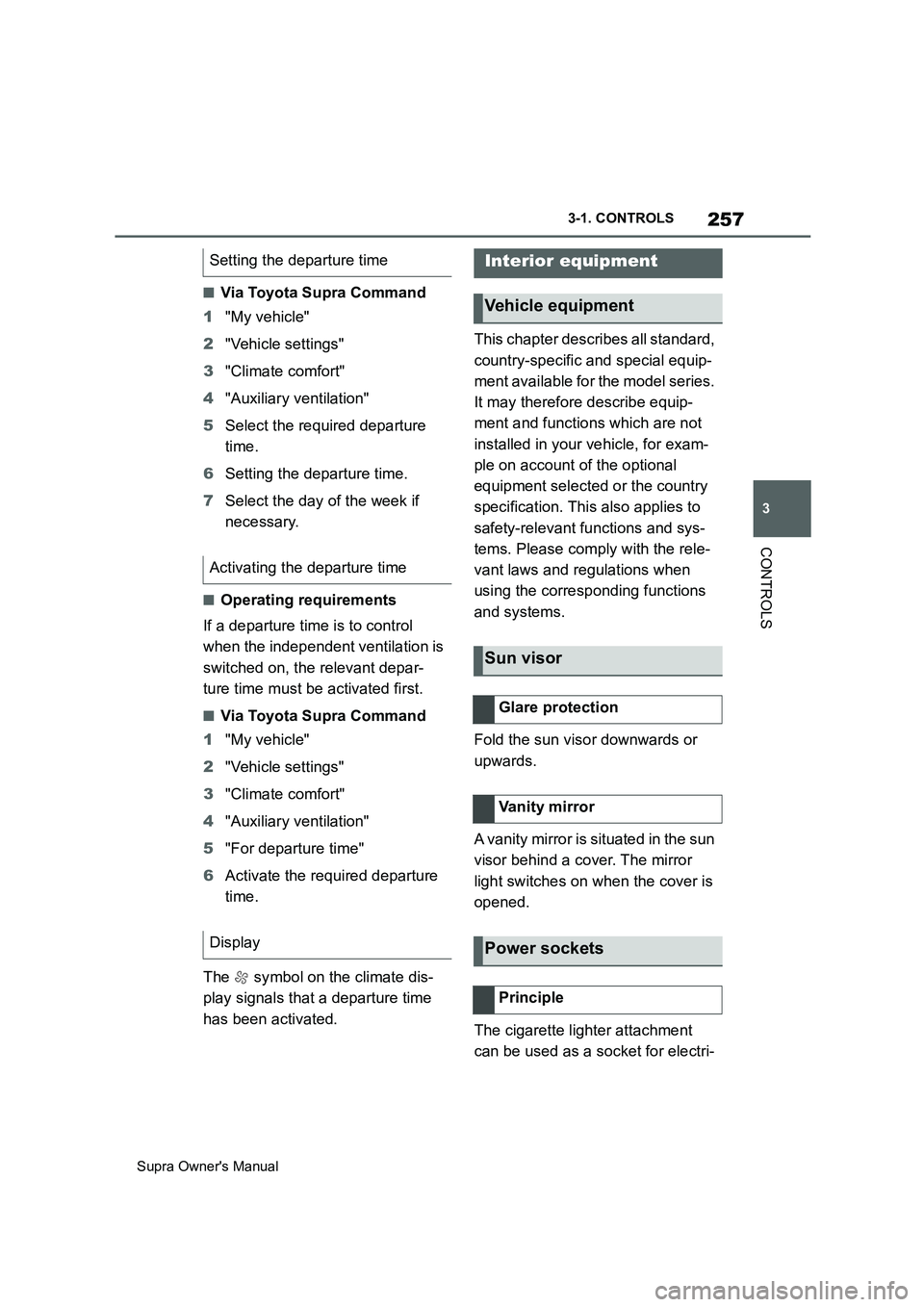
■Via Toyota Supra Command
1"My vehicle"
2"Vehicle settings"
3"Climate comfort"
4"Auxiliary ventilation"
5Select the required departure
time.
6Setting the departure time.
7Select the day of the week if
necessary.
■Operating requirements
If a departure time is to control
when the independent ventilation is
switched on, the relevant depar-
ture time must be activated first.
■Via Toyota Supra Command
1"My vehicle"
2"Vehicle settings"
3"Climate comfort"
4"Auxiliary ventilation"
5"For departure time"
6Activate the required departure
time.
The symbol on the climate dis-
play signals that a departure time
has been activated.This chapter describes all standard,
country-specific and special equip-
ment available for the model series.
It may therefore describe equip-
ment and functions which are not
installed in your vehicle, for exam-
ple on account of the optional
equipment selected or the country
specification. This also applies to
safety-relevant functions and sys-
tems. Please comply with the rele-
vant laws and regulations when
using the corresponding functions
and systems.
Fold the sun visor downwards or
upwards.
A vanity mirror is situated in the sun
visor behind a cover. The mirror
light switches on when the cover is
opened.
The cigarette lighter attachment
can be used as a socket for electri- Setting the departure time
Activating the departure time
Display
Interior equipment
Vehicle equipment
Sun visor
Glare protection
Vanity mirror
Power sockets
Principle
Page 446 of 456
446
Supra Owner's ManualAlphabetical Index
Condition Based Service CBS..... 315
Connection point, starting assis-
tance ............................................ 344
Connections, Screen Mirroring ..... 71
Continuing a journey with a flat tyre
..................................................... 296
Control Display ............................... 50
Control Display, settings ............... 61
Control systems, driving stability215
Controller ........................................ 50
Coolant .......................................... 312
Coolant level ................................. 312
Coolant temperature .................... 158
Cooling effect, maximum ............. 252
Cooling function ........................... 251
Cooling system ............................. 312
Cornering light .............................. 174
Corrosion of brake discs ............. 271
Crossing traffic warning .............. 246
Cruise Control with distance control,
see Adaptive Cruise Control ..... 225
Cruise Control without distance con-
trol, see Cruise Control ............. 222
Cruise Control, active with Stop &
Go ACC........................................ 225
Cruise control, see Adaptive Cruise
Control ........................................ 225
Cruise Control, see Cruise Control
..................................................... 222
Cupholder ..................................... 261
Curtain shield airbag .................... 180
Customize settings, see Sport mode
switch .......................................... 149
D
Damage, tyres ............................... 281
Data memory..................................... 7
Data protection, settings ............... 65
Data, see Deleting personal data .. 65
Data, technical .............................. 356
Date.................................................. 62
Daytime driving lights .................. 174
Deactivation, airbags ................... 188
Deleting personal data ................... 65Deletion of personal data ............... 65
Departure time, auxiliary heating 256
Departure time, independent ventila-
tion ............................................... 256
Desired speed, see Adaptive Cruise
Control......................................... 225
Devices, managing ......................... 72
Diagnosis connection .................. 317
Diesel particle filter, see Exhaust gas
particle filter ................................ 267
Dimensions ................................... 356
Dimmable exterior mirrors ........... 105
Dimming rear-view mirror ............ 105
Dipping headlights, see Automatic
high-beam ................................... 174
Direct selection buttons, see Favour-
ites buttons ................................... 57
Display in windscreen, see Head-Up
Display......................................... 168
Display lighting, see Instrument
lighting ........................................ 177
Displaying the device list ............... 72
Displays ......................................... 151
Displays and symbols ......................4
Displays, screens ......................... 354
Disposal, coolant .......................... 313
Disposal, vehicle battery.............. 329
Disposing of the battery............... 329
Disposing of the old battery ........ 329
Distance warning, see Parking Sen-
sors .............................................. 236
Downhill gradients........................ 271
Drive mode, see Sport mode switch
..................................................... 149
Drive-off assistant ........................ 216
Driver assistance, see Toyota Supra
Safety........................................... 191
Driver Attention Control ............... 213
Driver profiles ................................. 86
Drive-ready state, idle state and
standby state ................................ 44
Driving Assistant, see Toyota Supra
Safety........................................... 191
Driving hints .................................. 267
Driving information, general ........ 267