low beam TOYOTA SUPRA 2020 Owners Manual (in English)
[x] Cancel search | Manufacturer: TOYOTA, Model Year: 2020, Model line: SUPRA, Model: TOYOTA SUPRA 2020Pages: 360, PDF Size: 5.97 MB
Page 29 of 360
292-1. QUICK REFERENCE
Supra Owner's Manual
2
QUICK REFERENCE
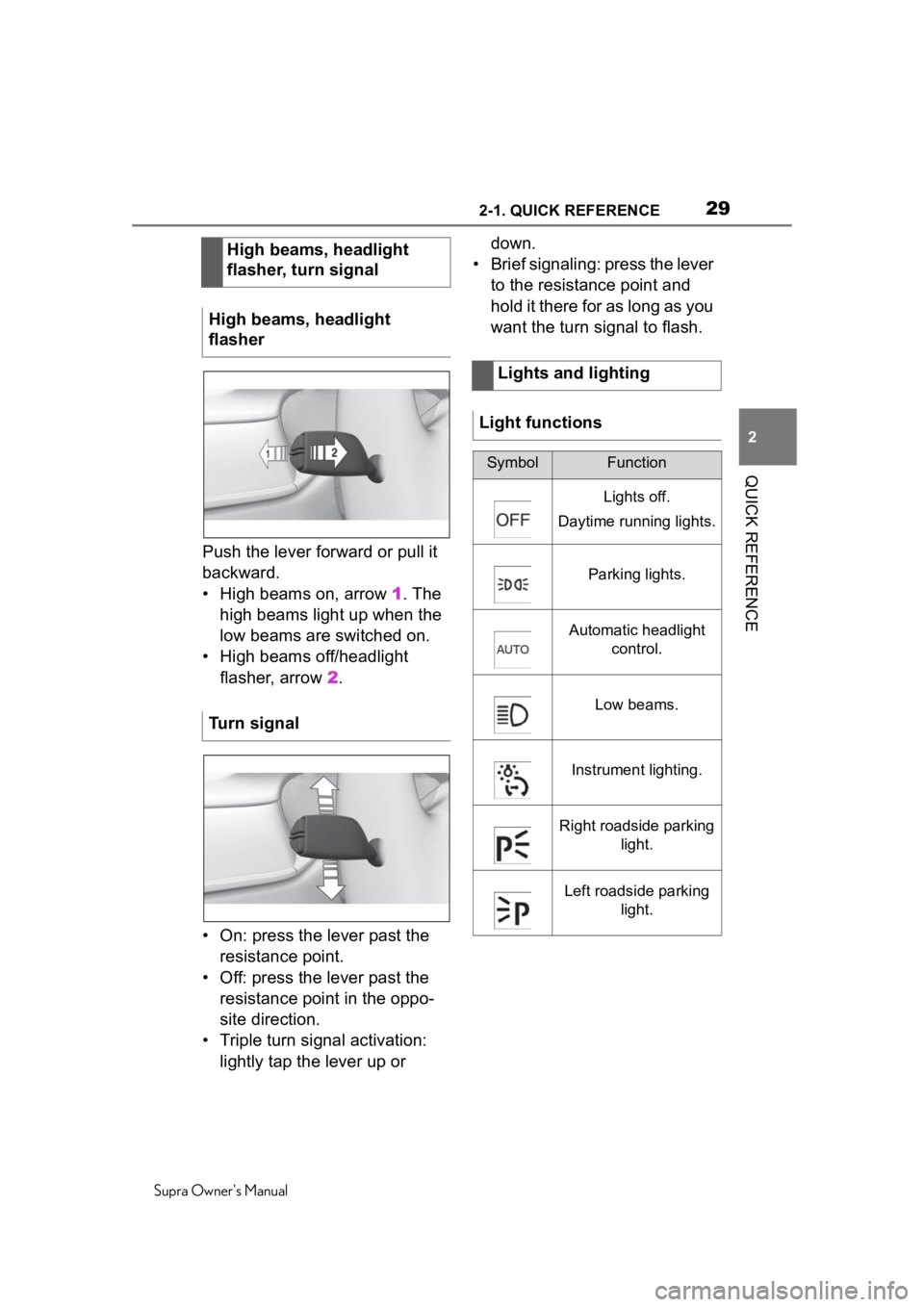
Push the lever forward or pull it
backward.
• High beams on, arrow 1. The
high beams light up when the
low beams are switched on.
• High beams off/headlight flasher, arrow 2 .
• On: press the lever past the resistance point.
• Off: press the lever past the resistance point in the oppo-
site direction.
• Triple turn signal activation: lightly tap the lever up or down.
• Brief signaling: press the lever to the resistance point and
hold it there for as long as you
want the turn signal to flash.
High beams, headlight
flasher, turn signal
High beams, headlight
flasher
Turn signal
Lights and lighting
Light functions
SymbolFunction
Lights off.
Daytime running lights.
Parking lights.
Automatic headlight control.
Low beams.
Instrument lighting.
Right roadside parking light.
Left roadside parking light.
Page 37 of 360
373-1. AT A GLANCE
Supra Owner's Manual
3
AT A GLANCE
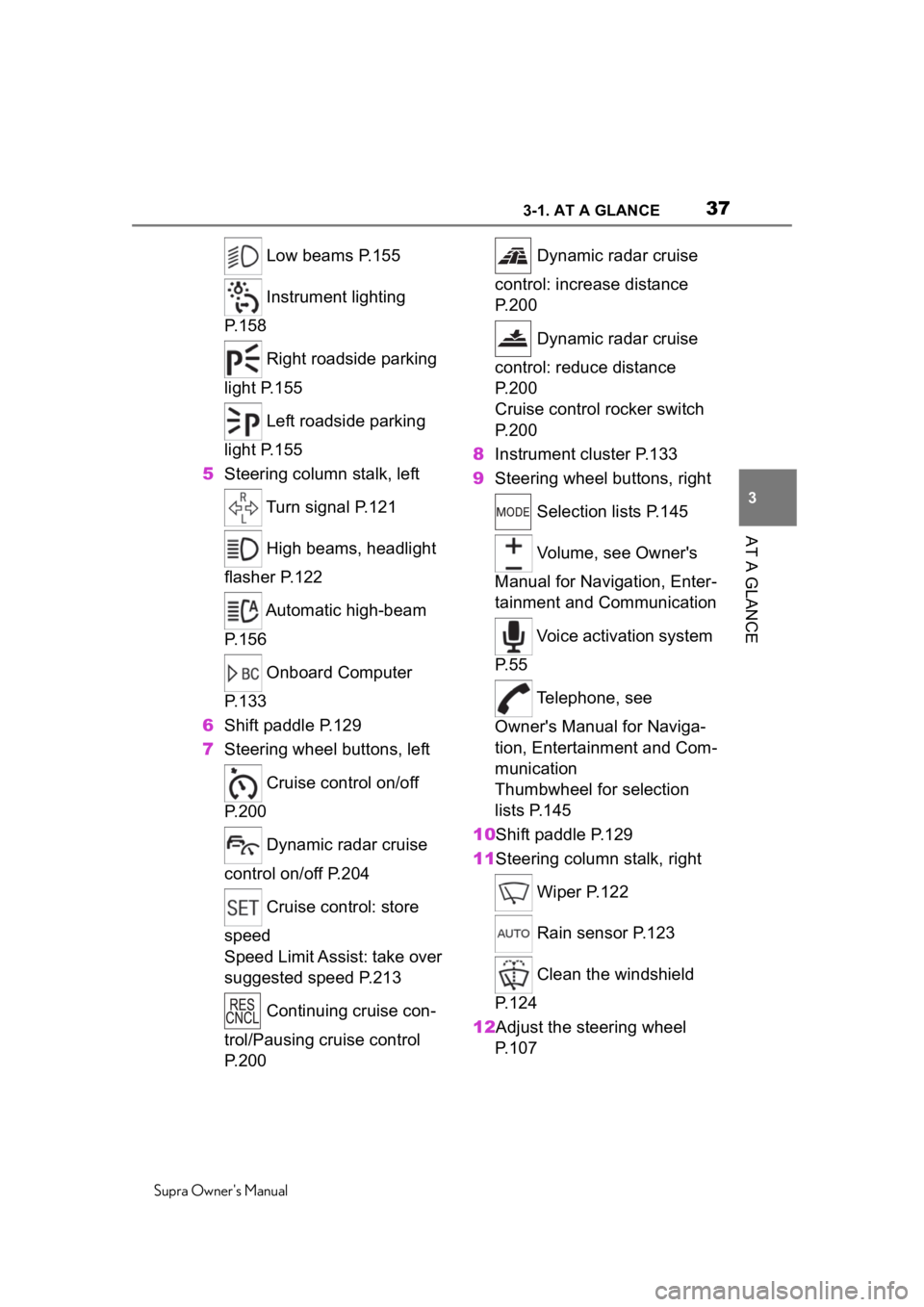
Low beams P.155
Instrument lighting
P.158
Right roadside parking
light P.155
Left roadside parking
light P.155
5 Steering column stalk, left
Turn signal P.121
High beams, headlight
flasher P.122
Automatic high-beam
P.156
Onboard Computer
P.133
6 Shift paddle P.129
7 Steering wheel buttons, left
Cruise control on/off
P.200
Dynamic radar cruise
control on/off P.204
Cruise control: store
speed
Speed Limit Assist: take over
suggested speed P.213
Continuing cruise con-
trol/Pausing cruise control
P.200 Dynamic radar cruise
control: increase distance
P. 2 0 0
Dynamic radar cruise
control: reduce distance
P. 2 0 0
Cruise control rocker switch
P. 2 0 0
8 Instrument cluster P.133
9 Steering wheel buttons, right
Selection lists P.145
Volume, see Owner's
Manual for Navigation, Enter-
tainment and Communication
Voice activation system
P. 5 5
Telephone, see
Owner's Manual for Naviga-
tion, Entertainment and Com-
munication
Thumbwheel for selection
lists P.145
10Shift paddle P.129
11Steering column stalk, right
Wiper P.122
Rain sensor P.123
Clean the windshield
P. 1 2 4
12Adjust the steering wheel P. 1 0 7
Page 122 of 360
1224-1. CONTROLS
Supra Owner's Manual
The setting is stored for the
driver profile currently used.
Press the lever to the resistance
point and hold it there for as
long as you want the turn signal
to flash.
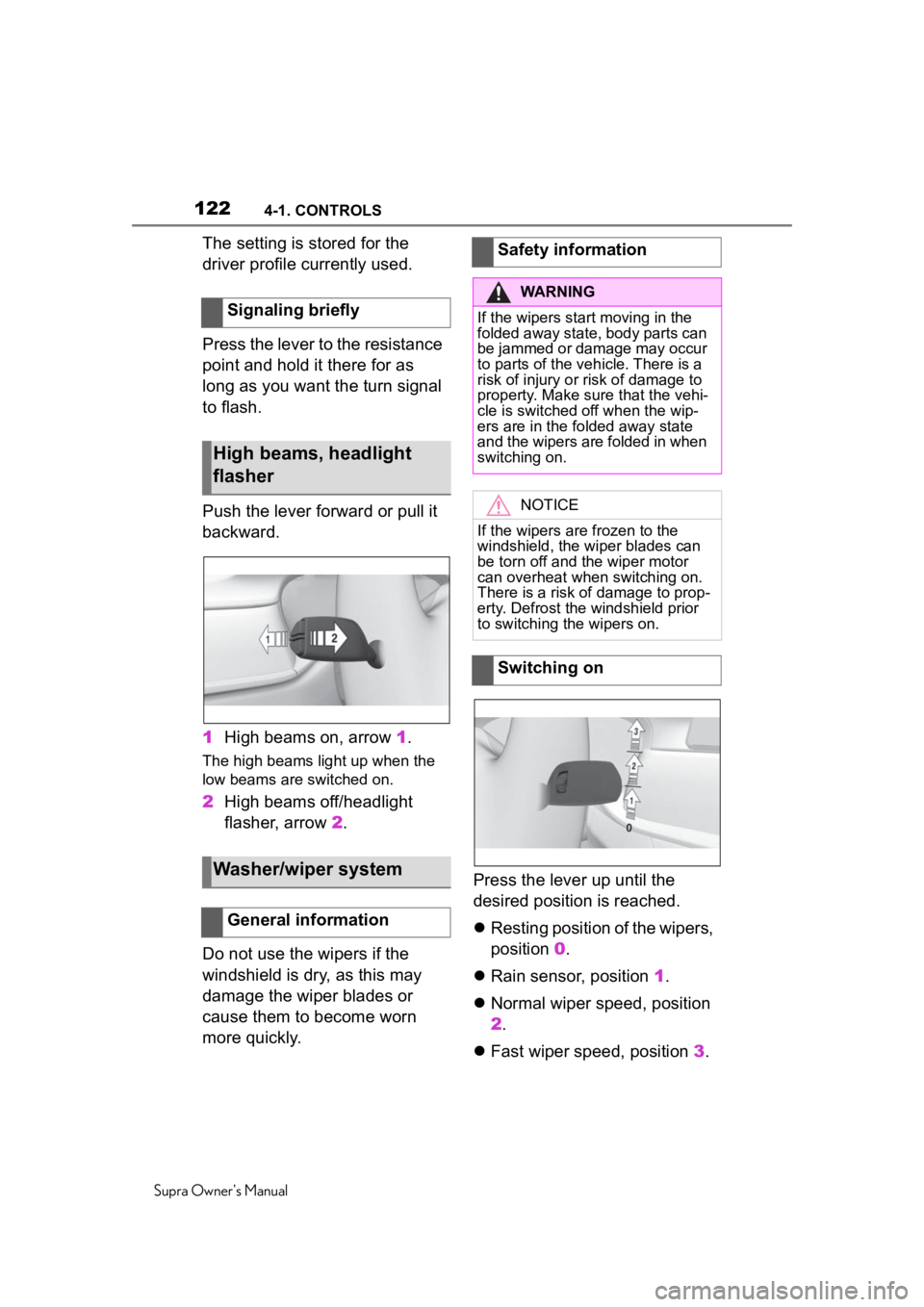
Push the lever forward or pull it
backward.
1High beams on, arrow 1.
The high beams light up when the
low beams are switched on.
2High beams off/headlight
flasher, arrow 2.
Do not use the wipers if the
windshield is dry, as this may
damage the wiper blades or
cause them to become worn
more quickly. Press the lever up until the
desired position is reached.
Resting position of the wipers,
position 0.
Rain sensor, position 1.
Normal wiper speed, position
2.
Fast wiper speed, position 3.
Signaling briefly
High beams, headlight
flasher
Washer/wiper system
General information
Safety information
WARNING
If the wipers start moving in the
folded away state, body parts can
be jammed or damage may occur
to parts of the veh
icle. There is a
risk of injury or risk of damage to
property. Make sure that the vehi-
cle is switched off when the wip-
ers are in the folded away state
and the wipers are folded in when
switching on.
NOTICE
If the wipers are frozen to the
windshield, the wiper blades can
be torn off and th e wiper motor
can overheat whe n switching on.
There is a risk of damage to prop-
erty. Defrost the windshield prior
to switching the wipers on.
Switching on
Page 138 of 360
1384-1. CONTROLS
Supra Owner's Manual
Steering system
Steering system may
not be working.
Have the system
checked by your Toyota
dealer.
Emissions
The warning light
lights up:
Emissions are deterio-
rating. Have the vehi-
cle checked as soon
as possible.
The warning light
flashes under certain
circumstances:
This indicates that
there is excessive mis-
firing in the engine.
Reduce the vehicle
speed and have the
system checked imme-
diately; otherwise, seri-
ous engine misfiring
within a brief period
can seriously damage
emission control com-
ponents, in particular
the catalytic converter.
Socket for Onboard
Diagnosis, refer to page
304.
Green lights
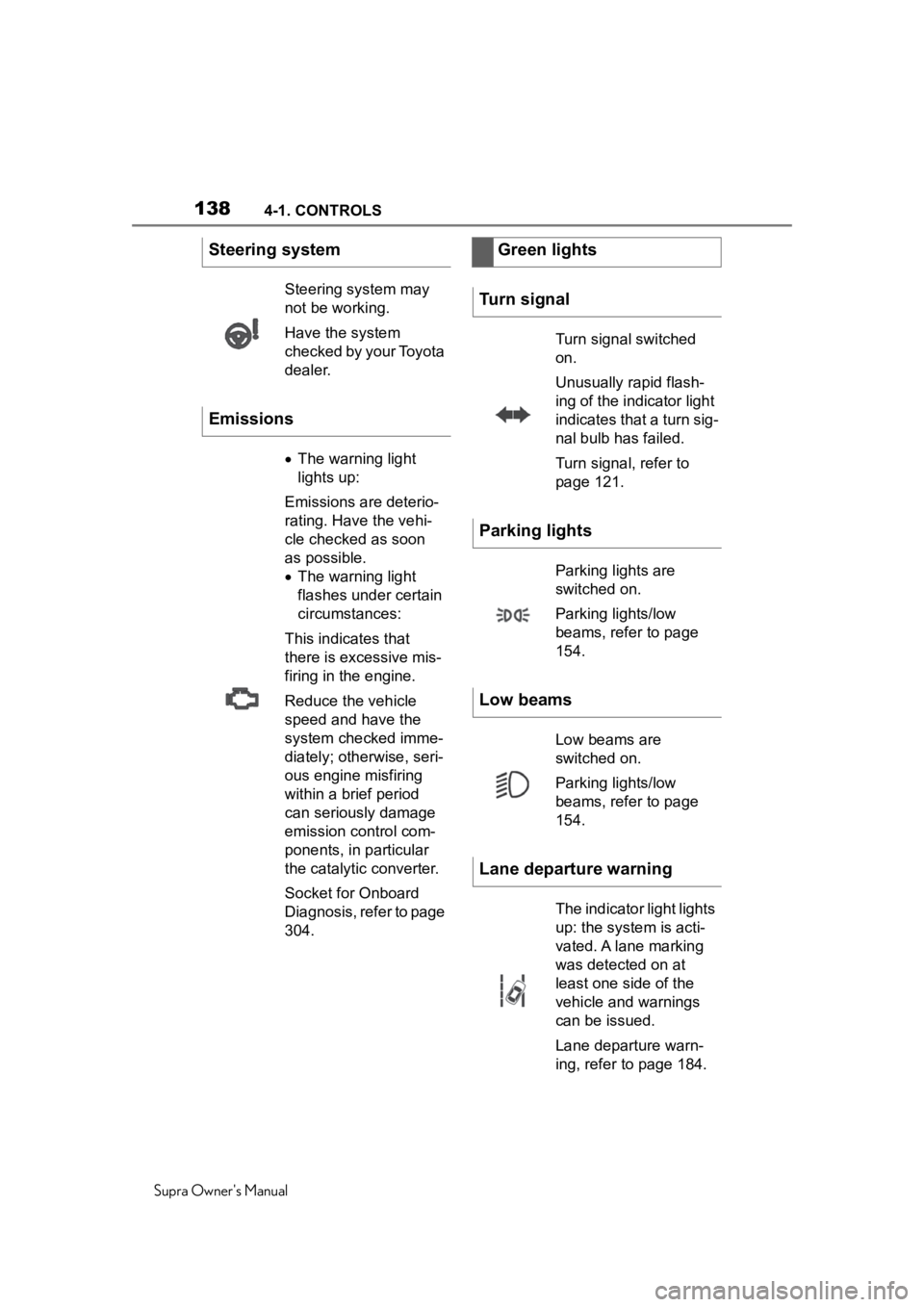
Turn signal
Turn signal switched
on.
Unusually rapid flash-
ing of the indicator light
indicates that a turn sig-
nal bulb has failed.
Turn signal, refer to
page 121.
Parking lights
Parking lights are
switched on.
Parking lights/low
beams, refer to page
154.
Low beams
Low beams are
switched on.
Parking lights/low
beams, refer to page
154.
Lane departure warning
The indicator light lights
up: the system is acti-
vated. A lane marking
was detected on at
least one side of the
vehicle and warnings
can be issued.
Lane departure warn-
ing, refer to page 184.
Page 139 of 360
1394-1. CONTROLS
Supra Owner's Manual
4
CONTROLS
The current fill level of the fuel
tank is displayed.
Vehicle tilt position may cause
the display to vary.
Information on refueling, refer to
page 264. Always avoid engine speeds in
the red warning field. In this
range, the fuel supply is reduced
to protect the engine.
Depending on the vehicle equip-
ment, the shift position indica-
tors on the tachometer indicate
the maximum shift point at
which the best possible acceler-
ation can be achieved.
When the selected driving mode
is sport mode, a shift light will be
displayed.
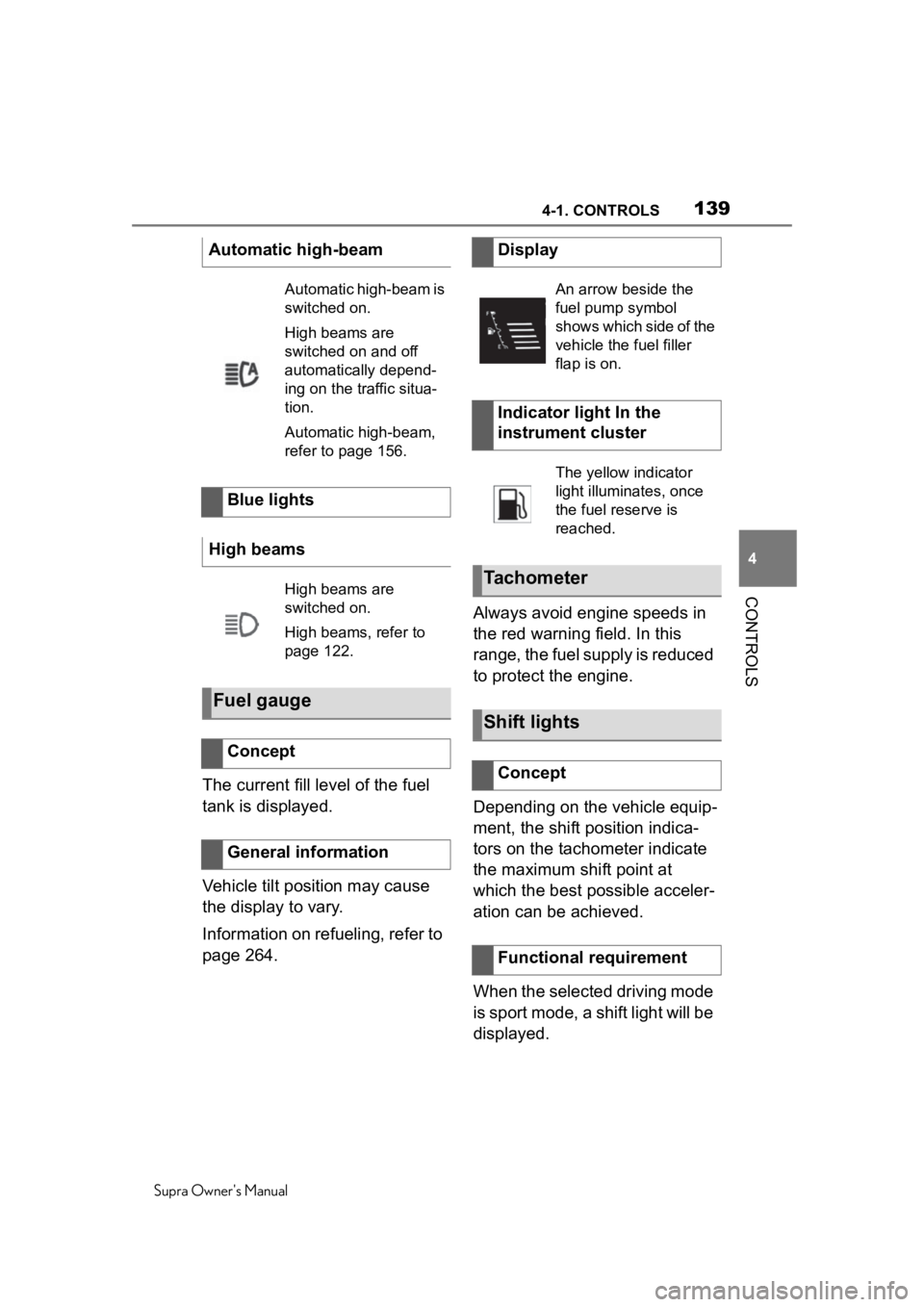
Automatic high-beam
Automatic high-beam is
switched on.
High beams are
switched on and off
automatically depend-
ing on the traffic situa-
tion.
Automatic high-beam,
refer to page 156.
Blue lights
High beams
High beams are
switched on.
High beams, refer to
page 122.
Fuel gauge
Concept
General information
Display
An arrow beside the
fuel pump symbol
shows which side of the
vehicle the fuel filler
flap is on.
Indicator light In the
instrument cluster
The yellow indicator
light illuminates, once
the fuel reserve is
reached.
Tachometer
Shift lights
Concept
Functional requirement
Page 151 of 360
1514-1. CONTROLS
Supra Owner's Manual
4
CONTROLS
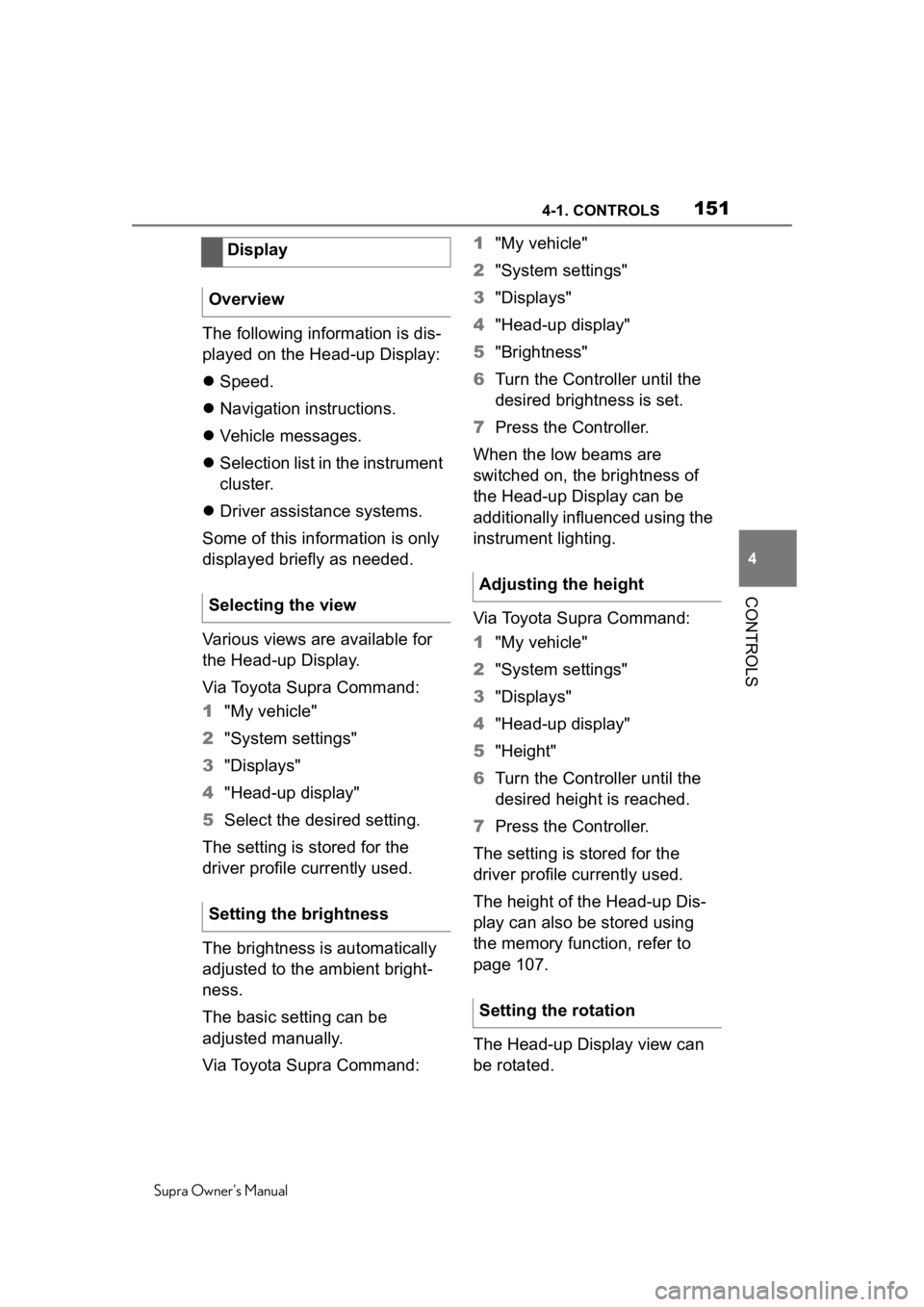
The following information is dis-
played on the Head-up Display:
Speed.
Navigation instructions.
Vehicle messages.
Selection list in the instrument
cluster.
Driver assistance systems.
Some of this information is only
displayed briefly as needed.
Various views are available for
the Head-up Display.
Via Toyota Supra Command:
1 "My vehicle"
2 "System settings"
3 "Displays"
4 "Head-up display"
5 Select the desired setting.
The setting is stored for the
driver profile currently used.
The brightness is automatically
adjusted to the ambient bright-
ness.
The basic setting can be
adjusted manually.
Via Toyota Supra Command: 1
"My vehicle"
2 "System settings"
3 "Displays"
4 "Head-up display"
5 "Brightness"
6 Turn the Controller until the
desired brightness is set.
7 Press the Controller.
When the low beams are
switched on, the brightness of
the Head-up Display can be
additionally influenced using the
instrument lighting.
Via Toyota Supra Command:
1 "My vehicle"
2 "System settings"
3 "Displays"
4 "Head-up display"
5 "Height"
6 Turn the Controller until the
desired height is reached.
7 Press the Controller.
The setting is stored for the
driver profile currently used.
The height of the Head-up Dis-
play can also be stored using
the memory function, refer to
page 107.
The Head-up Display view can
be rotated.
Display
Overview
Selecting the view
Setting the brightness
Adjusting the height
Setting the rotation
Page 153 of 360
1534-1. CONTROLS
Supra Owner's Manual
4
CONTROLS
This chapter describes all stan-
dard, country-specific and
optional features offered with
the series. It also describes fea-
tures and functions that are not
necessarily available in your
vehicle, e.g., due to the selected
options or country versions. This
also applies to safety-related
functions and systems. When
using these functions and sys-
tems, the applicable laws and
regulations must be observed.
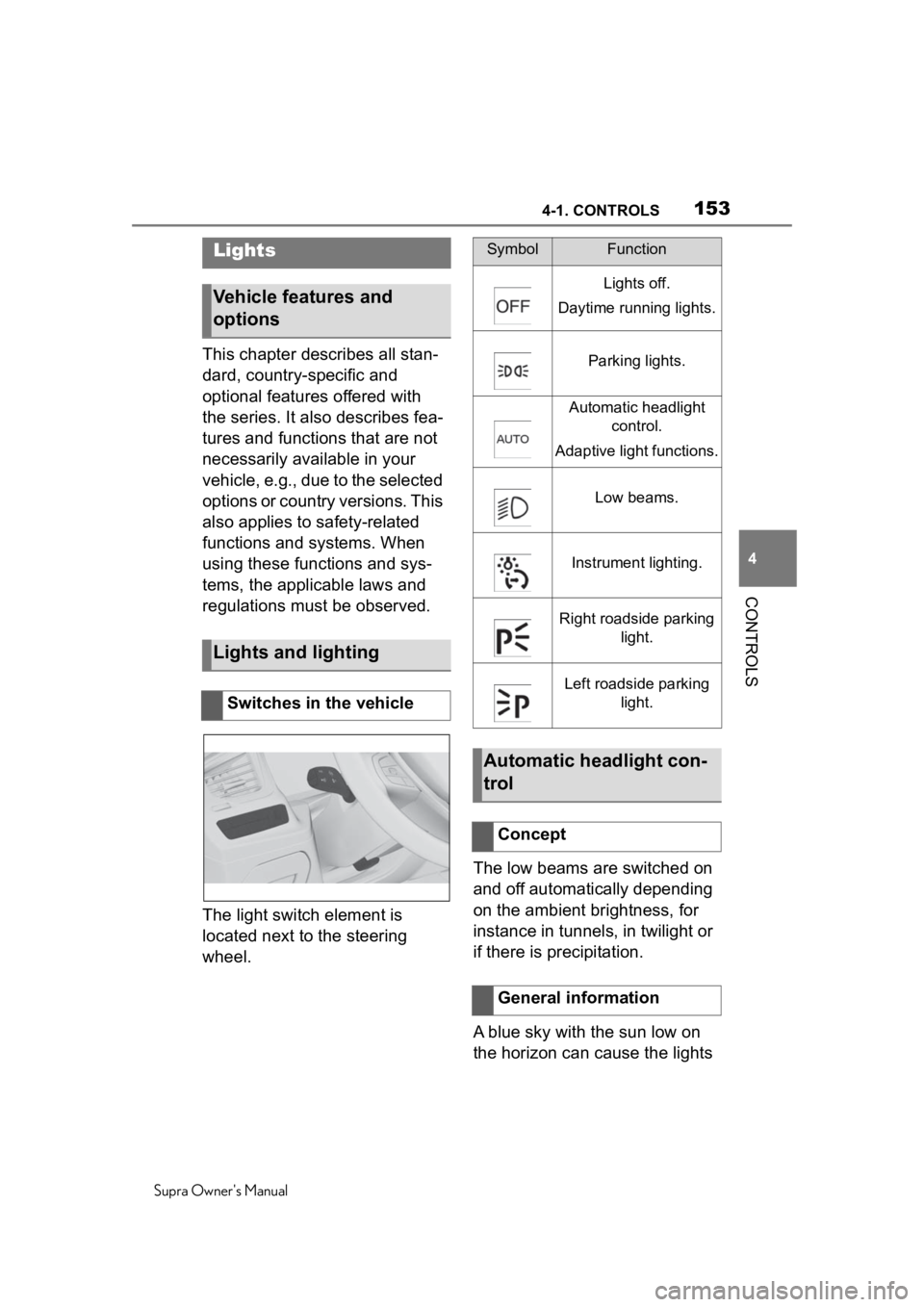
The light switch element is
located next to the steering
wheel. The low beams are switched on
and off automatically depending
on the ambient brightness, for
instance in tunnels, in twilight or
if there is precipitation.
A blue sky with the sun low on
the horizon can cause the lights
Lights
Vehicle features and
options
Lights and lighting
Switches in the vehicle
SymbolFunction
Lights off.
Daytime running lights.
Parking lights.
Automatic headlight control.
Adaptive light functions.
Low beams.
Instrument lighting.
Right roadside parking light.
Left roadside parking light.
Automatic headlight con-
trol
Concept
General information
Page 154 of 360
1544-1. CONTROLS
Supra Owner's Manual
to be switched on.
If the low beams are switched
on manually, the automatic
headlight control is deactivated.
The LED in the button lights up.
The automatic headlight control
cannot serve as a substitute for
your personal judgment of light-
ing conditions.
For example, the sensors are
unable to detect fog or hazy
weather. In these situations,
switch the light on manually.
If the driver's door is opened
when the drive-ready state is
switched off, the exterior lighting
is automatically switched off
after a period of time.The parking lights can only be
switched on in the low speed
range.
The vehicle is ill
uminated on all
sides.
Do not use the parking lights for
extended periods; otherwise,
they might drain the battery and
it would then be impossible to
switch on drive-ready state.
After the drive-ready state is
switched on, the automatic
headlight control will be acti-
vated.
Activating
Press the button on the
light switch element.
The indicator light in the
instrument cluster is
illuminated when the
low beams are
switched on.
System limits
Parking lights, low beams
and roadside parking
lights
General information
Parking lights
General information
Switching on
Press the button on the
light switch element.
The indicator light in the
instrument cluster lights
up.
Switching off
Press the button on the
light switch e lement or
switch on the
drive-ready state.
Page 155 of 360
1554-1. CONTROLS
Supra Owner's Manual
4
CONTROLS
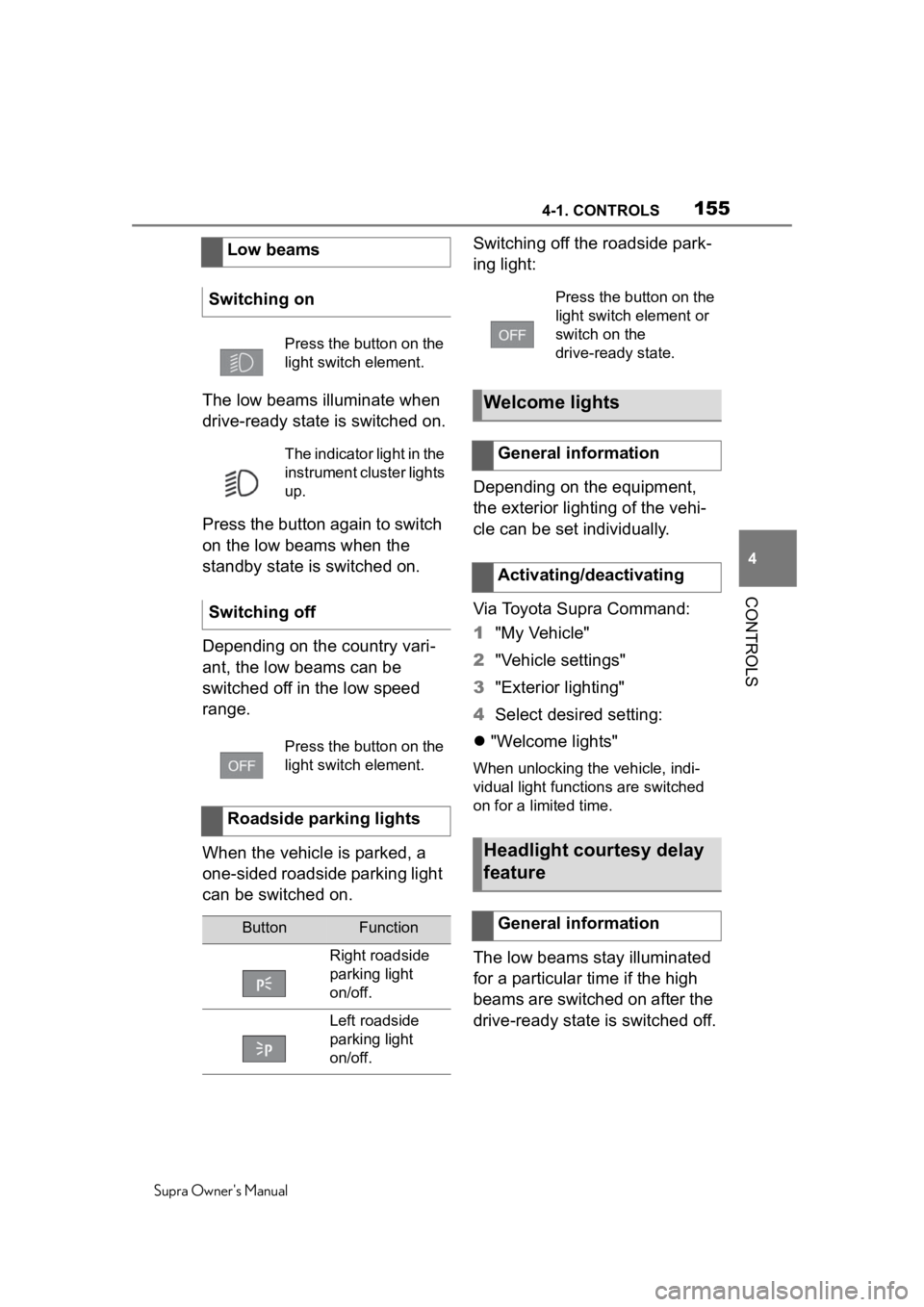
The low beams illuminate when
drive-ready state is switched on.
Press the button again to switch
on the low beams when the
standby state is switched on.
Depending on the country vari-
ant, the low beams can be
switched off in the low speed
range.
When the vehicle is parked, a
one-sided roadside parking light
can be switched on. Switching off the roadside park-
ing light:
Depending on the equipment,
the exterior lighting of the vehi-
cle can be set individually.
Via Toyota Supra Command:
1
"My Vehicle"
2 "Vehicle settings"
3 "Exterior lighting"
4 Select desired setting:
"Welcome lights"
When unlocking the vehicle, indi-
vidual light functions are switched
on for a limited time.
The low beams stay illuminated
for a particular time if the high
beams are switched on after the
drive-ready state is switched off.
Low beams
Switching on
Press the button on the
light switch element.
The indicator light in the
instrument cluster lights
up.
Switching off
Press the button on the
light switch element.
Roadside parking lights
ButtonFunction
Right roadside
parking light
on/off.
Left roadside
parking light
on/off.
Press the button on the
light switch e lement or
switch on the
drive-ready state.
Welcome lights
General information
Activating/deactivating
Headlight courtesy delay
feature
General information
Page 156 of 360
1564-1. CONTROLS
Supra Owner's Manual
Via Toyota Supra Command:
1"My Vehicle"
2 "Vehicle settings"
3 "Exterior lighting"
4 "Pathway lighting"
5 Select the desired setting.
The daytime running lights light
up when drive-ready state is
switched on.
In some countries, daytime run-
ning lights are mandatory, so it
may not be possible to deacti-
vate the daytime running lights.
Via Toyota Supra Command:
1 "My Vehicle"
2 "Vehicle settings"
3 "Exterior lighting"
4 "Daytime running lamps"
The setting is stored for the
driver profile currently used.
The Automatic high-beam
detects other traffic participants early on and automatically
switches the high beams on or
off depending on the traffic situ-
ation.
The Automatic high-beam
ensures that the high beams are
switched on, whenever the traf-
fic situation allows. In the low
speed range, the high beams
are not switched on by the sys-
tem.
The system responds to light
from oncoming traffic and traffic
driving ahead of you, and to
ambient lighting, for instance in
towns and cities.
The high beams can be
switched on and off manually at
any time.
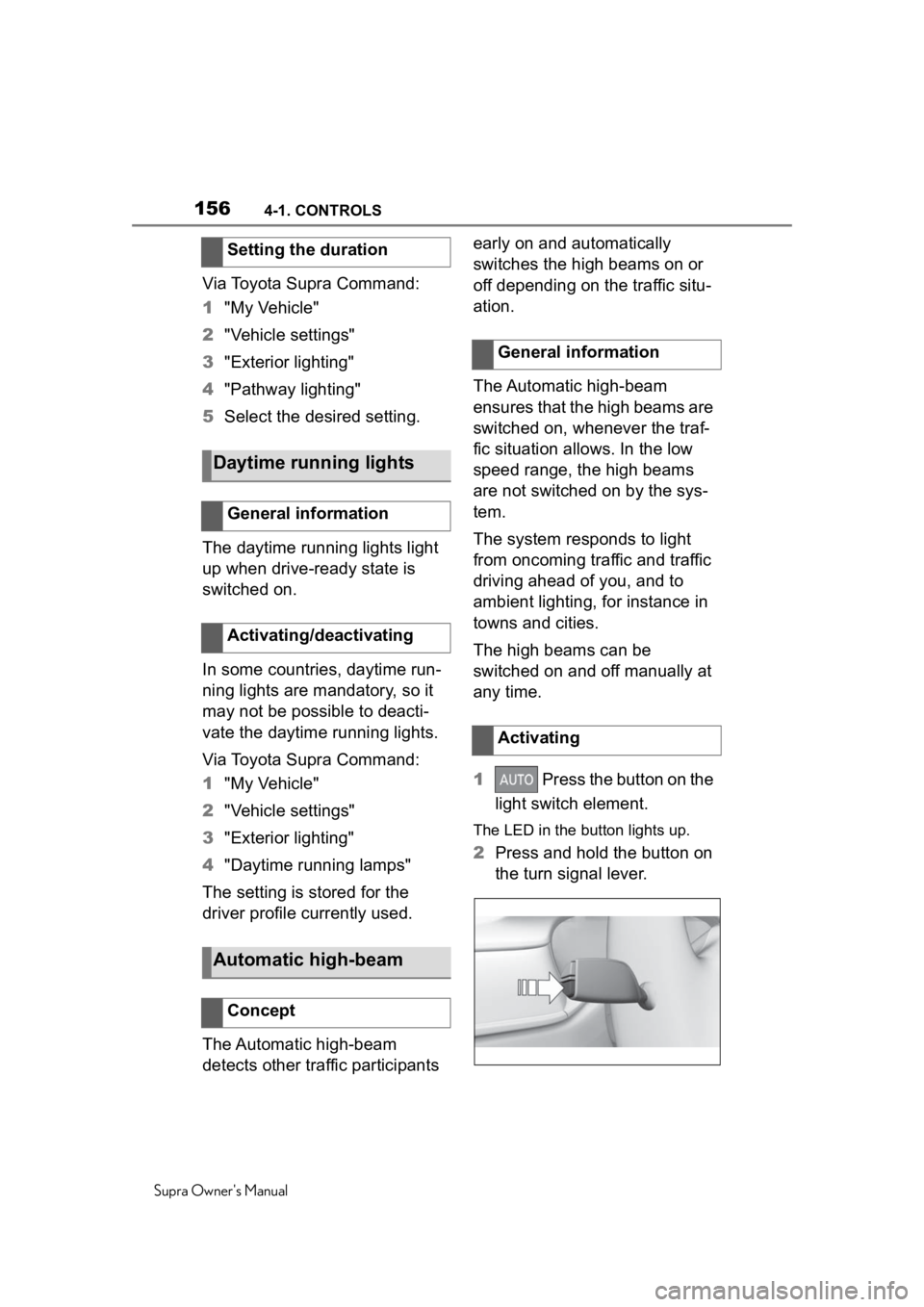
1
Press the button on the
light switch element.
The LED in the button lights up.
2Press and hold the button on
the turn signal lever.
Setting the duration
Daytime running lights
General information
Activating/deactivating
Automatic high-beam
Concept
General information
Activating