buttons TOYOTA SUPRA 2022 Owner's Manual
[x] Cancel search | Manufacturer: TOYOTA, Model Year: 2022, Model line: SUPRA, Model: TOYOTA SUPRA 2022Pages: 498, PDF Size: 104.06 MB
Page 208 of 498
2063-1. CONTROLS
trians and bicycles), see page
212.
Lane Departure Warning, see
page 216.
Blind spot monitor, see page
220.
Some Toyota Supra Safety Sys-
tems are automatically active at the
start of each journey. Some Toyota
Supra Safety Systems are acti-
vated according to the last setting.
Safety notes
WA R N I N G
The system does not relieve you of
your personal responsibility to assess
the visibility conditions and traffic situ- ation correctly. There is a danger of
accidents. Adapt your driving style to
the traffic conditions. Observe the traffic situation and intervene actively
if the situation warrants it.
WA R N I N G
Displays and warnings do not relieve
you of your personal responsibility.
System limitations can mean that
warnings or system responses are not issued or are issued too late,
incorrectly or wit hout justification.
There is a danger of accidents. Adapt your driving style to the traffic condi-
tions. Observe the traffic situation and
intervene actively if the situation war- rants it.
WA R N I N G
Due to system limitations, individual functions may not work properly when
tow-starting/towing with activated
Toyota Supra Safety Systems. There
is a danger of accidents. Switch off all Toyota Supra Safety Systems before
tow-starting/towing.
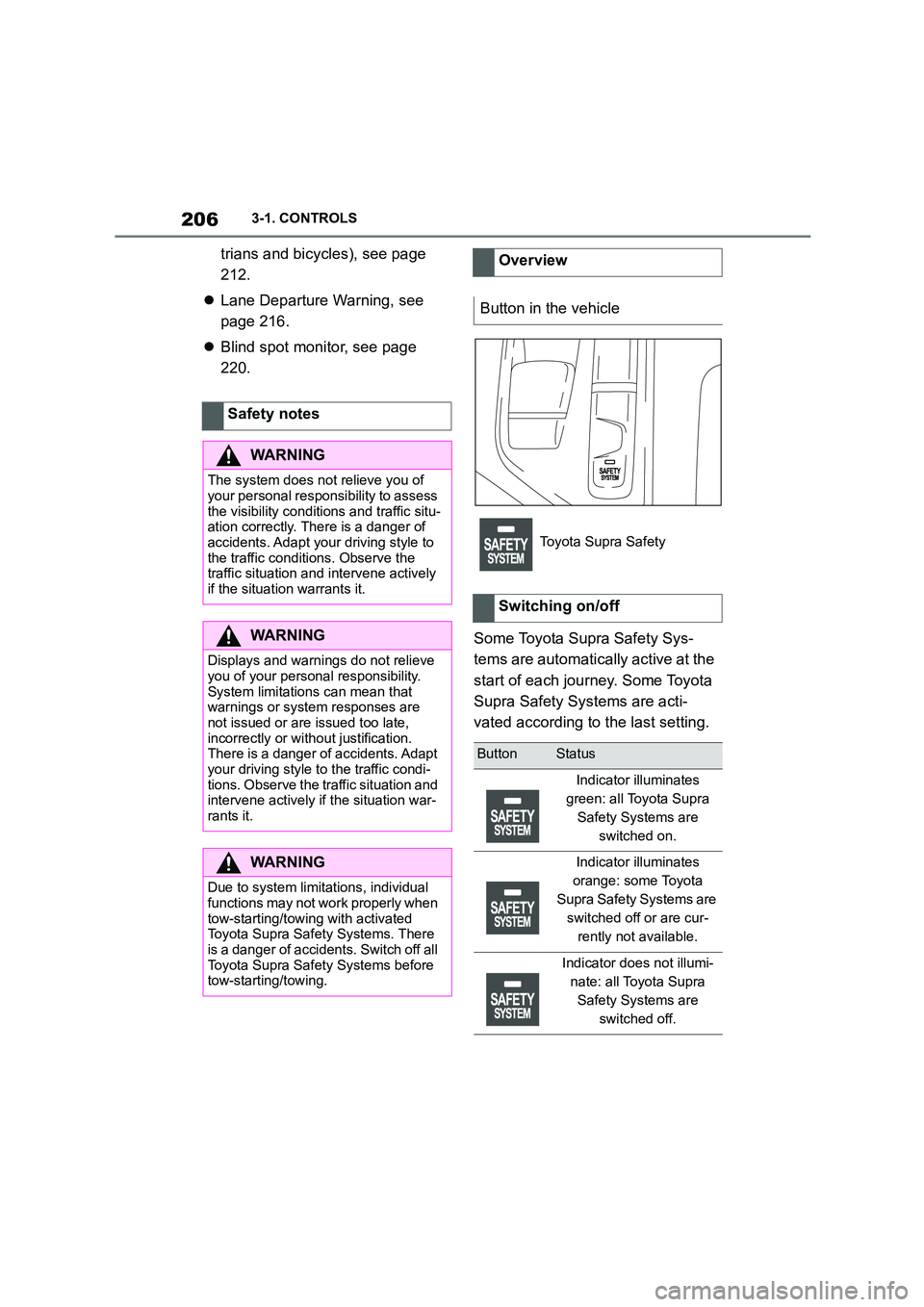
Overview
Button in the vehicle
Toyota Supra Safety
Switching on/off
ButtonStatus
Indicator illuminates
green: all Toyota Supra
Safety Systems are
switched on.
Indicator illuminates
orange: some Toyota
Supra Safety Systems are
switched off or are cur-
rently not available.
Indicator does not illumi-
nate: all Toyota Supra
Safety Systems are
switched off.
Page 211 of 498
209
3
3-1. CONTROLS
CONTROLS
as a setting is changed in the
menu, all settings in the menu are
activated.
The setting switches between the
following:
"ALL ON": all Toyota Supra Safety
Systems are switched on. Basic
settings are activated for the
sub-functions.
"Customise": the Toyota Supra
Safety Systems are switched on
according to the individual settings.
Some Toyota Supra Safety Sys-
tems cannot be switched off individ-
ually.
All Toyota Supra Safety Systems
are switched off.
Via Toyota Supra Command:
1 "My Vehicle"
2 "Vehicle settings"
3 "Toyota Supra Safety"
4 "Front collision warning"
5 Select the desired setting:
"Early"
"Medium"
"Late": only acute warnings are
displayed.
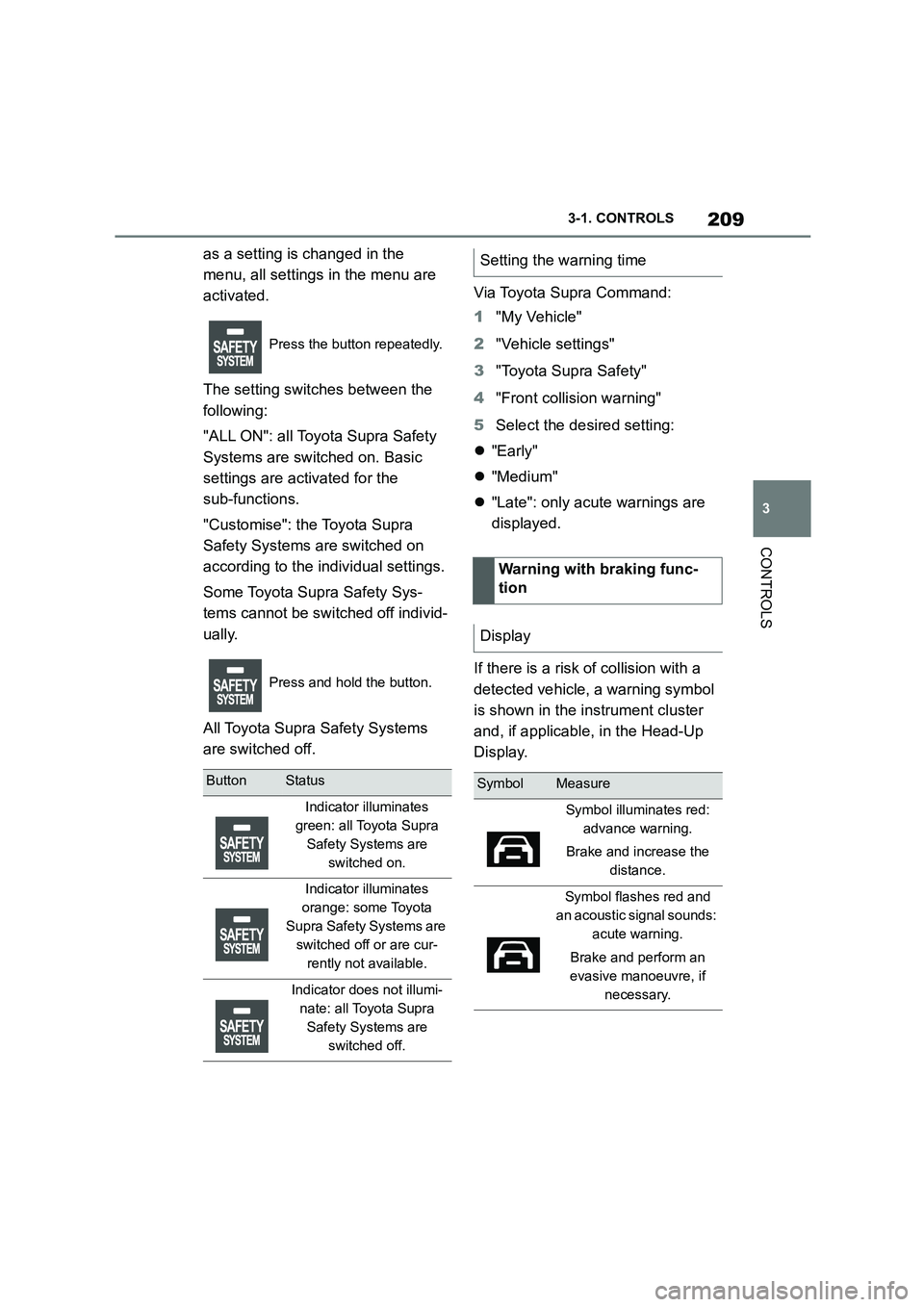
If there is a risk of collision with a
detected vehicle, a warning symbol
is shown in the instrument cluster
and, if applicable, in the Head-Up
Display.
Press the button repeatedly.
Press and hold the button.
ButtonStatus
Indicator illuminates
green: all Toyota Supra
Safety Systems are
switched on.
Indicator illuminates
orange: some Toyota
Supra Safety Systems are
switched off or are cur-
rently not available.
Indicator does not illumi-
nate: all Toyota Supra
Safety Systems are
switched off.
Setting the warning time
Warning with braking func-
tion
Display
SymbolMeasure
Symbol illuminates red:
advance warning.
Brake and increase the
distance.
Symbol flashes red and
an acoustic signal sounds:
acute warning.
Brake and perform an
evasive manoeuvre, if
necessary.
Page 216 of 498
2143-1. CONTROLS
Systems are switched on. Basic
settings are activated for the
sub-functions.
"Customise": the Toyota Supra
Safety Systems are switched on
according to the individual settings.
Some Toyota Supra Safety Sys-
tems cannot be switched off individ-
ually.
All Toyota Supra Safety Systems
are switched off.
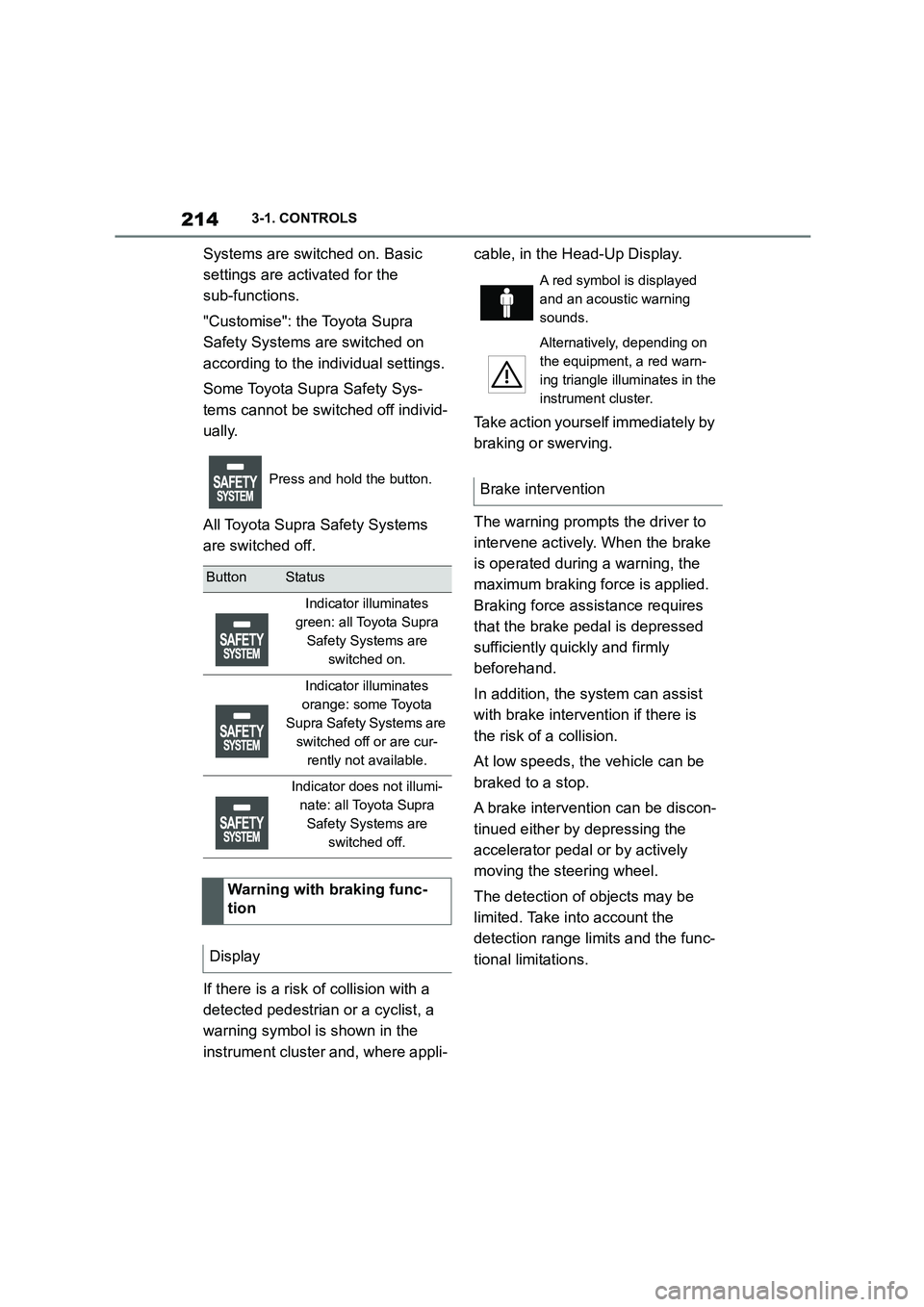
If there is a risk of collision with a
detected pedestrian or a cyclist, a
warning symbol is shown in the
instrument cluster and, where appli-
cable, in the Head-Up Display.
Take action yourself immediately by
braking or swerving.
The warning prompts the driver to
intervene actively. When the brake
is operated during a warning, the
maximum braking force is applied.
Braking force assistance requires
that the brake pedal is depressed
sufficiently quickly and firmly
beforehand.
In addition, the system can assist
with brake intervention if there is
the risk of a collision.
At low speeds, the vehicle can be
braked to a stop.
A brake intervention can be discon-
tinued either by depressing the
accelerator pedal or by actively
moving the steering wheel.
The detection of objects may be
limited. Take in to account the
detection range limits and the func-
tional limitations.
Press and hold the button.
ButtonStatus
Indicator illuminates
green: all Toyota Supra
Safety Systems are
switched on.
Indicator illuminates
orange: some Toyota
Supra Safety Systems are
switched off or are cur-
rently not available.
Indicator does not illumi-
nate: all Toyota Supra
Safety Systems are
switched off.
Warning with braking func-
tion
Display
A red symbol is displayed
and an acoustic warning
sounds.
Alternatively, depending on
the equipment, a red warn-
ing triangle illuminates in the
instrument cluster.
Brake intervention
Page 220 of 498
2183-1. CONTROLS
Via Toyota Supra Command:
1 "My Vehicle"
2 "Vehicle settings"
3 "Toyota Supra Safety"
4 "Lane departure warning"
5 Select the desired setting:
"Early": the system issues an
early warning whenever a haz-
ardous situation is detected.
"Medium": the system meets
standardised safety require-
ments.
"Reduced": depending on the sit-
uation, some warnings are sup-
pressed, for example when
deliberately crossing driving lane
lines on bends.
"Off": no warnings are given.
Via Toyota Supra Command:
1 "My Vehicle"
2 "Vehicle settings"
3 "Steering wheel vibration"
4 Select the desired setting.
Steering intervention can be sepa-
rately switched on and off for Blind
spot monitor or Lane Departure
Warning.
Via Toyota Supra Command:
1 "My Vehicle"
2 "Vehicle settings"
3 "Toyota Supra Safety"
4 "Steering intervention"
Depending on the national-market ver-
sion, the steering intervention is auto- matically active after every driving off.
If the vehicle leaves the lane and
ButtonStatus
Indicator illuminates
green: all Toyota Supra
Safety Systems are
switched on.
Indicator illuminates
orange: some Toyota
Supra Safety Systems are
switched off or are cur-
rently not available.
Indicator does not illumi-
nate: all Toyota Supra
Safety Systems are
switched off.
Setting the warning time
Adjusting the strength of the steer-
ing wheel vibration
Switching steering intervention
on/off
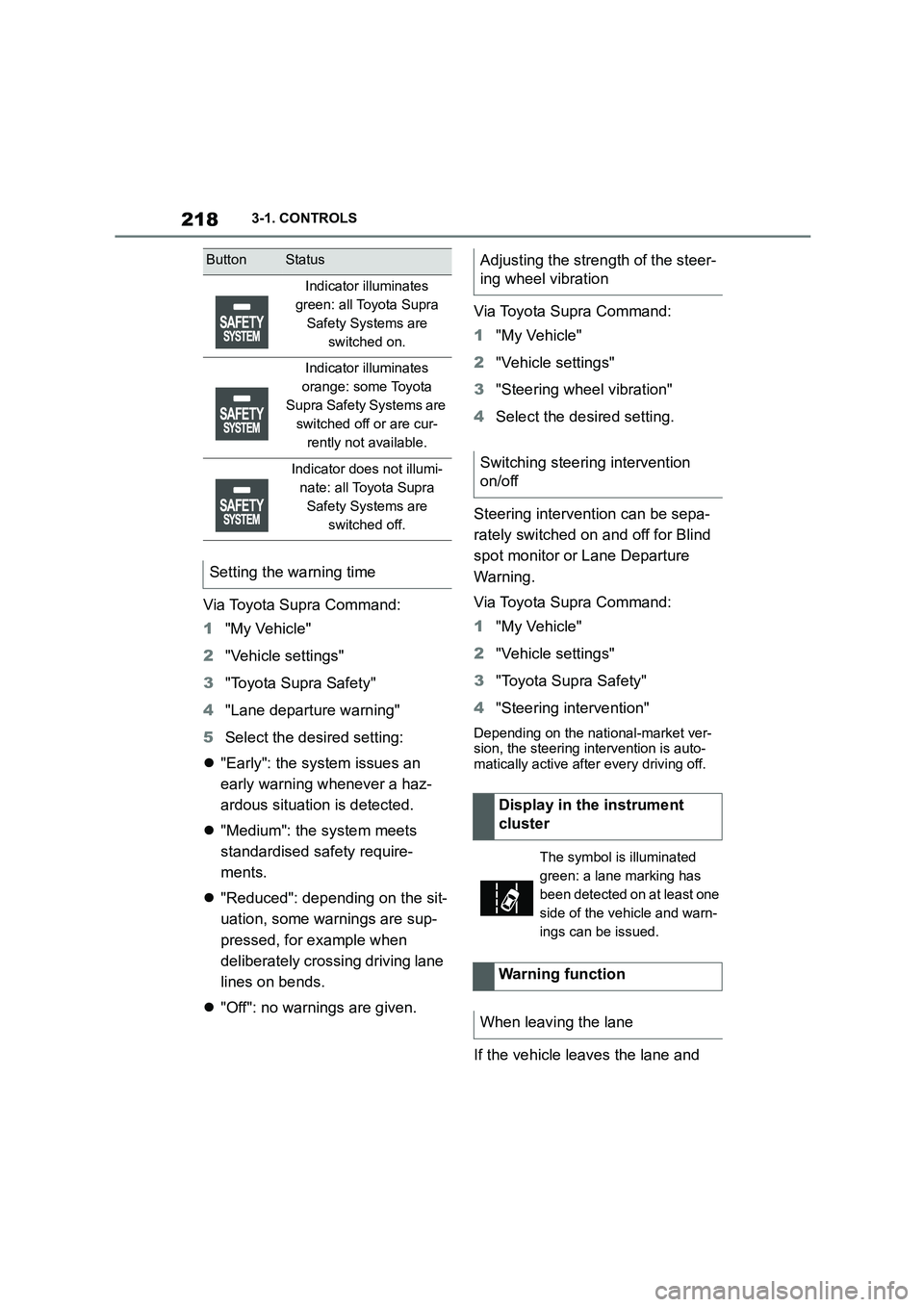
Display in the instrument
cluster
The symbol is illuminated
green: a lane marking has
been detected on at least one
side of the vehicle and warn-
ings can be issued.
Warning function
When leaving the lane
Page 224 of 498
2223-1. CONTROLS
The setting switches between the
following:
"ALL ON": all Toyota Supra Safety
Systems are switched on. Basic
settings are activated for the
sub-functions.
"Customise": the Toyota Supra
Safety Systems are switched on
according to the individual settings.
Some Toyota Supra Safety Sys-
tems cannot be switched off individ-
ually.
All Toyota Supra Safety Systems
are switched off.
Via Toyota Supra Command:
1 "My Vehicle"
2 "Vehicle settings"
3 "Toyota Supra Safety"
4 "Blind spot monitor"
5 Select the desired setting.
"Off": no warning is output for this set- ting.
Via Toyota Supra Command:
1 "My Vehicle"
2 "Vehicle settings"
3 "Steering wheel vibration"
4 Select the desired setting.
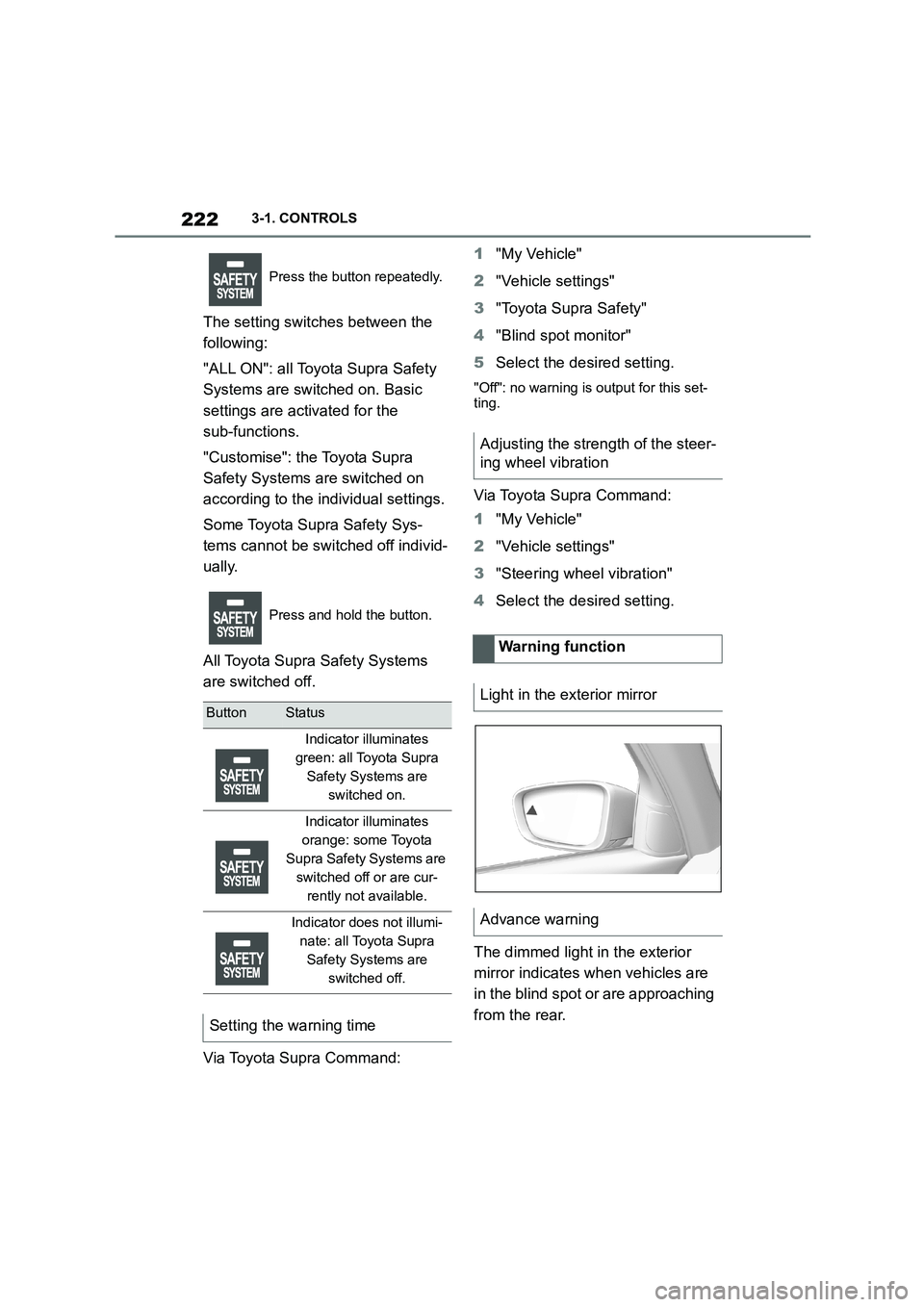
The dimmed light in the exterior
mirror indicates when vehicles are
in the blind spot or are approaching
from the rear.
Press the button repeatedly.
Press and hold the button.
ButtonStatus
Indicator illuminates
green: all Toyota Supra
Safety Systems are
switched on.
Indicator illuminates
orange: some Toyota
Supra Safety Systems are
switched off or are cur-
rently not available.
Indicator does not illumi-
nate: all Toyota Supra
Safety Systems are
switched off.
Setting the warning time
Adjusting the strength of the steer-
ing wheel vibration
Warning function
Light in the exterior mirror
Advance warning
Page 235 of 498
233
3
3-1. CONTROLS
CONTROLS
The current speed is adopted as
the speed limit.
When switching on at a standstill or
driving at low speed, 30 km/h/20
mph is set as the speed limit.
When activating the speed limit it is
possible that Vehicle Stability Con-
trol VSC will be switched on and
the drive mode switched to NOR-
MAL.
The system switches off automati-
cally in the followi ng situations, for
example:
When switching the engine off.
When switching on Cruise Con-
trol.
When activating sport mode
using the sport mode switch.
The displays turn off.
The system is interrupted when
reverse gear is engaged or the
transmission is in neutral.
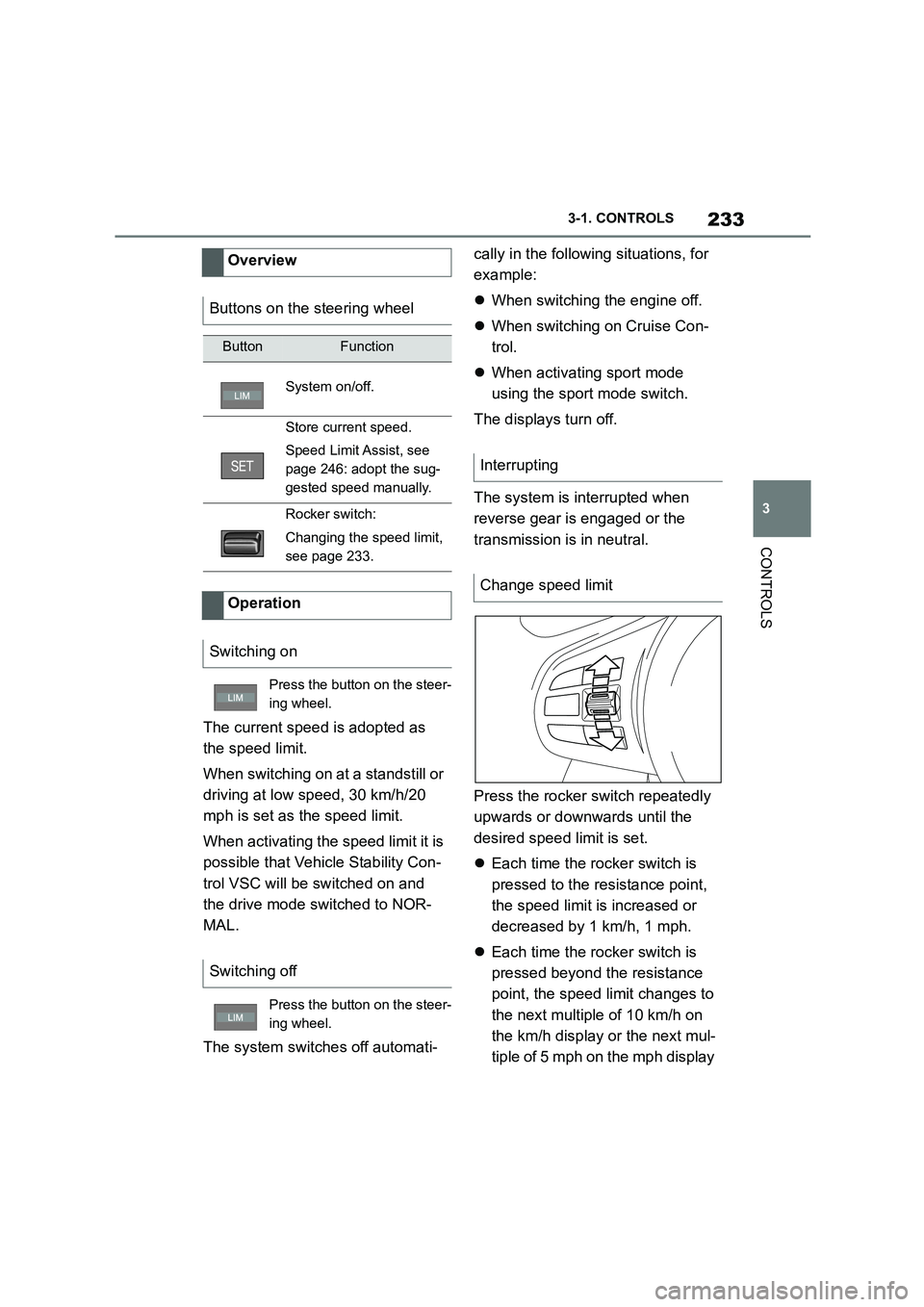
Press the rocker switch repeatedly
upwards or downwards until the
desired speed limit is set.
Each time the rocker switch is
pressed to the resistance point,
the speed limit is increased or
decreased by 1 km/h, 1 mph.
Each time the rocker switch is
pressed beyond the resistance
point, the speed limit changes to
the next multiple of 10 km/h on
the km/h display or the next mul-
tiple of 5 mph on the mph display
Overview
Buttons on the steering wheel
ButtonFunction
System on/off.
Store current speed.
Speed Limit Assist, see
page 246: adopt the sug-
gested speed manually.
Rocker switch:
Changing the speed limit,
see page 233.
Operation
Switching on
Press the button on the steer-
ing wheel.
Switching off
Press the button on the steer-
ing wheel.
Interrupting
Change speed limit
Page 236 of 498
2343-1. CONTROLS
in the speedometer.
If the set speed limit has been
reached or unintentionally
exceeded, for example when driv-
ing downhill, ther e is no active
brake intervention.
If you set a speed limit while driving
which is below the current speed,
the vehicle coasts down to the set
speed limit.
Vehicles with Speed Limit Assist,
see page 246: a change in the
speed limit detected by Speed Limit
Assist can be adopted for the
Speed Limiter as a new speed limit.
The current speed can also be
stored by pressing the button:
The system gives a warning if the
travelling speed exceeds the set
speed limit.
You can intentionally exceed the
speed limit.
To exceed the set speed limit inten-
tionally, fully depress the accelera-
tor pedal.
The limit automatically becomes
active again as soon as the current
speed falls below the set speed
limit.
Depending on the vehicle specifica-
tions, the set speed limit will be dis-
played.
*: if equipped
This system allows a desired speed
to be set using the buttons on the
steering wheel. The desired speed
is then maintained by the system.
Press the button on the steer-
ing wheel.
Exceeding the speed limit
Warning when the speed limit
is exceeded
Visual warning
If the speed limit is exceeded:
the indicator lamp in the
instrument cluster flashes for
as long as you exceed the set
speed limit.
Displays in the instrument
cluster
Indicator lamp
If the indicator lamp is illu-
minated: the system is
switched on.
If the indicator lamp is
flashing: set speed limit is
exceeded.
Grey indicator lamp: the
system is interrupted.
Status display
Cruise Control*
Principle
Page 237 of 498
235
3
3-1. CONTROLS
CONTROLS
To do so, the system automatically
accelerates and brakes the vehicle
as necessary.
The system can be activated from
30 km/h/20 mph.
Depending on the vehicle settings,
the characteristics of the Cruise
Control may change.
The indicator will come on.
Cruise Control is active. The driven
General
Safety notes
WA R N I N G
The system does not relieve you of
your personal responsibility to assess the traffic situation correctly. Due to
system limitations, it cannot respond
independently and appropriately in all traffic conditions. There is a danger of
accidents. Adapt your driving style to
the traffic conditions. Observe the traffic situation and intervene actively
if the situation warrants it.
WA R N I N G
Using the system in the following situ- ations may increase the risk of an
accident, for example:
●On stretches of road with many cor-
ners and bends.
●In heavy traffic.
●If the road is icy, if there is fog or snow, if conditions are wet or on a
loose road surface.
There is a danger of accidents or
damage to property. Only use the sys-
tem if it is possible to drive at a con- stant speed.
WA R N I N G
The desired speed may be acciden-
tally set incorrectly or called up by
mistake. There is a danger of acci- dents. Adjust the desired speed to the
traffic conditions. Observe the traffic
situation and intervene actively if the situation warrants it.
Overview
Buttons on the steering wheel
ButtonFunction
Cruise Control on/off, see
page 235.
To resume Cruise Control
with last setting, see page
237.
To interrupt Cruise Con-
trol, see page 236.
Stores a speed.
Speed Limit Assist, see
page 246: adopt the sug-
gested speed manually.
Rocker switch:
To set the speed, see
page 236.
Switching Cruise Control
on/off
Switching on
Press the button on the steer-
ing wheel.
Page 240 of 498
2383-1. CONTROLS
The desired speed is also main-
tained when drivi ng downhill. The
vehicle may drive slower than the
desired speed on uphill gradients if
there is not enough engine power.
*: if equipped
This system allows you to set a
desired speed and a desired dis-
tance from the vehicle in front,
using the buttons on the steering
wheel.
When the road ahead is clear, the
system maintains the desired
speed by braking or accelerating
the vehicle automatically, as
required.
If there is a vehicle driving in front,
the system adapts your own vehicle
speed in order to maintain the set
distance from the vehicle ahead.
The speed is adapted as far as the
given situation allows.
Depending on the vehicle settings,
the characteristics of the Cruise
Control may change.
The distance can be set in several
stages, and is dependent on the
individual speed for reasons of
safety.
If the vehicle ahead brakes to a
standstill and sets off again shortly
afterwards, the system can recog-
nise this within the bounds of what
is possible in the given conditions.
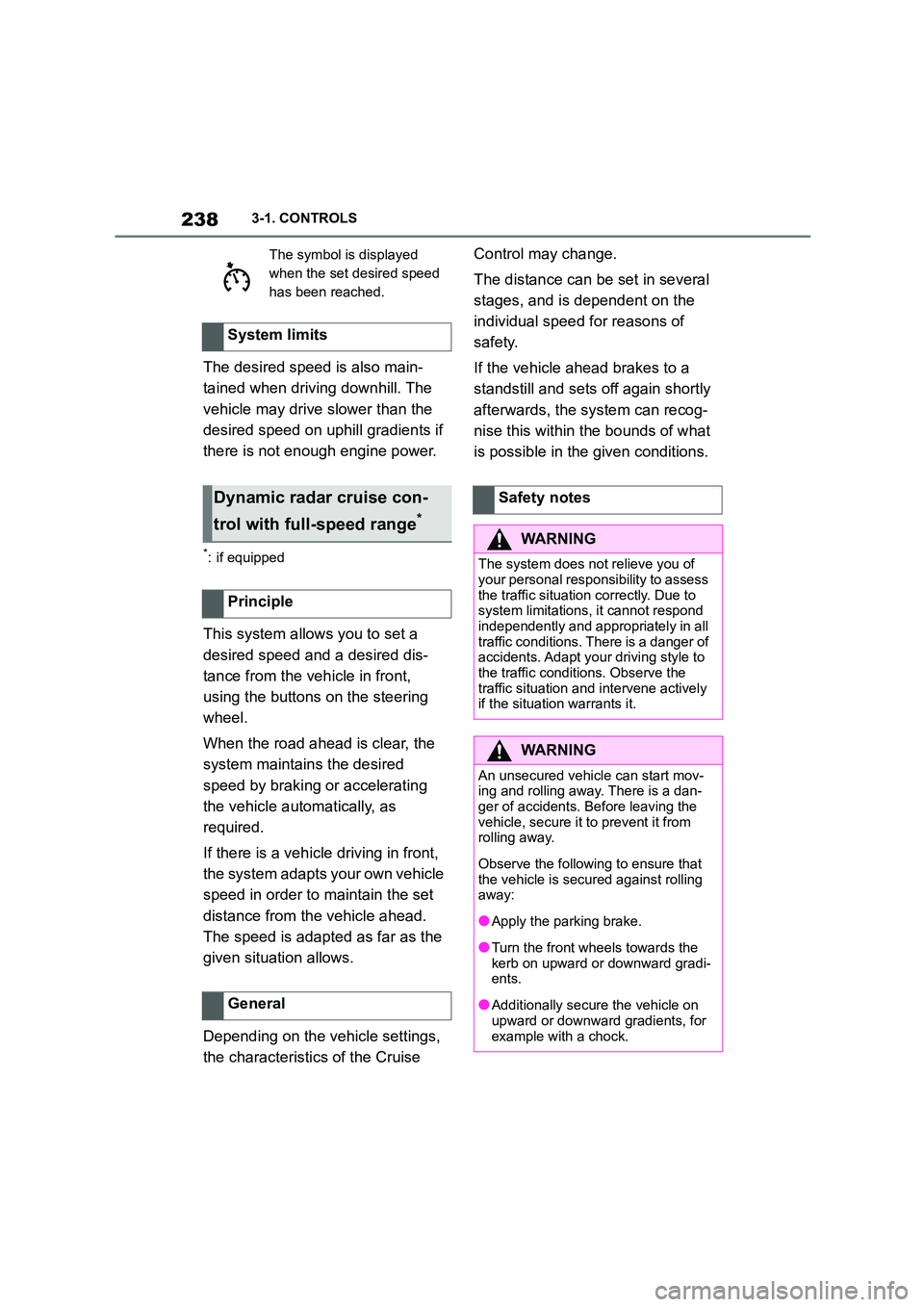
The symbol is displayed
when the set desired speed
has been reached.
System limits
Dynamic radar cruise con-
trol with full-speed range*
Principle
General
Safety notes
WA R N I N G
The system does not relieve you of
your personal responsibility to assess
the traffic situation correctly. Due to system limitations, it cannot respond
independently and appropriately in all
traffic conditions. There is a danger of accidents. Adapt your driving style to
the traffic conditions. Observe the
traffic situation and intervene actively if the situation warrants it.
WA R N I N G
An unsecured vehicle can start mov-
ing and rolling away. There is a dan- ger of accidents. Before leaving the
vehicle, secure it to prevent it from
rolling away.
Observe the following to ensure that
the vehicle is secured against rolling away:
●Apply the parking brake.
●Turn the front wheels towards the
kerb on upward or downward gradi- ents.
●Additionally secure the vehicle on upward or downward gradients, for
example with a chock.
Page 241 of 498
239
3
3-1. CONTROLS
CONTROLS
The system is controlled using the
following sensors:
• Cameras behind the windscreen.
• Front radar sensor.
For further information:
Sensors of the vehicle, see page
50.
The system can be used to opti-
mum effect on well-constructed
roads. The system is operational
from a speed of approximately 30
km/h/20 mph.
The maximum speed which can be
set is limited and depends on the
vehicle and its equipment, for
example.
Higher speeds can be set by
WA R N I N G
The desired speed may be acciden-
tally set incorrectly or called up by
mistake. There is a danger of acci- dents. Adjust the desired speed to the
traffic conditions. Observe the traffic
situation and intervene actively if the situation warrants it.
WA R N I N G
There is a danger of accidents if the
difference in speed relative to other vehicles is excessively high. This may
occur, for example, in the following
situations:
●When quickly approaching a slowly
moving vehicle.
●If another vehicle suddenly veers
into the vehicle's own lane.
●When quickly approaching station-
ary vehicles.
There is a danger of injury or even
death. Observe the traffic situation
and intervene actively if the situation warrants it.
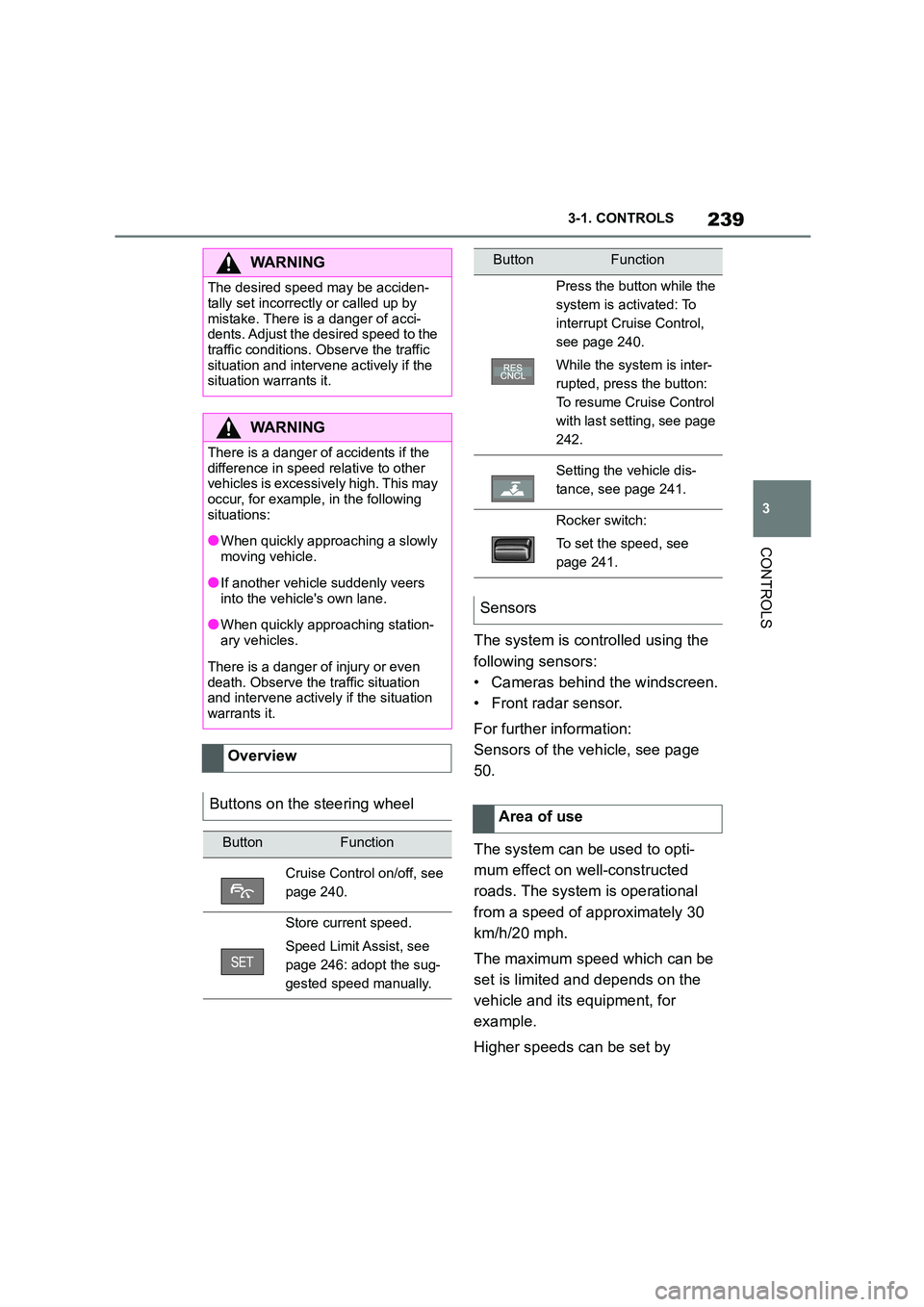
Overview
Buttons on the steering wheel
ButtonFunction
Cruise Control on/off, see
page 240.
Store current speed.
Speed Limit Assist, see
page 246: adopt the sug-
gested speed manually.
Press the button while the
system is activated: To
interrupt Cruise Control,
see page 240.
While the system is inter-
rupted, press the button:
To resume Cruise Control
with last setting, see page
242.
Setting the vehicle dis-
tance, see page 241.
Rocker switch:
To set the speed, see
page 241.
Sensors
Area of use
ButtonFunction