service TOYOTA SUPRA 2022 Owner's Manual
[x] Cancel search | Manufacturer: TOYOTA, Model Year: 2022, Model line: SUPRA, Model: TOYOTA SUPRA 2022Pages: 498, PDF Size: 104.06 MB
Page 96 of 498
943-1. CONTROLS
1Hold the back of the remote
control against the mark on the
steering column. Pay attention
to the display in the instrument
cluster.
2 If the remote control is detected:
Switch on drive-ready state
within 10 seconds.
If the remote control is not
detected, change the position of the
remote control slightly and repeat
the procedure.
What provisions can be made to
enable a vehicle to be opened if the
remote control has accidentally
been locked inside the vehicle?
• The Remote Services of the
Toyota Supra Connect app can
be used to lock and unlock a
vehicle.
This requires an active Toyota Supra
Connect contract and the Toyota Supra
Connect app must be installed on a
smartphone.
• Unlocking of the vehicle can be
requested via the Concierge Ser-
vices.
This requires an active Toyota Supra
Connect contract.
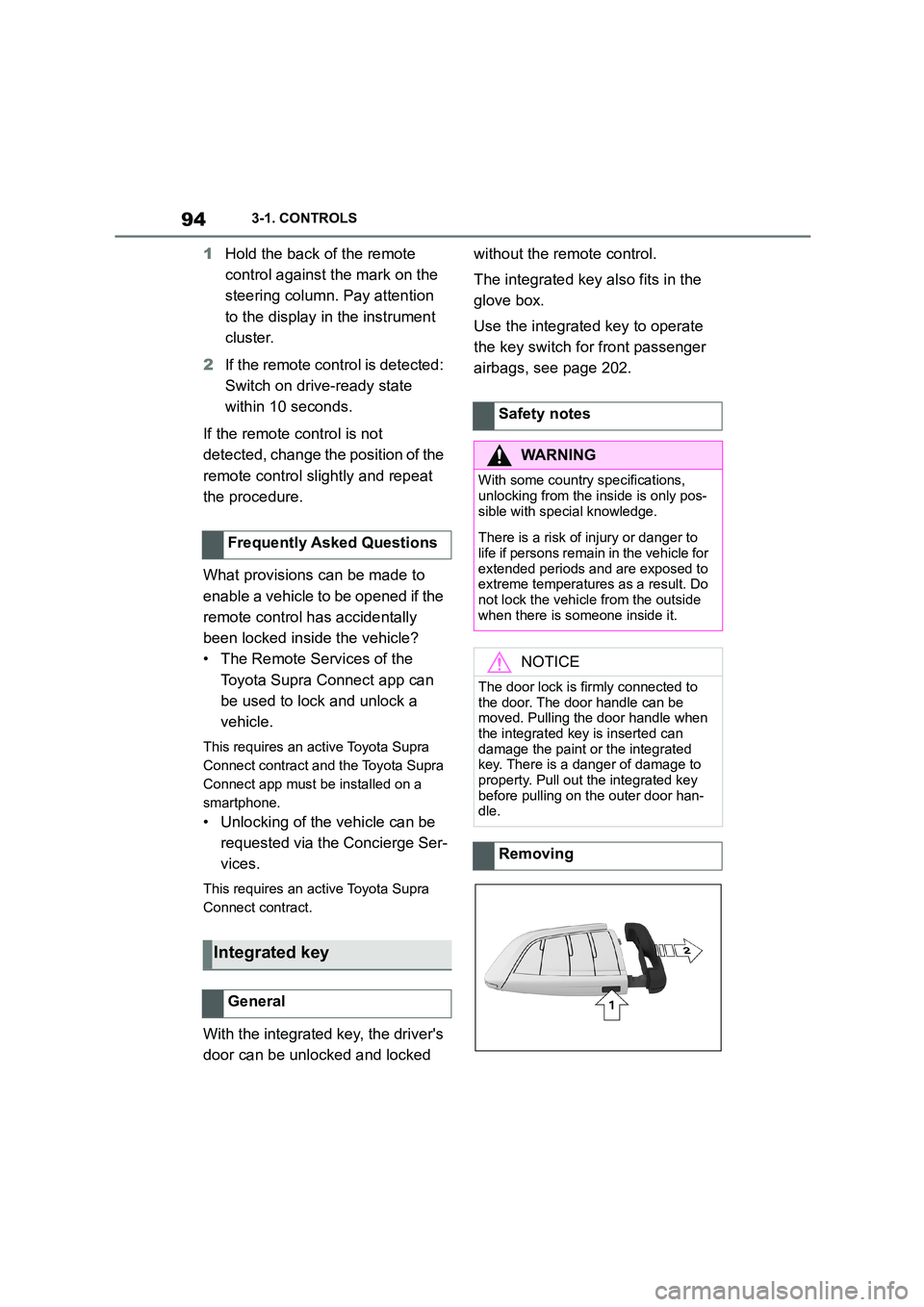
With the integrated key, the driver's
door can be unlocked and locked
without the remote control.
The integrated key also fits in the
glove box.
Use the integrated key to operate
the key switch for front passenger
airbags, see page 202.
Frequently Asked Questions
Integrated key
General
Safety notes
WA R N I N G
With some country specifications,
unlocking from the inside is only pos-
sible with special knowledge.
There is a risk of injury or danger to
life if persons remain in the vehicle for extended periods and are exposed to
extreme temperatures as a result. Do
not lock the vehicle from the outside when there is someone inside it.
NOTICE
The door lock is firmly connected to
the door. The door handle can be moved. Pulling the door handle when
the integrated key is inserted can
damage the paint or the integrated key. There is a danger of damage to
property. Pull out the integrated key
before pulling on the outer door han- dle.
Removing
Page 172 of 498
1703-1. CONTROLS
There is an increased risk of black
ice.
The time is shown in the instrument
cluster. To set the time and time for-
mat, see page 72.
The function show s the current ser-
vice requirements and related
maintenance jobs.
The distance or time remaining until
the next service is displayed briefly
in the instrument cluster after
drive-ready state is switched on.
More detailed information on the
scope of maintenance can be dis-
played on the Control Display.
Via Toyota Supra Command:
1 "My vehicle"
2 "Vehicle status"
3 "Service requirements"
Essential maintenance routines and
any statutory inspections required are
displayed.
4 Select an entry to display more
detailed information.
Enter deadlines for statutory vehi-
cle inspections.
Ensure that the date and time are
set correctly in the vehicle.
Via Toyota Supra Command:
1 "My vehicle"
Safety note
WA R N I N G
Even at temperatures above
+3°C/+37 °F there may be an
increased risk of black ice, for exam- ple on bridges or on shaded road
selection. There is a danger of acci-
dents. At low temperatures, adjust the driving style to the weather condi-
tions.
Time
Service requirements
Principle
General
Display
Detailed informat ion on service
requirements
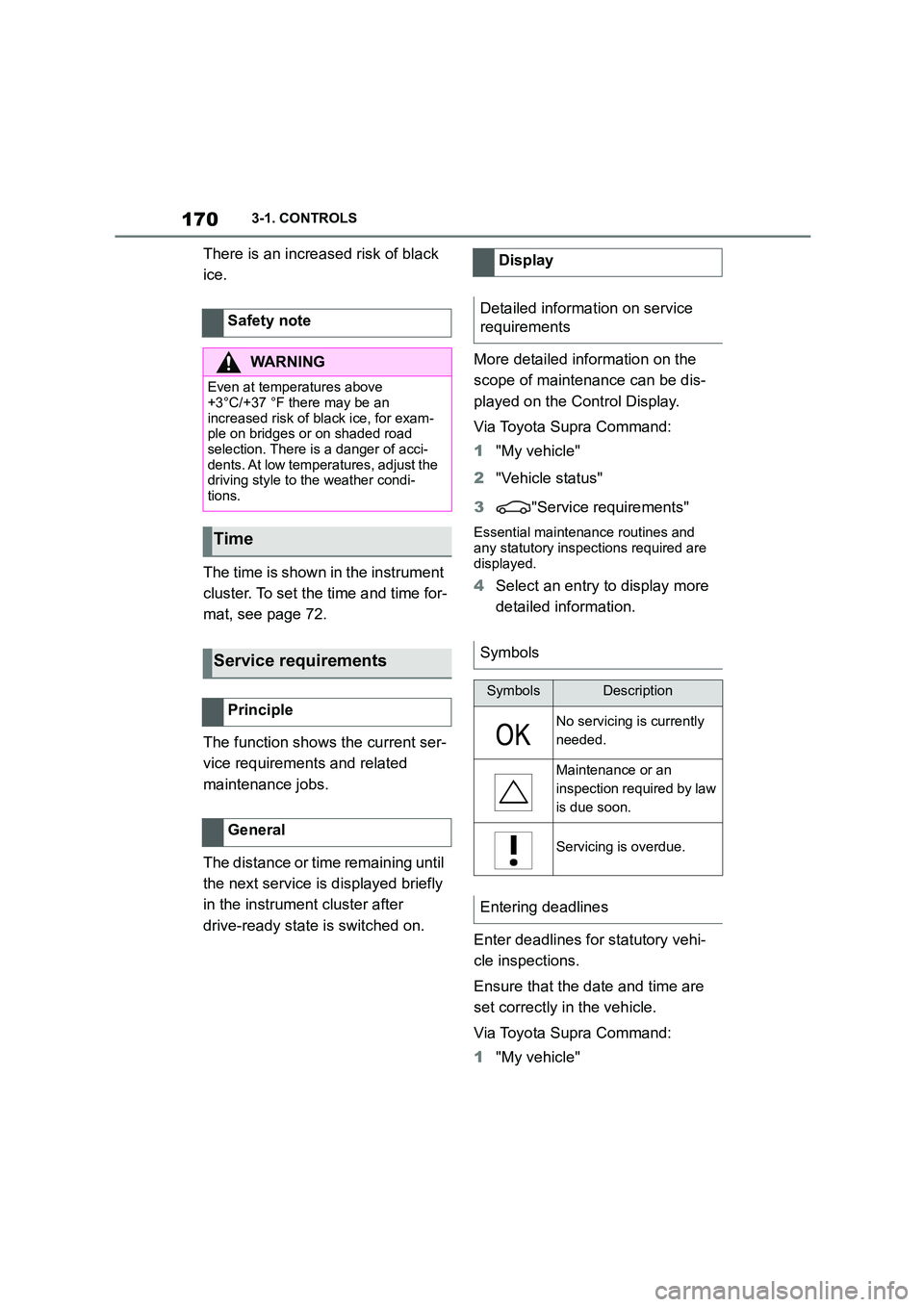
Symbols
SymbolsDescription
No servicing is currently
needed.
Maintenance or an
inspection required by law
is due soon.
Servicing is overdue.
Entering deadlines
Page 173 of 498
171
3
3-1. CONTROLS
CONTROLS
2 "Vehicle status"
3 "Service requirements"
4 "Date:"
5 Select the desired setting.
The optimum shift indicator recom-
mends the most optimum gear for
the current driving situation and
supports an efficient driving style.
Depending on the equipment and
the country specifications, the shift
position indicator is active in the
manual mode of the automatic
transmission.
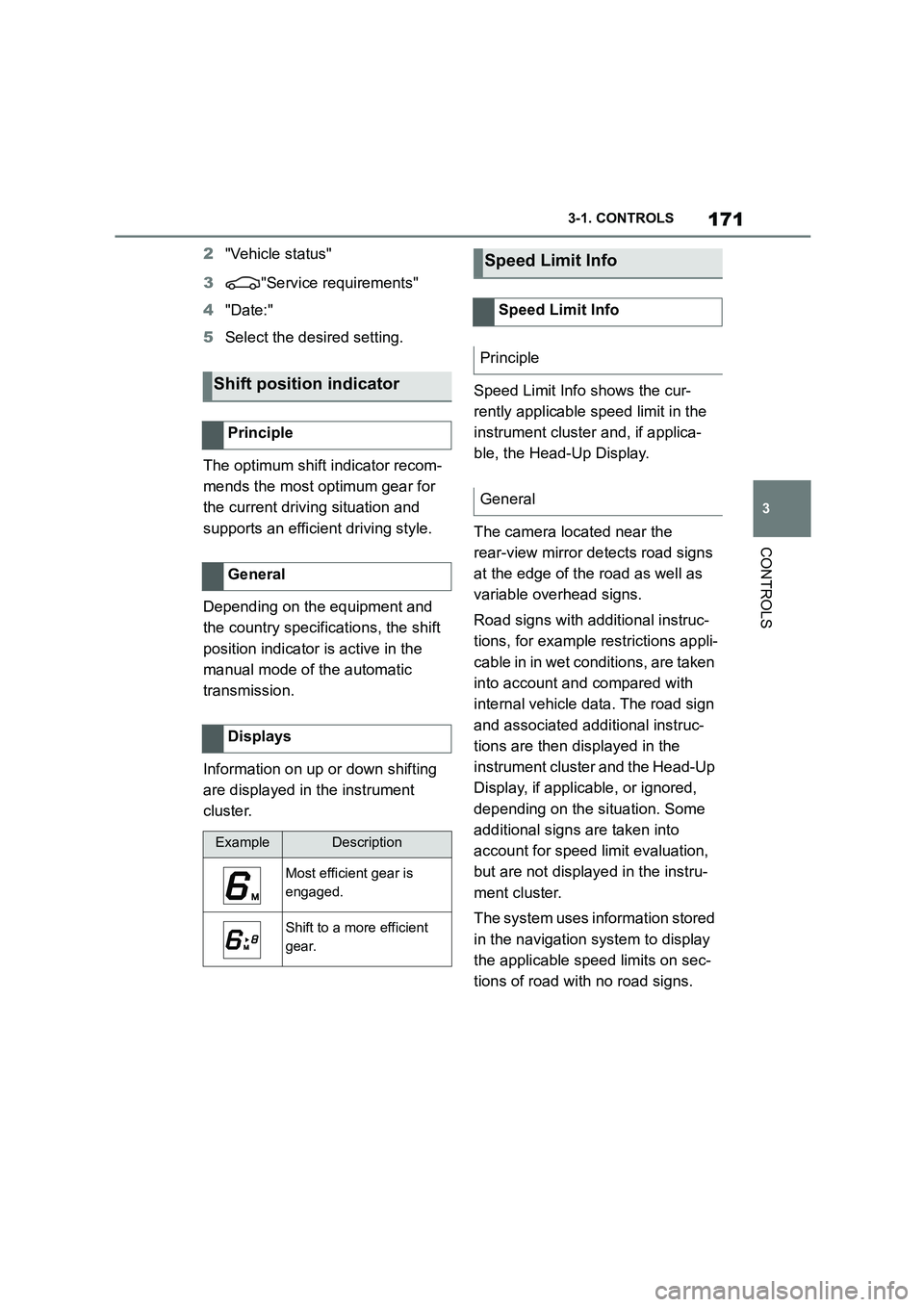
Information on up or down shifting
are displayed in the instrument
cluster.
Speed Limit Info shows the cur-
rently applicable speed limit in the
instrument cluster and, if applica-
ble, the Head-Up Display.
The camera located near the
rear-view mirror detects road signs
at the edge of the road as well as
variable overhead signs.
Road signs with additional instruc-
tions, for example restrictions appli-
cable in in wet conditions, are taken
into account and compared with
internal vehicle data. The road sign
and associated additional instruc-
tions are then displayed in the
instrument cluster and the Head-Up
Display, if applic able, or ignored,
depending on the situation. Some
additional signs are taken into
account for speed limit evaluation,
but are not displayed in the instru-
ment cluster.
The system uses information stored
in the navigation system to display
the applicable speed limits on sec-
tions of road with no road signs.
Shift position indicator
Principle
General
Displays
ExampleDescription
Most efficient gear is
engaged.
Shift to a more efficient
gear.
Speed Limit Info
Speed Limit Info
Principle
General
Page 174 of 498
1723-1. CONTROLS
The system is controlled using the
following sensors:
• Cameras behind the windscreen.
For further information:
Sensors of the vehicle, see page
50.
Depending on the equipment,
Speed Limit Info is displayed per-
manently in the instrument cluster
or via Toyota Supra Command.
1 "My vehicle"
2 "System settings"
3 "Displays"
4 "Instrument cluster"
5 "Traffic signs"
The display flashes if the detected
speed limit has been exceeded.
Depending on the equipment ver-
sion, an additional symbol with dis-
tance information may also be
displayed to indicate that a change
in speed limit is ahead. Depending
on the equipment, temporary speed
limits may also be displayed; for
example, speed limits at road-
works or traffic management sys-
tems.
Temporary speed limits can only be
displayed if the following services
are selected in the data protection
menu, see page 75, for the naviga-
tion system:
"Map update"
Safety note
WA R N I N G
The system does not relieve you of
your personal responsibility to assess the visibility conditions and traffic situ-
ation correctly. There is a danger of
accidents. Adapt your driving style to the traffic conditions. Observe the
traffic situation and intervene actively
if the situation warrants it.
Overview
Sensors
Displaying Speed Limit Info
General
Display via Toyota Supra Com-
mand
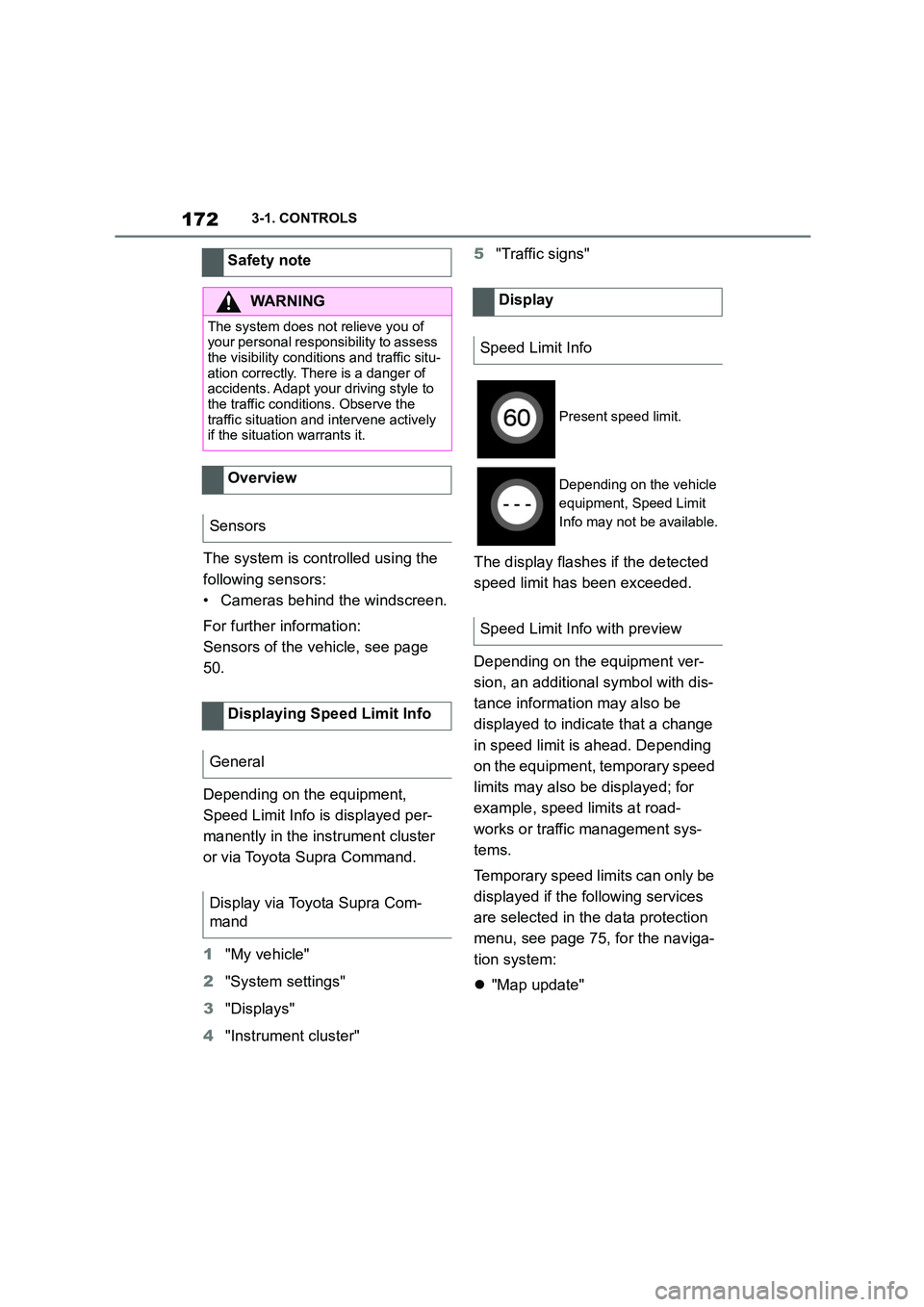
Display
Speed Limit Info
Present speed limit.
Depending on the vehicle
equipment, Speed Limit
Info may not be available.
Speed Limit Info with preview
Page 184 of 498
1823-1. CONTROLS
• "Tyre Pressure Monitor": Sta-
tus of the Tyre Pressure Monitor,
see page 304
• "Engine oil leve l": Electronic
oil measurement, see page 324.
• "Vehicle messages": Vehicle
messages are stored in the
background and can be shown
on the Control Display. Display-
ing of saved vehicle messages,
see page 163.
• "Service requirements": dis-
play of the service requirements,
see page 170.
• "Remote maintenance call":
Remote maintenance call.
*: if equipped
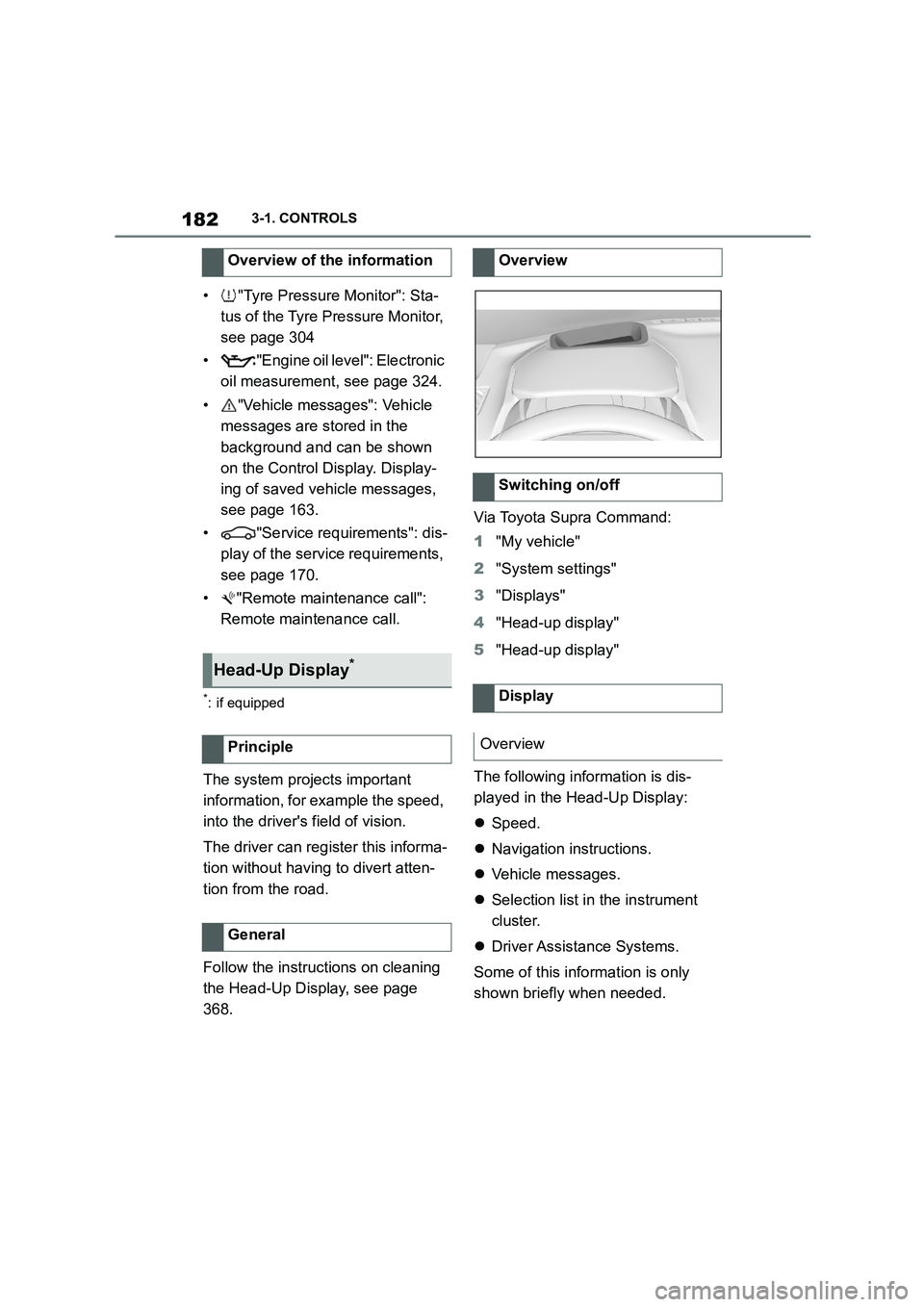
The system projects important
information, for example the speed,
into the driver's field of vision.
The driver can register this informa-
tion without having to divert atten-
tion from the road.
Follow the instruct ions on cleaning
the Head-Up Display, see page
368.
Via Toyota Supra Command:
1 "My vehicle"
2 "System settings"
3 "Displays"
4 "Head-up display"
5 "Head-up display"
The following information is dis-
played in the Head-Up Display:
Speed.
Navigation instructions.
Vehicle messages.
Selection list in the instrument
cluster.
Driver Assistance Systems.
Some of this information is only
shown briefly when needed.
Overview of the information
Head-Up Display*
Principle
General
Overview
Switching on/off
Display
Overview
Page 276 of 498
2743-1. CONTROLS
The vehicle interior contains multi-
ple storage compartments for stow-
ing objects.
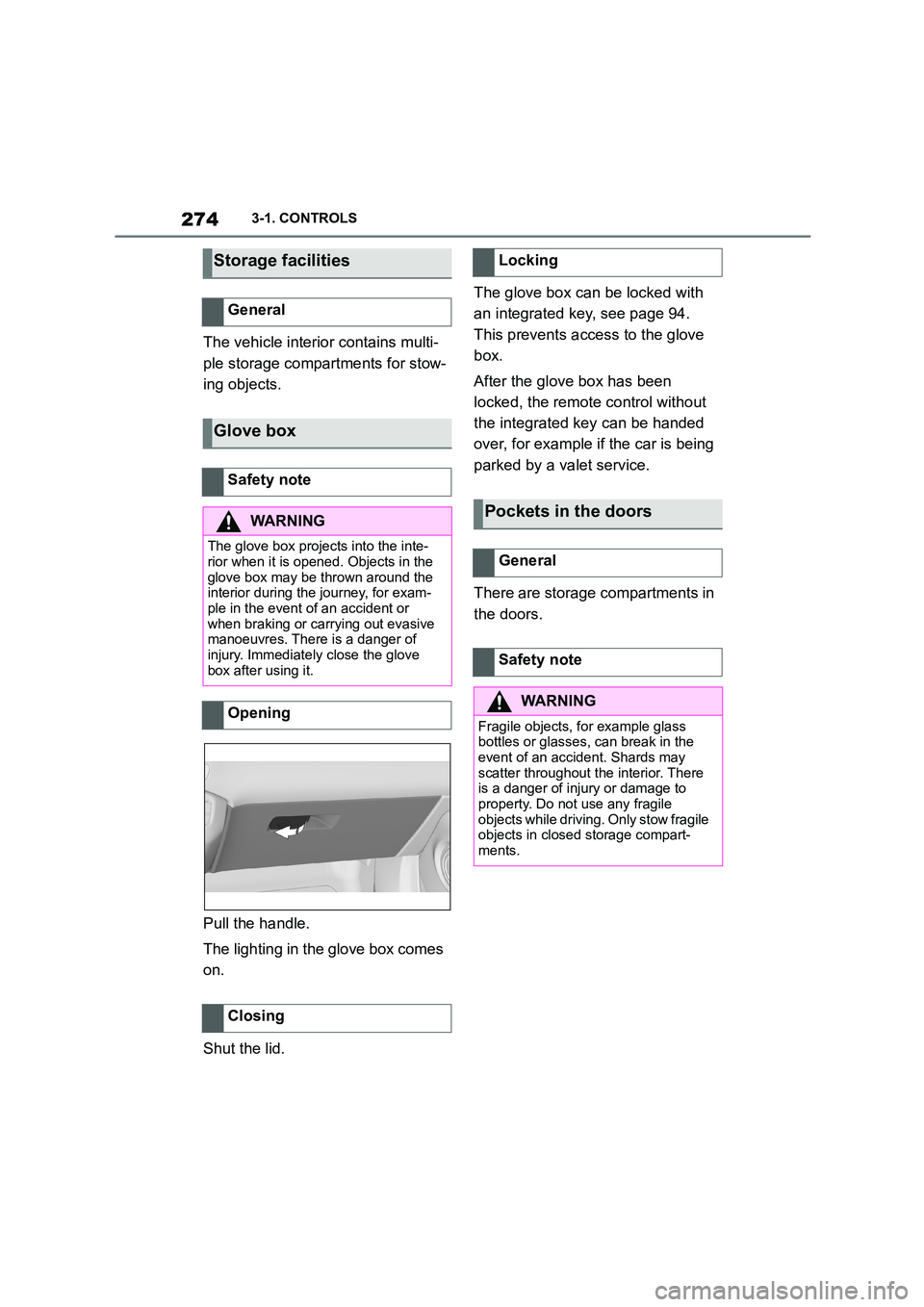
Pull the handle.
The lighting in the glove box comes
on.
Shut the lid.
The glove box can be locked with
an integrated key, see page 94.
This prevents access to the glove
box.
After the glove box has been
locked, the remote control without
the integrated key can be handed
over, for example if the car is being
parked by a valet service.
There are storage compartments in
the doors.
Storage facilities
General
Glove box
Safety note
WA R N I N G
The glove box projects into the inte- rior when it is opened. Objects in the
glove box may be thrown around the
interior during the journey, for exam- ple in the event of an accident or
when braking or carrying out evasive
manoeuvres. There is a danger of injury. Immediately close the glove
box after using it.
Opening
Closing
Locking
Pockets in the doors
General
Safety note
WA R N I N G
Fragile objects, for example glass
bottles or glasses, can break in the event of an accident. Shards may
scatter throughout the interior. There
is a danger of injury or damage to property. Do not use any fragile
objects while driving. Only stow fragile
objects in closed storage compart- ments.
Page 288 of 498
2864-1. DRIVING HINTS
This chapter describes all standard,
country-specific and special equip-
ment available for the model series.
It may therefore describe equip-
ment and functions which are not
installed in your vehicle, for exam-
ple on account of the special equip-
ment selected or the country
specification. This also applies to
safety-relevant functions and sys-
tems. Please comply with the rele-
vant laws and regulations when
using the corresponding functions
and systems.
The vehicle has a wide range of
technologies for reducing con-
sumption and emissions.
The fuel consumption depends on
various factors, for example driving
style, road conditions, service or
environmental factors.
A number of measures, such as a
moderate driving style and regular
maintenance, can influence fuel
consumption and reduce the bur-
den on the environment.
Extra weight increases fuel con-
sumption.
Add-on parts on the vehicle can
adversely affect its aerodynamic
performance and increase fuel con-
sumption.
Open windows increase drag and
consequently fuel consumption.
Tyres can have diff ering effects on
fuel consumption figures. The tyre
size, for example, can influence
how much fuel a vehicle uses.
Check and, if necessary, correct the
tyre inflation pressures at least
twice a month and before setting off
on a longer journey.
Insufficient tyre inflation pressure
increases rolling resistance and
consequently fuel consumption and
tyre wear.
Do not warm up the engine with the
vehicle at a stands till, but instead
Saving fuel
Vehicle equipment
Reducing fuel consumption
General
Remove unnecessary loads
Remove add-on parts after
use
Close windows
Ty r e s
General
Checking tyre inflation pressure
regularly
Drive off immediately
Page 289 of 498
287
4
4-1. DRIVING HINTS
DRIVING HINTS
set off straight away, driving at
moderate engine speeds.
This brings the cold engine up to
operating temperature as quickly as
possible.
Anticipating the road situation and
adopting a smooth driving style will
reduce fuel consumption.
Avoid accelerating and braking
unnecessarily.
Keep an appropriate distance from
the vehicle ahead.
Driving at low engine speeds
reduces fuel consumption and
wear.
Pay attention to the shift position
indicator, see page 171, in the vehi-
cle, if fitted.
When approaching a red traffic
light, take your foot off the accelera-
tor and allow the vehicle to coast to
a stop.
On downward stretc hes, take your
foot off the accelerator and allow
the vehicle to roll.
The fuel supply is interrupted in
overrun mode.
When you stop the vehicle for
longer periods, for example at traf-
fic lights, railway crossings or in
traffic jams, switch off the engine.
The Auto Start/Stop of the vehicle
shuts off the engine automatically
during a stop.
Switching the engine off and on
again reduces fuel consumption
and emissions compared with a
permanently running engine. Sav-
ings can be made just by shutting
down the engine for a few seconds.
Functions such as seat heating or
rear window heating require a great
deal of energy and increase fuel
consumption, especially in city traf-
fic and stop-and-go traffic.
Switch these functions off if they
are not required.
Have the vehicle serviced regularly
to achieve optimal economy and
lifetime. Toyota recommends hav-
ing maintenance work carried out
Think ahead
Avoid high engine speeds
Make use of overrun mode
Switch off the engine if stop-
ping for longer periods
Stopping the engine
Auto Start/Stop
Switch off functions which
are not currently required
Have maintenance work car-
ried out
Page 327 of 498
325
5
5-1. MOBILITY
MOBILITY
ating temperature.
■Carrying out a detailed meas-
urement
Via Toyota Supra Command:
1 "My Vehicle"
2 "Vehicle status"
3 "Engine oil level"
4 "Engine oil level measurement"
5 "Start measurement"
The engine oil level is checked and
shown on a scale.
Do not top up engine oil unless a
message is displayed in the instru-
ment cluster. The top-up amount is
specified in the message on the
Control Display.
Only replenish with suitable types
of engine oil, see page 326.
Safely stop the vehicle and switch
off drive-ready state before topping
up with engine oil.
Do not add too much engine oil. The oil filler neck is in the engine
compartment , see page 320.
1 Open the bonnet, see page 321.
Adding engine oil
General
Safety notes
WA R N I N G
Service products, for example oils,
greases, coolants and fuels, can con- tain substances that are harmful to
health. There is a danger of injury or
even death. Please comply with the instructions on the containers. Do not
allow service products to come into
contact with clothing, skin or eyes. Do
not pour service products into other bottles. Keep service products out of
the reach of children.
NOTICE
Too little engine oil causes engine
damage. There is a danger of dam-
age to property. Top up with engine oil immediately.
NOTICE
Too much engine oil can damage the
engine or the catalytic converter. There is a danger of damage to prop-
erty. Do not add too much engine oil.
If there is too much engine oil, have the engine oil level corrected by any
authorized Toyota retailer or Toyota
authorized repairer, or any reliable repairer.
Overview
Adding engine oil
Page 329 of 498
327
5
5-1. MOBILITY
MOBILITY
cosity grade can increase fuel con-
sumption.
Additional information on suitable
oil specifications and viscosity
classes of engine oils can be
obtained from any authorized
Toyota retailer or Toyota authorized
repairer, or any reliable repairer.
The manufacturer of the vehicle
recommends having the engine oil
changed by any authorized Toyota
retailer or Toyota authorized
repairer, or any reliable repairer.
Coolant is a mixture of water and
an additive.
Not all commercially available addi-
tives are suitable for the vehicle.
Information regarding suitable addi-
tives is available from any author-
ized Toyota reta iler or Toyota
authorized repairer, or any reliable
repairer.
Not all commercially available addi-
tives are suitable for the vehicle.
The vehicle manufacturer recom-
mends using coolant with the BMW
LC-18 specification. Do not mix
additives of different colours. Com-
ply with the 50:50 mixing ratio of
water to additive. Information
regarding suitable additives is avail-
able from any authorized Toyota
retailer or Toyota authorized
repairer, or any reliable repairer.
Depending on the motorisation,
there will be one or two coolant
expansion tank(s) in the engine
compartment. Check the coolant
levels and top up.
On factory delivery, the coolant may
Oil change
NOTICE
Not changing the engine oil at the cor-
rect time may result in increased
engine wear and thus engine dam- age. There is a risk of material dam-
age. Do not exceed the service date
indicated in the vehicle.
Coolant
General
Safety notes
WA R N I N G
If the cooling system is opened when
the engine is hot, coolant can escape
and cause scalding. There is a dan- ger of injury. Only open the cooling
system when the engine has cooled
down.
WA R N I N G
Additives are harmful to health and
incorrect additives can damage the
engine. There is a danger of injury and damage to property. Do not allow
additives to come into contact with
clothing, skin or eyes, and do not swallow them. Only use suitable addi-
tives.
Coolant level
General