mmi AUDI Q2 2021 Owner´s Manual
[x] Cancel search | Manufacturer: AUDI, Model Year: 2021, Model line: Q2, Model: AUDI Q2 2021Pages: 364, PDF Size: 87.77 MB
Page 263 of 364

System settings
Store as default telephone
Applies to: vehicles with telephone
Important: A mobile phone must be connected
to the MMI system
^>page
173.
This mobile phone will be prioritised over other
Bluetooth devices and connected as soon as it is
within range. For this to occur, the Bluetooth
function of both the mobile phone and the MMI
must be switched on. The connected mobile
phone is shown at the top of the device list.
SIM PIN settings*
Applies to: option using your own SIM card
- Automatic PIN entry: When this function is
switched on
[vf,
the SIM PIN is stored in the
MMI after it has been entered for the first time.
You can save the PIN codes of four different
SIM cards on the MMI. If this function is
switched off
O,
the PIN currently stored in the
MMI will be deleted. If the automatic PIN entry
function is activated, the system does not ask
you to enter your SIM PIN explicitly.
- Deactivate PIN query: The system does not ask
for the SIM PIN when you switch it on. The au
tomatic PIN entry function is ignored in this
case.
- Change PIN: You can change the PIN code for
your SIM
card.
First enter the existing PIN code
for
your SIM
card.
The SIM PIN code can only
consist of numbers from 0 to 9. The new SIM
PIN code has to be entered twice, as a precau
tionary measure, and is stored on the SIM
card.
Network settings*
- Registration: To dial into your service provid
er's mobile network automatically or to select a
network manually from the list of available
networks.
- Network selection: You can use this function to
select the available networks for the current
position of the vehicLe. This function is only
available when the manual setting is activated
for registration.
Apple CarPlay sound settings/Android Auto
< sound settings
PI
Applies to: vehicles with Audi smartphone interface
fN
§
Refer to
^>page
260.
About Apple
CarPlay/About
Android Auto
Applies to: vehicles with Audi smartphone interface
Here you will find legal information about using
Apple CarPlay/Android Auto and information
about data transfer for specific devices.
Delete CarPlay device/Delete Android Auto
device
Applies to: vehicles with Audi smartphone interface
Important: Your mobile phone must no longer be
connected to the Audi music interface via a USB
adapter.
To remove your mobile phone from the list of
mobile phones already connected, select and
confirm Delete CarPlay device or Delete Android
Auto device.
© Note
Some SIM cards do not allow the SIM PIN
query to be deactivated
System update
•
Select:
|MENU|
button > Settings > left control
button > System maintenance.
- System update: Insert the storage medium
with the update data into the appropriate drive
tapage
235. Select and confirm the appropri
ate drive > Start update. The duration of this
process depends on the size of the update.
- Reset driver installation: The media driver
package selected is reset to the factory de
faults.
- Version information: Information on the soft
ware version of the MMI and the navigation da
tabase* is displayed. In addition, you can use
the Software information function to display
information on the MMI's software and licence
conditions.
259
Page 264 of 364
System settings
On-board Handbook
Applies to: vehicles with On-board Handbook
The
On-board Handbook includes the Owner's
Manual
for
your vehicle.
Installing/updating the On-board Handbook
Important: The storage medium on which the
On-board Handbook is stored must have been in
serted into the relevant drive
^>page
235.
• Select:
|MENU|
button > Settings > Left controL
button > System maintenance > System up
date > SD card 1, SD card 2, CD/DVD* or USB*.
•
Follow the instructions given by the system.
Starting the Handbook
Important: The Handbook must have been instal
led previously.
•
Select:
IMENUI
button > Car
>
left control but
ton > Handbook.
The On-board Handbook will automatically load
in the language that is set underthe option Menu
language in the MMI
^>page
255.
Using the On-board Handbook
The following functions are available when you
are operating the On-board Handbook using the
rotary pushbutton:
- Select and confirm an entry: Turn the rotary
pushbutton to the entry you require and press
the rotary pushbutton.
- Show a picture in full size: Turn the rotary
pushbutton to the desired picture and press the
rotary pushbutton.
- Call up the options menu: You can use the
right controL button to return to the Home
page and open the Index.
/\
WARNING
You should only use the On-board Handbook
when the traffic conditions allow you to do so
safely and when you can maintain proper
con
trol of your vehicle - risk of injury.
(7) Note
-The On-board Handbook is
not
available in
all countries. Your Audi dealer will be able
to provide you with more detailed informa
tion.
-Switch off the ignition while you are instal
ling/updating the On-board Handbook.
- Please note that the On-board Handbook is
not a substitute for the printed Owner's
Manual.
Sound settings
You
can adjust the sound and volume of the MMI
individually.
The
settings depend on the equip
ment fitted in your vehicle.
Fig.
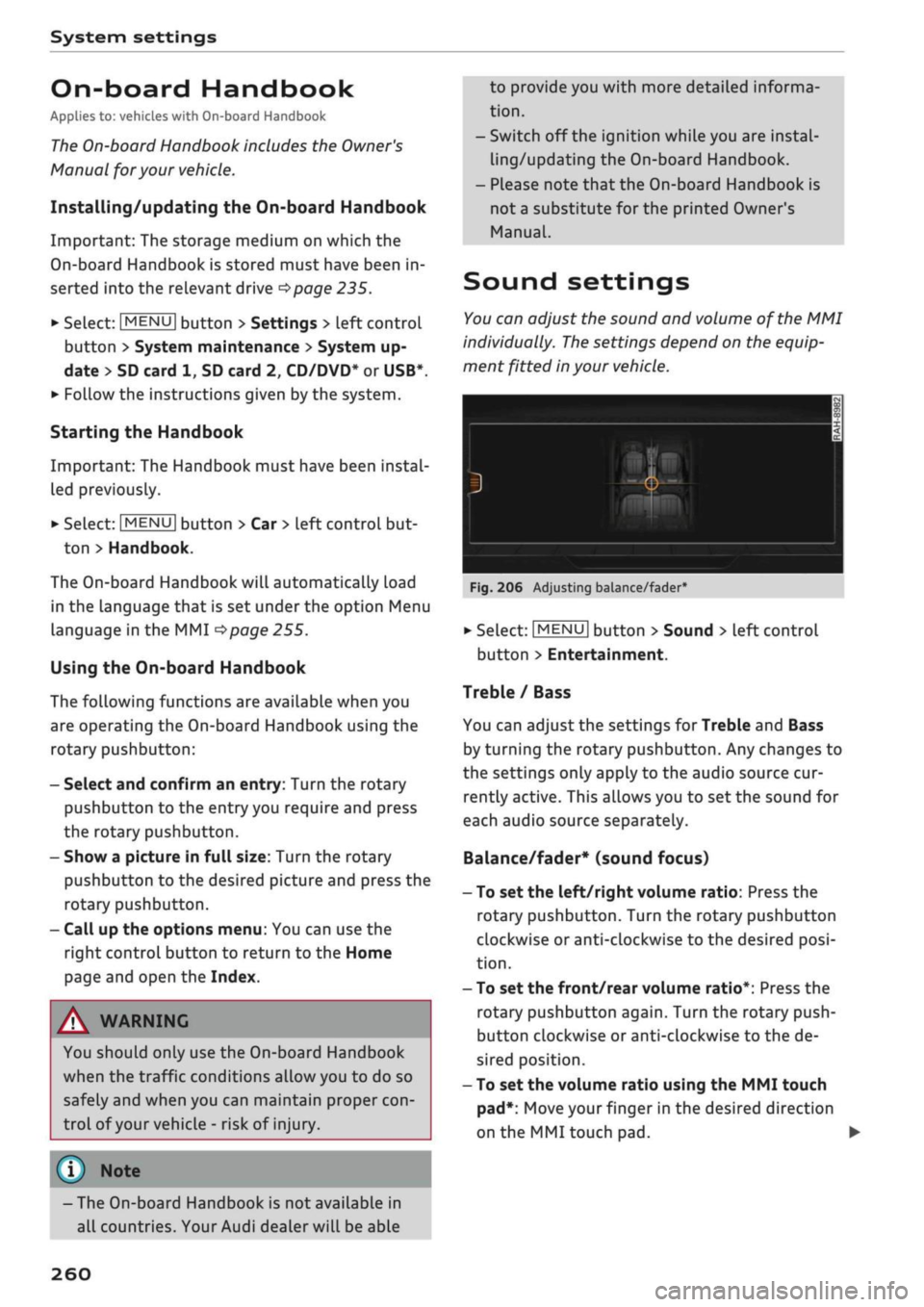
206 Adjusting balance/fader
•
Select:
|MENU[
button > Sound > Left control
button > Entertainment.
Treble / Bass
You can adjust the settings for Treble and Bass
by turning the rotary pushbutton. Any changes to
the settings only apply to the audio source cur
rently active. This allows you to set the sound for
each audio source separately.
Balance/fader* (sound focus)
- To set the left/right volume ratio: Press the
rotary pushbutton. Turn the rotary pushbutton
clockwise or anti-clockwise to the desired
posi
tion.
- To set the front/rear volume ratio*: Press the
rotary pushbutton again. Turn the rotary push
button clockwise or anti-clockwise to the de
sired position.
- To set the volume ratio using the MMI touch
pad*:
Move your finger in the desired direction
on the MMI touch pad. •
260
Page 265 of 364
System settings
CO
< o rN
iv
rN
•-i
00
Sound effects
SeLect and confirm a setting for Focus:
-
all:
All the loudspeakers in the vehicle are ac
tive (evenly distributed sound focus).
- front: Only the loudspeakers in the front of the
vehicle are active.
- rear*: Only the loudspeakers in the rear of the
vehicle are active.
Surround level
You can adjust the surround sound by turning the
rotary pushbutton.
Subwoofer*
You can adjust the subwoofer by turning the ro
tary pushbutton.
Speed-dependent volume control
You can adjust the automatic volume adaption to
the interior noise level by turning the rotary
pushbutton.
Volume settings
Adjusting the volume
Using the
ON/OFF
button, you can adjust the
vol
ume of
an
audio source or system message (e.g.
during a speech dialogue*) directly while it is be
ing played.
- Volume up/down: Turn the ON/OFF button
(T)
^>page
152, Fig. 141 clockwise or
anti-clock
wise.
- Mute/pause: Briefly press the ON/OFF button.
Or: Turn the ON/OFF button anti-clockwise un
til the
sy m bol @ •=>
page 161 appears. Any ac
tive audio/video source will then be paused.
- Unmute/resume: Briefly press the ON/OFF but
ton.
Or: Turn the ON/OFF button clockwise.
Â
WARNING
The audio system volume should be set at a
level which enables you to hear external
sig
nals (such as the sirens of police and emer
gency vehicles)
clearly-failure
to do so could
result in an accident.
When you switch on the MMI system, very
high/very low volume levels are automatically
reduced/increased to a preset level.
Setting the system volume
•
Select:
|MENU|
button > Sound > left control
button.
Telephone
Applies to: vehicles with telephone
Mute telephone: Message and ring tones are si
lenced.
Ring tone: Refer to
^>page
188, Ring tone and
volume settings.
Ring tone volume: You can adjust the volume of
the ring tone currently selected by turning the ro
tary pushbutton.
Message volume: You can adjust the volume of
the tone informing you of
a
new message by
turning the rotary pushbutton.
Microphone input level: You can adjust the tele
phone volume during a call by turning the rotary
pushbutton.
Navigation
Applies to: vehicles with navigation system
Voice guidance: Refer to
^>page
218.
Voice guidance during calls: Refer to
•=>
page 218.
Volume of spoken cues: You can adjust the
vol
ume of the spoken cues by turning the rotary
pushbutton. Or: You can adjust the volume of the
spoken cues while route guidance is active by
turning the ON/OFF button.
Entertainment fader: This option allows the
vol
ume of the current audio source to be temporari
ly reduced when the parking aid is active or while
a navigation cue is being played.
Announcements*
Traffic announcements: Refer to
^>page
229.
DAB announcements*: Refer to
^>page
229. •
261
Page 266 of 364
System settings
Volume of announcements: You can adjust the
volume of traffic announcements by turning the
rotary pushbutton.
Speech dialogue system
Applies
to: vehicles with speech dialogue system
Command display: Refer to
<=>page
256.
Short dialogue: Refer to
^>page
256.
Volume: Refer to
^>page
256.
Individual speech training: Refer to
^>page
256.
Parking
aid*
You can adjust the volume of the sounds by
turn
ing the rotary pushbutton.
- To adjust the front volume: Select and confirm
high,
medium or low.
- To adjust the rear volume: Select and confirm
high,
medium or low.
MMI touch*
You can adjust the volume of the MMI touch*
spoken cues by turning the rotary pushbutton.
Restarting the MMI
system
_
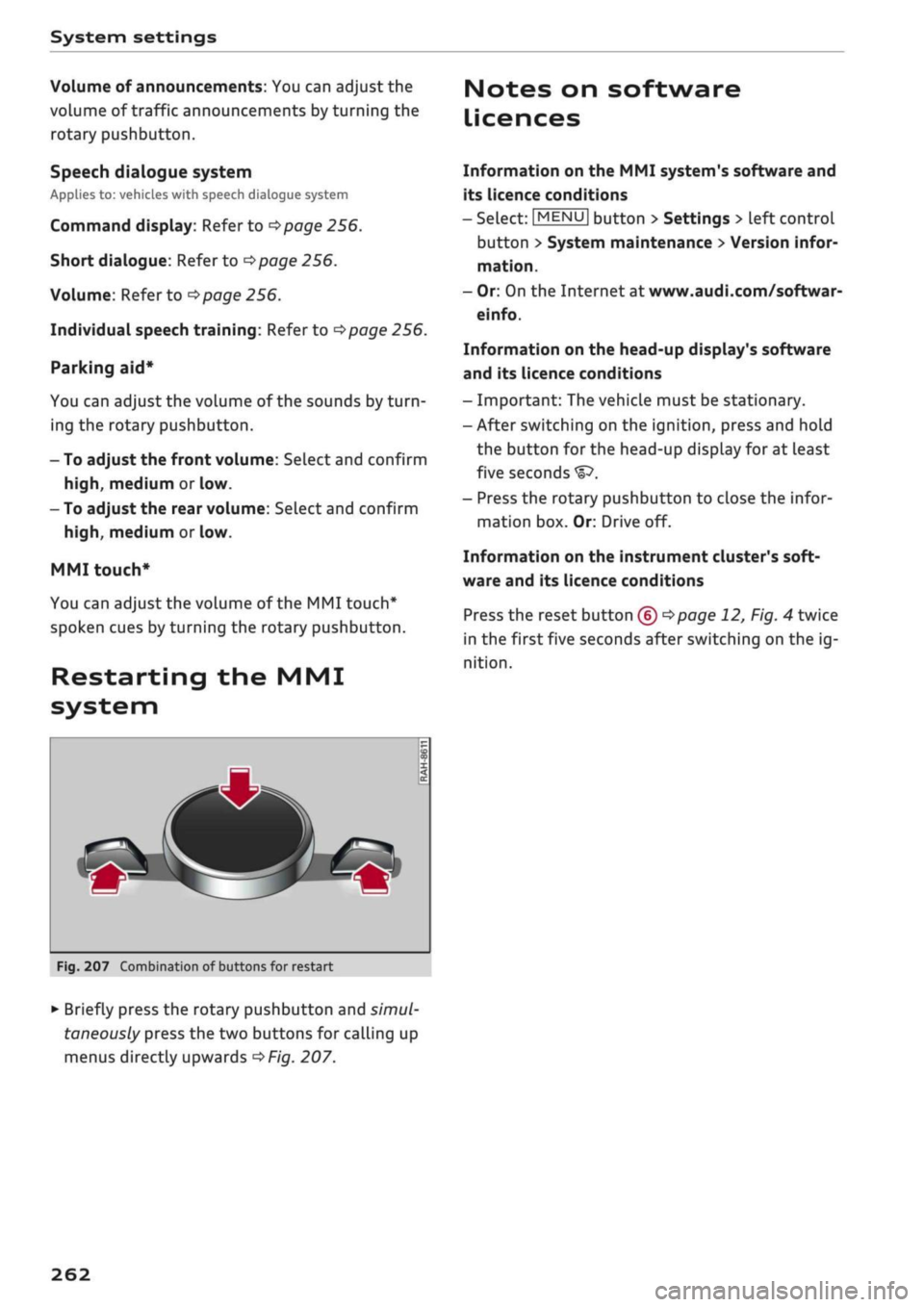
Fig.
207 Combination of buttons for restart
•
Briefly press the rotary pushbutton and
simul
taneously press the two buttons for calling up
menus directly upwards
^>Fig.
207.
Notes on software
Licences
Information on the MMI system's software and
its licence conditions
- Select:
|MENU|
button > Settings > left control
button > System maintenance
>
Version infor
mation.
- Or: On the Internet at www.audi.com/softwar-
einfo.
Information on the head-up display's software
and its licence conditions
- Important: The vehicLe must be stationary.
- After switching on the ignition, press and hold
the button for the head-up display for at least
five seconds
- Press the rotary pushbutton to close the infor
mation box. Or: Drive off.
Information on the instrument cluster's soft
ware and its licence conditions
Press the reset button
(£) ^>page
12, Fig. 4 twice
in the first five seconds after switching on the ig
nition.
262
Page 351 of 364

Index
CO
< o rN
iv
rN
t-H
o <
•H
00
Emergency braking function 82
New brake pads 147
Browser
see Media centre 244
Bulb failure
Changing bulbs 334
Bulbs,
changing 334
Buttons
Assigning functions (multi-function steering
wheel) 17
Multi-function steering wheel 15, 18
Operating unit (MMI) 152
C
Cables (USB adapter/AUX adapter) 240
Calling up media 243
Call
list 179
CalL
options 187
Capacities
AdBlue 292
Fuel
tank 343
Washer fluid reservoir 343
Caps for wheel bolts, removing 321
Car care
Washing/cleaning 312
Care
see Cleaning 312
Car phone
172,188
Catalytic converter 295
CD drive 236
Central locking system 37
Cetane number (diesel) 289
Changing settings for additional dispLay .... 19
Charging
see Power sources 60
Charging battery 242
Charging battery (mobile devices) 241
Chassis number 342
Child lock 46
DVD 246
Child seats 267
Fitting 270
Cigarette Lighter 60
Classic view 17
Cleaning 312
Cleaning/de-icing windows 314
Cleaning/treating leather 315
Cleaning Alcantara 315
Cleaning carbon parts 314, 315
Cleaning controls and displays 314
Cleaning fabrics 315
Cleaning leatherette 315
Cleaning plastic parts 314
Closing
Panorama sun roof 48
Windows 46
see also Unlocking/locking 39, 40
Closing/opening
see Unlocking/locking 39, 40
Coasting mode 91
Coat hooks 61
Colour code 342
Coming home/leaving home
see Entry/exit lights 51
Commands (speech dialogue system) 164
Compact temporary spare wheel 324
Compartments 61
Conference calls 180
Connection manager 257
Connections
see Media 234, 243
Consumption (fuel) 19, 20, 342
Contacts 185
From another directory 258
Importing/exporting 187
Memory capacity 189
Storing as a destination
216
Control buttons (MMI operation) 154
Controls and displays (overview) 10
Control units 150
Convenience key
Manual operation 79
Starting/stopping the engine 76
Unlocking/locking 39
Convenience open/close 47
Cooling mode
Automatic air conditioner 69
Manual air conditioner 67
Cooling system
Anti-freeze 299
Checking coolant level 300
347
Page 352 of 364
Index
Codant temperature
gauge 13
Topping up coolant 300
Cornering light 49
Crosshairs 209, 210
Cruise control system 104
Cup holders 61
Current fuel consumption 19,20
D
Data connection 203
Data protection 205
Date 255
Daytime running lights 49
Deactivating front passenger's airbag 288
DEF
see AdBlue 292
Defrosting (windows)
Automatic air conditioner 70
Heating/ventilation system and manual air
conditioner 67
DEF (instrument cluster) 14
Deluxe automatic air conditioner
see Air conditioner (automatic) 66, 69
Demo mode
see Presentation mode 217
Destination from map
Via
MMI touch 210
Via rotary pushbutton 209
Diagnostic connection 150
Dictating
E-mail
183
Text messages 182
Diesel
Diesel particulate filter 295
Fuel 289
Preheating (glow plugs) 74, 76
Diesel engine
Engine oil 297
Diesel Exhaust Fluid (DEF)
see AdBlue 292
Digital rights management 234
Dimensions
Vehicle dimensions 343
Dipped headlights 49
Directional tread (tyres) 324
Directory
see Contacts 185
Display 15
Cleaning 314
Infotainment display 153, 256
Instrument cluster 18
Multi-function steering wheel 15
Variants (MMI) 153
Distance covered 19, 20
Doors
Child lock 46
Courtesy lighting 52
Locking doors manually 41
see also Unlocking/locking 39, 40
Downhill speed control 89
Driver information system 19
Economy tips (analogue instrument cluster) 21
Economy tips (Audi virtual cockpit) 20
Efficiency program 21
Energy consumers (Audi virtual cockpit) .. 20
Gear-change indicator 14
On-board computer (analogue instrument
cluster) 20
On-board computer (Audi virtual cockpit) . 19
Outside temperature display 15
Service interval display 304
Switching between displays 15
View 17
Drives
see Media 234, 243
Drive select
see Audi drive select 131
Driving on right/left 52
Driving through water 72, 85
Driving time 19, 20
Dust filter
see Pollution filter 66
DVD drive (media drives) 235
Dynamic volume control
see System volume 261
E
E-mail
183
E10
see Ethanol (fuel) 289
eco mode (automatic air conditioner) 69
348
Page 353 of 364
Index
CO
< o rN
iv
rN
•-i
•H
00
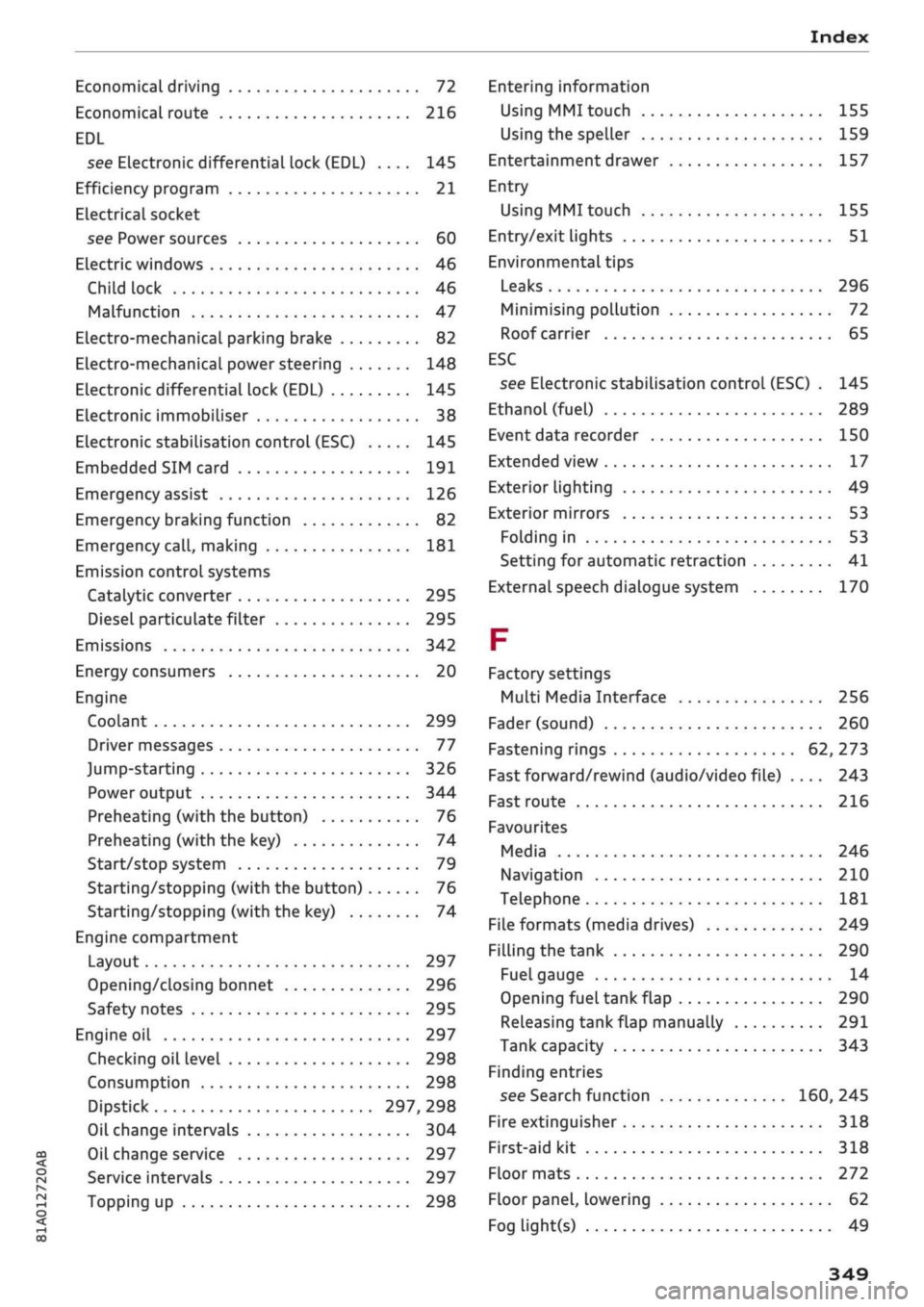
Economical driving 72
Economical route 216
EDL
see Electronic differential lock (EDL) .... 145
Efficiency program 21
ELectrical socket
see Power sources 60
Electric windows 46
Child lock 46
Malfunction 47
Electro-mechanical parking brake 82
Electro-mechanical power steering 148
Electronic differential lock (EDL) 145
Electronic immobiliser 38
Electronic stabilisation control (ESC) 145
Embedded SIM card 191
Emergency assist 126
Emergency braking function 82
Emergency
call,
making 181
Emission controL systems
Catalytic converter 295
Diesel particulate filter 295
Emissions 342
Energy consumers 20
Engine
Coolant 299
Driver messages 77
Jump-starting 326
Power output 344
Preheating (with the button) 76
Preheating (with the key) 74
Start/stop system 79
Starting/stopping (with the button) 76
Starting/stopping (with the key) 74
Engine compartment
Layout 297
Opening/closing bonnet 296
Safety notes 295
Engine oil 297
Checking oil level 298
Consumption 298
Dipstick 297, 298
Oil change intervals 304
Oil change service 297
Service intervals 297
Topping up 298
Entering information
Using MMI touch
155
Using the speller 159
Entertainment drawer 157
Entry
Using MMI touch 155
Entry/exit lights 51
Environmental tips
Leaks 296
Minimising pollution 72
Roof carrier 65
ESC
see Electronic stabilisation control (ESC) . 145
Ethanol (fuel) 289
Event data recorder 150
Extended view 17
Exterior lighting 49
Exterior mirrors 53
Folding in 53
Setting for automatic retraction 41
External speech dialogue system 170
F
Factory settings
Multi Media Interface 256
Fader (sound) 260
Fastening rings 62, 273
Fast forward/rewind (audio/video file) .... 243
Fast route 216
Favourites
Media 246
Navigation 210
Telephone 181
File formats (media drives) 249
Filling the tank 290
Fuel gauge 14
Opening fuel tank flap 290
Releasing tank flap manually 291
Tank capacity 343
Finding entries
see Search function 160, 245
Fire extinguisher 318
First-aid kit 318
Floor mats 272
Floor panel, lowering 62
Fog light(s) 49
349
Page 355 of 364
Index
CO
< o rN
iv
rN
t-H
o <
•H
00
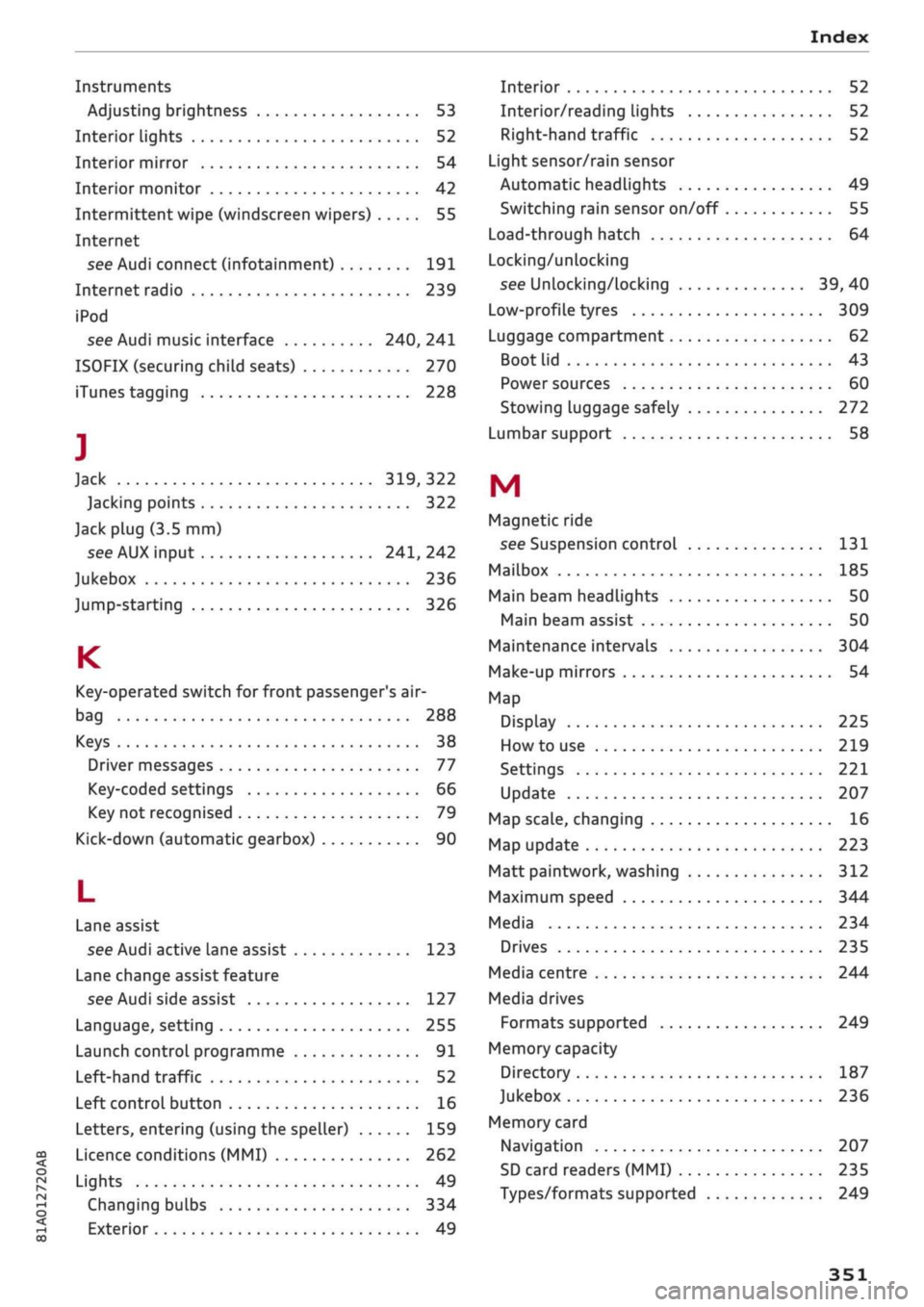
Instruments
Adjusting brightness 53
Interior lights 52
Interior mirror 54
Interior monitor 42
Intermittent wipe (windscreen wipers) 55
Internet
see Audi connect (infotainment) 191
Internet radio 239
iPod
see Audi music interface 240, 241
ISOFIX (securing child seats) 270
iTunes tagging 228
]
Jack 319,322
Jacking points 322
Jack plug (3.5 mm)
see AUX input 241, 242
Jukebox 236
Jump-starting 326
K
Key-operated switch for front passenger's air-
bag 288
Keys 38
Driver messages 77
Key-coded settings 66
Key not recognised 79
Kick-down (automatic gearbox) 90
L
Lane assist
see Audi active lane assist 123
Lane change assist feature
see Audi side assist 127
Language, setting 255
Launch control programme 91
Left-hand traffic 52
Left control button 16
Letters, entering (using the speller) 159
Licence conditions (MMI) 262
Lights 49
Changing bulbs 334
Exterior 49
Interior 52
Interior/reading Lights 52
Right-hand traffic 52
Light sensor/rain sensor
Automatic headlights 49
Switching rain sensor on/off 55
Load-through hatch 64
Locking/unlocking
see Unlocking/locking 39, 40
Low-profile tyres 309
Luggage compartment 62
Boot Lid 43
Power sources 60
Stowing luggage safely 272
Lumbar support 58
M
Magnetic ride
see Suspension control 131
Mailbox 185
Main beam headlights 50
Main beam assist 50
Maintenance intervals 304
Make-up mirrors 54
Map
Display 225
How to use 219
Settings 221
Update 207
Map scale, changing 16
Map update 223
Matt paintwork, washing
312
Maximum speed 344
Media 234
Drives 235
Media centre 244
Media drives
Formats supported 249
Memory capacity
Directory 187
Jukebox 236
Memory card
Navigation 207
SD card readers (MMI) 235
Types/formats supported 249
Page 356 of 364
Index
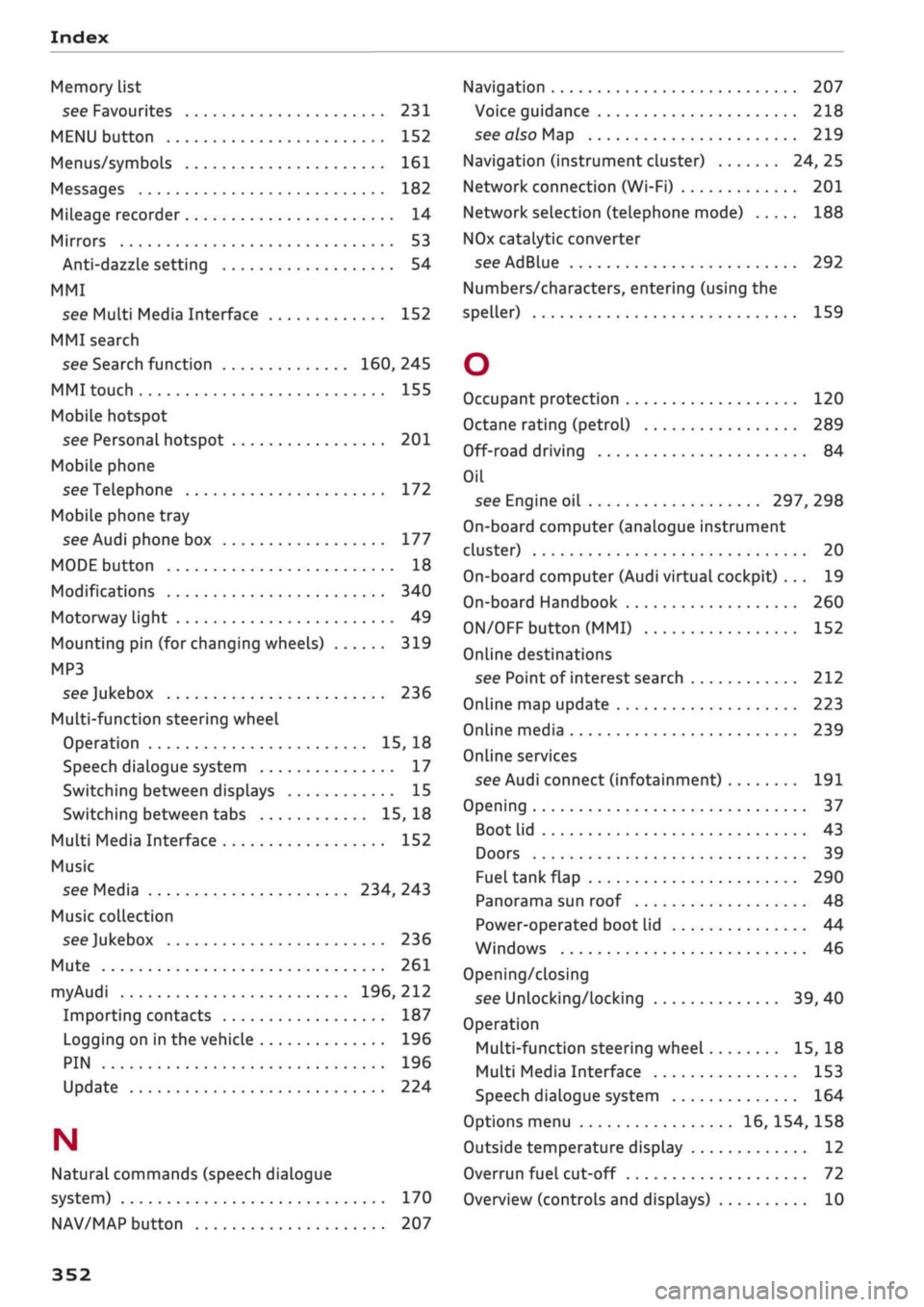
Memory list
see Favourites 231
MENU button 152
Menus/symbols 161
Messages 182
Mileage recorder 14
Mirrors 53
Anti-dazzle setting 54
MMI
see Multi Media Interface 152
MMI search
see Search function 160, 245
MMI touch 155
Mobile hotspot
see Personal hotspot 201
Mobile phone
see Telephone 172
Mobile phone tray
see Audi phone box 177
MODE button 18
Modifications 340
Motorway light 49
Mounting pin (for changing wheels) 319
MP3
see
Jukebox 236
Multi-function steering wheel
Operation 15, 18
Speech dialogue system 17
Switching between displays 15
Switching between tabs 15, 18
Multi Media Interface 152
Music
see Media 234, 243
Music collection
see
Jukebox 236
Mute 261
myAudi 196, 212
Importing contacts 187
Logging on in the vehicle 196
PIN 196
Update 224
N
Natural commands (speech dialogue
system) 170
NAV/MAP button 207
Navigation 207
Voice guidance 218
see also Map 219
Navigation (instrument cluster) 24, 25
Network connection (Wi-Fi) 201
Network selection (telephone mode) 188
NOx
catalytic converter
see AdBlue 292
Numbers/characters, entering (using the
speller) 159
O
Occupant protection 120
Octane rating (petrol) 289
Off-road driving 84
Oil
see Engine oil 297, 298
On-board computer (analogue instrument
cluster) 20
On-board computer (Audi virtual cockpit) ... 19
On-board Handbook 260
ON/OFF button (MMI) 152
Online destinations
see Point of interest search 212
Online map update 223
Online media 239
Online services
see Audi connect
(infotainment)
191
Opening 37
Boot lid 43
Doors 39
Fuel tank flap 290
Panorama sun roof 48
Power-operated boot lid 44
Windows 46
Opening/closing
see Unlocking/locking 39, 40
Operation
Multi-function steering wheel 15, 18
Multi Media Interface 153
Speech dialogue system 164
Options menu 16, 154, 158
Outside temperature display 12
Overrun fuel cut-off 72
Overview (controls and displays) 10
352
Page 357 of 364
Index
CO
< o rN
iv
rN
t-H
o <
•H
00
P
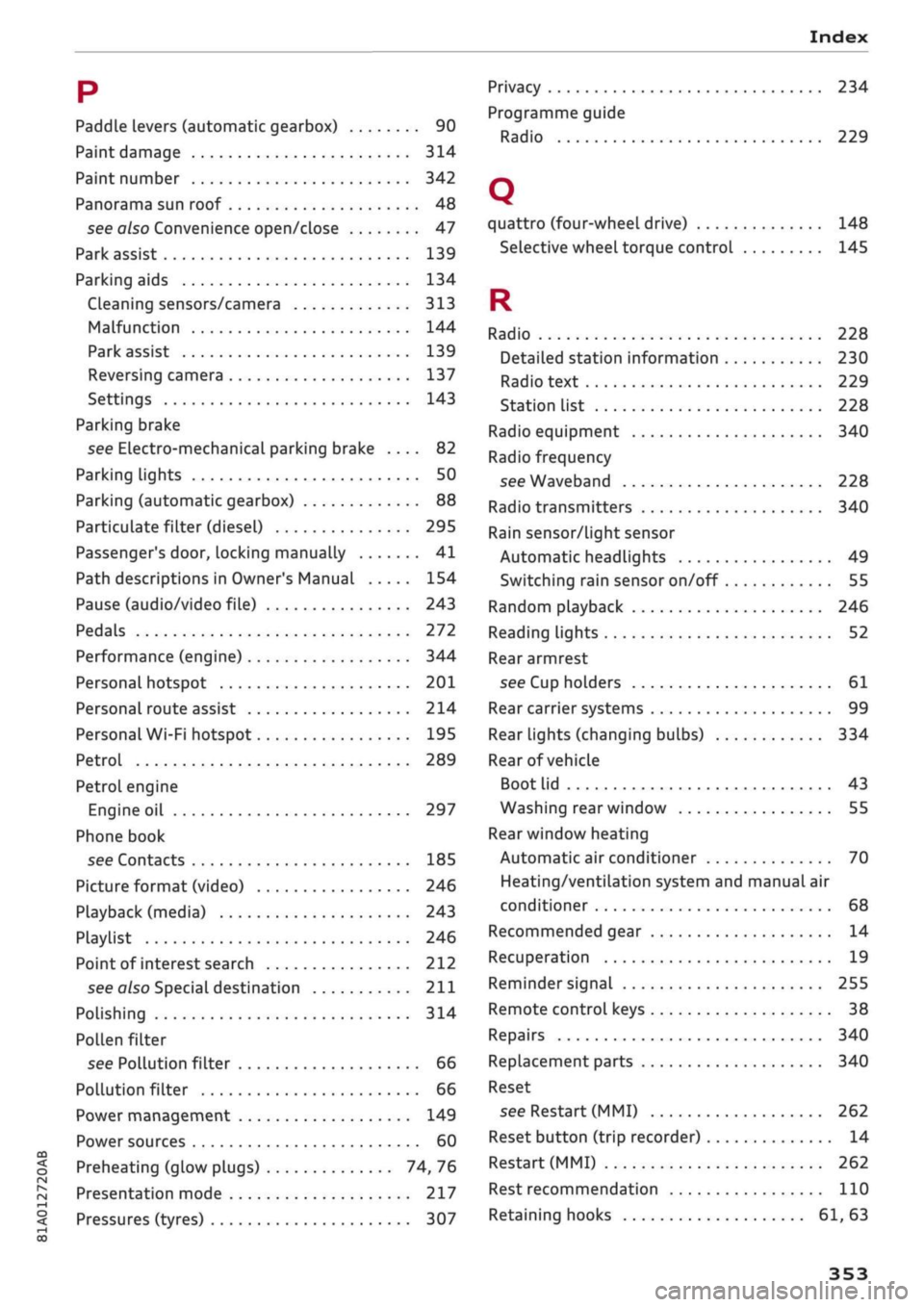
Paddle levers (automatic gearbox) 90
Paint damage 314
Paint number 342
Panorama sun roof 48
see also Convenience open/close 47
Park assist 139
Parking aids 134
Cleaning sensors/camera 313
Malfunction 144
Park assist 139
Reversing camera 137
Settings 143
Parking brake
see Electro-mechanical parking brake .... 82
Parking lights 50
Parking (automatic gearbox) 88
Particulate filter (diesel) 295
Passenger's
door,
locking manually 41
Path descriptions in Owner's Manual 154
Pause (audio/video file) 243
Pedals 272
Performance (engine) 344
Personal hotspot 201
Personal route assist 214
Personal Wi-Fi hotspot 195
Petrol 289
Petrol engine
Engine oil 297
Phone book
see Contacts 185
Picture format (video) 246
Playback (media) 243
Playlist 246
Point of interest search 212
see
also
Special
destination 211
Polishing 314
Pollen filter
see Pollution filter 66
Pollution filter 66
Power management 149
Power sources 60
Preheating (glow plugs) 74, 76
Presentation mode 217
Pressures (tyres) 307
Privacy 234
Programme guide
Radio 229
Q
quattro (four-wheel drive) 148
Selective wheel torque control 145
R
Radio 228
Detailed station information 230
Radio text 229
Station list 228
Radio equipment 340
Radio frequency
see Waveband 228
Radio transmitters 340
Rain sensor/light sensor
Automatic headlights 49
Switching rain sensor on/off 55
Random playback 246
Reading lights 52
Rear armrest
see Cup holders 61
Rear carrier systems 99
Rear lights (changing bulbs) 334
Rear of vehicle
Boot lid 43
Washing rear window 55
Rear window heating
Automatic air conditioner 70
Heating/ventilation system and manual air
conditioner 68
Recommended gear 14
Recuperation 19
Reminder signal 255
Remote control keys 38
Repairs 340
Replacement parts 340
Reset
see Restart (MMI) 262
Reset button (trip recorder) 14
Restart (MMI) 262
Rest recommendation 110
Retaining hooks 61, 63