lock DODGE SPRINTER 2008 2.G Manual PDF
[x] Cancel search | Manufacturer: DODGE, Model Year: 2008, Model line: SPRINTER, Model: DODGE SPRINTER 2008 2.GPages: 666, PDF Size: 14.11 MB
Page 191 of 666
189 Controls in detail
Driving and parking
3
Apply the brakes so that you can feel
their response after a journey on wet
roads, especially if the road has been
salted. The brake discs will be warmed,
dry more quickly and be protected
against corrosion.
If you make only moderate use of the
service brake, check from time to time
that it is fully functional. To do this,
brake more sharply at a higher vehicle
speed. The brake will grip better as a re-
sult.For safety reasons, the manufacturer
recommends that you only have brake
pads / linings installed on your vehicle
that have been approved for the Sprinter
Vehicle.
Brake pads /linings that have not been
approved for the Sprinter Vehicle could
affect your vehicle’s operating safety.
iIn exceptional cases, the handbrake
can be used for emergency braking if
the service brake fails (
\2
page 192).
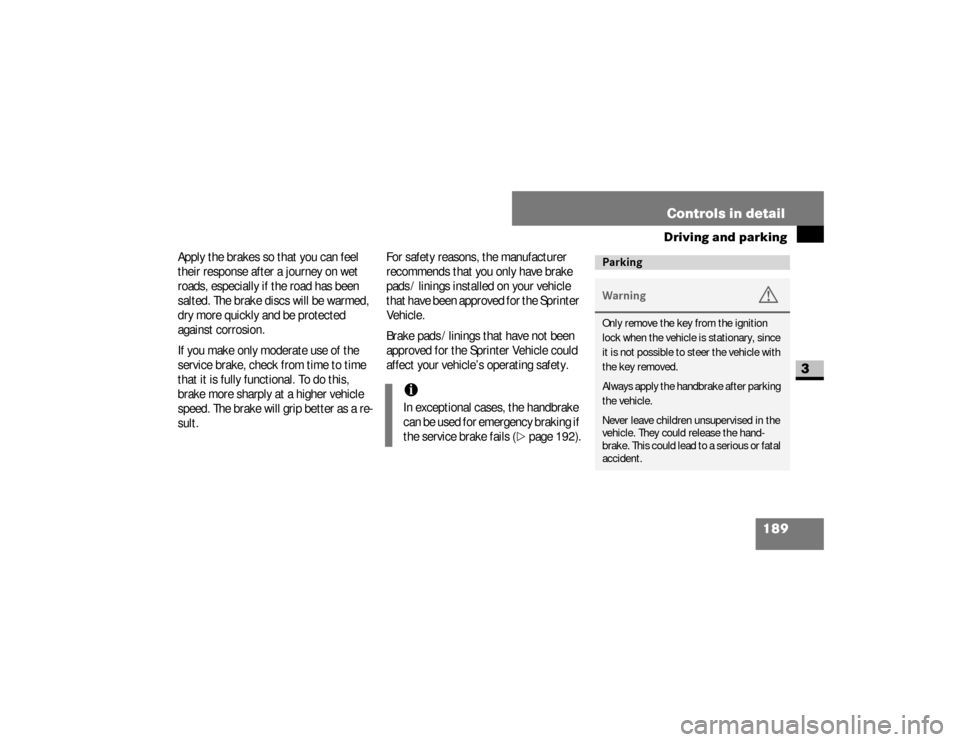
ParkingWarning
G
Only remove the key from the ignition
lock when the vehicle is stationary, since
it is not possible to steer the vehicle with
the key removed.
Always apply the handbrake after parking
the vehicle.
Never leave children unsupervised in the
vehicle. They could release the hand-
brake. This could lead to a serious or fatal
accident.
nf_BA.book Page 189 Friday, January 25, 2008 3:53 PM
Page 195 of 666
193 Controls in detail
Driving and parking
3
Stopping the engine\1
Apply handbrake (
\2
page 191).
\1
Move selector lever to
P.
\1
Turn key to position
0 (\2
page 111)
in the ignition lock and remove it.
The immobilizer is activated.
\1
Secure the vehicle at the front axle if
unloaded and at the rear axle if load-
ed, e.g. using a chock (
\2
page 521).
Warning
G
The wheels on the rear axle could lock if
the handbrake lever is applied too abrupt-
ly. The vehicle could then start to skid.
Make sure that you apply the handbrake
lever carefully to ensure that braking ap-
plication is moderated.
!
CAUTION
If the coolant temperature is raised,
e.g. following driving in mountainous
terrain, run the engine at idling speed
for a further 1 or 2 minutes before
you switch off the engine. This allows
the coolant temperature to return to
normal again.
iWhen parking on steep uphill or
downhill gradients, turn the front
wheels towards the curb.
iYou can only remove the key from
the ignition lock when the selector le-
ver is in position
P.
nf_BA.book Page 193 Friday, January 25, 2008 3:53 PM
Page 203 of 666
201 Controls in detail
Automatic transmission
3
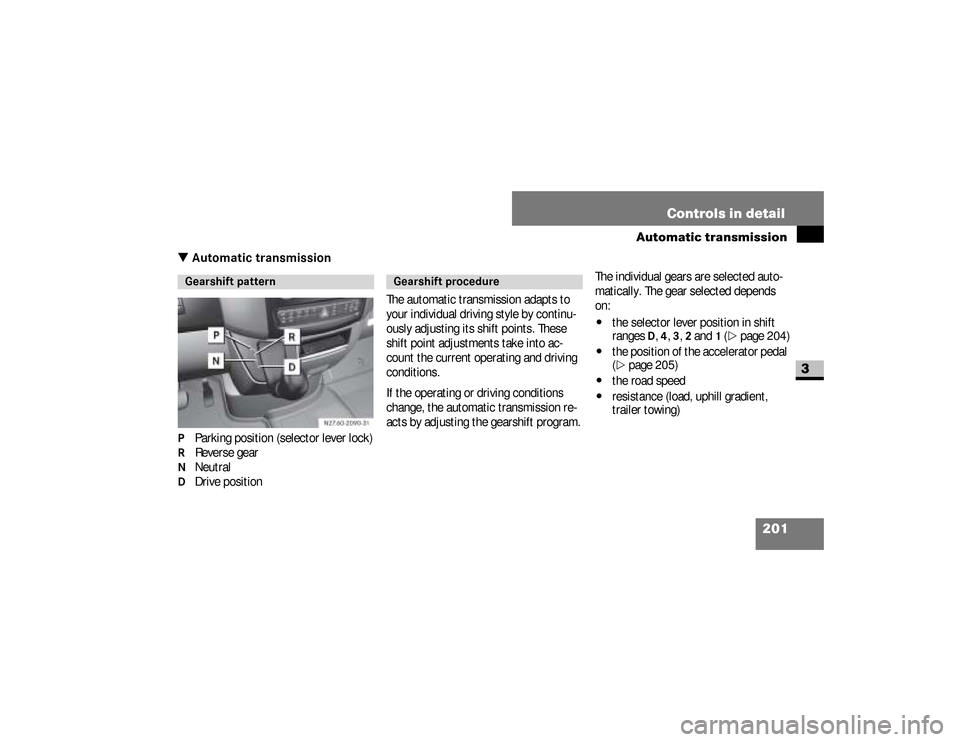
\3 Automatic transmissionP Parking position (selector lever lock)R Reverse gearN NeutralD Drive positionThe automatic transmission adapts to
your individual driving style by continu-
ously adjusting its shift points. These
shift point adjustments take into ac-
count the current operating and driving
conditions.
If the operating or driving conditions
change, the automatic transmission re-
acts by adjusting the gearshift program.The individual gears are selected auto-
matically. The gear selected depends
on:
\4
the selector lever position in shift
ranges
D, 4, 3, 2 and
1 (\2
page 204)
\4
the position of the accelerator pedal
(\2
page 205)
\4
the road speed
\4
resistance (load, uphill gradient,
trailer towing)
Gearshift pattern
Gearshift procedure
nf_BA.book Page 201 Friday, January 25, 2008 3:53 PM
Page 204 of 666
202 Controls in detailAutomatic transmission
3
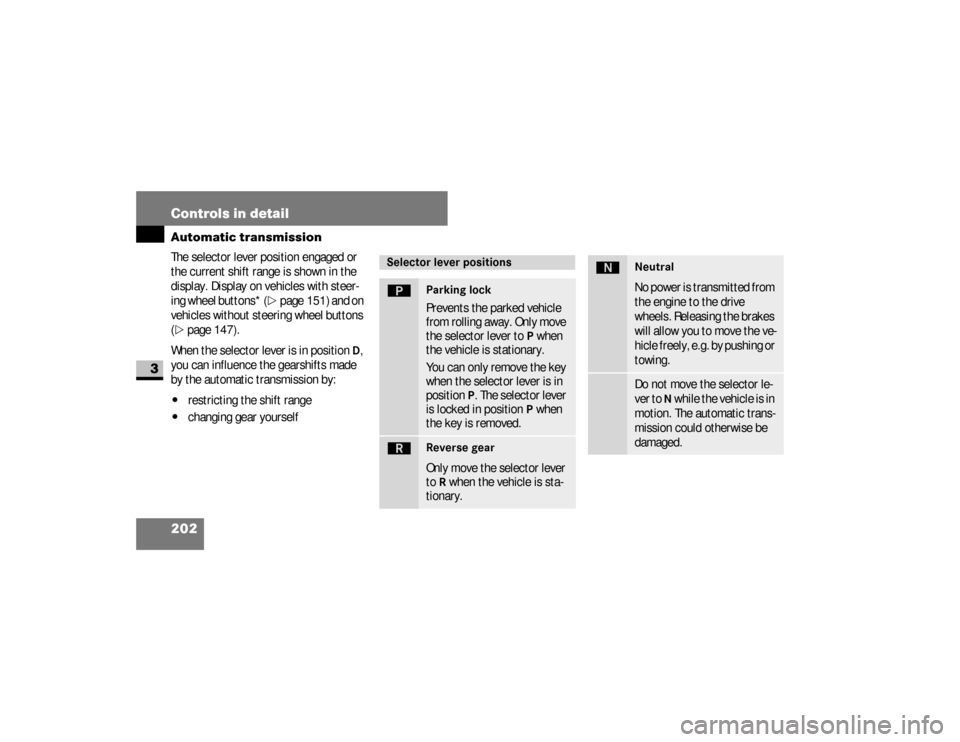
The selector lever position engaged or
the current shift range is shown in the
display. Display on vehicles with steer-
ing wheel buttons* (
\2
page 151) and on
vehicles without steering wheel buttons
(
\2
page 147).
When the selector lever is in position
D,
you can influence the gearshifts made
by the automatic transmission by:
\4
restricting the shift range
\4
changing gear yourself
Selector lever positionsì
Parking lock
Prevents the parked vehicle
from rolling away. Only move
the selector lever to
P when
the vehicle is stationary.
You can only remove the key
when the selector lever is in
position
P. The selector lever
is locked in position
P when
the key is removed.
í
Reverse gear
Only move the selector lever
to
R when the vehicle is sta-
tionary.
ë
NeutralNo power is transmitted from
the engine to the drive
wheels. Releasing the brakes
will allow you to move the ve-
hicle freely, e.g. by pushing or
towing.Do not move the selector le-
ver to
N while the vehicle is in
motion. The automatic trans-
mission could otherwise be
damaged.
nf_BA.book Page 202 Friday, January 25, 2008 3:53 PM
Page 212 of 666
210 Controls in detailGood visibility
3
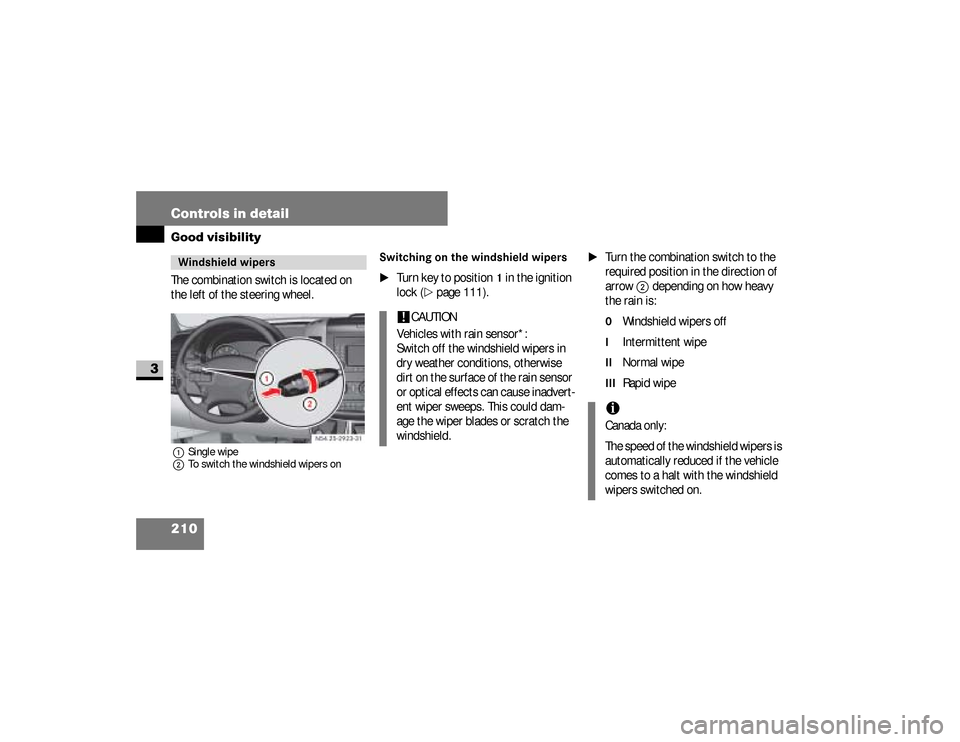
The combination switch is located on
the left of the steering wheel.1Single wipe
2To switch the windshield wipers on
Switching on the windshield wipers
\1
Turn key to position
1 in the ignition
lock (
\2
page 111).
\1
Turn the combination switch to the
required position in the direction of
arrow
2
depending on how heavy
the rain is:
0
Windshield wipers off
I
Intermittent wipe
II
Normal wipe
III
Rapid wipe
Windshield wipers
N54.25-2923-31
!
CAUTION
Vehicles with rain sensor*:
Switch off the windshield wipers in
dry weather conditions, otherwise
dirt on the surface of the rain sensor
or optical effects can cause inadvert-
ent wiper sweeps. This could dam-
age the wiper blades or scratch the
windshield.
iCanada only:
The speed of the windshield wipers is
automatically reduced if the vehicle
comes to a halt with the windshield
wipers switched on.
nf_BA.book Page 210 Friday, January 25, 2008 3:53 PM
Page 214 of 666
212 Controls in detailGood visibility
3
Intermittent wipeOnly switch on intermittent wipe in
damp weather conditions or when it is
raining.
Vehicles with rain sensor*:
The a rain sensor is activated when you
switch on intermittent wipe. The appro-
priate wiping frequency is set automati-
cally according to the rain falling on the
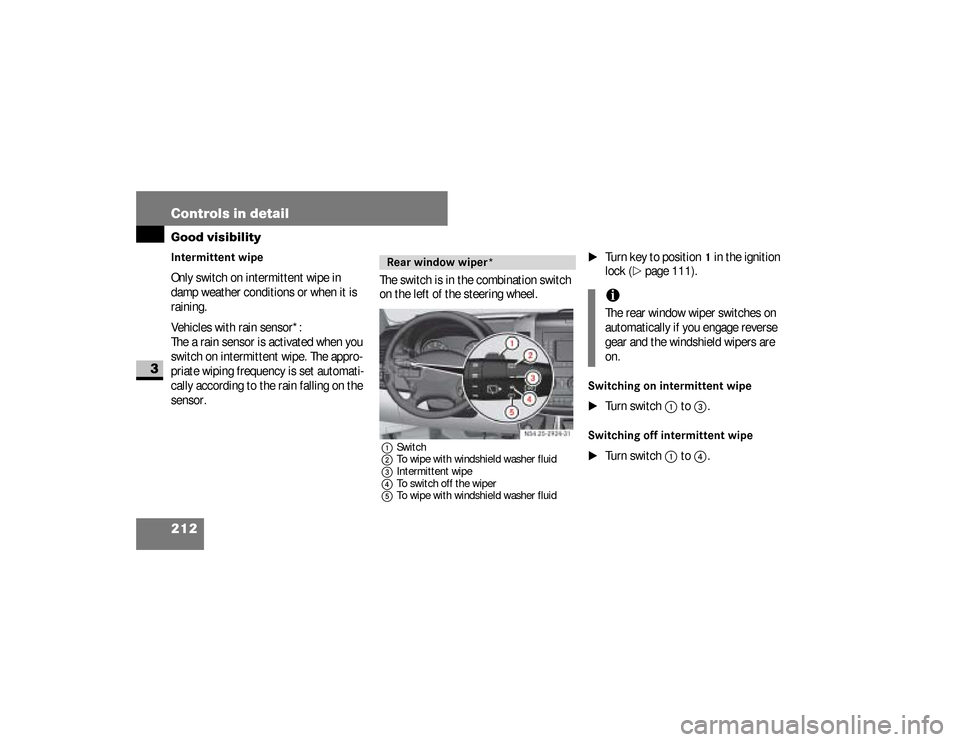
sensor.The switch is in the combination switch
on the left of the steering wheel.
1Switch
2To wipe with windshield washer fluid
3Intermittent wipe
4To switch off the wiper
5To wipe with windshield washer fluid
\1
Turn key to position
1 in the ignition
lock (
\2
page 111).
Switching on intermittent wipe
\1
Turn switch
1
to
3
.
Switching off intermittent wipe
\1
Turn switch
1
to
4
.
Rear window wiper*
N54.25-2924-31
iThe rear window wiper switches on
automatically if you engage reverse
gear and the windshield wipers are
on.
nf_BA.book Page 212 Friday, January 25, 2008 3:53 PM
Page 222 of 666
220 Controls in detailAir conditioning
3
\1
Open as required:
\4
the center air vents
\4
the side air vents
\4
the ventilation vents
\1
Switch air-conditioning system on
(\2
page 218) if necessary.
The temperature is set using temperatu-
re selector control
1
in the control pa-
nel (
\2
page 218).
The recommended setting for the target
temperature is 72°F (22°C) under nor-
mal conditions, to which the air-condi-
tioning system adjusts as rapidly and as
comfortably as possible.Only change the temperature in small in-
crements.
\1To increase:
turn the temperature
selector control clockwise.
\1To reduce:
turn the temperature se-
lector control slightly counterclock-
wise.
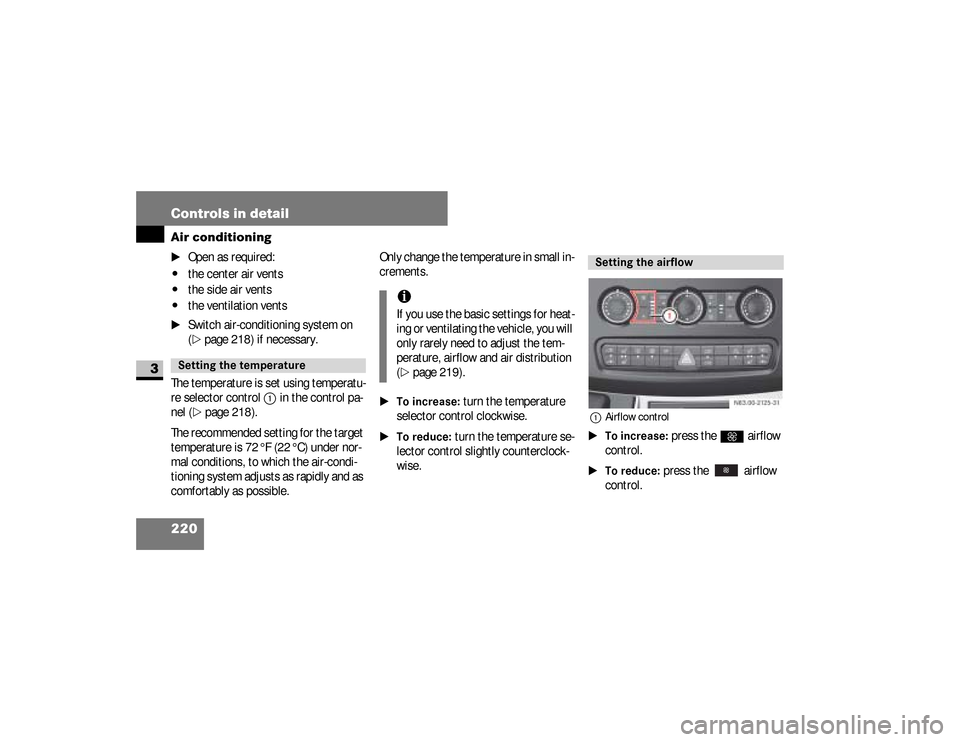
1Airflow control\1To increase:
press the
Q
airflow
control.
\1To reduce:
press the airflow
control.
Setting the temperature
iIf you use the basic settings for heat-
ing or ventilating the vehicle, you will
only rarely need to adjust the tem-
perature, airflow and air distribution
(\2
page 219).
Setting the airflow
N83.00-2125-31
nf_BA.book Page 220 Friday, January 25, 2008 3:53 PM
Page 224 of 666
222 Controls in detailAir conditioning
3
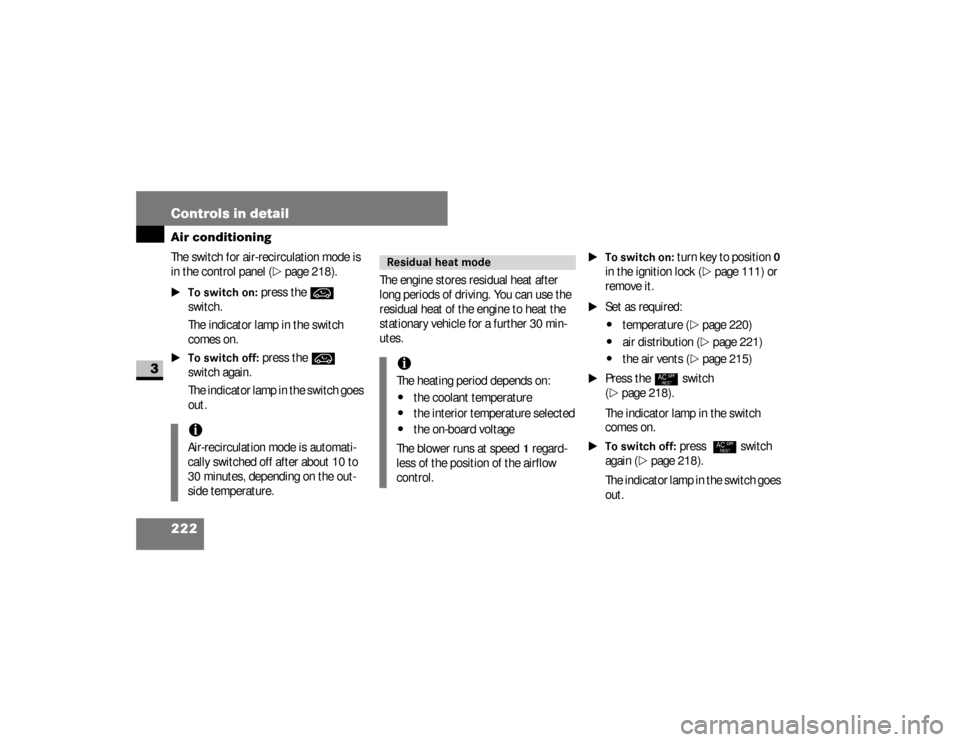
The switch for air-recirculation mode is
in the control panel (
\2
page 218).
\1To switch on:
press the
Ä
switch.
The indicator lamp in the switch
comes on.
\1To switch off:
press the
Ä
switch again.
The indicator lamp in the switch goes
out.The engine stores residual heat after
long periods of driving. You can use the
residual heat of the engine to heat the
stationary vehicle for a further 30 min-
utes.
\1To switch on:
turn key to position
0
in the ignition lock (
\2
page 111) or
remove it.
\1
Set as required:\4
temperature
(\2
page 220)
\4
air distribution (
\2
page 221)
\4
the air vents (
\2
page 215)
\1
Press the
°
switch
(
\2
page 218).
The indicator lamp in the switch
comes on.
\1To switch off:
press
°
switch
again (
\2
page 218).
The indicator lamp in the switch goes
out.
iAir-recirculation mode is automati-
cally switched off after about 10 to
30 minutes, depending on the out-
side temperature.
Residual heat mode iThe heating period depends on:\4
the coolant temperature
\4
the interior temperature selected
\4
the on-board voltage
The blower runs at speed
1 regard-
less of the position of the airflow
control.
nf_BA.book Page 222 Friday, January 25, 2008 3:53 PM
Page 228 of 666
226 Controls in detailAir conditioning
3
Setting the airflowThe airflow is set using the airflow con-
trol for the rear compartment.\1To increase:
press the
Q
airflow
control.
\1To reduce:
press the airflow
control.
The display next to the airflow con-
trols indicates the speed of the air-
flow.
Setting the temperatureOnly change the temperature in small in-
crements.\1To increase:
turn the temperature
selector control clockwise.
\1To reduce:
turn the temperature se-
lector control counterclockwise.
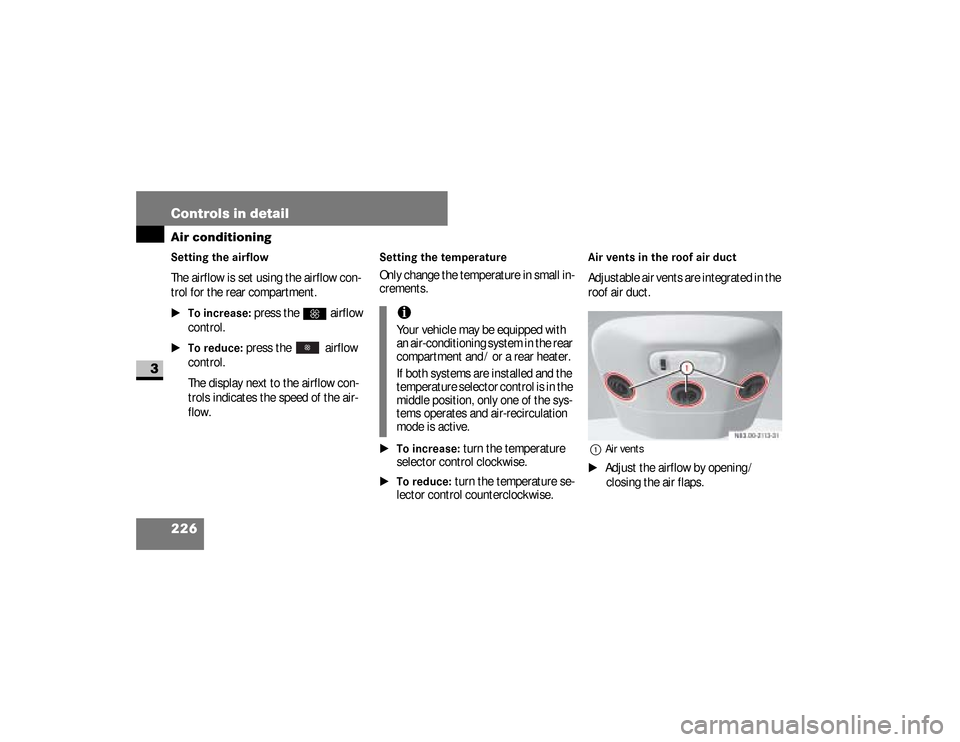
Air vents in the roof air ductAdjustable air vents are integrated in the
roof air duct.1Air vents\1
Adjust the airflow by opening /
closing the air flaps.
iYour vehicle may be equipped with
an air-conditioning system in the rear
compartment and / or a rear heater.
If both systems are installed and the
temperature selector control is in the
middle position, only one of the sys-
tems operates and air-recirculation
mode is active.
nf_BA.book Page 226 Friday, January 25, 2008 3:53 PM
Page 232 of 666
230 Controls in detailAir conditioning
3
Setting the temperature The temperature is set using temperatu-
re selector control
1
in the control pa-
nel (
\2
page 228).
Only change the temperature in small in-
crements.
\1To increase:
turn the temperature
selector control clockwise.
\1To reduce:
turn the temperature se-
lector control slightly counterclock-
wise.
Setting the airflow The airflow is set using the airflow cont-
rol
2
in the control panel (
\2
page 228).
\1To increase/reduce:
set the airflow
control to the desired level.
Setting the air distribution The air distribution is set using the air
distribution control
2
in the control pa-
nel (
\2
page 228).
iIf you use the basic settings for heat-
ing or ventilating the vehicle, you will
rarely need to adjust the tempera-
ture, airflow and air distribution
(\2
page 229).
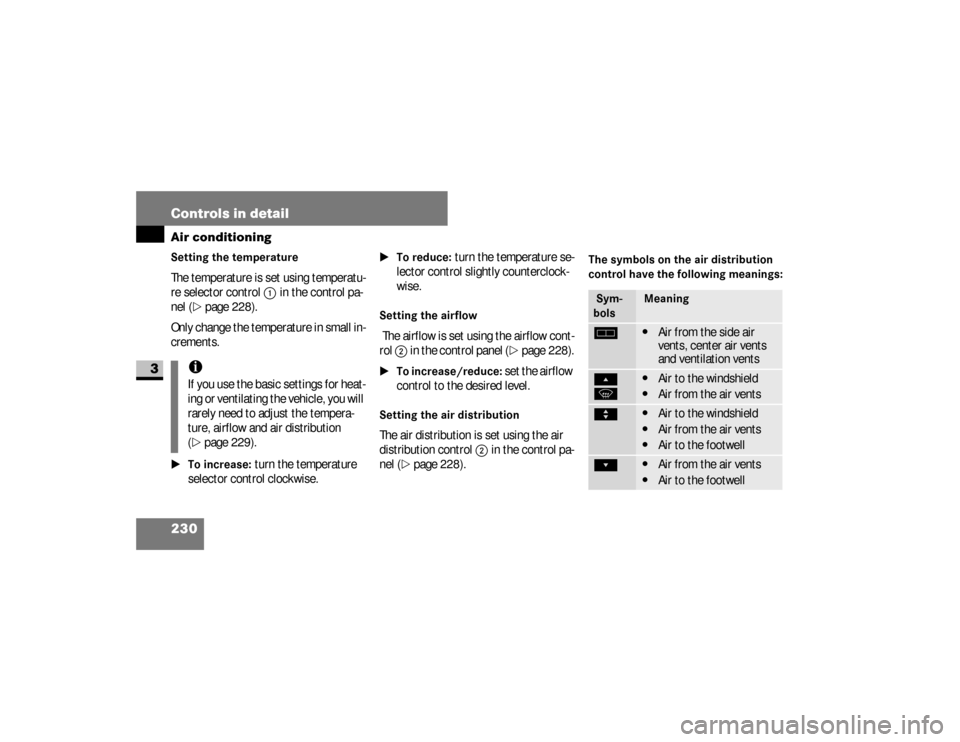
The symbols on the air distribution
control have the following meanings: Sym-
bols
Meaning
h
\4
Air from the side air
vents, center air vents
and ventilation vents
Ô
P
\4
Air to the windshield
\4
Air from the air vents
Ò
\4
Air to the windshield
\4
Air from the air vents
\4
Air to the footwell
Ó
\4
Air from the air vents
\4
Air to the footwell
nf_BA.book Page 230 Friday, January 25, 2008 3:53 PM