display FORD BRONCO 2023 Repair Manual
[x] Cancel search | Manufacturer: FORD, Model Year: 2023, Model line: BRONCO, Model: FORD BRONCO 2023Pages: 642, PDF Size: 14.71 MB
Page 266 of 642
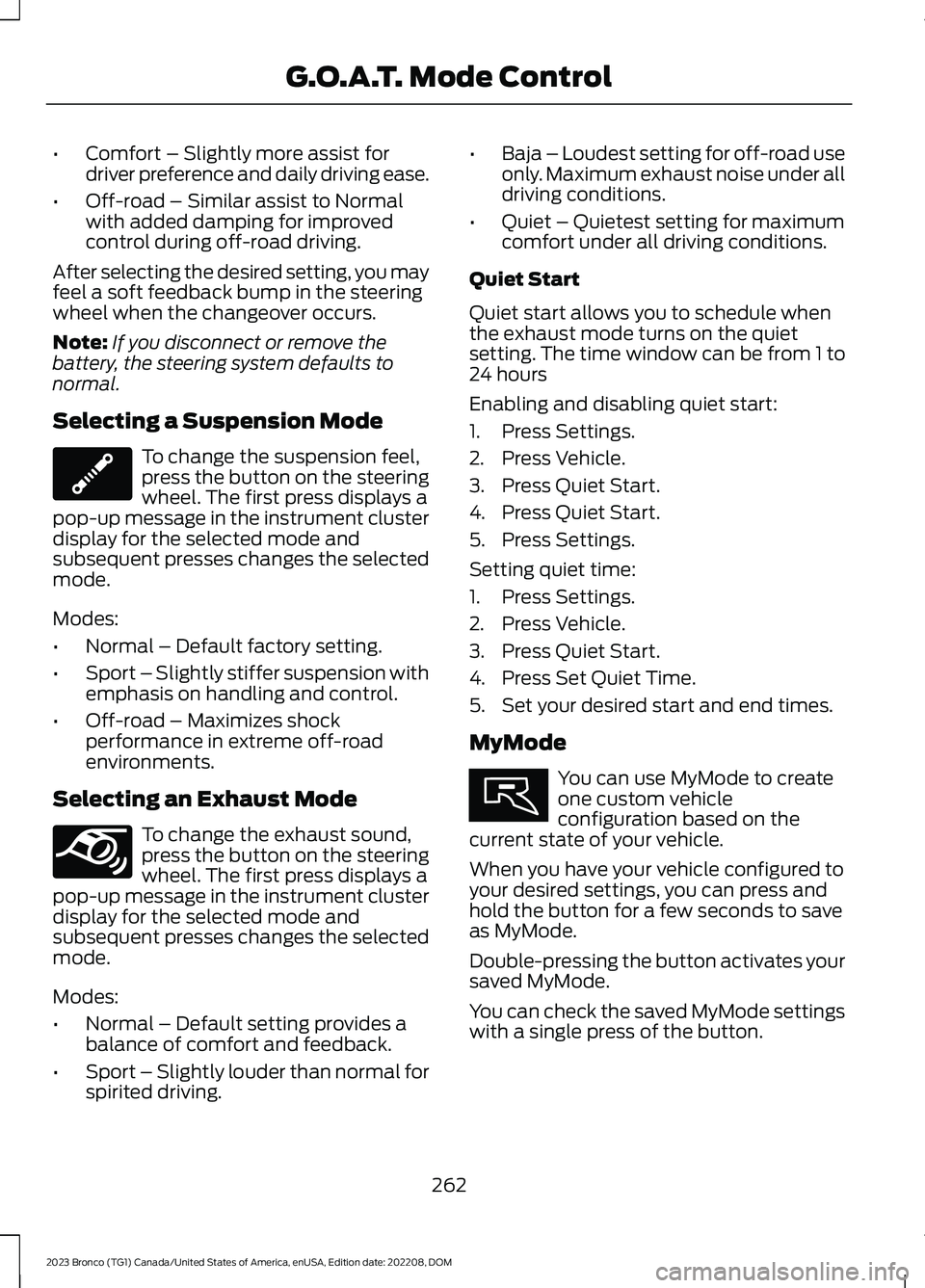
•Comfort – Slightly more assist fordriver preference and daily driving ease.
•Off-road – Similar assist to Normalwith added damping for improvedcontrol during off-road driving.
After selecting the desired setting, you mayfeel a soft feedback bump in the steeringwheel when the changeover occurs.
Note:If you disconnect or remove thebattery, the steering system defaults tonormal.
Selecting a Suspension Mode
To change the suspension feel,press the button on the steeringwheel. The first press displays apop-up message in the instrument clusterdisplay for the selected mode andsubsequent presses changes the selectedmode.
Modes:
•Normal – Default factory setting.
•Sport – Slightly stiffer suspension withemphasis on handling and control.
•Off-road – Maximizes shockperformance in extreme off-roadenvironments.
Selecting an Exhaust Mode
To change the exhaust sound,press the button on the steeringwheel. The first press displays apop-up message in the instrument clusterdisplay for the selected mode andsubsequent presses changes the selectedmode.
Modes:
•Normal – Default setting provides abalance of comfort and feedback.
•Sport – Slightly louder than normal forspirited driving.
•Baja – Loudest setting for off-road useonly. Maximum exhaust noise under alldriving conditions.
•Quiet – Quietest setting for maximumcomfort under all driving conditions.
Quiet Start
Quiet start allows you to schedule whenthe exhaust mode turns on the quietsetting. The time window can be from 1 to24 hours
Enabling and disabling quiet start:
1.Press Settings.
2.Press Vehicle.
3.Press Quiet Start.
4.Press Quiet Start.
5.Press Settings.
Setting quiet time:
1.Press Settings.
2.Press Vehicle.
3.Press Quiet Start.
4.Press Set Quiet Time.
5.Set your desired start and end times.
MyMode
You can use MyMode to createone custom vehicleconfiguration based on thecurrent state of your vehicle.
When you have your vehicle configured toyour desired settings, you can press andhold the button for a few seconds to saveas MyMode.
Double-pressing the button activates yoursaved MyMode.
You can check the saved MyMode settingswith a single press of the button.
262
2023 Bronco (TG1) Canada/United States of America, enUSA, Edition date: 202208, DOMG.O.A.T. Mode ControlE347107 E347131 E359278
Page 273 of 642
•All four-wheel drive modes areselectable. There is no defaultfour-wheel drive mode and theprevious selection is maintained whenthe vehicle is restarted.
•Normal is the default for the steering,exhaust and suspension modes.
•Off-road steering mode is notavailable.
•Sport suspension is available.
•Off-road suspension mode is notavailable.
•Stabilizer bar cannot be disconnected.
The system tunes the engine andtransmission controls to tow mode. Thesystem tunes the stability and tractioncontrols to normal mode.
The rear electronic locking differential isavailable below 25 mph (40 km/h) andthe front electronic locking differential isavailable in four-wheel drive low (4L). SeeSwitching the Electronic LockingDifferential On and Off (page 203).
G.O.A.T. MODE CONTROL –
TROUBLESHOOTING
G.O.A.T. MODE CONTROL –WARNING LAMPS
Some drive modes reducetraction and stability controlperformance and the indicatorilluminates in the instrument cluster.
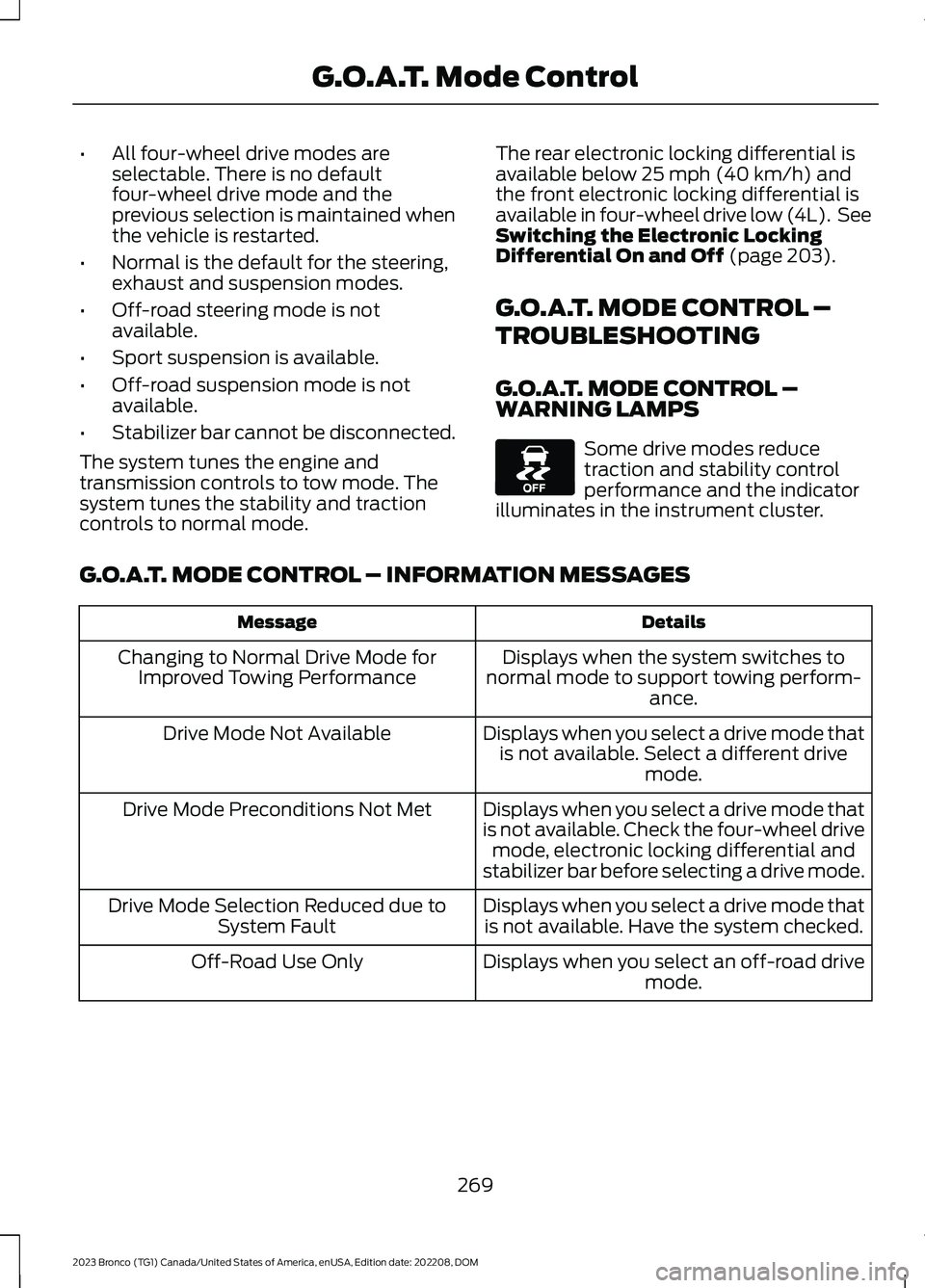
G.O.A.T. MODE CONTROL – INFORMATION MESSAGES
DetailsMessage
Displays when the system switches tonormal mode to support towing perform-ance.
Changing to Normal Drive Mode forImproved Towing Performance
Displays when you select a drive mode thatis not available. Select a different drivemode.
Drive Mode Not Available
Displays when you select a drive mode thatis not available. Check the four-wheel drivemode, electronic locking differential andstabilizer bar before selecting a drive mode.
Drive Mode Preconditions Not Met
Displays when you select a drive mode thatis not available. Have the system checked.Drive Mode Selection Reduced due toSystem Fault
Displays when you select an off-road drivemode.Off-Road Use Only
269
2023 Bronco (TG1) Canada/United States of America, enUSA, Edition date: 202208, DOMG.O.A.T. Mode ControlE130458
Page 274 of 642
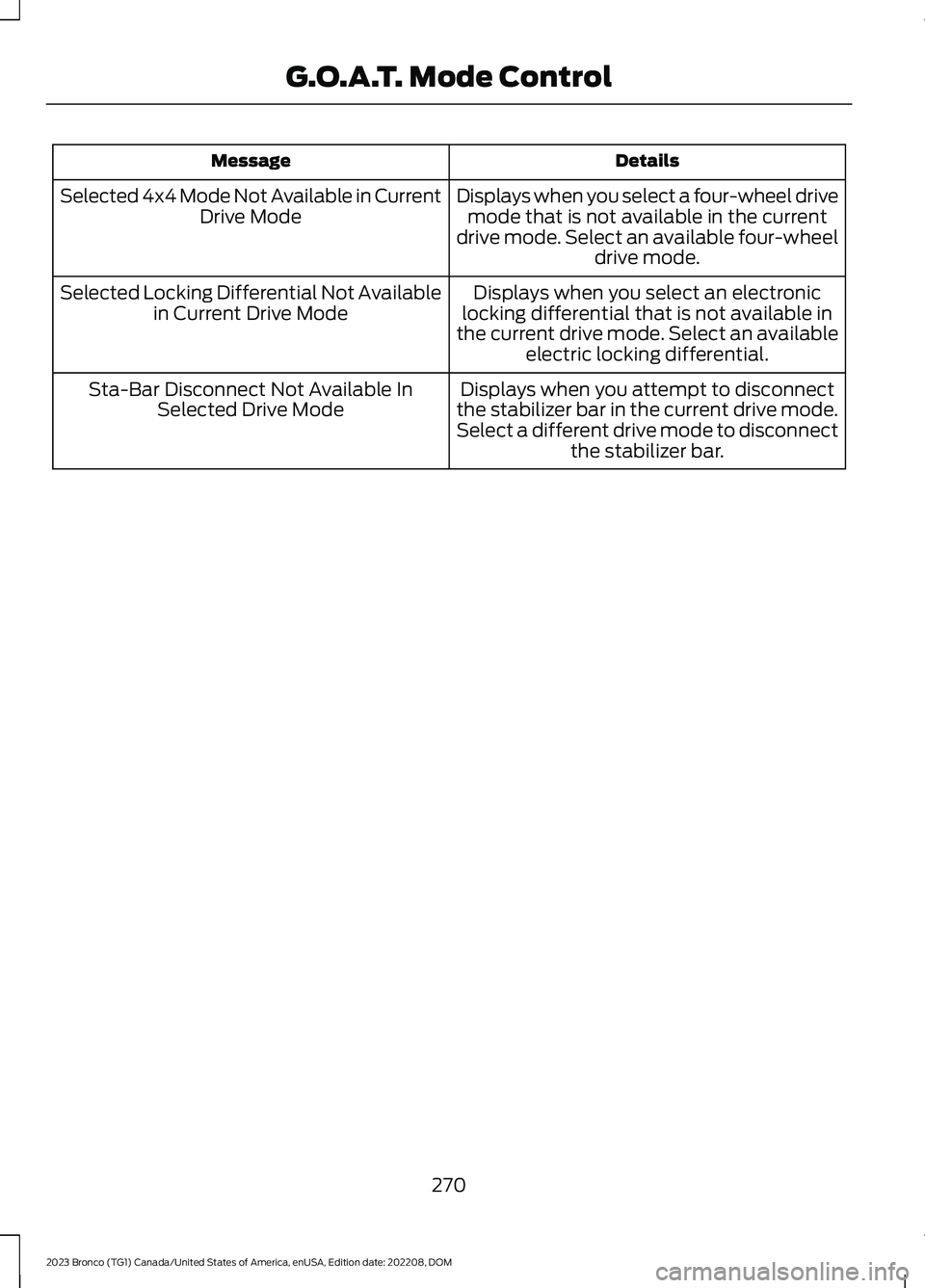
DetailsMessage
Displays when you select a four-wheel drivemode that is not available in the currentdrive mode. Select an available four-wheeldrive mode.
Selected 4x4 Mode Not Available in CurrentDrive Mode
Displays when you select an electroniclocking differential that is not available inthe current drive mode. Select an availableelectric locking differential.
Selected Locking Differential Not Availablein Current Drive Mode
Displays when you attempt to disconnectthe stabilizer bar in the current drive mode.Select a different drive mode to disconnectthe stabilizer bar.
Sta-Bar Disconnect Not Available InSelected Drive Mode
270
2023 Bronco (TG1) Canada/United States of America, enUSA, Edition date: 202208, DOMG.O.A.T. Mode Control
Page 277 of 642
•You apply direct steering, acceleratefast or brake hard.
•The vehicle speed is less than 40 mph(64 km/h).
•The anti-lock brake, stability control ortraction control system activates.
•The lane is too narrow.
•Something is obscuring the camera orit is unable to detect the lane markingsdue to environment, traffic or vehicleconditions.
The lane keeping system may not correctlane positioning in any of the followingconditions:
•High winds.
•Uneven road surfaces.
•Heavy or uneven loads.
•Incorrect tire pressure.
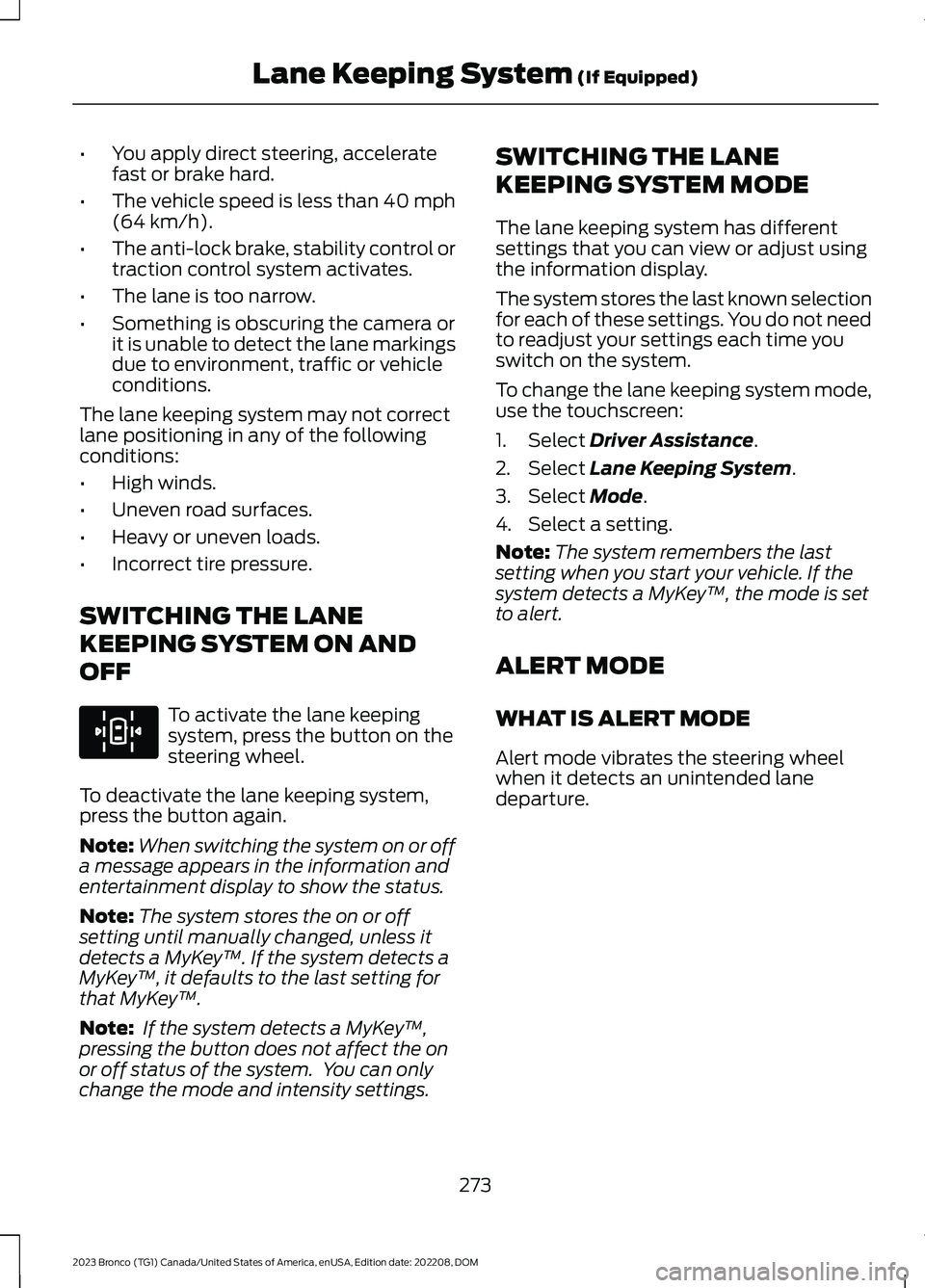
SWITCHING THE LANE
KEEPING SYSTEM ON AND
OFF
To activate the lane keepingsystem, press the button on thesteering wheel.
To deactivate the lane keeping system,press the button again.
Note:When switching the system on or offa message appears in the information andentertainment display to show the status.
Note:The system stores the on or offsetting until manually changed, unless itdetects a MyKey™. If the system detects aMyKey™, it defaults to the last setting forthat MyKey™.
Note: If the system detects a MyKey™,pressing the button does not affect the onor off status of the system. You can onlychange the mode and intensity settings.
SWITCHING THE LANE
KEEPING SYSTEM MODE
The lane keeping system has differentsettings that you can view or adjust usingthe information display.
The system stores the last known selectionfor each of these settings. You do not needto readjust your settings each time youswitch on the system.
To change the lane keeping system mode,use the touchscreen:
1.Select Driver Assistance.
2.Select Lane Keeping System.
3.Select Mode.
4.Select a setting.
Note:The system remembers the lastsetting when you start your vehicle. If thesystem detects a MyKey™, the mode is setto alert.
ALERT MODE
WHAT IS ALERT MODE
Alert mode vibrates the steering wheelwhen it detects an unintended lanedeparture.
273
2023 Bronco (TG1) Canada/United States of America, enUSA, Edition date: 202208, DOMLane Keeping System (If Equipped)E308131
Page 279 of 642
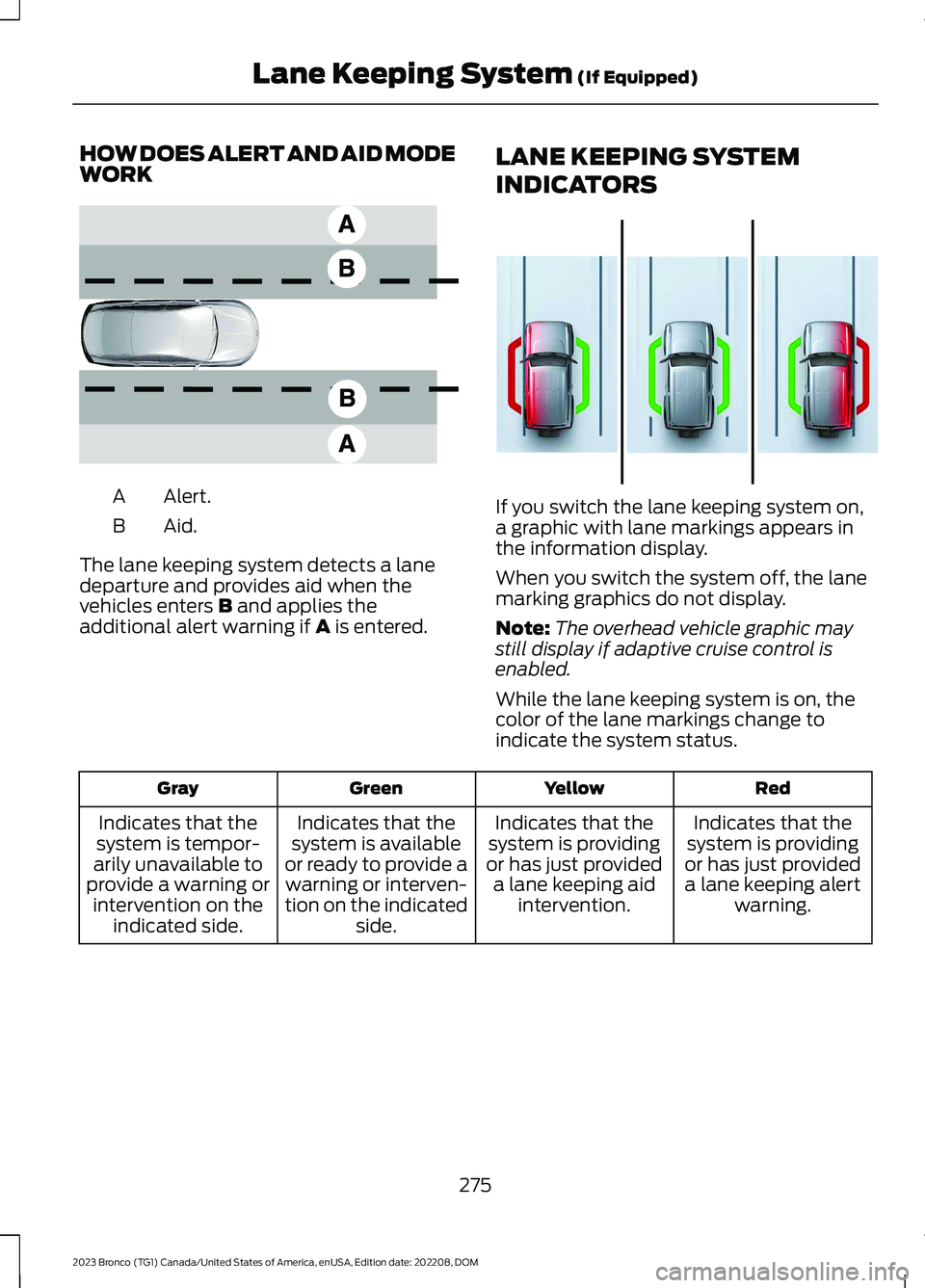
HOW DOES ALERT AND AID MODEWORK
Alert.A
Aid.B
The lane keeping system detects a lanedeparture and provides aid when thevehicles enters B and applies theadditional alert warning if A is entered.
LANE KEEPING SYSTEM
INDICATORS
If you switch the lane keeping system on,a graphic with lane markings appears inthe information display.
When you switch the system off, the lanemarking graphics do not display.
Note:The overhead vehicle graphic maystill display if adaptive cruise control isenabled.
While the lane keeping system is on, thecolor of the lane markings change toindicate the system status.
RedYellowGreenGray
Indicates that thesystem is providingor has just provideda lane keeping alertwarning.
Indicates that thesystem is providingor has just provideda lane keeping aidintervention.
Indicates that thesystem is availableor ready to provide awarning or interven-tion on the indicatedside.
Indicates that thesystem is tempor-arily unavailable toprovide a warning orintervention on theindicated side.
275
2023 Bronco (TG1) Canada/United States of America, enUSA, Edition date: 202208, DOMLane Keeping System (If Equipped)E165517 E358269
Page 284 of 642
BLIND SPOT INFORMATION
SYSTEM REQUIREMENTS -
AUTOMATIC TRANSMISSION
Blind spot information system turns onwhen all the following occur:
•You start your vehicle.
•You shift into drive (D).
•The vehicle speed is greater than6 mph (10 km/h).
SWITCHING BLIND SPOT
INFORMATION SYSTEM ON
AND OFF
To switch blind spot information systemon or off, use the touchscreen:
1.Press Features on the touchscreen.
2.Press Driver Assistance.
3.Press Blind Spot Information System.
4.Switch the feature on or off.
When you switch blind spot informationsystem off, a warning lamp illuminates.When you switch the system on or off, thealert indicators flash twice.
Note:The system remembers the lastsetting when you start your vehicle.
To permanently switch the system off,contact an authorized dealer.
LOCATING THE BLIND SPOT
INFORMATION SYSTEM
SENSORS - EXCLUDING:
RAPTOR
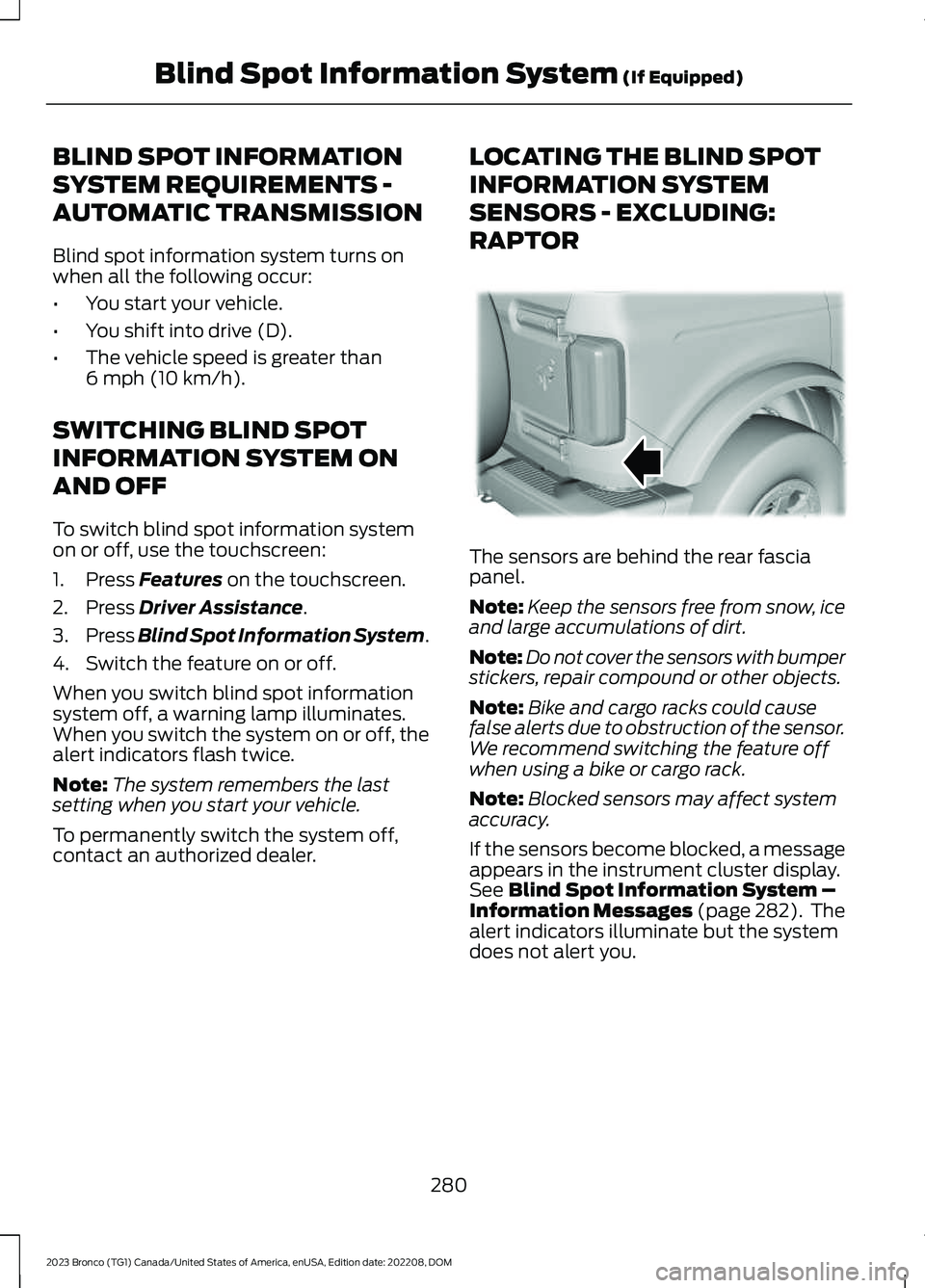
The sensors are behind the rear fasciapanel.
Note:Keep the sensors free from snow, iceand large accumulations of dirt.
Note:Do not cover the sensors with bumperstickers, repair compound or other objects.
Note:Bike and cargo racks could causefalse alerts due to obstruction of the sensor.We recommend switching the feature offwhen using a bike or cargo rack.
Note:Blocked sensors may affect systemaccuracy.
If the sensors become blocked, a messageappears in the instrument cluster display.See Blind Spot Information System –Information Messages (page 282). Thealert indicators illuminate but the systemdoes not alert you.
280
2023 Bronco (TG1) Canada/United States of America, enUSA, Edition date: 202208, DOMBlind Spot Information System (If Equipped)E339014
Page 285 of 642
LOCATING THE BLIND SPOT
INFORMATION SYSTEM
SENSORS - RAPTOR
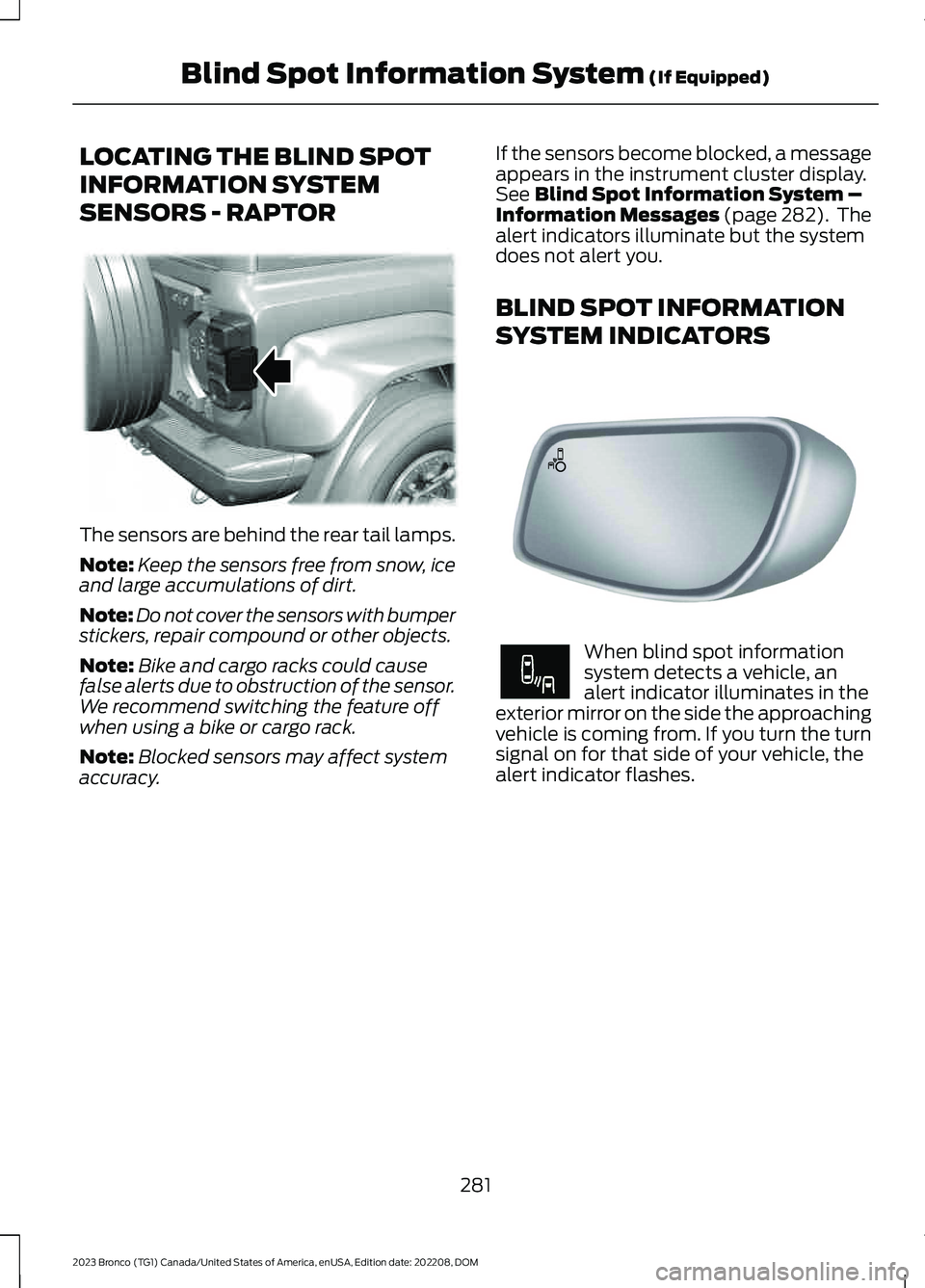
The sensors are behind the rear tail lamps.
Note:Keep the sensors free from snow, iceand large accumulations of dirt.
Note:Do not cover the sensors with bumperstickers, repair compound or other objects.
Note:Bike and cargo racks could causefalse alerts due to obstruction of the sensor.We recommend switching the feature offwhen using a bike or cargo rack.
Note:Blocked sensors may affect systemaccuracy.
If the sensors become blocked, a messageappears in the instrument cluster display.See Blind Spot Information System –Information Messages (page 282). Thealert indicators illuminate but the systemdoes not alert you.
BLIND SPOT INFORMATION
SYSTEM INDICATORS
When blind spot informationsystem detects a vehicle, analert indicator illuminates in theexterior mirror on the side the approachingvehicle is coming from. If you turn the turnsignal on for that side of your vehicle, thealert indicator flashes.
281
2023 Bronco (TG1) Canada/United States of America, enUSA, Edition date: 202208, DOMBlind Spot Information System (If Equipped)E387524 E142442 E249861E249861
Page 286 of 642
BLIND SPOT INFORMATION SYSTEM – TROUBLESHOOTING
BLIND SPOT INFORMATION SYSTEM – INFORMATION MESSAGES
ActionMessage
A fault with the system has occurred. Haveyour vehicle checked as soon as possible.Blind Spot System Fault
Something is blocking the sensors. Cleanthe sensors.Blind Spot Not Available Sensor BlockedSee Manual
The system automatically turns off anddisplays this message when you connect atrailer to the vehicle that does not have atrailer blind spot system or when you switchthe trailer blind spot system off through thetouchscreen.
Blind Spot Alert Deactivated TrailerAttached
Note:When connecting a trailer, the systemmay detect the trailer and turn the systemOFF. If the system does not turn OFFautomatically, switch the blind spotinformation system OFF manually. Ifequipped with blind spot with trailer tow,you will be prompted to set up a trailer thatallows the feature to function with thattrailer.
282
2023 Bronco (TG1) Canada/United States of America, enUSA, Edition date: 202208, DOMBlind Spot Information System (If Equipped)
Page 288 of 642
3.Switch Cross Traffic Alert on or off.
Note:The system switches on every timeyou switch the ignition on. To permanentlyswitch the system off, contact an authorizeddealer.
LOCATING THE CROSS
TRAFFIC ALERT SENSORS -
EXCLUDING: RAPTOR
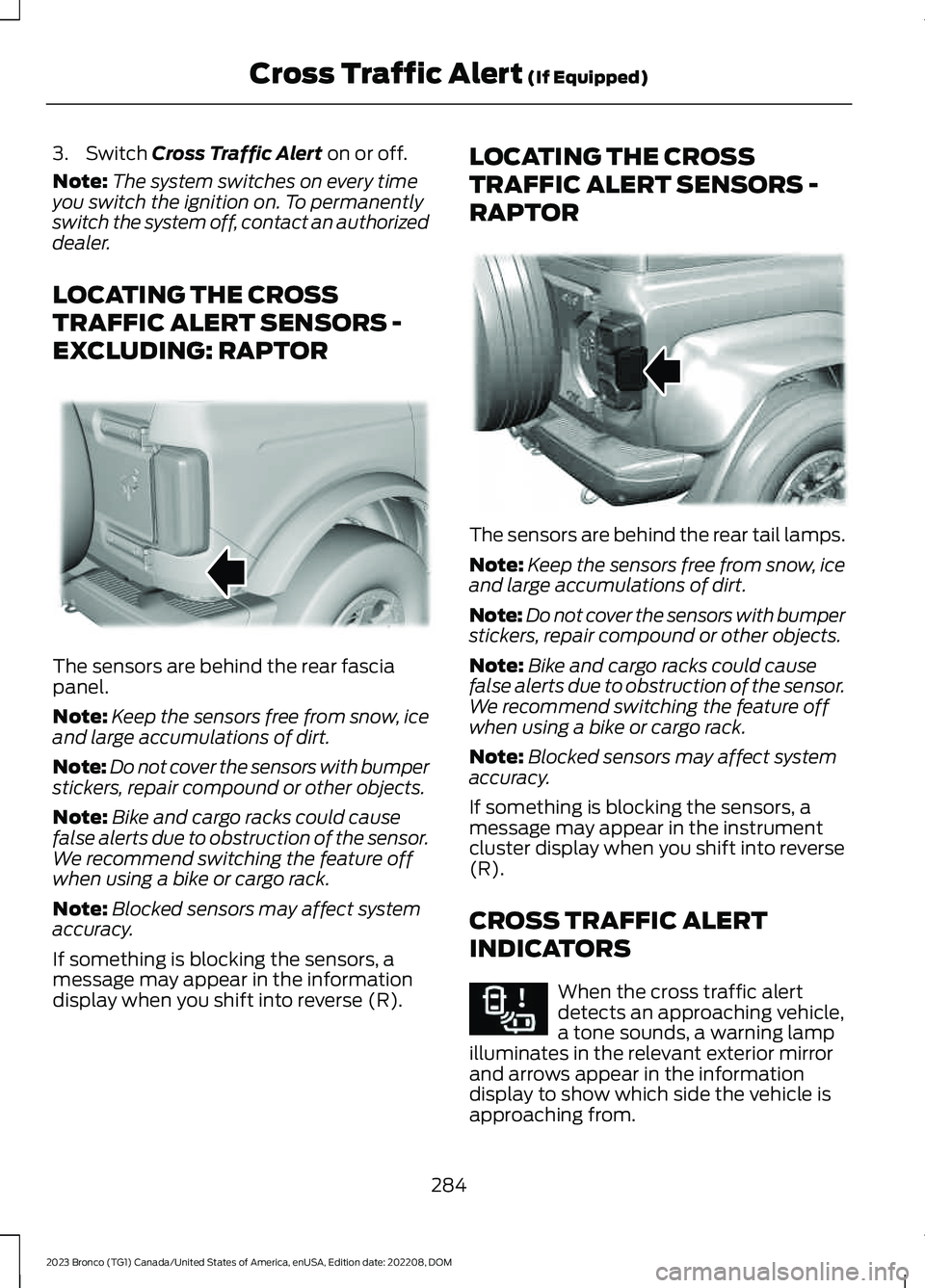
The sensors are behind the rear fasciapanel.
Note:Keep the sensors free from snow, iceand large accumulations of dirt.
Note:Do not cover the sensors with bumperstickers, repair compound or other objects.
Note:Bike and cargo racks could causefalse alerts due to obstruction of the sensor.We recommend switching the feature offwhen using a bike or cargo rack.
Note:Blocked sensors may affect systemaccuracy.
If something is blocking the sensors, amessage may appear in the informationdisplay when you shift into reverse (R).
LOCATING THE CROSS
TRAFFIC ALERT SENSORS -
RAPTOR
The sensors are behind the rear tail lamps.
Note:Keep the sensors free from snow, iceand large accumulations of dirt.
Note:Do not cover the sensors with bumperstickers, repair compound or other objects.
Note:Bike and cargo racks could causefalse alerts due to obstruction of the sensor.We recommend switching the feature offwhen using a bike or cargo rack.
Note:Blocked sensors may affect systemaccuracy.
If something is blocking the sensors, amessage may appear in the instrumentcluster display when you shift into reverse(R).
CROSS TRAFFIC ALERT
INDICATORS
When the cross traffic alertdetects an approaching vehicle,a tone sounds, a warning lampilluminates in the relevant exterior mirrorand arrows appear in the informationdisplay to show which side the vehicle isapproaching from.
284
2023 Bronco (TG1) Canada/United States of America, enUSA, Edition date: 202208, DOMCross Traffic Alert (If Equipped)E339014 E387524 E268294
Page 289 of 642
If the system malfunctions, a warning lampilluminates in the instrument cluster anda message appears in the instrumentcluster display. Have your vehicle checkedas soon as possible.
Note:If arrows do not display, a messageappears in the instrument cluster display.
Note:In some conditions, the system couldalert you, even when there is nothing in thedetection zone, for example a vehiclepassing further away from your vehicle.
CROSS TRAFFIC ALERT – TROUBLESHOOTING
CROSS TRAFFIC ALERT – INFORMATION MESSAGES
ActionMessage
Displays instead of indication arrows whenthe system detects a vehicle. Check forapproaching traffic.
Cross Traffic Alert
Indicates blocked cross traffic alert systemsensors. Clean the sensors. If the messagecontinues to appear, have your vehiclechecked as soon as possible.
Cross Traffic Not Available Sensor BlockedSee Manual
The system has malfunctioned. Have yourvehicle checked as soon as possible.Cross Traffic System Fault
Displays if you attach a trailer to yourvehicle.Cross Traffic Alert Deactivated TrailerAttached
Note:When connecting a trailer, the systemmay detect the trailer and turn the systemOFF. If the system does not turn OFFautomatically, switch the cross traffic alertsystem OFF manually.
285
2023 Bronco (TG1) Canada/United States of America, enUSA, Edition date: 202208, DOMCross Traffic Alert (If Equipped)