cruise control FORD MUSTANG 2015 6.G Owners Manual
[x] Cancel search | Manufacturer: FORD, Model Year: 2015, Model line: MUSTANG, Model: FORD MUSTANG 2015 6.GPages: 441, PDF Size: 6.98 MB
Page 4 of 441
Introduction
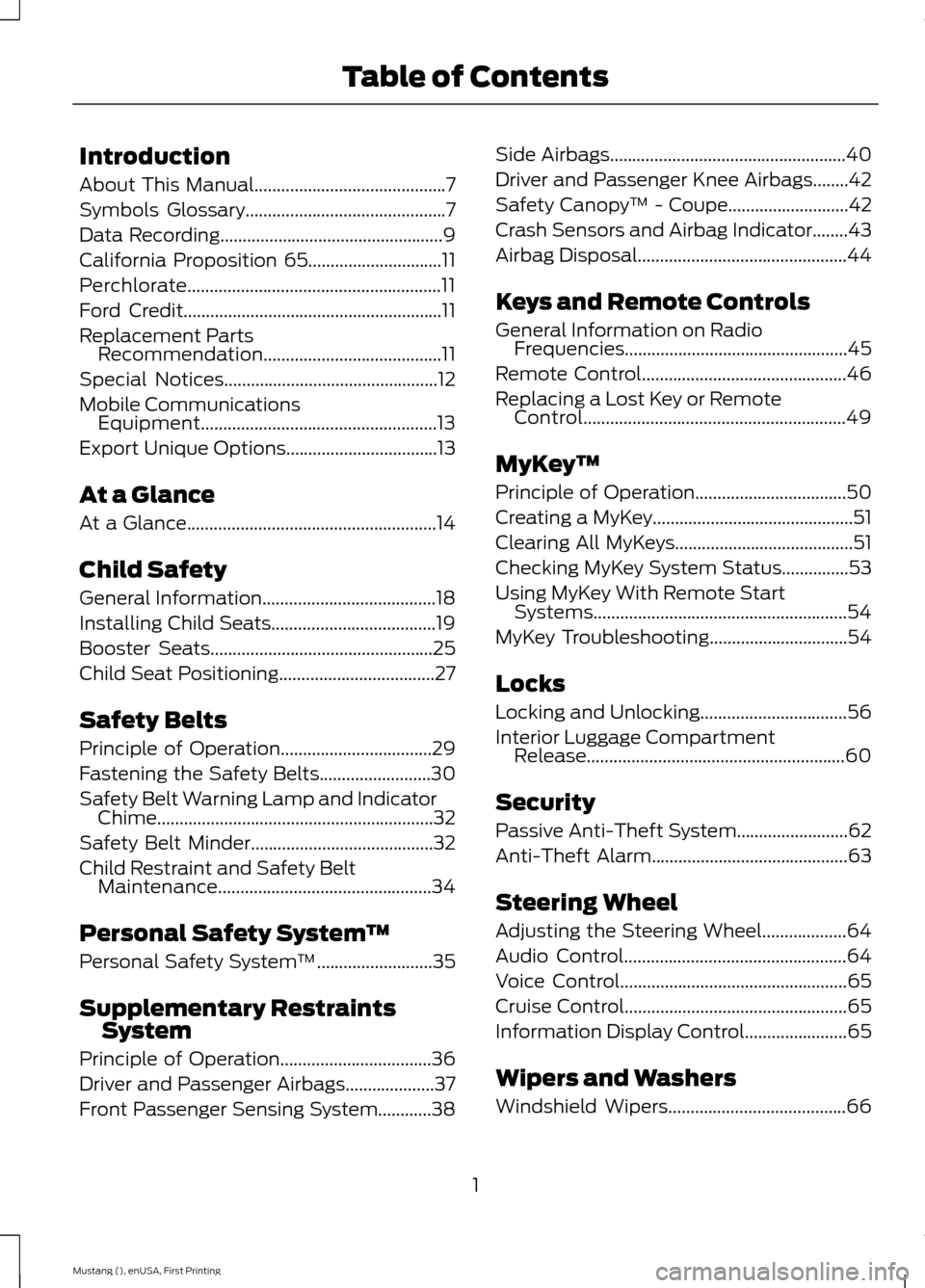
About This Manual...........................................7
Symbols Glossary
.............................................7
Data Recording
..................................................9
California Proposition 65..............................11
Perchlorate.........................................................11
Ford Credit
..........................................................11
Replacement Parts Recommendation
........................................11
Special Notices................................................12
Mobile Communications Equipment.....................................................13
Export Unique Options..................................13
At a Glance
At a Glance........................................................14
Child Safety
General Information
.......................................18
Installing Child Seats.....................................19
Booster Seats..................................................25
Child Seat Positioning...................................27
Safety Belts
Principle of Operation..................................29
Fastening the Safety Belts
.........................30
Safety Belt Warning Lamp and Indicator Chime
..............................................................32
Safety Belt Minder.........................................32
Child Restraint and Safety Belt Maintenance................................................34
Personal Safety System ™
Personal Safety System ™
..........................35
Supplementary Restraints System
Principle of Operation..................................36
Driver and Passenger Airbags....................37
Front Passenger Sensing System
............38 Side Airbags
.....................................................40
Driver and Passenger Knee Airbags........42
Safety Canopy ™ -
Coupe...........................42
Crash Sensors and Airbag Indicator........43
Airbag Disposal...............................................44
Keys and Remote Controls
General Information on Radio Frequencies..................................................45
Remote Control
..............................................46
Replacing a Lost Key or Remote Control...........................................................49
MyKey ™
Principle of Operation..................................50
Creating a MyKey.............................................51
Clearing All MyKeys
........................................51
Checking MyKey System Status...............53
Using MyKey With Remote Start Systems.........................................................54
MyKey Troubleshooting
...............................54
Locks
Locking and Unlocking
.................................56
Interior Luggage Compartment Release..........................................................60
Security
Passive Anti-Theft System.........................62
Anti-Theft Alarm
............................................63
Steering Wheel
Adjusting the Steering Wheel...................64
Audio Control..................................................64
Voice Control
...................................................65
Cruise Control..................................................65
Information Display Control.......................65
Wipers and Washers
Windshield Wipers
........................................66
1
Mustang (), enUSA, First Printing Table of Contents
Page 6 of 441
Rear Axle
Limited Slip Differential.............................139
Brakes
General Information....................................140
Hints on Driving With Anti-Lock
Brakes...........................................................140
Parking Brake.................................................140
Hill Start Assist...............................................141
Traction Control
Principle of Operation.................................142
Using Traction Control................................142
Stability Control
Principle of Operation.................................143
Using Stability Control...............................144
Parking Aids
Parking Aid
......................................................147
Rear View Camera.......................................148
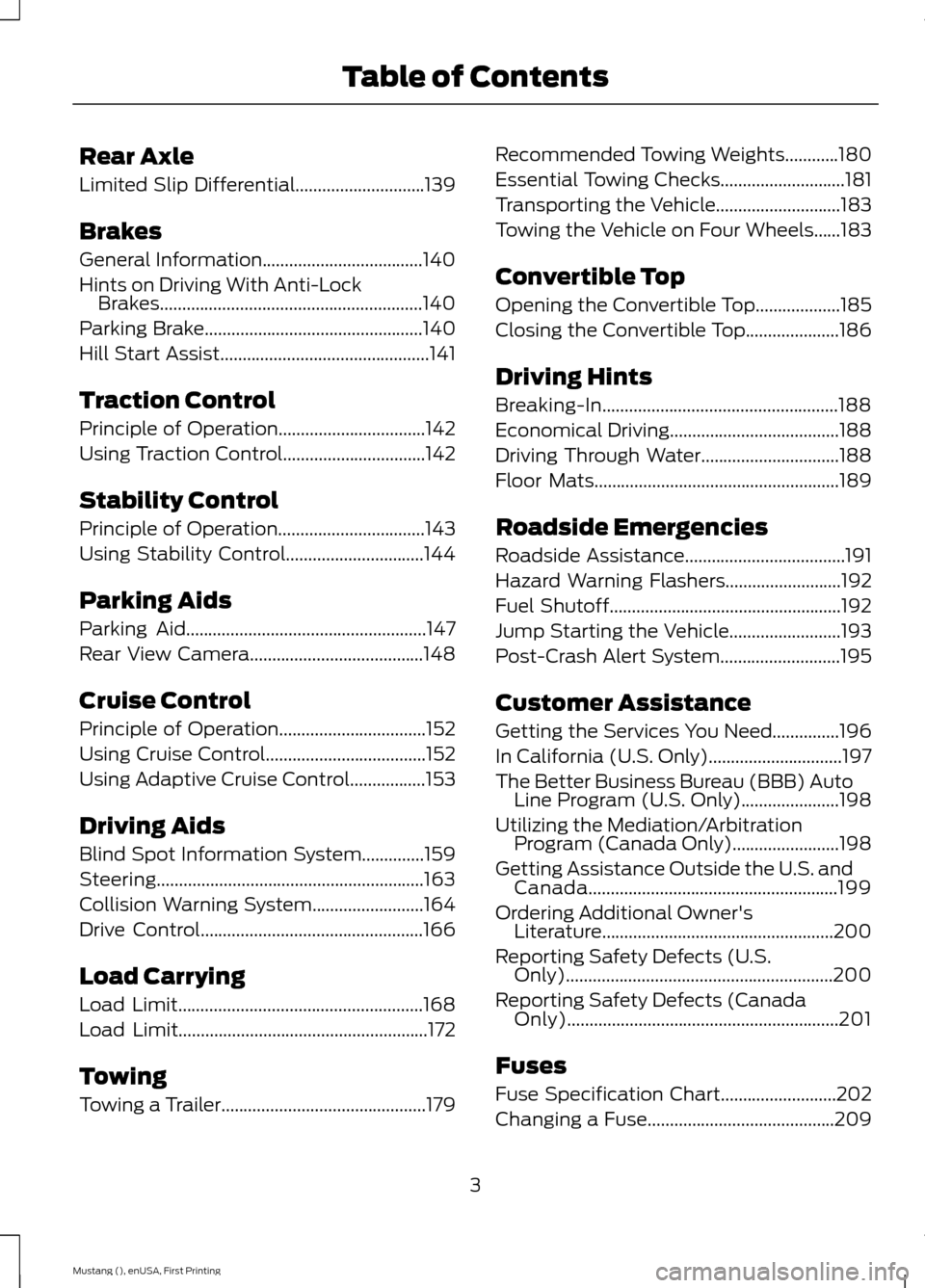
Cruise Control
Principle of Operation.................................152
Using Cruise Control....................................152
Using Adaptive Cruise Control
.................153
Driving Aids
Blind Spot Information System..............159
Steering............................................................163
Collision Warning System
.........................164
Drive Control
..................................................166
Load Carrying
Load Limit.......................................................168
Load Limit
........................................................172
Towing
Towing a Trailer
..............................................179 Recommended Towing Weights............180
Essential Towing Checks
............................181
Transporting the Vehicle............................183
Towing the Vehicle on Four Wheels......183
Convertible Top
Opening the Convertible Top...................185
Closing the Convertible Top.....................186
Driving Hints
Breaking-In.....................................................188
Economical Driving......................................188
Driving Through Water...............................188
Floor Mats
.......................................................189
Roadside Emergencies
Roadside Assistance....................................191
Hazard Warning Flashers
..........................192
Fuel Shutoff....................................................192
Jump Starting the Vehicle
.........................193
Post-Crash Alert System
...........................195
Customer Assistance
Getting the Services You Need...............196
In California (U.S. Only)..............................197
The Better Business Bureau (BBB) Auto Line Program (U.S. Only)......................198
Utilizing the Mediation/Arbitration Program (Canada Only)........................198
Getting Assistance Outside the U.S. and Canada........................................................199
Ordering Additional Owner's Literature....................................................200
Reporting Safety Defects (U.S. Only)............................................................200
Reporting Safety Defects (Canada Only).............................................................201
Fuses
Fuse Specification Chart
..........................202
Changing a Fuse..........................................209
3
Mustang (), enUSA, First Printing Table of Contents
Page 11 of 441
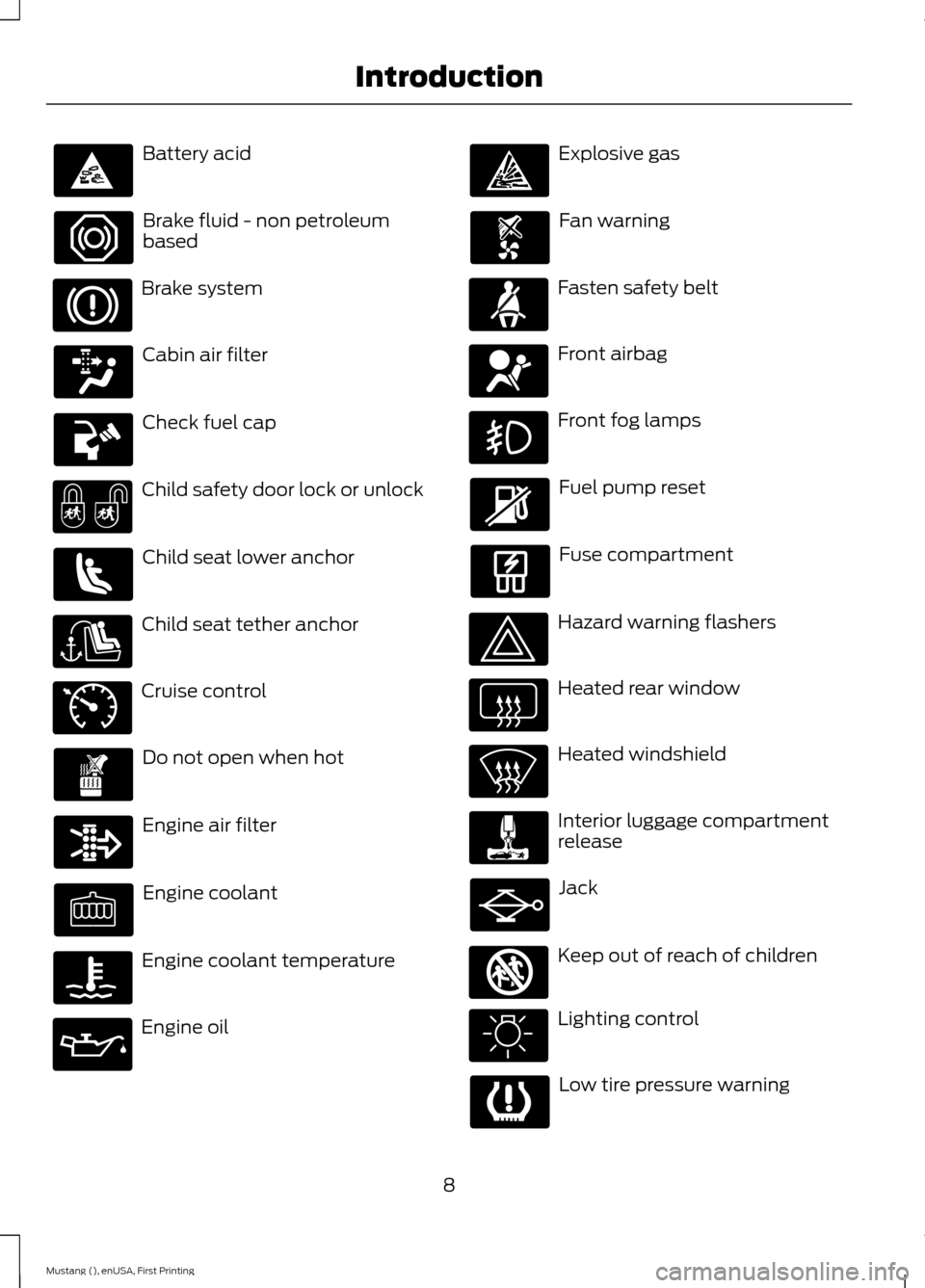
Battery acid
Brake fluid - non petroleum
based
Brake system
Cabin air filter
Check fuel cap
Child safety door lock or unlock
Child seat lower anchor
Child seat tether anchor
Cruise control
Do not open when hot
Engine air filter
Engine coolant
Engine coolant temperature
Engine oil Explosive gas
Fan warning
Fasten safety belt
Front airbag
Front fog lamps
Fuel pump reset
Fuse compartment
Hazard warning flashers
Heated rear window
Heated windshield
Interior luggage compartment
release
Jack
Keep out of reach of children
Lighting control
Low tire pressure warning
8
Mustang (), enUSA, First Printing Introduction E71340 E161353
Page 20 of 441
Horn.
N
Cruise control. See Cruise Control (page 152).
O
Information display controls. See
Information Display Control (page 65).
P
Luggage compartment switch. See Interior Luggage Compartment Release
(page
60).
Q
Lighting control. See
Lighting Control (page 68).
R
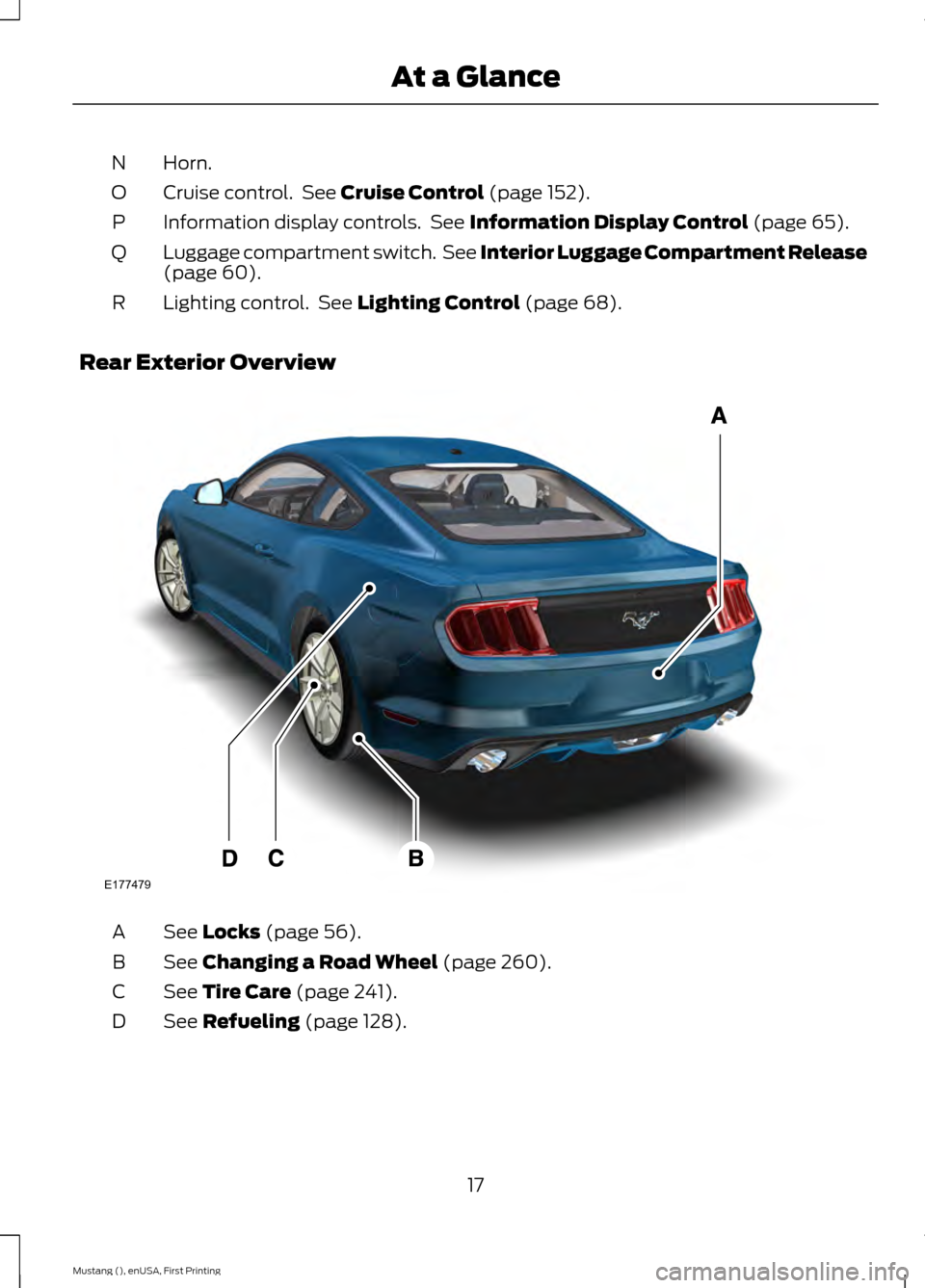
Rear Exterior Overview See
Locks (page 56).
A
See
Changing a Road Wheel (page 260).
B
See
Tire Care (page 241).
C
See
Refueling (page 128).
D
17
Mustang (), enUSA, First Printing At a GlanceE177479
Page 53 of 441
PRINCIPLE OF OPERATION
MyKey allows you to program keys with
restricted driving modes to promote good
driving habits. All but one of the keys
programmed to the vehicle can be
activated with these restricted modes.
Any keys that have not been programmed
are referred to as administrator keys or
admin keys. These can be used to:
•
Create a MyKey.
• Program configurable MyKey settings.
• Clear all MyKey features.
When you have programmed a MyKey, you
can access the following information using
the information display:
• How many admin keys and MyKeys are
programmed to your vehicle.
• The total distance your vehicle has
traveled using a MyKey.
Note: All MyKeys are programmed to the
same settings. You cannot program them
individually.
Note: For vehicles with intelligent access
with push-button start, when both a MyKey
and an admin intelligent access key fob are
present, the admin fob will be recognized
by the vehicle while switching the ignition
on to start the vehicle.
Non-configurable Settings
The following settings cannot be changed
by an admin key user:
• Belt-Minder. You cannot disable this
feature. The audio system will mute
when the front seat occupants’ safety
belts are not fastened.
• Early low fuel. The low-fuel warning
activates earlier, giving the MyKey user
more time to refuel. •
Driver assist features, if equipped on
your vehicle, are forced on: parking aid,
blind spot information system (BLIS)
with cross traffic alert, lane departure
warning and forward collision warning
system.
• Track Mode, if your vehicle is equipped
with this feature, will be disabled.
Configurable Settings
With an admin key, you can configure
certain MyKey settings when you first
create a MyKey and before you recycle the
key or restart the vehicle. You can also
change the settings afterward with an
admin key.
• A vehicle speed limit can be set.
Warnings will be shown in the display
followed by an audible tone when your
vehicle reaches the set speed. You
cannot override the set speed by fully
depressing the accelerator pedal or by
setting cruise control.
• Vehicle speed minders of 45 mph
(75 km/h), 55 mph (90 km/h) or
65 mph (105 km/h). Once you select
a speed, it will be shown in the display,
followed by an audible tone when the
preselected vehicle speed is exceeded.
• Audio system maximum volume of
45%. A message will be shown in the
display when you attempt to exceed
the limited volume. Also, the
speed-sensitive or compensated
automatic volume control will be
disabled.
• Always on setting. When this is
selected, you will not be able to turn
off Advance Trac, Emergency Assist
and Do Not Disturb (if your vehicle is
equipped with these features), and
Sport Mode will not be available to
MyKey drivers.
50
Mustang (), enUSA, First Printing MyKey
™
Page 68 of 441
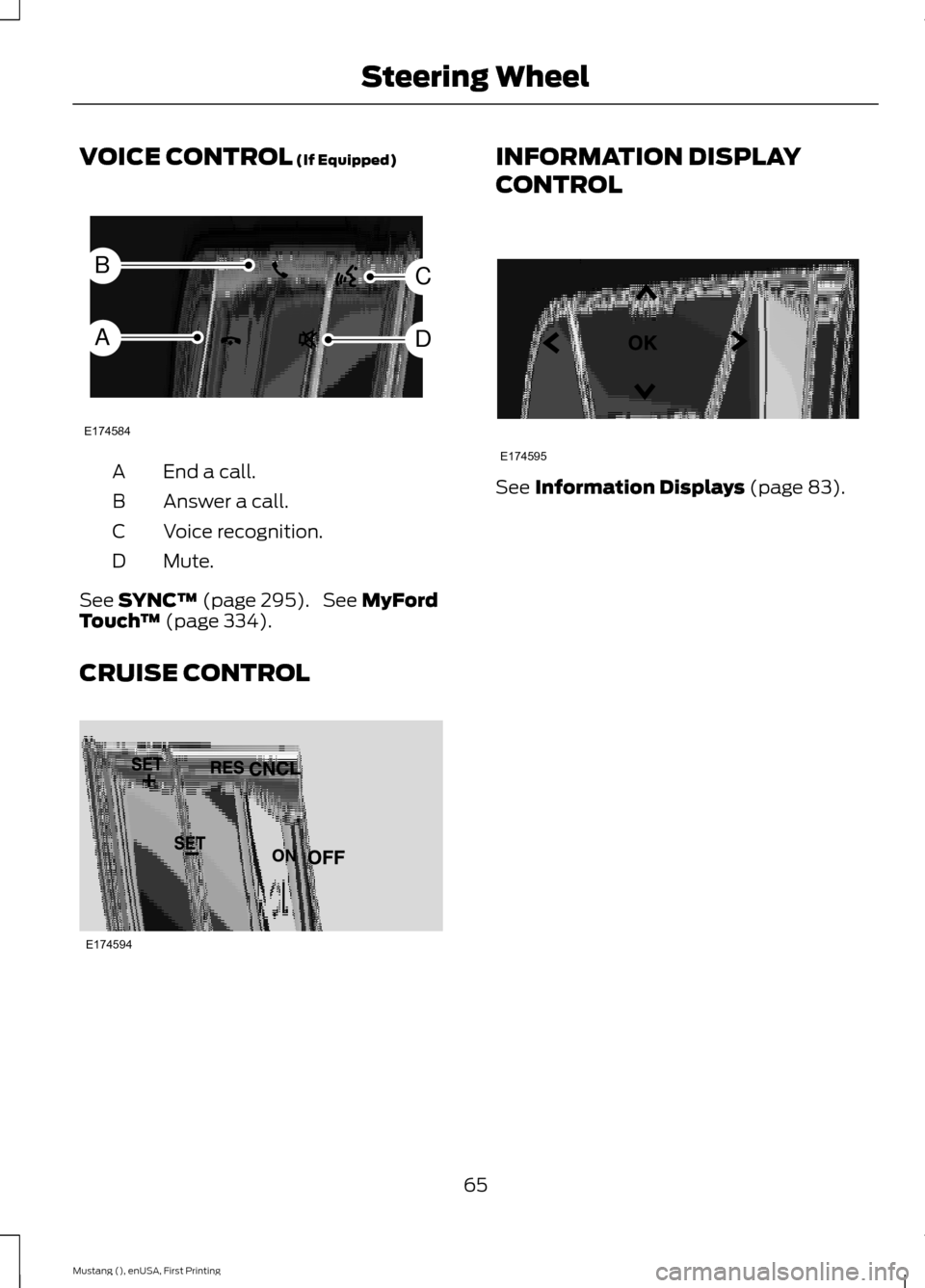
VOICE CONTROL (If Equipped)
End a call.
A
Answer a call.
B
Voice recognition.
C
Mute.
D
See
SYNC™ (page 295). See MyFord
Touch ™ (page 334).
CRUISE CONTROL INFORMATION DISPLAY
CONTROL
See
Information Displays (page 83).
65
Mustang (), enUSA, First Printing Steering WheelE174584
C
D
B
A E174594 E174595
Page 82 of 441
WARNING LAMPS AND
INDICATORS
The following warning lamps and
indicators will alert you to a vehicle
condition that may become serious. Some
lamps will illuminate when you start your
vehicle to make sure they work. If any
lamps remain on after starting your vehicle,
refer to the respective system warning
lamp for further information.
Note:
Some warning indicators appear in
the information display and function the
same as a warning lamp but do not display
when you start your vehicle.
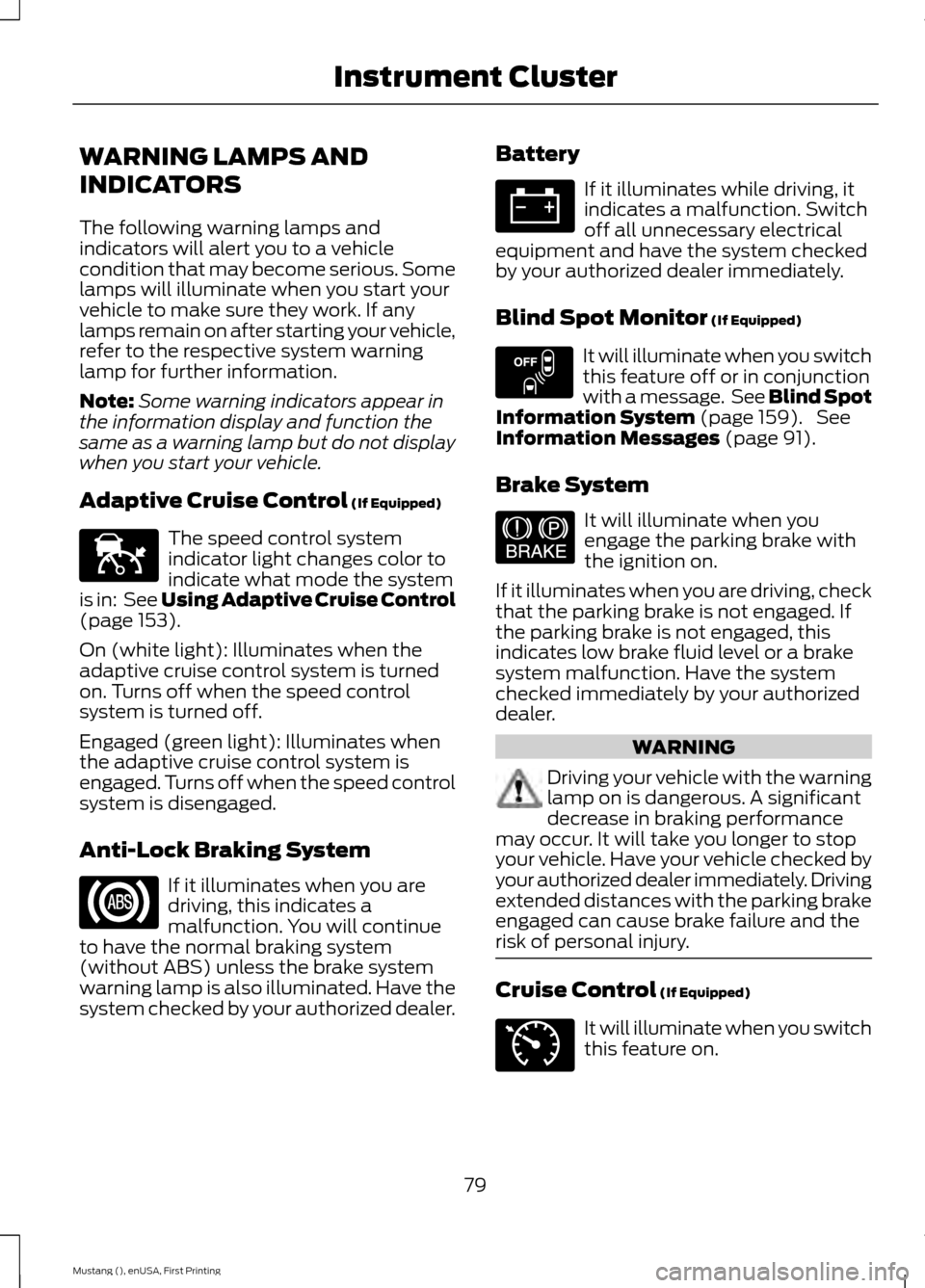
Adaptive Cruise Control (If Equipped) The speed control system
indicator light changes color to
indicate what mode the system
is in: See Using Adaptive Cruise Control
(page
153).
On (white light): Illuminates when the
adaptive cruise control system is turned
on. Turns off when the speed control
system is turned off.
Engaged (green light): Illuminates when
the adaptive cruise control system is
engaged. Turns off when the speed control
system is disengaged.
Anti-Lock Braking System If it illuminates when you are
driving, this indicates a
malfunction. You will continue
to have the normal braking system
(without ABS) unless the brake system
warning lamp is also illuminated. Have the
system checked by your authorized dealer. Battery If it illuminates while driving, it
indicates a malfunction. Switch
off all unnecessary electrical
equipment and have the system checked
by your authorized dealer immediately.
Blind Spot Monitor
(If Equipped) It will illuminate when you switch
this feature off or in conjunction
with a message. See Blind Spot
Information System
(page 159). See
Information Messages (page 91).
Brake System It will illuminate when you
engage the parking brake with
the ignition on.
If it illuminates when you are driving, check
that the parking brake is not engaged. If
the parking brake is not engaged, this
indicates low brake fluid level or a brake
system malfunction. Have the system
checked immediately by your authorized
dealer. WARNING
Driving your vehicle with the warning
lamp on is dangerous. A significant
decrease in braking performance
may occur. It will take you longer to stop
your vehicle. Have your vehicle checked by
your authorized dealer immediately. Driving
extended distances with the parking brake
engaged can cause brake failure and the
risk of personal injury. Cruise Control
(If Equipped)
It will illuminate when you switch
this feature on.
79
Mustang (), enUSA, First Printing Instrument ClusterE144524 E151262 E144522 E71340
Page 83 of 441
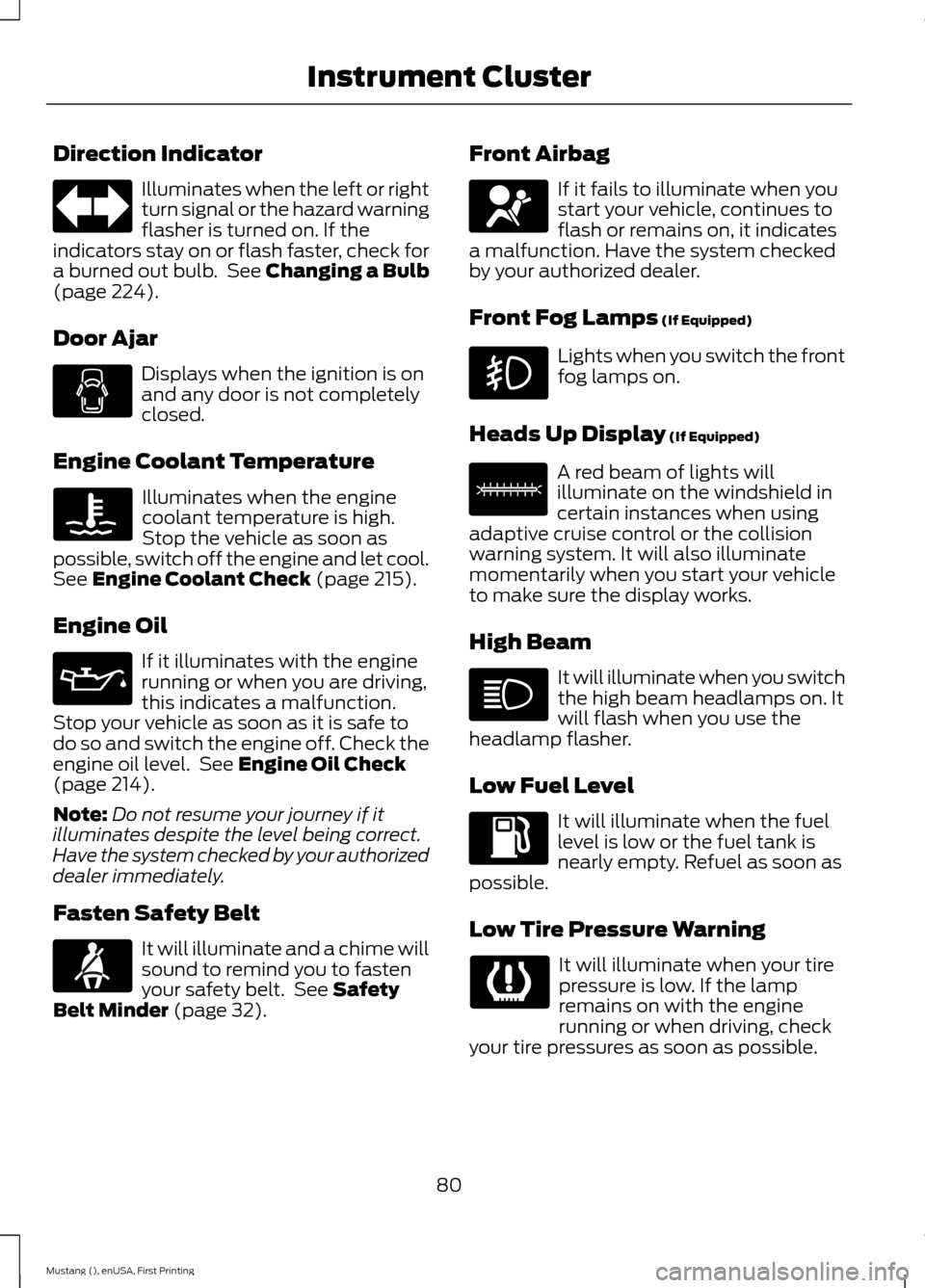
Direction Indicator
Illuminates when the left or right
turn signal or the hazard warning
flasher is turned on. If the
indicators stay on or flash faster, check for
a burned out bulb. See Changing a Bulb
(page 224).
Door Ajar Displays when the ignition is on
and any door is not completely
closed.
Engine Coolant Temperature Illuminates when the engine
coolant temperature is high.
Stop the vehicle as soon as
possible, switch off the engine and let cool.
See
Engine Coolant Check (page 215).
Engine Oil If it illuminates with the engine
running or when you are driving,
this indicates a malfunction.
Stop your vehicle as soon as it is safe to
do so and switch the engine off. Check the
engine oil level. See
Engine Oil Check
(page 214).
Note: Do not resume your journey if it
illuminates despite the level being correct.
Have the system checked by your authorized
dealer immediately.
Fasten Safety Belt It will illuminate and a chime will
sound to remind you to fasten
your safety belt. See
Safety
Belt Minder (page 32). Front Airbag If it fails to illuminate when you
start your vehicle, continues to
flash or remains on, it indicates
a malfunction. Have the system checked
by your authorized dealer.
Front Fog Lamps
(If Equipped) Lights when you switch the front
fog lamps on.
Heads Up Display
(If Equipped) A red beam of lights will
illuminate on the windshield in
certain instances when using
adaptive cruise control or the collision
warning system. It will also illuminate
momentarily when you start your vehicle
to make sure the display works.
High Beam It will illuminate when you switch
the high beam headlamps on. It
will flash when you use the
headlamp flasher.
Low Fuel Level It will illuminate when the fuel
level is low or the fuel tank is
nearly empty. Refuel as soon as
possible.
Low Tire Pressure Warning It will illuminate when your tire
pressure is low. If the lamp
remains on with the engine
running or when driving, check
your tire pressures as soon as possible.
80
Mustang (), enUSA, First Printing Instrument Cluster E156133
Page 92 of 441
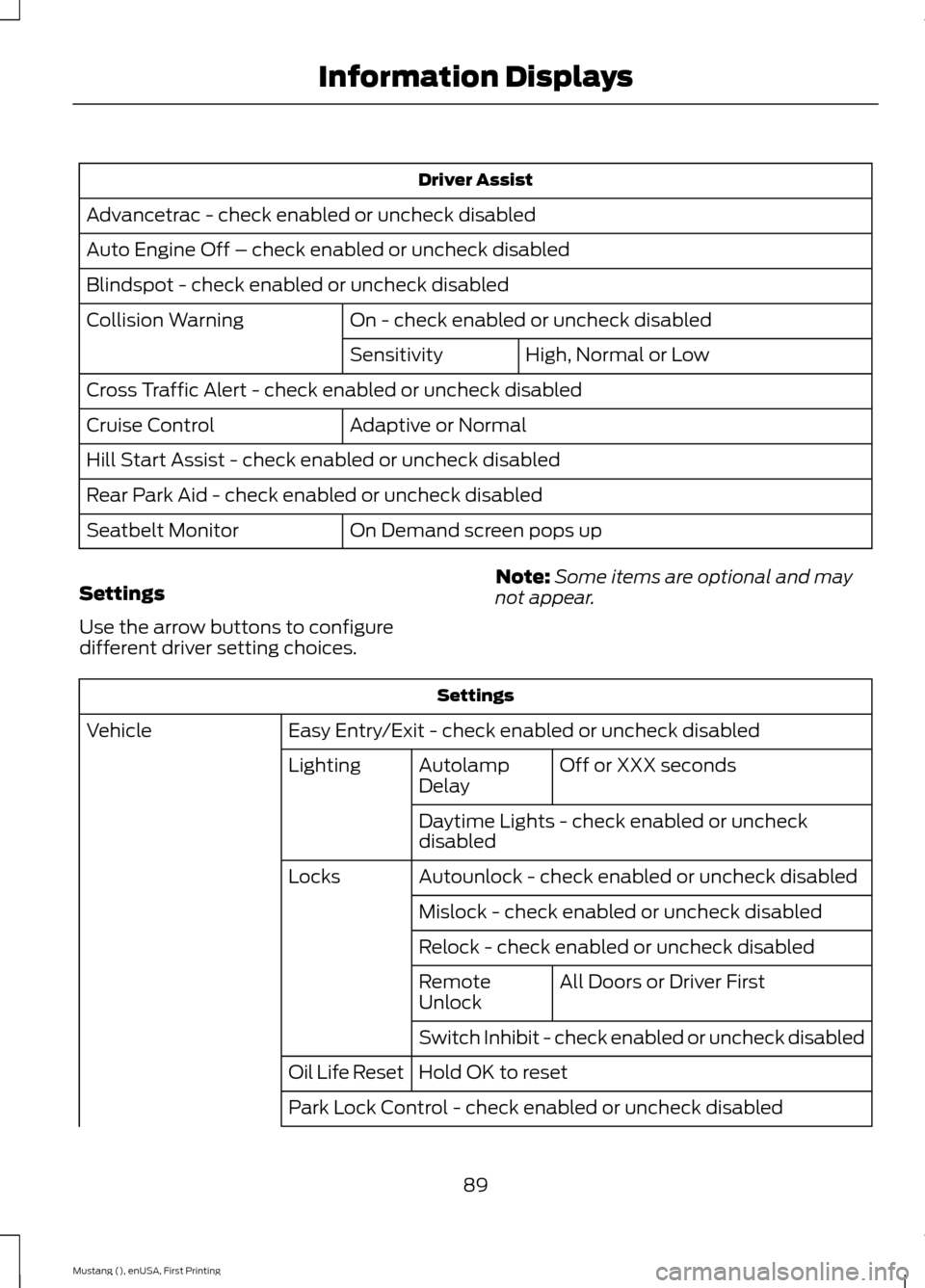
Driver Assist
Advancetrac - check enabled or uncheck disabled
Auto Engine Off – check enabled or uncheck disabled
Blindspot - check enabled or uncheck disabled On - check enabled or uncheck disabled
Collision Warning
High, Normal or Low
Sensitivity
Cross Traffic Alert - check enabled or uncheck disabled Adaptive or Normal
Cruise Control
Hill Start Assist - check enabled or uncheck disabled
Rear Park Aid - check enabled or uncheck disabled
On Demand screen pops up
Seatbelt Monitor
Settings
Use the arrow buttons to configure
different driver setting choices. Note:
Some items are optional and may
not appear. Settings
Easy Entry/Exit - check enabled or uncheck disabled
Vehicle
Off or XXX seconds
Autolamp
Delay
Lighting
Daytime Lights - check enabled or uncheck
disabled
Autounlock - check enabled or uncheck disabled
Locks
Mislock - check enabled or uncheck disabled
Relock - check enabled or uncheck disabled All Doors or Driver First
Remote
Unlock
Switch Inhibit - check enabled or uncheck disabled
Hold OK to reset
Oil Life Reset
Park Lock Control - check enabled or uncheck disabled
89
Mustang (), enUSA, First Printing Information Displays
Page 94 of 441
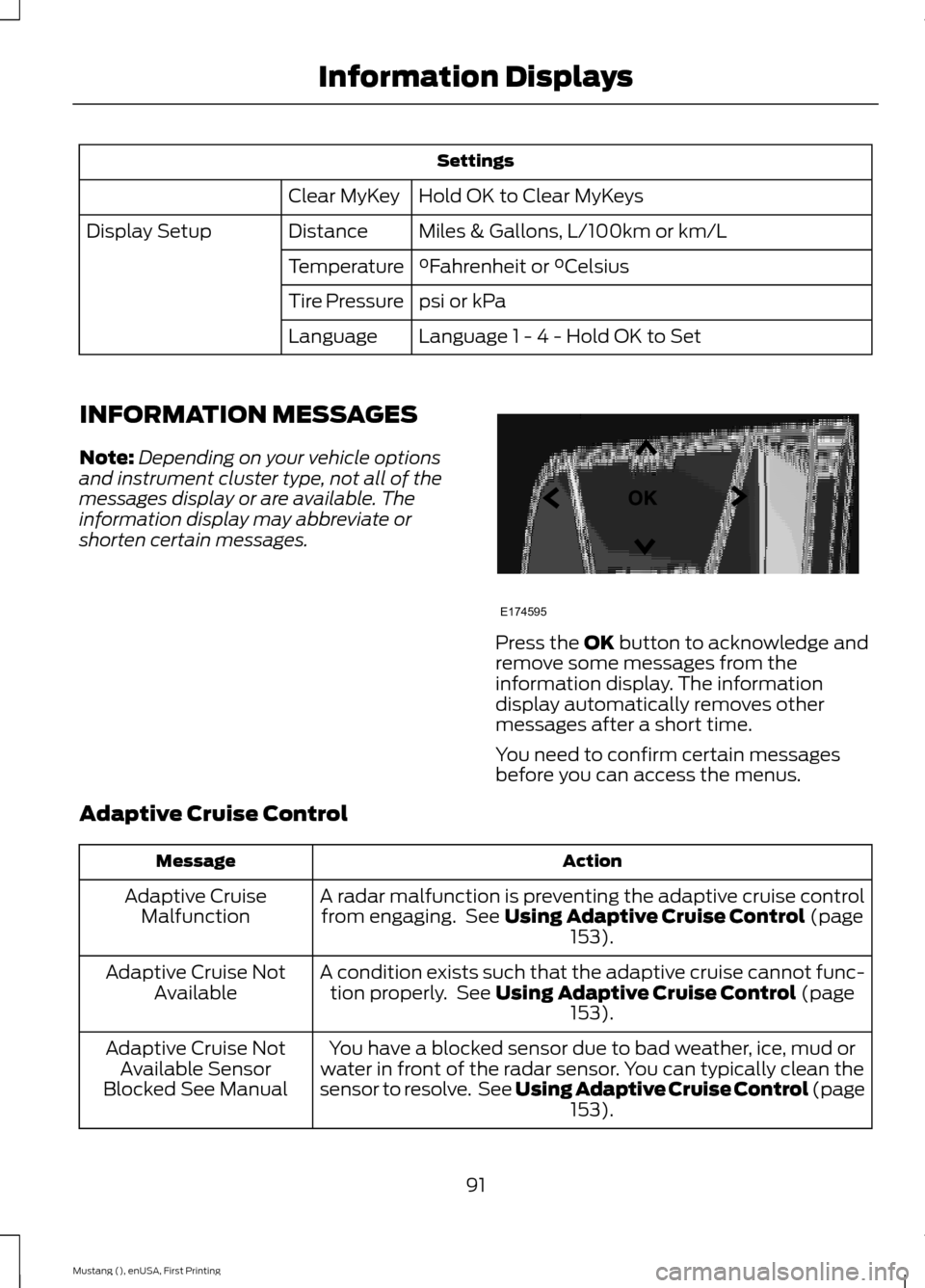
Settings
Hold OK to Clear MyKeys
Clear MyKey
Miles & Gallons, L/100km or km/L
Distance
Display Setup
°Fahrenheit or °Celsius
Temperature
psi or kPa
Tire Pressure
Language 1 - 4 - Hold OK to Set
Language
INFORMATION MESSAGES
Note: Depending on your vehicle options
and instrument cluster type, not all of the
messages display or are available. The
information display may abbreviate or
shorten certain messages. Press the OK button to acknowledge and
remove some messages from the
information display. The information
display automatically removes other
messages after a short time.
You need to confirm certain messages
before you can access the menus.
Adaptive Cruise Control Action
Message
A radar malfunction is preventing the adaptive cruise controlfrom engaging. See
Using Adaptive Cruise Control (page
153).
Adaptive Cruise
Malfunction
A condition exists such that the adaptive cruise cannot func-tion properly. See
Using Adaptive Cruise Control (page
153).
Adaptive Cruise Not
Available
You have a blocked sensor due to bad weather, ice, mud or
water in front of the radar sensor. You can typically clean the
sensor to resolve. See Using Adaptive Cruise Control
(page
153).
Adaptive Cruise Not
Available Sensor
Blocked See Manual
91
Mustang (), enUSA, First Printing Information DisplaysE174595