lock GMC SIERRA 1993 Service Manual
[x] Cancel search | Manufacturer: GMC, Model Year: 1993, Model line: SIERRA, Model: GMC SIERRA 1993Pages: 436, PDF Size: 23.88 MB
Page 110 of 436
Features & ContrOrs
To tilt the wheel, hold the steering wheel and pull the lever. Move the
steering wheel to a comfortable level, then release the lever to
lock the wheel
in place.
Mu/tifunction Lever
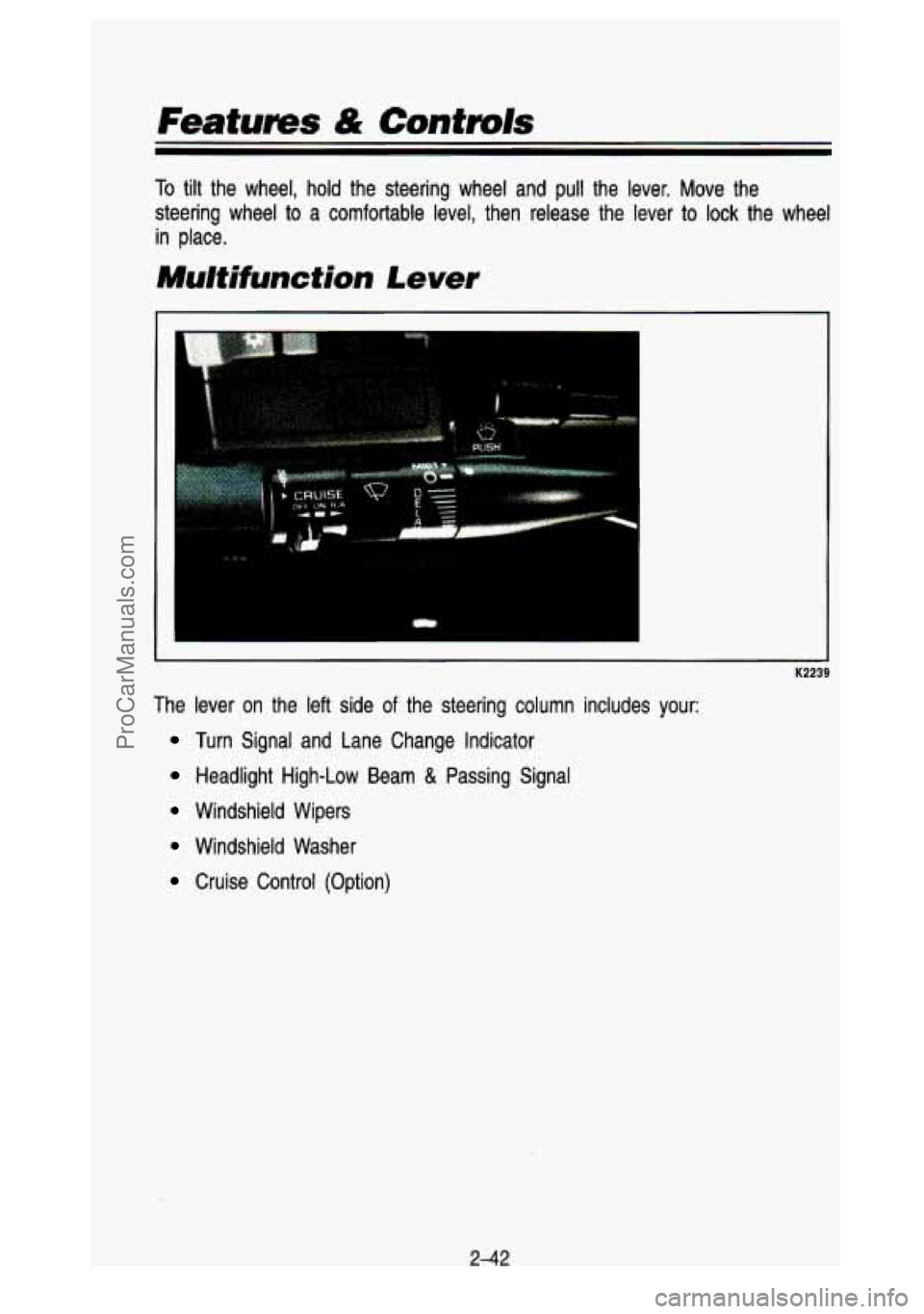
The lever on the left side of the steering column includes your:
Turn Signal and Lane Change Indicator
Headlight High-Low Beam & Passing Signal
Windshield Wipers
Windshield Washer
Cruise Control (Option)
2-42
ProCarManuals.com
Page 114 of 436
Features & Controls
Windshield Washer
I
K2246
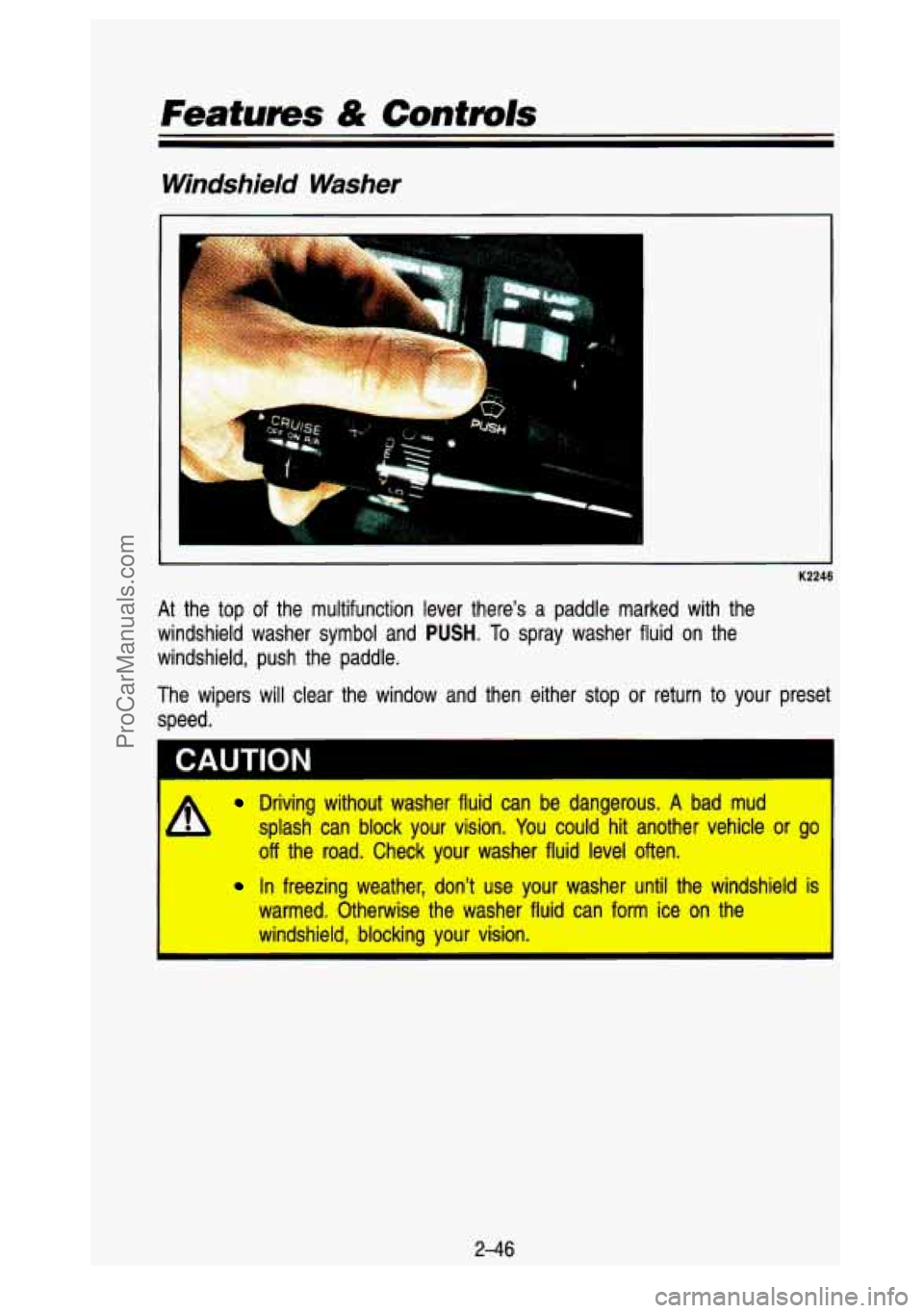
At the top of the multifunction lever there’s a paddle marked with the
windshield washer symbol and
PUSH. To spray washer fluid on the
windshield, push the paddle.
The wipers will clear the window and then either stop
or return to your preset
speed.
I CAUTION
Driving without washer fluid can be dangerous. A bad mud
splash can block your vision. You could hit another vehicle
or go
off the road. Check your washer fluid level often.
In freezing weather, don’t use your washer until the windshield is
warmed. Otherwise the washer fluid can form ice on the
windshield, blocking your vision.
I I
2-46
ProCarManuals.com
Page 122 of 436
Push the right side of the switch with the 0 symbol on it to turn off your
lights.
Turn the dial at the right of the
off switch to adjust interior lights. Turning the
dial
all the way up turns on the interior lights.
You can switch your headlights from high to low beam by pulling o\
n the turn
signal/high beam lever.
A circuit breaker protects your headlights. If you have an electrical overload,
your headlights will flicker on and
off. Have your headlight wiring checked
right away
if this happens.
Headlights-On Reminder
A buzzer will sound when your headlights are turned on and your ignition is
in Off, LOCK or Acc.
Fog Lamps
Use your optional fog lamps for better vision in foggy or misty conditions.
Your fog lamps will operate with your low beam headlights or parking li\
ghts
on,
and go off when the high beam headlamps are on. Switching to low
beam headlights or parking lights will let you use the fog la\
mps again.
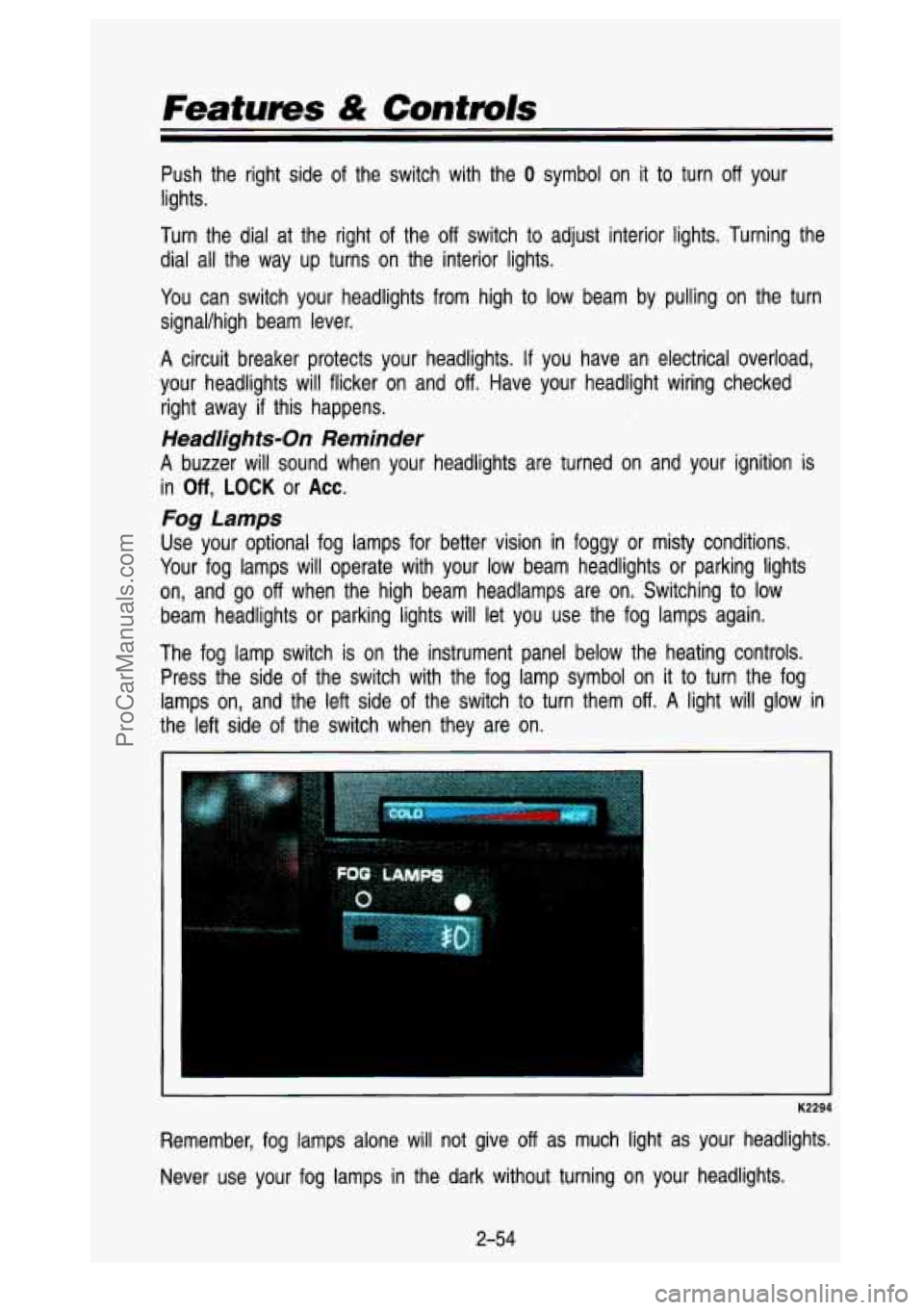
The fog lamp switch is on the instrument panel below the heating controls.
Press the side of the switch with the fog lamp symbol on
it to turn the fog
lamps on, and the left side of the switch
to turn them off. A light will glow in
the left side of the switch when they are on.
K2294
Remember, fog lamps alone will not give off as much light as your headlights.
Never use your fog lamps in the dark without turning on your headlights.
2-54
ProCarManuals.com
Page 127 of 436
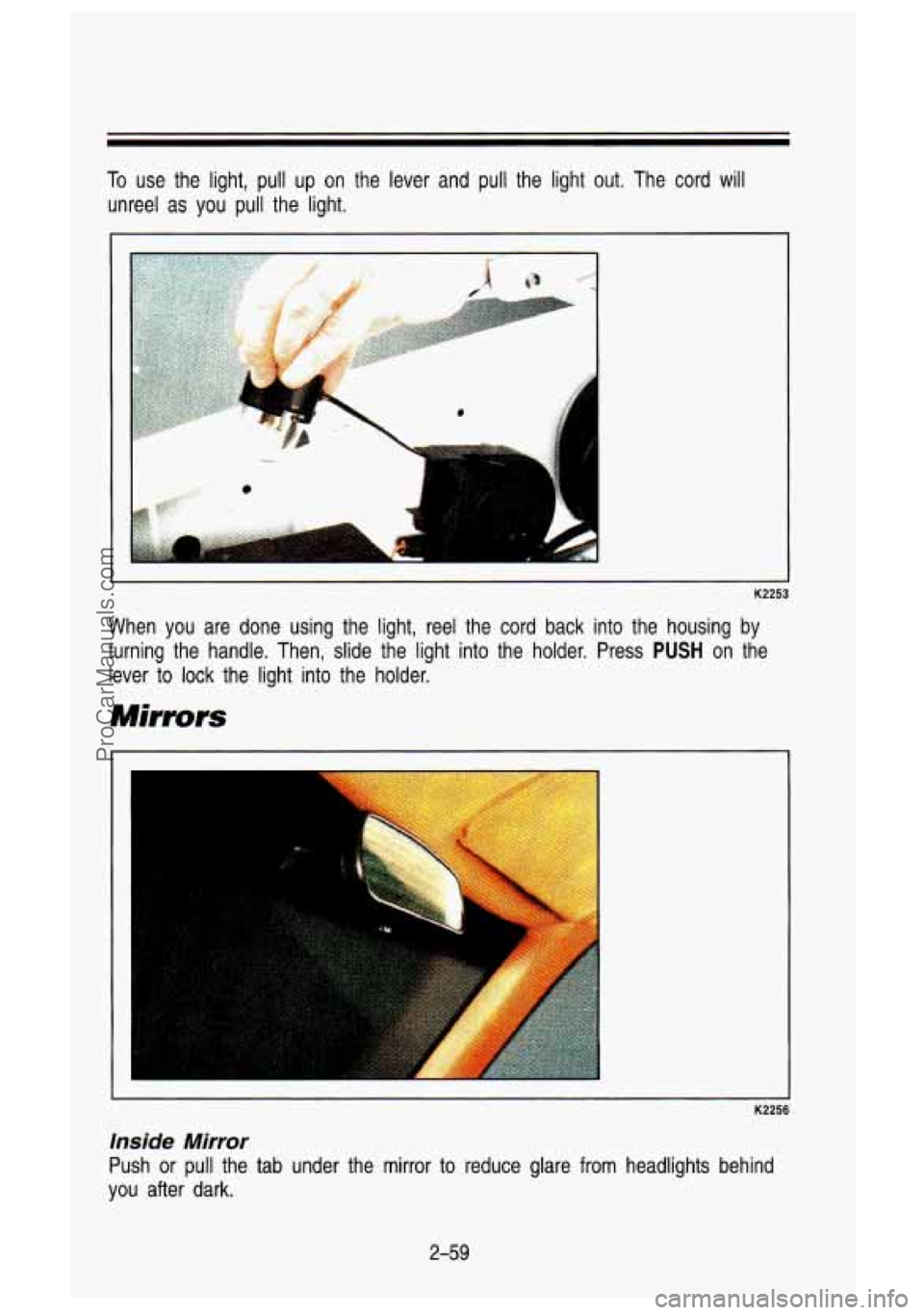
To use the light, pull up on the lever and pull the light out. The cord will
unreel as you pull the light.
K2253
When you are done using the light, reel the cord back into t\
he housing by
turning the handle. Then, slide the light into the holder. Pre\
ss
PUSH on the
lever to lock the light into the holder.
Mirrors
K2256
inside Mirror
Push or pull the tab under the mirror to reduce glare from headlights behind
you after dark.
2-59
ProCarManuals.com
Page 129 of 436
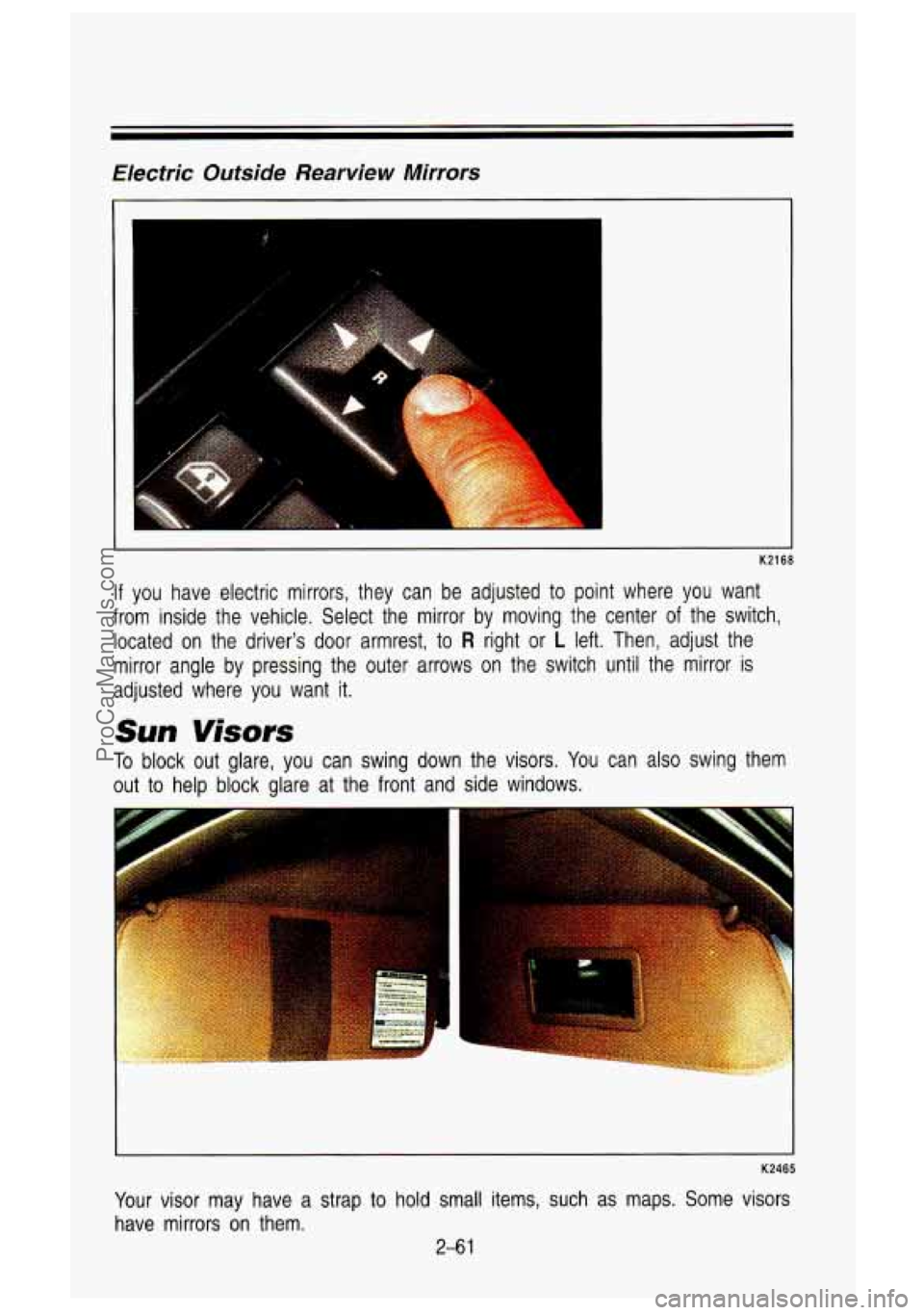
Electric Outside Rearview Mirrors
K2168
If you have electric mirrors, they can be adjusted to point where you want
from inside the vehicle. Select the mirror by moving the cente\
r of the switch,
located on the driver's door armrest,
to R right or L left. Then, adjust the
mirror angle by pressing the outer arrows on the switch until \
the mirror is
adjusted where you want
it.
Sun Visors
To block out glare, you can swing dowr
out
to help block glare at the front and
7 the visors. You can also swing them
side windows.
1
K2465
Your visor may have a strap to hold small items, such as maps. Some visors
have mirrors on them.
2-6 1
ProCarManuals.com
Page 132 of 436

Features & Controls
Center Floor Console
K2229
Your vehicle may have a console compartment between the bucket seats\
. To
open it, just squeeze the buttons on both sides of the keyhole, and pull up.
Use your round key to lock this compartment. Your console also includes a
handy place to hold cups.
PO192
Your console also has a cup holder that slides out, for the back seat
passengers
to use.
2-64
ProCarManuals.com
Page 147 of 436
you know they’re working. If you are familiar. with this section, you should not
be alarmed when this happens.
Gages can indicate when there may be or is _a problem with one of your
vehicle’s functions. Often gages and warning lights work together
to let you
know when there’s a problem with your vehicle.
When one of the warning lights comes on and stays on when yo\
u are driving, or when one of the gages shows there may be a probl\
em, check the
section that tells you what to do about it. Please follow the\
manual’s advice.
Waiting to do repairs can be costly-and even dangerous.
So please get to
know your warning lights and gages. They’re a big help.
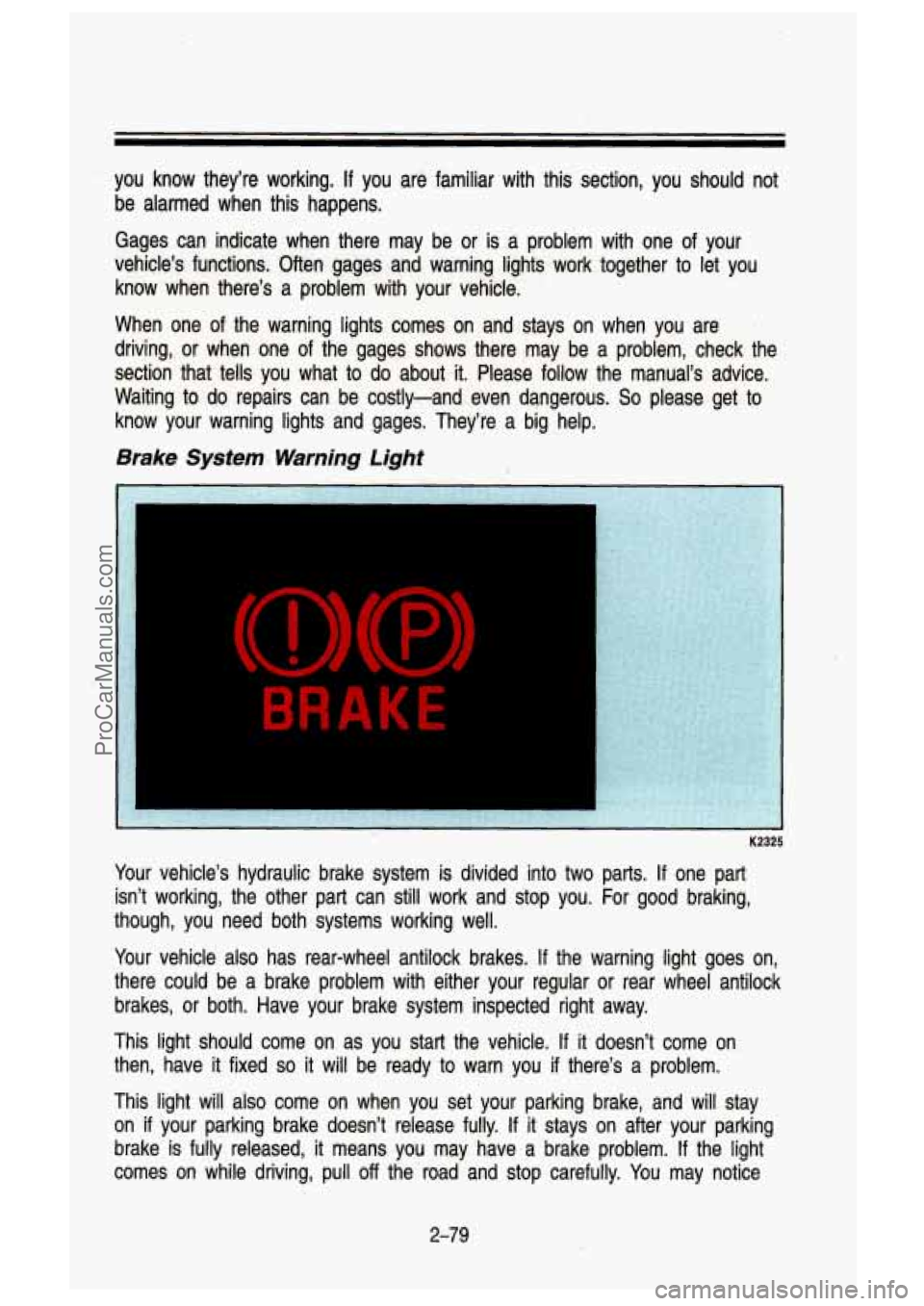
Brake System. Warning Light
BRAKE
. , K2325
Your vehicle’s hydraulic brake system is divided into two parts. If ,one‘ part
isn’t working, the other part can still work and stop you. \
For good braking,
though, you need both- systems working well.
Your vehicle also has rear-wheel antilock brakes.
If the warning light goes on,
there could be a brake problem with either your regular or rear wheel antilock
brakes, or both. Have your brake system inspected right away.
This light should come on as you start the vehicle.
If it doesn’t come on
then, have
it fixed so it will be ready to warn you if there’s a problem.
This light
will also come on when you set your parking brake, and will stay
on
if your parking brake doesn’t release fully. If it stays on after your parking
brake is fully released,
it means you may ‘have a brake problem. If the light
comes on while driving, pull
off the road and stop carefully. You may notice
2-79
ProCarManuals.com
Page 165 of 436
Heater Output
Optional Engine Block Heater
If your engine is equipped with an optional engine block heater, you can use
it during initial start-up in cold weather (20”F,
-8”C, or lower) to help heat the
passenger compartment faster. Because an engine block heater war\
ms the
engine coolant, your vehicle’s heating system can provide som\
e heat as soon
as you start the engine.
The use
of an engine block heater also reduces the time it takes for the
engine to reach normal operating temperature, and shortens the time it takes
the heater to reach full output. For more information, See “Engine Block
Heater” in the Index.
Diesel Engine
If you idle your diesel engine for a long time when it’s cold\
outside, your
heater may blow out cool air. This is normal. When you increase the \
engine
speed, your heater should blow out warmer air.
If it doesn’t, your coolant
level may be
low. See “Engine Coolant’’ in the Index to find out how to
check your coolant level.
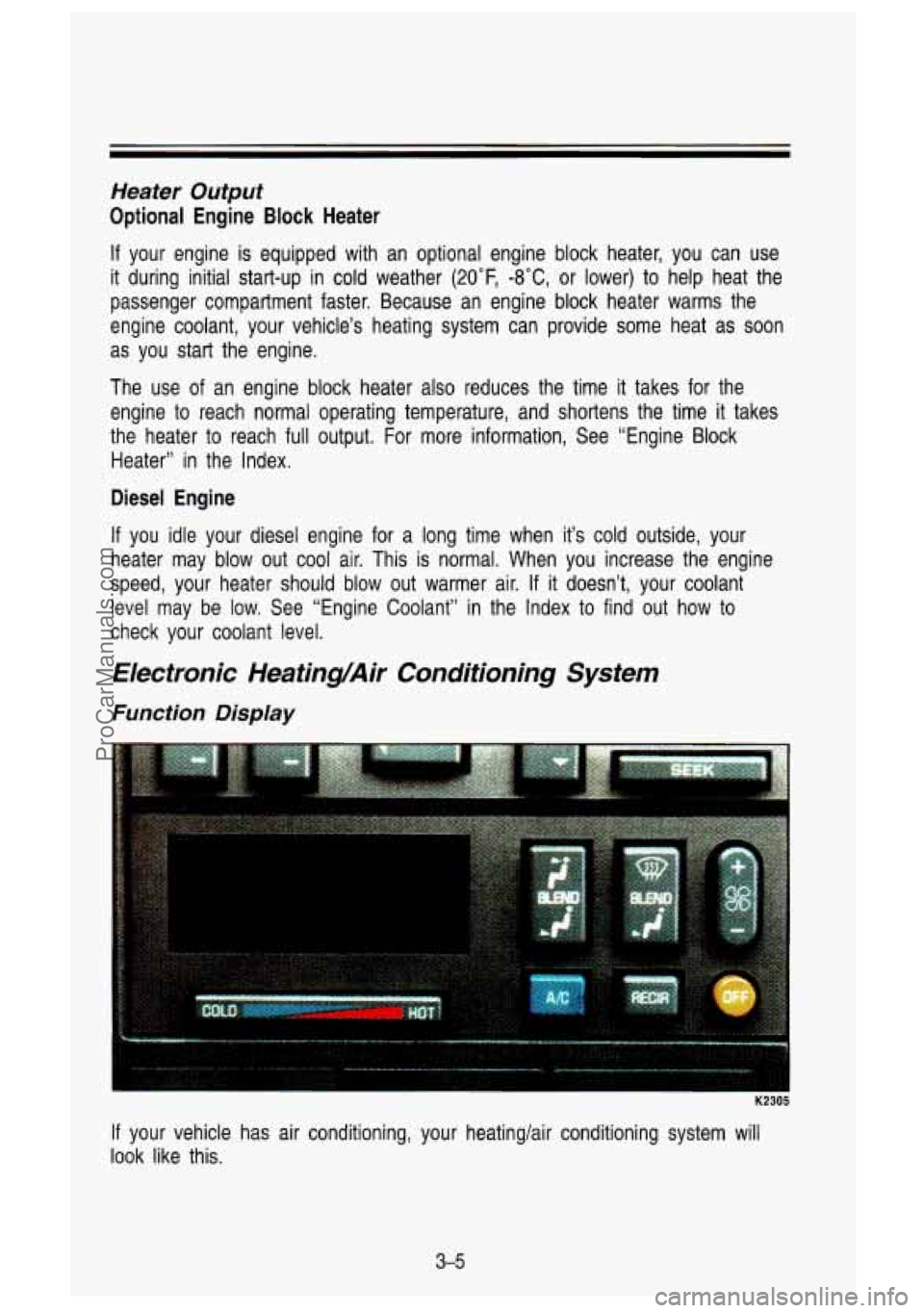
Electronic HeatingAir Conditioning System
Function Display
K2305
If your vehicle has air conditioning, your heating/air conditioning \
system will
look like this.
3-5
ProCarManuals.com
Page 170 of 436

Comfort Controls & Audio Systems
AM Stereo
This means the Delco@ system can receive C-QUAM@ stereo broadca\
sts. Many AM stations around the country use C-QUAM@
to produce stereo,
though some do not. (C-QUAM@ is a registered trademark of Motorola, Inc.).
If your Delco@ system can get C-QUAM? your “STEREO” light will come on
when you’re receiving it.
How to Operate Your AM ETWRadio
I 2 3 4 ..
K2186
To Play the Radio
Press the PWR-VOL-TONE knob to switch the radio on and off. This knob
does
two other things:
It controls the volume. The VOL knob increases the volume when
rotated clockwise.
The knob behind the PWR-VOL knob is the TONE knob. Rotate this
knob counterclockwise for more bass and clockwise for more treb\
le.
TUNE Button
Press the side of the button with the down arrow to decrease the radio
frequency or the side of the switch with the up arrow to increase the radio
frequency.
RCL Button
When the ignition is off, press the RCL button to display the time. With the
ignition in
RUN or ACC, press it to recall the station frequency when the time
is showing.
3-1 0
ProCarManuals.com
Page 172 of 436

Comfort Contmls & Audio Systems
and bottom buttons adjusts the front and rear speaker volume, \
or fade. The relative balance and fade adjustments are shown on the VF display.
TUNE
Press the (t) to increase frequency and (-) to decrease frequency.
AM/FM
Push to get AM or FM.
SEEK
Press the SEEK button to make the receiver seek, and stop at, the next
higher available station.
SCAN
Press the SCAN button to make the receiver scan, and momentarily pause at
all available stations.
SCAN will appear in the VF display while the receiver is
in the scan mode. Press
SCAN again to cancel the scan mode and hold the
current station.
Pushbuttons
The six pushbuttons let you return to favorite stations. You can set the
pushbuttons for up to twelve favorite stations
(6 AM and 6 FM). To set the
pushbuttons, just:
Tune in the station you want.
Press the SET button. (SET appears in the VF display for a few
seconds.)
0 Within 5 seconds, push one of the six pushbuttons to store the station.
After that, whenever you press that button, the preset station \
will return.
Ciock
To set the clock, just:
Press the SET button. The word SET will light up in the VF display.
Within 5 seconds, press and hold the SEEK button until the correct hour
Then, press and hold the SCAN button until the correct minute appears
After you set the time, the word SET will remain in the VF display for a
appears on the display.
on
the display.
few seconds.
TREBLE
Push (t) to hear more treble.
Push
(-) to hear less treble.
3-1 2
ProCarManuals.com