start stop button Hyundai Elantra 2018 User Guide
[x] Cancel search | Manufacturer: HYUNDAI, Model Year: 2018, Model line: Elantra, Model: Hyundai Elantra 2018Pages: 526, PDF Size: 17.2 MB
Page 142 of 526
3-65
Convenient features of your vehicle
3
- Engine Oil Pressure Warning light
To prevent severe engine damage,
after the Engine Oil Pressure Warning
Light is illuminated and as soon as it
is safe to do so, turn the engine off
and check the oil level.
If the oil level is low, fill the engine oil
to the proper level and start the
engine again. If the light stays on with
the engine running, turn the engine off
immediately.
In this case, have your vehicle
inspected by an authorized HYUNDAI
dealer.
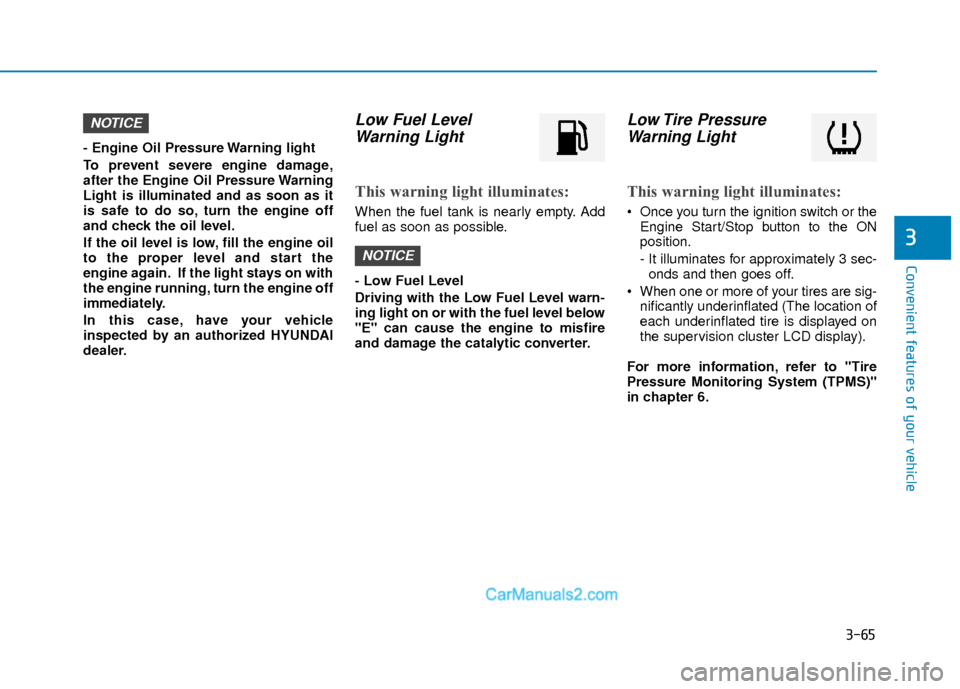
Low Fuel LevelWarning Light
This warning light illuminates:
When the fuel tank is nearly empty. Add
fuel as soon as possible.
- Low Fuel Level
Driving with the Low Fuel Level warn-
ing light on or with the fuel level below
"E" can cause the engine to misfire
and damage the catalytic converter.
Low Tire PressureWarning Light
This warning light illuminates:
Once you turn the ignition switch or the
Engine Start/Stop button to the ON
position.
- It illuminates for approximately 3 sec-onds and then goes off.
When one or more of your tires are sig- nificantly underinflated (The location of
each underinflated tire is displayed on
the supervision cluster LCD display).
For more information, refer to "Tire
Pressure Monitoring System (TPMS)"
in chapter 6.
NOTICE
NOTICE
Page 144 of 526
3-67
Convenient features of your vehicle
3
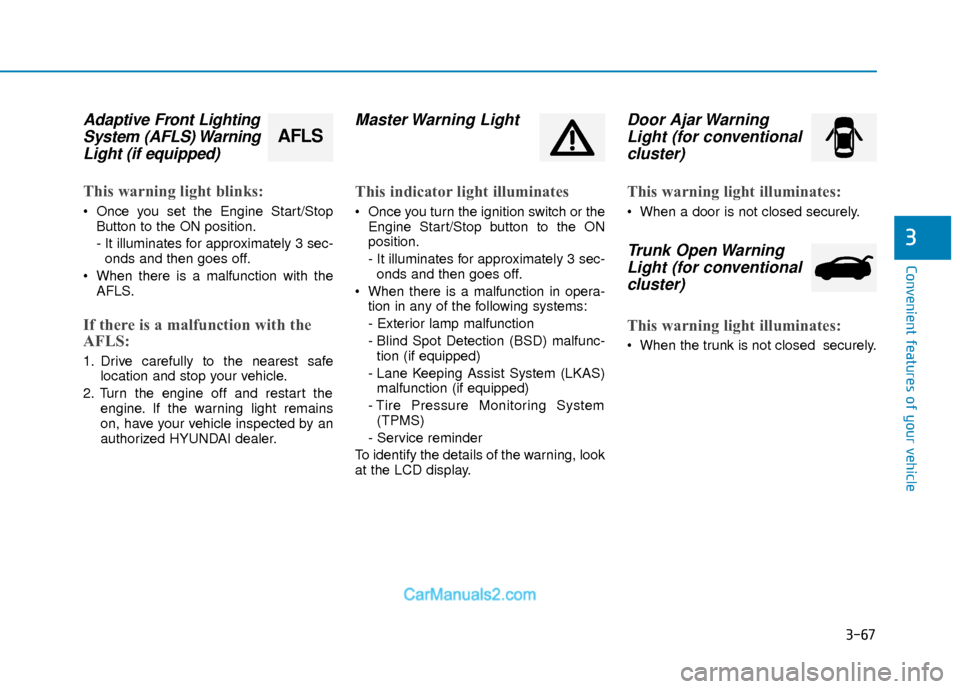
Adaptive Front LightingSystem (AFLS) WarningLight (if equipped)
This warning light blinks:
Once you set the Engine Start/Stop
Button to the ON position.
- It illuminates for approximately 3 sec-onds and then goes off.
When there is a malfunction with the AFLS.
If there is a malfunction with the
AFLS:
1. Drive carefully to the nearest safe location and stop your vehicle.
2. Turn the engine off and restart the engine. If the warning light remains
on, have your vehicle inspected by an
authorized HYUNDAI dealer.
Master Warning Light
This indicator light illuminates
Once you turn the ignition switch or theEngine Start/Stop button to the ON
position.
- It illuminates for approximately 3 sec-onds and then goes off.
When there is a malfunction in opera- tion in any of the following systems:
- Exterior lamp malfunction
- Blind Spot Detection (BSD) malfunc-tion (if equipped)
- Lane Keeping Assist System (LKAS) malfunction (if equipped)
- Tire Pressure Monitoring System (TPMS)
- Service reminder
To identify the details of the warning, look
at the LCD display.
Door Ajar Warning Light (for conventionalcluster)
This warning light illuminates:
When a door is not closed securely.
Trunk Open WarningLight (for conventional cluster)
This warning light illuminates:
When the trunk is not closed securely.
AFLS
Page 145 of 526
3-68
Convenient features of your vehicle
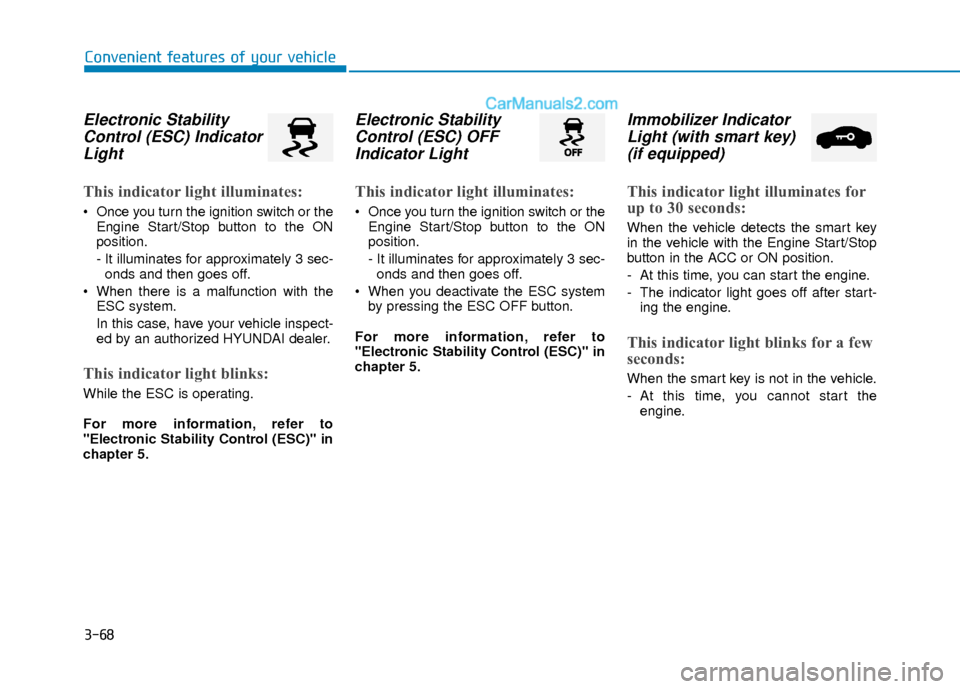
Electronic StabilityControl (ESC) IndicatorLight
This indicator light illuminates:
Once you turn the ignition switch or the
Engine Start/Stop button to the ON
position.
- It illuminates for approximately 3 sec-onds and then goes off.
When there is a malfunction with the ESC system.
In this case, have your vehicle inspect-
ed by an authorized HYUNDAI dealer.
This indicator light blinks:
While the ESC is operating.
For more information, refer to
"Electronic Stability Control (ESC)" in
chapter 5.
Electronic StabilityControl (ESC) OFFIndicator Light
This indicator light illuminates:
Once you turn the ignition switch or the
Engine Start/Stop button to the ON
position.
- It illuminates for approximately 3 sec-onds and then goes off.
When you deactivate the ESC system by pressing the ESC OFF button.
For more information, refer to
"Electronic Stability Control (ESC)" in
chapter 5.
Immobilizer Indicator Light (with smart key)(if equipped)
This indicator light illuminates for
up to 30 seconds:
When the vehicle detects the smart key
in the vehicle with the Engine Start/Stop
button in the ACC or ON position.
- At this time, you can start the engine.
- The indicator light goes off after start-
ing the engine.
This indicator light blinks for a few
seconds:
When the smart key is not in the vehicle.
- At this time, you cannot start theengine.
Page 146 of 526
3-69
Convenient features of your vehicle
3
This indicator light illuminates for
2 seconds and goes off:
If the smart key is in the vehicle and the
Engine Start/Stop button is ON, but the
vehicle cannot detect the smart key.
In this case, have your vehicle inspected
by an authorized HYUNDAI dealer.
This indicator light blinks:
When the battery voltage of the smartkey is low.
- At this time, you can not start theengine. However, you can start the
engine if you press the ignition switch or
the Engine Start/Stop button with the
smart key. (For more information,
refer to "Starting the Engine" in
chapter 5).
When there is a malfunction with the immobilizer system.
In this case, have your vehicle inspect-
ed by an authorized HYUNDAI dealer.
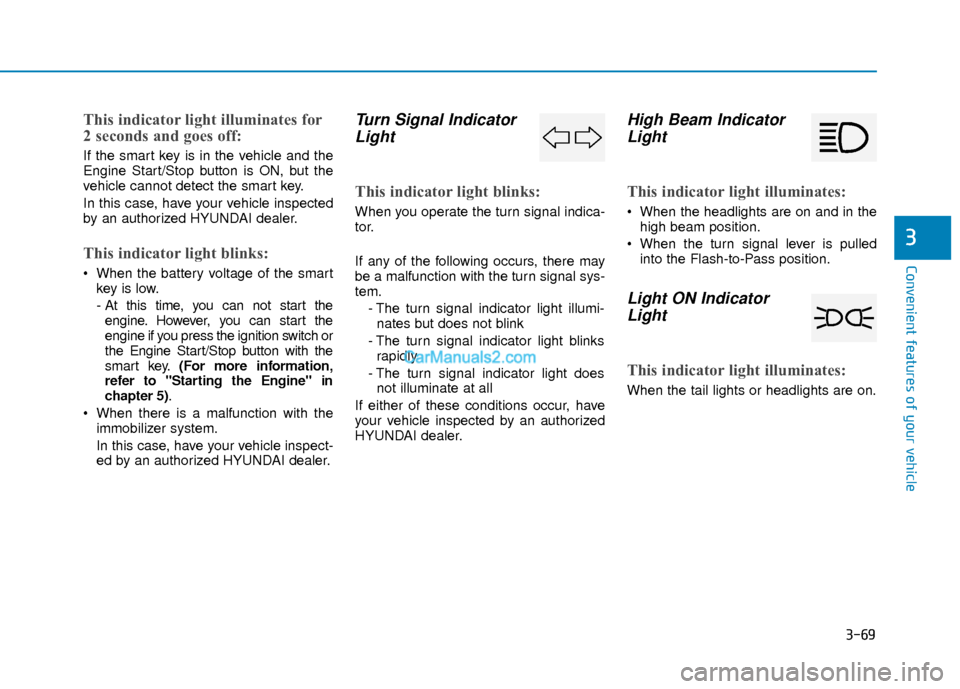
Turn Signal IndicatorLight
This indicator light blinks:
When you operate the turn signal indica-
tor.
If any of the following occurs, there may
be a malfunction with the turn signal sys-
tem.
- The turn signal indicator light illumi-nates but does not blink
- The turn signal indicator light blinks rapidly
- The turn signal indicator light does not illuminate at all
If either of these conditions occur, have
your vehicle inspected by an authorized
HYUNDAI dealer.
High Beam Indicator Light
This indicator light illuminates:
When the headlights are on and in the
high beam position.
When the turn signal lever is pulled into the Flash-to-Pass position.
Light ON IndicatorLight
This indicator light illuminates:
When the tail lights or headlights are on.
Page 148 of 526
![Hyundai Elantra 2018 User Guide 3-71
Convenient features of your vehicle
3
Lane Keeping AssistSystem (LKAS)Indicator Light (if equipped)
This indicator light illuminates:
[Green] When you activate the lane
departure warning system](/img/35/14540/w960_14540-147.png "Hyundai Elantra 2018 User Guide 3-71
Convenient features of your vehicle
3
Lane Keeping AssistSystem (LKAS)Indicator Light (if equipped)
This indicator light illuminates:
[Green] When you activate the lane
departure warning system")
3-71
Convenient features of your vehicle
3
Lane Keeping AssistSystem (LKAS)Indicator Light (if equipped)
This indicator light illuminates:
[Green] When you activate the lane
departure warning system by pressing
the LKAS button.
[White] When system operating condi- tions are not satisfied or when the sen-
sor does not detect the lane line.
[Yellow] When there is a malfunction with the lane keeping assist system.
In this case, have your vehicle inspected
by an authorized HYUNDAI dealer.
For more information, refer to "Lane
Keeping Assist System (LKAS)" in
chapter 5.
LCD Display Messages
(if equipped)
Shift to "P" or "N" to start engine
This warning message is displayed if you
try to start the engine with the shift lever
not in the P (Park) or N (Neutral) position.
Information
You can start the engine with the shift
lever in the N (Neutral) position. But, for
your safety, we recommend that you start
the engine with the shift lever in the P
(Park) position.
Shift to "P"
This message is displayed if you try to
turn off the engine without the shift lever
in P (Park) position.
At this time, the Engine Start/Stop button
turns to the ACC position (If you press
the Engine Start/Stop button once more,
it will turn to the ON position).
i
OTL045146L
■ Supervision cluster
OTL045144L
■Supervision cluster
Page 149 of 526
3-72
Convenient features of your vehicle
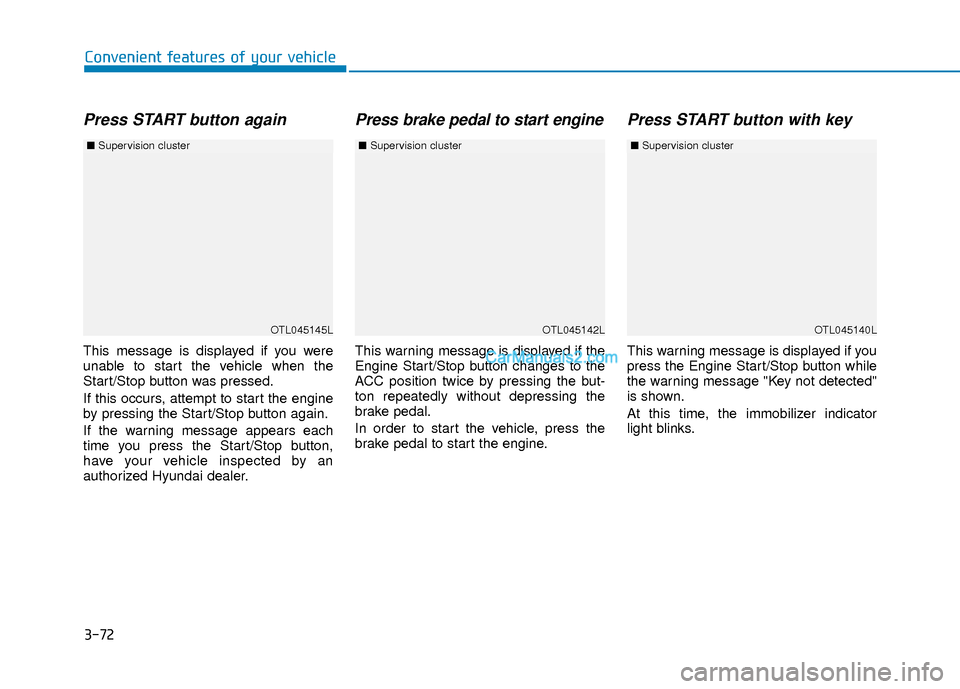
Press START button again
This message is displayed if you were
unable to start the vehicle when the
Start/Stop button was pressed.
If this occurs, attempt to start the engine
by pressing the Start/Stop button again.
If the warning message appears each
time you press the Start/Stop button,
have your vehicle inspected by an
authorized Hyundai dealer.
Press brake pedal to start engine
This warning message is displayed if the
Engine Start/Stop button changes to the
ACC position twice by pressing the but-
ton repeatedly without depressing the
brake pedal.
In order to start the vehicle, press the
brake pedal to start the engine.
Press START button with key
This warning message is displayed if you
press the Engine Start/Stop button while
the warning message "Key not detected"
is shown.
At this time, the immobilizer indicator
light blinks.
OTL045145L
■Supervision cluster
OTL045142LOTL045140L
■Supervision cluster ■Supervision cluster
Page 150 of 526
3-73
Convenient features of your vehicle
3
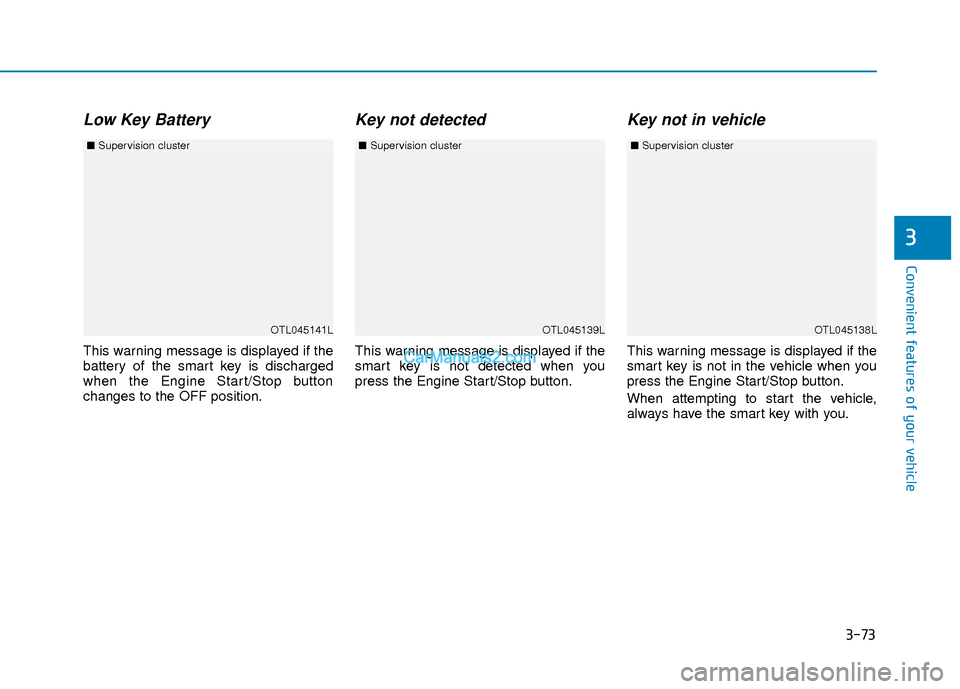
Low Key Battery
This warning message is displayed if the
battery of the smart key is discharged
when the Engine Start/Stop button
changes to the OFF position.
Key not detected
This warning message is displayed if the
smart key is not detected when you
press the Engine Start/Stop button.
Key not in vehicle
This warning message is displayed if the
smart key is not in the vehicle when you
press the Engine Start/Stop button.
When attempting to start the vehicle,
always have the smart key with you.
OTL045141L
■Supervision cluster
OTL045138LOTL045139L
■Supervision cluster ■Supervision cluster
Page 152 of 526
3-75
Convenient features of your vehicle
3
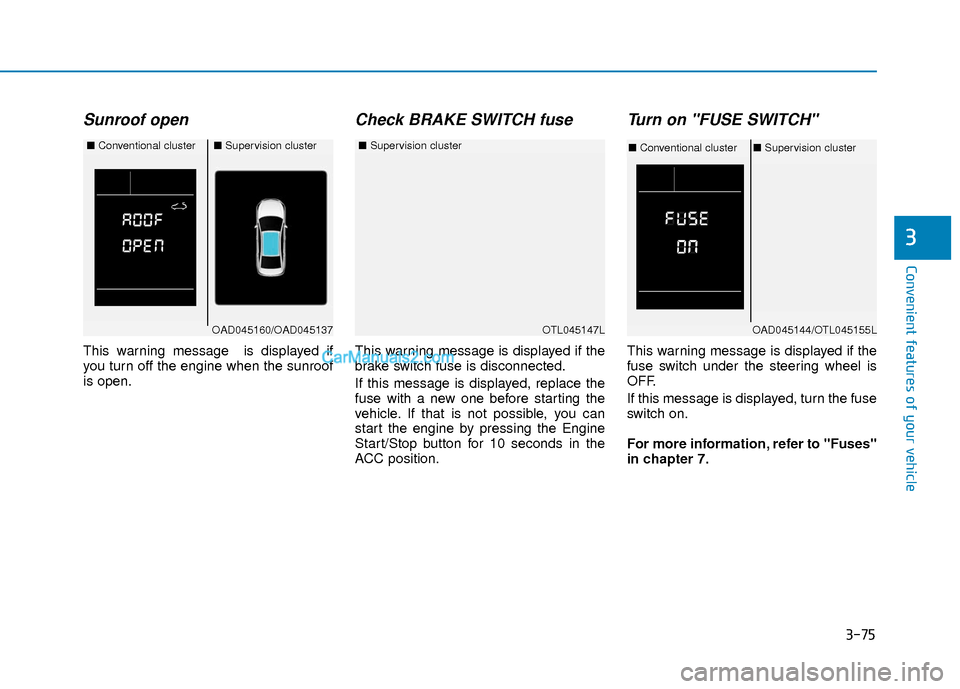
Sunroof open
This warning message is displayed if
you turn off the engine when the sunroof
is open.
Check BRAKE SWITCH fuse
This warning message is displayed if the
brake switch fuse is disconnected.
If this message is displayed, replace the
fuse with a new one before starting the
vehicle. If that is not possible, you can
start the engine by pressing the Engine
Start/Stop button for 10 seconds in the
ACC position.
Turn on "FUSE SWITCH"
This warning message is displayed if the
fuse switch under the steering wheel is
OFF.
If this message is displayed, turn the fuse
switch on.
For more information, refer to "Fuses"
in chapter 7.
OTL045147L
■Supervision cluster
OAD045160/OAD045137
■Conventional cluster■Supervision cluster
OAD045144/OTL045155L
■Conventional cluster ■Supervision cluster
Page 165 of 526
3-88
Convenient features of your vehicle
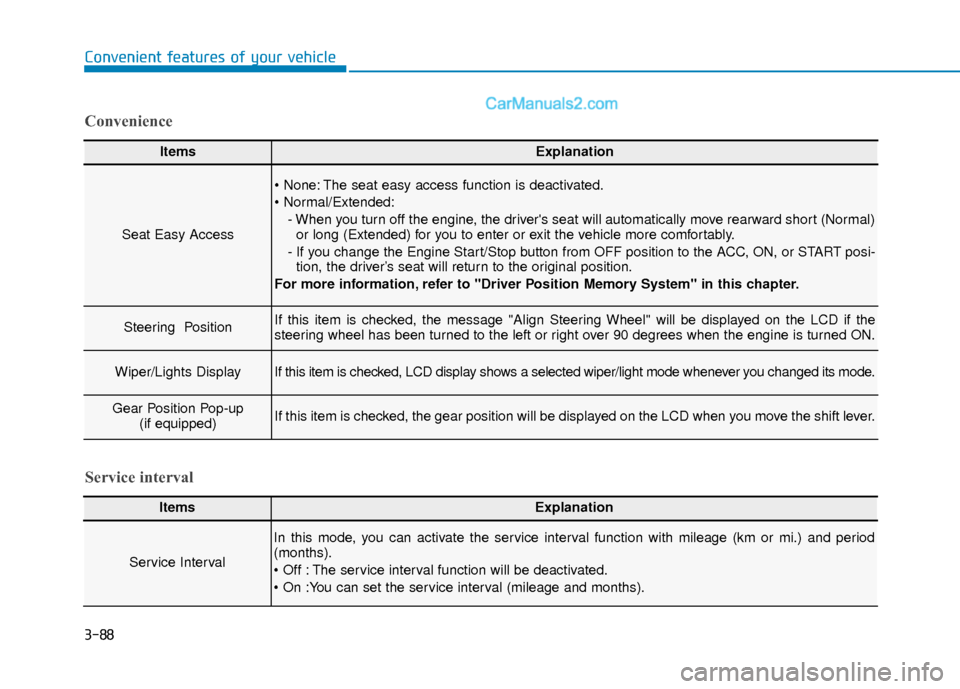
ItemsExplanation
Seat Easy Access
The seat easy access function is deactivated.
- When you turn off the engine, the driver's seat will automatically move rearward short (Normal)or long (Extended) for you to enter or exit the vehicle more comfortably.
- If you change the Engine Start/Stop button from OFF position to the ACC, ON, or START posi- tion, the driver’s seat will return to the original position.
For more information, refer to "Driver Position Memory System" in this chapter.
Steering Position If this item is checked, the message "Align Steering Wheel" will be displayed on the LCD if the
steering wheel has been turned to the left or right over 90 degrees when the engine is turned ON.
Wiper/Lights DisplayIf this item is checked, LCD display shows a selected wiper/light mode whenever you changed its mode.
Gear Position Pop-up (if equipped)If this item is checked, the gear position will be displayed on the LCD when you move the shift lever.
Convenience
ItemsExplanation
Service Interval
In this mode, you can activate the service interval function with mileage (km or mi.) and period
(months).
The service interval function will be deactivated.
Service interval
Page 169 of 526
3-92
Convenient features of your vehicle
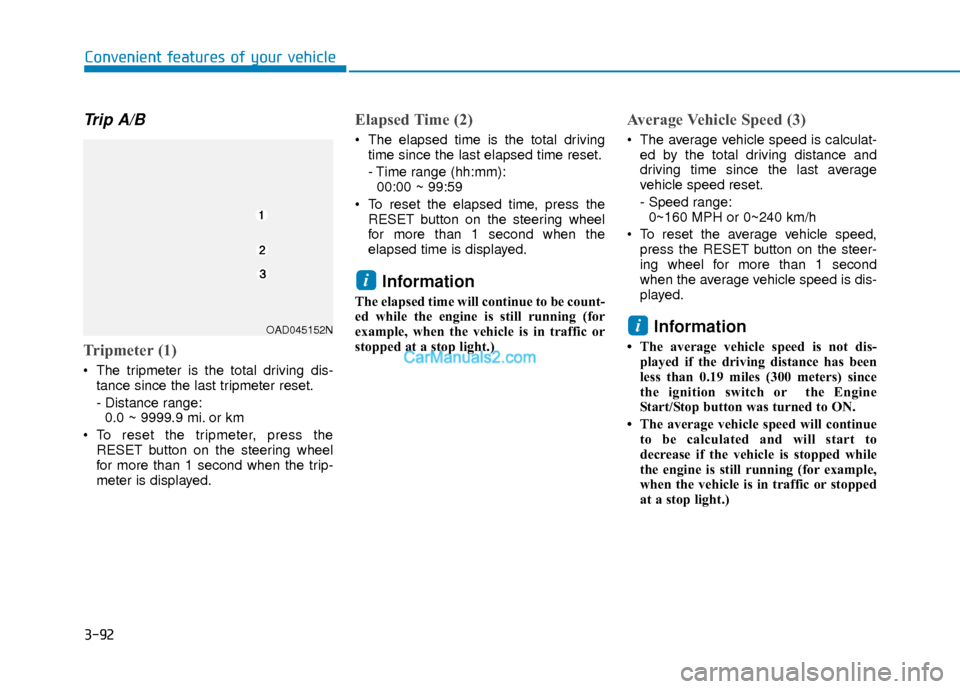
Trip A/B
Tripmeter (1)
The tripmeter is the total driving dis-tance since the last tripmeter reset.
- Distance range:0.0 ~ 9999.9 mi. or km
To reset the tripmeter, press the RESET button on the steering wheel
for more than 1 second when the trip-
meter is displayed.
Elapsed Time (2)
The elapsed time is the total drivingtime since the last elapsed time reset.
- Time range (hh:mm):00:00 ~ 99:59
To reset the elapsed time, press the RESET button on the steering wheel
for more than 1 second when the
elapsed time is displayed.
Information
The elapsed time will continue to be count-
ed while the engine is still running (for
example, when the vehicle is in traffic or
stopped at a stop light.)
Average Vehicle Speed (3)
The average vehicle speed is calculat-ed by the total driving distance and
driving time since the last average
vehicle speed reset.
- Speed range:0~160 MPH or 0~240 km/h
To reset the average vehicle speed, press the RESET button on the steer-
ing wheel for more than 1 second
when the average vehicle speed is dis-
played.
Information
• The average vehicle speed is not dis-played if the driving distance has been
less than 0.19 miles (300 meters) since
the ignition switch or the Engine
Start/Stop button was turned to ON.
• The average vehicle speed will continue to be calculated and will start to
decrease if the vehicle is stopped while
the engine is still running (for example,
when the vehicle is in traffic or stopped
at a stop light.)
i
i
OAD045152N