engine Hyundai Equus 2016 Manual PDF
[x] Cancel search | Manufacturer: HYUNDAI, Model Year: 2016, Model line: Equus, Model: Hyundai Equus 2016Pages: 477, PDF Size: 16.25 MB
Page 186 of 477
Information
- Electronic Brake forceDistribution (EBD) System
Warning Light
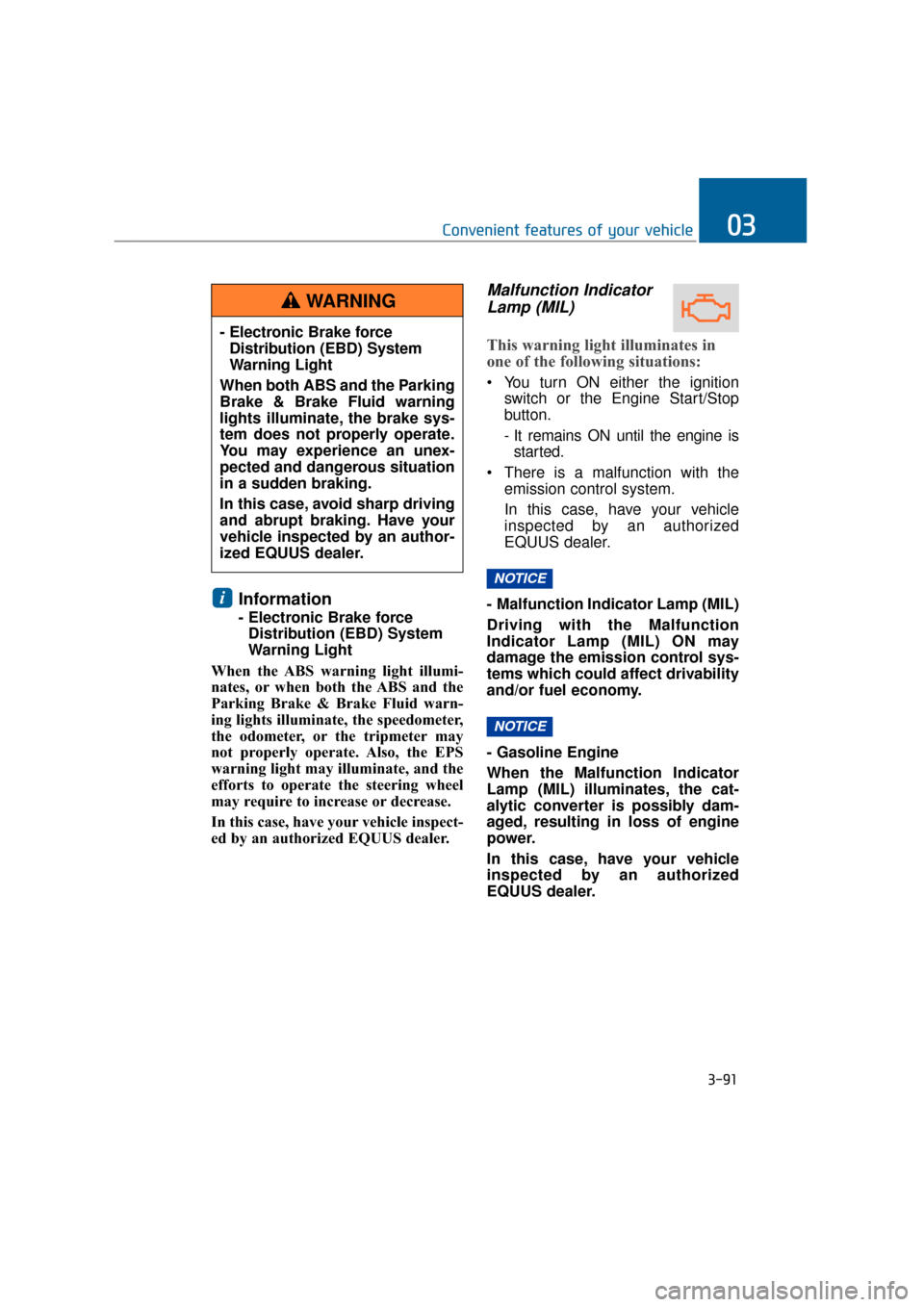
When the ABS warning light illumi-
nates, or when both the ABS and the
Parking Brake & Brake Fluid warn-
ing lights illuminate, the speedometer,
the odometer, or the tripmeter may
not properly operate. Also, the EPS
warning light may illuminate, and the
efforts to operate the steering wheel
may require to increase or decrease.
In this case, have your vehicle inspect-
ed by an authorized EQUUS dealer.
Malfunction Indicator Lamp (MIL)
This warning light illuminates in
one of the following situations:
You turn ON either the ignition
switch or the Engine Start/Stop
button.
- It remains ON until the engine isstarted.
There is a malfunction with the emission control system.
In this case, have your vehicle
inspected by an authorized
EQUUS dealer.
- Malfunction Indicator Lamp (MIL)
Driving with the Malfunction
Indicator Lamp (MIL) ON may
damage the emission control sys-
tems which could affect drivability
and/or fuel economy.
- Gasoline Engine
When the Malfunction Indicator
Lamp (MIL) illuminates, the cat-
alytic converter is possibly dam-
aged, resulting in loss of engine
power.
In this case, have your vehicle
inspected by an authorized
EQUUS dealer.
NOTICE
NOTICE
i
3-91
Convenient features of your vehicle03
- Electronic Brake force Distribution (EBD) System
Warning Light
When both ABS and the Parking
Brake & Brake Fluid warning
lights illuminate, the brake sys-
tem does not properly operate.
You may experience an unex-
pected and dangerous situation
in a sudden braking.
In this case, avoid sharp driving
and abrupt braking. Have your
vehicle inspected by an author-
ized EQUUS dealer.
WARNING
Page 187 of 477
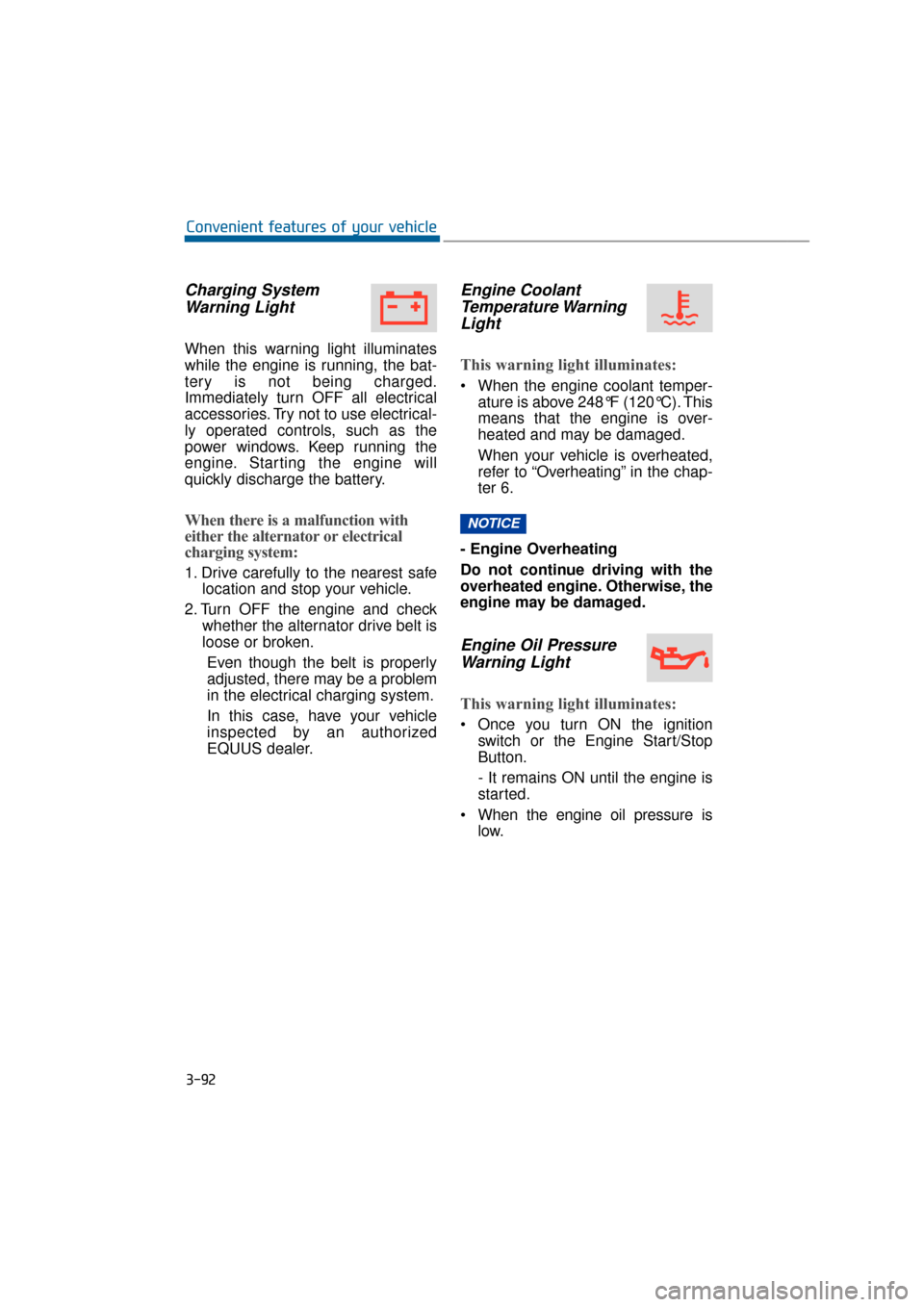
Charging SystemWarning Light
When this warning light illuminates
while the engine is running, the bat-
tery is not being charged.
Immediately turn OFF all electrical
accessories. Try not to use electrical-
ly operated controls, such as the
power windows. Keep running the
engine. Starting the engine will
quickly discharge the battery.
When there is a malfunction with
either the alternator or electrical
charging system:
1. Drive carefully to the nearest safe location and stop your vehicle.
2. Turn OFF the engine and check whether the alternator drive belt is
loose or broken.
Even though the belt is properly
adjusted, there may be a problem
in the electrical charging system.
In this case, have your vehicle
inspected by an authorized
EQUUS dealer.
Engine CoolantTemperature WarningLight
This warning light illuminates:
When the engine coolant temper-
ature is above 248°F (120°C). This
means that the engine is over-
heated and may be damaged.
When your vehicle is overheated,
refer to “Overheating” in the chap-
ter 6.
- Engine Overheating
Do not continue driving with the
overheated engine. Otherwise, the
engine may be damaged.
Engine Oil Pressure Warning Light
This warning light illuminates:
Once you turn ON the ignition
switch or the Engine Start/Stop
Button.
- It remains ON until the engine is
started.
When the engine oil pressure is low.
NOTICE
3-92
Convenient features of your vehicle
Page 188 of 477
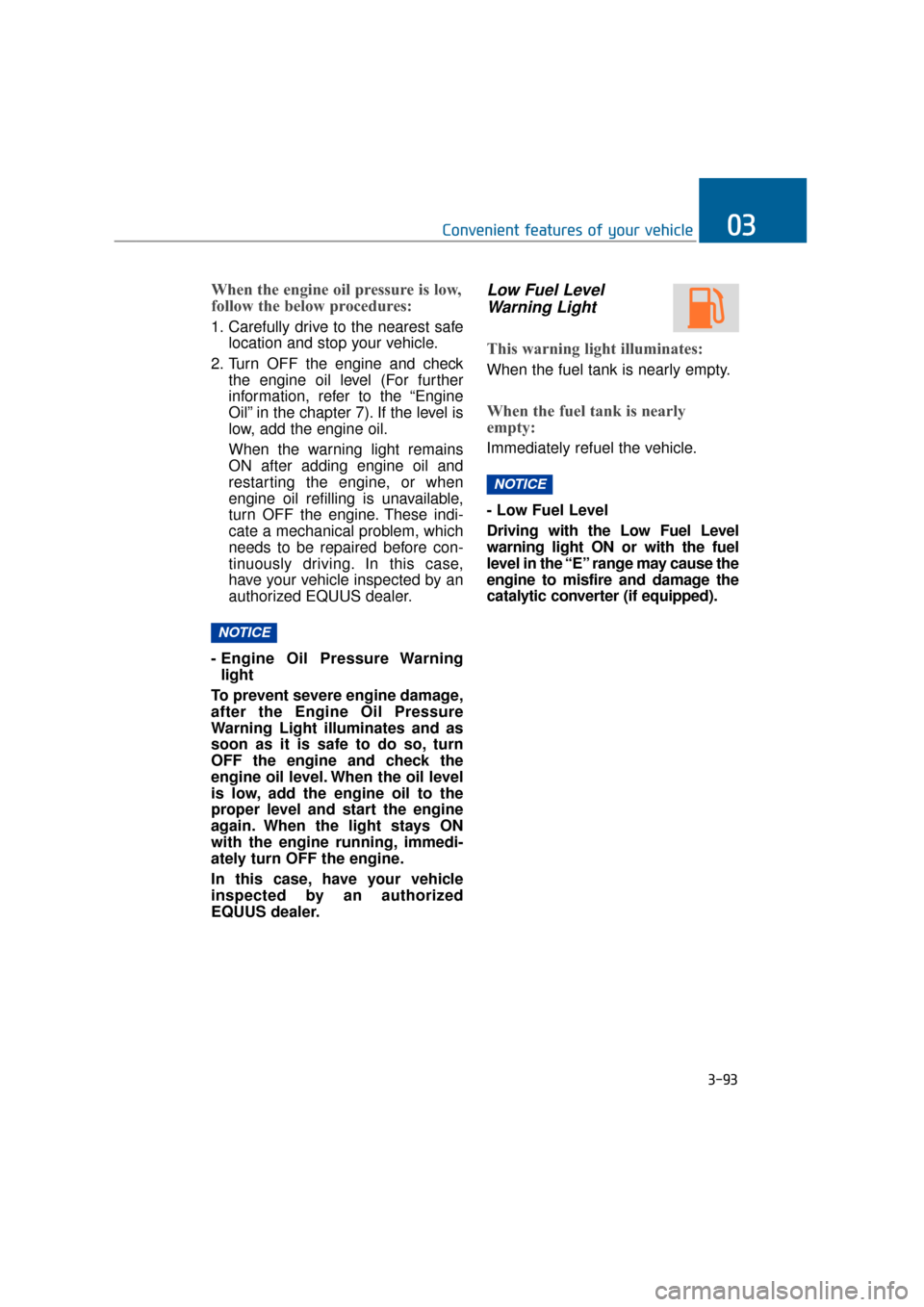
When the engine oil pressure is low,
follow the below procedures:
1. Carefully drive to the nearest safelocation and stop your vehicle.
2. Turn OFF the engine and check the engine oil level (For further
information, refer to the “Engine
Oil” in the chapter 7). If the level is
low, add the engine oil.
When the warning light remains
ON after adding engine oil and
restarting the engine, or when
engine oil refilling is unavailable,
turn OFF the engine. These indi-
cate a mechanical problem, which
needs to be repaired before con-
tinuously driving. In this case,
have your vehicle inspected by an
authorized EQUUS dealer.
- Engine Oil Pressure Warning light
To prevent severe engine damage,
after the Engine Oil Pressure
Warning Light illuminates and as
soon as it is safe to do so, turn
OFF the engine and check the
engine oil level. When the oil level
is low, add the engine oil to the
proper level and start the engine
again. When the light stays ON
with the engine running, immedi-
ately turn OFF the engine.
In this case, have your vehicle
inspected by an authorized
EQUUS dealer.
Low Fuel Level Warning Light
This warning light illuminates:
When the fuel tank is nearly empty.
When the fuel tank is nearly
empty:
Immediately refuel the vehicle.
- Low Fuel Level
Driving with the Low Fuel Level
warning light ON or with the fuel
level in the “E” range may cause the
engine to misfire and damage the
catalytic converter (if equipped).
NOTICE
NOTICE
3-93
Convenient features of your vehicle03
Page 189 of 477
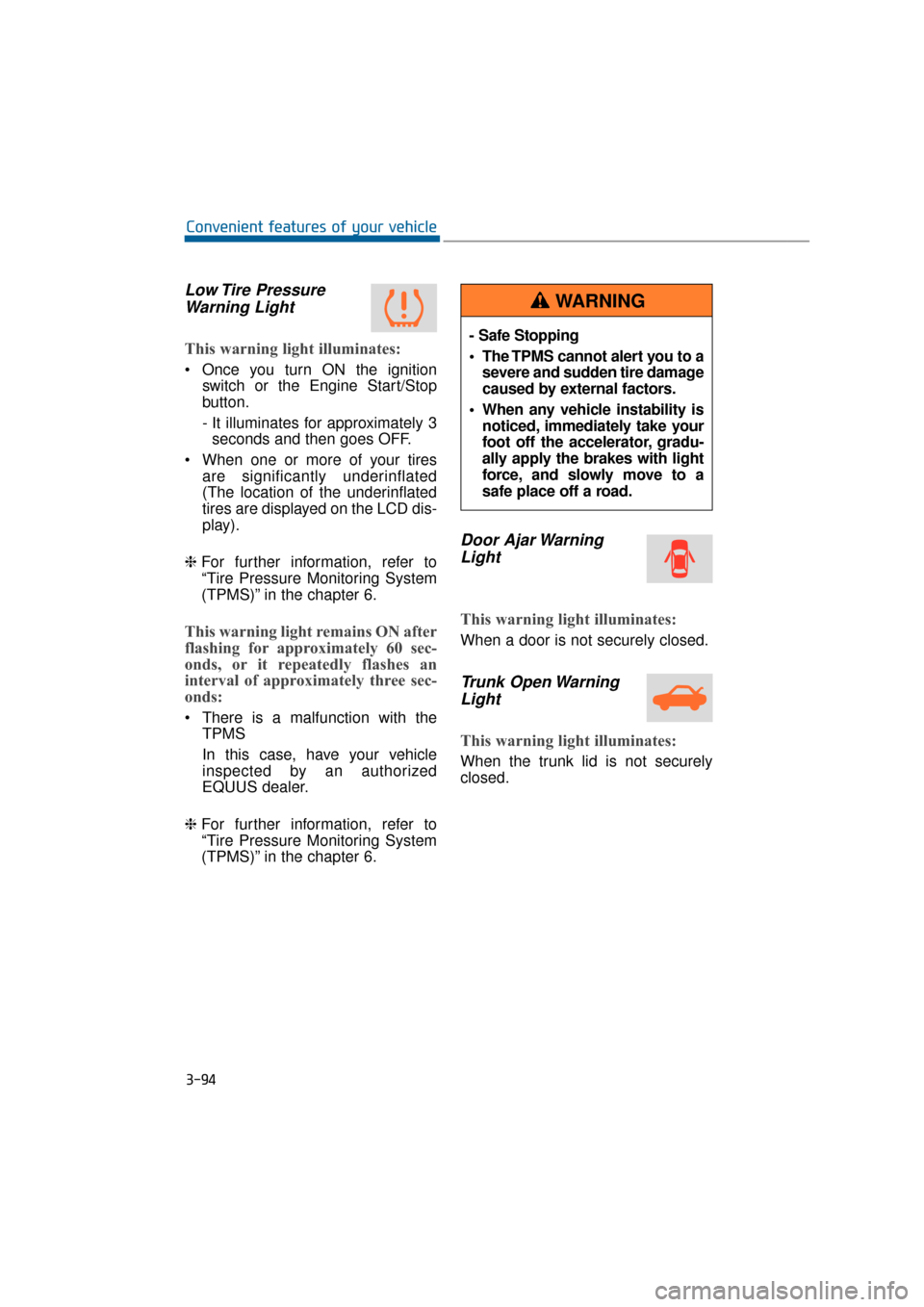
Low Tire PressureWarning Light
This warning light illuminates:
Once you turn ON the ignition
switch or the Engine Start/Stop
button.
- It illuminates for approximately 3seconds and then goes OFF.
When one or more of your tires are significantly underinflated
(The location of the underinflated
tires are displayed on the LCD dis-
play).
❈ For further information, refer to
“Tire Pressure Monitoring System
(TPMS)” in the chapter 6.
This warning light remains ON after
flashing for approximately 60 sec-
onds, or it repeatedly flashes an
interval of approximately three sec-
onds:
There is a malfunction with the
TPMS
In this case, have your vehicle
inspected by an authorized
EQUUS dealer.
❈ For further information, refer to
“Tire Pressure Monitoring System
(TPMS)” in the chapter 6.
Door Ajar Warning
Light
This warning light illuminates:
When a door is not securely closed.
Trunk Open WarningLight
This warning light illuminates:
When the trunk lid is not securely
closed.
3-94
Convenient features of your vehicle
- Safe Stopping
The TPMS cannot alert you to a
severe and sudden tire damage
caused by external factors.
When any vehicle instability is noticed, immediately take your
foot off the accelerator, gradu-
ally apply the brakes with light
force, and slowly move to a
safe place off a road.
WARNING
Page 190 of 477
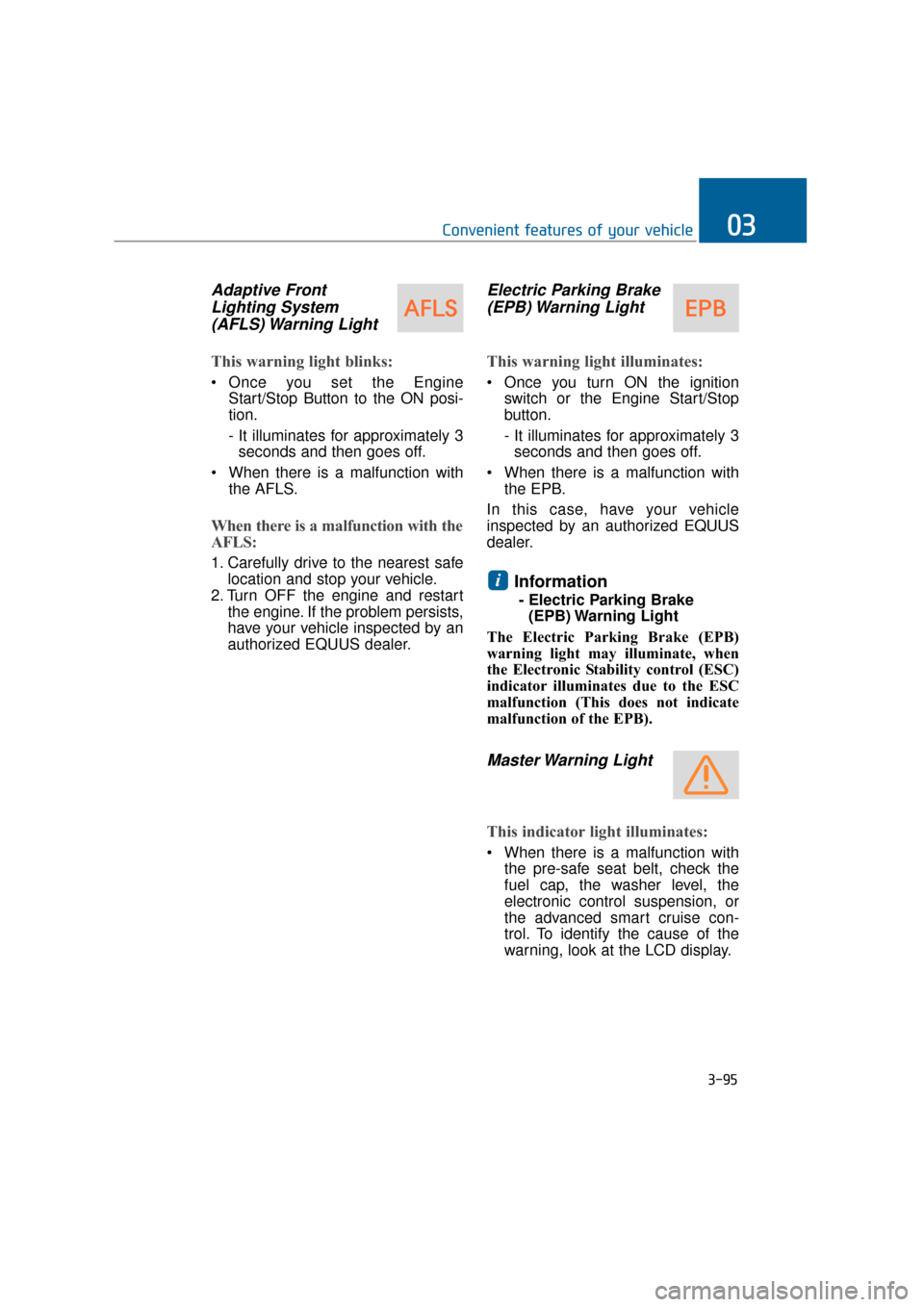
Adaptive FrontLighting System(AFLS) Warning Light
This warning light blinks:
Once you set the Engine
Start/Stop Button to the ON posi-
tion.
- It illuminates for approximately 3seconds and then goes off.
When there is a malfunction with the AFLS.
When there is a malfunction with the
AFLS:
1. Carefully drive to the nearest safelocation and stop your vehicle.
2. Turn OFF the engine and restart the engine. If the problem persists,
have your vehicle inspected by an
authorized EQUUS dealer.
Electric Parking Brake(EPB) Warning Light
This warning light illuminates:
Once you turn ON the ignition
switch or the Engine Start/Stop
button.
- It illuminates for approximately 3seconds and then goes off.
When there is a malfunction with the EPB.
In this case, have your vehicle
inspected by an authorized EQUUS
dealer.
Information
- Electric Parking Brake (EPB) Warning Light
The Electric Parking Brake (EPB)
warning light may illuminate, when
the Electronic Stability control (ESC)
indicator illuminates due to the ESC
malfunction (This does not indicate
malfunction of the EPB).
Master Warning Light
This indicator light illuminates:
When there is a malfunction with the pre-safe seat belt, check the
fuel cap, the washer level, the
electronic control suspension, or
the advanced smart cruise con-
trol. To identify the cause of the
warning, look at the LCD display.
i
3-95
Convenient features of your vehicle03
Page 191 of 477
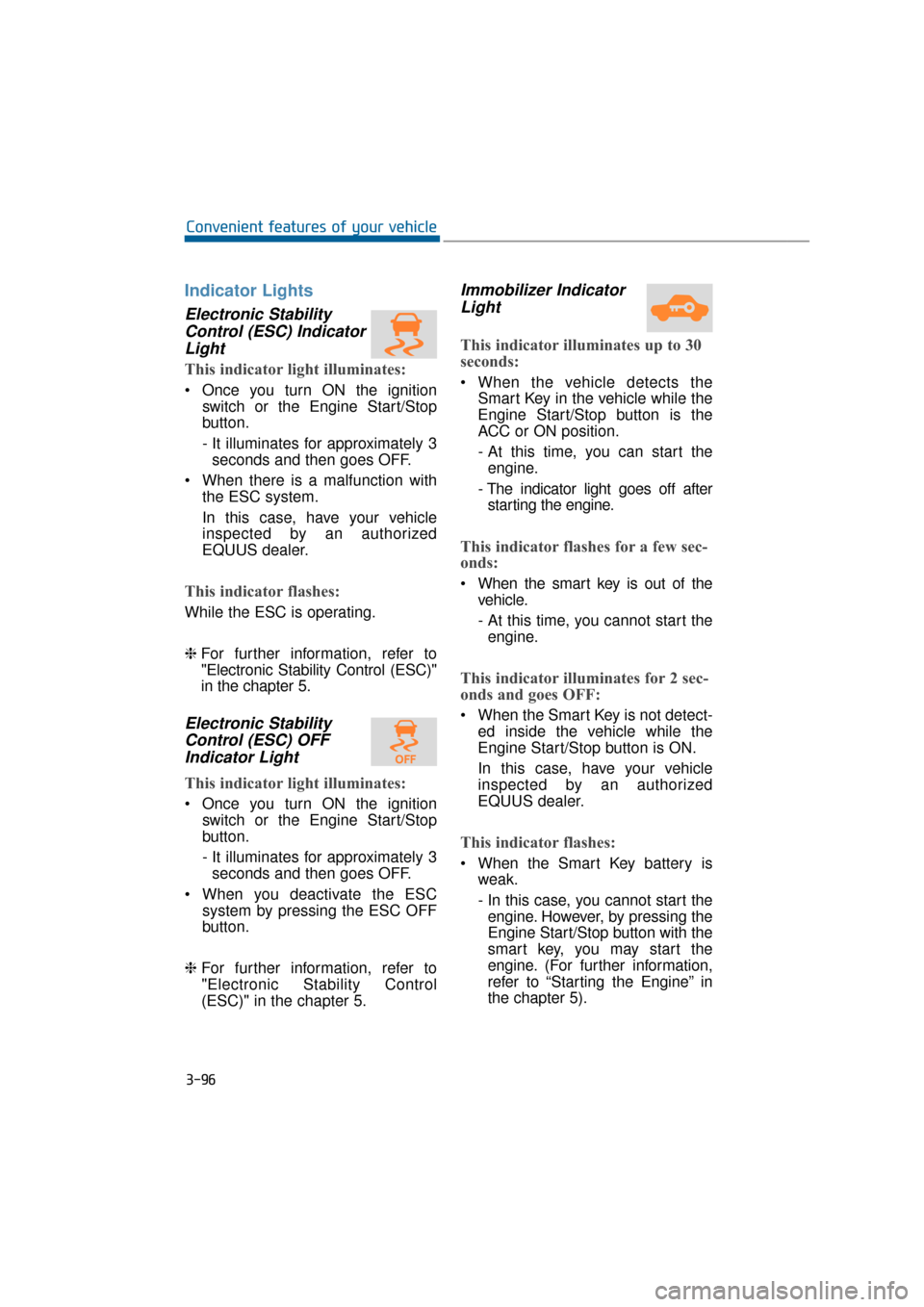
Indicator Lights
Electronic StabilityControl (ESC) IndicatorLight
This indicator light illuminates:
Once you turn ON the ignition
switch or the Engine Start/Stop
button.
- It illuminates for approximately 3seconds and then goes OFF.
When there is a malfunction with the ESC system.
In this case, have your vehicle
inspected by an authorized
EQUUS dealer.
This indicator flashes:
While the ESC is operating.
❈For further information, refer to
"Electronic Stability Control (ESC)"
in the chapter 5.
Electronic Stability
Control (ESC) OFFIndicator Light
This indicator light illuminates:
Once you turn ON the ignition
switch or the Engine Start/Stop
button.
- It illuminates for approximately 3seconds and then goes OFF.
When you deactivate the ESC system by pressing the ESC OFF
button.
❈ For further information, refer to
"Electronic Stability Control
(ESC)" in the chapter 5.
Immobilizer Indicator
Light
This indicator illuminates up to 30
seconds:
When the vehicle detects the
Smart Key in the vehicle while the
Engine Start/Stop button is the
ACC or ON position.
- At this time, you can start theengine.
- The indicator light goes off after starting the engine.
This indicator flashes for a few sec-
onds:
When the smart key is out of the vehicle.
- At this time, you cannot start theengine.
This indicator illuminates for 2 sec-
onds and goes OFF:
When the Smart Key is not detect- ed inside the vehicle while the
Engine Start/Stop button is ON.
In this case, have your vehicle
inspected by an authorized
EQUUS dealer.
This indicator flashes:
When the Smart Key battery isweak.
- In this case, you cannot start theengine. However, by pressing the
Engine Start/Stop button with the
smart key, you may start the
engine. (For further information,
refer to “Starting the Engine” in
the chapter 5).
3-96
Convenient features of your vehicle
Page 194 of 477
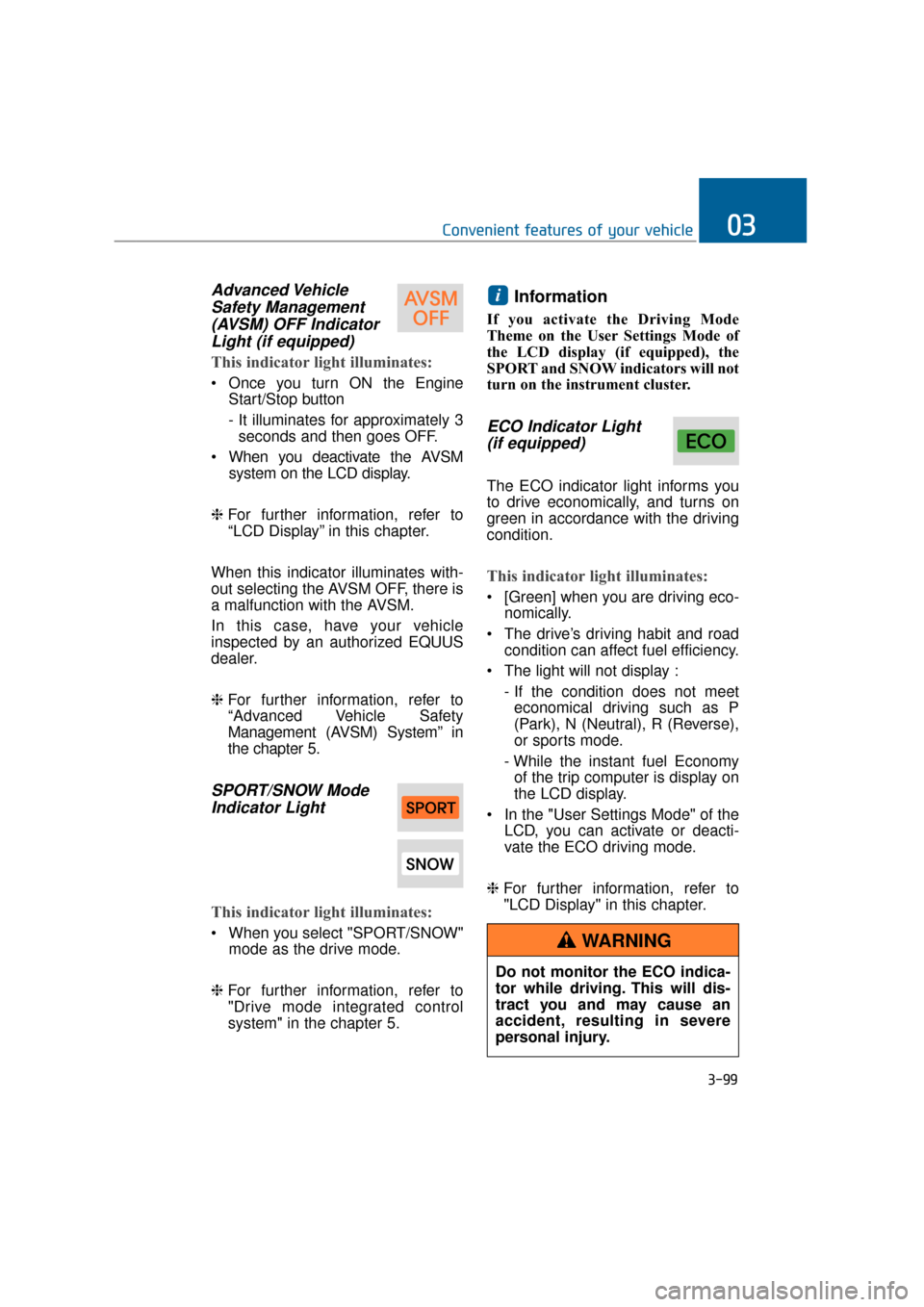
Advanced VehicleSafety Management(AVSM) OFF IndicatorLight (if equipped)
This indicator light illuminates:
Once you turn ON the Engine
Start/Stop button
- It illuminates for approximately 3seconds and then goes OFF.
When you deactivate the AVSM system on the LCD display.
❈ For further information, refer to
“LCD Display” in this chapter.
When this indicator illuminates with-
out selecting the AVSM OFF, there is
a malfunction with the AVSM.
In this case, have your vehicle
inspected by an authorized EQUUS
dealer.
❈ For further information, refer to
“Advanced Vehicle Safety
Management (AVSM) System” in
the chapter 5.
SPORT/SNOW Mode
Indicator Light
This indicator light illuminates:
When you select "SPORT/SNOW"
mode as the drive mode.
❈ For further information, refer to
"Drive mode integrated control
system" in the chapter 5.
Information
If you activate the Driving Mode
Theme on the User Settings Mode of
the LCD display (if equipped), the
SPORT and SNOW indicators will not
turn on the instrument cluster.
ECO Indicator Light
(if equipped)
The ECO indicator light informs you
to drive economically, and turns on
green in accordance with the driving
condition.
This indicator light illuminates:
[Green] when you are driving eco-
nomically.
The drive’s driving habit and road condition can affect fuel efficiency.
The light will not display : - If the condition does not meeteconomical driving such as P
(Park), N (Neutral), R (Reverse),
or sports mode.
- While the instant fuel Economy of the trip computer is display on
the LCD display.
In the "User Settings Mode" of the LCD, you can activate or deacti-
vate the ECO driving mode.
❈ For further information, refer to
"LCD Display" in this chapter.
i
3-99
Convenient features of your vehicle03
Do not monitor the ECO indica-
tor while driving. This will dis-
tract you and may cause an
accident, resulting in severe
personal injury.
WARNING
Page 198 of 477
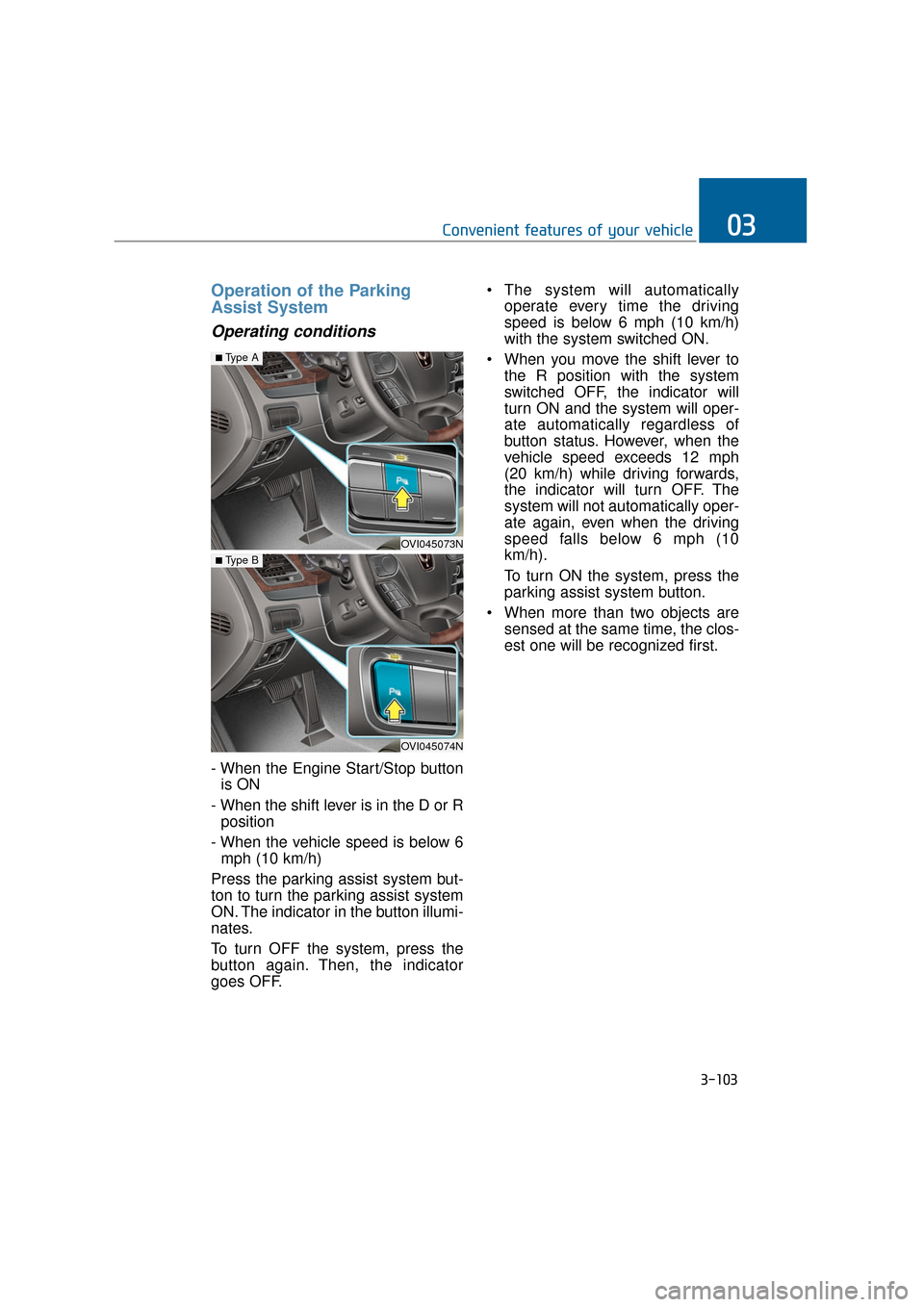
Operation of the Parking
Assist System
Operating conditions
- When the Engine Start/Stop buttonis ON
- When the shift lever is in the D or R position
- When the vehicle speed is below 6 mph (10 km/h)
Press the parking assist system but-
ton to turn the parking assist system
ON. The indicator in the button illumi-
nates.
To turn OFF the system, press the
button again. Then, the indicator
goes OFF. The system will automatically
operate every time the driving
speed is below 6 mph (10 km/h)
with the system switched ON.
When you move the shift lever to the R position with the system
switched OFF, the indicator will
turn ON and the system will oper-
ate automatically regardless of
button status. However, when the
vehicle speed exceeds 12 mph
(20 km/h) while driving forwards,
the indicator will turn OFF. The
system will not automatically oper-
ate again, even when the driving
speed falls below 6 mph (10
km/h).
To turn ON the system, press the
parking assist system button.
When more than two objects are sensed at the same time, the clos-
est one will be recognized first.
3-103
Convenient features of your vehicle03
OVI045073N
■Type A
OVI045074N
■ Type B
Page 200 of 477
Inoperable conditions of the
Parking Assist System
The Parking Assist System maynot properly operate, when:
1. Moisture is frozen over the sensor.
(It will operate normally again
when the frozen ice melts.)
2. The sensor is covered or blocked with foreign substances, such as
snow or water. (It will normally
operate again when the substance
is removed, and the sensor is no
longer blocked.)
3. The sensor is stained with foreign substances such as snow or
water. (The sensing range will
return to normal when foreign sub-
stances are removed.)
There is a possible malfunctionwith the Parking Assist Systemwhen:
1. The vehicle drives on uneven road
surfaces such as unpaved roads,
gravels, bumps, or slopes.
2. The sensor is interfered with objects, which generate excessive
noise, such as horns, motorcycle
engines, or truck air brakes.
3. Heavy rain or water is sprayed.
4. Wireless transmitters or mobile phones are near the sensor.
5. The sensor is covered with snow.
Detecting range may decrease when:
1. Outside air temperature is
extremely hot or cold.
2. The sensor cannot detect an object, as it is smaller than 39 in (1
m) or narrower than 5.5 in (14 cm)
in diameter.
The following objects may notbe recognized by the sensor:
1. A sharp or slim object, such as
ropes, chains or small poles.
2. An object, such as clothes, spongy material or snow, absorbs the sen-
sor frequency.
Information
1. The warning may not soundsequentially depending on the speed
and shapes of the objects detected.
2. The Parking Assist System may malfunction if the vehicle bumper
height or sensor installation is mod-
ified. Any unauthorized installment
of equipment or accessories may
also limit the sensor performance.
3. Sensor may not recognize objects within 12 in (30 cm), or it may mis-
calculate the distance.
4. When the sensor is frozen or stained with snow or water, the sensor may
be inoperative until the stains are
removed using a soft cloth.
5. Do not push, scratch or strike the sensor with any hard objects that
could damage the sensor surface.
This may damage the sensor.
i
3-105
Convenient features of your vehicle03
Page 203 of 477
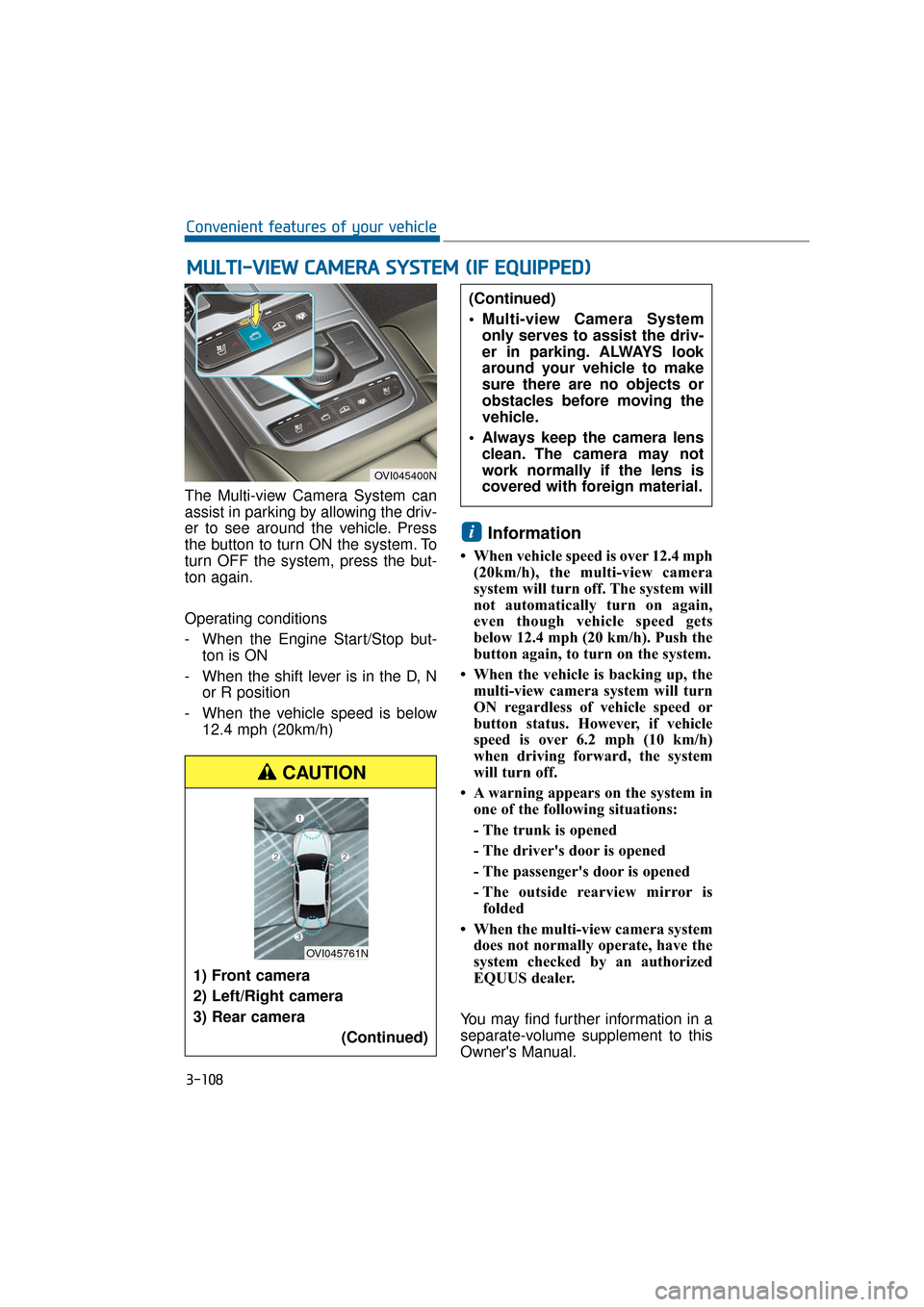
The Multi-view Camera System can
assist in parking by allowing the driv-
er to see around the vehicle. Press
the button to turn ON the system. To
turn OFF the system, press the but-
ton again.
Operating conditions
- When the Engine Start/Stop but-ton is ON
- When the shift lever is in the D, N or R position
- When the vehicle speed is below 12.4 mph (20km/h)
Information
• When vehicle speed is over 12.4 mph(20km/h), the multi-view camera
system will turn off. The system will
not automatically turn on again,
even though vehicle speed gets
below 12.4 mph (20 km/h). Push the
button again, to turn on the system.
• When the vehicle is backing up, the multi-view camera system will turn
ON regardless of vehicle speed or
button status. However, if vehicle
speed is over 6.2 mph (10 km/h)
when driving forward, the system
will turn off.
• A warning appears on the system in one of the following situations:
- The trunk is opened
- The driver's door is opened
- The passenger's door is opened
- The outside rearview mirror isfolded
• When the multi-view camera system does not normally operate, have the
system checked by an authorized
EQUUS dealer.
You may find further information in a
separate-volume supplement to this
Owner's Manual.
i
M M U
UL
LT
T I
I-
- V
V I
IE
E W
W
C
C A
A M
M E
ER
R A
A
S
S Y
Y S
ST
T E
EM
M
(
( I
IF
F
E
E Q
Q U
UI
IP
P P
PE
ED
D )
)
3-108
Convenient features of your vehicle
OVI045400N
1) Front camera
2) Left/Right camera
3) Rear camera
(Continued)
(Continued)
Multi-view Camera Systemonly serves to assist the driv-
er in parking. ALWAYS look
around your vehicle to make
sure there are no objects or
obstacles before moving the
vehicle.
Always keep the camera lens clean. The camera may not
work normally if the lens is
covered with foreign material.
CAUTION
OVI045761N