lock JEEP RENEGADE 2017 1.G Owner's Manual
[x] Cancel search | Manufacturer: JEEP, Model Year: 2017, Model line: RENEGADE, Model: JEEP RENEGADE 2017 1.GPages: 516, PDF Size: 5.73 MB
Page 40 of 516
•For emergency exit with the system engaged, rotate the
lock/unlock dial to the unlocked position, roll down the
window, and open the door with the outside door
handle.
WARNING!
Avoid trapping anyone in a vehicle in a collision.
Remember that the rear doors can only be opened from
the outside when the Child-Protection locks are en-
gaged (locked).
SEATS
Seats are a part of the Occupant Restraint System of the
vehicle.
WARNING!
• It is dangerous to ride in a cargo area, inside or
outside of a vehicle. In a collision, people riding in
these areas are more likely to be seriously injured or
killed.
• Do not allow people to ride in any area of your
vehicle that is not equipped with seats and seat belts.
(Continued)
WARNING! (Continued)
In a collision, people riding in these areas are more
likely to be seriously injured or killed.
• Be sure everyone in your vehicle is in a seat and
using a seat belt properly.
Manual Front Seats
Manual Seat Adjustment Levers
1 — Forward/Rearward Adjustment Bar
2 — Seat Height Adjustment Lever
3 — Recline Lever
38 GETTING TO KNOW YOUR VEHICLE
Page 43 of 516
WARNING!(Continued)
•Seats should be adjusted before fastening the seat
belts and while the vehicle is parked. Serious injury
or death could result from a poorly adjusted seat belt.
• Do not ride with the seatback reclined so that the
shoulder belt is no longer resting against your chest.
In a collision you could slide under the seat belt,
which could result in serious injury or death.
CAUTION!
Do not place any article under a power seat or impede
its ability to move as it may cause damage to the seat
controls. Seat travel may become limited if movement
is stopped by an obstruction in the seat’s path.
Power Lumbar Adjustment— If Equipped
Push the switch forward or rearward to increase or de-
crease the lumbar support. Push the switch upward or
downward to raise or lower the lumbar support. NOTE:
Power seat adjustments are only allowed when the
ignition device is turned to ON, and for about 30 minutes
after it is turned to OFF. The seats can also be moved after
opening/closing the doors for about 30 minutes, locking or
unlocking the doors, or switching on of the front courtesy
lights.
Heated Seats — If Equipped
The heated seat switches are located on the instrument
panel.
You can choose between two heating levels:
• Push the heated seat button
once to turn the HI
setting on.
• Push the heated seat buttona second time to turn
the LO setting on.
• Push the heated seat buttona third time to turn the
heating elements off.
If the HI-level setting is selected, the system will automati-
cally switch to LO-level after approximately 145 minutes of
continuous operation. At that time, the display will change
from HI to LO, indicating the change. The LO-level setting
will turn off automatically after approximately 60 minutes.
3
GETTING TO KNOW YOUR VEHICLE 41
Page 46 of 516
Cargo Area Enlargement
Folding both sides of the rear seat provides additional
storage in the rear cargo area.
Proceed as follows:
1. Fully lower the rear seat head restraints.
2. Move the safety belts to the outboard side of the seat.
3. Pull the seatback release lever to fold both sides of therear seatbacks completely forward.
Seatback Repositioning
NOTE: If interference from the cargo area prevents the
seatback from fully locking, you will have difficulty return-
ing the seat to its proper position.
1. Move the safety belts to the seat belt guides on the top edge of the seat to ensure the seatbacks properly latch.
2. Lift the seatbacks, pushing them back until they lock on both the latches. Verify the red notches are no longer
visible on the release lever. If the red notches are visible,
the seatback is not secure. Unfolding The Rear Armrest 40/20/40
Tilt the head restraint forward and pull the rear armrest tab
to release it from the seat and pull forward.
Rear Seat Latch
44 GETTING TO KNOW YOUR VEHICLE
Page 47 of 516
The center part of the rear seat can also be used as rear
armrest with cupholders.
WARNING!
Be certain that the seatback is securely locked into
position. If the seatback is not securely locked into
position the seat will not provide the proper stability
for child seats and/or passengers. An improperly
latched seat could cause serious injury.
Rear Seat Center Armrest — If Equipped
Rear Armrest
3
GETTING TO KNOW YOUR VEHICLE 45
Page 50 of 516
STEERING WHEEL
Tilt/Telescoping Steering Column
This feature allows you to tilt the steering column upward
or downward. It also allows you to lengthen or shorten the
steering column. The tilt/telescoping lever is located below
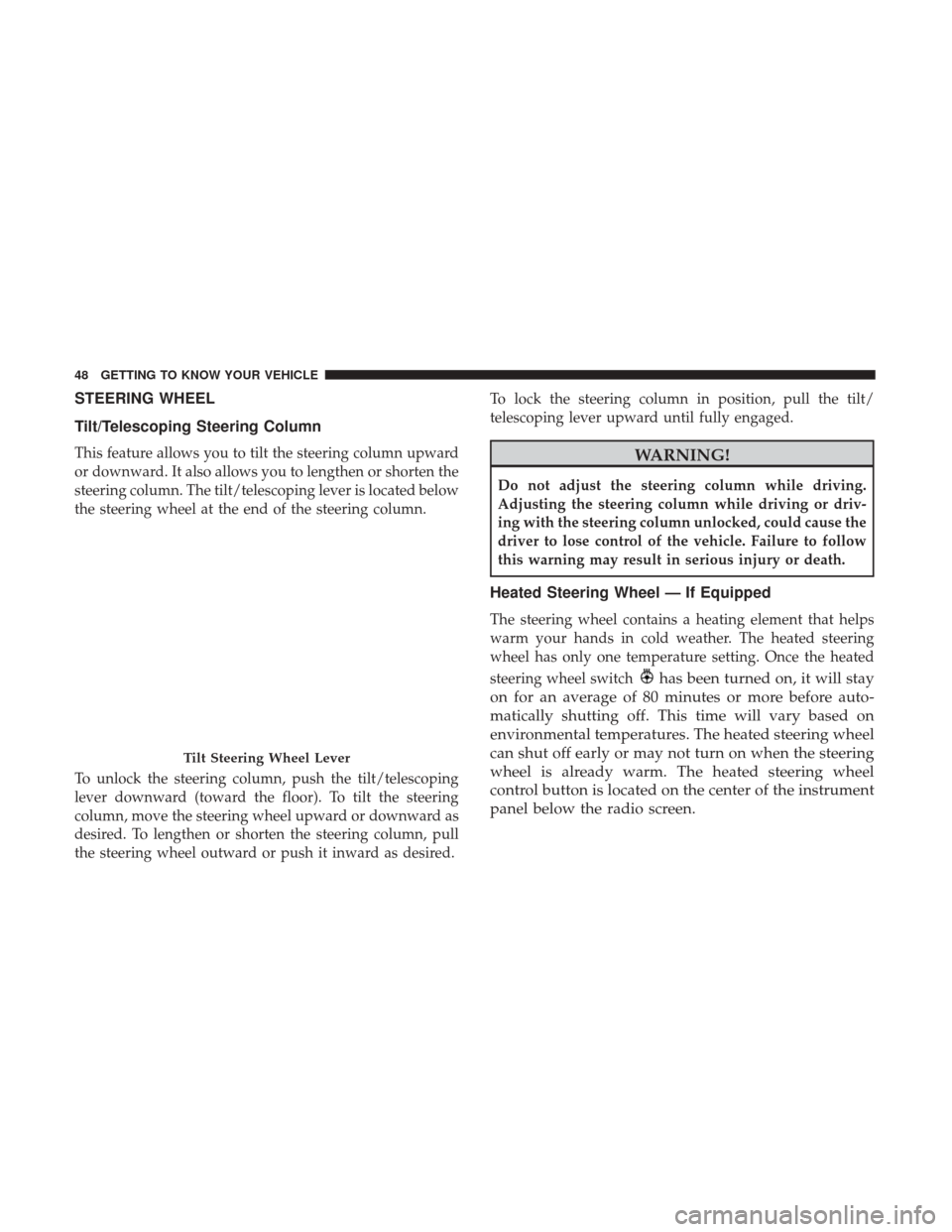
the steering wheel at the end of the steering column.
To unlock the steering column, push the tilt/telescoping
lever downward (toward the floor). To tilt the steering
column, move the steering wheel upward or downward as
desired. To lengthen or shorten the steering column, pull
the steering wheel outward or push it inward as desired.To lock the steering column in position, pull the tilt/
telescoping lever upward until fully engaged.WARNING!
Do not adjust the steering column while driving.
Adjusting the steering column while driving or driv-
ing with the steering column unlocked, could cause the
driver to lose control of the vehicle. Failure to follow
this warning may result in serious injury or death.
Heated Steering Wheel — If Equipped
The steering wheel contains a heating element that helps
warm your hands in cold weather. The heated steering
wheel has only one temperature setting. Once the heated
steering wheel switch
has been turned on, it will stay
on for an average of 80 minutes or more before auto-
matically shutting off. This time will vary based on
environmental temperatures. The heated steering wheel
can shut off early or may not turn on when the steering
wheel is already warm. The heated steering wheel
control button is located on the center of the instrument
panel below the radio screen.
Tilt Steering Wheel Lever
48 GETTING TO KNOW YOUR VEHICLE
Page 61 of 516
Vehicles With Retractable Roof
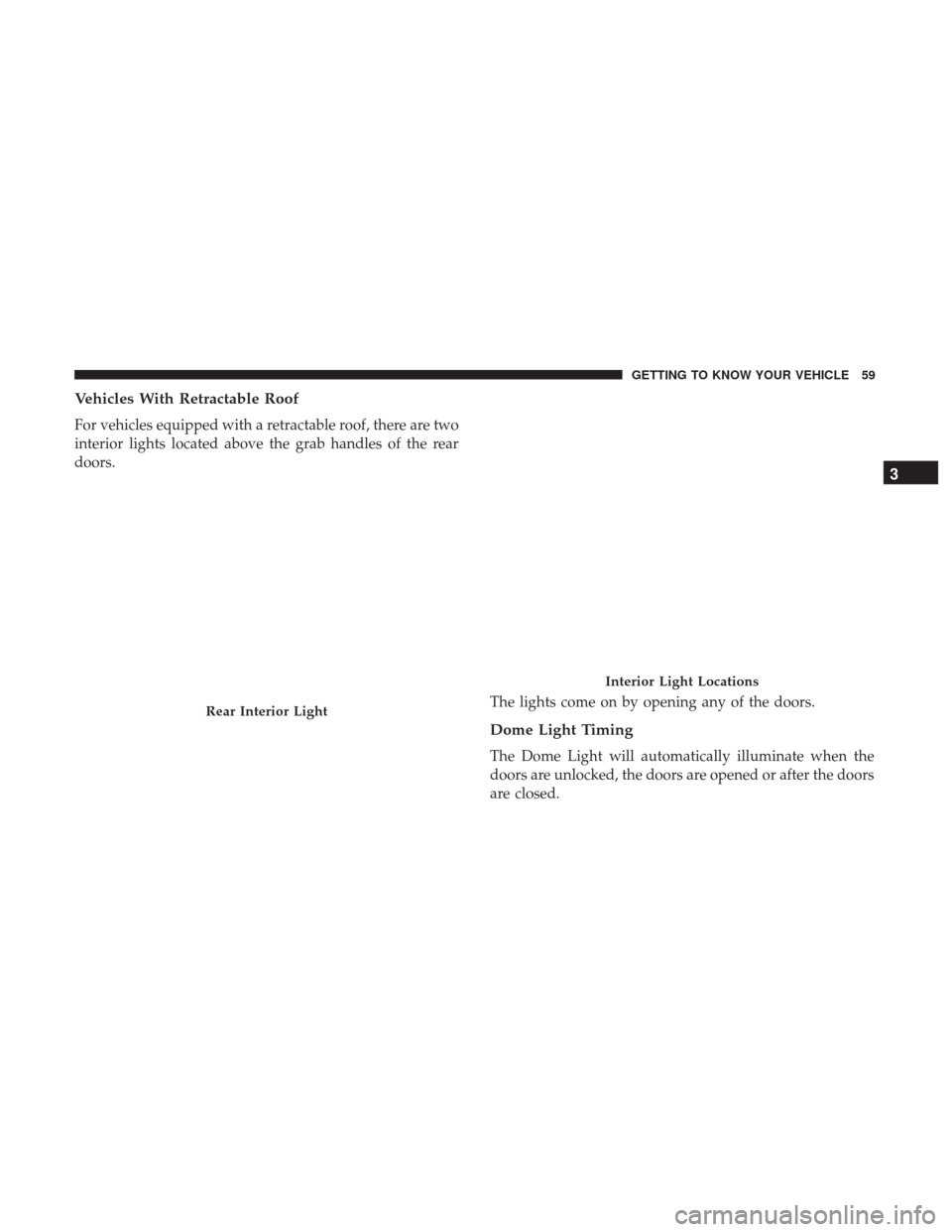
For vehicles equipped with a retractable roof, there are two
interior lights located above the grab handles of the rear
doors.The lights come on by opening any of the doors.
Dome Light Timing
The Dome Light will automatically illuminate when the
doors are unlocked, the doors are opened or after the doors
are closed.
Rear Interior Light
Interior Light Locations
3
GETTING TO KNOW YOUR VEHICLE 59
Page 62 of 516
Timing Entering The Vehicle
The dome lights illuminate in the following ways:
•When the doors are unlocked, the dome light will
illuminate for approximately 27 seconds.
• When one of the doors is opened, the dome light will
illuminate for approximately three minutes.
• When the doors are closed, the dome light will automati-
cally shut off after approximately 27 seconds.
The timing stops once the ignition is placed in the RUN or
ON position.
The dome light will turn off under any of the following
conditions:
• The dome light is disabled when the ignition is placed in
the RUN or ON position.
• The dome lights will turn off automatically when the
doors are locked.
• The dome lights will automatically turn off after ap-
proximately fifteen minutes of inactivity to preserve the
battery. Timing Exiting The Vehicle
The dome light will illuminate under the following condi-
tions when the ignition is placed to the OFF position and
the key is removed:
•
The dome light will illuminate for 27 seconds after the
ignition is placed in the OFF position.
• The opening of one of the doors (approximately three
minutes).
• After closing a door (approximately 27 seconds).
The dome light timing is disabled when the doors are
locked.
Internal Compartment Lights
Illuminated Vanity Mirrors — If Equipped
An illuminated vanity mirror is located on each sun visor.
To use the mirror, rotate the sun visor down and swing the
mirror cover upward. The lights will turn on automatically.
Closing the mirror cover will turn the light off.
60 GETTING TO KNOW YOUR VEHICLE
Page 65 of 516
NOTE:If the end of the multifunction lever rotates from off
to the first intermittent setting or from the first intermittent
setting to the second intermittent setting, the wipers will
perform a round up to clean the windshield.
This function can be activated or deactivated by the
Uconnect Settings through the radio. Refer to “Uconnect
Settings” in the “Multimedia” for further information.
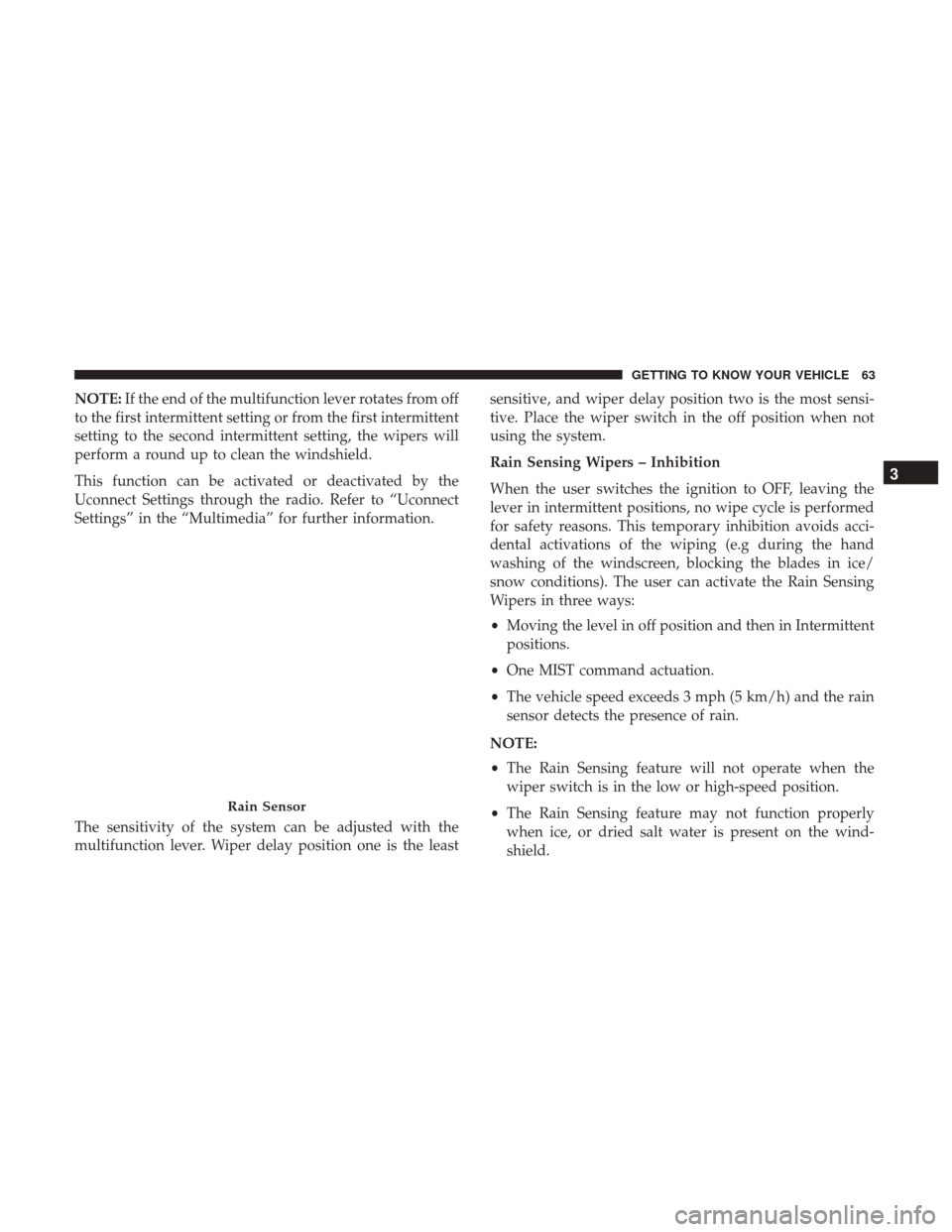
The sensitivity of the system can be adjusted with the
multifunction lever. Wiper delay position one is the least sensitive, and wiper delay position two is the most sensi-
tive. Place the wiper switch in the off position when not
using the system.
Rain Sensing Wipers – Inhibition
When the user switches the ignition to OFF, leaving the
lever in intermittent positions, no wipe cycle is performed
for safety reasons. This temporary inhibition avoids acci-
dental activations of the wiping (e.g during the hand
washing of the windscreen, blocking the blades in ice/
snow conditions). The user can activate the Rain Sensing
Wipers in three ways:
•
Moving the level in off position and then in Intermittent
positions.
• One MIST command actuation.
• The vehicle speed exceeds 3 mph (5 km/h) and the rain
sensor detects the presence of rain.
NOTE:
• The Rain Sensing feature will not operate when the
wiper switch is in the low or high-speed position.
• The Rain Sensing feature may not function properly
when ice, or dried salt water is present on the wind-
shield.
Rain Sensor
3
GETTING TO KNOW YOUR VEHICLE 63
Page 70 of 516
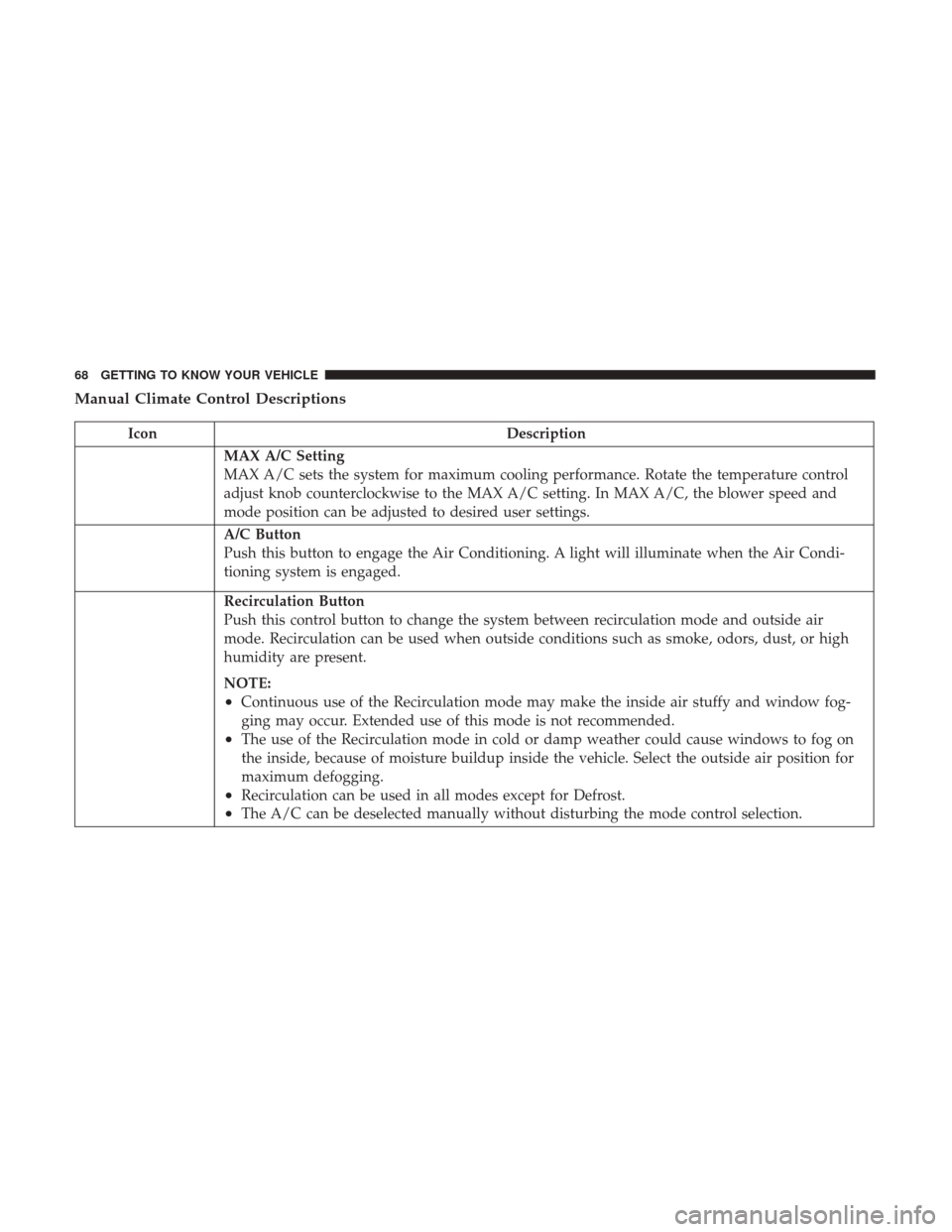
Manual Climate Control Descriptions
IconDescription
MAX A/C Setting
MAX A/C sets the system for maximum cooling performance. Rotate the temperature control
adjust knob counterclockwise to the MAX A/C setting. In MAX A/C, the blower speed and
mode position can be adjusted to desired user settings.
A/C Button
Push this button to engage the Air Conditioning. A light will illuminate when the Air Condi-
tioning system is engaged.
Recirculation Button
Push this control button to change the system between recirculation mode and outside air
mode. Recirculation can be used when outside conditions such as smoke, odors, dust, or high
humidity are present.
NOTE:
•Continuous use of the Recirculation mode may make the inside air stuffy and window fog-
ging may occur. Extended use of this mode is not recommended.
•The use of the Recirculation mode in cold or damp weather could cause windows to fog on
the inside, because of moisture buildup inside the vehicle. Select the outside air position for
maximum defogging.
•Recirculation can be used in all modes except for Defrost.
•The A/C can be deselected manually without disturbing the mode control selection.
68 GETTING TO KNOW YOUR VEHICLE
Page 71 of 516
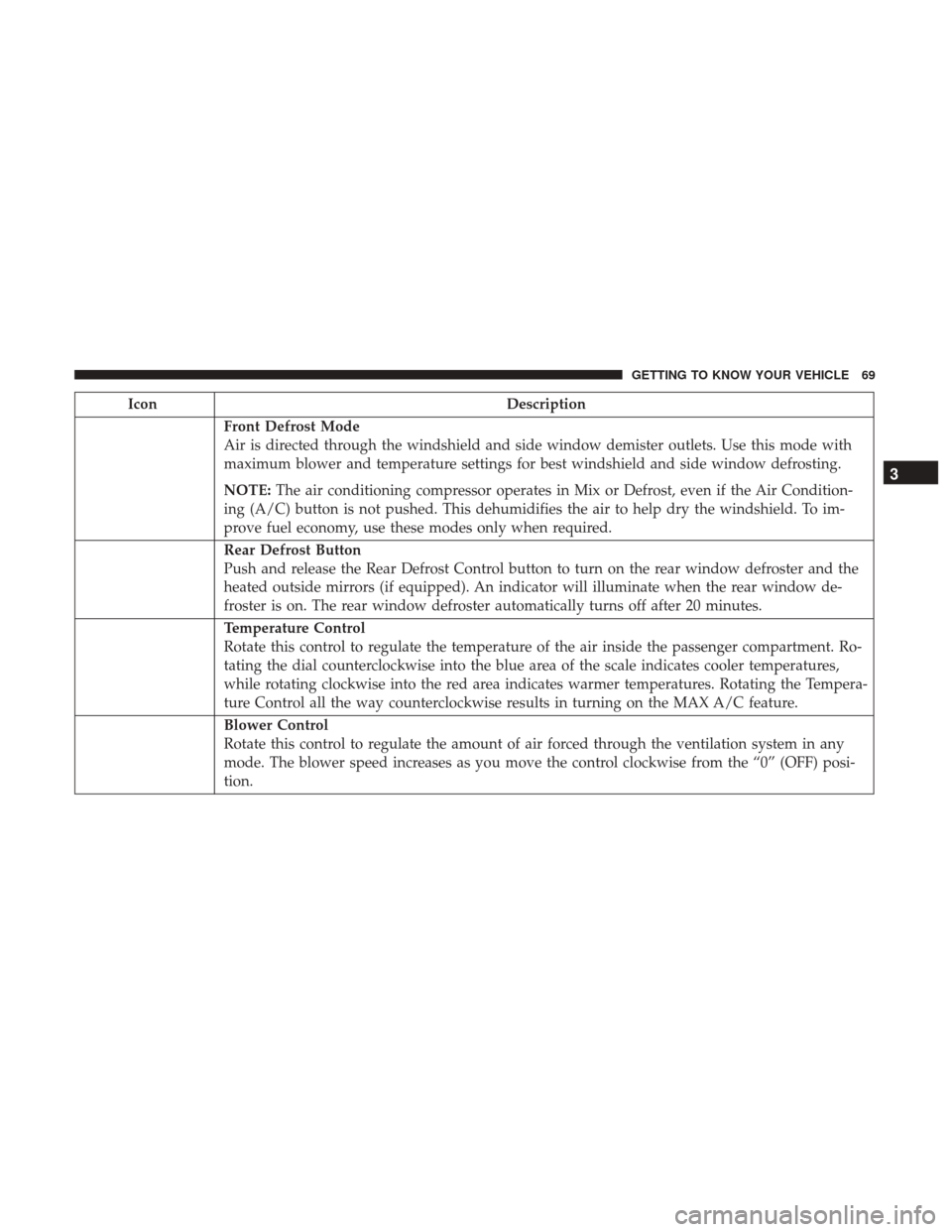
IconDescription
Front Defrost Mode
Air is directed through the windshield and side window demister outlets. Use this mode with
maximum blower and temperature settings for best windshield and side window defrosting.
NOTE:The air conditioning compressor operates in Mix or Defrost, even if the Air Condition-
ing (A/C) button is not pushed. This dehumidifies the air to help dry the windshield. To im-
prove fuel economy, use these modes only when required.
Rear Defrost Button
Push and release the Rear Defrost Control button to turn on the rear window defroster and the
heated outside mirrors (if equipped). An indicator will illuminate when the rear window de-
froster is on. The rear window defroster automatically turns off after 20 minutes.
Temperature Control
Rotate this control to regulate the temperature of the air inside the passenger compartment. Ro-
tating the dial counterclockwise into the blue area of the scale indicates cooler temperatures,
while rotating clockwise into the red area indicates warmer temperatures. Rotating the Tempera-
ture Control all the way counterclockwise results in turning on the MAX A/C feature.
Blower Control
Rotate this control to regulate the amount of air forced through the ventilation system in any
mode. The blower speed increases as you move the control clockwise from the “0” (OFF) posi-
tion.
3
GETTING TO KNOW YOUR VEHICLE 69