ESP KIA NIRO HYBRID EV 2022 Owner's Guide
[x] Cancel search | Manufacturer: KIA, Model Year: 2022, Model line: NIRO HYBRID EV, Model: KIA NIRO HYBRID EV 2022Pages: 684, PDF Size: 9.67 MB
Page 322 of 684
Features of your vehicle
184 4
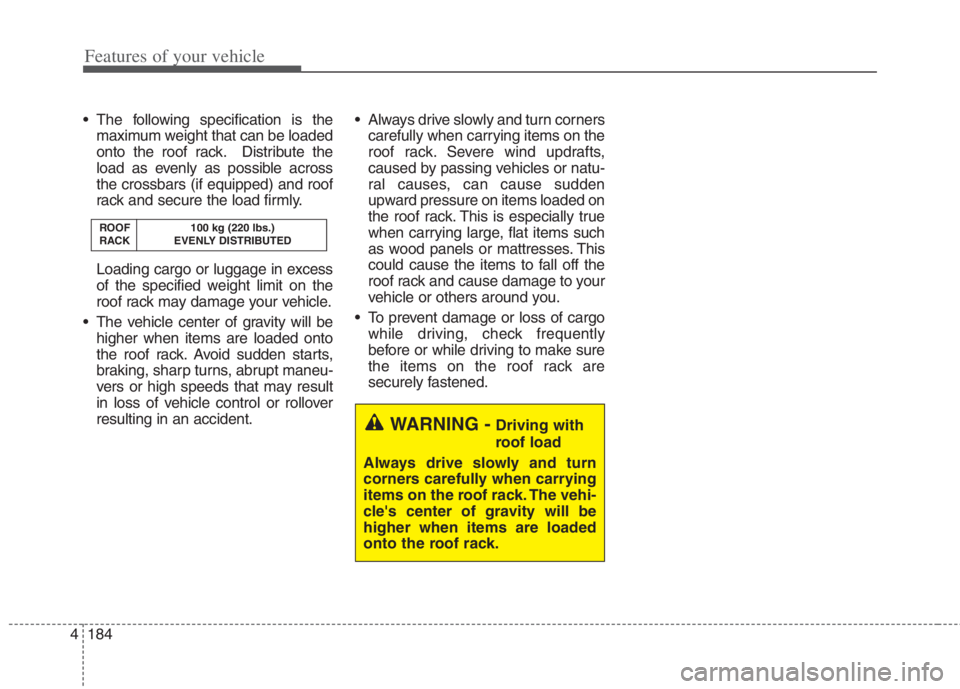
The following specification is the
maximum weight that can be loaded
onto the roof rack. Distribute the
load as evenly as possible across
the crossbars (if equipped) and roof
rack and secure the load firmly.
Loading cargo or luggage in excess
of the specified weight limit on the
roof rack may damage your vehicle.
The vehicle center of gravity will be
higher when items are loaded onto
the roof rack. Avoid sudden starts,
braking, sharp turns, abrupt maneu-
vers or high speeds that may result
in loss of vehicle control or rollover
resulting in an accident. Always drive slowly and turn corners
carefully when carrying items on the
roof rack. Severe wind updrafts,
caused by passing vehicles or natu-
ral causes, can cause sudden
upward pressure on items loaded on
the roof rack. This is especially true
when carrying large, flat items such
as wood panels or mattresses. This
could cause the items to fall off the
roof rack and cause damage to your
vehicle or others around you.
To prevent damage or loss of cargo
while driving, check frequently
before or while driving to make sure
the items on the roof rack are
securely fastened.
ROOF 100 kg (220 lbs.)
RACK EVENLY DISTRIBUTED
WARNING -Driving with
roof load
Always drive slowly and turn
corners carefully when carrying
items on the roof rack. The vehi-
cle's center of gravity will be
higher when items are loaded
onto the roof rack.
Page 326 of 684
Features of your vehicle
188 4
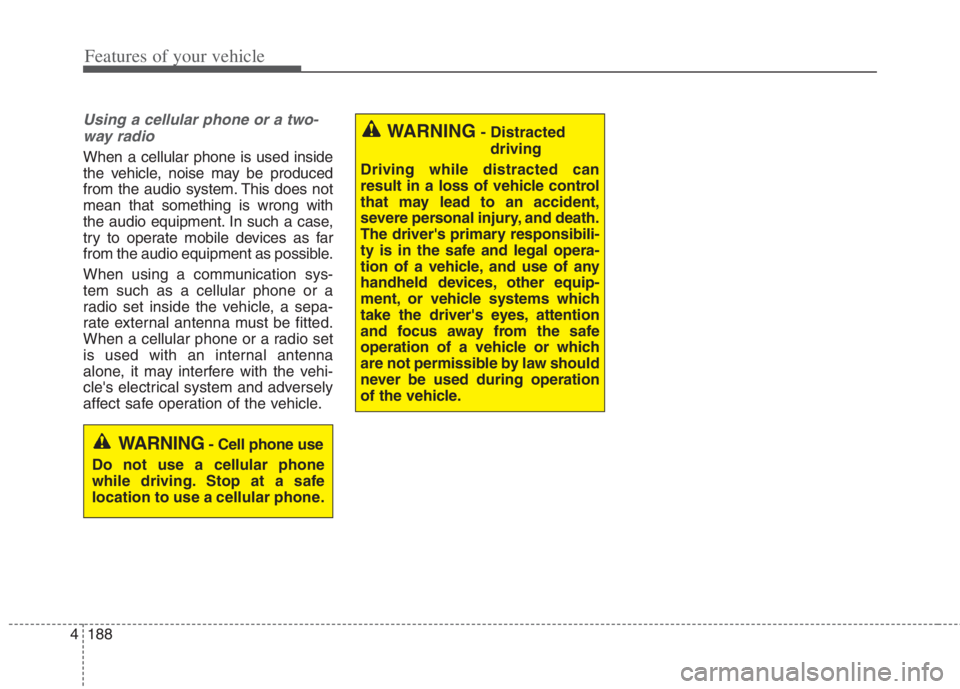
Using a cellular phone or a two-
way radio
When a cellular phone is used inside
the vehicle, noise may be produced
from the audio system. This does not
mean that something is wrong with
the audio equipment. In such a case,
try to operate mobile devices as far
from the audio equipment as possible.
When using a communication sys-
tem such as a cellular phone or a
radio set inside the vehicle, a sepa-
rate external antenna must be fitted.
When a cellular phone or a radio set
is used with an internal antenna
alone, it may interfere with the vehi-
cle's electrical system and adversely
affect safe operation of the vehicle.
WARNING- Cell phone use
Do not use a cellular phone
while driving. Stop at a safe
location to use a cellular phone.
WARNING- Distracted
driving
Driving while distracted can
result in a loss of vehicle control
that may lead to an accident,
severe personal injury, and death.
The driver's primary responsibili-
ty is in the safe and legal opera-
tion of a vehicle, and use of any
handheld devices, other equip-
ment, or vehicle systems which
take the driver's eyes, attention
and focus away from the safe
operation of a vehicle or which
are not permissible by law should
never be used during operation
of the vehicle.
Page 332 of 684
55
Driving your vehicle
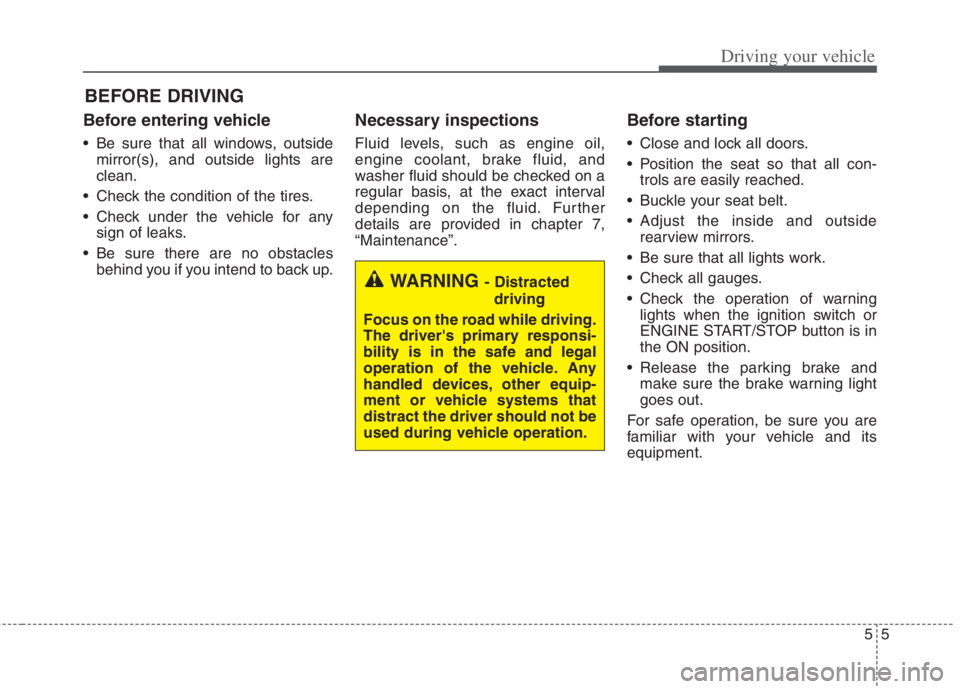
Before entering vehicle
• Be sure that all windows, outside
mirror(s), and outside lights are
clean.
Check the condition of the tires.
Check under the vehicle for any
sign of leaks.
Be sure there are no obstacles
behind you if you intend to back up.
Necessary inspections
Fluid levels, such as engine oil,
engine coolant, brake fluid, and
washer fluid should be checked on a
regular basis, at the exact interval
depending on the fluid. Further
details are provided in chapter 7,
“Maintenance”.
Before starting
Close and lock all doors.
Position the seat so that all con-
trols are easily reached.
Buckle your seat belt.
Adjust the inside and outside
rearview mirrors.
Be sure that all lights work.
Check all gauges.
Check the operation of warning
lights when the ignition switch or
ENGINE START/STOP button is in
the ON position.
Release the parking brake and
make sure the brake warning light
goes out.
For safe operation, be sure you are
familiar with your vehicle and its
equipment.
BEFORE DRIVING
WARNING - Distracted
driving
Focus on the road while driving.
The driver's primary responsi-
bility is in the safe and legal
operation of the vehicle. Any
handled devices, other equip-
ment or vehicle systems that
distract the driver should not be
used during vehicle operation.
Page 333 of 684
Driving your vehicle
6 5
WARNING- Check sur-
roundings
Always check the surrounding
areas near your vehicle for peo-
ple, especially children, before
putting a vehicle into D (Drive)
or R (Reverse).
WARNING- Fire risk
When you intend to park or stop
the vehicle with the engine on,
be careful not to depress the
accelerator pedal for a long
period of time. It may overheat
the engine or exhaust system
and cause fire.WARNING- Loose
objects
Securely store items in your
vehicle. When you make a sud-
den stop or turn the steering
wheel rapidly, loose objects
may drop on the floor and it
could interfere with the opera-
tion of the foot pedals, possibly
causing an accident.WARNING- Driving while
intoxicated
Do not drive while intoxicated.
Drinking and driving is danger-
ous. Even a small amount of
alcohol will affect your reflexes,
perceptions and judgment.
Driving while under the influ-
ence of drugs is as dangerous
as or more dangerous than driv-
ing drunk.
WARNING- Proper
footwear
Always wear appropriate shoes
when operating your vehicle.
Unsuitable shows (high heels,
ski boots, sandals, etc.) may
interfere with your ability to use
the brake and accelerator ped-
als.
Page 344 of 684

517
Driving your vehicle
The dual clutch transmission can
be thought of as an automatically
shifting manual transmission. It
gives the driving feel of a manual
transmission, yet provides the
ease of a fully automatic transmis-
sion.
When D (Drive) is selected, the
transmission will automatically shift
through the gears similar to a con-
ventional automatic transmission.
Unlike a traditional automatic
transmission, the gear shifting can
sometimes be felt and heard as the
actuators engage the clutches and
the gears are selected.
The dual clutch transmission
adopts a dry-type dual clutch,
which is different from the torque
converter of the automatic trans-
mission. It shows better accelera-
tion performance and increased
fuel efficiency while driving but ini-
tial launch might be little bit slower
than the automatic transmission.As a result, gear shifts are some-
times more noticeable than a con-
ventional automatic transmission
and a light vibration during launch-
ing can be felt as the transmission
speed. This is a normal condition of
the dual clutch transmission.
The dry-type clutch transfers
torque more directly and provides
a direct drive feeling which may
feel different from a conventional
automatic transmission. This may
be more noticeable when launch-
ing the vehicle from a stop or when
traveling at low, stop-and-go vehi-
cle speeds.
When rapidly accelerating at a low
vehicle speed, the engine rpm may
increase highly depending on the
vehicle's driving condition.
For smooth launch uphill, press
down the accelerator pedal
smoothly depending on the current
conditions.
If you release your foot from the
accelerator pedal at low vehicle
speed, you may feel strong engine
braking, which is similar to manual
transmission.
WARNING
To reduce the risk of serious
injury or death:
ALWAYS check the surround-
ing areas near your vehicle for
people, especially children,
before shifting a vehicle into
D (Drive) or R (Reverse).
Before leaving the driver’s
seat, always make sure the
shift lever is in the P (Park)
position, then set the parking
brake, and place the ignition
switch or ENGINE START/
STOP button in the OFF posi-
tion. Unexpected and sudden
vehicle movement can occur
if these precautions are not
followed.
Do not use engine braking
(shifting from a high gear to
lower gear) rapidly on slip-
pery roads. The vehicle may
slip, causing an accident.
Page 354 of 684
527
Driving your vehicle
Always use the parking brake. Do
not depend on placing the
transaxle in P (Park) to keep the
car from moving.
Exercise extreme caution when
driving on a slippery surface. Be
especially careful when braking,
accelerating or shifting gears. On a
slippery surface, an abrupt change
in vehicle speed can cause the
drive wheels to lose traction and
the vehicle to go out of control.
Optimum vehicle performance and
economy is obtained by smoothly
depressing and releasing the
accelerator pedal.
WARNING
If your vehicle becomes stuck in
snow, mud, sand, etc., then you
may attempt to rock the vehicle
free by moving it forward and
backward. Do not attempt this
procedure if people or objects
are anywhere near the vehicle.
During the rocking operation the
vehicle may suddenly move for-
ward of backward as it becomes
unstuck, causing injury or dam-
age to nearby people or objects.
WARNING
When driving uphill or downhill,
always shift to D (Drive) for driv-
ing forward or shift to R
(Reverse) for driving backwards,
and check the gear position
indicated on the cluster before
driving.
Driving in the opposite direction
of the selected gear can lead to
a dangerous situation by shut-
ting off the engine and affecting
the braking performance.
CAUTION
- Holding the Vehicle Using
Accelerator Pedal
Do not attempt to hold your
vehicle on a hill by applying the
accelerator pedal. This can
cause your clutch and transmis-
sion to be damaged as a result
of overheating.
Page 372 of 684
![KIA NIRO HYBRID EV 2022 Owners Guide 545
Driving your vehicle
AUTO HOLD conditions not met.
Close door and hood
When you press the [AUTO HOLD]
switch, if the driver’s door, engine
hood are not closed, a warning will
sound and a message](/img/2/58909/w960_58909-371.png "KIA NIRO HYBRID EV 2022 Owners Guide 545
Driving your vehicle
AUTO HOLD conditions not met.
Close door and hood
When you press the [AUTO HOLD]
switch, if the driver’s door, engine
hood are not closed, a warning will
sound and a message")
545
Driving your vehicle
AUTO HOLD conditions not met.
Close door and hood
When you press the [AUTO HOLD]
switch, if the driver’s door, engine
hood are not closed, a warning will
sound and a message will appear on
the LCD display. At this moment,
press the [AUTO HOLD] button after
closing the driver’s door and hood.
Anti-lock brake system (ABS)
ABS (or ESC) will not prevent acci-
dents due to improper or dangerous
driving maneuvers. Even though
vehicle control is improved during
emergency braking, always maintain
a safe distance between you and
objects ahead. Vehicle speeds
should always be reduced during
extreme road conditions. The vehicle
should be driven at reduced speeds
in the following circumstances:
When driving on rough, gravel or
snow-covered roads
When driving on roads where the
road surface is pitted or has differ-
ent surface heights.
Driving in these conditions increases
the stopping distance for your vehicle.The ABS continuously senses the
speed of the wheels. If the wheels
are going to lock, the ABS system
repeatedly modulates the hydraulic
brake pressure to the wheels.
When you apply your brakes under
conditions which may lock the
wheels, you may hear a “tik-tik’’
sound from the brakes, or feel a cor-
responding sensation in the brake
pedal. This is normal and it means
your ABS is active.
In order to obtain the maximum benefit
from your ABS in an emergency situa-
tion, do not attempt to modulate your
brake pressure and do not try to pump
your brakes. Press your brake pedal as
hard as possible to allow the ABS to
control the force being delivered to the
brakes.
✽ ✽
NOTICE
A click sound may be heard in the
engine compartment when the vehi-
cle begins to move after the engine is
started. These conditions are normal
and indicate that the anti-lock brake
system is functioning properly.
ODEP059313L
Page 374 of 684
547
Driving your vehicle
✽ ✽
NOTICE
When you jump start your vehicle
because of a drained battery, the
engine may not run as smoothly and
the ABS warning light may turn on at
the same time. This happens because
of low battery voltage. It does not
mean your ABS has malfunctioned.
• Do not pump your brakes!
• Have the battery recharged before
driving the vehicle.
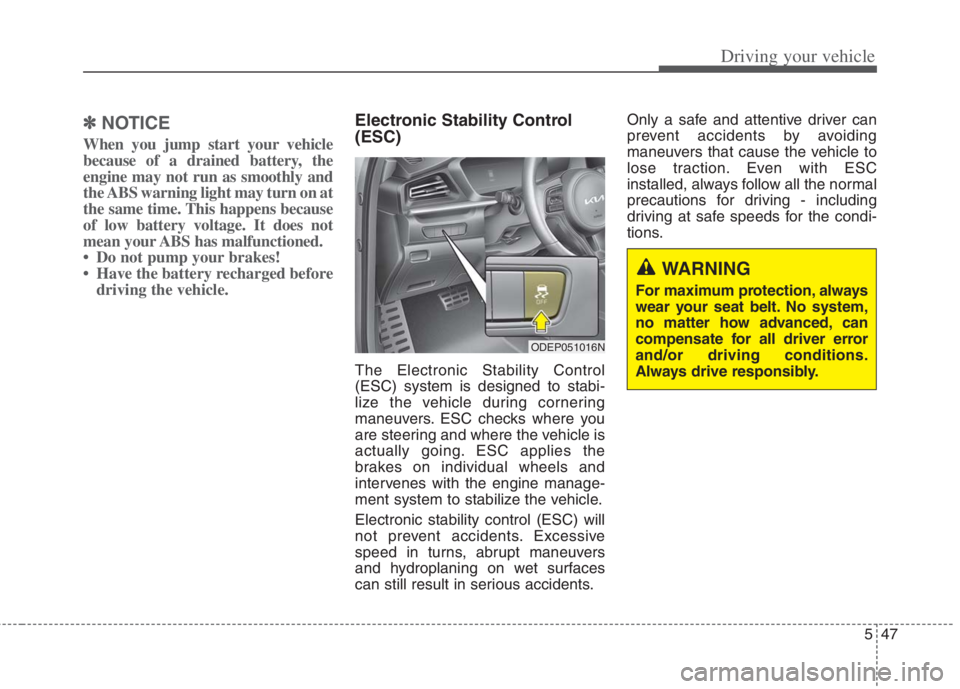
Electronic Stability Control
(ESC)
The Electronic Stability Control
(ESC) system is designed to stabi-
lize the vehicle during cornering
maneuvers. ESC checks where you
are steering and where the vehicle is
actually going. ESC applies the
brakes on individual wheels and
intervenes with the engine manage-
ment system to stabilize the vehicle.
Electronic stability control (ESC) will
not prevent accidents. Excessive
speed in turns, abrupt maneuvers
and hydroplaning on wet surfaces
can still result in serious accidents.Only a safe and attentive driver can
prevent accidents by avoiding
maneuvers that cause the vehicle to
lose traction. Even with ESC
installed, always follow all the normal
precautions for driving - including
driving at safe speeds for the condi-
tions.
ODEP051016N
WARNING
For maximum protection, always
wear your seat belt. No system,
no matter how advanced, can
compensate for all driver error
and/or driving conditions.
Always drive responsibly.
Page 375 of 684
Driving your vehicle
48 5
The Electronic Stability Control (ESC)
system is an electronic system
designed to help the driver maintain
vehicle control under adverse condi-
tions. It is not a substitute for safe driv-
ing practices. Factors including speed,
road conditions and driver steering
input can all affect whether ESC will be
effective in preventing a loss of control.
It is still your responsibility to drive and
corner at reasonable speeds and to
leave a sufficient margin of safety.
When you apply your brakes under
conditions which may lock the wheels,
you may hear a “tik-tik’’ sound from the
brakes, or feel a corresponding sensa-
tion in the brake pedal. This is normal
and it means your ESC is active.
✽ ✽
NOTICE
A click sound may be heard in the
engine compartment when the vehi-
cle begins to move after the engine is
started. These conditions are normal
and indicate that the Electronic
Stability Control System is function-
ing properly.
ESC operation
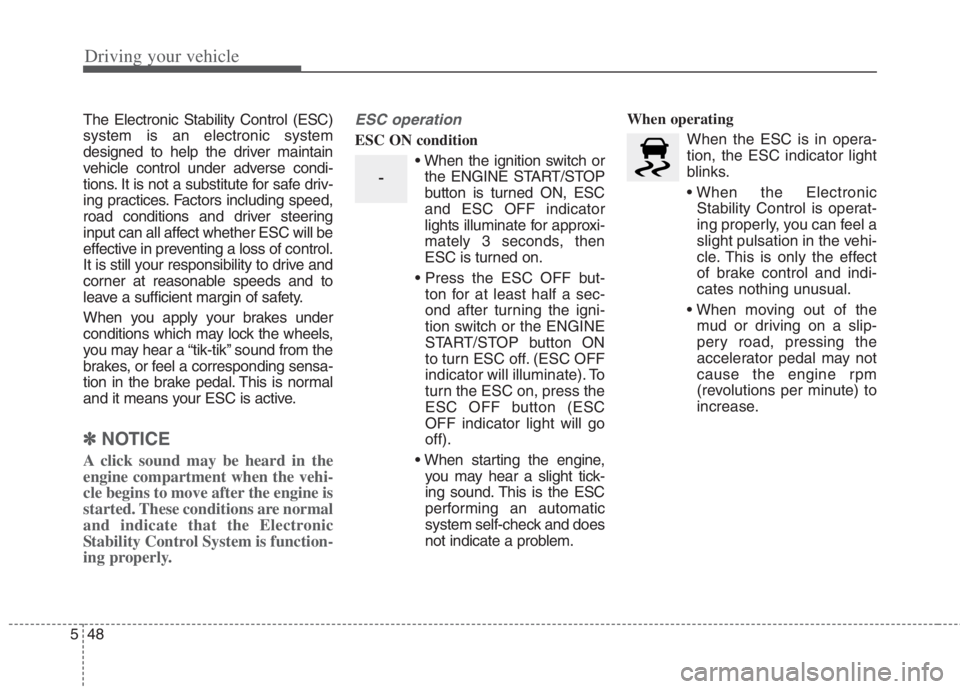
ESC ON condition
When the ignition switch or
the ENGINE START/STOP
button is turned ON, ESC
and ESC OFF indicator
lights illuminate for approxi-
mately 3 seconds, then
ESC is turned on.
ton for at least half a sec-
ond after turning the igni-
tion switch or the ENGINE
START/STOP button ON
to turn ESC off. (ESC OFF
indicator will illuminate). To
turn the ESC on, press the
ESC OFF button (ESC
OFF indicator light will go
off).
you may hear a slight tick-
ing sound. This is the ESC
performing an automatic
system self-check and does
not indicate a problem.When operating
When the ESC is in opera-
tion, the ESC indicator light
blinks.
Stability Control is operat-
ing properly, you can feel a
slight pulsation in the vehi-
cle. This is only the effect
of brake control and indi-
cates nothing unusual.
mud or driving on a slip-
pery road, pressing the
accelerator pedal may not
cause the engine rpm
(revolutions per minute) to
increase.
-
Page 378 of 684
551
Driving your vehicle
Vehicle Stability Management
(VSM)
This system provides further
enhancements to vehicle stability
and steering responses when a vehi-
cle is driving on a slippery road or a
vehicle detects changes in coeffi-
cient of friction between right wheels
and left wheels when braking.
VSM operation
When the VSM is in operation, ESC
indicator light ( ) blinks.
When the vehicle stability manage-
ment is operating properly, you can
feel a slight pulsation in the vehicle
and/or abnormal steering responses
(EPS- Electronic Power Steering).
This is only the effect of brake and
EPS control and indicates nothing
unusual.
The VSM does not operate when:
Driving on a sloping road such as a
gradient or incline
Driving in reverse
ESC OFF indicator light ( )
remains on the instrument cluster
EPS indicator light remains on the
instrument cluster
VSM operation off
If you press the ESC OFF button to
turn off the ESC, the VSM will also
cancel and the ESC OFF indicator
light ( ) illuminates.
To turn on the VSM, press the button
again. The ESC OFF indicator light
goes out.
WARNING- Tire/
Wheel size
When replacing tires and wheels,
make sure they are the same size
as the original tires and wheels
installed. Driving with varying
tire or wheel sizes may diminish
any supplemental safety benefits
of the VSM system.
WARNING
- Vehicle stability manage-
ment
Drive carefully even though your
vehicle has vehicle stability
management. It can only assist
you in maintaining control of the
vehicle under certain circum-
stances.