warning KIA SPORTAGE 2020 Owners Manual
[x] Cancel search | Manufacturer: KIA, Model Year: 2020, Model line: SPORTAGE, Model: KIA SPORTAGE 2020Pages: 624, PDF Size: 15.41 MB
Page 384 of 624
Driving your vehicle
98
5
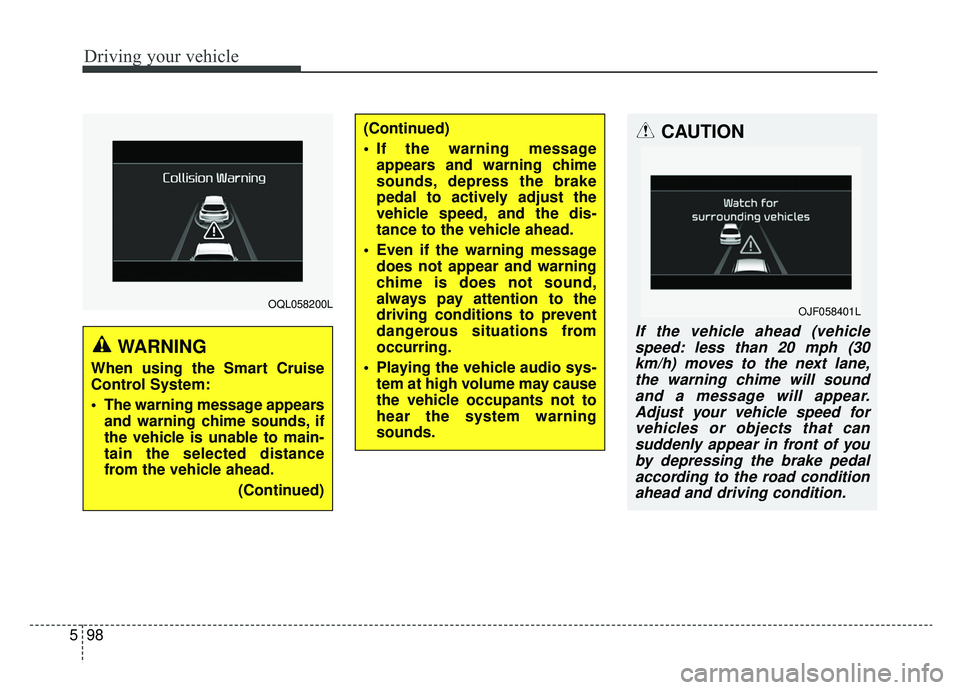
OQL058200L
WARNING
When using the Smart Cruise
Control System:
The warning message appears
and warning chime sounds, if
the vehicle is unable to main-
tain the selected distance
from the vehicle ahead.
(Continued)
(Continued)
If the warning messageappears and warning chime
sounds, depress the brake
pedal to actively adjust the
vehicle speed, and the dis-
tance to the vehicle ahead.
Even if the warning message does not appear and warning
chime is does not sound,
always pay attention to the
driving conditions to prevent
dangerous situations from
occurring.
Playing the vehicle audio sys- tem at high volume may cause
the vehicle occupants not to
hear the system warning
sounds.CAUTION
If the vehicle ahead (vehiclespeed: less than 20 mph (30km/h) moves to the next lane,the warning chime will soundand a message will appear.Adjust your vehicle speed forvehicles or objects that cansuddenly appear in front of youby depressing the brake pedalaccording to the road conditionahead and driving condition.
OJF058401L
Page 386 of 624
Driving your vehicle
100
5
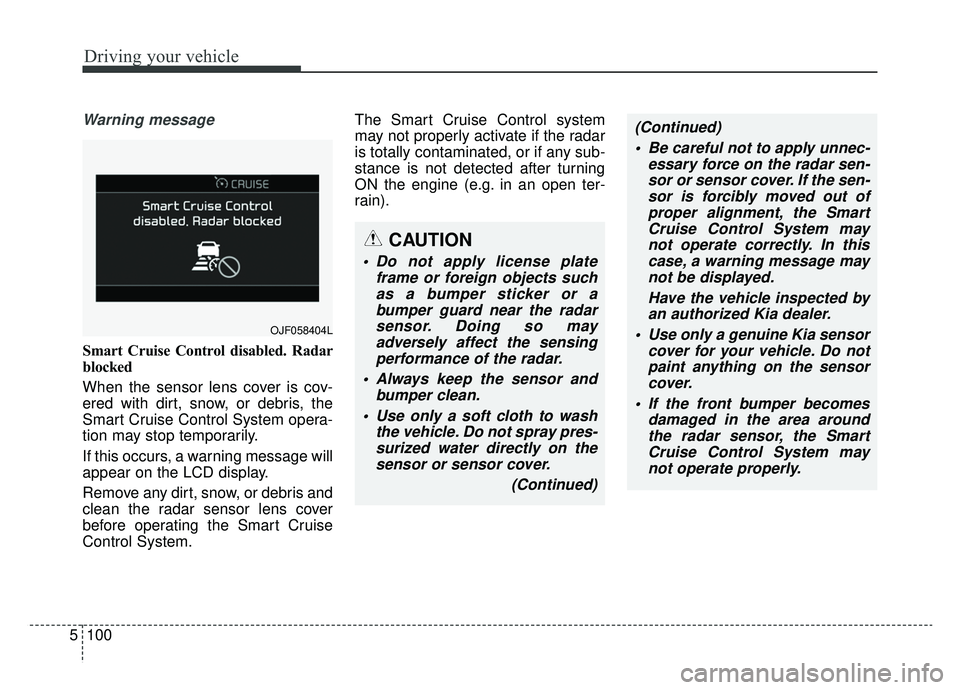
Warning message
Smart Cruise Control disabled. Radar
blocked
When the sensor lens cover is cov-
ered with dirt, snow, or debris, the
Smart Cruise Control System opera-
tion may stop temporarily.
If this occurs, a warning message will
appear on the LCD display.
Remove any dirt, snow, or debris and
clean the radar sensor lens cover
before operating the Smart Cruise
Control System. The Smart Cruise Control system
may not properly activate if the radar
is totally contaminated, or if any sub-
stance is not detected after turning
ON the engine (e.g. in an open ter-
rain).
OJF058404L
CAUTION
Do not apply license plate
frame or foreign objects suchas a bumper sticker or abumper guard near the radarsensor. Doing so mayadversely affect the sensingperformance of the radar.
Always keep the sensor and bumper clean.
Use only a soft cloth to wash the vehicle. Do not spray pres-surized water directly on thesensor or sensor cover.
(Continued)
(Continued) Be careful not to apply unnec- essary force on the radar sen-sor or sensor cover. If the sen-sor is forcibly moved out ofproper alignment, the SmartCruise Control System maynot operate correctly. In thiscase, a warning message maynot be displayed.
Have the vehicle inspected byan authorized Kia dealer.
Use only a genuine Kia sensor cover for your vehicle. Do notpaint anything on the sensorcover.
If the front bumper becomes damaged in the area aroundthe radar sensor, the SmartCruise Control System maynot operate properly.
Page 388 of 624
Driving your vehicle
102
5
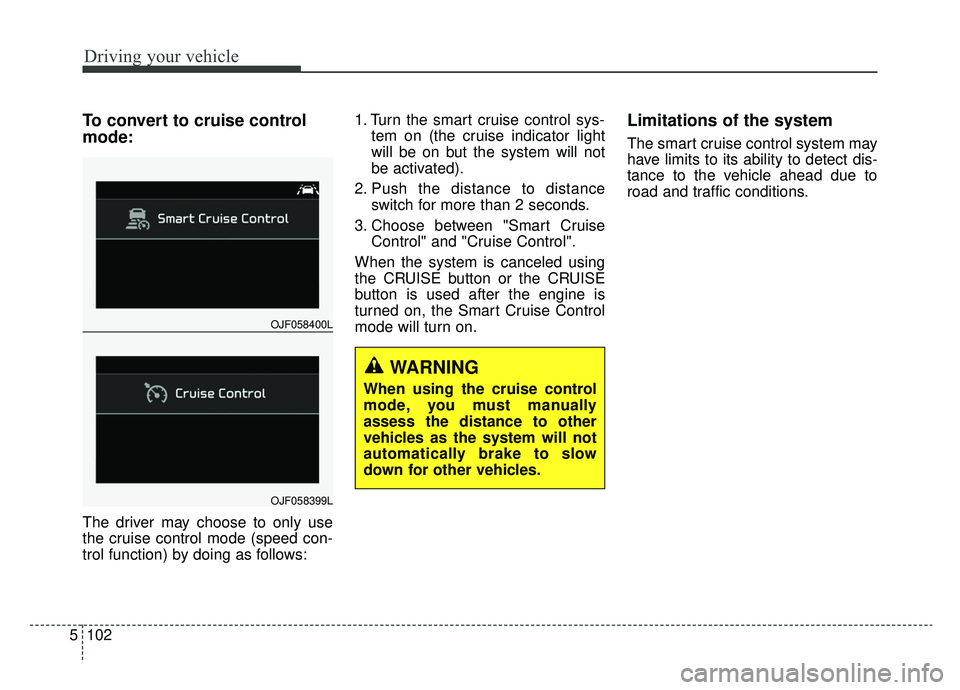
To convert to cruise control
mode:
The driver may choose to only use
the cruise control mode (speed con-
trol function) by doing as follows: 1. Turn the smart cruise control sys-
tem on (the cruise indicator light
will be on but the system will not
be activated).
2. Push the distance to distance switch for more than 2 seconds.
3. Choose between "Smart Cruise Control" and "Cruise Control".
When the system is canceled using
the CRUISE button or the CRUISE
button is used after the engine is
turned on, the Smart Cruise Control
mode will turn on.
Limitations of the system
The smart cruise control system may
have limits to its ability to detect dis-
tance to the vehicle ahead due to
road and traffic conditions.
OJF058400L
OJF058399L
WARNING
When using the cruise control
mode, you must manually
assess the distance to other
vehicles as the system will not
automatically brake to slow
down for other vehicles.
Page 392 of 624
Driving your vehicle
106
5
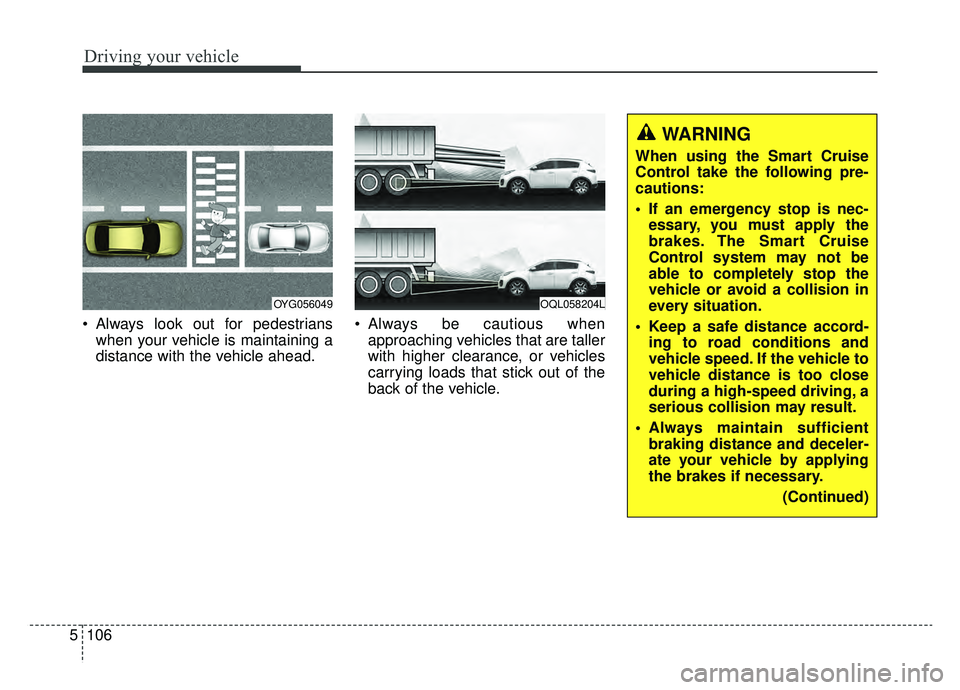
Always look out for pedestrians
when your vehicle is maintaining a
distance with the vehicle ahead. Always be cautious when
approaching vehicles that are taller
with higher clearance, or vehicles
carrying loads that stick out of the
back of the vehicle.
OQL058204LOYG056049
WARNING
When using the Smart Cruise
Control take the following pre-
cautions:
If an emergency stop is nec-essary, you must apply the
brakes. The Smart Cruise
Control system may not be
able to completely stop the
vehicle or avoid a collision in
every situation.
Keep a safe distance accord- ing to road conditions and
vehicle speed. If the vehicle to
vehicle distance is too close
during a high-speed driving, a
serious collision may result.
Always maintain sufficient braking distance and deceler-
ate your vehicle by applying
the brakes if necessary.
(Continued)
Page 393 of 624
5107
Driving your vehicle
✽ ✽NOTICE
The Smart Cruise Control System
may not operate temporarily due to:
- Electrical interference
- Modified suspension
- Differences in tire abrasion or tire
pressure
- Installation of different type of tires(Continued)
Always be aware of the select-
ed speed and distance to the
vehicle ahead.
The Smart Cruise Control System may not recognize
complex driving situations,
always pay attention to driv-
ing conditions and control
your vehicle speed.
After an engine start, please stop for several seconds. If
system initialization is not
completed, the SCC does not
normally operate.
After starting the engine, if objects are not detected or
the sensor cover is covered
with foreign substances, the
SCC system may not work.(Continued)
The Smart Cruise Control sys-tem cannot recognize a
stopped vehicle, pedestrians
or an oncoming vehicle.
Always look ahead cautiously
to prevent unexpected and
sudden situations from occur-
ring.
When other vehicles are changing lanes in front of you
frequently, the Smart Cruise
Control system may not oper-
ate appropriately.
Always drive cautiously to
prevent unexpected and sud-
den situations from occurring.
The smart cruise control sys- tem is not a substitute for
safe driving practices but a
convenience function only. It
is the responsibility of the
driver to always check to the
vehicle ahead.
(Continued)
WARNING
For safe operation, carefully
read and follow the instructions
in this manual before use.
Page 397 of 624
5111
Driving your vehicle
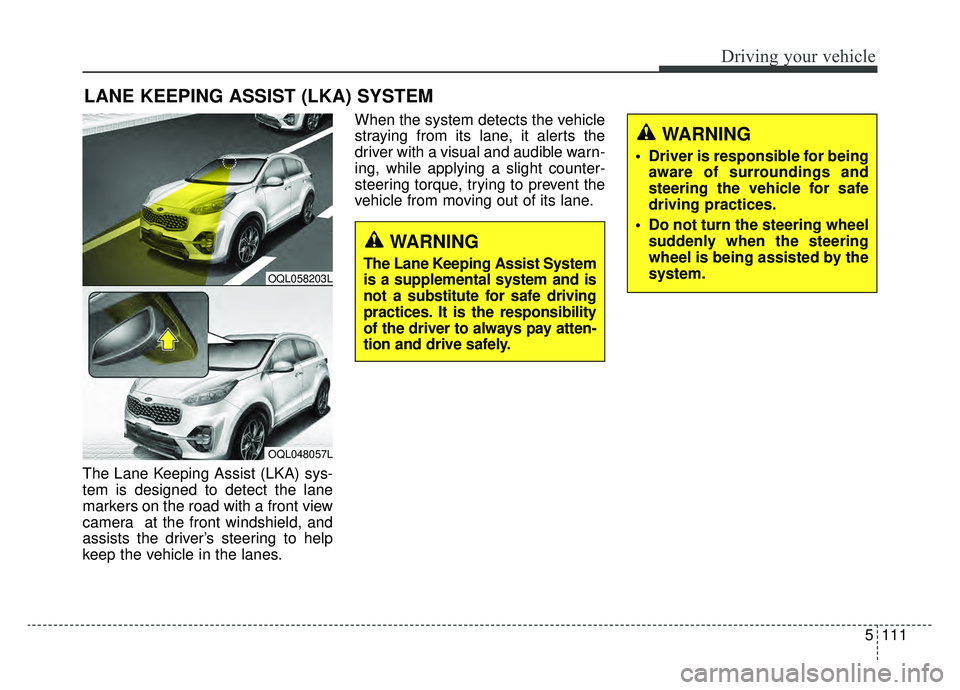
The Lane Keeping Assist (LKA) sys-
tem is designed to detect the lane
markers on the road with a front view
camera at the front windshield, and
assists the driver’s steering to help
keep the vehicle in the lanes.When the system detects the vehicle
straying from its lane, it alerts the
driver with a visual and audible warn-
ing, while applying a slight counter-
steering torque, trying to prevent the
vehicle from moving out of its lane.
LANE KEEPING ASSIST (LKA) SYSTEM
OQL058203L
OQL048057L
WARNING
Driver is responsible for being
aware of surroundings and
steering the vehicle for safe
driving practices.
Do not turn the steering wheel suddenly when the steering
wheel is being assisted by the
system.
WARNING
The Lane Keeping Assist System
is a supplemental system and is
not a substitute for safe driving
practices. It is the responsibility
of the driver to always pay atten-
tion and drive safely.
Page 398 of 624
Driving your vehicle
112
5
(Continued)
The system is designed to
detect lane markers using a
front view camera. If the lane
markers are hard to detect,
then the system may be limit-
ed. Always be cautious when
using the system.
When the lane markers are hard to detect, please refer to
“Driver’s Attention”.
Do not remove or damage the related parts of LKA.
Do not place objects on the dashboard that reflects light
such as mirrors, white paper,
etc. it may cause malfunction
of This may prevent the LKA
system from functioning
properly.
You may not hear warning sound of LKA if the audio vol-
ume is high.
(Continued)(Continued)
If you drive with your handsoff the steering wheel, the
LKA will stop controlling the
steering wheel after the hands
off alarm. If you drive with
your hands on the steering
wheel again, the control will
be activated again.
If the vehicle speed is high, steering torque for assistance
will not be enough to keep
your vehicle within the lane. If
so, the vehicle may move out
of its lane. Obey speed limit
when using LKA.
If you attach objects to the steering wheel, the system
may not assist steering.
If you attach objects to the steering wheel, hands off
alarm may not work properly.WARNING
The operation of the LKA canbe canceled or not work prop-
erly according to road condi-
tion and surroundings.
Always be cautious when
driving.
Do not disassemble the front view camera temporarily for
tinting windows or attaching
any types of coatings and
accessories.
Do not disassemble the cam-
era. take your vehicle to an
authorized Kia dealer and
have the system checked to
need a calibration.
When you replace the wind- shield glass, front view cam-
era or parts of the steering,
take your vehicle to an author-
ized Kia dealer and have the
system checked to need a cal-
ibration.
(Continued)
Page 400 of 624
Driving your vehicle
114
5
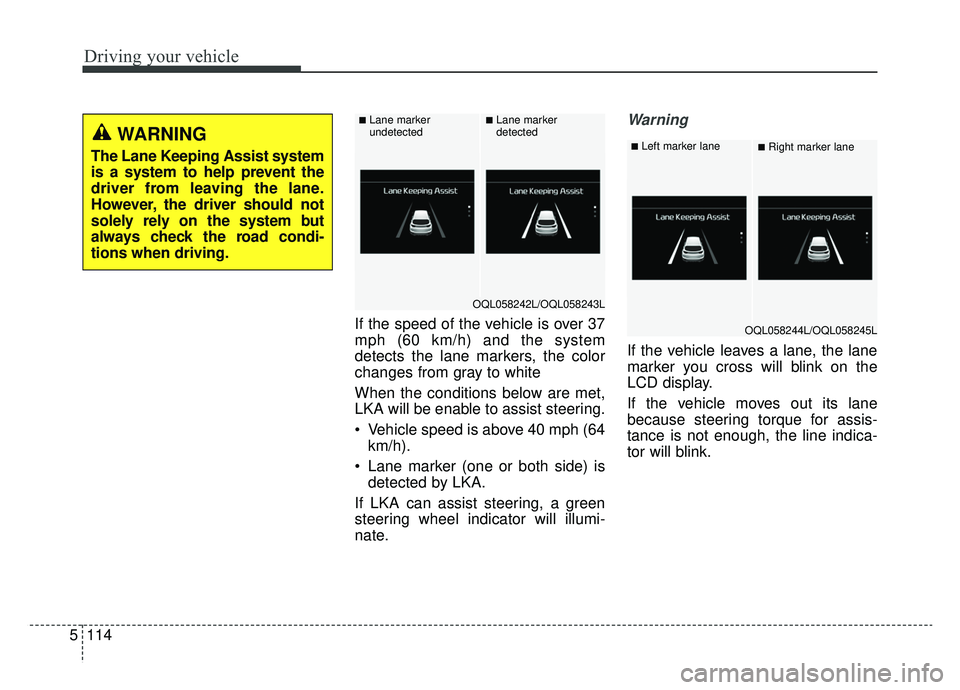
If the speed of the vehicle is over 37
mph (60 km/h) and the system
detects the lane markers, the color
changes from gray to white
When the conditions below are met,
LKA will be enable to assist steering.
Vehicle speed is above 40 mph (64
km/h).
Lane marker (one or both side) is detected by LKA.
If LKA can assist steering, a green
steering wheel indicator will illumi-
nate.
Warning
If the vehicle leaves a lane, the lane
marker you cross will blink on the
LCD display.
If the vehicle moves out its lane
because steering torque for assis-
tance is not enough, the line indica-
tor will blink.
WARNING
The Lane Keeping Assist system
is a system to help prevent the
driver from leaving the lane.
However, the driver should not
solely rely on the system but
always check the road condi-
tions when driving.
OQL058242L/OQL058243L
■Lane marker
undetected■Lane marker
detected
OQL058244L/OQL058245L
■Left marker lane■Right marker lane
Page 401 of 624
5115
Driving your vehicle
If all the conditions to activate LKAare not satisfied, the system will
convert to the Lane Departure
Warning (LDW) system and warn
the driver only when the driver
crosses the lane markers. In this
scenario, the LDW system does
not provide any steering inputs into
the vehicle for you. Accordingly,
you must take the necessary steps
to maintain control of the vehicle
and keep it within the lanes.
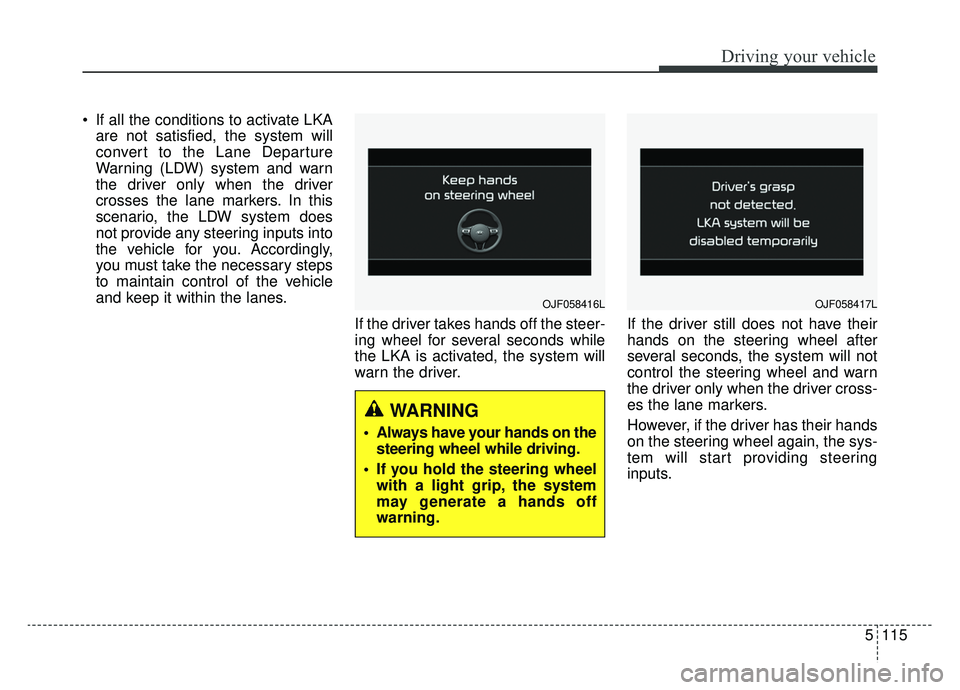
If the driver takes hands off the steer-
ing wheel for several seconds while
the LKA is activated, the system will
warn the driver. If the driver still does not have their
hands on the steering wheel after
several seconds, the system will not
control the steering wheel and warn
the driver only when the driver cross-
es the lane markers.
However, if the driver has their hands
on the steering wheel again, the sys-
tem will start providing steering
inputs.
OJF058416L
WARNING
Always have your hands on the
steering wheel while driving.
If you hold the steering wheel with a light grip, the system
may generate a hands off
warning.
OJF058417L
Page 402 of 624
Driving your vehicle
116
5
LKA malfunction
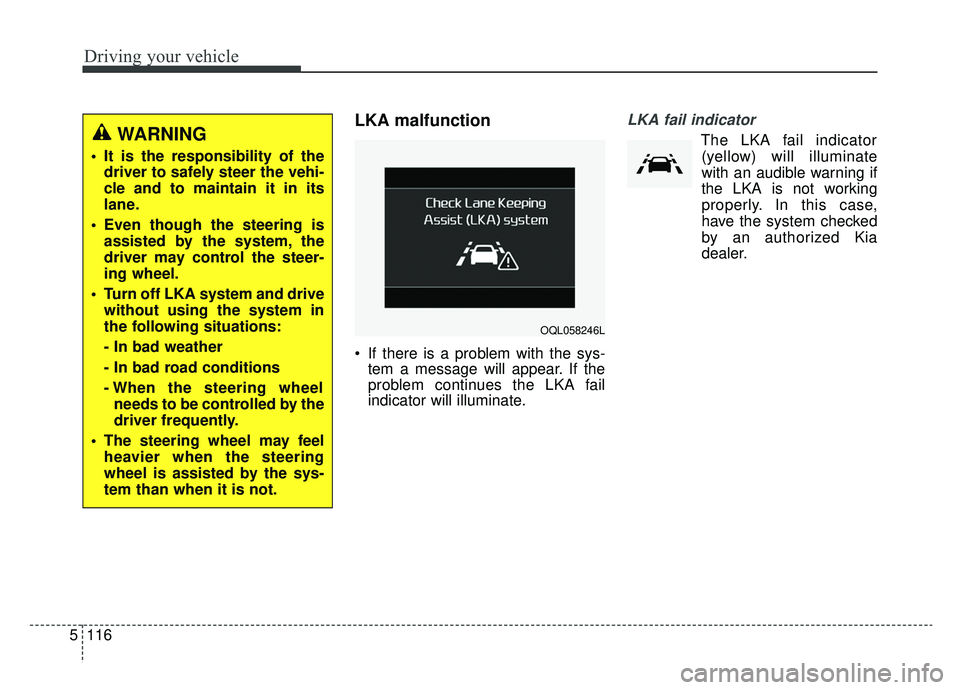
If there is a problem with the sys-
tem a message will appear. If the
problem continues the LKA fail
indicator will illuminate.
LKA fail indicator
The LKA fail indicator
(yellow) will illuminate
with an audible warning if
the LKA is not working
properly. In this case,
have the system checked
by an authorized Kia
dealer.WARNING
It is the responsibility of the driver to safely steer the vehi-
cle and to maintain it in its
lane.
Even though the steering is assisted by the system, the
driver may control the steer-
ing wheel.
Turn off LKA system and drive without using the system in
the following situations:
- In bad weather
- In bad road conditions
- When the steering wheelneeds to be controlled by the
driver frequently.
The steering wheel may feel heavier when the steering
wheel is assisted by the sys-
tem than when it is not.
OQL058246L