tow LINCOLN MKZ 2013 Owner's Guide
[x] Cancel search | Manufacturer: LINCOLN, Model Year: 2013, Model line: MKZ, Model: LINCOLN MKZ 2013Pages: 474, PDF Size: 3.79 MB
Page 196 of 474
Active guidelines are only shown with
fixed guidelines. To use active
guidelines, turn the steering wheel to
point the guidelines toward an
intended path. If the steering wheel
position is changed while reversing,
the vehicle might deviate from the
original intended path.
The fixed and active guidelines fade
in and out depending on the steering
wheel position. The active guidelines
are not shown when the steering
wheel position is straight.
Always use caution while reversing.
Objects in the red zone are closest to
your vehicle and objects in the green
zone are farther away. Objects are
getting closer to your vehicle as they
move from the green zone to the
yellow or red zones. Use the side view
mirrors and rear view mirror to get
better coverage on both sides and rear
of the vehicle.
Selectable settings for this feature are
ACTIVE + FIXED, FIXED and OFF.
Visual Park Aid Alert
Note:
Visual park alert is only available
when the transmission is in R
(Reverse).
Note: The reverse sensing system is
not effective at speeds above 3 mph
(5 km/h) and may not detect certain
angular or moving objects. The system uses red, yellow and green
highlights which appear on top of the
video image when an object is
detected by the reverse sensing
system. The alert highlights the
closest object detected. The reverse
sensing alert can be disabled and if
visual park aid alert is enabled,
highlighted areas are still displayed.
Selectable settings for this feature are
ON and OFF.
Manual Zoom
WARNING
When manual zoom is on, the
full area behind the vehicle is not
shown. Be aware of your surroundings
when using the manual zoom feature. Note:
Manual zoom is only available
when the transmission is in R
(Reverse).
Note: When manual zoom is enabled,
only the centerline is shown.
This allows you to get a closer view of
an object behind the vehicle. The
zoomed image keeps the bumper in
the image to provide a reference. The
zoom is only active while the
transmission is in R (Reverse). When
the transmission is shifted out of R
(Reverse), the feature automatically
turns off and must be reset when it is
used again.
193
Parking Aids
Page 204 of 474
Detection issues can occur:
When driving on a different
line than the vehicle in front.
A
With vehicles that edge into
your lane. These vehicles can
only be detected once they
have moved fully into your
lane.
B
There may be issues with the
detection of vehicles in front
when driving into and coming
out of a bend or curve in the
road.
C
In these cases the system may brake
late or unexpectedly. The driver
should stay alert and intervene when
necessary.
If the front end of the vehicle is hit or
damaged, the radar sensing zone may
be altered causing missed or false
vehicle detections. See your
authorized dealer to have the radar
checked for proper coverage and
operation.
System Not Available
Conditions which can cause the
system to deactivate or prevent the
system from activating when
requested include:
• a blocked sensor
• high brake temperature
• a failure in the system or a related
system. Blocked Sensor WARNINGS
Do not use the system when
towing a trailer with brake
controls. Aftermarket trailer brakes
will not function properly when the
system is activated because the
brakes are electronically controlled.
Failing to do so may result in loss of
vehicle control, which could result in
serious injury. Do not use tires sizes other than
those recommended because
this can affect the normal operation
of the system. Failing to do so may
result in a loss of vehicle control,
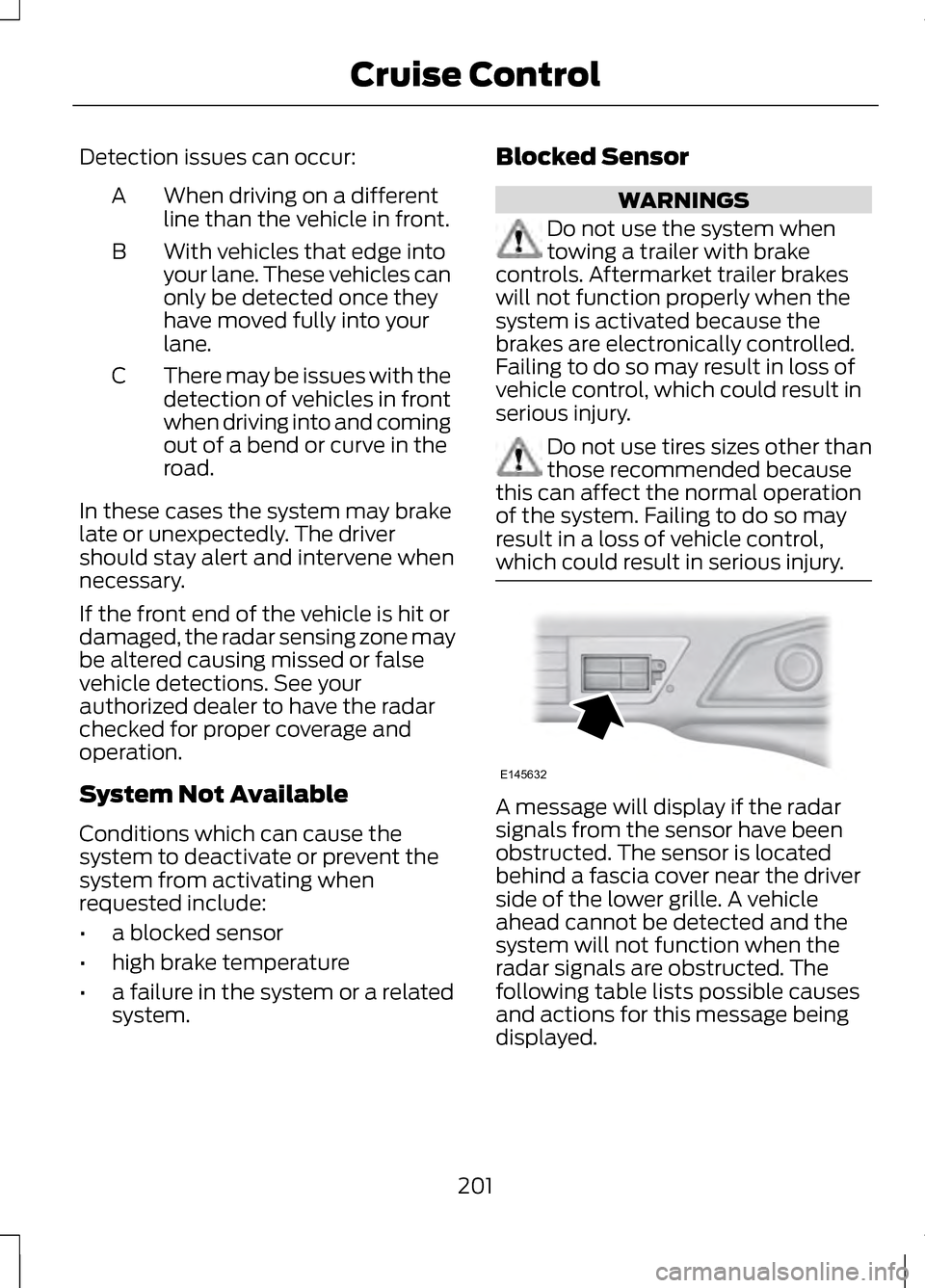
which could result in serious injury. A message will display if the radar
signals from the sensor have been
obstructed. The sensor is located
behind a fascia cover near the driver
side of the lower grille. A vehicle
ahead cannot be detected and the
system will not function when the
radar signals are obstructed. The
following table lists possible causes
and actions for this message being
displayed.
201
Cruise ControlE145632
Page 211 of 474
These systems have a range of modes
which you can choose from in order
to customize your ideal driving
experience:
•
Comfort – Provides a more relaxed
driving experience. Steering effort
is decreased, suspension
movement is more fluid. Comfort
mode is ideal when enhanced
traveling comfort is desired.
• Normal – Delivers a balanced
combination of comfortable,
controlled ride and confident
handling and powerful yet quiet
powertrain sound. This mode
provides an engaging drive
experience and a direct connection
to the road without sacrificing any
of the composure demanded from
a luxury vehicle. Unwanted noises
from the powertrain are cancelled
while desired sounds are shaped
to deliver a smooth powerful note.
This setting is ideal for everyday
use and daily driving.
• Sport – Provides a sportier driving
experience. Suspension stiffens,
with an emphasis on handling and
control. The engine responds more
directly to your inputs and takes
on a more powerful tone. Sport
mode is intended to be used during
more spirited driving.
You can configure which of the
Adaptive Drive modes is active when
the vehicle is in D (Drive) or in S
(Sport). The configuration is retained
until modified from the main menu on
the information display. See General
Information (page 100). LANE KEEPING SYSTEM WARNING
The system is designed to aid the
driver. It is not intended to
replace the driver ’s attention and
judgment. The driver is still
responsible to drive with due care and
attention. Note:
The system needs to be
activated by the driver at each key
cycle.
Note: The system works above 40
mph (64 km/h).
Note: The system works as long as one
lane marking can be detected by the
camera.
Note: If the camera is blocked or if the
windshield is damaged, the system
may not function.
Note: When Aid mode is on and the
system detects no driver steering
activity for a short continuous period
of time, the system alerts the driver to
put their hands on the steering wheel.
The system may detect a light
grip/touch on the steering wheel as
hands off driving.
The system detects unintentional
drifting toward the outside of the lane
and alerts and/or aids the driver to
stay in the lane through the steering
system and instrument cluster display.
The system automatically detects and
tracks the road lane markings using a
camera that is mounted behind the
interior rear view mirror.
208
Driving Aids
Page 212 of 474
Switching the System On and
Off
Note:
The system defaults to off each
time the vehicle is started, unless a
MyKey® is detected. If a MyKey® is
detected, the system is defaulted to
on and the Alert mode is automatically
selected.
Note: If a MyKey® is detected,
pressing the button will not affect the
on/off status of the system. Only the
Mode, Sensitivity and Intensity settings
can be changed when a MyKey® is
present. To turn the system on, press
the button located on the left
steering wheel stalk. The
button must be pressed each time the
vehicle is started. The system can be
turned off by pressing the button
again.
System Settings
The system has three optional setting
menus available. To view or adjust
them, select Settings > Vehicle
Settings > Driver Assist > Lane
Keeping Sys in the left-hand
instrument cluster display using the
OK button on the steering wheel. The
last-known selection for each of these
settings is stored by the system. You
do not need to readjust your settings
each time you turn on the system.
Mode: This setting allows the driver
to select which of the system features
will be enabled and turned on when
the button is pressed. •
Alert only – Provides a steering
wheel vibration when an
unintended lane departure is
detected.
• Aid only – Provides a steering input
toward the lane center when an
unintended lane departure is
detected.
• Both Alert + Aid
Intensity:
This setting affects the
intensity of the steering wheel
vibration used for the alert and alert
+ aid modes. This setting does not
impact the aid mode.
• Low
• Medium
• High
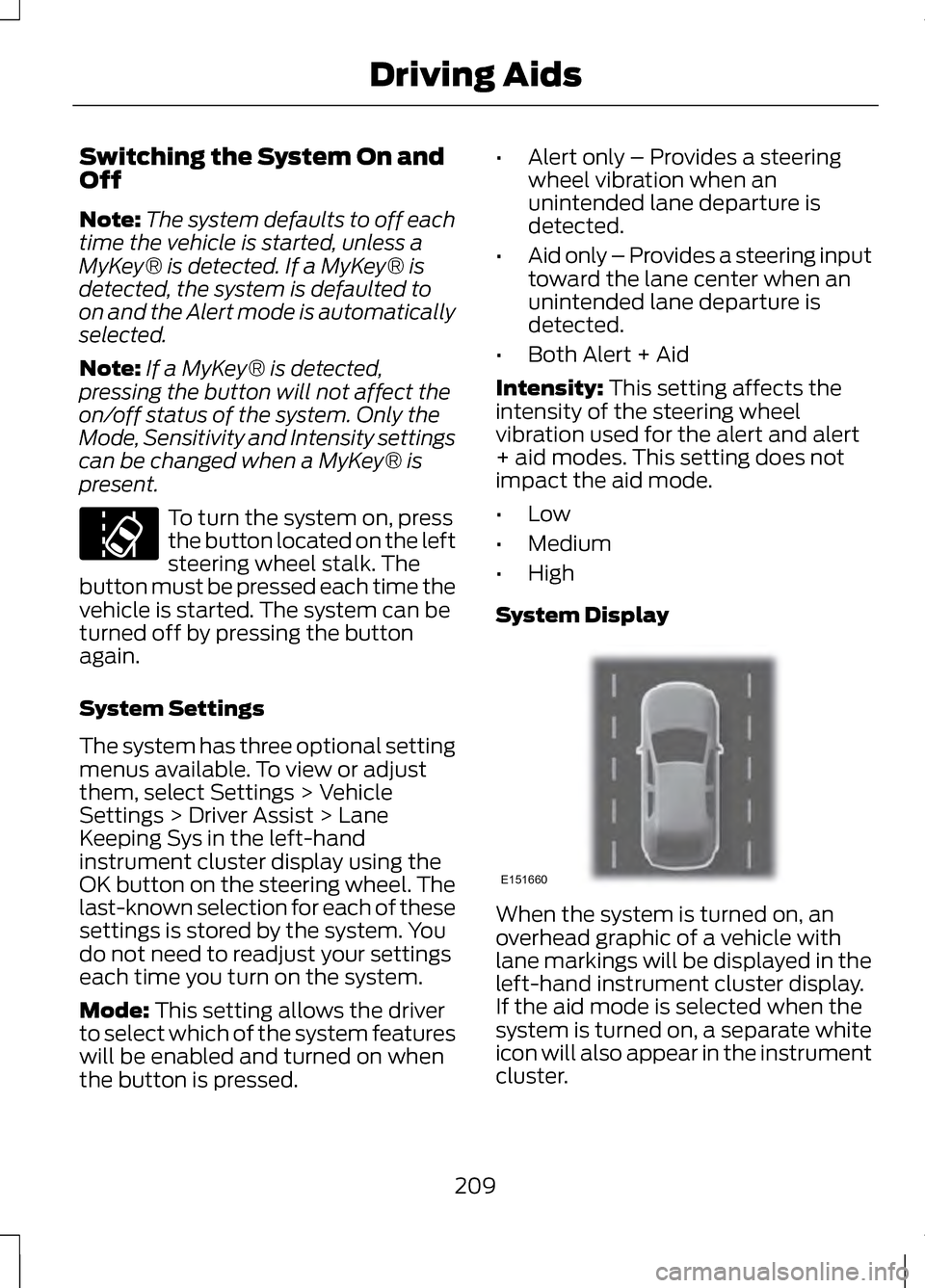
System Display When the system is turned on, an
overhead graphic of a vehicle with
lane markings will be displayed in the
left-hand instrument cluster display.
If the aid mode is selected when the
system is turned on, a separate white
icon will also appear in the instrument
cluster.
209
Driving Aids E151660
Page 224 of 474
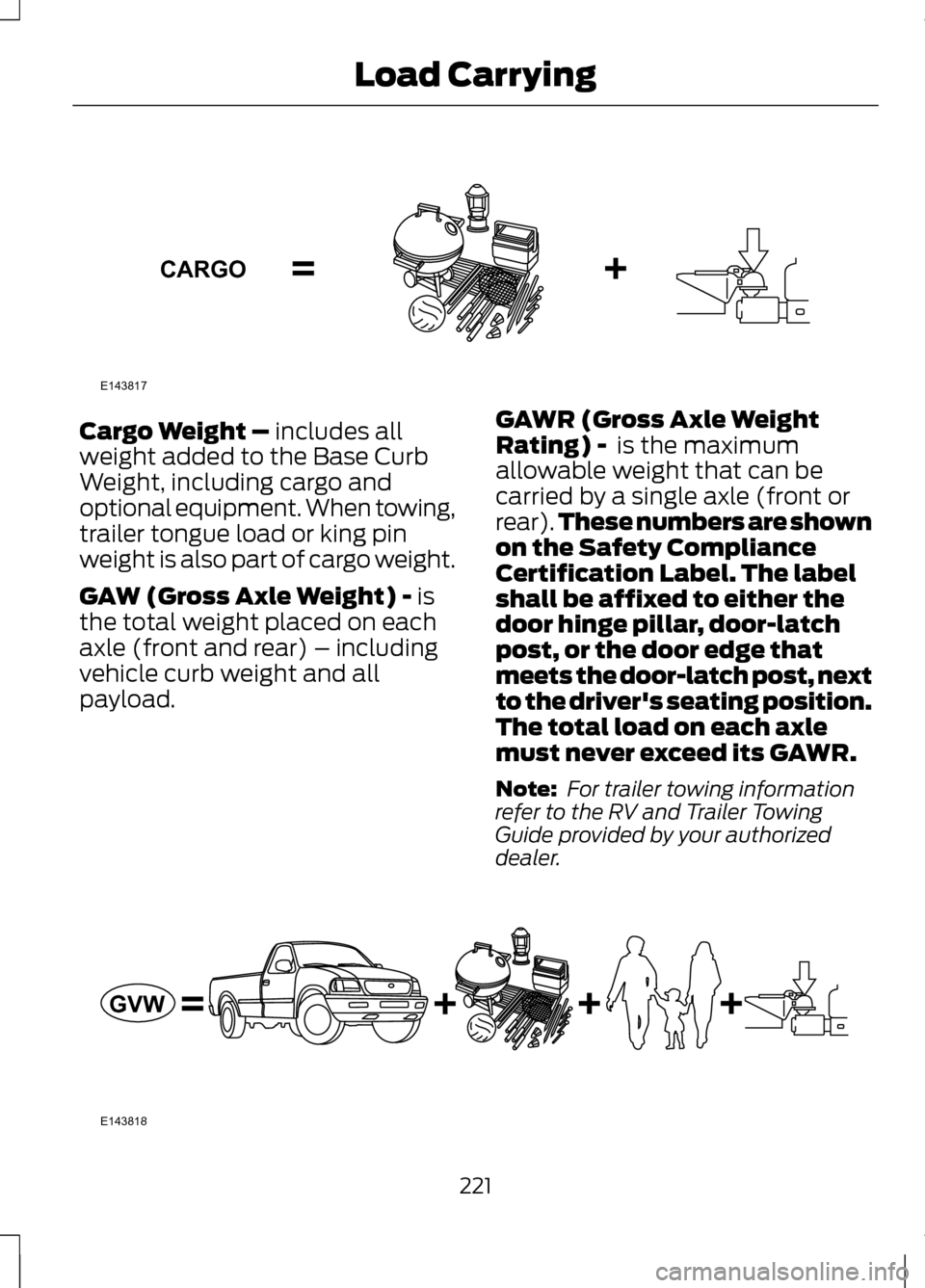
Cargo Weight – includes all
weight added to the Base Curb
Weight, including cargo and
optional equipment. When towing,
trailer tongue load or king pin
weight is also part of cargo weight.
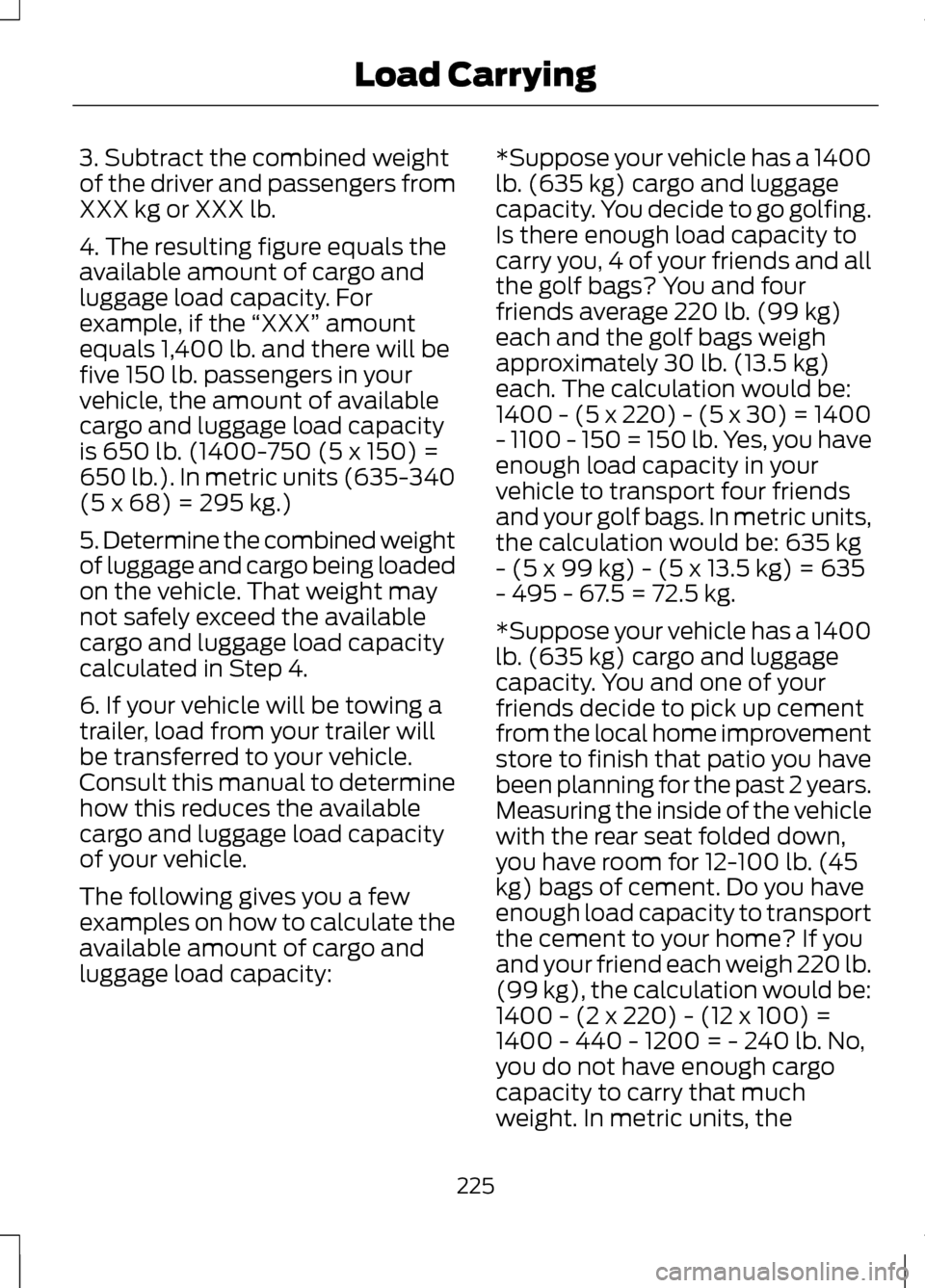
GAW (Gross Axle Weight) -
is
the total weight placed on each
axle (front and rear) – including
vehicle curb weight and all
payload. GAWR (Gross Axle Weight
Rating) -
is the maximum
allowable weight that can be
carried by a single axle (front or
rear). These numbers are shown
on the Safety Compliance
Certification Label. The label
shall be affixed to either the
door hinge pillar, door-latch
post, or the door edge that
meets the door-latch post, next
to the driver's seating position.
The total load on each axle
must never exceed its GAWR.
Note: For trailer towing information
refer to the RV and Trailer Towing
Guide provided by your authorized
dealer. 221
Load CarryingE143817CARGO E143818GVW
Page 226 of 474
WARNING
Exceeding the Safety
Compliance Certification Label
vehicle weight rating limits could
result in substandard vehicle handling
or performance, engine, transmission
and/or structural damage, serious
damage to the vehicle, loss of control
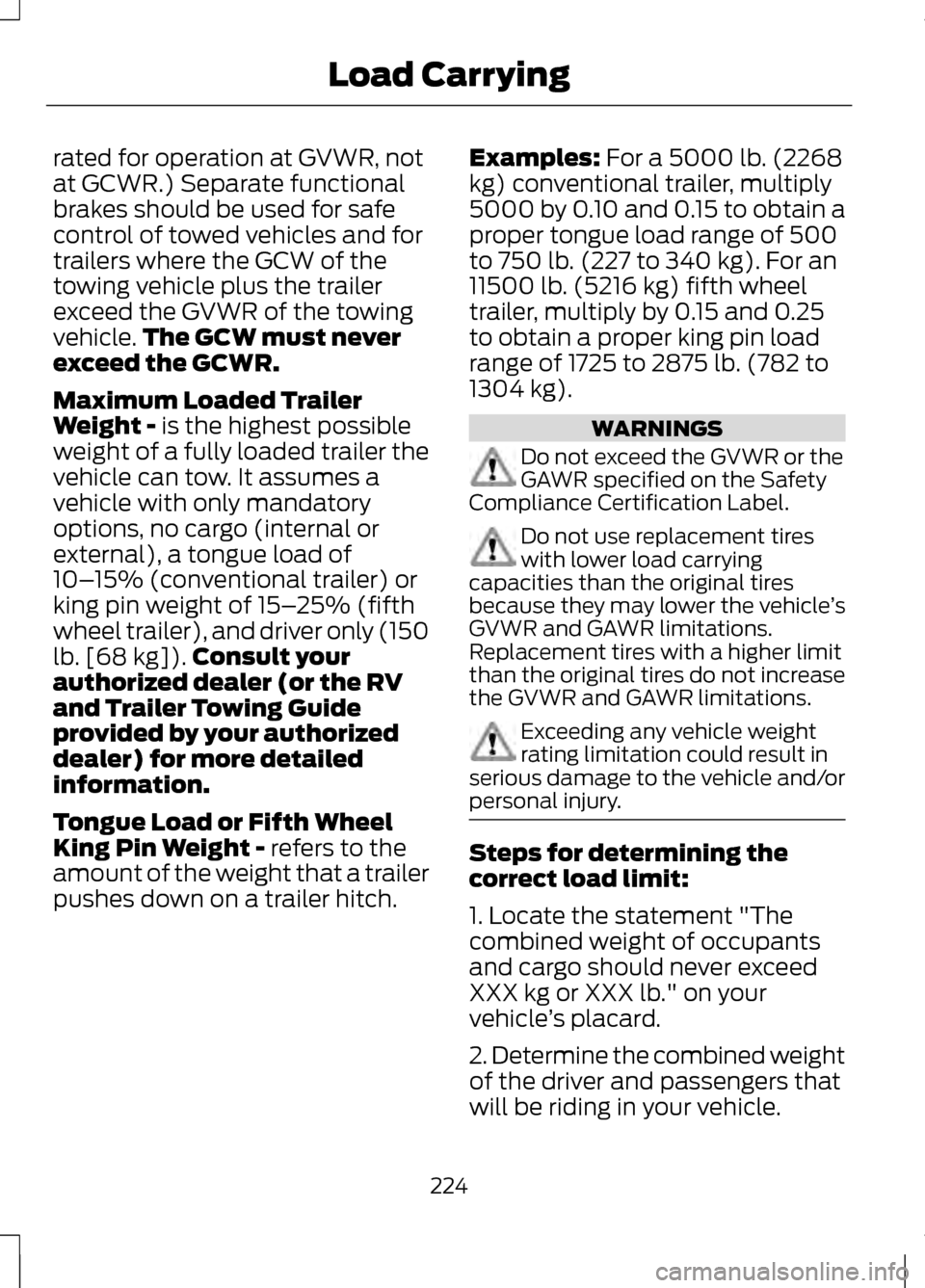
and personal injury. GCW (Gross Combined Weight)
- is the weight of the loaded
vehicle (GVW) plus the weight of
the fully loaded trailer GCWR (Gross Combined
Weight Rating) -is the maximum
allowable weight of the vehicle
and the loaded trailer -including
all cargo and passengers - that
the vehicle can handle without
risking damage. (Important: The
towing vehicle
’s braking system is
223
Load CarryingE142524 E143819GCW
GVW
Page 227 of 474
rated for operation at GVWR, not
at GCWR.) Separate functional
brakes should be used for safe
control of towed vehicles and for
trailers where the GCW of the
towing vehicle plus the trailer
exceed the GVWR of the towing
vehicle.
The GCW must never
exceed the GCWR.
Maximum Loaded Trailer
Weight - is the highest possible
weight of a fully loaded trailer the
vehicle can tow. It assumes a
vehicle with only mandatory
options, no cargo (internal or
external), a tongue load of
10– 15% (conventional trailer) or
king pin weight of 15– 25% (fifth
wheel trailer), and driver only (150
lb. [68 kg]). Consult your
authorized dealer (or the RV
and Trailer Towing Guide
provided by your authorized
dealer) for more detailed
information.
Tongue Load or Fifth Wheel
King Pin Weight -
refers to the
amount of the weight that a trailer
pushes down on a trailer hitch. Examples:
For a 5000 lb. (2268
kg) conventional trailer, multiply
5000 by 0.10 and 0.15 to obtain a
proper tongue load range of 500
to 750 lb. (227 to 340 kg). For an
11500 lb. (5216 kg) fifth wheel
trailer, multiply by 0.15 and 0.25
to obtain a proper king pin load
range of 1725 to 2875 lb. (782 to
1304 kg). WARNINGS
Do not exceed the GVWR or the
GAWR specified on the Safety
Compliance Certification Label. Do not use replacement tires
with lower load carrying
capacities than the original tires
because they may lower the vehicle ’s
GVWR and GAWR limitations.
Replacement tires with a higher limit
than the original tires do not increase
the GVWR and GAWR limitations. Exceeding any vehicle weight
rating limitation could result in
serious damage to the vehicle and/or
personal injury. Steps for determining the
correct load limit:
1. Locate the statement "The
combined weight of occupants
and cargo should never exceed
XXX kg or XXX lb." on your
vehicle
’s placard.
2. Determine the combined weight
of the driver and passengers that
will be riding in your vehicle.
224
Load Carrying
Page 228 of 474
3. Subtract the combined weight
of the driver and passengers from
XXX kg or XXX lb.
4. The resulting figure equals the
available amount of cargo and
luggage load capacity. For
example, if the
“XXX” amount
equals 1,400 lb. and there will be
five 150 lb. passengers in your
vehicle, the amount of available
cargo and luggage load capacity
is 650 lb. (1400-750 (5 x 150) =
650 lb.). In metric units (635-340
(5 x 68) = 295 kg.)
5. Determine the combined weight
of luggage and cargo being loaded
on the vehicle. That weight may
not safely exceed the available
cargo and luggage load capacity
calculated in Step 4.
6. If your vehicle will be towing a
trailer, load from your trailer will
be transferred to your vehicle.
Consult this manual to determine
how this reduces the available
cargo and luggage load capacity
of your vehicle.
The following gives you a few
examples on how to calculate the
available amount of cargo and
luggage load capacity: *Suppose your vehicle has a 1400
lb. (635 kg) cargo and luggage
capacity. You decide to go golfing.
Is there enough load capacity to
carry you, 4 of your friends and all
the golf bags? You and four
friends average 220 lb. (99 kg)
each and the golf bags weigh
approximately 30 lb. (13.5 kg)
each. The calculation would be:
1400 - (5 x 220) - (5 x 30) = 1400
- 1100 - 150 = 150 lb. Yes, you have
enough load capacity in your
vehicle to transport four friends
and your golf bags. In metric units,
the calculation would be: 635 kg
- (5 x 99 kg) - (5 x 13.5 kg) = 635
- 495 - 67.5 = 72.5 kg.
*Suppose your vehicle has a 1400
lb. (635 kg) cargo and luggage
capacity. You and one of your
friends decide to pick up cement
from the local home improvement
store to finish that patio you have
been planning for the past 2 years.
Measuring the inside of the vehicle
with the rear seat folded down,
you have room for 12-100 lb. (45
kg) bags of cement. Do you have
enough load capacity to transport
the cement to your home? If you
and your friend each weigh 220 lb.
(99 kg), the calculation would be:
1400 - (2 x 220) - (12 x 100) =
1400 - 440 - 1200 = - 240 lb. No,
you do not have enough cargo
capacity to carry that much
weight. In metric units, the
225
Load Carrying
Page 230 of 474
TOWING A TRAILER
WARNINGS
Do not exceed the GVWR or the
GAWR specified on the
certification label. Towing trailers beyond the
maximum recommended gross
trailer weight exceeds the limit of the
vehicle and could result in engine
damage, transmission damage,
structural damage, loss of vehicle
control, vehicle rollover and personal
injury. Note:
There may be electrical items
such as fuses or relays that can affect
trailer towing operation. See Fuses
(page 251).
Weight, not volume designates your
vehicle's load capacity. You cannot
necessarily use all available space
when loading a vehicle.
Towing a trailer places an additional
load on your vehicle's engine,
transmission, axle, brakes, tires and
suspension. Inspect these
components periodically during, and
after, any towing operation.
Load Placement
To help minimize how trailer
movement affects the vehicle when
driving:
• Load the heaviest items closest to
the trailer floor.
• Load the heaviest items in the
center of the left and right side
trailer tires. •
Load the heaviest items above the
trailer axles or just slightly forward
toward the trailer tongue. Do not
allow the final trailer tongue
weight to go above or below
10-15% of the loaded trailer
weight.
• Select a tow bar with the correct
rise or drop. When both the loaded
vehicle and trailer are connected,
the trailer frame should be level,
or slightly angled down toward the
vehicle, when viewed from the
side.
When driving with a trailer or payload,
a slight takeoff vibration or shudder
may be present due to the increased
payload weight. Additional
information regarding proper trailer
loading and setting your vehicle up for
towing is located in another chapter
of this manual. See Load Limit (page
219). You can also find the information
in the
RV & Trailer Towing Guide,
available at your authorized dealer.
RECOMMENDED TOWING
WEIGHTS
Note: Do not exceed the trailer weight
for your vehicle configuration listed in
the chart below.
Note: Be sure to take into
consideration trailer frontal area. Do
not exceed 20 feet 2
(1.86 meters 2
).
Note: For high altitude operation,
reduce the gross combined weight by
2% per 1000 feet (300 meters)
starting at the 1000 foot (300 meter)
elevation point.
227
Towing
Page 231 of 474
Note:
Certain states require electric
trailer brakes for trailers over a
specified weight. Be sure to check state
regulations for this specified weight.
The maximum trailer weights listed
may be limited to this specified weight,
as the vehicle ’s electrical system may
not include the wiring connector
needed to activate electric trailer
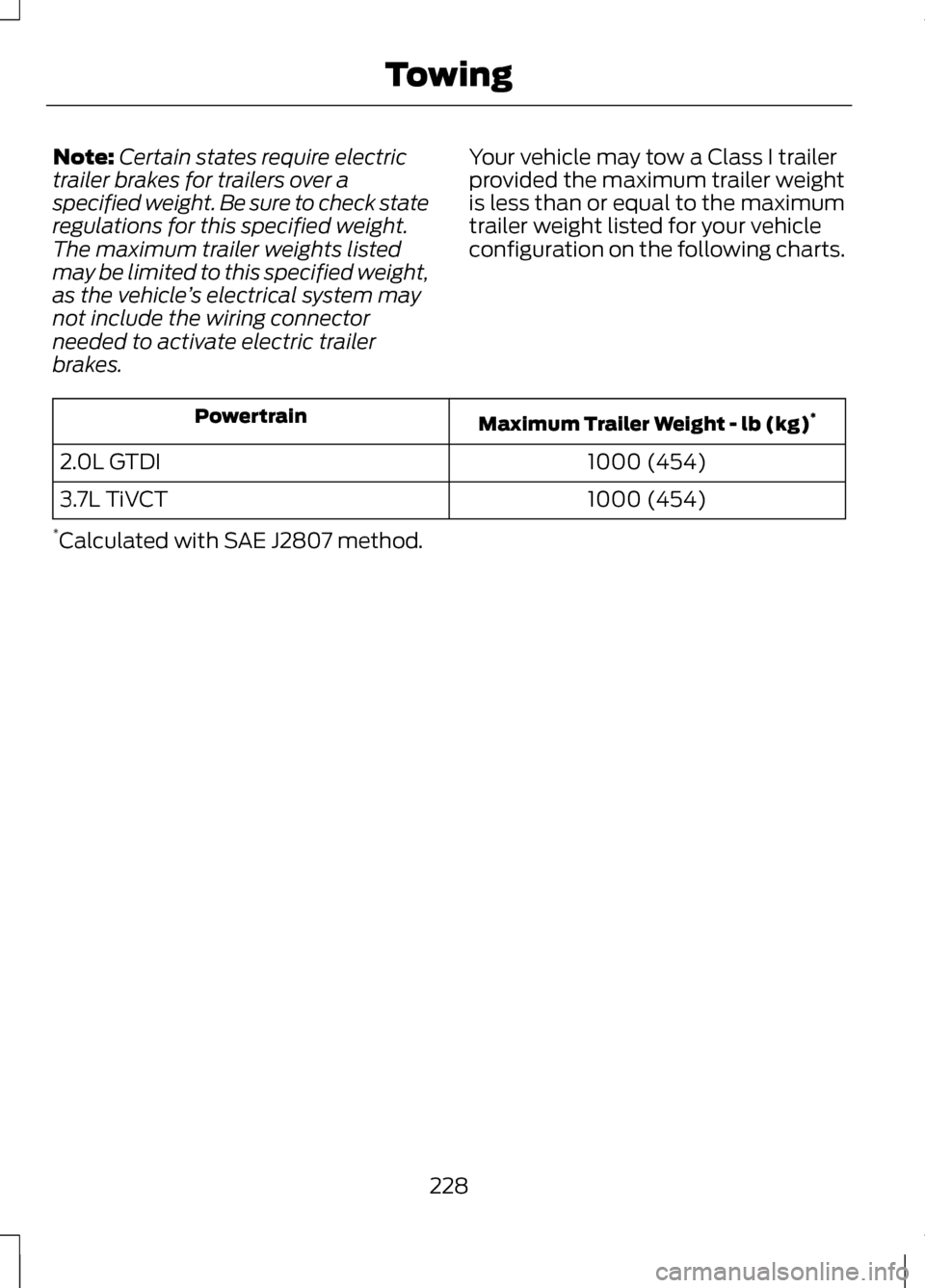
brakes. Your vehicle may tow a Class I trailer
provided the maximum trailer weight
is less than or equal to the maximum
trailer weight listed for your vehicle
configuration on the following charts. Maximum Trailer Weight - lb (kg)
*
Powertrain
1000 (454)
2.0L GTDI
1000 (454)
3.7L TiVCT
* Calculated with SAE J2807 method.
228
Towing