transmission LINCOLN NAVIGATOR 2022 Repair Manual
[x] Cancel search | Manufacturer: LINCOLN, Model Year: 2022, Model line: NAVIGATOR, Model: LINCOLN NAVIGATOR 2022Pages: 646, PDF Size: 7.29 MB
Page 540 of 646
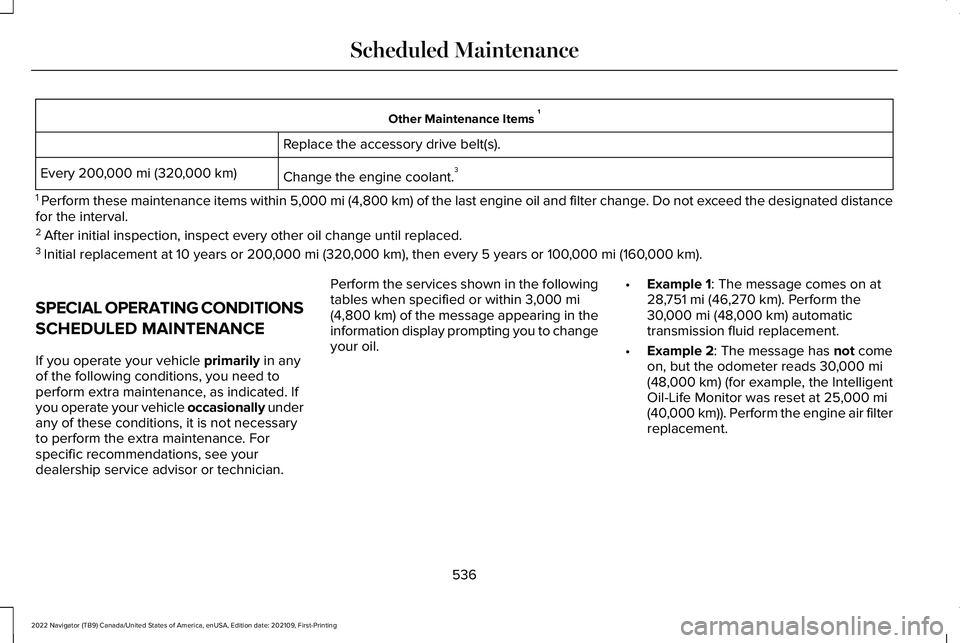
Other Maintenance Items
1
Replace the accessory drive belt(s).
Change the engine coolant. 3
Every 200,000 mi (320,000 km)
1 Perform these maintenance items within 5,000 mi (4,800 km) of the last engine oil and filter change. Do not exceed the designated distance
for the interval.
2 After initial inspection, inspect every other oil change until replaced.\
3 Initial replacement at 10 years or
200,000 mi (320,000 km), then every 5 years or 100,000 mi (160,000 km).
SPECIAL OPERATING CONDITIONS
SCHEDULED MAINTENANCE
If you operate your vehicle
primarily in any
of the following conditions, you need to
perform extra maintenance, as indicated. If
you operate your vehicle occasionally under
any of these conditions, it is not necessary
to perform the extra maintenance. For
specific recommendations, see your
dealership service advisor or technician. Perform the services shown in the following
tables when specified or within
3,000 mi
(4,800 km) of the message appearing in the
information display prompting you to change
your oil. •
Example 1: The message comes on at
28,751 mi (46,270 km). Perform the
30,000 mi (48,000 km) automatic
transmission fluid replacement.
• Example 2
: The message has not come
on, but the odometer reads 30,000 mi
(48,000 km) (for example, the Intelligent
Oil-Life Monitor was reset at 25,000 mi
(40,000 km)). Perform the engine air filter
replacement.
536
2022 Navigator (TB9) Canada/United States of America, enUSA, Edition date: 202109, First-Printing Scheduled Maintenance
Page 585 of 646
•
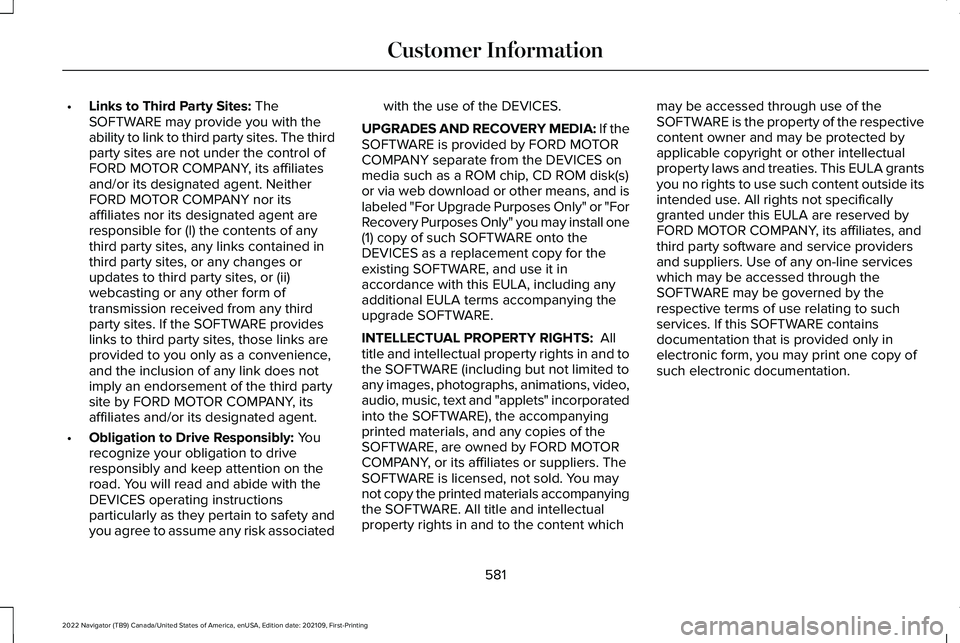
Links to Third Party Sites: The
SOFTWARE may provide you with the
ability to link to third party sites. The third
party sites are not under the control of
FORD MOTOR COMPANY, its affiliates
and/or its designated agent. Neither
FORD MOTOR COMPANY nor its
affiliates nor its designated agent are
responsible for (I) the contents of any
third party sites, any links contained in
third party sites, or any changes or
updates to third party sites, or (ii)
webcasting or any other form of
transmission received from any third
party sites. If the SOFTWARE provides
links to third party sites, those links are
provided to you only as a convenience,
and the inclusion of any link does not
imply an endorsement of the third party
site by FORD MOTOR COMPANY, its
affiliates and/or its designated agent.
• Obligation to Drive Responsibly:
You
recognize your obligation to drive
responsibly and keep attention on the
road. You will read and abide with the
DEVICES operating instructions
particularly as they pertain to safety and
you agree to assume any risk associated with the use of the DEVICES.
UPGRADES AND RECOVERY MEDIA: If the
SOFTWARE is provided by FORD MOTOR
COMPANY separate from the DEVICES on
media such as a ROM chip, CD ROM disk(s)
or via web download or other means, and is
labeled "For Upgrade Purposes Only" or "For
Recovery Purposes Only" you may install one
(1) copy of such SOFTWARE onto the
DEVICES as a replacement copy for the
existing SOFTWARE, and use it in
accordance with this EULA, including any
additional EULA terms accompanying the
upgrade SOFTWARE.
INTELLECTUAL PROPERTY RIGHTS:
All
title and intellectual property rights in and to
the SOFTWARE (including but not limited to
any images, photographs, animations, video,
audio, music, text and "applets" incorporated
into the SOFTWARE), the accompanying
printed materials, and any copies of the
SOFTWARE, are owned by FORD MOTOR
COMPANY, or its affiliates or suppliers. The
SOFTWARE is licensed, not sold. You may
not copy the printed materials accompanying
the SOFTWARE. All title and intellectual
property rights in and to the content which may be accessed through use of the
SOFTWARE is the property of the respective
content owner and may be protected by
applicable copyright or other intellectual
property laws and treaties. This EULA grants
you no rights to use such content outside its
intended use. All rights not specifically
granted under this EULA are reserved by
FORD MOTOR COMPANY, its affiliates, and
third party software and service providers
and suppliers. Use of any on-line services
which may be accessed through the
SOFTWARE may be governed by the
respective terms of use relating to such
services. If this SOFTWARE contains
documentation that is provided only in
electronic form, you may print one copy of
such electronic documentation.
581
2022 Navigator (TB9) Canada/United States of America, enUSA, Edition date: 202109, First-Printing Customer Information
Page 606 of 646
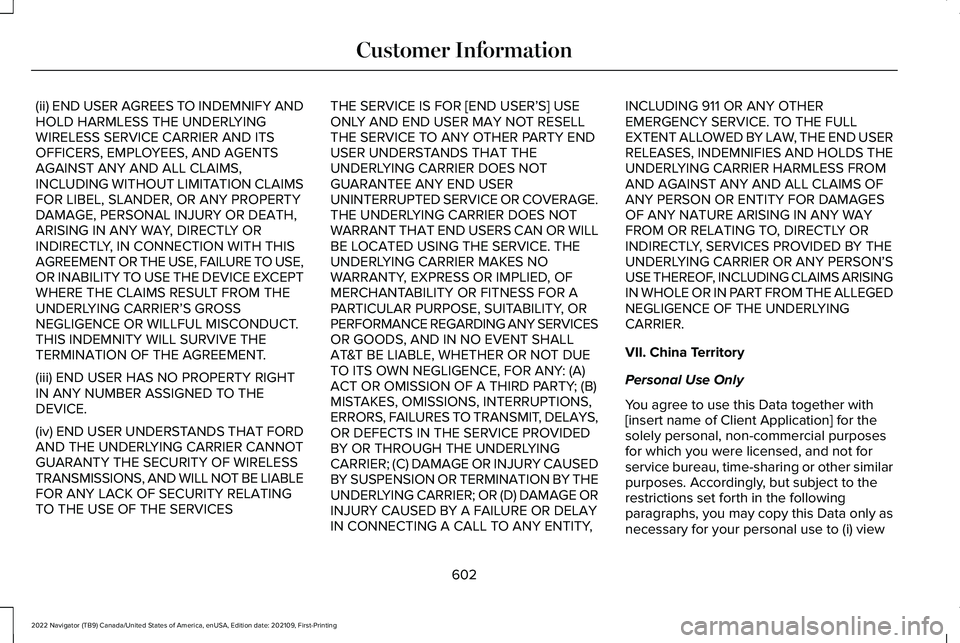
(ii) END USER AGREES TO INDEMNIFY AND
HOLD HARMLESS THE UNDERLYING
WIRELESS SERVICE CARRIER AND ITS
OFFICERS, EMPLOYEES, AND AGENTS
AGAINST ANY AND ALL CLAIMS,
INCLUDING WITHOUT LIMITATION CLAIMS
FOR LIBEL, SLANDER, OR ANY PROPERTY
DAMAGE, PERSONAL INJURY OR DEATH,
ARISING IN ANY WAY, DIRECTLY OR
INDIRECTLY, IN CONNECTION WITH THIS
AGREEMENT OR THE USE, FAILURE TO USE,
OR INABILITY TO USE THE DEVICE EXCEPT
WHERE THE CLAIMS RESULT FROM THE
UNDERLYING CARRIER
’S GROSS
NEGLIGENCE OR WILLFUL MISCONDUCT.
THIS INDEMNITY WILL SURVIVE THE
TERMINATION OF THE AGREEMENT.
(iii) END USER HAS NO PROPERTY RIGHT
IN ANY NUMBER ASSIGNED TO THE
DEVICE.
(iv) END USER UNDERSTANDS THAT FORD
AND THE UNDERLYING CARRIER CANNOT
GUARANTY THE SECURITY OF WIRELESS
TRANSMISSIONS, AND WILL NOT BE LIABLE
FOR ANY LACK OF SECURITY RELATING
TO THE USE OF THE SERVICES THE SERVICE IS FOR [END USER
’S] USE
ONLY AND END USER MAY NOT RESELL
THE SERVICE TO ANY OTHER PARTY END
USER UNDERSTANDS THAT THE
UNDERLYING CARRIER DOES NOT
GUARANTEE ANY END USER
UNINTERRUPTED SERVICE OR COVERAGE.
THE UNDERLYING CARRIER DOES NOT
WARRANT THAT END USERS CAN OR WILL
BE LOCATED USING THE SERVICE. THE
UNDERLYING CARRIER MAKES NO
WARRANTY, EXPRESS OR IMPLIED, OF
MERCHANTABILITY OR FITNESS FOR A
PARTICULAR PURPOSE, SUITABILITY, OR
PERFORMANCE REGARDING ANY SERVICES
OR GOODS, AND IN NO EVENT SHALL
AT&T BE LIABLE, WHETHER OR NOT DUE
TO ITS OWN NEGLIGENCE, FOR ANY: (A)
ACT OR OMISSION OF A THIRD PARTY; (B)
MISTAKES, OMISSIONS, INTERRUPTIONS,
ERRORS, FAILURES TO TRANSMIT, DELAYS,
OR DEFECTS IN THE SERVICE PROVIDED
BY OR THROUGH THE UNDERLYING
CARRIER; (C) DAMAGE OR INJURY CAUSED
BY SUSPENSION OR TERMINATION BY THE
UNDERLYING CARRIER; OR (D) DAMAGE OR
INJURY CAUSED BY A FAILURE OR DELAY
IN CONNECTING A CALL TO ANY ENTITY, INCLUDING 911 OR ANY OTHER
EMERGENCY SERVICE. TO THE FULL
EXTENT ALLOWED BY LAW, THE END USER
RELEASES, INDEMNIFIES AND HOLDS THE
UNDERLYING CARRIER HARMLESS FROM
AND AGAINST ANY AND ALL CLAIMS OF
ANY PERSON OR ENTITY FOR DAMAGES
OF ANY NATURE ARISING IN ANY WAY
FROM OR RELATING TO, DIRECTLY OR
INDIRECTLY, SERVICES PROVIDED BY THE
UNDERLYING CARRIER OR ANY PERSON’S
USE THEREOF, INCLUDING CLAIMS ARISING
IN WHOLE OR IN PART FROM THE ALLEGED
NEGLIGENCE OF THE UNDERLYING
CARRIER.
VII. China Territory
Personal Use Only
You agree to use this Data together with
[insert name of Client Application] for the
solely personal, non-commercial purposes
for which you were licensed, and not for
service bureau, time-sharing or other similar
purposes. Accordingly, but subject to the
restrictions set forth in the following
paragraphs, you may copy this Data only as
necessary for your personal use to (i) view
602
2022 Navigator (TB9) Canada/United States of America, enUSA, Edition date: 202109, First-Printing Customer Information
Page 623 of 646
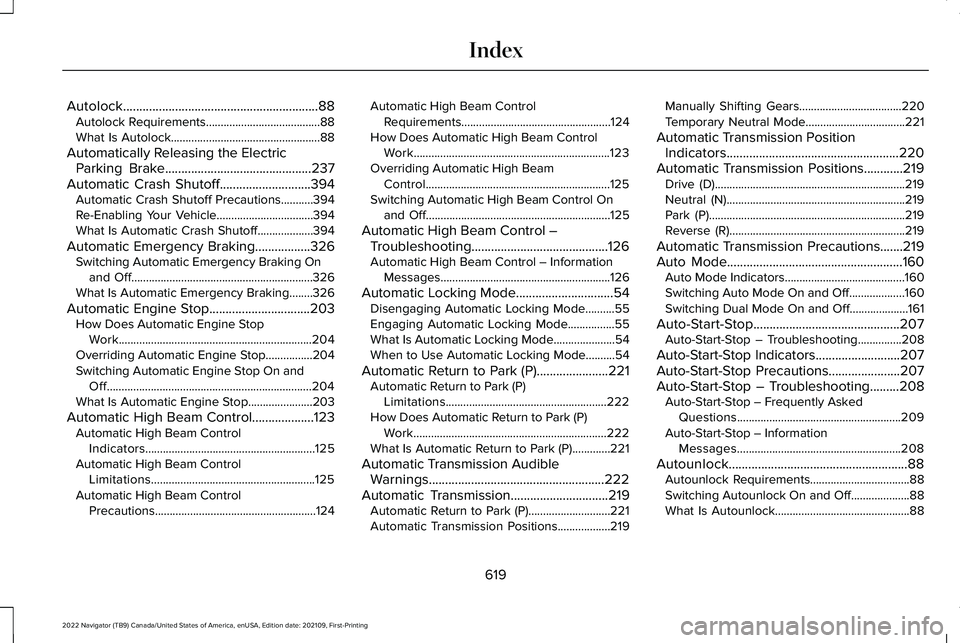
Autolock............................................................88
Autolock Requirements.......................................88
What Is Autolock...................................................88
Automatically Releasing the Electric Parking Brake.............................................237
Automatic Crash Shutoff............................394
Automatic Crash Shutoff Precautions...........394
Re-Enabling Your Vehicle.................................394
What Is Automatic Crash Shutoff...................394
Automatic Emergency Braking
.................326
Switching Automatic Emergency Braking On
and Off..............................................................326
What Is Automatic Emergency Braking
........326
Automatic Engine Stop...............................203 How Does Automatic Engine Stop
Work..................................................................204
Overriding Automatic Engine Stop................204
Switching Automatic Engine Stop On and Off......................................................................204
What Is Automatic Engine Stop......................203
Automatic High Beam Control
...................123
Automatic High Beam Control
Indicators..........................................................125
Automatic High Beam Control Limitations........................................................125
Automatic High Beam Control Precautions.......................................................124 Automatic High Beam Control
Requirements...................................................124
How Does Automatic High Beam Control Work...................................................................123
Overriding Automatic High Beam Control...............................................................125
Switching Automatic High Beam Control On and Off...............................................................125
Automatic High Beam Control – Troubleshooting..........................................126
Automatic High Beam Control – Information Messages..........................................................126
Automatic Locking Mode
..............................54
Disengaging Automatic Locking Mode..........55
Engaging Automatic Locking Mode................
55
What Is Automatic Locking Mode.....................54
When to Use Automatic Locking Mode..........54
Automatic Return to Park (P)......................221 Automatic Return to Park (P)
Limitations.......................................................222
How Does Automatic Return to Park (P) Work..................................................................222
What Is Automatic Return to Park (P).............221
Automatic Transmission Audible Warnings......................................................222
Automatic Transmission
..............................219
Automatic Return to Park (P)............................221
Automatic Transmission Positions..................219 Manually Shifting Gears...................................
220
Temporary Neutral Mode..................................221
Automatic Transmission Position Indicators.....................................................220
Automatic Transmission Positions............219 Drive (D).................................................................219
Neutral (N).............................................................219
Park (P)...................................................................219
Reverse (R)............................................................219
Automatic Transmission Precautions.......219
Auto Mode
......................................................160
Auto Mode Indicators.........................................160
Switching Auto Mode On and Off...................160
Switching Dual Mode On and Off....................161
Auto-Start-Stop
.............................................207
Auto-Start-Stop – Troubleshooting...............208
Auto-Start-Stop Indicators
..........................207
Auto-Start-Stop Precautions......................207
Auto-Start-Stop – Troubleshooting.........208 Auto-Start-Stop – Frequently Asked
Questions........................................................209
Auto-Start-Stop – Information Messages........................................................208
Autounlock.......................................................88 Autounlock Requirements..................................88
Switching Autounlock On and Off....................88
What Is Autounlock..............................................88
619
2022 Navigator (TB9) Canada/United States of America, enUSA, Edition date: 202109, First-Printing Index
Page 641 of 646
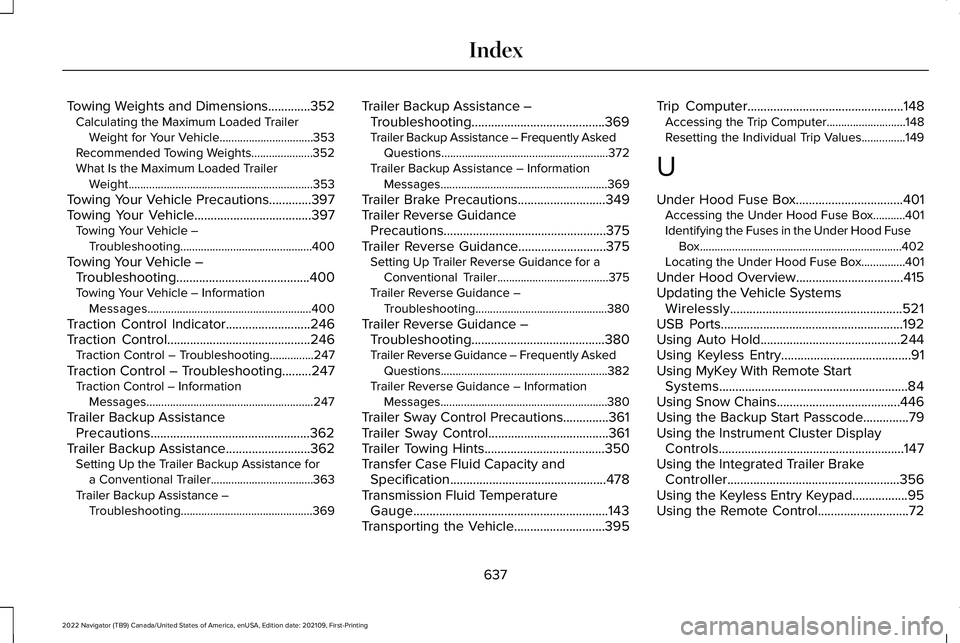
Towing Weights and Dimensions.............352
Calculating the Maximum Loaded Trailer
Weight for Your Vehicle................................353
Recommended Towing Weights.....................352
What Is the Maximum Loaded Trailer Weight...............................................................353
Towing Your Vehicle Precautions.............397
Towing Your Vehicle
....................................397
Towing Your Vehicle –
Troubleshooting.............................................400
Towing Your Vehicle – Troubleshooting.........................................400
Towing Your Vehicle – Information Messages........................................................400
Traction Control Indicator..........................246
Traction Control
............................................246
Traction Control – Troubleshooting...............247
Traction Control – Troubleshooting.........247 Traction Control – Information
Messages.........................................................247
Trailer Backup Assistance Precautions.................................................362
Trailer Backup Assistance
..........................362
Setting Up the Trailer Backup Assistance for
a Conventional Trailer...................................363
Trailer Backup Assistance – Troubleshooting.............................................369 Trailer Backup Assistance –
Troubleshooting.........................................369
Trailer Backup Assistance – Frequently Asked Questions.........................................................372
Trailer Backup Assistance – Information Messages.........................................................369
Trailer Brake Precautions
...........................349
Trailer Reverse Guidance Precautions..................................................375
Trailer Reverse Guidance
...........................375
Setting Up Trailer Reverse Guidance for a
Conventional Trailer......................................
375
Trailer Reverse Guidance – Troubleshooting.............................................380
Trailer Reverse Guidance – Troubleshooting.........................................380
Trailer Reverse Guidance – Frequently Asked Questions.........................................................382
Trailer Reverse Guidance – Information Messages.........................................................380
Trailer Sway Control Precautions..............361
Trailer Sway Control.....................................361
Trailer Towing Hints
.....................................350
Transfer Case Fluid Capacity and Specification ................................................
478
Transmission Fluid Temperature Gauge............................................................143
Transporting the Vehicle............................395 Trip Computer
................................................148
Accessing the Trip Computer...........................148
Resetting the Individual Trip Values...............
149
U
Under Hood Fuse Box.................................401 Accessing the Under Hood Fuse Box...........401
Identifying the Fuses in the Under Hood Fuse
Box.....................................................................402
Locating the Under Hood Fuse Box...............401
Under Hood Overview
.................................415
Updating the Vehicle Systems Wirelessly.....................................................521
USB Ports........................................................192
Using Auto Hold...........................................244
Using Keyless Entry
........................................91
Using MyKey With Remote Start Systems
..........................................................84
Using Snow Chains......................................446
Using the Backup Start Passcode..............79
Using the Instrument Cluster Display Controls.........................................................147
Using the Integrated Trailer Brake Controller
.....................................................356
Using the Keyless Entry Keypad.................95
Using the Remote Control............................72
637
2022 Navigator (TB9) Canada/United States of America, enUSA, Edition date: 202109, First-Printing Index