display MAZDA MODEL 3 5-DOOR 2017 Workshop Manual
[x] Cancel search | Manufacturer: MAZDA, Model Year: 2017, Model line: MODEL 3 5-DOOR, Model: MAZDA MODEL 3 5-DOOR 2017Pages: 612
Page 254 of 612

4–124
When Driving
i-ACTIVSENSE
Drive the vehicle in the center of the vehicle lane while the system is \
on standby. The
system becomes operational when all of the following conditions are met.\
The system detects white (yellow) lane lines on both the right and lef\
t sides, or on either
side. The vehicle speed is about 60 km/h (37 mph) or faster. The vehicle is driven on a straight road or road with gentle curves. The engine is running.
The Lane-keep Assist System (LAS) & Lane Departure Warning System (LDWS) goes on
stand-by status in the following cases:
The system cannot detect white (yellow) lane lines. The vehicle speed is less than about 60 km/h (37 mph). The vehicle is making a sharp curve. The vehicle is making a curve at an inappropriate speed.
NOTE
The Lane-keep Assist System (LAS) & Lane Departure Warning System (LDWS) remains
on stand-by until it detects white (yellow) lines on both the left and\
right sides, or on
either side.
When the system detects a white (yellow) lane line on one side only , the system will not
activate warnings for the lane line on the side that is not being detect\
ed. The distance and warning sensitivity (likelihood of a warning) which t\
he system uses to
determine the possibility of a lane departure can be changed.
Refer to Setting Change (Personalization Features) on page 9-12.
Vehicle lane line display
When the Lane-keep Assist System (LAS) & Lane Departure Warning System (LDWS)
detects white (yellow) lines on both the left and right sides and beco\
mes operational, the
vehicle lane lines are indicated in the active driving display.
Auto cancel
Under the following conditions, the Lane-keep Assist System (LAS) & Lane Departure
Warning System (LDWS) is automatically canceled. The Lane-keep Assist System (LAS)
& Lane Departure Warning System (LDWS) is automatically re-enabled when it becomes
operational.
The temperature inside the camera is high or low . The windshield around the camera is foggy. The windshield around the camera is blocked by an obstruction, causing p\
oor forward
visibility.
Mazda3_8FL6-EA-16F_Edition2.indb 1242016/08/10 17:36:54
Page 255 of 612
4–125
When Driving
i-ACTIVSENSE
(Auto cancel of warnings)
When the following operations are performed, the Lane-keep Assist System (LAS) &
Lane Departure Warning System (LDWS) determines that the driver intends to make a
lane change and the system operation is canceled automatically. The Lane-keep Assist
System (LAS) & Lane Departure Warning System (LDWS) resumes automatically after the
operation.
The steering wheel is operated abruptly. The brake pedal is depressed. The accelerator pedal is depressed.
(To cancel the automatic sensitivity cancel function, deselect “Warning sensitivity” in the
personalization features setting.) The turn signal lever is operated. The vehicle crosses a lane line.
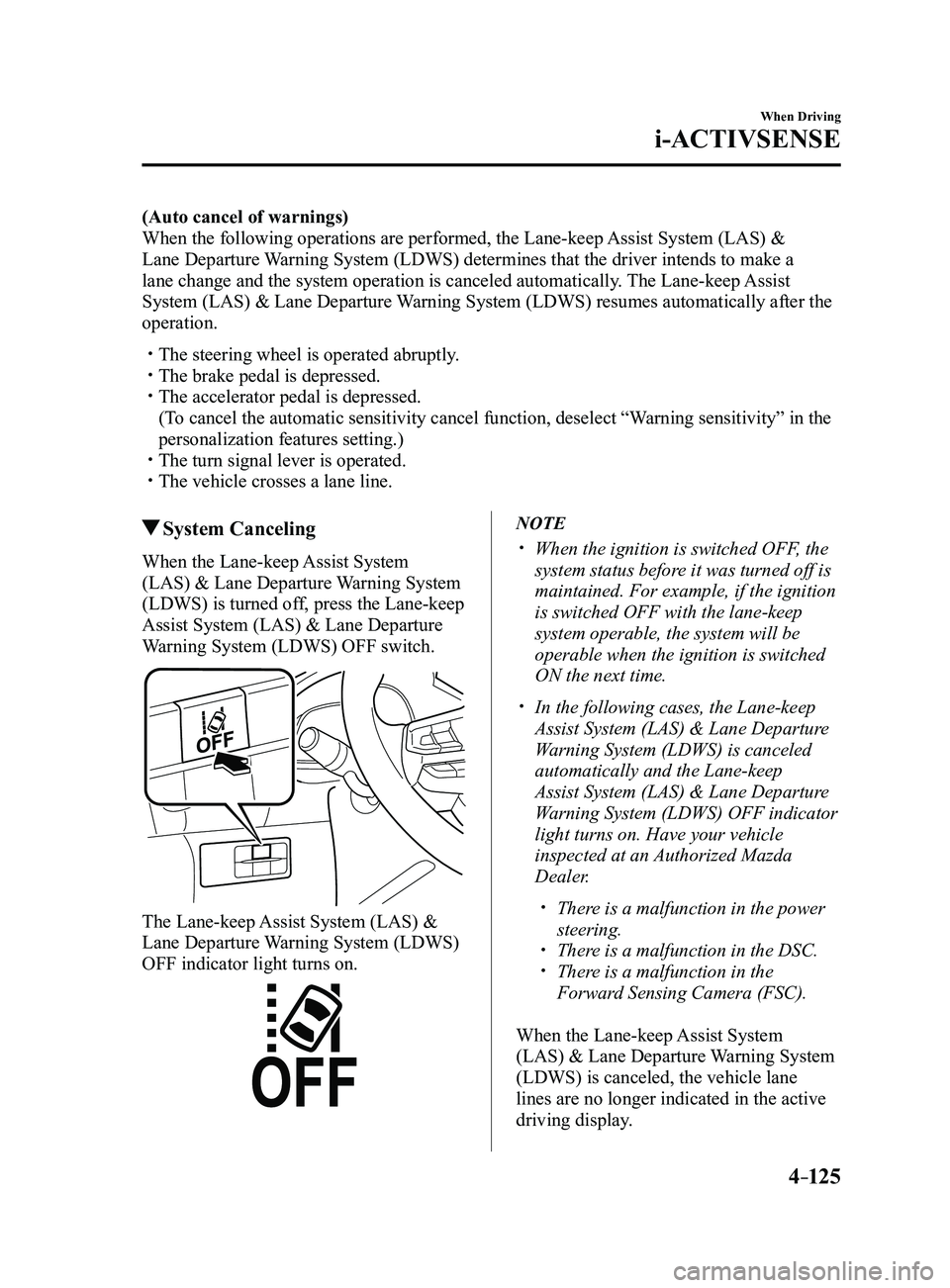
System Canceling
When the Lane-keep Assist System
(LAS) & Lane Departure Warning System
(LDWS) is turned off, press the Lane-keep
Assist System (LAS) & Lane Departure
Warning System (LDWS) OFF switch.
The Lane-keep Assist System (LAS) &
Lane Departure Warning System (LDWS)
OFF indicator light turns on.
NOTE
When the ignition is switched OFF, the
system status before it was turned off is
maintained. For example, if the ignition
is switched OFF with the lane-keep
system operable, the system will be
operable when the ignition is switched
ON the next time.
In the following cases, the Lane-keep
Assist System (LAS) & Lane Departure
Warning System (LDWS) is canceled
automatically and the Lane-keep
Assist System (LAS) & Lane Departure
Warning System (LDWS) OFF indicator
light turns on. Have your vehicle
inspected at an Authorized Mazda
Dealer.
There is a malfunction in the power
steering. There is a malfunction in the DSC. There is a malfunction in the
Forward Sensing Camera (FSC).
When the Lane-keep Assist System
(LAS) & Lane Departure Warning System
(LDWS) is canceled, the vehicle lane
lines are no longer indicated in the active
driving display.
Mazda3_8FL6-EA-16F_Edition2.indb 1252016/08/10 17:36:54
Page 256 of 612

4–126
When Driving
i-ACTIVSENSE
Lane Departure Warning
If the system determines that the vehicle may deviate from its lane, the\
lane departure
warning (beep sound, rumble sound*1, or steering wheel vibration) is activated and the
direction in which the system determines that the vehicle may deviate is\
indicated in the
active driving display.
If the system determines that the vehicle may deviate from its lane, the\
color of the lane line
on the side being detected by the system changes from white to amber, and flashes.
Multi-information Display Active Driving Display
Mazda3_8FL6-EA-16F_Edition2.indb 1262016/08/10 17:36:55
Page 258 of 612
4–128
When Driving
i-ACTIVSENSE
*Some models.
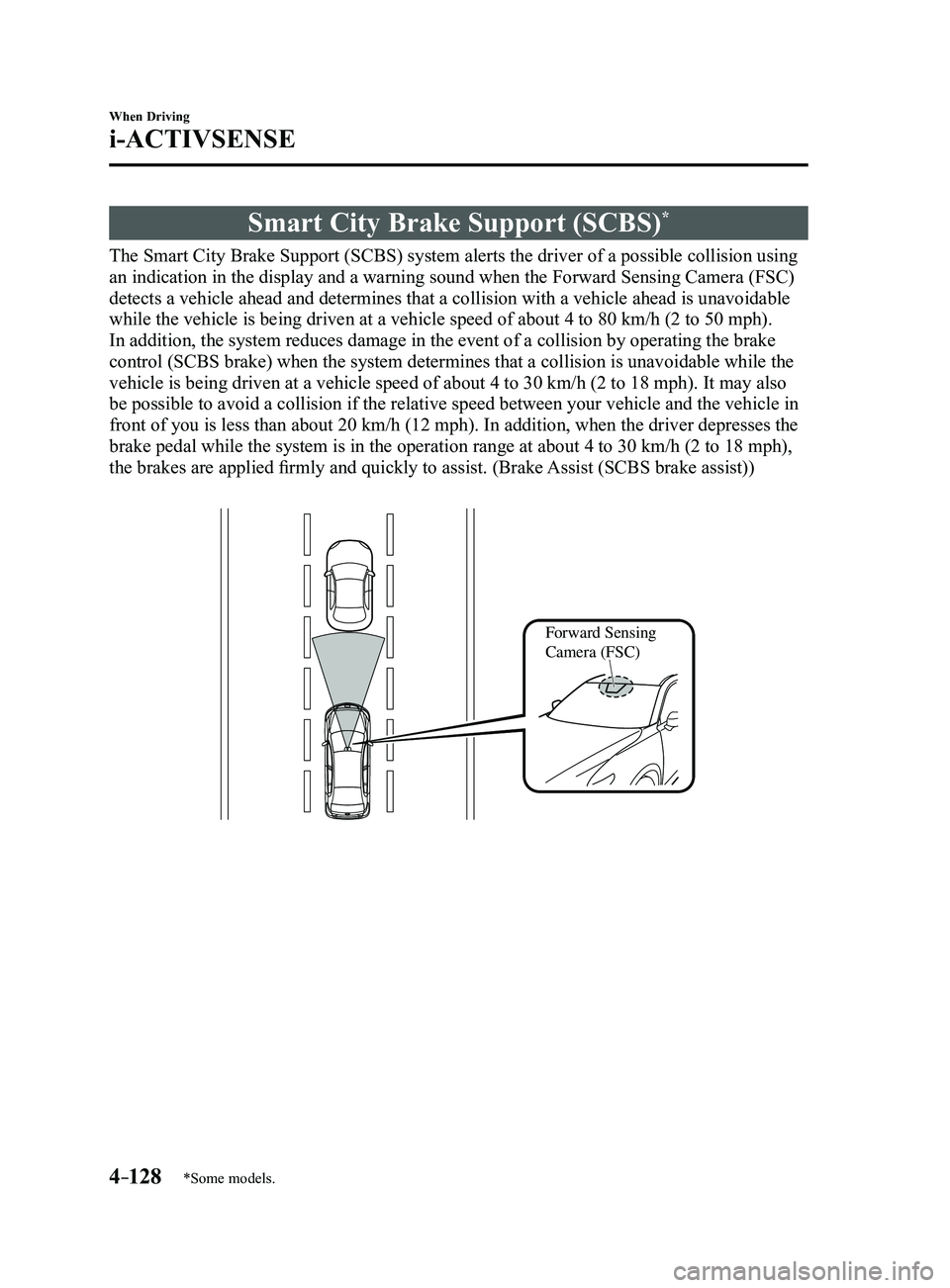
Smart City Brake Support (SCBS)*
The Smart City Brake Support (SCBS) system alerts the driver of a possible collision using
an indication in the display and a warning sound when the Forward Sensin\
g Camera (FSC)
detects a vehicle ahead and determines that a collision with a vehicle a\
head is unavoidable
while the vehicle is being driven at a vehicle speed of about 4 to 80 km\
/h (2 to 50 mph).
In addition, the system reduces damage in the event of a collision by op\
erating the brake
control (SCBS brake) when the system determines that a collision is unavoidable while the
vehicle is being driven at a vehicle speed of about 4 to 30 km/h (2 to \
18 mph). It may also
be possible to avoid a collision if the relative speed between your vehi\
cle and the vehicle in
front of you is less than about 20 km/h (12 mph). In addition, when th\
e driver depresses the
brake pedal while the system is in the operation range at about 4 to 30 \
km/h (2 to 18 mph),
the brakes are applied firmly and quickly to assist. (Brake Assist (SCBS brake assist))
Forward Sensing
Camera (FSC)
Mazda3_8FL6-EA-16F_Edition2.indb 1282016/08/10 17:36:55
Page 261 of 612
4–131
When Driving
i-ACTIVSENSE
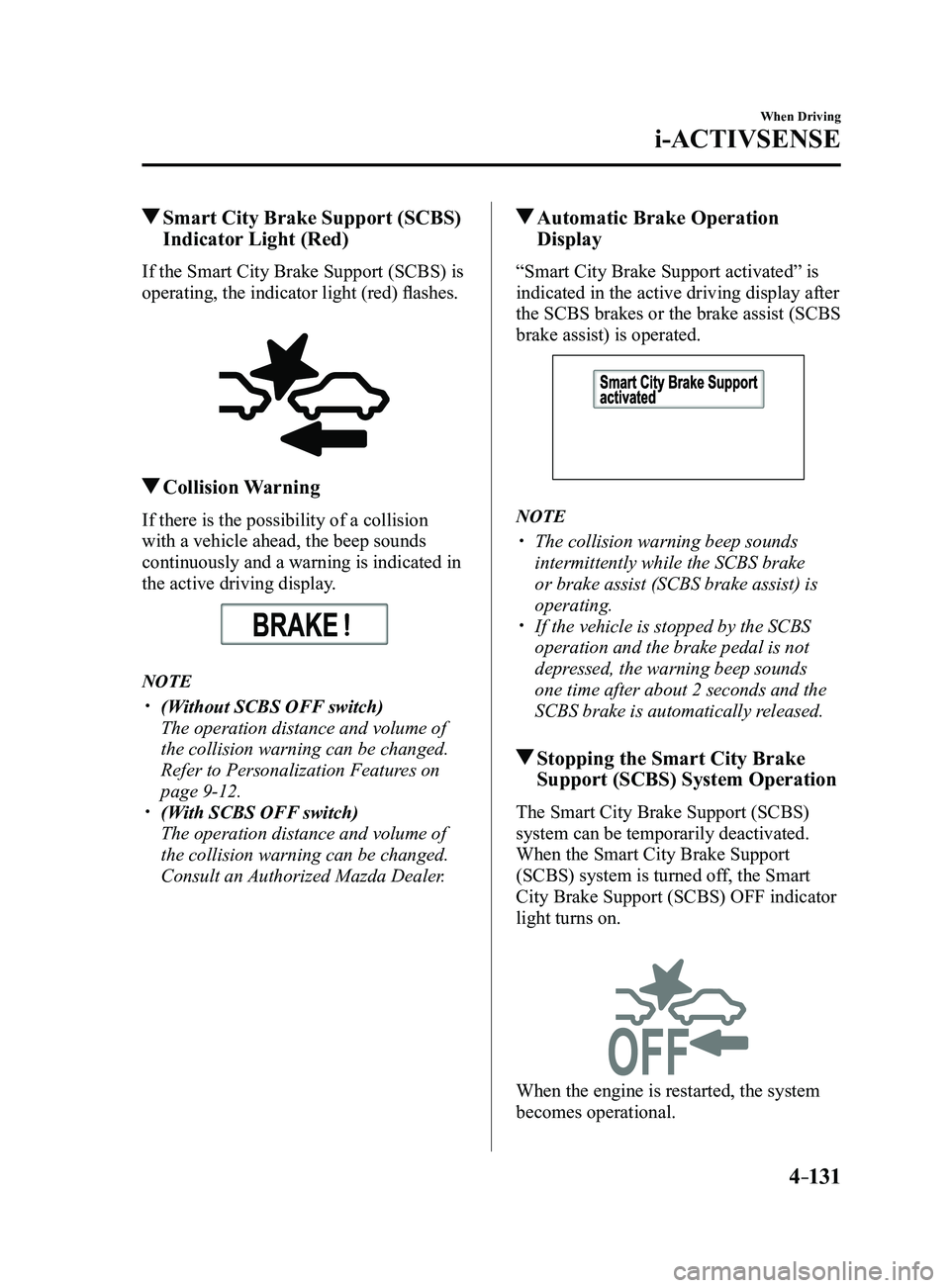
Smart City Brake Support (SCBS)
Indicator Light (Red)
If the Smart City Brake Support (SCBS) is
operating, the indicator light (red) flashes.
Collision Warning
If there is the possibility of a collision
with a vehicle ahead, the beep sounds
continuously and a warning is indicated in
the active driving display.
NOTE
(Without SCBS OFF switch)
The operation distance and volume of
the collision warning can be changed.
Refer to Personalization Features on
page 9-12. (With SCBS OFF switch)
The operation distance and volume of
the collision warning can be changed.
Consult an Authorized Mazda Dealer.
Automatic Brake Operation
Display
“Smart City Brake Support activated” is
indicated in the active driving display after
the SCBS brakes or the brake assist (SCBS
brake assist) is operated.
NOTE
The collision warning beep sounds
intermittently while the SCBS brake
or brake assist (SCBS brake assist) is
operating.
If the vehicle is stopped by the SCBS
operation and the brake pedal is not
depressed, the warning beep sounds
one time after about 2 seconds and the
SCBS brake is automatically released.
Stopping the Smart City Brake
Support (SCBS) System Operation
The Smart City Brake Support (SCBS)
system can be temporarily deactivated.
When the Smart City Brake Support
(SCBS) system is turned off, the Smart
City Brake Support (SCBS) OFF indicator
light turns on.
When the engine is restarted, the system
becomes operational.
Mazda3_8FL6-EA-16F_Edition2.indb 1312016/08/10 17:36:57
Page 263 of 612
4–133
When Driving
i-ACTIVSENSE
*Some models.
Smart Brake Support (SBS)*
The Smart Brake Support (SBS) system alerts the driver of a possible collision using a
display and warning sound if the radar sensor (front) and the Forward \
Sensing Camera
(FSC) determine that there is the possibility of a collision with a ve\
hicle ahead while the
vehicle is being driven at about 15 km/h or faster (10 mph or faster).\
Furthermore, if the
radar sensor (front) and the Forward Sensing Camera (FSC) determines\
that a collision is
unavoidable, the automatic brake control is performed to reduce damage i\
n the event of a
collision.
In addition, when the driver depresses the brake pedal, the brakes are applied firmly and
quickly to assist. (Brake Assist (SBS brake assist))
WARNING
Do not rely completely on the Smart Brake Support (SBS) system and always drive
carefully:The Smart Brake Support (SBS) is designed to reduce damage in the event of a collision,
not avoid an accident. The ability to detect an obstruction is limited depending on the
obstruction, weather conditions, or traffic conditions. Therefore, if the accelerator pedal
or brake pedal is mistakenly operated it could result in an accident. Always verify the
safety of the surrounding area and depress the brake pedal or accelerator pedal while
keeping a safer distance from vehicles ahead or on-coming vehicles.
CAUTION
In the following cases, turn the system off to prevent a mis-operation:
The vehicle is being towed or when towing another vehicle. The vehicle is on a chassis roller. When driving on rough roads such as in areas of dense grass or off-road.
Mazda3_8FL6-EA-16F_Edition2.indb 1332016/08/10 17:36:58
Page 264 of 612
 system operates when all of the followin\
g conditions are
met:
The ignition is switched ON. The Smart Brake Support (S")
4–134
When Driving
i-ACTIVSENSE
NOTE
The Smart Brake Support (SBS) system operates when all of the followin\
g conditions are
met:
The ignition is switched ON. The Smart Brake Support (SBS) system is on. The vehicle speed is about 15 km/h or faster (10 mph or faster). The relative speed between your vehicle and the vehicle ahead is about 15 km/\
h or
faster (10 mph or faster). The Dynamic Stability Control (DSC) is not operating.
The Smart Brake Support (SBS) system may not operate under the followi\
ng conditions:
If the vehicle is accelerated rapidly and it comes close to a vehicle ah\
ead. The vehicle is driven at the same speed as the vehicle ahead. The accelerator pedal is depr essed. The brake pedal is depressed. The steering wheel is being operated. The selector lever is being operated. The turn signal is being used. When the vehicle ahead is not equipped with taillights or the taillights\
ar e turned off. When warnings and messages, such as a dirty windshield, related to the Forward
Sensing Camera (FSC) are being displayed in the center display.
Although the objects which activate the system are four-wheeled vehicles, the radar
sensor (front) could detect the following objects, determine them to be an obstru\
ction, and
operate the Smart Brake Support (SBS) system.
Objects on the road at the entrance to a curve (including guardrails and snow banks). A vehicle appears in the opposite lane while cornering or rounding a curve. When crossing a narrow bridge. When passing under a low gate or thr ough a tunnel or narrow gate. When entering an underground parking area. Metal objects, bumps, or pr otruding objects on the road. If you suddenly come close to a vehicle ahead. When driving in areas where there is high grass or forage. Two-wheeled vehicles such as motorbikes or bicycles. Pedestrians or non-metallic objects such as standing tr ees.
The Smart Brake Support (SBS) warning indication (amber) turns on wh\
en the system has
a malfunction.
Refer to Warning Lights on page 4-23.
Mazda3_8FL6-EA-16F_Edition2.indb 1342016/08/10 17:36:58
Page 265 of 612
4–135
When Driving
i-ACTIVSENSE
Smart Brake Support (SBS)
Indicator Light (Red)
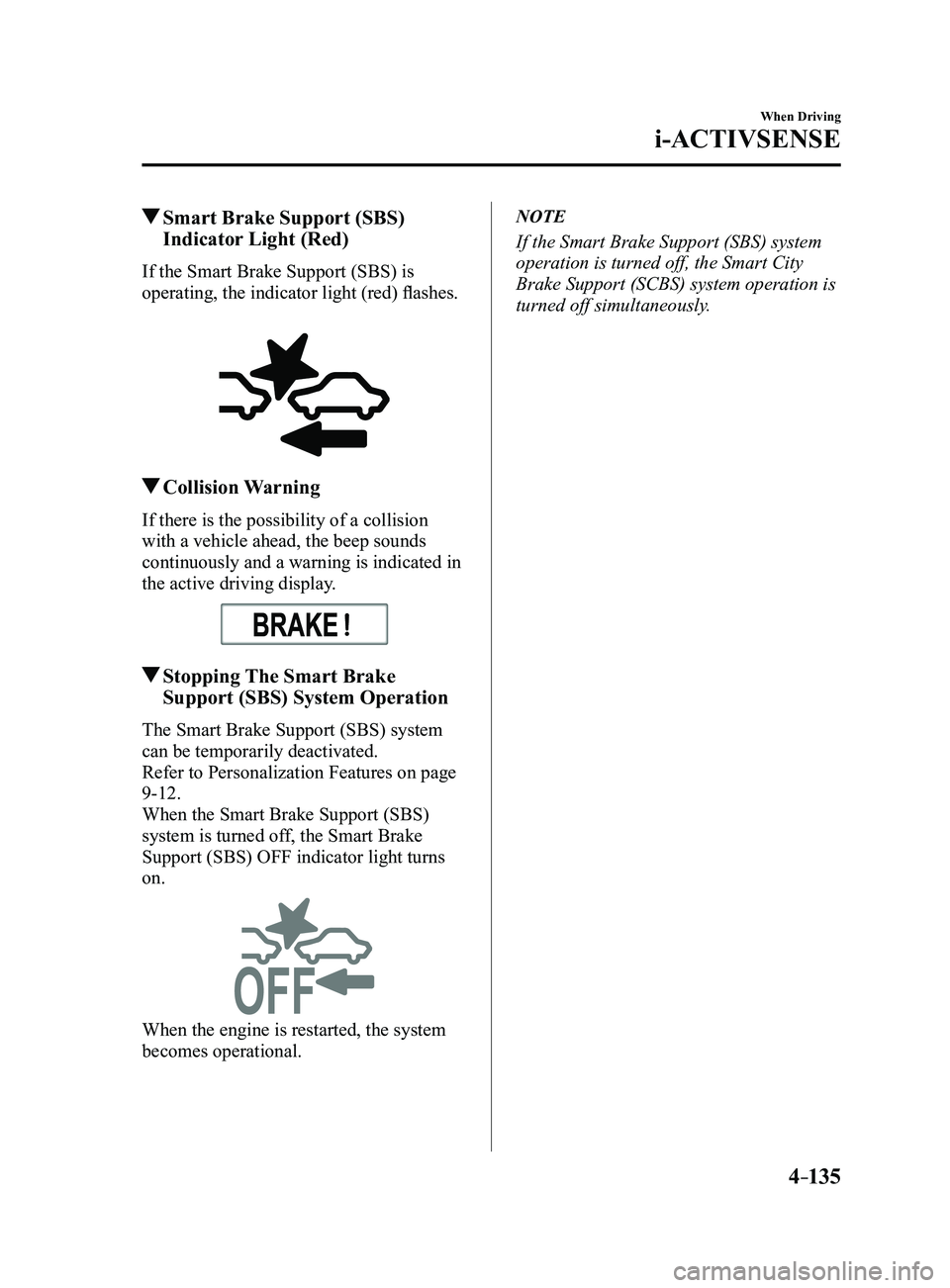
If the Smart Brake Support (SBS) is
operating, the indicator light (red) flashes.
Collision Warning
If there is the possibility of a collision
with a vehicle ahead, the beep sounds
continuously and a warning is indicated in
the active driving display.
Stopping The Smart Brake
Support (SBS) System Operation
The Smart Brake Support (SBS) system
can be temporarily deactivated.
Refer to Personalization Features on page
9-12.
When the Smart Brake Support (SBS)
system is turned off, the Smart Brake
Support (SBS) OFF indicator light turns
on.
When the engine is restarted, the system
becomes operational.
NOTE
If the Smart Brake Support (SBS) system
operation is turned off, the Smart City
Brake Support (SCBS) system operation is
turned off simultaneously.
Mazda3_8FL6-EA-16F_Edition2.indb 1352016/08/10 17:36:58
Page 271 of 612
4–141
When Driving
i-ACTIVSENSE
Radar Sensor (Front)
Your vehicle is equipped with a radar sensor (front).
The following systems also use the radar sensor (front).
Distance Recognition Support System (DRSS) Mazda Radar Cruise Control (MRCC) Smart Brake Support (SBS)
The radar sensor (front) functions by detecting the radio waves reflected off a vehicle ahead
or an obstruction sent from the radar sensor.
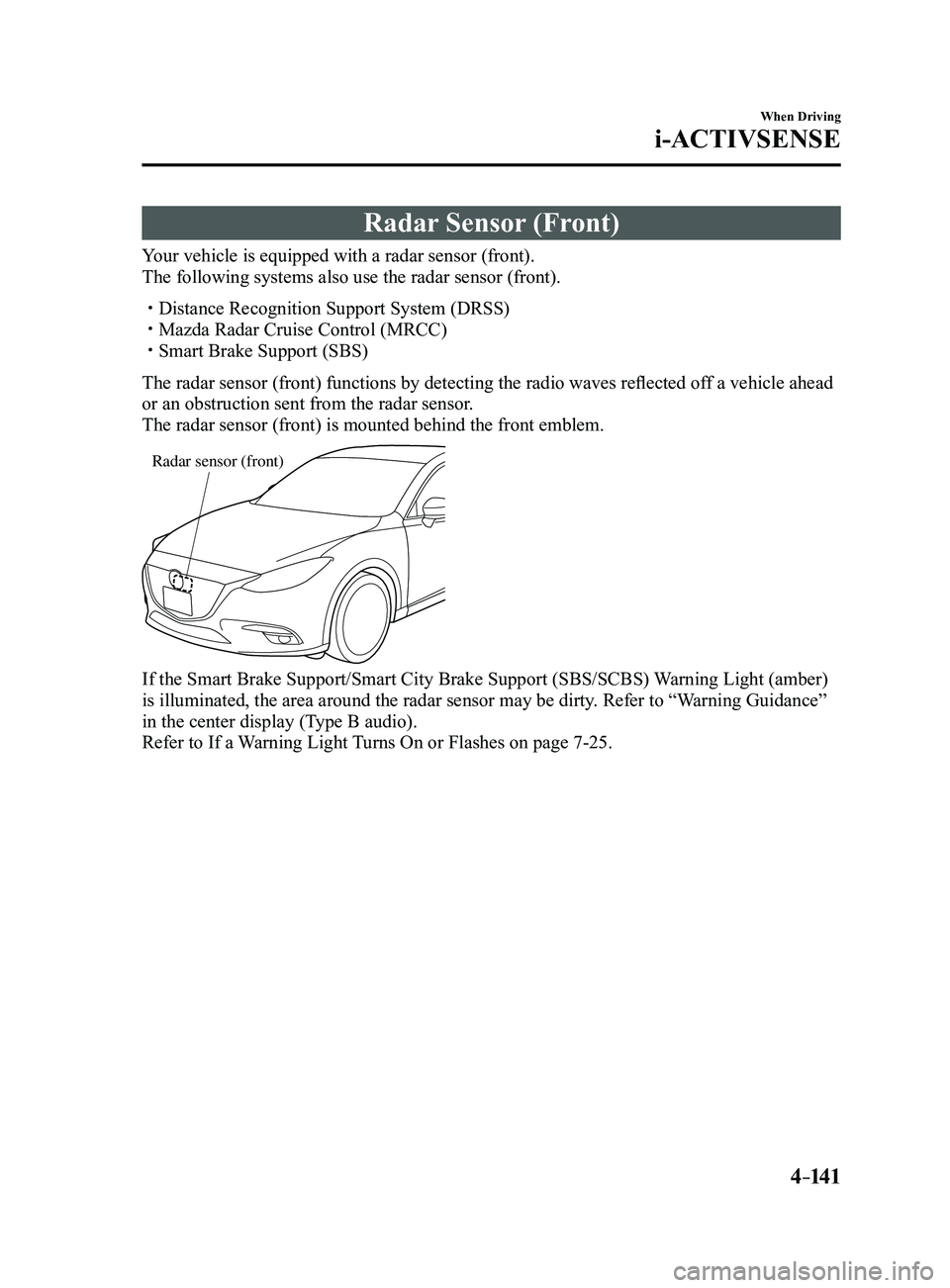
The radar sensor (front) is mounted behind the front emblem.
Radar sensor (front)
If the Smart Brake Support/Smart City Brake Support (SBS/SCBS) Warning Light (amber)
is illuminated, the area around the radar sensor may be dirty. Refer to “Warning Guidance”
in the center display (Type B audio).
Refer to If a Warning Light Turns On or Flashes on page
7-25.
Mazda3_8FL6-EA-16F_Edition2.indb 1412016/08/10 17:37:00
Page 277 of 612
4–147
When Driving
Cruise Control
Cruise Main Indication (White),
Cruise Set Indication (white)/
Indicator Light (Green)
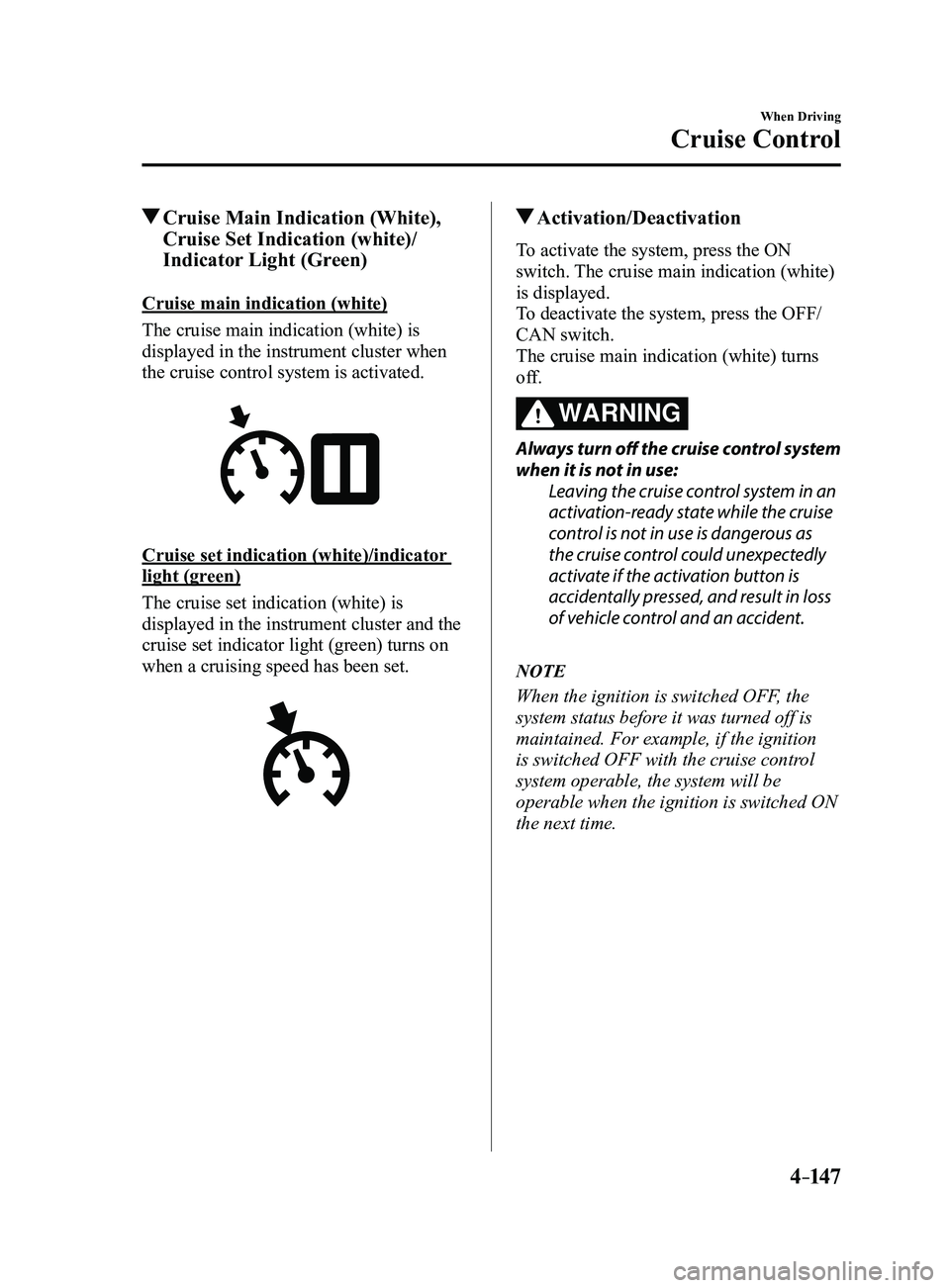
Cruise main indication (white)
The cruise main indication (white) is
displayed in the instrument cluster when
the cruise control system is activated.
Cruise set indication (white)/indicator
light (green)
The cruise set indication (white) is
displayed in the instrument cluster and the
cruise set indicator light (green) turns on
when a cruising speed has been set.
Activation/Deactivation
To activate the system, press the ON
switch. The cruise main indication (white)
is displayed.
To deactivate the system, press the OFF/
CAN switch.
The cruise main indication (white) turns
off.
WARNING
Always turn off the cruise control system
when it is not in use:Leaving the cruise control system in an
activation-ready state while the cruise
control is not in use is dangerous as
the cruise control could unexpectedly
activate if the activation button is
accidentally pressed, and result in loss
of vehicle control and an accident.
NOTE
When the ignition is switched OFF, the
system status before it was turned off is
maintained. For example, if the ignition
is switched OFF with the cruise control
system operable, the system will be
operable when the ignition is switched ON
the next time.
Mazda3_8FL6-EA-16F_Edition2.indb 1472016/08/10 17:37:02