lock OPEL FRONTERA 1998 Workshop Manual
[x] Cancel search | Manufacturer: OPEL, Model Year: 1998, Model line: FRONTERA, Model: OPEL FRONTERA 1998Pages: 6000, PDF Size: 97 MB
Page 2576 of 6000

WIPER/WASHER SYSTEM8B–7
Rear Wiper/Washer System
General Description
The circuit consists of the starter switch, rear wiper &
washer switch, rear wiper motor, rear washer motor and
rear intermittent relay.When the wiper & washer switch is turned on with the
starter switch on, the battery voltage is applied to the
wiper motor to activate the wiper.
The washer motor squirts glass cleaning fluid while the
washer switch is being pushed. The intermittent relay is
used to control motion of the wiper.
Rear Wiper and Washer Switch
Removal
1. Disconnect the battery ground cable.
2. Remove the front console assembly(1).
Refer to the Instrument Panel Assembly in Body
Structure section.
3. Remove the lower cluster assembly(2).
Refer to the Instrument Panel Assembly in Body
Structure section.
4. Remove the instrument panel driver lower cover(3).
Refer to the Instrument Panel Assembly in Body
Structure section.
821RW024
5. Remove the instrument panel cluster assembly(4).
Refer to the Instrument Panel Assembly in Body
Structure section.
6. Disconnect the connector and push the lock from the
back side of the instrument panel cluster assembly to
remove the rear wiper & washer switch(5).
821RW023
Installation
To install, follow the removal steps in the reverse order,
noting the following point:
1. Push the switch with your fingers until it locks
securely.
Page 2579 of 6000

8B–10WIPER/WASHER SYSTEM
Rear Wiper Arm/Blade
Removal
1. Remove the arm nut(2).
2. Remove the wiper arm/blade(1).
885RS008
Installation
Refer to the installation steps of the Rear Wiper Motor in
Wiper/Washer System section.
Rear Washer Nozzle
Removal
1. Disconnect the hose(3).
2. Remove the lock nut(2), and then remove the washer
nozzle(1).
885RS005
Installation
To install, follow the removal steps in the reverse order.
Rear Washer Nozzle Angle
Adjustment
Loosen the lock nut(2) of the washer nozzle(1) to adjust
the injection angle of the cleaning fluid, and then retighten
the lock nut(2).
885RS004
Page 2581 of 6000

8B–12WIPER/WASHER SYSTEM
Headlight Wiper and Washer Switch
Removal
1. Disconnect the battery ground cable.
2. Remove the front console assembly(1).
Refer to the Instrument Panel Assembly in Body
Structure section.
3. Remove the lower cluster assembly(2).
Refer to the Instrument Panel Assembly in Body
Structure section.
4. Remove the instrument panel driver lower cover(3).
Refer to the Instrument Panel Assembly in Body
Structure section.
821RW024
5. Remove the instrument panel cluster assembly(4).
Refer to the Instrument Panel Assembly in Body
Structure section.
6. Disconnect the connector and push the lock from the
back side of the instrument panel cluster assembly to
remove the headlight wiper switch(5).
825RW245
Installation
To install, follow the removal steps in the reverse order,
noting the following point:
1. Push the switch with your fingers until it locks
securely.
Page 2584 of 6000
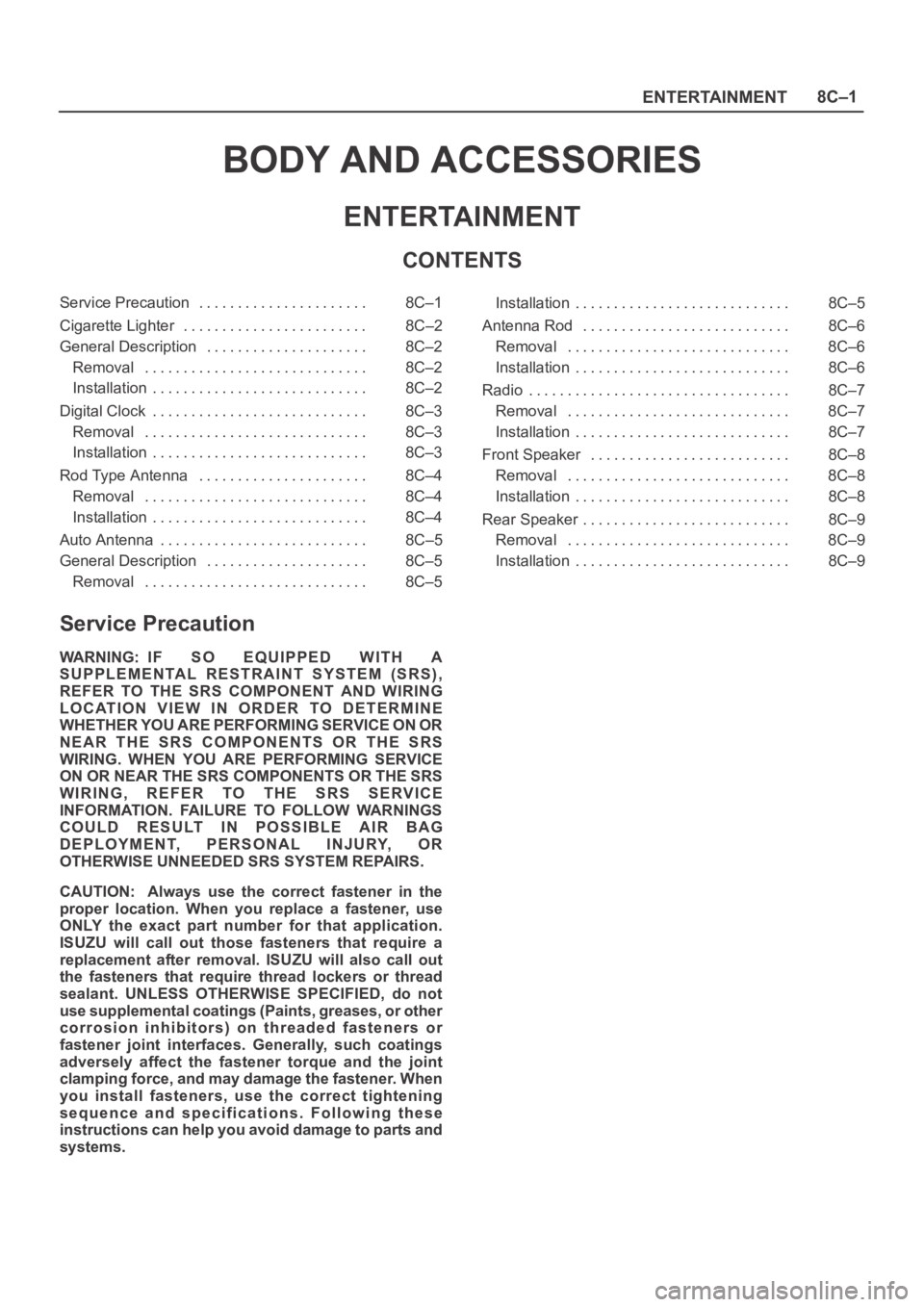
ENTERTAINMENT8C–1
BODY AND ACCESSORIES
ENTERTAINMENT
CONTENTS
Service Precaution 8C–1. . . . . . . . . . . . . . . . . . . . . .
Cigarette Lighter 8C–2. . . . . . . . . . . . . . . . . . . . . . . .
General Description 8C–2. . . . . . . . . . . . . . . . . . . . .
Removal 8C–2. . . . . . . . . . . . . . . . . . . . . . . . . . . . .
Installation 8C–2. . . . . . . . . . . . . . . . . . . . . . . . . . . .
Digital Clock 8C–3. . . . . . . . . . . . . . . . . . . . . . . . . . . .
Removal 8C–3. . . . . . . . . . . . . . . . . . . . . . . . . . . . .
Installation 8C–3. . . . . . . . . . . . . . . . . . . . . . . . . . . .
Rod Type Antenna 8C–4. . . . . . . . . . . . . . . . . . . . . .
Removal 8C–4. . . . . . . . . . . . . . . . . . . . . . . . . . . . .
Installation 8C–4. . . . . . . . . . . . . . . . . . . . . . . . . . . .
Auto Antenna 8C–5. . . . . . . . . . . . . . . . . . . . . . . . . . .
General Description 8C–5. . . . . . . . . . . . . . . . . . . . .
Removal 8C–5. . . . . . . . . . . . . . . . . . . . . . . . . . . . . Installation 8C–5. . . . . . . . . . . . . . . . . . . . . . . . . . . .
Antenna Rod 8C–6. . . . . . . . . . . . . . . . . . . . . . . . . . .
Removal 8C–6. . . . . . . . . . . . . . . . . . . . . . . . . . . . .
Installation 8C–6. . . . . . . . . . . . . . . . . . . . . . . . . . . .
Radio 8C–7. . . . . . . . . . . . . . . . . . . . . . . . . . . . . . . . . .
Removal 8C–7. . . . . . . . . . . . . . . . . . . . . . . . . . . . .
Installation 8C–7. . . . . . . . . . . . . . . . . . . . . . . . . . . .
Front Speaker 8C–8. . . . . . . . . . . . . . . . . . . . . . . . . .
Removal 8C–8. . . . . . . . . . . . . . . . . . . . . . . . . . . . .
Installation 8C–8. . . . . . . . . . . . . . . . . . . . . . . . . . . .
Rear Speaker 8C–9. . . . . . . . . . . . . . . . . . . . . . . . . . .
Removal 8C–9. . . . . . . . . . . . . . . . . . . . . . . . . . . . .
Installation 8C–9. . . . . . . . . . . . . . . . . . . . . . . . . . . .
Service Precaution
WARNING: IF SO EQUIPPED WITH A
SUPPLEMENTAL RESTRAINT SYSTEM (SRS),
REFER TO THE SRS COMPONENT AND WIRING
LOCATION VIEW IN ORDER TO DETERMINE
WHETHER YOU ARE PERFORMING SERVICE ON OR
NEAR THE SRS COMPONENTS OR THE SRS
WIRING. WHEN YOU ARE PERFORMING SERVICE
ON OR NEAR THE SRS COMPONENTS OR THE SRS
WIRING, REFER TO THE SRS SERVICE
INFORMATION. FAILURE TO FOLLOW WARNINGS
COULD RESULT IN POSSIBLE AIR BAG
DEPLOYMENT, PERSONAL INJURY, OR
OTHERWISE UNNEEDED SRS SYSTEM REPAIRS.
CAUTION: Always use the correct fastener in the
proper location. When you replace a fastener, use
ONLY the exact part number for that application.
ISUZU will call out those fasteners that require a
replacement after removal. ISUZU will also call out
the fasteners that require thread lockers or thread
sealant. UNLESS OTHERWISE SPECIFIED, do not
use supplemental coatings (Paints, greases, or other
corrosion inhibitors) on threaded fasteners or
fastener joint interfaces. Generally, such coatings
adversely affect the fastener torque and the joint
clamping force, and may damage the fastener. When
you install fasteners, use the correct tightening
sequence and specifications. Following these
instructions can help you avoid damage to parts and
systems.
Page 2586 of 6000

ENTERTAINMENT8C–3
Digital Clock
Removal
1. Disconnect the battery ground cable.
2. Remove the front console assembly(1).
Refer to the Instrument Panel Assembly in Body
Structure section.
3. Remove the lower cluster assembly(2).
Refer to the Instrument Panel Assembly in Body
Structure section.
4. Remove the instrument panel driver lower cover
assembly(3).
Refer to the Instrument Panel Assembly in Body
Structure section.
821RW024
5. Remove the instrument panel cluster assembly(4).
Refer to the Instrument Panel Assembly in Body
Structure section.
6. Disconnect the connector and push the lock from the
back side of the instrument panel cluster assembly to
remove the digital clock(5).
821RW034
Installation
To install, follow the removal steps in the reverse order,
noting the following point.
1. Push in the switch with your fingers until it locks
securely.
Page 2587 of 6000

8C–4ENTERTAINMENT
Rod Type Antenna
Removal
1. Disconnect the battery ground cable.
2. Turn the antenna rod(1) counterclockwise to remove
it.
3. Remove three screws and nine clips to remove the
fender inner liner(2).
4. Disconnect the feeder cable connector at the inside of
the vehicle, remove the housing bracket screw, turn
the lock nut counterclockwise to remove it together
with the base mold and then remove the housing(3).
890RS004
Installation
To install, follow the removal steps in the reverse order.
Page 2588 of 6000

ENTERTAINMENT8C–5
Auto Antenna
General Description
The auto antenna is interlocked with the radio switch. The
antenna rod goes up when the switch is on, and goes
down when the switch is off. The antenna rod also goes
down when the starter switch is turned off with the radio
on.
The antenna rod goes up or down when the cable
connected to the uppermost rod is let out or taken up by
the rotation of motor.
The motor is provided with a built-in limit switch. When the
up/down motion of the antenna is completed, the limit
switch is activated to cut off the circuit.
Removal
1. Disconnect the battery ground cable.
2. Remove three screws and nine clips to remove the
fender inner liner(4).
3. Disconnect the feeder cord and the antenna motor
connector at the inside of the vehicle.
4. Remove the lock nut(1) and base mold(2).
5. After taking off the clips and screws, remove the
motor bracket(5).
890RW075
Installation
To install, follow the removal steps in the reverse order.
Page 2589 of 6000

8C–6ENTERTAINMENT
Antenna Rod
Removal
1. Disconnect the battery ground cable.
2. Remove the antenna nut(1).
3. Until the lower part of the antenna rod(4) is removed
from the bezel part, rotate the antenna motor in an
ascending way, and expand the rod.
4. Turn the antenna top(2) counterclockwise.
5. Remove the contact sleeve(3).
6. Remove the antenna rod(4).
890RW076
Installation
To install, follow the removal steps in the reverse order,
nothing the following points.
1. Rotate the antenna motor in a descend way, and push
in vertically until the antenna rod is in the complete
state of storage.
2. After ending the installation, confirm that the antenna
rod works correctly.
Page 2591 of 6000

8C–8ENTERTAINMENT
Front Speaker
Removal
1. Disconnect the battery ground cable.
2. Pull the grille(1) to release the locks and then remove
it.
3. Remove four screws and disconnect the
connector(3) to remove the speaker(2).
890RW013
Installation
To install, follow the removal steps in the reverse order.
Page 2592 of 6000

ENTERTAINMENT8C–9
Rear Speaker
Removal
1. Disconnect the battery ground cable.
2. Pull the grille(1) to release the locks and then remove
it.
3. Remove four screws and disconnect the
connector(3) to remove the speaker(2).
890RW015
Installation
To install, follow the removal steps in the reverse order.