audio PEUGEOT PARTNER TEPEE ELECTRIC 2017 User Guide
[x] Cancel search | Manufacturer: PEUGEOT, Model Year: 2017, Model line: PARTNER TEPEE ELECTRIC, Model: PEUGEOT PARTNER TEPEE ELECTRIC 2017Pages: 252, PDF Size: 9.89 MB
Page 219 of 252
7
The TA (Traffic Announcement) function
gives priority to TA alert messages.
To operate, this function needs good
reception of a radio station that carries this
type of message. While traffic information
is being broadcast, the current medium is
automatically interrupted so that the TA
message can be heard. Normal play of the
medium previously playing is resumed at
the end of the message.
Radio
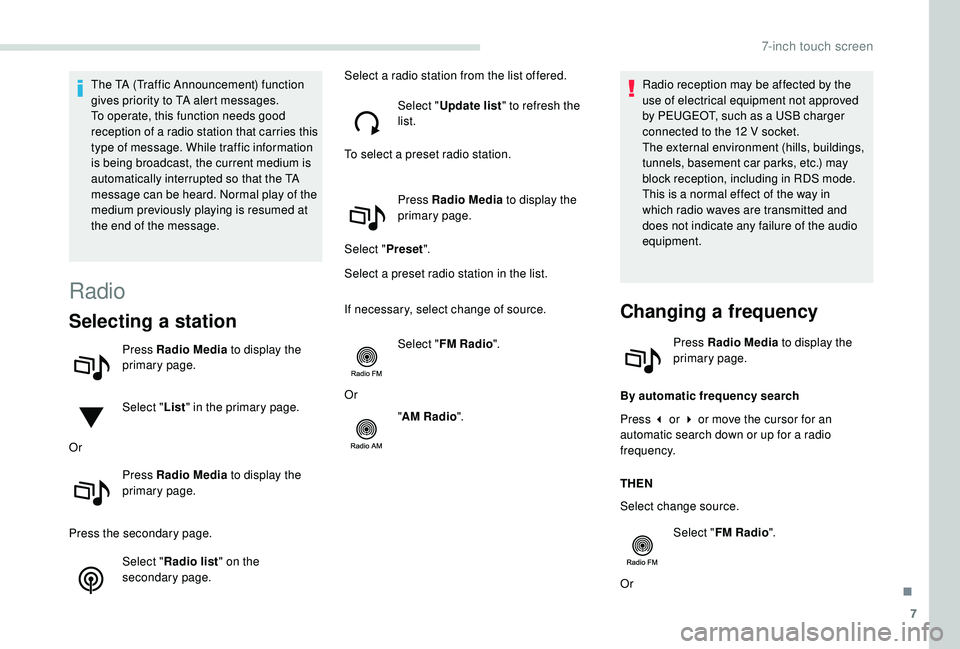
Selecting a station
Press Radio Media to display the
primary page.
Select " List" in the primary page.
Or Press Radio Media to display the
primary page.
Press the secondary page. Select "Radio list " on the
secondary page. Select a radio station from the list offered.
Select "Update list " to refresh the
list.
To select a preset radio station.
Press Radio Media to display the
primary page.
Select " Preset".
Select a preset radio station in the list.
If necessary, select change of source.
Select "FM Radio ".
Or "AM Radio ". Radio reception may be affected by the
use of electrical equipment not approved
by PEUGEOT, such as a USB charger
connected to the 12
V socket.
The external environment (hills, buildings,
tunnels, basement car parks, etc.) may
block reception, including in RDS mode.
This is a normal effect of the way in
which radio waves are transmitted and
does not indicate any failure of the audio
equipment.
Changing a frequency
Press Radio Media to display the
primary page.
By automatic frequency search
Press 3 or 4 or move the cursor for an
automatic search down or up for a radio
frequency.
THEN
Select change source. Select "FM Radio ".
Or
.
7-inch touch screen
Page 220 of 252
8
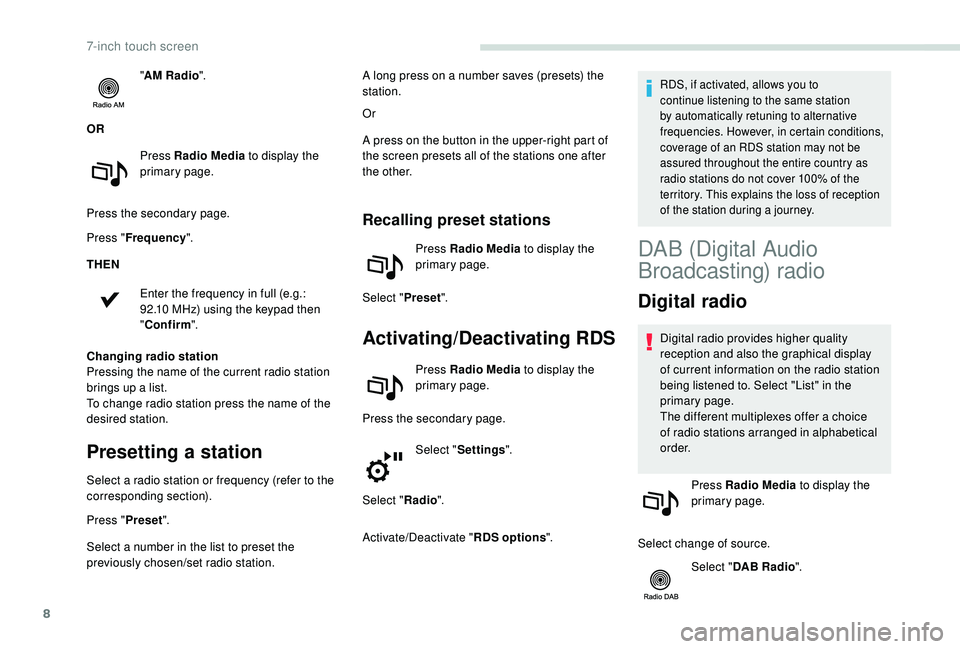
"AM Radio ".
OR Press Radio Media to display the
primary page.
Press the secondary page.
Press " Frequency ".
THEN
Enter the frequency in full (e.g.:
92.10
MHz) using the keypad then
" Confirm ".
Changing radio station
Pressing the name of the current radio station
brings up a list.
To change radio station press the name of the
desired station.
Presetting a station
Select a radio station or frequency (refer to the
corresponding section).
Press " Preset".
Select a number in the list to preset the
previously chosen/set radio station. Or
A press on the button in the upper-right part of
the screen presets all of the stations one after
the other.
Recalling preset stations
Press Radio Media
to display the
primary page.
Select " Preset".
Activating/Deactivating RDS
Press Radio Media to display the
primary page.
Press the secondary page. Select "Settings ".
Select " Radio".
Activate/Deactivate " RDS options".
RDS, if activated, allows you to
continue listening to the same station
by automatically retuning to alternative
frequencies. However, in certain conditions,
coverage of an RDS station may not be
assured throughout the entire country as
radio stations do not cover 100% of the
territory. This explains the loss of reception
of the station during a journey.A long press on a number saves (presets) the
station.
DAB (Digital Audio
Broadcasting) radio
Digital radio
Digital radio provides higher quality
reception and also the graphical display
of current information on the radio station
being listened to. Select "List" in the
primary page.
The different multiplexes offer a choice
of radio stations arranged in alphabetical
o r d e r.
Press Radio Media to display the
primary page.
Select change of source. Select "DAB Radio ".
7-inch touch screen
Page 221 of 252
9
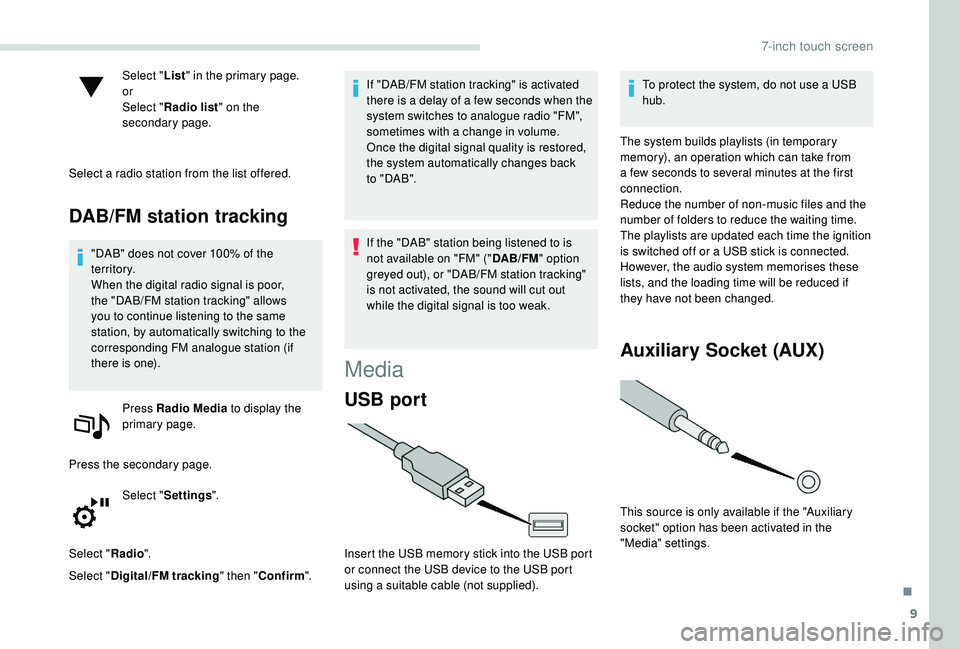
Select "List" in the primary page.
or
Select " Radio list " on the
secondary page.
Select a radio station from the list offered.
DAB/FM station tracking
"DAB" does not cover 100% of the
te r r i to r y.
When the digital radio signal is poor,
the "DAB/FM station tracking" allows
you to continue listening to the same
station, by automatically switching to the
corresponding FM analogue station (if
there is one). Press Radio Media to display the
primary page.
Press the secondary page. Select "Settings ".
Select " Radio".
Select " Digital/FM tracking " then "Confirm ". If "DAB/FM station tracking" is activated
there is a delay of a few seconds when the
system switches to analogue radio "FM",
sometimes with a change in volume.
Once the digital signal quality is restored,
the system automatically changes back
to " DA B ".
If the "DAB" station being listened to is
not available on "FM" ("
DAB/FM" option
greyed out), or "DAB/FM station tracking"
is not activated, the sound will cut out
while the digital signal is too weak.
Media
USB port
Insert the USB memory stick into the USB port
or connect the USB device to the USB port
using a suitable cable (not supplied). To protect the system, do not use a USB
hub.
The system builds playlists (in temporary
memory), an operation which can take from
a few seconds to several minutes at the first
connection.
Reduce the number of non-music files and the
number of folders to reduce the waiting time.
The playlists are updated each time the ignition
is switched off or a USB stick is connected.
However, the audio system memorises these
lists, and the loading time will be reduced if
they have not been changed.
Auxiliary Socket (AUX)
This source is only available if the "Auxiliary
socket" option has been activated in the
"Media" settings.
.
7-inch touch screen
Page 222 of 252
10
Connect the portable device (MP3 player, etc.)
to the jack socket using an audio cable (not
supplied).
First adjust the volume of your portable device
(to a high level). Then adjust the volume of your
audio system.
Operation of controls is via the portable device.
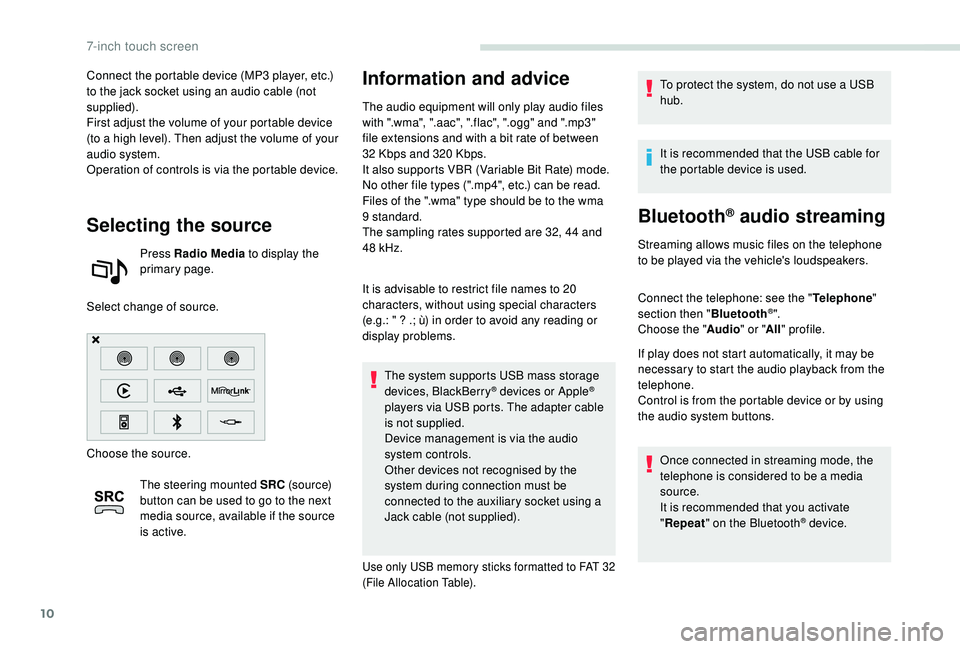
Selecting the source
Press Radio Media to display the
primary page.
Select change of source.
Choose the source. The steering mounted SRC (s o u r c e)
button can be used to go to the next
media source, available if the source
is active.
Information and advice
The audio equipment will only play audio files
with ".wma", ".aac", ".flac", ".ogg" and ".mp3"
file extensions and with a bit rate of between
32
Kbps and 320 Kbps.
It also supports VBR (Variable Bit Rate) mode.
No other file types (".mp4", etc.) can be read.
Files of the ".wma" type should be to the wma
9 standard.
The sampling rates supported are 32, 44 and
48
kHz.
It is advisable to restrict file names to 20
characters, without using special characters
(e.g.: " ? .; ù) in order to avoid any reading or
display problems. The system supports USB mass storage
devices, BlackBerry
® devices or Apple®
players via USB ports. The adapter cable
is not supplied.
Device management is via the audio
system controls.
Other devices not recognised by the
system during connection must be
connected to the auxiliary socket using a
Jack cable (not supplied).
Use only USB memory sticks formatted to FAT 32
(File Allocation Table).
To protect the system, do not use a USB
hub.
It is recommended that the USB cable for
the portable device is used.
Bluetooth® audio streaming
Streaming allows music files on the telephone
to be played via the vehicle's loudspeakers.
Connect the telephone: see the " Telephone"
section then " Bluetooth
®".
Choose the " Audio" or "All" profile.
If play does not start automatically, it may be
necessary to start the audio playback from the
telephone.
Control is from the portable device or by using
the audio system buttons.
Once connected in streaming mode, the
telephone is considered to be a media
source.
It is recommended that you activate
"Repeat " on the Bluetooth
® device.
7-inch touch screen
Page 223 of 252
11
Connecting Apple® players
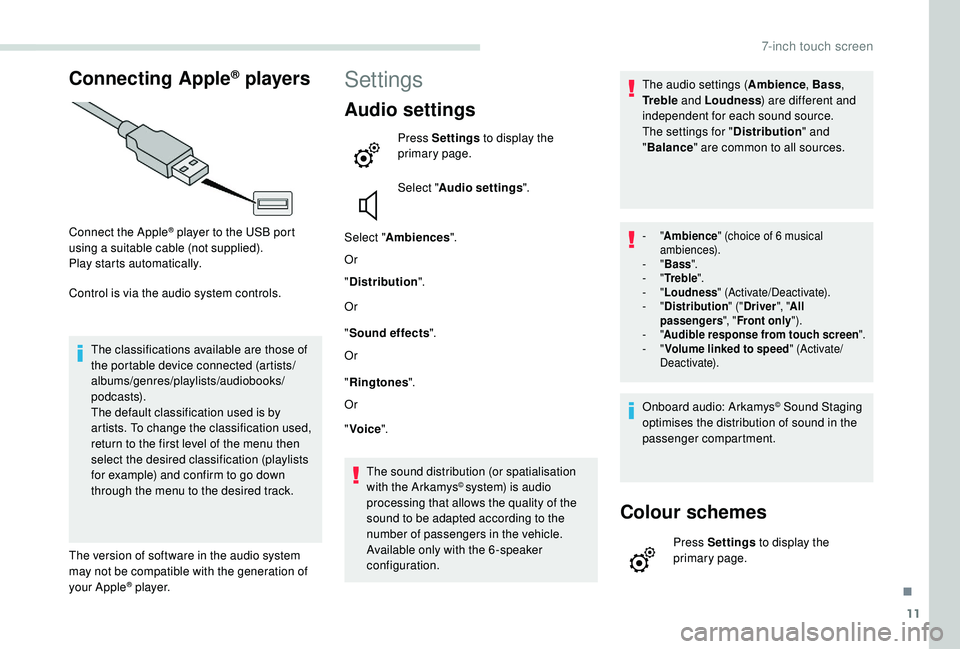
Connect the Apple® player to the USB port
using a suitable cable (not supplied).
Play starts automatically.
Control is via the audio system controls.
The classifications available are those of
the portable device connected (artists/
albums/genres/playlists/audiobooks/
podcasts).
The default classification used is by
artists. To change the classification used,
return to the first level of the menu then
select the desired classification (playlists
for example) and confirm to go down
through the menu to the desired track.
The version of software in the audio system
may not be compatible with the generation of
your Apple
® p l aye r.
Settings
Audio settings
Press Settings to display the
primary page.
Select " Audio settings ".
Select " Ambiences ".
Or
" Distribution ".
Or
" Sound effects ".
Or
" Ringtones ".
Or
" Voice ".
The sound distribution (or spatialisation
with the Arkamys
© system) is audio
processing that allows the quality of the
sound to be adapted according to the
number of passengers in the vehicle.
Available only with the 6 -speaker
configuration. The audio settings (
Ambience, Bass,
Tr e b l e and Loudness ) are different and
independent for each sound source.
The settings for " Distribution" and
" Balance " are common to all sources.
- "Ambience " (choice of 6 musical
ambiences).
-
"Bass ".
-
"Tr e b l e ".
-
"Loudness " (Activate/Deactivate).
-
"Distribution " ("Driver ", "All
passengers ", "Front only ").
-
"Audible response from touch screen ".
-
"Volume linked to speed " (Activate/
Deactivate).
Onboard audio: Arkamys© Sound Staging
optimises the distribution of sound in the
passenger compartment.
Colour schemes
Press Settings to display the
primary page.
.
7-inch touch screen
Page 225 of 252
13
The synchronisation of a smartphone
allows users to display the smartphone's
applications adapted to the
MirrorLink
TM technology on the vehicle
sc
reen.
The principles and standards
are constantly changing, for the
communication process between the
smartphone and the system to operate,
it is essential that the smartphone is
unlocked; update the operating system of
the smartphone as well as the date and
time of the smartphone and the system.
For the list of supported smartphones, go
to the brand's website in your country.
As a safety measure, some applications
can only be viewed with the vehicle
stationary; display is interrupted once the
vehicle is moving.
Please note:
-
i
f your smartphone is supported, to
make it "MirrorLink
TM" compatible,
some phone manufacturers
nevertheless invite you to first
download a dedicated application. When connecting a smartphone
to the system, it is recommended
that Bluetooth
® is started on the
smartphone.
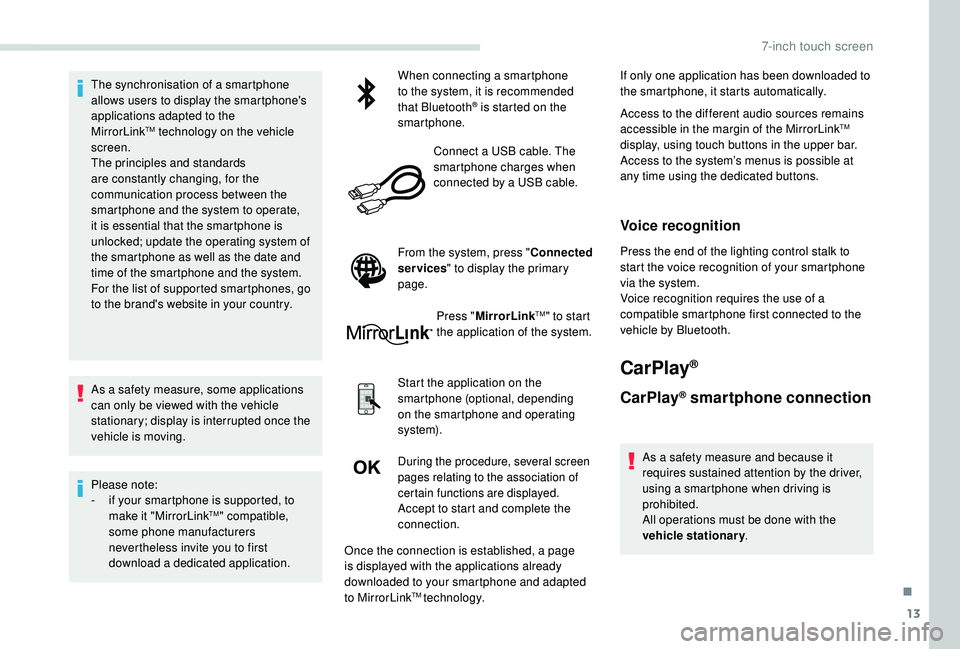
Connect a USB cable. The
smartphone charges when
connected by a USB cable.
From the system, press " Connected
services " to display the primary
page.
Press "MirrorLink
TM" to start
the application of the system.
Start the application on the
smartphone (optional, depending
on the smartphone and operating
syste m).
During the procedure, several screen
pages relating to the association of
certain functions are displayed.
Accept to start and complete the
connection. If only one application has been downloaded to
the smartphone, it starts automatically.
Access to the different audio sources remains
accessible in the margin of the MirrorLink
TM
display, using touch buttons in the upper bar.
Access to the system’s menus is possible at
any time using the dedicated buttons.
Voice recognition
Press the end of the lighting control stalk to
start the voice recognition of your smartphone
via the system.
Voice recognition requires the use of a
compatible smartphone first connected to the
vehicle by Bluetooth.
CarPlay®
CarPlay® smartphone connection
As a safety measure and because it
requires sustained attention by the driver,
using a smartphone when driving is
prohibited.
All operations must be done with the
vehicle stationary .
Once the connection is established, a page
is displayed with the applications already
downloaded to your smartphone and adapted
to MirrorLink
TM technology.
.
7-inch touch screen
Page 226 of 252
14
The synchronisation of a smartphone
allows users to display the smartphone's
applications adapted to the
CarPlay
® technology on the vehicle
sc
reen.
As the processes and standards are
constantly changing, it is recommended
that you keep your smartphone's operating
system updated.
For the list of supported smartphones, go
to the brand's website in your country.
As a safety measure, some applications
can only be viewed with the vehicle
stationary; display is interrupted once the
vehicle is moving.
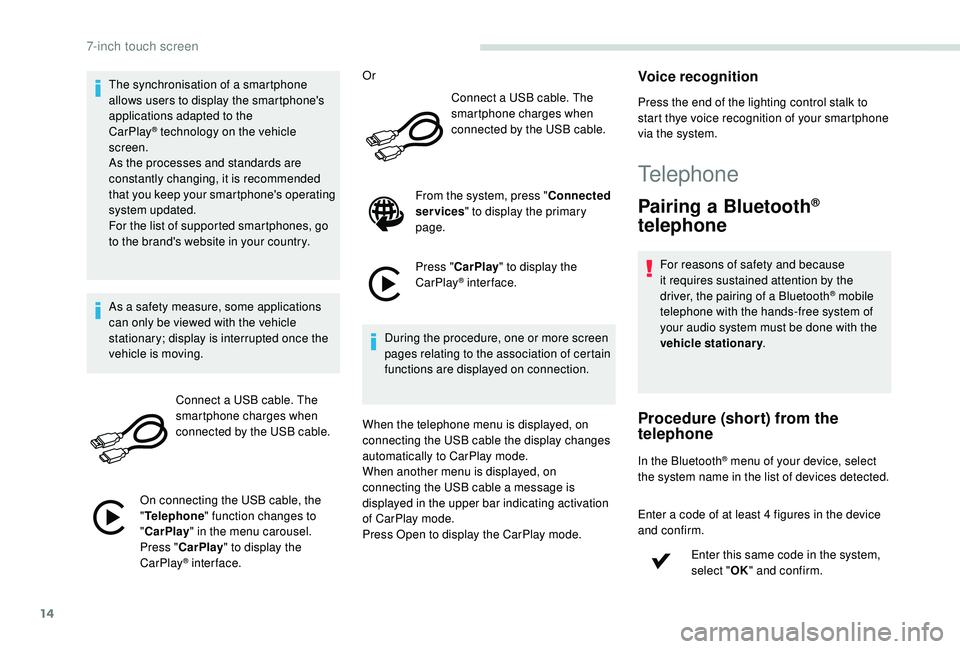
Connect a USB cable. The
smartphone charges when
connected by the USB cable.
On connecting the USB cable, the
" Telephone " function changes to
" CarPlay " in the menu carousel.
Press " CarPlay " to display the
CarPlay
® inter face. Or
Connect a USB cable. The
smartphone charges when
connected by the USB cable.
From the system, press " Connected
services " to display the primary
page.
Press " CarPlay " to display the
CarPlay
® inter face.
During the procedure, one or more screen
pages relating to the association of certain
functions are displayed on connection.
When the telephone menu is displayed, on
connecting the USB cable the display changes
automatically to CarPlay mode.
When another menu is displayed, on
connecting the USB cable a message is
displayed in the upper bar indicating activation
of CarPlay mode.
Press Open to display the CarPlay mode.
Voice recognition
Press the end of the lighting control stalk to
start thye voice recognition of your smartphone
via the system.
Telephone
Pairing a Bluetooth®
telephone
For reasons of safety and because
it requires sustained attention by the
driver, the pairing of a Bluetooth
® mobile
telephone with the hands-free system of
your audio system must be done with the
vehicle stationary .
Procedure (short) from the
telephone
In the Bluetooth® menu of your device, select
the system name in the list of devices detected.
Enter a code of at least 4 figures in the device
and confirm.
Enter this same code in the system,
select "OK" and confirm.
7-inch touch screen
Page 227 of 252
15
Procedure from the system
Activate the Bluetooth® function on the
telephone and ensure that it is "visible to all"
(telephone configuration).
Press Telephone to display the
primary page.
Press the secondary page. Select "Bluetooth
® connection®".
Select " Search for devices ".
The list of telephones detected is displayed.
If the pairing procedure fails, it is
recommended that you deactivate and
then reactivate the Bluetooth
® function in
your telephone.
Select the name of the chosen telephone in the
list and " Confirm ".
Enter a code of at least 4 figures for
the connection then " Confirm".
Enter this same code in the telephone then
accept the connection. The system offers to connect the telephone:
-
"
Telephone " (hands-free kit, telephone
only),
- "
Audio streaming " (streaming: wireless
playing of the audio files on the telephone),
- "
Internet " (internet browsing, only if your
telephone is compatible with the Bluetooth
®
DUN (Dial-Up Networking) standard).
Select one or more profiles and confirm.
The services available depend on
the network, the SIM card and the
compatibility of the Bluetooth
® devices
used. Check the instructions for your
telephone and with your service provider
for the ser vices to which you have access.
The ability of the system to connect to just
one profile depends on the telephone. All
three profiles may connect by default.
Visit www.peugeot.co.uk for more information
(compatibility, more help, etc.).
The recognised telephone appears in the list.
Depending on your telephone, you may be
asked to accept automatic connection every
time the ignition is switched on. Depending on the type of telephone, the
system will ask you to accept or decline
the transfer of your contacts.
On returning to the vehicle, if the last telephone
connected is present again, it is automatically
recognised and within about 30 seconds
of switching on the ignition, the pairing is
established without any action on your part
(Bluetooth
® activated).
To change the automatic connection profile,
select the telephone in the list then select the
desired profile.
Connecting a Bluetooth®
peripheral device
Automatic reconnection
On switching on the ignition, the telephone
connected when the ignition was last switched
off is automatically reconnected, if this
connection mode was activated during the
pairing procedure. If not, select "
Update".
The connection is confirmed by the display of a
message and the name of the telephone.
.
7-inch touch screen
Page 229 of 252
17
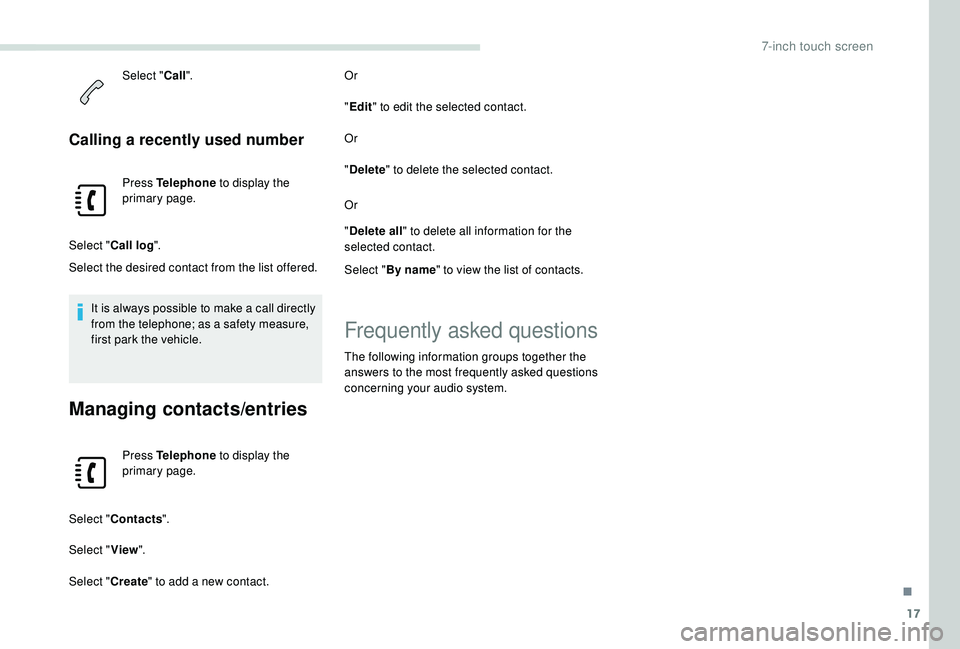
Select "Call".
Calling a recently used number
Press Telephone to display the
primary page.
Select " Call log ".
Select the desired contact from the list offered.
It is always possible to make a call directly
from the telephone; as a safety measure,
first park the vehicle.
Managing contacts/entries
Press Telephone to display the
primary page.
Select " Contacts ".
Select " View".
Select " Create" to add a new contact. Or
"
Edit " to edit the selected contact.
Or
" Delete " to delete the selected contact.
Or
" Delete all " to delete all information for the
selected contact.
Select " By name " to view the list of contacts.
Frequently asked questions
The following information groups together the
answers to the most frequently asked questions
concerning your audio system.
.
7-inch touch screen
Page 231 of 252
19
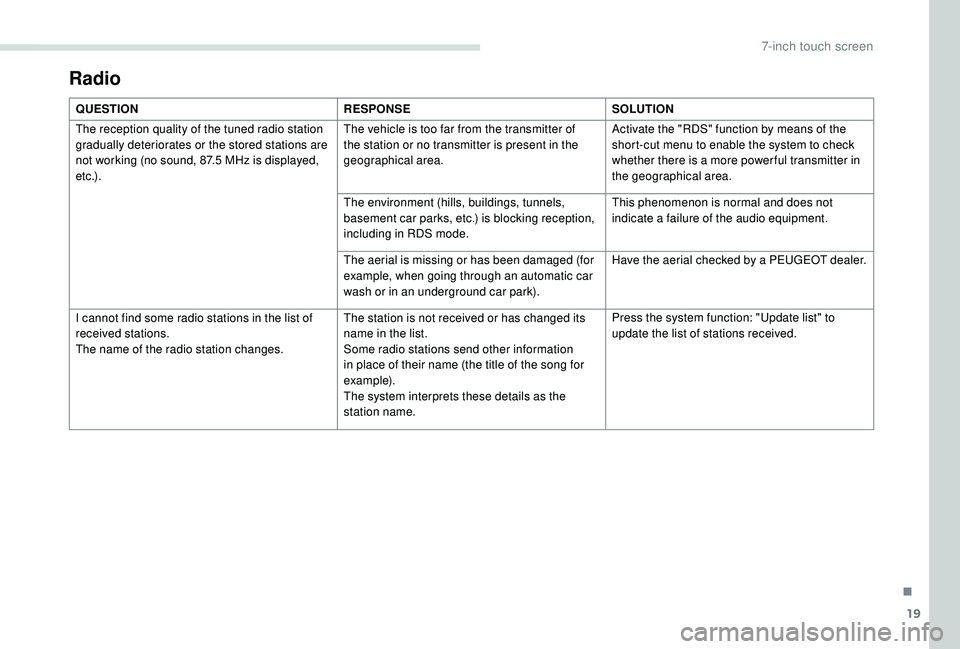
Radio
QUESTIONRESPONSESOLUTION
The reception quality of the tuned radio station
gradually deteriorates or the stored stations are
not working (no sound, 87.5
MHz is displayed,
e t c .) . The vehicle is too far from the transmitter of
the station or no transmitter is present in the
geographical area.
Activate the "RDS" function by means of the
short-cut menu to enable the system to check
whether there is a more power ful transmitter in
the geographical area.
The environment (hills, buildings, tunnels,
basement car parks, etc.) is blocking reception,
including in RDS mode. This phenomenon is normal and does not
indicate a failure of the audio equipment.
The aerial is missing or has been damaged (for
example, when going through an automatic car
wash or in an underground car park). Have the aerial checked by a PEUGEOT dealer.
I cannot find some radio stations in the list of
received stations.
The name of the radio station changes. The station is not received or has changed its
name in the list.
Some radio stations send other information
in place of their name (the title of the song for
example).
The system interprets these details as the
station name.Press the system function: "Update list" to
update the list of stations received.
.
7-inch touch screen