cruise control RAM 1500 2021 Owners Manual
[x] Cancel search | Manufacturer: RAM, Model Year: 2021, Model line: 1500, Model: RAM 1500 2021Pages: 496, PDF Size: 20.89 MB
Page 7 of 496
5
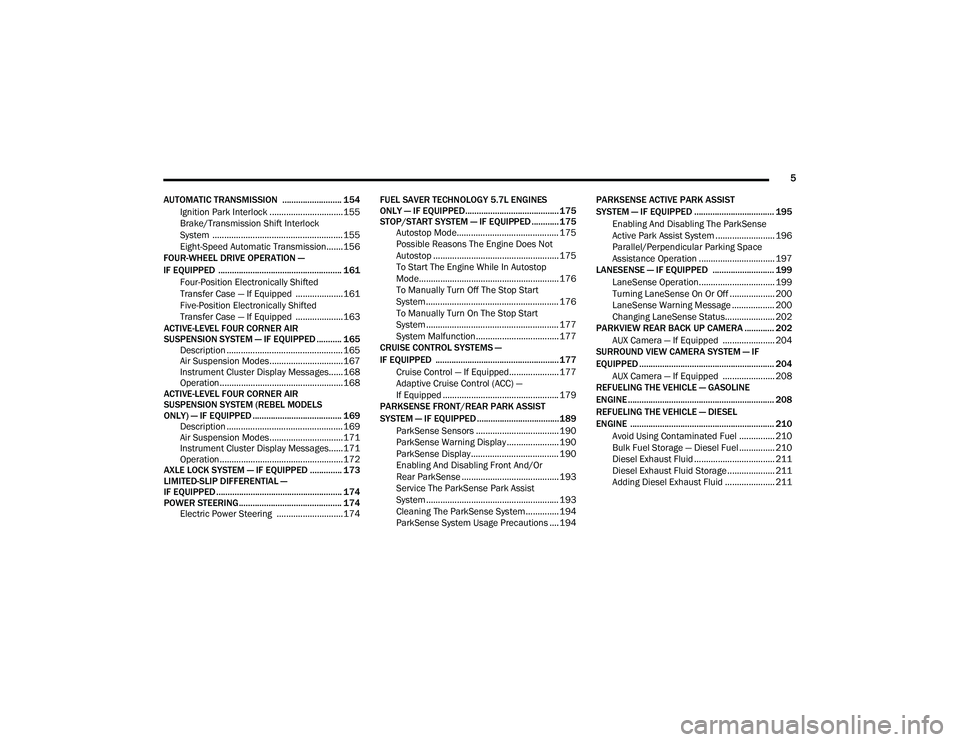
AUTOMATIC TRANSMISSION .......................... 154 Ignition Park Interlock ...............................155
Brake/Transmission Shift Interlock
System .......................................................155 Eight-Speed Automatic Transmission.......156
FOUR-WHEEL DRIVE OPERATION —
IF EQUIPPED ...................................................... 161
Four-Position Electronically Shifted
Transfer Case — If Equipped ....................161 Five-Position Electronically Shifted
Transfer Case — If Equipped ....................163
ACTIVE-LEVEL FOUR CORNER AIR
SUSPENSION SYSTEM — IF EQUIPPED ........... 165 Description .................................................165
Air Suspension Modes...............................167
Instrument Cluster Display Messages......168Operation....................................................168
ACTIVE-LEVEL FOUR CORNER AIR
SUSPENSION SYSTEM (REBEL MODELS
ONLY) — IF EQUIPPED ....................................... 169 Description .................................................169
Air Suspension Modes...............................171
Instrument Cluster Display Messages......171Operation....................................................172
AXLE LOCK SYSTEM — IF EQUIPPED .............. 173
LIMITED-SLIP DIFFERENTIAL —
IF EQUIPPED ....................................................... 174
POWER STEERING ............................................. 174 Electric Power Steering ............................174 FUEL SAVER TECHNOLOGY 5.7L ENGINES
ONLY — IF EQUIPPED......................................... 175
STOP/START SYSTEM — IF EQUIPPED ............ 175 Autostop Mode........................................... 175
Possible Reasons The Engine Does Not
Autostop ..................................................... 175 To Start The Engine While In Autostop
Mode........................................................... 176 To Manually Turn Off The Stop Start
System ........................................................ 176 To Manually Turn On The Stop Start
System ........................................................ 177 System Malfunction................................... 177
CRUISE CONTROL SYSTEMS —
IF EQUIPPED ...................................................... 177
Cruise Control — If Equipped..................... 177Adaptive Cruise Control (ACC) —
If Equipped ................................................. 179
PARKSENSE FRONT/REAR PARK ASSIST
SYSTEM — IF EQUIPPED ....................................189
ParkSense Sensors ................................... 190
ParkSense Warning Display ...................... 190
ParkSense Display ..................................... 190
Enabling And Disabling Front And/Or
Rear ParkSense ......................................... 193 Service The ParkSense Park Assist
System ........................................................ 193 Cleaning The ParkSense System.............. 194
ParkSense System Usage Precautions .... 194 PARKSENSE ACTIVE PARK ASSIST
SYSTEM — IF EQUIPPED ................................... 195
Enabling And Disabling The ParkSense
Active Park Assist System ......................... 196 Parallel/Perpendicular Parking Space
Assistance Operation ................................ 197
LANESENSE — IF EQUIPPED ........................... 199
LaneSense Operation................................ 199
Turning LaneSense On Or Off ................... 200
LaneSense Warning Message .................. 200Changing LaneSense Status..................... 202
PARKVIEW REAR BACK UP CAMERA ............. 202
AUX Camera — If Equipped ...................... 204
SURROUND VIEW CAMERA SYSTEM — IF
EQUIPPED ........................................................... 204
AUX Camera — If Equipped ...................... 208
REFUELING THE VEHICLE — GASOLINE
ENGINE ................................................................ 208
REFUELING THE VEHICLE — DIESEL
ENGINE ............................................................... 210
Avoid Using Contaminated Fuel ............... 210Bulk Fuel Storage — Diesel Fuel ............... 210Diesel Exhaust Fluid .................................. 211
Diesel Exhaust Fluid Storage .................... 211Adding Diesel Exhaust Fluid ..................... 211
21_DT_OM_EN_USC_t.book Page 5
Page 15 of 496

13
Transmission Temperature Warning Light — If Equipped
Ú page 129
Door Open Warning Light Úpage 129
Yellow Warning Lights
Adaptive Cruise Control (ACC) Fault Warning
Light — If Equipped
Úpage 129
Air Suspension Fault Warning Light — If Equipped
Ú page 129
Engine Check/Malfunction Indicator Warning Light (MIL)
Ú page 130
Electronic Park Brake Warning Light Úpage 130
Electronic Stability Control (ESC) Active Warning Light — If Equipped
Úpage 130
Red Warning Lights
Electronic Stability Control (ESC) OFF Warning
Light — If Equipped
Úpage 131
Service LaneSense Warning Light — If Equipped Úpage 131
Low Washer Fluid Warning Light — If Equipped Úpage 131
Low Fuel Warning Light Úpage 131
Tire Pressure Monitoring System (TPMS) Warning Light
Ú page 131
Anti-Lock Brake System (ABS) Warning Light Úpage 132
Rear Axle Locker Fault Indicator Light — If Equipped
Ú page 132
Service Forward Collision Warning (FCW) Light — If Equipped
Ú page 132
Yellow Warning Lights
1
21_DT_OM_EN_USC_t.book Page 13
Page 16 of 496

14
Service Stop/Start System Warning Light Úpage 133
Service 4WD Warning Light — If Equipped Úpage 133
Cruise Control Fault Warning Light Úpage 133
Yellow Indicator Lights
Forward Collision Warning Off Indicator Light —
If Equipped
Ú page 133
Air Suspension Payload Protection Indicator Light — If Equipped
Úpage 133
Trailer Merge Assist Indicator Light — If Equipped
Ú page 133
TOW/HAUL Indicator Light Úpage 133
Yellow Warning Lights
Cargo Light On Indicator Light
Úpage 133
Air Suspension Off-Road 1 Indicator Light — If Equipped
Ú page 133
Air Suspension Off-Road 2 Indicator Light — If Equipped
Ú page 133
Air Suspension Normal Height Indicator Light — If Equipped
Ú page 134
Air Suspension Aerodynamic Height Indicator Light — If Equipped
Úpage 134
Entry/Exit Indicator Light — If Equipped Úpage 134
Air Suspension Ride Height Raising Indicator Light — If Equipped
Úpage 134
Yellow Indicator Lights
21_DT_OM_EN_USC_t.book Page 14
Page 17 of 496

15
Air Suspension Ride Height Lowering Indicator Light — If Equipped
Úpage 134
Rear Axle Lock Indicator Light Úpage 134
4WD Indicator Light — If Equipped Úpage 134
4WD Low Indicator Light — If Equipped Úpage 134
4WD High Indicator Light — If Equipped Úpage 134
NEUTRAL Indicator Light — If Equipped Úpage 134
Low Diesel Exhaust Fluid (DEF) Indicator Light — If Equipped
Ú page 134
Wait To Start Light — If Equipped Úpage 135
Yellow Indicator Lights
Water In Fuel Indicator Light — If Equipped
Úpage 135
Green Indicator Lights
Adaptive Cruise Control (ACC) Set With Target
Light — If Equipped
Úpage 135
Adaptive Cruise Control (ACC) Set With No
Target Detected Indicator Light — If Equipped
Úpage 135
ECO Mode Indicator Light Úpage 135
Park/Headlight On Indicator Light Úpage 135
LaneSense Indicator Light — If Equipped Úpage 137
Front Fog Indicator Light — If Equipped Úpage 136
Yellow Indicator Lights
1
21_DT_OM_EN_USC_t.book Page 15
Page 18 of 496

16
Turn Signal Indicator Lights Úpage 136
Cruise Control SET Indicator Light — If Equipped With A Premium Instrument Cluster
Úpage 136
Stop/Start Active Indicator Light Úpage 136
4WD AUTO Indicator Light — If Equipped Úpage 136
White Indicator Lights
Adaptive Cruise Control (ACC) Ready Light — If
Equipped
Ú page 136
Cruise Control Ready Indicator Úpage 136
Speed Control SET Indicator Light — If Equipped With Base/Midline Instrument Cluster Display
Úpage 136
Green Indicator Lights
Hill Descent Control (HDC) Indicator Light — If
Equipped
Ú page 137
LaneSense Indicator Light — If Equipped Úpage 137
Blue Indicator Lights
High Beam Indicator Light
Úpage 137
White Indicator Lights
21_DT_OM_EN_USC_t.book Page 16
Page 46 of 496

44GETTING TO KNOW YOUR VEHICLE
Adjustable Pedals Switch
The pedals can be adjusted with the ignition
placed in the OFF position.
The pedals cannot be adjusted when the
vehicle is in REVERSE or when the Cruise
Control system or Adaptive Cruise Control
system is on. The following messages will
appear in the instrument cluster display if the
pedals are attempted to be adjusted when
the system is locked out: “Adjustable Pedal
Disabled — Cruise Control Engaged” or
“Adjustable Pedal Disabled — Vehicle In
Reverse”.
NOTE:
Always adjust the pedals to a position that
allows full movement of the pedal.
Further small adjustments may be necessary
to find the best possible seat/pedal position.
For vehicles equipped with Driver Memory
Settings Úpage 32, you can use your key fob
or the memory switch on the driver’s door
trim panel to return the adjustable pedals to
pre-programmed positions.
MIRRORS
INSIDE REARVIEW MIRROR
Manual Mirror — If Equipped
The mirror head can be adjusted up, down, left,
and right. The mirror should be adjusted to
center on the view through the rear window.
Headlight glare from vehicles behind you can be
reduced by moving the small control under the
mirror to the night position (toward the rear of
the vehicle). The mirror should be adjusted
while set in the day position (toward the
windshield).
Adjusting Rearview Mirror
WARNING!
Do not adjust the pedals while the vehicle is
moving. You could lose control and have an
accident. Always adjust the pedals while the
vehicle is parked.
CAUTION!
Do not place any article under the adjustable
pedals or impede its ability to move, as it may
cause damage to the pedal controls. Pedal
travel may become limited if movement is
stopped by an obstruction in the adjustable
pedal's path.
21_DT_OM_EN_USC_t.book Page 44
Page 119 of 496

GETTING TO KNOW YOUR INSTRUMENT PANEL117
Adaptive Cruise Control (ACC) Feature
The instrument cluster display displays the
current Adaptive Cruise Control (ACC) system
settings. The information displayed depends on
ACC system status.
Push the Adaptive Cruise Control (ACC) on/off
button (located on the steering wheel) until one
of the following displays in the instrument
cluster display:
Adaptive Cruise Control Off
When ACC is deactivated, the display will read
“Adaptive Cruise Control Off.”
Adaptive Cruise Control Ready
When ACC is activated but the vehicle speed
setting has not been selected, the display will
read “Adaptive Cruise Control Ready.”
Push the SET + or the SET- button (located on
the steering wheel) and the following will display
in the instrument cluster display:
ACC SET
When ACC is set, the set speed will display in
the instrument cluster Úpage 179.The ACC screen may display once again if any
ACC activity occurs, which may include any of
the following:
Distance Setting Change
System Cancel
Driver Override
System Off
ACC Proximity Warning
ACC Unavailable Warning
LaneSense — If Equipped
The instrument cluster display displays the
current LaneSense system settings. The
information displayed depends on LaneSense
system status and the conditions that need to
be met Ú page 137.
Fuel Economy
Push and release the up or down arrow
button until the Fuel Economy menu item is
highlighted in the instrument cluster display.
Push and hold the OK button to reset Average
Fuel Economy.
Current Fuel Economy
Average Fuel Economy
Range To Empty
Trip Info
Push and release the up or down arrow
button until the Trip menu item is highlighted in
the instrument cluster display. Push and
release the right or left arrow button to
enter the submenus of Trip A and Trip B. The
Trip A or Trip B information will display the
following:
Distance
Average Fuel Economy
Elapsed Time
Push and hold OK button to reset all
information.
Stop/Start — If Equipped
Push and release the up or down arrow
button until the Stop/Start icon/title is
highlighted in the instrument cluster display.
The screen will display the Stop/Start status.
3
21_DT_OM_EN_USC_t.book Page 117
Page 121 of 496

GETTING TO KNOW YOUR INSTRUMENT PANEL119
Custom 1: Speed, Speed Limit
Custom 2: Speed, Speed Limit, Naviga-
tion
Custom 3 : Speed, Speed Limit, Naviga-
tion, Driver Assist (ACC/Cruise, Lane -
Sense, Highway Assist/Highway Assist+)
Custom 4 : Speed, Speed Limit, Naviga-
tion, Driver Assist (ACC/Cruise, Lane -
Sense, Highway Assist/Highway Assist+),
Gear
Display Height
Brightness
NOTE:
The HUD basic settings (Brightness, Display
Height and Non Custom layouts), are controlled
through the Settings Screen in the Instrument
Cluster Ú page 114. Screen Setup Driver Selectable Items
Push and release the
up or down arrow
button until the Settings Menu Icon/Title is
highlighted in the instrument cluster display.
Push and release the OK button to enter the
sub-menus and follow the prompts on the
screen as needed. The Settings feature allows
you to change what information is displayed in
the instrument cluster as well as the location
that information is displayed.
NOTE:
The Settings feature is only available when the
vehicle speed is less than 5 mph.
Upper Left
None
Compass
Outside Temp
Time
Range To Empty
Average Econ
Current Econ
Trip A Distance
Trip B Distance
Trailer Trip – If Equipped
Trailer Brake – If Equipped
Oil Pressure – If Equipped
Coolant Temp – If Equipped
Oil Temperature – If Equipped
Battery Voltage – If Equipped
Transmission Temperature – If Equipped
Oil Life – If Equipped
Upper Center
None
Compass
Outside Temp
Time
Range To Empty
Average Econ
Current Econ
3
21_DT_OM_EN_USC_t.book Page 119
Page 131 of 496
GETTING TO KNOW YOUR INSTRUMENT PANEL129
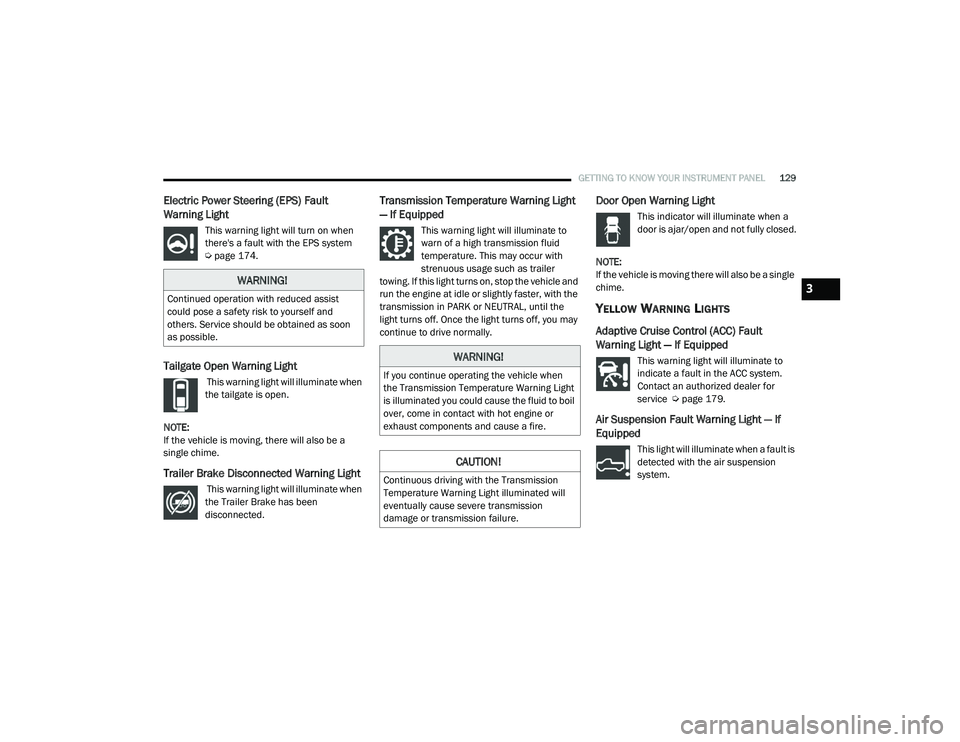
Electric Power Steering (EPS) Fault
Warning Light
This warning light will turn on when
there's a fault with the EPS system
Úpage 174.
Tailgate Open Warning Light
This warning light will illuminate when
the tailgate is open.
NOTE:
If the vehicle is moving, there will also be a
single chime.
Trailer Brake Disconnected Warning Light
This warning light will illuminate when
the Trailer Brake has been
disconnected.
Transmission Temperature Warning Light
— If Equipped
This warning light will illuminate to
warn of a high transmission fluid
temperature. This may occur with
strenuous usage such as trailer
towing. If this light turns on, stop the vehicle and
run the engine at idle or slightly faster, with the
transmission in PARK or NEUTRAL, until the
light turns off. Once the light turns off, you may
continue to drive normally.
Door Open Warning Light
This indicator will illuminate when a
door is ajar/open and not fully closed.
NOTE:
If the vehicle is moving there will also be a single
chime.
YELLOW WARNING LIGHTS
Adaptive Cruise Control (ACC) Fault
Warning Light — If Equipped
This warning light will illuminate to
indicate a fault in the ACC system.
Contact an authorized dealer for
service Ú page 179.
Air Suspension Fault Warning Light — If
Equipped
This light will illuminate when a fault is
detected with the air suspension
system.
WARNING!
Continued operation with reduced assist
could pose a safety risk to yourself and
others. Service should be obtained as soon
as possible.
WARNING!
If you continue operating the vehicle when
the Transmission Temperature Warning Light
is illuminated you could cause the fluid to boil
over, come in contact with hot engine or
exhaust components and cause a fire.
CAUTION!
Continuous driving with the Transmission
Temperature Warning Light illuminated will
eventually cause severe transmission
damage or transmission failure.
3
21_DT_OM_EN_USC_t.book Page 129
Page 135 of 496

GETTING TO KNOW YOUR INSTRUMENT PANEL133
Service Stop/Start System Warning Light —
If Equipped
This warning light will illuminate when
the Stop/Start system is not
functioning properly and service is
required. Contact an authorized
dealer for service.
Service 4WD Warning Light — If Equipped
This warning light will illuminate to
signal a fault with the 4WD system. If
the light stays on or comes on during
driving, it means that the 4WD system
is not functioning properly and that service is
required. We recommend you drive to the
nearest service center and have the vehicle
serviced immediately.
Cruise Control Fault Warning Light
This warning light will illuminate to
indicate the Cruise Control System is
not functioning properly and service is
required. Contact an authorized
dealer.
YELLOW INDICATOR LIGHTS
Forward Collision Warning Off Indicator
Light — If Equipped
This indicator light illuminates to
indicate that Forward Collision
Warning is off.
Air Suspension Payload Protection
Indicator Light — If Equipped
This indicator light will illuminate to
indicate that the maximum payload
may have been exceeded or load
leveling cannot be achieved at its
current ride height. Protection Mode will
automatically be selected to “protect” the air
suspension system, air suspension adjustment
is limited due to payload.
Trailer Merge Assist Indicator Light — If
Equipped
This indicator light will illuminate to
indicate when Trailer Merge Assist
has been activated Ú page 318.
TOW/HAUL Indicator Light
This indicator light will illuminate
when TOW/HAUL mode is selected.
Cargo Light — If Equipped
This indicator light will illuminate
when the cargo light is activated by
pushing the cargo light button on the
headlight switch.
Air Suspension Off-Road 1 Indicator Light
— If Equipped
This light will illuminate when the air
suspension system is set to the
Off-Road 1 setting Úpage 165.
Air Suspension Off-Road 2 Indicator Light
— If Equipped
This light will illuminate when the air
suspension system is set to the
Off-Road 2 setting Úpage 165.
3
21_DT_OM_EN_USC_t.book Page 133