ignition RENAULT KANGOO 1997 KC / 1.G Electrical Equipment User Guide
[x] Cancel search | Manufacturer: RENAULT, Model Year: 1997, Model line: KANGOO, Model: RENAULT KANGOO 1997 KC / 1.GPages: 83
Page 22 of 83
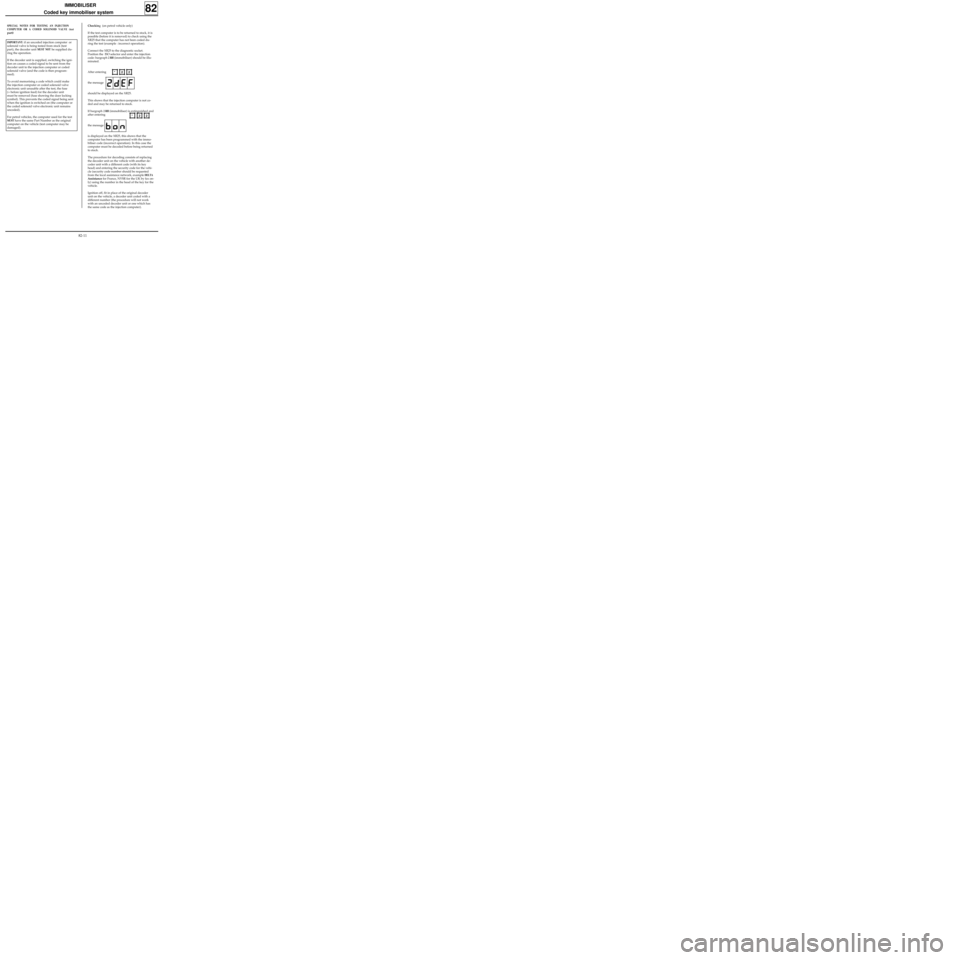
IMPORTANT: if an uncoded injection computer or
solenoid valve is being tested from stock (test
part), the decoder unit
MUST NOT be supplied du-
ring the operation.
If the decoder unit is supplied, switching the igni-
tion on causes a coded signal to be sent from the
decoder unit to the injection computer or coded
solenoid valve (and the code is then program-
med).
To avoid memorising a code which could make
the injection computer or coded solenoid valve
electronic unit unusable after the test, the fuse
(+ before ignition feed) for the decoder unit
must be removed (fuse showing the door locking
symbol). This prevents the coded signal being sent
when the ignition is switched on (the computer or
the coded solenoid valve electronic unit remains
uncoded).
For petrol vehicles, the computer used for the test
MUST have the same Part Number as the original
computer on the vehicle (test computer may be
damaged).
Checking (on petrol vehicle only)
If the test computer is to be returned to stock, it is
possible (before it is removed) to check using the
XR25 that the computer has not been coded du-
ring the test (example : incorrect operation).
Connect the XR25 to the diagnostic socket.
Position the ISO selector and enter the injection
code: bargraph
2 RH (immobiliser) should be illu-
minated.
After entering
the message
should be displayed on the XR25.
This shows that the injection computer is not co-
ded and may be returned to stock.
If bargraph
2 RH (immobiliser) is extinguished and
after entering
the message
is displayed on the XR25, this shows that the
computer has been programmed with the immo-
biliser code (incorrect operation). In this case the
computer must be decoded before being returned
to stock.
The procedure for decoding consists of replacing
the decoder unit on the vehicle with another de-
coder unit with a different code (with its key
head) and entering the security code for the vehi-
cle (security code number should be requested
from the local assistance network, example
DELTA
Assistance for France, NVSR for the UK by fax on-
ly) using the number in the head of the key for the
vehicle.
Ignition off, fit in place of the original decoder
unit on the vehicle, a decoder unit coded with a
different number (the procedure will not work
with an uncoded decoder unit or one which has
the same code as the injection computer).
IMMOBILISER
Coded key immobiliser system
SPECIAL NOTES FOR TESTING AN INJECTION
COMPUTER OR A CODED SOLENOID VALVE (test
part)
82
*22
*22
82-11
Page 23 of 83
NOTE : this fault may be shown by the XR25 (in
injection fault finding).
Connect the XR25 and enter the injection code.
The fault is shown by bargraph 2 RH side.
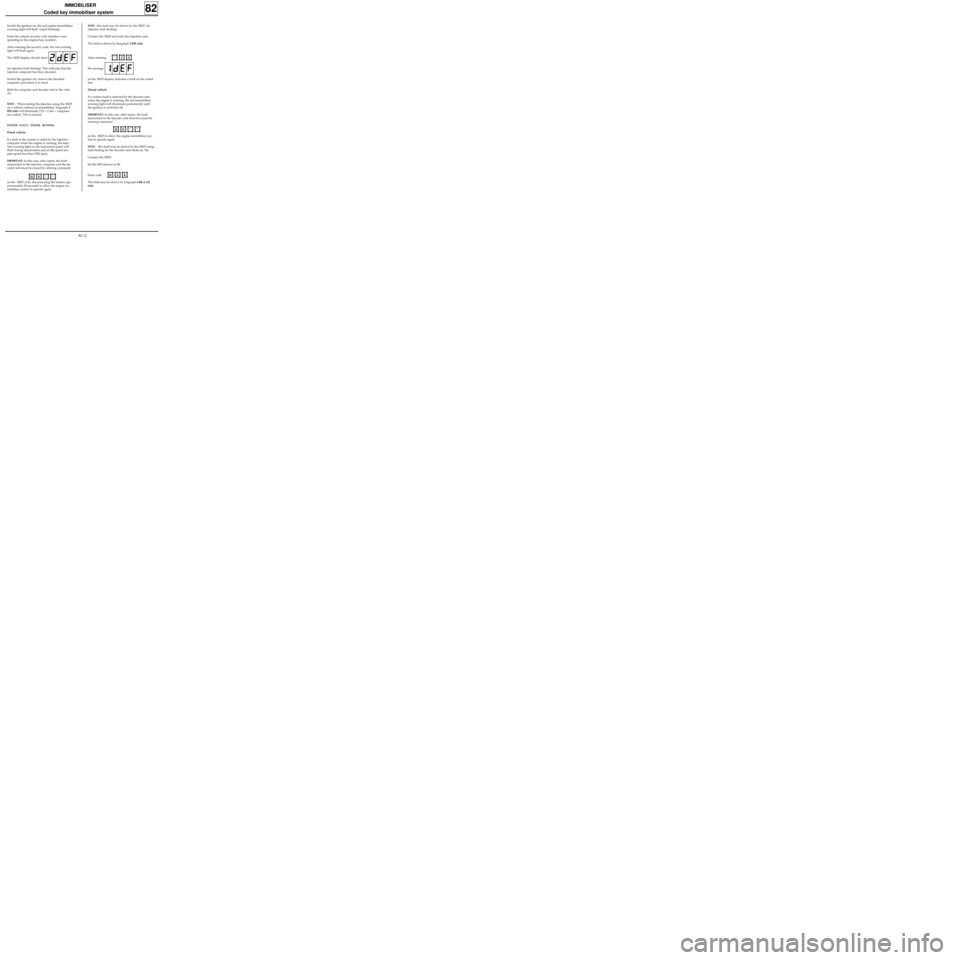
After entering
the message
on the XR25 display indicates a fault on the coded
line.
Diesel vehicle
If a system fault is detected by the decoder unit
when the engine is running, the red immobiliser
warning light will illuminate permanently until
the ignition is switched off.
IMPORTANT: In this case, after repair, the fault
memorised in the decoder unit must be erased by
entering command
on the XR25 to allow the engine immobiliser sys-
tem to operate again.
NOTE: this fault may be shown by the XR25 using
fault finding for the decoder unit (fiche no. 56).
Connect the XR25.
Set the ISO selector to S8.
Enter code
The fault may be shown by bargraph
6 RH or LH
side. Switch the ignition on, the red engine immobiliser
warning light will flash (rapid flashing).
Enter the vehicle security code (number corre-
sponding to the original key number).
After entering the security code, the red warning
light will flash again.
The XR25 display should show
(in injection fault finding). This indicates that the
injection computer has been decoded.
Switch the ignition off, remove the decoded
computer and return it to stock.
Refit the computer and decoder unit to the vehi-
cle.
NOTE : When testing the injection using the XR25
on a vehicle without an immobiliser, bargraph 2
RH side will illuminate (*22 = 2 def = computer
not coded). This is normal.
SYSTEM FAULT, ENGINE RUNNING
Petrol vehicle
If a fault in the system is noted by the injection
computer when the engine is running, the injec-
tion warning light on the instrument panel will
flash during deceleration and at idle speed (en-
gine speed less than 1500 rpm).
IMPORTANT: In this case, after repair, the fault
memorised in the injection computer and the de-
coder unit must be erased by entering command
on the XR25 or by disconnecting the battery (ap-
proximately 30 seconds) to allow the engine im-
mobiliser system to operate again.
IMMOBILISER
Coded key immobiliser system
82
*22
D56G0**
G0**
82-12
Page 24 of 83
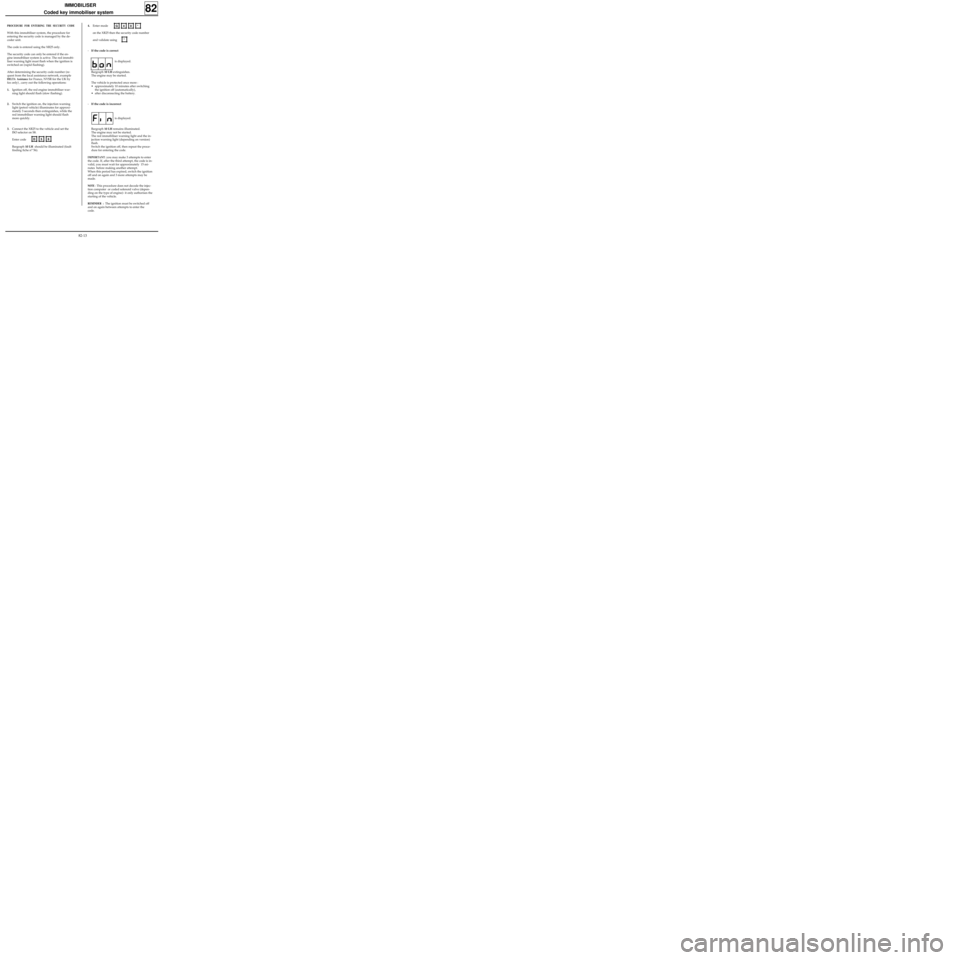
4.Enter mode
on the XR25 then the security code number
and validate using
-If the code is correct
is displayed.
Bargraph 10 LH extinguishes.
The engine may be started.
The vehicle is protected once more :
• approximately 10 minutes after switching
the ignition off (automatically),
• after disconnecting the battery.
-If the code is incorrect
is displayed.
Bargraph 10 LH remains illuminated.
The engine may not be started.
The red immobiliser warning light and the in-
jection warning light (depending on version)
flash.
Switch the ignition off, then repeat the proce-
dure for entering the code.
IMPORTANT: you may make 3 attempts to enter
the code. If, after the third attempt, the code is in-
valid, you must wait for approximately 15 mi-
nutes before making another attempt.
When this period has expired, switch the ignition
off and on again and 3 more attempts may be
made.
NOTE : This procedure does not decode the injec-
tion computer or coded solenoid valve (depen-
ding on the type of engine)- it only authorises the
starting of the vehicle.
REMINDER : The ignition must be switched off
and on again between attempts to enter the
code.
IMMOBILISER
Coded key immobiliser system
82
G40*
*
PROCEDURE FOR ENTERING THE SECURITY CODE
With this immobiliser system, the procedure for
entering the security code is managed by the de-
coder unit.
The code is entered using the XR25 only.
The security code can only be entered if the en-
gine immobiliser system is active. The red immobi-
liser warning light must flash when the ignition is
switched on (rapid flashing).
After determining the security code number (re-
quest from the local assistance network, example
DELTA Assistance for France, NVSR for the UK by
fax only) , carry out the following operations:
1.Ignition off, the red engine immobiliser war-
ning light should flash (slow flashing).
2.Switch the ignition on, the injection warning
light (petrol vehicle) illuminates for approxi-
mately 3 seconds then extinguishes, while the
red immobiliser warning light should flash
more quickly.
3.Connect the XR25 to the vehicle and set the
ISO selector on S8.
Enter code
Bargraph 10 LH should be illuminated (fault
finding fiche n° 56).
D56
82-13
Page 25 of 83
IMMOBILISER
Coded key immobiliser system
82
13063R
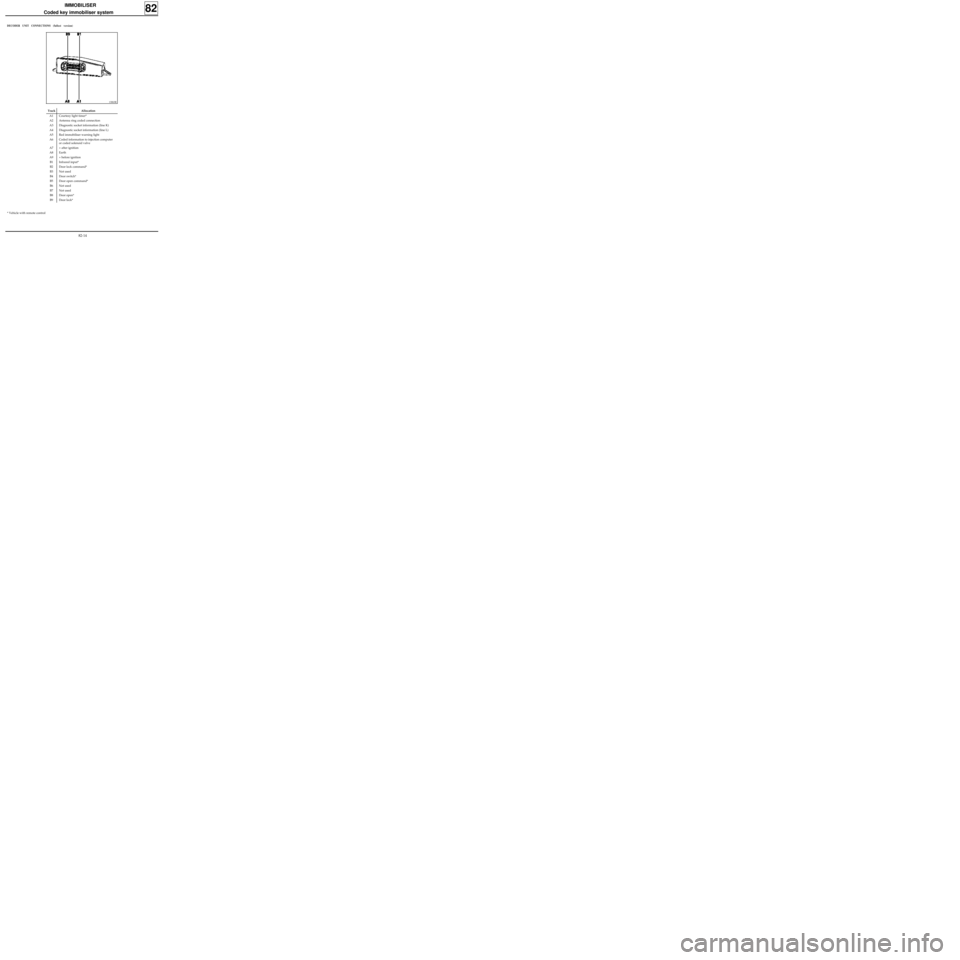
Track Allocation
A1 Courtesy light timer*
A2 Antenna ring coded connection
A3 Diagnostic socket information (line K)
A4 Diagnostic socket information (line L)
A5 Red immobiliser warning light
A6 Coded information to injection computer
or coded solenoid valve
A7 + after ignition
A8 Earth
A9 + before ignition
B1 Infrared input*
B2 Door lock command*
B3 Not used
B4 Door switch*
B5 Door open command*
B6 Not used
B7 Not used
B8 Door open*
B9 Door lock*
DECODER UNIT CONNECTIONS (fullest version)
* Vehicle with remote control
82-14
Page 27 of 83
IMMOBILISER
Coded key immobiliser system
82
KEY
104 Ignition switch
120 Injection computer
123 Door locking button
138 Rear right door locking motor
140 Driver’s door locking motor
141 Passenger’s door locking motor
142 Luggage compartment door locking motor
154 Luggage compartment door switch
178 Rear right door switch
180 Driver’s door switch
181 Passenger’s door switch
213 Courtesy light
225 Diagnostic socket
247 Injection warning light and red immobiliser
warning light on instrument panel
249 Remote control receiver
260 Passenger compartment fuse box
503 Decoder unit
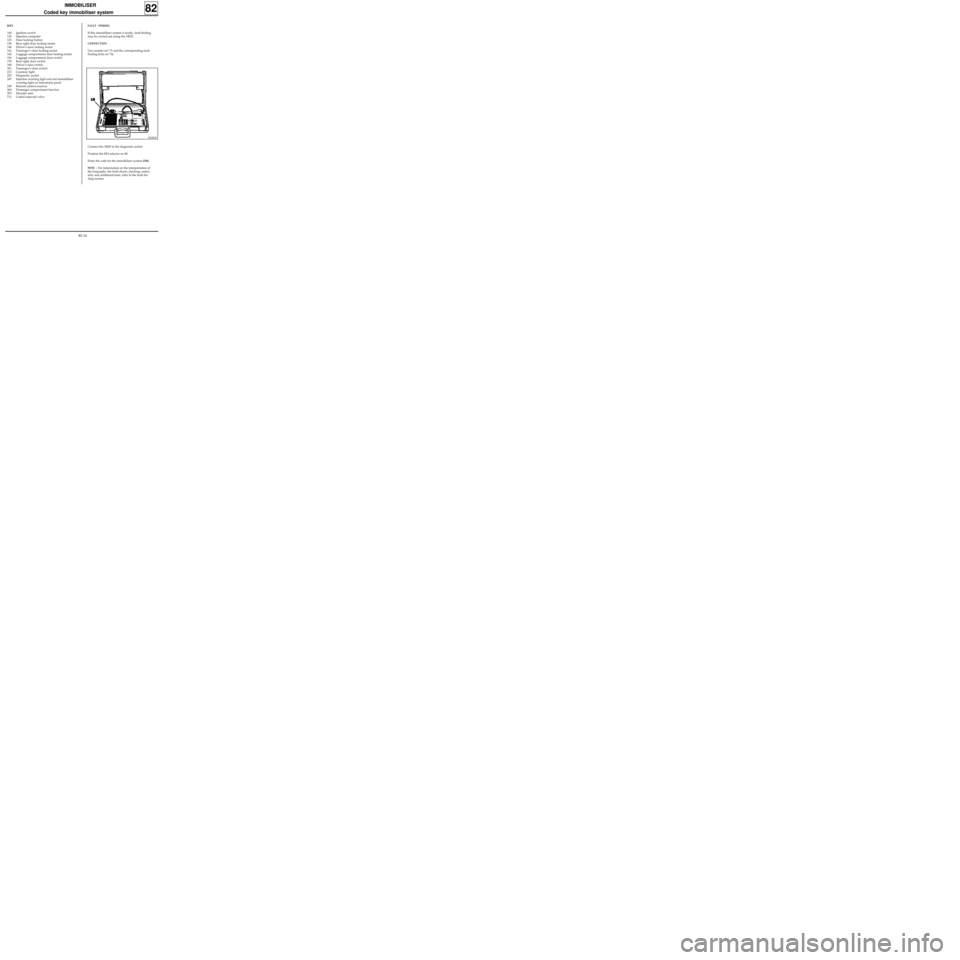
711 Coded solenoid valveFAULT FINDING
If this immobiliser system is faulty, fault finding
may be carried out using the XR25.
CONNECTION
Use cassette no° 17 and the corresponding fault
finding fiche no° 56.
92656S2
Connect the XR25 to the diagnostic socket.
Position the ISO selector on S8.
Enter the code for the immobiliser system D56.
NOTE : For information on the interpretation of
the bargraphs, the fault charts, checking confor-
mity and additional tests, refer to the fault fin-
ding section.
82-16
Page 32 of 83
INSTRUMENT PANEL
Dashboard
83
- the loud speaker grilles,
- the dashboard mountings.
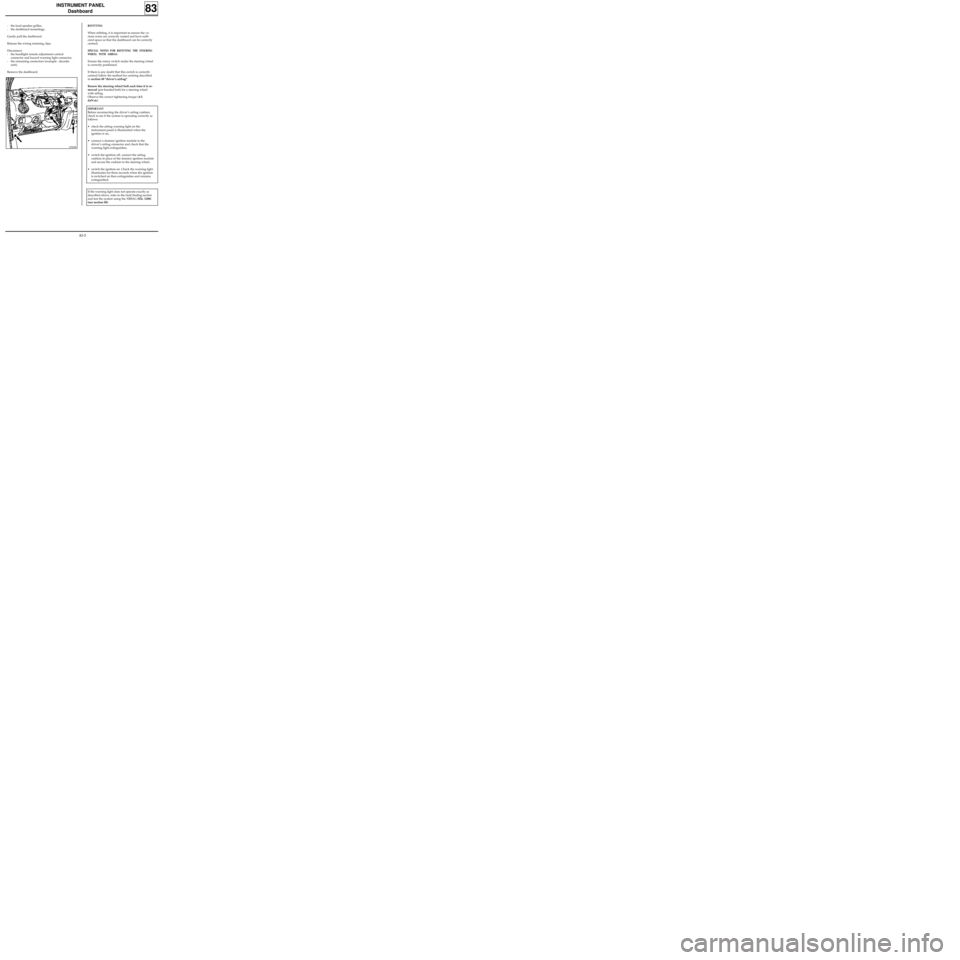
Gently pull the dashboard.
Release the wiring retaining clips.
Disconnect:
- the headlight remote adjustment control
connector and hazard warning light connector,
- the remaining connectors (example : decoder
unit).
Remove the dashboard.REFITTING
When refitting, it is important to ensure the va-
rious wires are correctly routed and have suffi-
cient space so that the dashboard can be correctly
centred.
SPECIAL NOTES FOR REFITTING THE STEERING
WHEEL WITH AIRBAG
Ensure the rotary switch under the steering wheel
is correctly positioned.
If there is any doubt that this switch is correctly
centred follow the method for centring described
in section 88 "driver’s airbag".
Renew the steering wheel bolt each time it is re-
moved (pre-bonded bolt) for a steering wheel
with airbag.
Observe the correct tightening torque (4.5
daN.m).
IMPORTANT
Before reconnecting the driver’s airbag cushion,
check to see if the system is operating correctly as
follows:
•check the airbag warning light on the
instrument panel is illuminated when the
ignition is on,
•connect a dummy ignition module to the
driver’s airbag connector and check that the
warning light extinguishes,
•switch the ignition off, connect the airbag
cushion in place of the dummy ignition module
and secure the cushion to the steering wheel,
•switch the ignition on. Check the warning light
illuminates for three seconds when the ignition
is switched on then extinguishes and remains
extinguished.
If the warning light does not operate exactly as
described above, refer to the fault finding section
and test the system using the XRBAG (Elé. 1288)
(see section 88).
12964R
83-5
Page 34 of 83
INSTRUMENT PANEL
Instrument panel
83
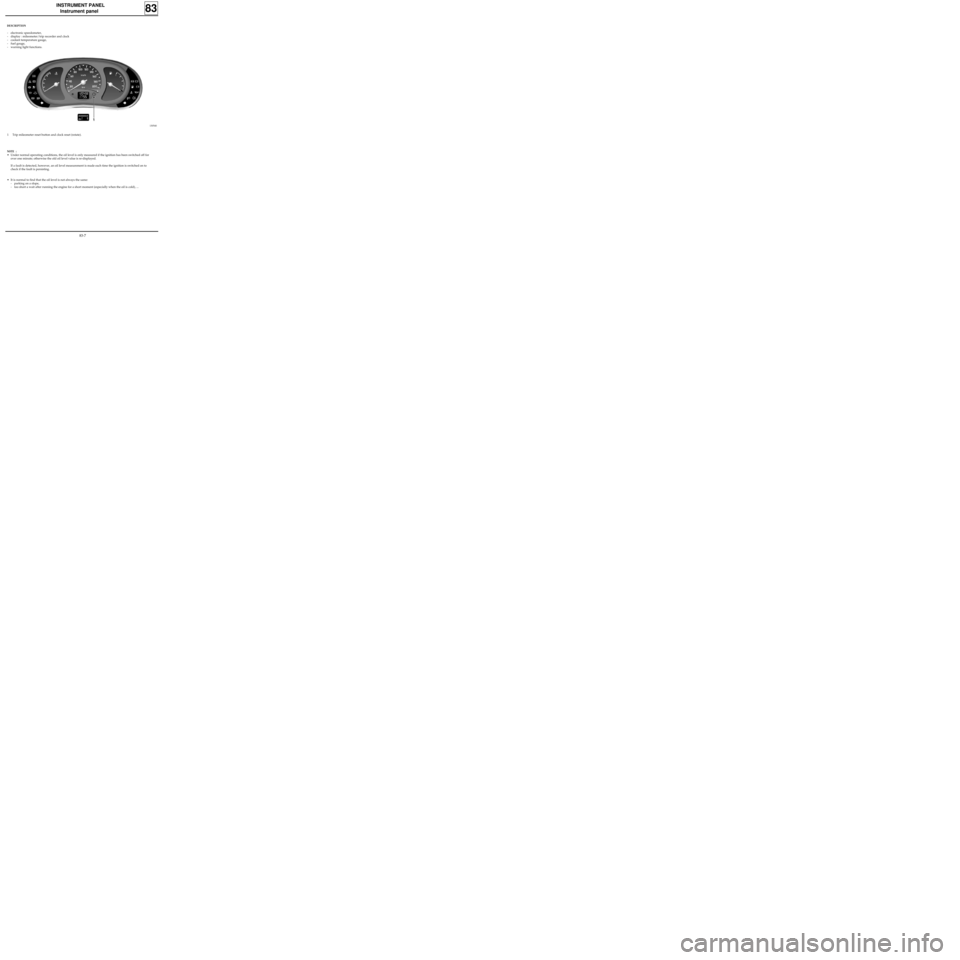
DESCRIPTION
- electronic speedometer,
- display : mileometer/trip recorder and clock
- coolant temperature gauge,
- fuel gauge,
- warning light functions.
13054S
1 Trip mileometer reset button and clock reset (rotate).
NOTE :
• Under normal operating conditions, the oil level is only measured if the ignition has been switched off for
over one minute; otherwise the old oil level value is re-displayed.
If a fault is detected, however, an oil level measurement is made each time the ignition is switched on to
check if the fault is persisting.
• It is normal to find that the oil level is not always the same:
- parking on a slope,
- too short a wait after running the engine for a short moment (especially when the oil is cold), ...
83-7
Page 35 of 83
INSTRUMENT PANEL
Instrument panel
83
13066S
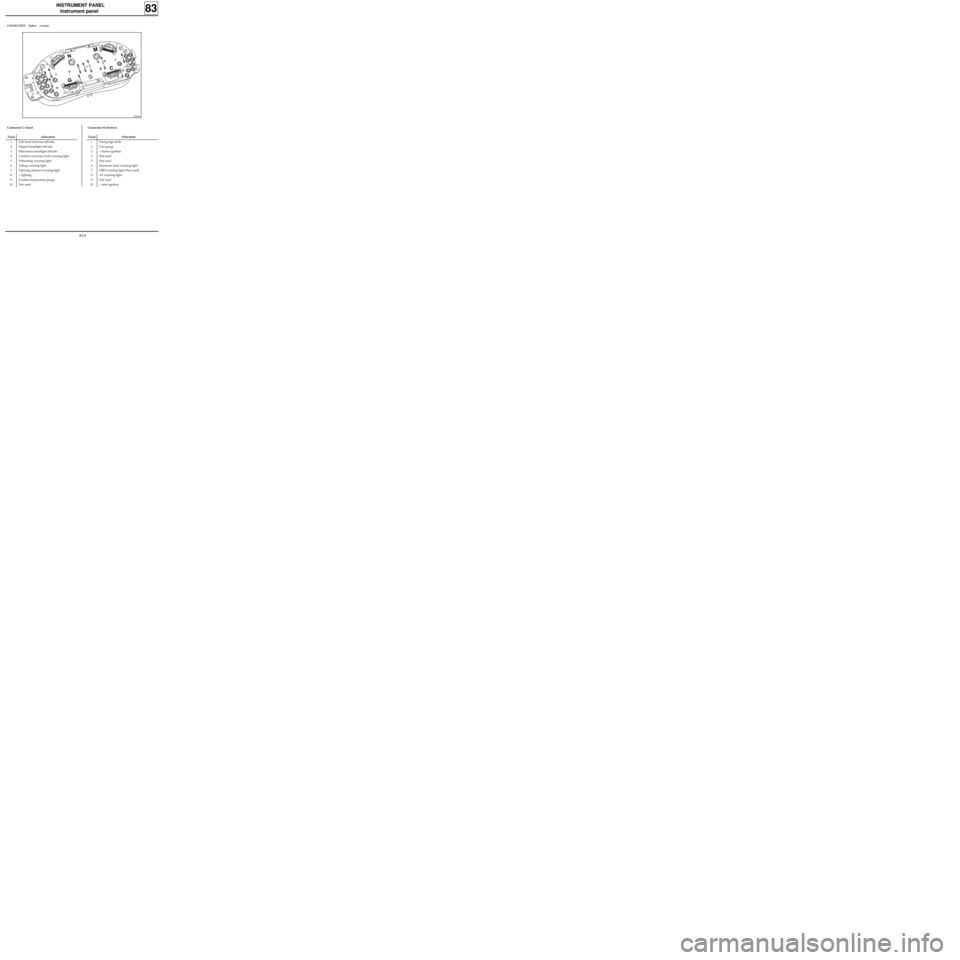
CONNECTION (fullest version)
Connector C (clear)
Track Allocation
1 Left hand indicator tell-tale
2 Dipped headlight tell-tale
3 Main beam headlight tell-tale
4 Catalytic converter fault warning light
5 Preheating warning light
6 Airbag warning light
7 Opening element warning light
8 + lighting
9 Coolant temperature gauge
10 Not used
Connector M (brown)
Track Allocation
1 Fuel gauge earth
2 Fuel gauge
3 + before ignition
4 Not used
5 Not used
6 Electronic fault warning light
7 OBD warning light (Not used)
8 AT warning light
9 Not used
10 + after ignition
83-8
Page 39 of 83
INSTRUMENT PANEL
Oil level sensor
83
98898R1
OPERATION
The sensor consists of a wire with a high
coefficient of resistance. When a current passes
through the wire it does not have the same
thermal conductivity when it is immersed in a
liquid as when it is in the open air.
After a fixed time a voltage difference is obtained
at the sensor terminals depending on the depth of
immersion of the wire. This voltage difference is
recorded by the electronic unit which manages
the level display function and also controls the
"low oil level" warning light display on the
central liquid crystal display.
When the ignition is switched on, the central dis-
play shows the oil level in a series of "blocks" for
approximately 30 seconds, before returning to
displaying the trip mileometer and total mileome-
ter functions (or "odometer" function).
NOTE : Turning the trip mileometer reset button
before the end of the timed period will display
the "odometer" function.
LOOKING FOR FAULTS
If a short circuit or an open circuit is detected
when the oil level is measured, the display will im-
mediately show the trip mileometer / clock dis-
plays.
CHECKING
The sensor resistance must be between 6 and 20
ohms.
The sensor is deemed to be in short circuit for a va-
lue lower than 4 ohms.
The sensor is deemed to be in open circuit for a va-
lue higher than 22 ohms.
LOCATION
Example : F engine
83-12
Page 41 of 83
CONTROLS - SIGNALS
Windscreen wiper stalk
REMOVAL - REFITTING
Disconnect the battery.
Remove the two half cowlings under the steering
wheel.
Release the immobiliser antenna ring or the pla-
stic surround from the ignition switch.
Remove the two mounting bolts (A) for the wiper
stalk.
Release the stalk from its mounting and dis-
connect the connector.
84
CONNECTION
12970R
NOTE : the steering wheel does not have to be re-
moved.
13061R
Track Allocation
A1 Front timer
A2 Wiper high speed
A3 Wiper low speed
A4 Front washer pump
A5 Not used
A6 Intermittent slow speed
A7 + after ignition, front wiper
B1 Rear washer pump
B2 Rear timer
B3 Not used
B4 + after ignition, rear wiper
B5 Earth
B6 Not used
B7 Not used
84-1