ignition RENAULT KANGOO 1997 KC / 1.G Electrical Equipment Owner's Manual
[x] Cancel search | Manufacturer: RENAULT, Model Year: 1997, Model line: KANGOO, Model: RENAULT KANGOO 1997 KC / 1.GPages: 83
Page 42 of 83
CONTROLS - SIGNALS
Lights stalk
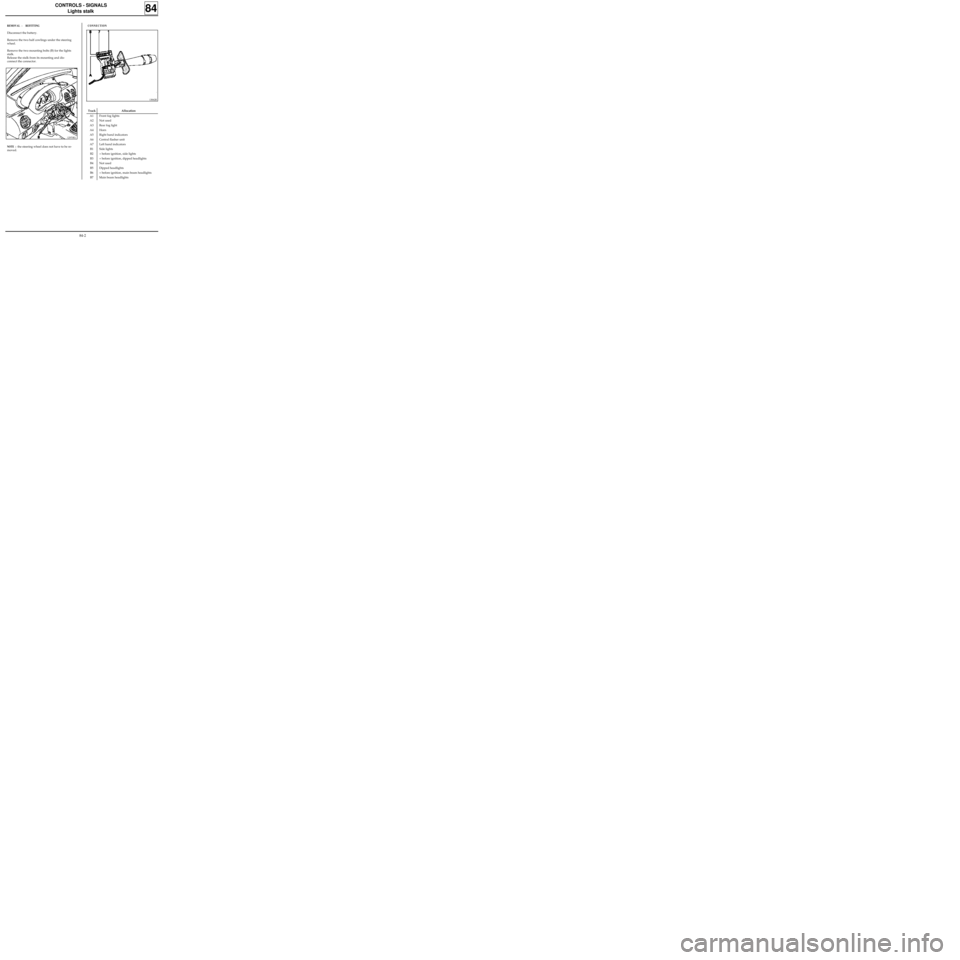
REMOVAL - REFITTING
Disconnect the battery.
Remove the two half cowlings under the steering
wheel.
Remove the two mounting bolts (B) for the lights
stalk.
Release the stalk from its mounting and dis-
connect the connector.
84
CONNECTION
12970R1
NOTE : the steering wheel does not have to be re-
moved.
13062R
Track Allocation
A1 Front fog lights
A2 Not used
A3 Rear fog light
A4 Horn
A5 Right hand indicators
A6 Central flasher unit
A7 Left hand indicators
B1 Side lights
B2 + before ignition, side lights
B3 + before ignition, dipped headlights
B4 Not used
B5 Dipped headlights
B6 + before ignition, main beam headlights
B7 Main beam headlights
84-2
Page 45 of 83
CONTROLS - SIGNALS
Rotary switch under steering wheel
Special notes for refitting
Ensure the wheels are still straight.
Ensure the rotary switch under the steering wheel
is still immobilised before refitting.
If there is any doubt follow the method for cen-
tring described in section 88 "driver’s airbag".
Renew the steering wheel bolt each time it is re-
moved (pre-bonded bolt).
Observe the correct tightening torque (4.5
daN.m).
84
IMPORTANT
Before reconnecting the driver’s airbag cushion,
check to see if the system is operating correctly as
follows:
•check the airbag warning light on the
instrument panel is illuminated when the
ignition is on,
•connect a dummy ignition module to the
driver’s airbag connector and check that the
warning light extinguishes,
•switch the ignition off, connect the airbag
cushion in place of the dummy ignition module
and secure the cushion to the steering wheel,
•switch the ignition on. Check the warning light
illuminates for three seconds when the ignition
is switched on then extinguishes and remains
extinguished.
If the warning light does not operate exactly as
described above, refer to the fault finding section
and test the system using the XRBAG (Elé. 1288)
(see section 88).
IMPORTANT: if these instructions are not obser-
ved, the systems may not operate normally and
may be incorrectly triggered.
84-5
Page 46 of 83
CONTROLS - SIGNALS
Ignition switch
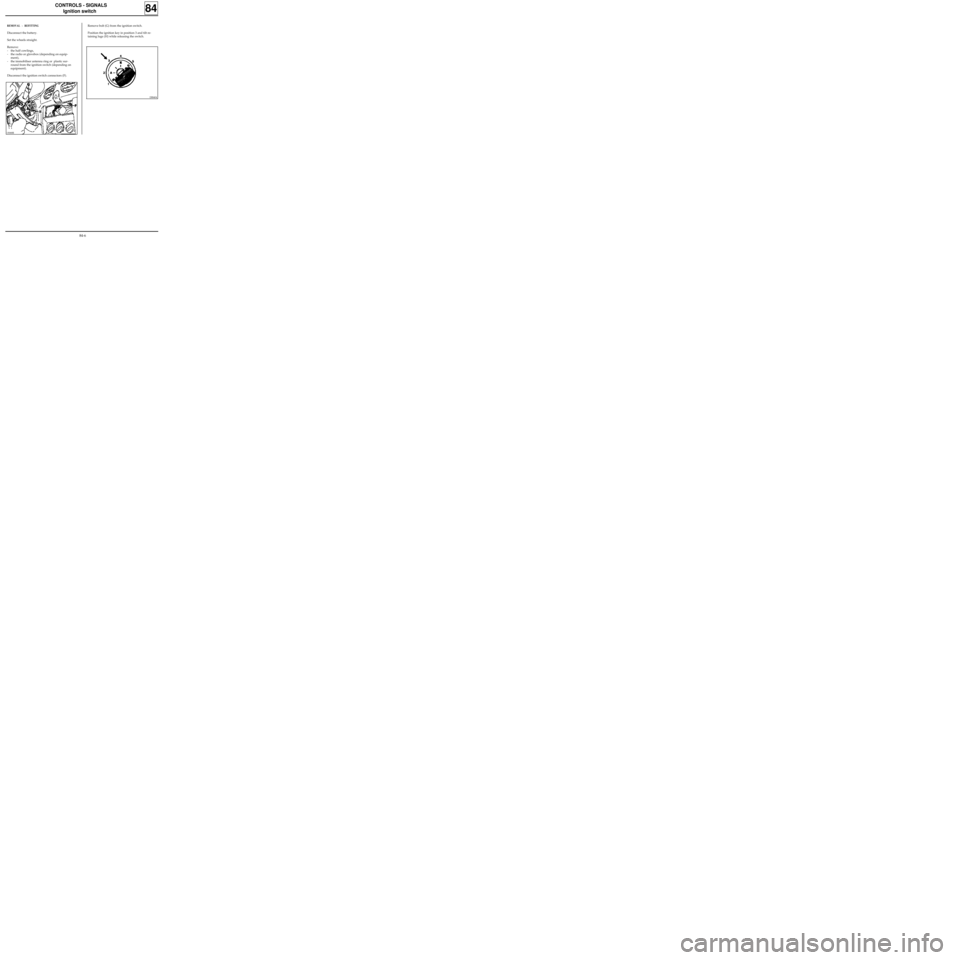
REMOVAL - REFITTING
Disconnect the battery.
Set the wheels straight.
Remove:
- the half cowlings,
- the radio or glovebox (depending on equip-
ment),
- the immobiliser antenna ring or plastic sur-
round from the ignition switch (depending on
equipment).
Disconnect the ignition switch connectors (F).
84
Remove bolt (G) from the ignition switch.
Position the ignition key in position 3 and tilt re-
taining lugs (H) while releasing the switch.
DI8404
13068R
84-6
Page 51 of 83
ELECTRICAL ASSISTANCE EQUIPMENT
Relay plate
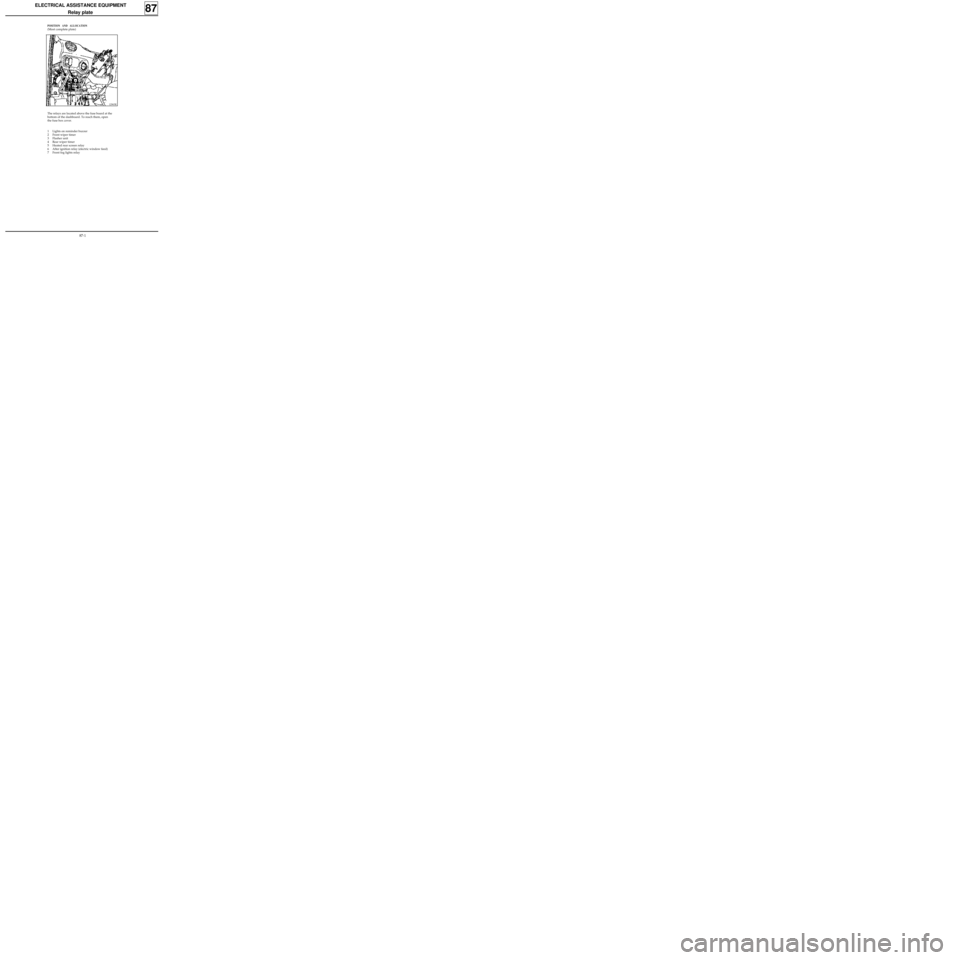
POSITION AND ALLOCATION
(Most complete plate)
87
12965R
The relays are located above the fuse board at the
bottom of the dashboard. To reach them, open
the fuse box cover.
1 Lights on reminder buzzer
2 Front wiper timer
3 Flasher unit
4 Rear wiper timer
5 Heated rear screen relay
6 After ignition relay (electric window feed)
7 Front fog lights relay
87-1
Page 52 of 83
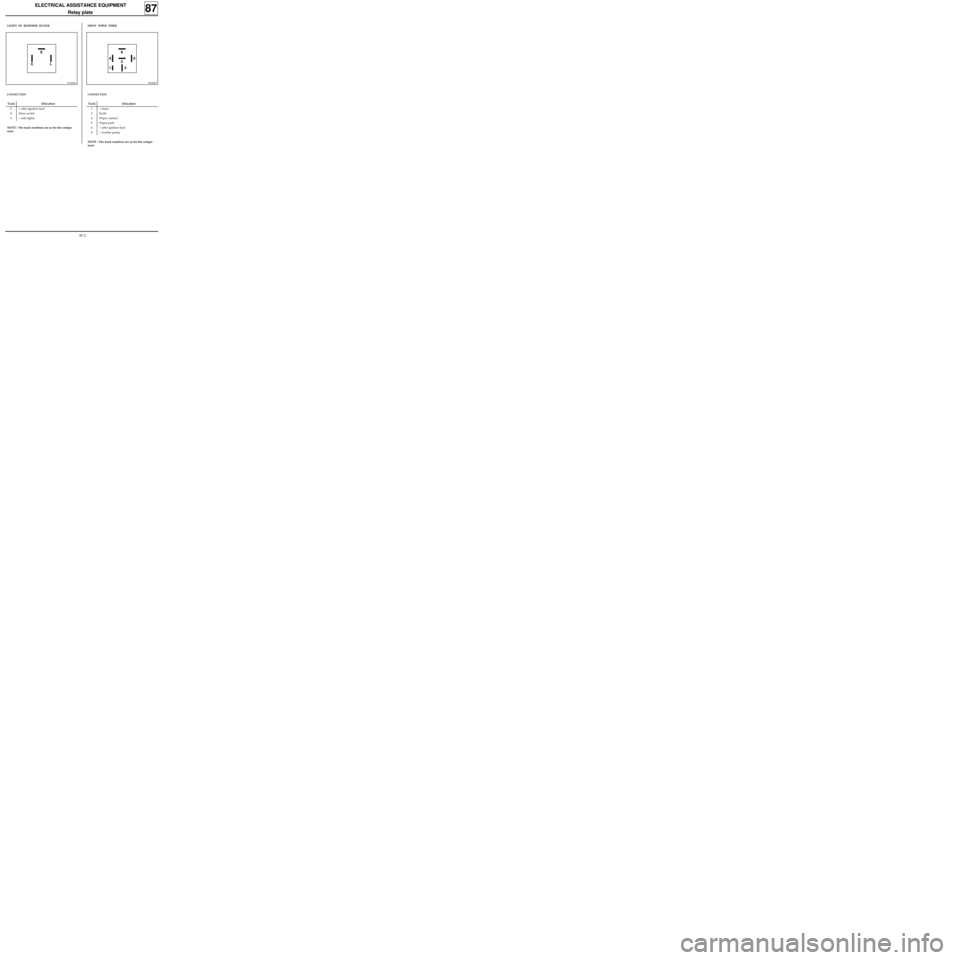
ELECTRICAL ASSISTANCE EQUIPMENT
Relay plate
87
LIGHTS ON REMINDER BUZZER
Track Allocation
C + after ignition feed
E Door switch
L + side lights
95182R4
CONNECTION
NOTE : The track numbers are as for the compo-
nent.
FRONT WIPER TIMER
95182R2
Track Allocation
1 + timer
2 Earth
4 Wiper control
5 Wiper park
6 + after ignition feed
8 + washer pump
CONNECTION
NOTE : The track numbers are as for the compo-
nent.
8
5
2 1 46E
CL
87-2
Page 53 of 83
ELECTRICAL ASSISTANCE EQUIPMENT
Relay plate
87
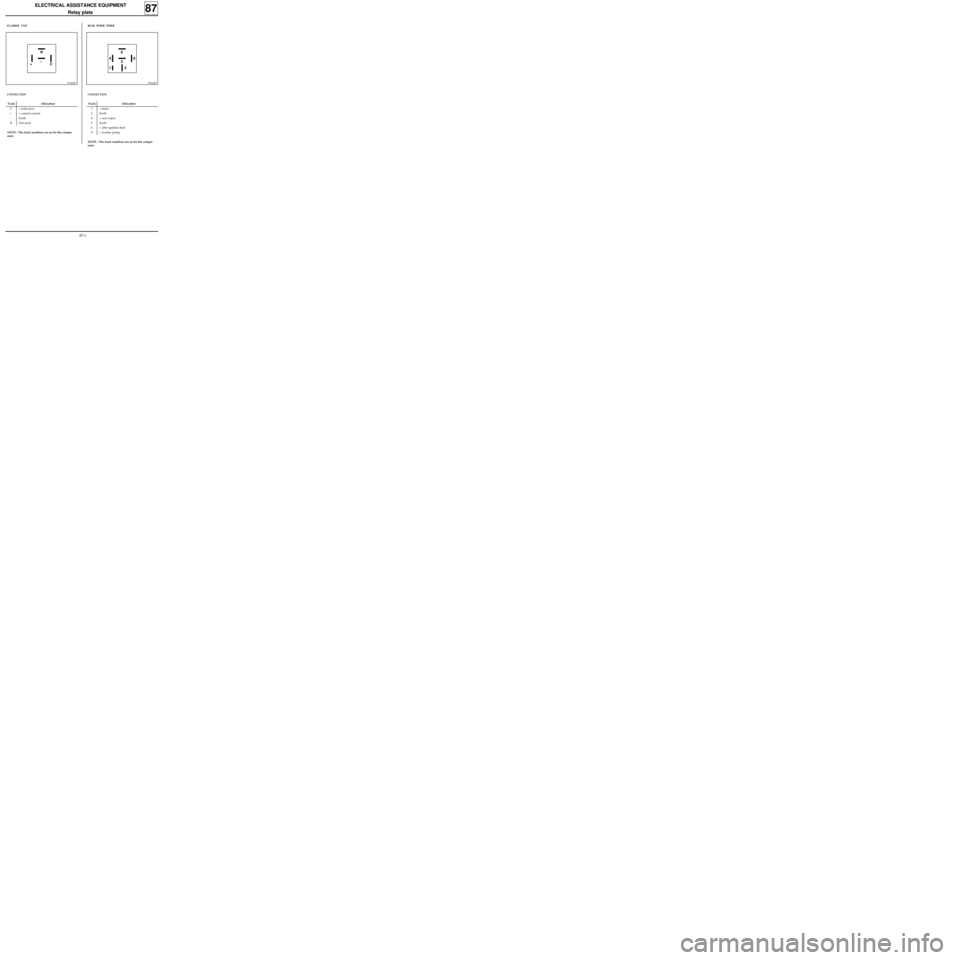
FLASHER UNIT
Track Allocation
C + indicators
+ + central control
- Earth
R Not used
95182R5
CONNECTION
NOTE : The track numbers are as for the compo-
nent.
REAR WIPER TIMER
95182R2
Track Allocation
1 + timer
2 Earth
4 + rear wiper
5 Earth
6 + after ignition feed
8 + washer pump
CONNECTION
NOTE : The track numbers are as for the compo-
nent.
8
5
2 1 46R
-
+C
87-3
Page 54 of 83
ELECTRICAL ASSISTANCE EQUIPMENT
Relay plate
87
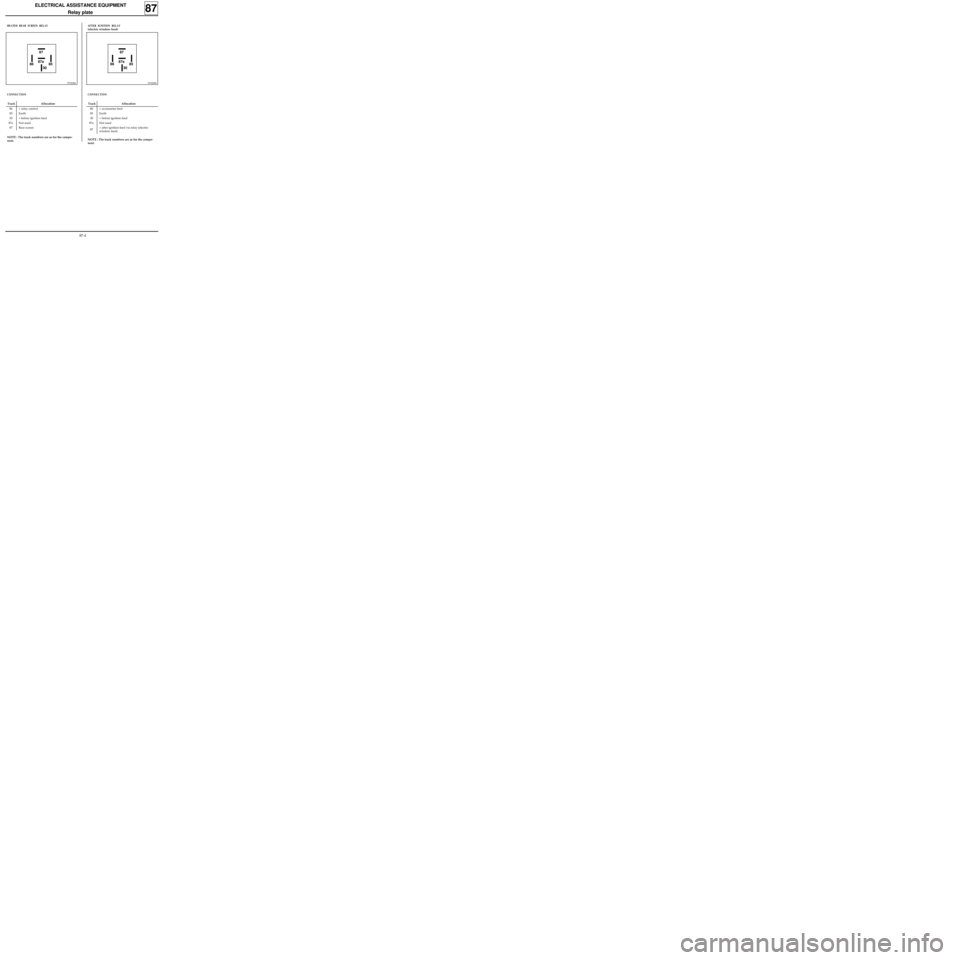
HEATED REAR SCREEN RELAY
Track Allocation
86 + relay control
85 Earth
30 + before ignition feed
87a Not used
87 Rear screen
95182R6
CONNECTION
NOTE : The track numbers are as for the compo-
nent.
AFTER IGNITION RELAY
(electric window feed)
95182R6
CONNECTION
NOTE : The track numbers are as for the compo-
nent.
Track Allocation
86 + accessories feed
85 Earth
30 + before ignition feed
87a Not used
87+ after ignition feed via relay (electric
window feed)
87
87a
30 86 8587
87a
30 86 85
87-4
Page 55 of 83
ELECTRICAL ASSISTANCE EQUIPMENT
Relay plate
87
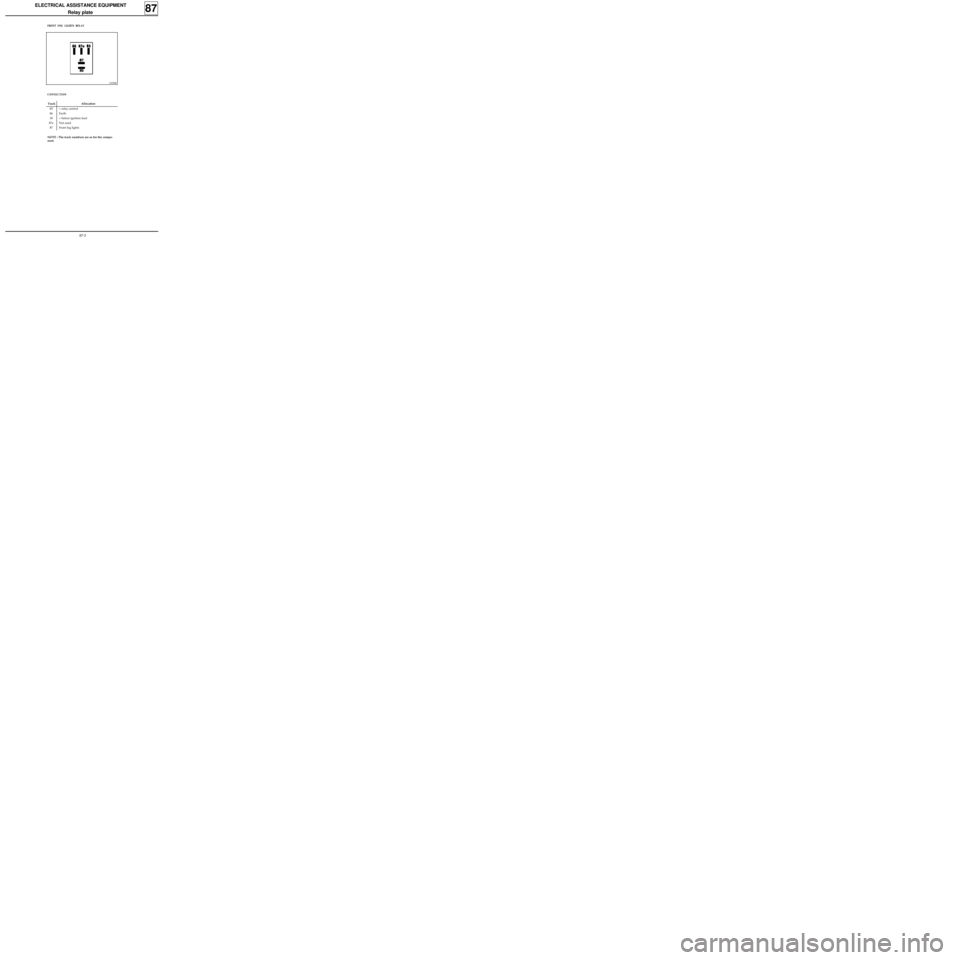
FRONT FOG LIGHTS RELAY
Track Allocation
85 + relay control
86 Earth
30 + before ignition feed
87a Not used
87 Front fog lights
13058R
CONNECTION
NOTE : The track numbers are as for the compo-
nent.
87-5
Page 56 of 83
WIRING
Heated rear screen
88
REPAIR OF THE FILAMENT
Clean the section to be treated locally to remove
all dust or grease, preferably using alcohol or a
glass cleaner, and wipe with a clean, dry cloth.
To obtain a regular line during the repair, apply
scotch adhesive tape on either side of the section
to be repaired, leaving the conducting line free.
Before applying the varnish, shake the bottle to
prevent the deposit of silver particles on the bot-
tom of the bottle.
The heated grid applied to the inner face of the
window may be accidentally cut, making the part
of the grid affected inefficient.
The exact point of the disconnection may be de-
termined by means of a voltmeter.
It is possible to repair such faults by applying the
heated rear screen varnish sold under Part
Number 77 01 421 135 (2 g pack).
DETERMINING THE EXACT POINT OF
DISCONNECTION WITH A VOLTMETER.
Switch on the ignition.
Switch on the heated rear screen feed.
DETECTION BETWEEN LINES B AND A
Connect the + wire of the voltmeter to the +
feed terminal of the rear screen.
Place the - wire of the voltmeter on a filament on
the - terminal side of the rear screen (line B). A
voltage approximately equal to battery voltage
must be obtained.
Move the - wire towards line A (arrow): the vol-
tage drops progressively.
If the voltage drops quickly the filament is cut at
that point (carry out this operation for each fila-
ment).
DI8814
DETECTION BETWEEN LINES C AND A
Connect the - wire of the voltmeter to the - termi-
nal of the rear screen.
Place the + wire of the voltmeter on a filament
on the + terminal side of the rear screen (line C);
essentially a voltage equal to the battery voltage
must be obtained.
Move the + wire towards line A (arrow); the vol-
tage drops progressively.
If the voltage drops quickly, the filament must be
cut at this point (carry out this operation for each
filament).
DI8815
88-1
Page 58 of 83
WIRING
Remote control for door locking
88
.GENERAL
These vehicles are equipped with an infrared or
radio frequency remote control with rolling code,
which prevents the code from being copied.
When a transmitter is replaced it will therefore be
necessary to resynchronise it so that the transmit-
ters are returned to phase with the decoder unit.
This remote control is only used for locking and
unlocking the opening elements (it has no effect
on the immobiliser).
IMPORTANT: this system cannot operate with
three remote controls (the decoder unit can only
manage two different rolling codes).
THE TRANSMITTER (PLIP)
Replacing or adding a remote control with immo-
biliser function without replacing the decoder
unit.
Order a spare key head using the number in the
head of one of the old keys or the label normally
attached to the keys when the vehicle is delivered
(eight alphanumeric characters).
If a key is being added or has been lost, remember
to order the insert with the key number.
Carry out the special resynchronisation procedure
using the XR25.
This procedure resets the remote control into se-
quence with the decoder unit (rolling code) and
should only be used if the decoder unit is not
being replaced (with immobiliser only).
1.Ignition off, connect the XR25 (ISO selector on
S8, code D56).
For vehicles fitted with an infra-red remote
control, enter command mode G04* (forced
protection mode) then switch the ignition on
again and enter the vehicle’s security code
(see procedure in section 82).
For vehicles fitted with a radio frequency re-
mote control, go to point 2.
2.Switch the ignition off and enter command
mode G32*.
From this moment, the operator has 10 se-
conds to carry out the next operation.
NOTE: The 10 seconds are shown by the illu-
mination of the red immobiliser warning light
and bargraph 17 LH on the XR25
(code D56,
fiche n° 56).
3.Press the remote control twice (the doors lock
and unlock and the red warning light extin-
guishes).
NOTE :
- When replacing a key head, resynchronisa-
tion of the second remote control (if fitted)
is not always necessary.
Check that the second control operates,
otherwise resynchronise it.
- If both remote controls (if fitted) are desyn-
chronised, two resynchronisation proce-
dures will have to be carried out (one for
each remote control).
IMPORTANT: To ensure that the infrared code
is correctly transmitted it is essential to direct
the transmitter correctly towards the receiver.
If the procedure fails it will be necessary to
restart from the beginning (infrared remote
control only).
4.The procedure is complete - check that the
doors lock correctly.
88-3