change time TOYOTA SUPRA 2019 User Guide
[x] Cancel search | Manufacturer: TOYOTA, Model Year: 2019, Model line: SUPRA, Model: TOYOTA SUPRA 2019Pages: 456, PDF Size: 88.65 MB
Page 221 of 456
221
3
Supra Owner's Manual3-1. CONTROLS
CONTROLS
cally in the following situations, for
example:
When switching the engine off.
When switching on Cruise Con-
trol.
When activating sport mode
using the sport mode switch.
The displays turn off.
The system is interrupted when
reverse gear is engaged or the
transmission is in neutral.
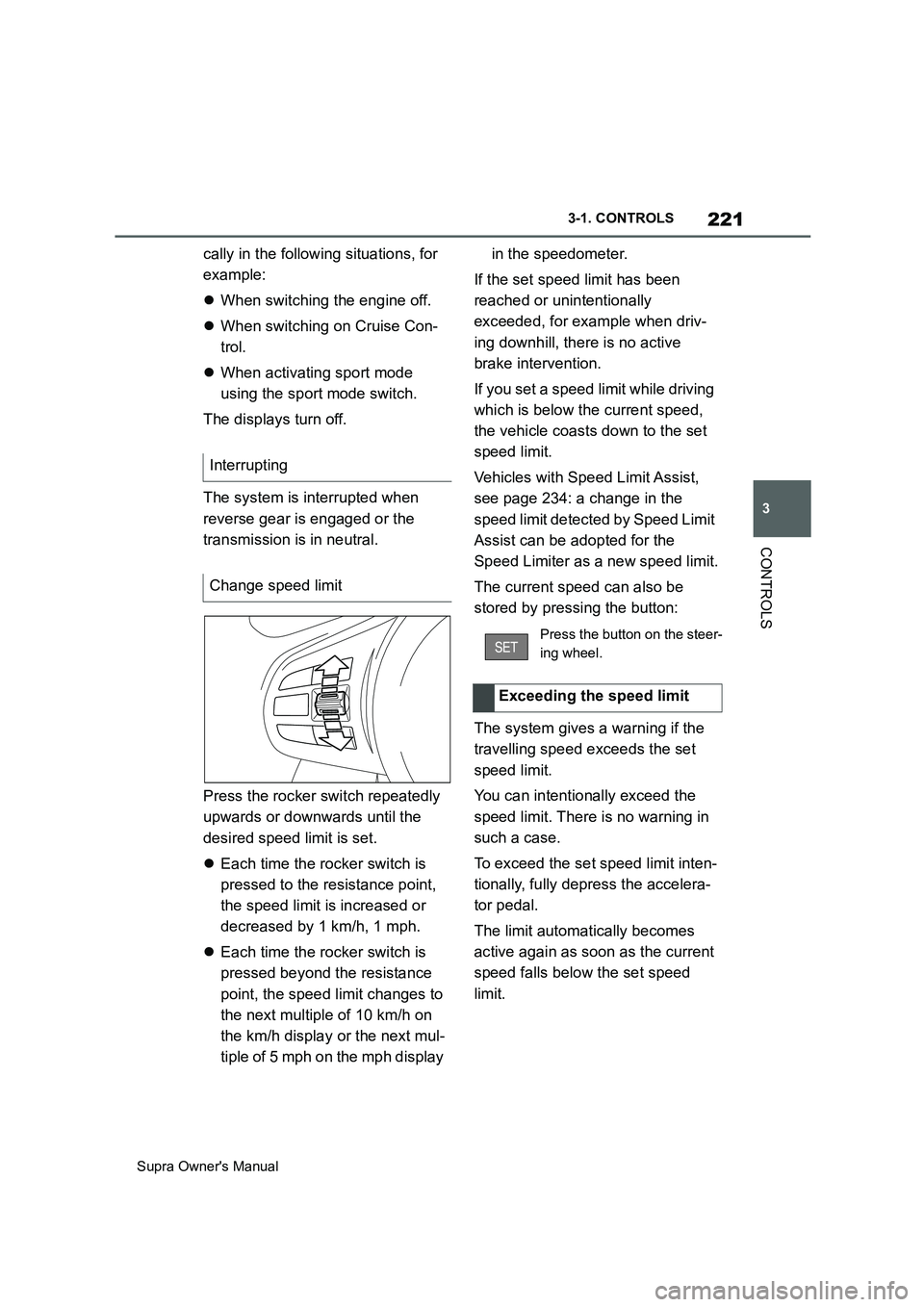
Press the rocker switch repeatedly
upwards or downwards until the
desired speed limit is set.
Each time the rocker switch is
pressed to the resistance point,
the speed limit is increased or
decreased by 1 km/h, 1 mph.
Each time the rocker switch is
pressed beyond the resistance
point, the speed limit changes to
the next multiple of 10 km/h on
the km/h display or the next mul-
tiple of 5 mph on the mph display in the speedometer.
If the set speed limit has been
reached or unintentionally
exceeded, for example when driv-
ing downhill, there is no active
brake intervention.
If you set a speed limit while driving
which is below the current speed,
the vehicle coasts down to the set
speed limit.
Vehicles with Speed Limit Assist,
see page 234: a change in the
speed limit detected by Speed Limit
Assist can be adopted for the
Speed Limiter as a new speed limit.
The current speed can also be
stored by pressing the button:
The system gives a warning if the
travelling speed exceeds the set
speed limit.
You can intentionally exceed the
speed limit. There is no warning in
such a case.
To exceed the set speed limit inten-
tionally, fully depress the accelera-
tor pedal.
The limit automatically becomes
active again as soon as the current
speed falls below the set speed
limit. Interrupting
Change speed limit
Press the button on the steer-
ing wheel.
Exceeding the speed limit
Page 224 of 456
224
Supra Owner's Manual3-1. CONTROLS
While the system is interrupted,
press the rocker switch up or down
once.
If the system is switched on, the
current speed is maintained and
stored as the desired speed.
The stored speed is displayed, see
page 225, on the speedometer.
Vehicle Stability Control VSC is
switched on, if necessary.
The speed can also be stored by
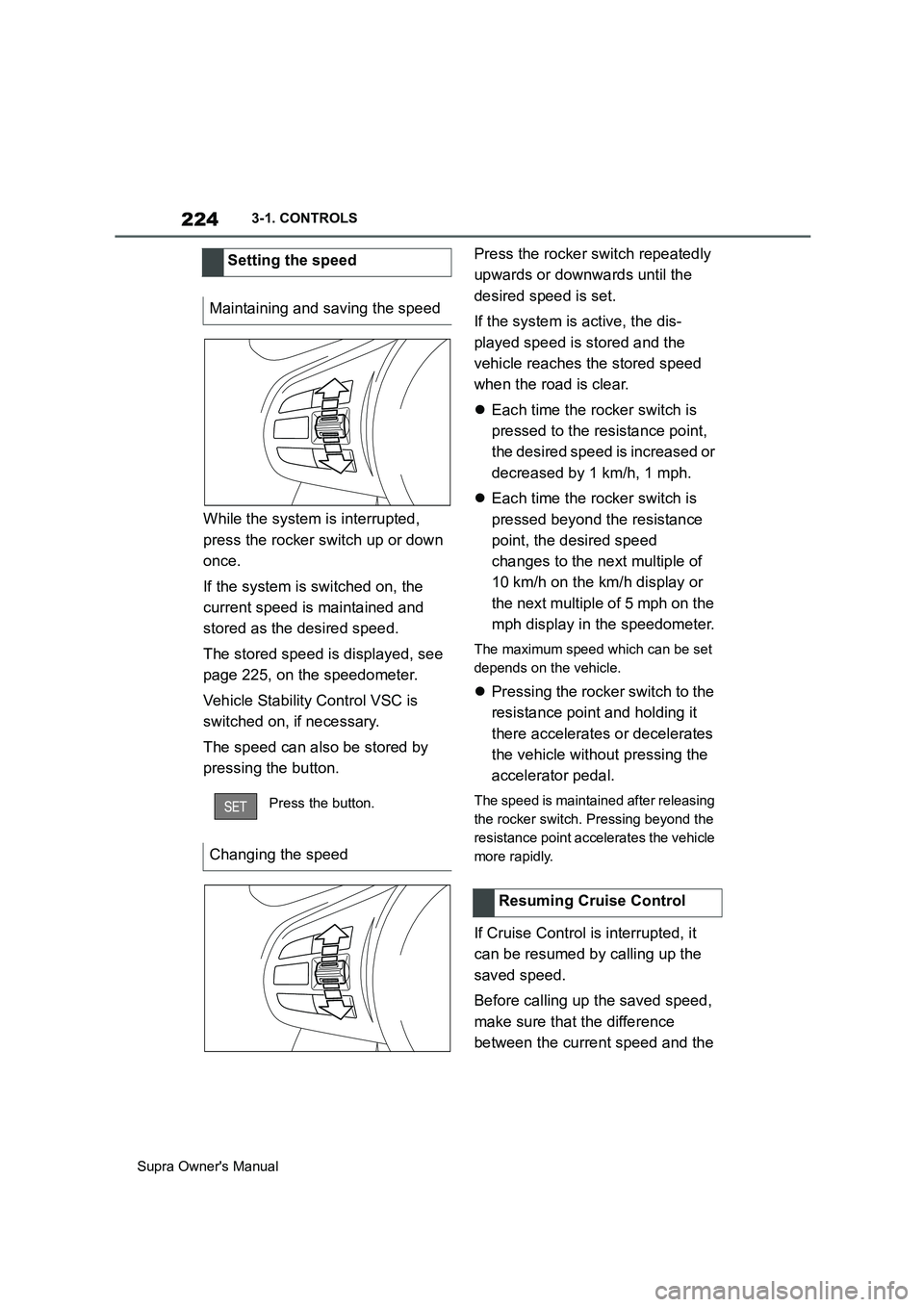
pressing the button.Press the rocker switch repeatedly
upwards or downwards until the
desired speed is set.
If the system is active, the dis-
played speed is stored and the
vehicle reaches the stored speed
when the road is clear.
Each time the rocker switch is
pressed to the resistance point,
the desired speed is increased or
decreased by 1 km/h, 1 mph.
Each time the rocker switch is
pressed beyond the resistance
point, the desired speed
changes to the next multiple of
10 km/h on the km/h display or
the next multiple of 5 mph on the
mph display in the speedometer.
The maximum speed which can be set
depends on the vehicle.
Pressing the rocker switch to the
resistance point and holding it
there accelerates or decelerates
the vehicle without pressing the
accelerator pedal.
The speed is maintained after releasing
the rocker switch. Pressing beyond the
resistance point accelerates the vehicle
more rapidly.
If Cruise Control is interrupted, it
can be resumed by calling up the
saved speed.
Before calling up the saved speed,
make sure that the difference
between the current speed and the Setting the speed
Maintaining and saving the speed
Press the button.
Changing the speed
Resuming Cruise Control
Page 229 of 456
229
3
Supra Owner's Manual3-1. CONTROLS
CONTROLS
While the system is interrupted,
press the rocker switch up or down
once. The system is activated.
The current speed is maintained
and stored as the desired speed.
The stored speed is displayed on
the speedometer.
Vehicle Stability Control VSC is
switched on, if necessary.
The speed can also be stored by
pressing the button.
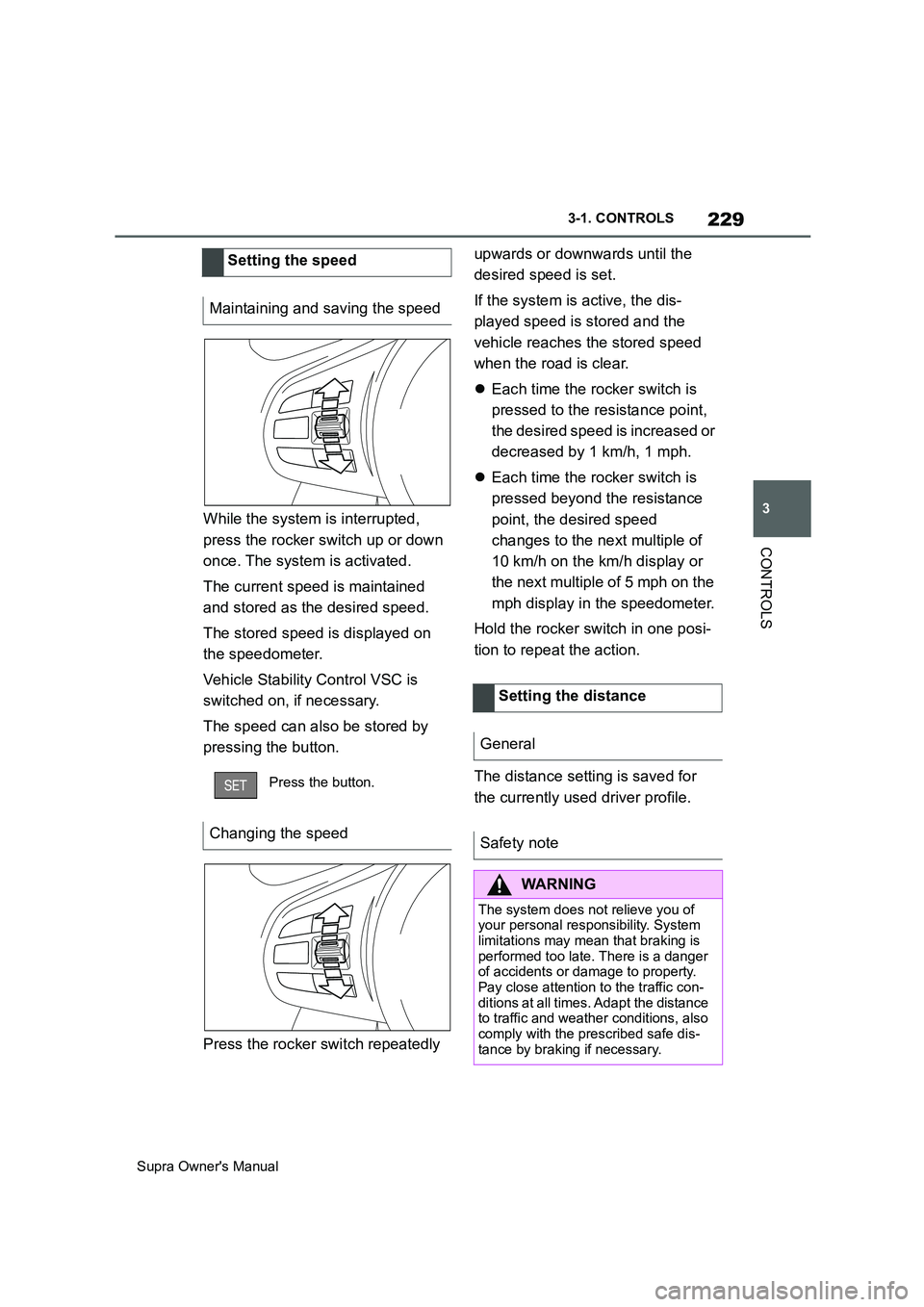
Press the rocker switch repeatedly upwards or downwards until the
desired speed is set.
If the system is active, the dis-
played speed is stored and the
vehicle reaches the stored speed
when the road is clear.
Each time the rocker switch is
pressed to the resistance point,
the desired speed is increased or
decreased by 1 km/h, 1 mph.
Each time the rocker switch is
pressed beyond the resistance
point, the desired speed
changes to the next multiple of
10 km/h on the km/h display or
the next multiple of 5 mph on the
mph display in the speedometer.
Hold the rocker switch in one posi-
tion to repeat the action.
The distance setting is saved for
the currently used driver profile. Setting the speed
Maintaining and saving the speed
Press the button.
Changing the speed
Setting the distance
General
Safety note
WARNING
The system does not relieve you of
your personal responsibility. System
limitations may mean that braking is
performed too late. There is a danger
of accidents or damage to property.
Pay close attention to the traffic con-
ditions at all times. Adapt the distance
to traffic and weather conditions, also
comply with the prescribed safe dis-
tance by braking if necessary.
Page 239 of 456
239
3
Supra Owner's Manual3-1. CONTROLS
CONTROLS
in, an alternating continuous tone
sounds.
Automatic transmission: the inter-
mittent tone and the continuous
tone are switched off when selector
lever position P is engaged.
With the vehicle at a standstill, the
intermittent sound is switched off
after a short period of time.
■Volume control
The Parking Sensor acoustic signal
volume can be adjusted.
Via Toyota Supra Command:
1"My vehicle"
2"System settings"
3"Sounds"
4"Volume settings"
5"Parking Sensor"
6Set the desired value.
The setting is saved for the cur-
rently used driver profile.
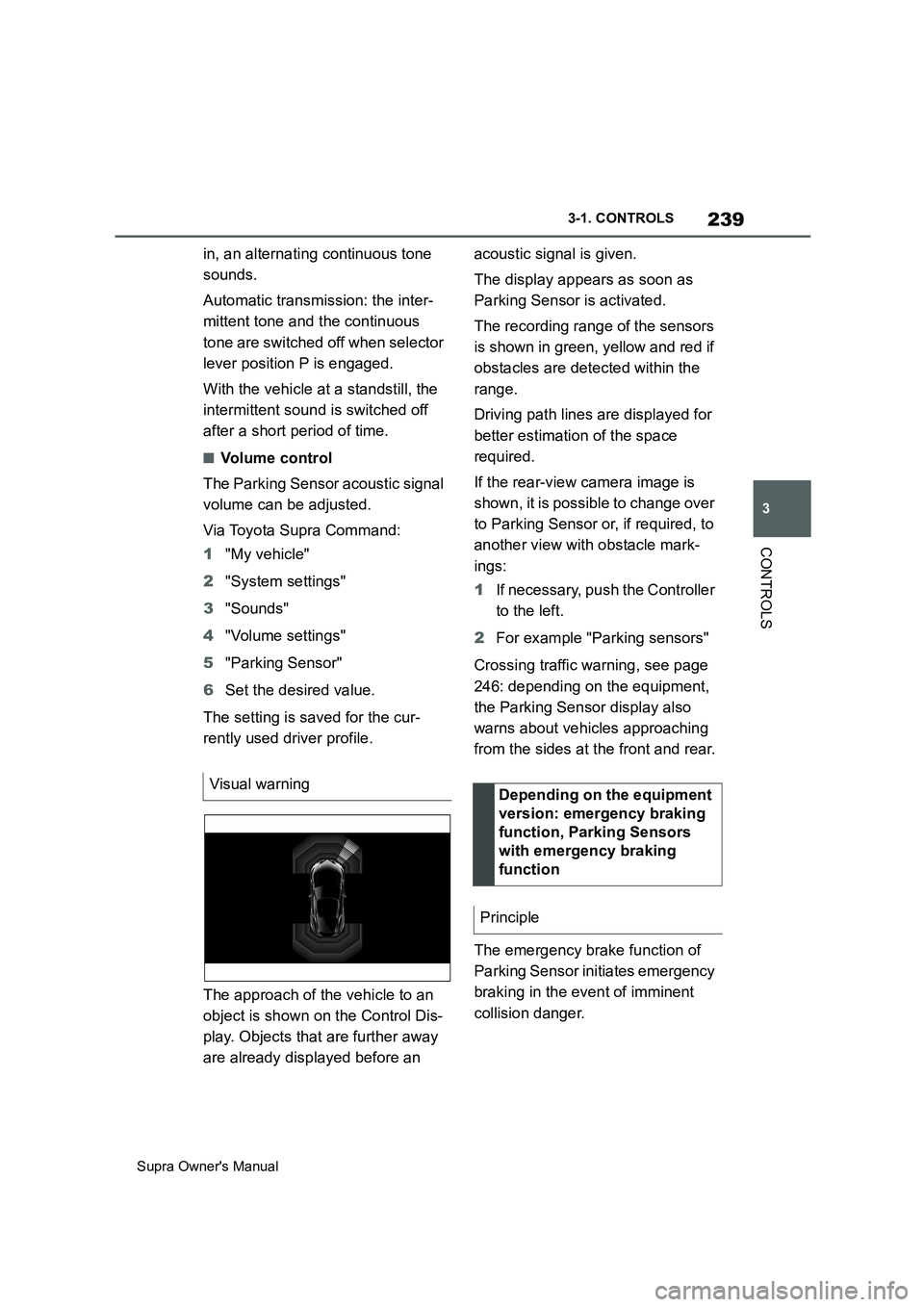
The approach of the vehicle to an
object is shown on the Control Dis-
play. Objects that are further away
are already displayed before an acoustic signal is given.
The display appears as soon as
Parking Sensor is activated.
The recording range of the sensors
is shown in green, yellow and red if
obstacles are detected within the
range.
Driving path lines are displayed for
better estimation of the space
required.
If the rear-view camera image is
shown, it is possible to change over
to Parking Sensor or, if required, to
another view with obstacle mark-
ings:
1If necessary, push the Controller
to the left.
2For example "Parking sensors"
Crossing traffic warning, see page
246: depending on the equipment,
the Parking Sensor display also
warns about vehicles approaching
from the sides at the front and rear.
The emergency brake function of
Parking Sensor initiates emergency
braking in the event of imminent
collision danger. Visual warning
Depending on the equipment
version: emergency braking
function, Parking Sensors
with emergency braking
function
Principle
Page 250 of 456
250
Supra Owner's Manual3-1. CONTROLS
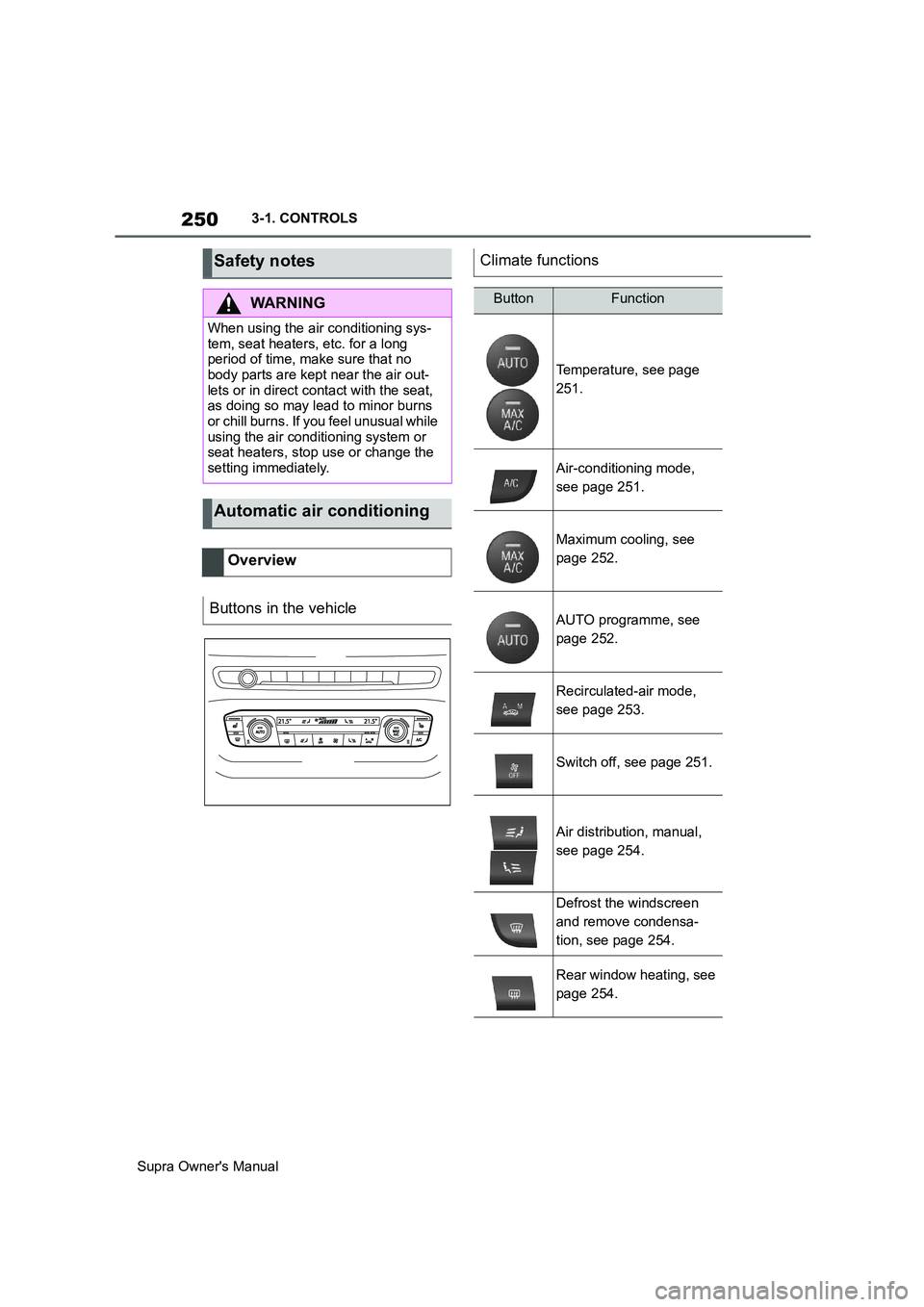
Safety notes
WARNING
When using the air conditioning sys-
tem, seat heaters, etc. for a long
period of time, make sure that no
body parts are kept near the air out-
lets or in direct contact with the seat,
as doing so may lead to minor burns
or chill burns. If you feel unusual while
using the air conditioning system or
seat heaters, stop use or change the
setting immediately.
Automatic air conditioning
Overview
Buttons in the vehicle
Climate functions
ButtonFunction
Temperature, see page
251.
Air-conditioning mode,
see page 251.
Maximum cooling, see
page 252.
AUTO programme, see
page 252.
Recirculated-air mode,
see page 253.
Switch off, see page 251.
Air distribution, manual,
see page 254.
Defrost the windscreen
and remove condensa-
tion, see page 254.
Rear window heating, see
page 254.
Page 253 of 456
253
3
Supra Owner's Manual3-1. CONTROLS
CONTROLS
body and into the footwell.
The cooling function, see page 251,
is switched on automatically in the
AUTO programme.
The AUTO programme is automati-
cally switched off when the air dis-
tribution is set manually.
If the air outside the vehicle has an
unpleasant odour or contains pol-
lutants, the supply to the interior of
the vehicle can be shut off. The air
inside the vehicle is then recircu-
lated.
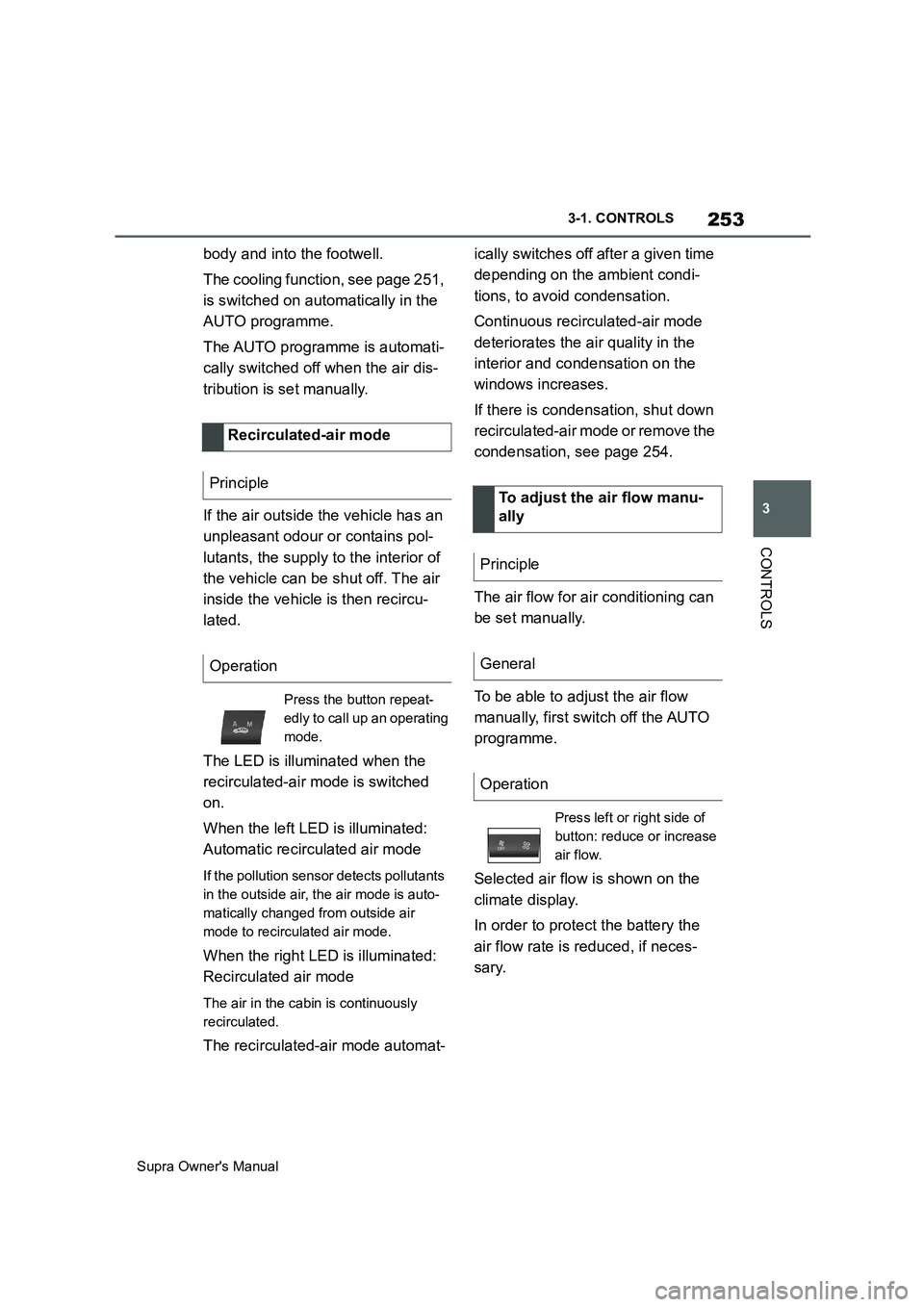
The LED is illuminated when the
recirculated-air mode is switched
on.
When the left LED is illuminated:
Automatic recirculated air mode
If the pollution sensor detects pollutants
in the outside air, the air mode is auto-
matically changed from outside air
mode to recirculated air mode.
When the right LED is illuminated:
Recirculated air mode
The air in the cabin is continuously
recirculated.
The recirculated-air mode automat-ically switches off after a given time
depending on the ambient condi-
tions, to avoid condensation.
Continuous recirculated-air mode
deteriorates the air quality in the
interior and condensation on the
windows increases.
If there is condensation, shut down
recirculated-air mode or remove the
condensation, see page 254.
The air flow for air conditioning can
be set manually.
To be able to adjust the air flow
manually, first switch off the AUTO
programme.
Selected air flow is shown on the
climate display.
In order to protect the battery the
air flow rate is reduced, if neces-
sary. Recirculated-air mode
Principle
Operation
Press the button repeat-
edly to call up an operating
mode.
To adjust the air flow manu-
ally
Principle
General
Operation
Press left or right side of
button: reduce or increase
air flow.
Page 312 of 456
312
Supra Owner's Manual5-1. MOBILITY
Viscosity classes with a high vis-
cosity grade can increase fuel con-
sumption.
Additional information on suitable
oil specifications and viscosity
classes of engine oils can be
obtained from any authorized
Toyota retailer or Toyota authorized
repairer, or any reliable repairer.
The manufacturer of the vehicle
recommends having the engine oil
changed by any authorized Toyota
retailer or Toyota authorized
repairer, or any reliable repairer.
Coolant is a mixture of water and
an additive.
Not all commercially available addi-
tives are suitable for the vehicle. Information regarding suitable addi-
tives is available from any author-
ized Toyota retailer or Toyota
authorized repairer, or any reliable
repairer.
Vehicles with a petrol engine have
two cooling circuits. Always check
the coolant levels of both coolant
tanks and top up if necessary.
The coolant level is shown by Max
marks in the filler neck of the cool-
ant tank.
Depending on the engine version,
the coolant tank is located on the
right or left of the engine compart-
ment, see page 305.
SAE 5W-30.
SAE 0W-40.
SAE 5W-40.
Oil change
NOTICE
Engine oil not changed in time can
lead to increased engine wear and
thus engine damage. There is a dan-
ger of damage to property. Do not
exceed the service date indicated in
the vehicle.
Coolant
General
Viscosity classes
Safety notes
WARNING
If the cooling system is opened when
the engine is hot, coolant can escape
and cause scalding. There is a dan-
ger of injury. Only open the cooling
system when the engine has cooled
down.
WARNING
Additives are harmful to health and
incorrect additives can damage the
engine. There is a danger of injury
and damage to property. Do not allow
additives to come into contact with
clothing, skin or eyes, and do not
swallow them. Only use suitable addi-
tives.
Coolant level
General
Page 329 of 456
329
5
Supra Owner's Manual5-1. MOBILITY
MOBILITY
jump-starting connections, see
page 344, in the engine compart-
ment and with the engine switched
off.
Battery chargers developed espe-
cially for the vehicle and suitable for
the on-board network can be
obtained from any authorized
Toyota retailer or Toyota authorized
repairer, or any reliable repairer.
Following an electrical power fail-
ure, some equipment will have to
be reinitialised or individual settings
will need to be updated, for exam-
ple:
Memory function: save positions
again.
Time: update.
Date: update.
Batteries filled with acid should be
transported and stored upright. Pro-
tect batteries against falling over
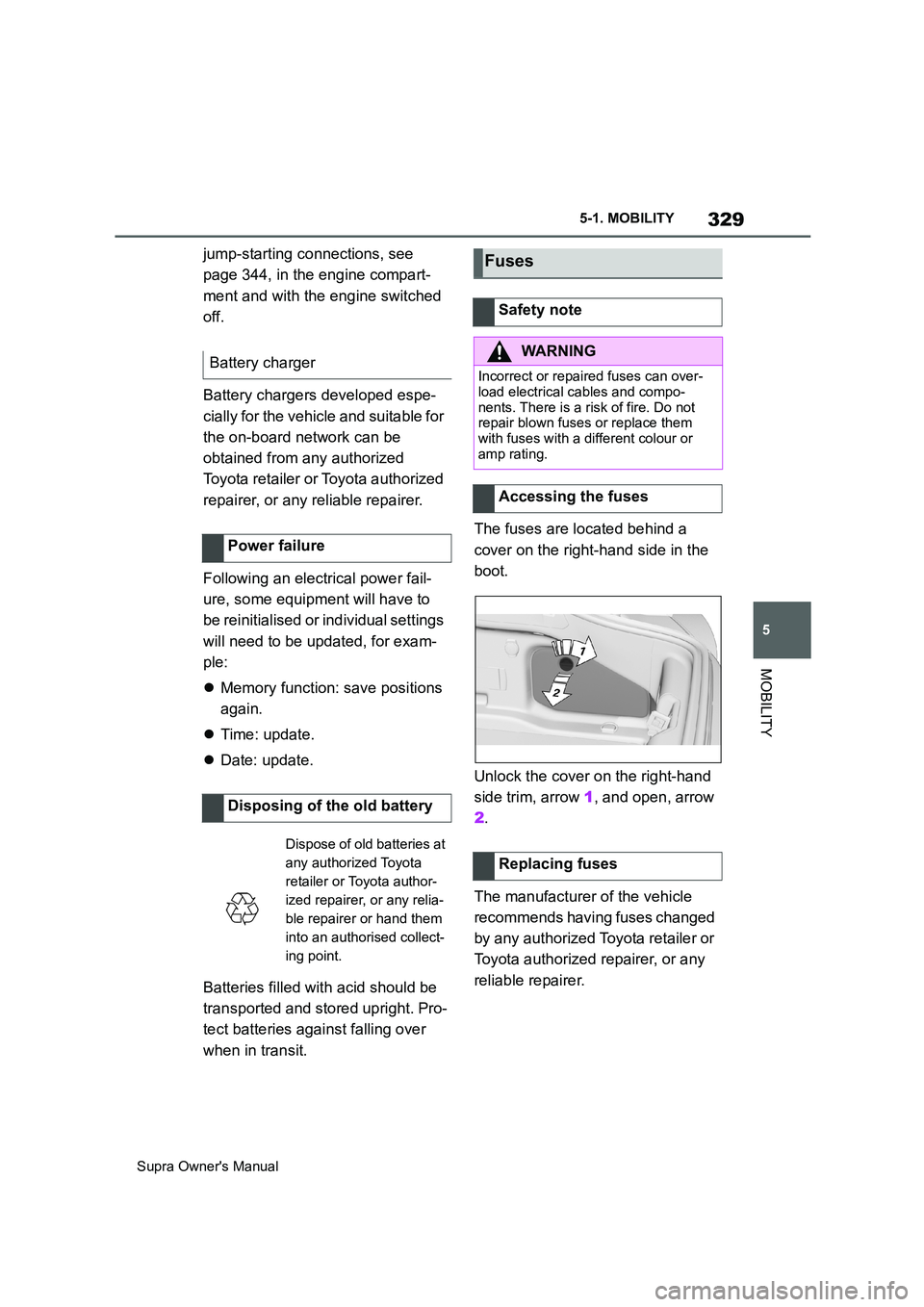
when in transit.The fuses are located behind a
cover on the right-hand side in the
boot.
Unlock the cover on the right-hand
side trim, arrow 1, and open, arrow
2.
The manufacturer of the vehicle
recommends having fuses changed
by any authorized Toyota retailer or
Toyota authorized repairer, or any
reliable repairer. Battery charger
Power failure
Disposing of the old battery
Dispose of old batteries at
any authorized Toyota
retailer or Toyota author-
ized repairer, or any relia-
ble repairer or hand them
into an authorised collect-
ing point.
Fuses
Safety note
WARNING
Incorrect or repaired fuses can over-
load electrical cables and compo-
nents. There is a risk of fire. Do not
repair blown fuses or replace them
with fuses with a different colour or
amp rating.
Accessing the fuses
Replacing fuses
Page 453 of 456
453
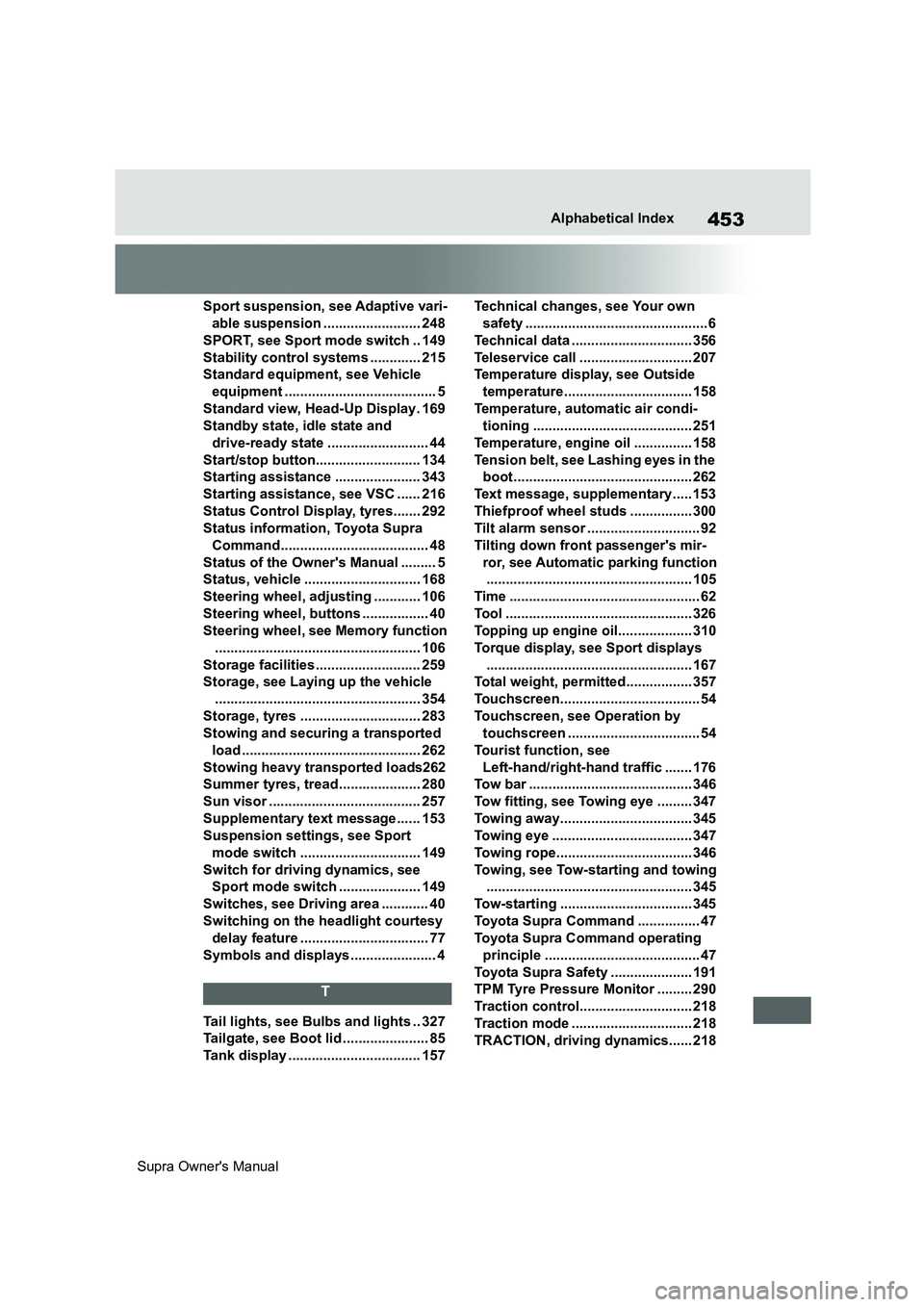
Supra Owner's ManualAlphabetical Index
Sport suspension, see Adaptive vari-
able suspension ......................... 248
SPORT, see Sport mode switch .. 149
Stability control systems ............. 215
Standard equipment, see Vehicle
equipment ....................................... 5
Standard view, Head-Up Display. 169
Standby state, idle state and
drive-ready state .......................... 44
Start/stop button........................... 134
Starting assistance ...................... 343
Starting assistance, see VSC ...... 216
Status Control Display, tyres....... 292
Status information, Toyota Supra
Command...................................... 48
Status of the Owner's Manual ......... 5
Status, vehicle .............................. 168
Steering wheel, adjusting ............ 106
Steering wheel, buttons ................. 40
Steering wheel, see Memory function
..................................................... 106
Storage facilities........................... 259
Storage, see Laying up the vehicle
..................................................... 354
Storage, tyres ............................... 283
Stowing and securing a transported
load .............................................. 262
Stowing heavy transported loads262
Summer tyres, tread..................... 280
Sun visor ....................................... 257
Supplementary text message...... 153
Suspension settings, see Sport
mode switch ............................... 149
Switch for driving dynamics, see
Sport mode switch ..................... 149
Switches, see Driving area ............ 40
Switching on the headlight courtesy
delay feature ................................. 77
Symbols and displays ...................... 4
T
Tail lights, see Bulbs and lights .. 327
Tailgate, see Boot lid ...................... 85
Tank display .................................. 157Technical changes, see Your own
safety ...............................................6
Technical data ............................... 356
Teleservice call ............................. 207
Temperature display, see Outside
temperature................................. 158
Temperature, automatic air condi-
tioning ......................................... 251
Temperature, engine oil ............... 158
Tension belt, see Lashing eyes in the
boot.............................................. 262
Text message, supplementary..... 153
Thiefproof wheel studs ................ 300
Tilt alarm sensor ............................. 92
Tilting down front passenger's mir-
ror, see Automatic parking function
..................................................... 105
Time ................................................. 62
Tool ................................................ 326
Topping up engine oil................... 310
Torque display, see Sport displays
..................................................... 167
Total weight, permitted................. 357
Touchscreen.................................... 54
Touchscreen, see Operation by
touchscreen .................................. 54
Tourist function, see
Left-hand/right-hand traffic ....... 176
Tow bar .......................................... 346
Tow fitting, see Towing eye ......... 347
Towing away.................................. 345
Towing eye .................................... 347
Towing rope................................... 346
Towing, see Tow-starting and towing
..................................................... 345
Tow-starting .................................. 345
Toyota Supra Command ................ 47
Toyota Supra Command operating
principle ........................................ 47
Toyota Supra Safety ..................... 191
TPM Tyre Pressure Monitor ......... 290
Traction control............................. 218
Traction mode ............................... 218
TRACTION, driving dynamics...... 218