steering wheel TOYOTA SUPRA 2019 Owner's Guide
[x] Cancel search | Manufacturer: TOYOTA, Model Year: 2019, Model line: SUPRA, Model: TOYOTA SUPRA 2019Pages: 456, PDF Size: 88.65 MB
Page 208 of 456
208
Supra Owner's Manual3-1. CONTROLS
From a minimum speed, two radar
sensors in the rear bumper monitor
the area behind and next to the
vehicle.
The minimum speed is shown in
the menu for the Toyota Supra
Safety Systems.
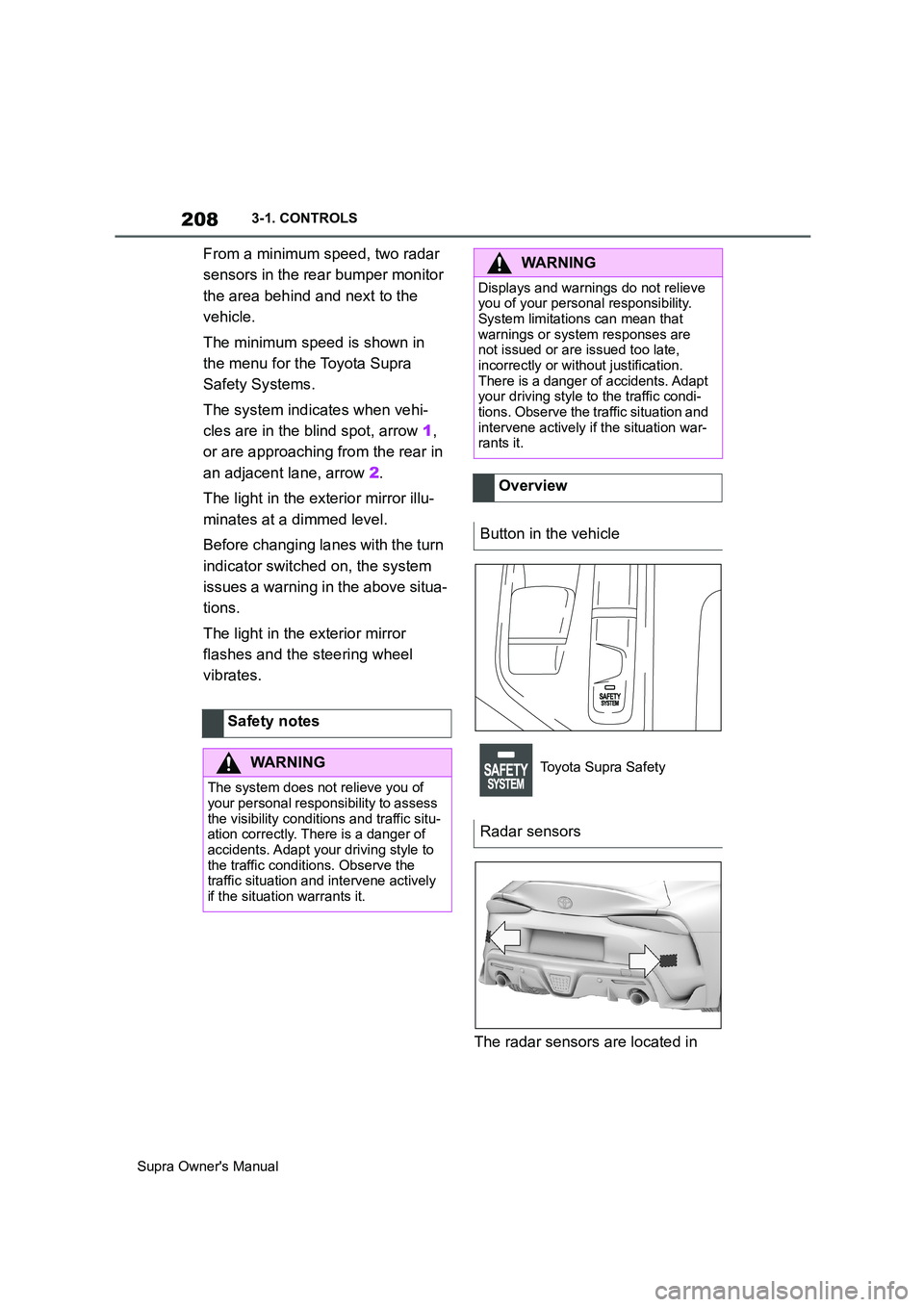
The system indicates when vehi-
cles are in the blind spot, arrow 1,
or are approaching from the rear in
an adjacent lane, arrow 2.
The light in the exterior mirror illu-
minates at a dimmed level.
Before changing lanes with the turn
indicator switched on, the system
issues a warning in the above situa-
tions.
The light in the exterior mirror
flashes and the steering wheel
vibrates.
The radar sensors are located in Safety notes
WARNING
The system does not relieve you of
your personal responsibility to assess
the visibility conditions and traffic situ-
ation correctly. There is a danger of
accidents. Adapt your driving style to
the traffic conditions. Observe the
traffic situation and intervene actively
if the situation warrants it.
WARNING
Displays and warnings do not relieve
you of your personal responsibility.
System limitations can mean that
warnings or system responses are
not issued or are issued too late,
incorrectly or without justification.
There is a danger of accidents. Adapt
your driving style to the traffic condi-
tions. Observe the traffic situation and
intervene actively if the situation war-
rants it.
Overview
Button in the vehicle
Toyota Supra Safety
Radar sensors
Page 210 of 456
210
Supra Owner's Manual3-1. CONTROLS
4"Blind spot monitor"
5Select the desired setting.
"Off": no warning is output for this set-
ting.
The setting is saved for the cur-
rently used driver profile.
Via Toyota Supra Command:
1"My Vehicle"
2"Vehicle settings"
3"Steering wheel vibration"
4Select the desired setting.
The setting is accepted for all
Toyota Supra Safety Systems and
saved for the currently used driver
profile.
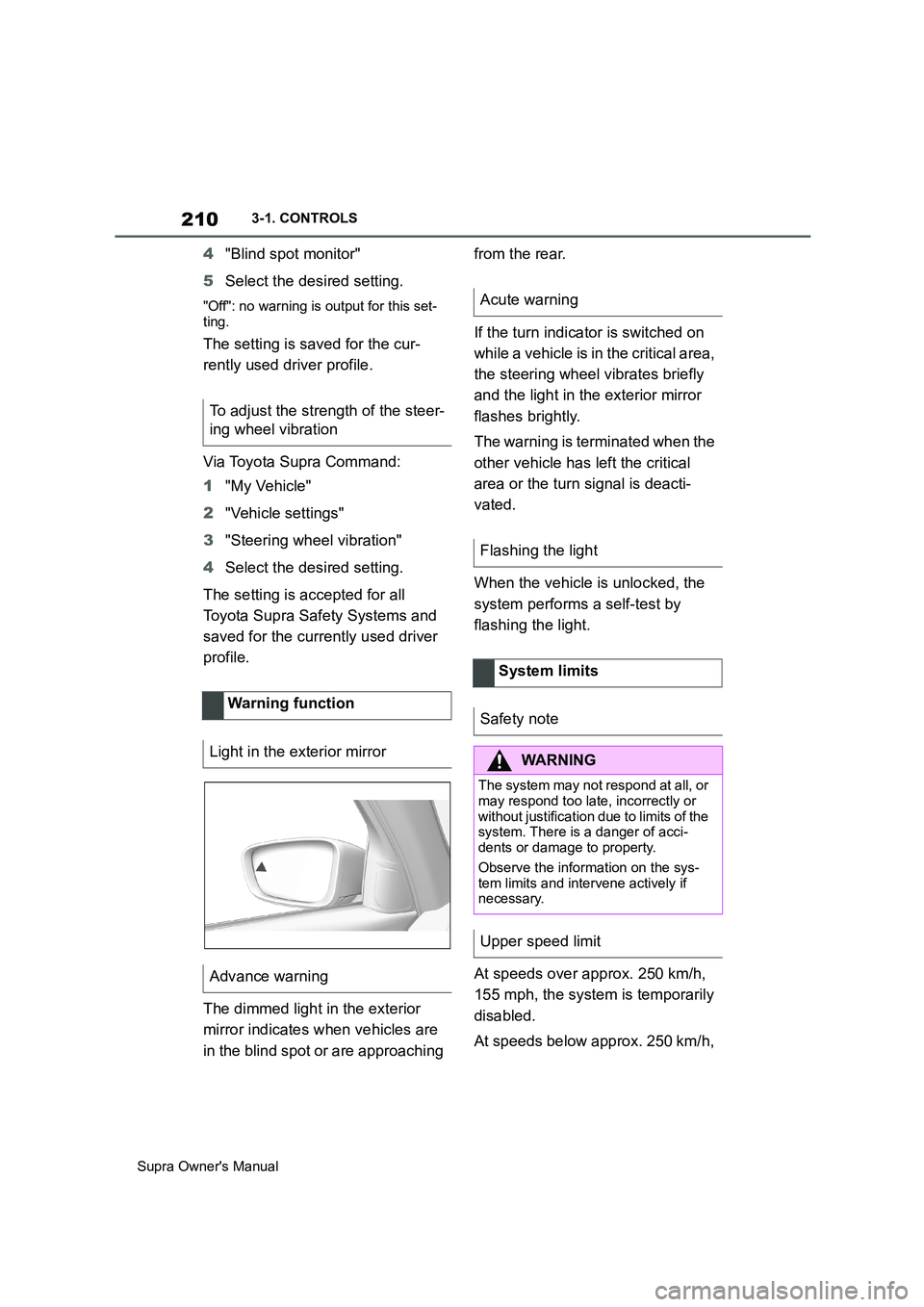
The dimmed light in the exterior
mirror indicates when vehicles are
in the blind spot or are approaching from the rear.
If the turn indicator is switched on
while a vehicle is in the critical area,
the steering wheel vibrates briefly
and the light in the exterior mirror
flashes brightly.
The warning is terminated when the
other vehicle has left the critical
area or the turn signal is deacti-
vated.
When the vehicle is unlocked, the
system performs a self-test by
flashing the light.
At speeds over approx. 250 km/h,
155 mph, the system is temporarily
disabled.
At speeds below approx. 250 km/h, To adjust the strength of the steer-
ing wheel vibration
Warning function
Light in the exterior mirror
Advance warning
Acute warning
Flashing the light
System limits
Safety note
WARNING
The system may not respond at all, or
may respond too late, incorrectly or
without justification due to limits of the
system. There is a danger of acci-
dents or damage to property.
Observe the information on the sys-
tem limits and intervene actively if
necessary.
Upper speed limit
Page 215 of 456
215
3
Supra Owner's Manual3-1. CONTROLS
CONTROLS
mph.
If a sporty driving style is
adopted, for example sharp
acceleration or fast cornering.
In active driving situations, for
example frequent lane changes.
In poor road conditions.
In strong crosswinds.
The system is reset approximately
45 minutes after the vehicle is
stopped, for example when taking a
break during a long motorway jour-
ney.This chapter describes all standard,
country-specific and special equip-
ment available for the model series.
It may therefore describe equip-
ment and functions which are not
installed in your vehicle, for exam-
ple on account of the optional
equipment selected or the country
specification. This also applies to
safety-relevant functions and sys-
tems. Please comply with the rele-
vant laws and regulations when
using the corresponding functions
and systems.
ABS prevents the wheels from lock-
ing when the brakes are applied.
Steering control is retained even in
the event of full braking, thereby
enhancing active road safety.
ABS is ready to operate each time
the engine is started.
Situations which the ABS cannot
operate sufficiently:
When entering a curve at an
excessively high rate of speedDriving Stability Control
Systems
Vehicle equipment
Anti-lock Brake System ABS
Page 220 of 456
220
Supra Owner's Manual3-1. CONTROLS
This chapter describes all standard,
country-specific and special equip-
ment available for the model series.
It may therefore describe equip-
ment and functions which are not
installed in your vehicle, for exam-
ple on account of the optional
equipment selected or the country
specification. This also applies to
safety-relevant functions and sys-
tems. Please comply with the rele-
vant laws and regulations when
using the corresponding functions
and systems.
The system can be used to set a
speed limit so that speed restric-
tions are not exceeded.
The system enables speeds from a
value of 30 km/h/20 mph and above
to be set as a speed limit. Below
the set speed limit, the vehicle can
be driven without restriction.The current speed is adopted as
the speed limit.
When switching on at a standstill or
driving at low speed, 30 km/h/20
mph is set as the speed limit.
When activating the speed limit it is
possible that Vehicle Stability Con-
trol VSC will be switched on and
the drive mode switched to NOR-
MAL.
The system switches off automati-
Driver Assistance Sys-
tems
Vehicle equipment
Manual Speed Limiter
Principle
General
Overview
Buttons on the steering wheel
ButtonFunction
System on/off, see page
220.
Store current speed.
Speed Limit Assist, see
page 234: adopt the sug-
gested speed manually.
Rocker switch:
Changing the speed limit,
see page 221.
Operation
Switching on
Press the button on the steer-
ing wheel.
Switching off
Press the button on the steer-
ing wheel.
Page 222 of 456
222
Supra Owner's Manual3-1. CONTROLS
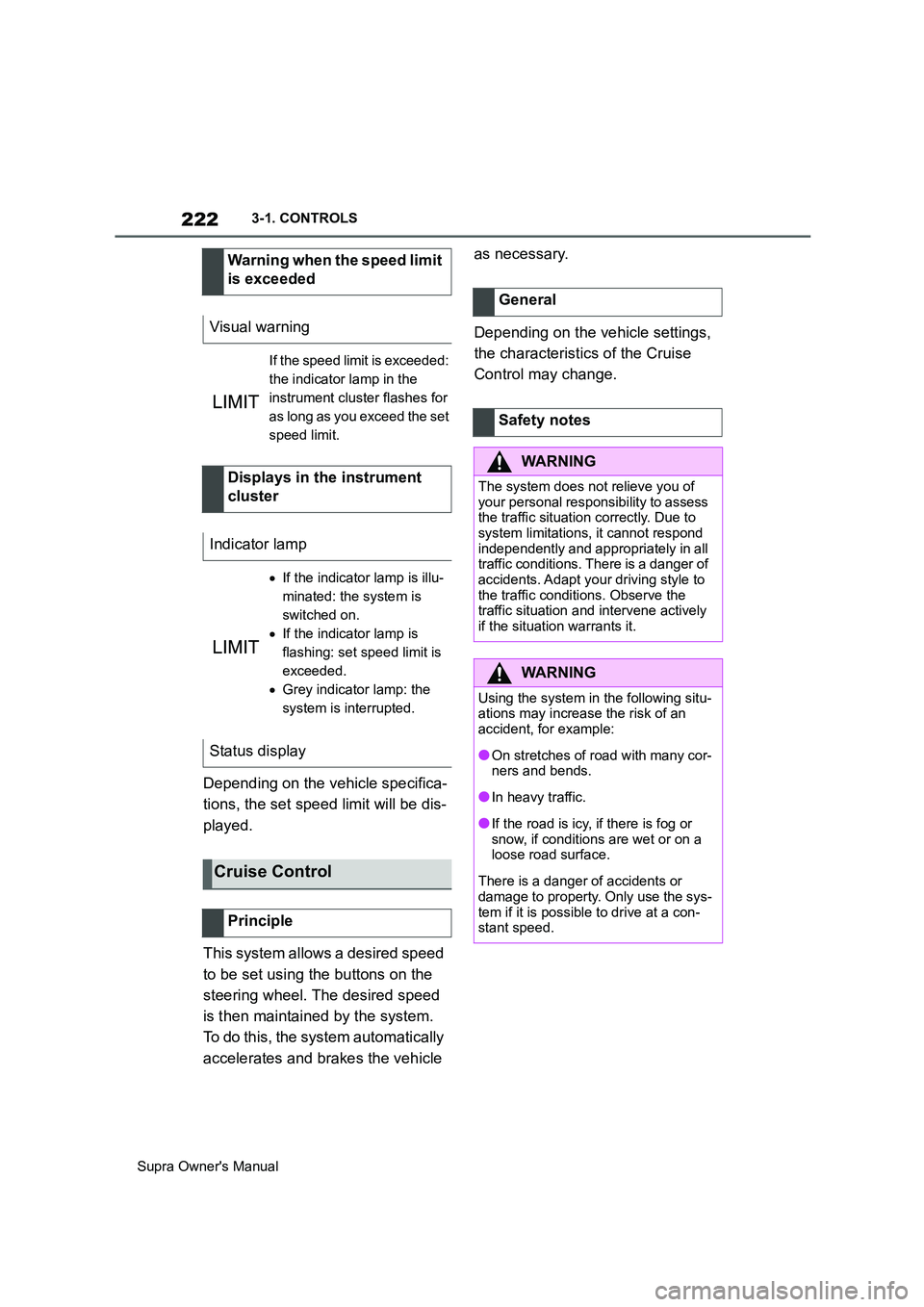
Depending on the vehicle specifica-
tions, the set speed limit will be dis-
played.
This system allows a desired speed
to be set using the buttons on the
steering wheel. The desired speed
is then maintained by the system.
To do this, the system automatically
accelerates and brakes the vehicle as necessary.
Depending on the vehicle settings,
the characteristics of the Cruise
Control may change. Warning when the speed limit
is exceeded
Visual warning
If the speed limit is exceeded:
the indicator lamp in the
instrument cluster flashes for
as long as you exceed the set
speed limit.
Displays in the instrument
cluster
Indicator lamp
If the indicator lamp is illu-
minated: the system is
switched on.
If the indicator lamp is
flashing: set speed limit is
exceeded.
Grey indicator lamp: the
system is interrupted.
Status display
Cruise Control
Principle
General
Safety notes
WARNING
The system does not relieve you of
your personal responsibility to assess
the traffic situation correctly. Due to
system limitations, it cannot respond
independently and appropriately in all
traffic conditions. There is a danger of
accidents. Adapt your driving style to
the traffic conditions. Observe the
traffic situation and intervene actively
if the situation warrants it.
WARNING
Using the system in the following situ-
ations may increase the risk of an
accident, for example:
●On stretches of road with many cor-
ners and bends.
●In heavy traffic.
●If the road is icy, if there is fog or
snow, if conditions are wet or on a
loose road surface.
There is a danger of accidents or
damage to property. Only use the sys-
tem if it is possible to drive at a con-
stant speed.
Page 223 of 456
223
3
Supra Owner's Manual3-1. CONTROLS
CONTROLS
The indicator will come on.
Cruise Control is active. The driven speed is maintained and stored as
the desired speed.
Vehicle Stability Control VSC is
switched on, if necessary.
The displays turn off. The desired
speed saved is deleted.
The system interrupts automatically
in the following situations:
If the driver brakes.
Automatic transmission: if the
selector lever is moved out of
selector lever position D.
If Traction mode is activated or
Vehicle Stability Control VSC
deactivated.
If Vehicle Stability Control VSC
intervenes.
WARNING
The desired speed may be acciden-
tally set incorrectly or called up by
mistake. There is a danger of acci-
dents. Adjust the desired speed to the
traffic conditions. Observe the traffic
situation and intervene actively if the
situation warrants it.
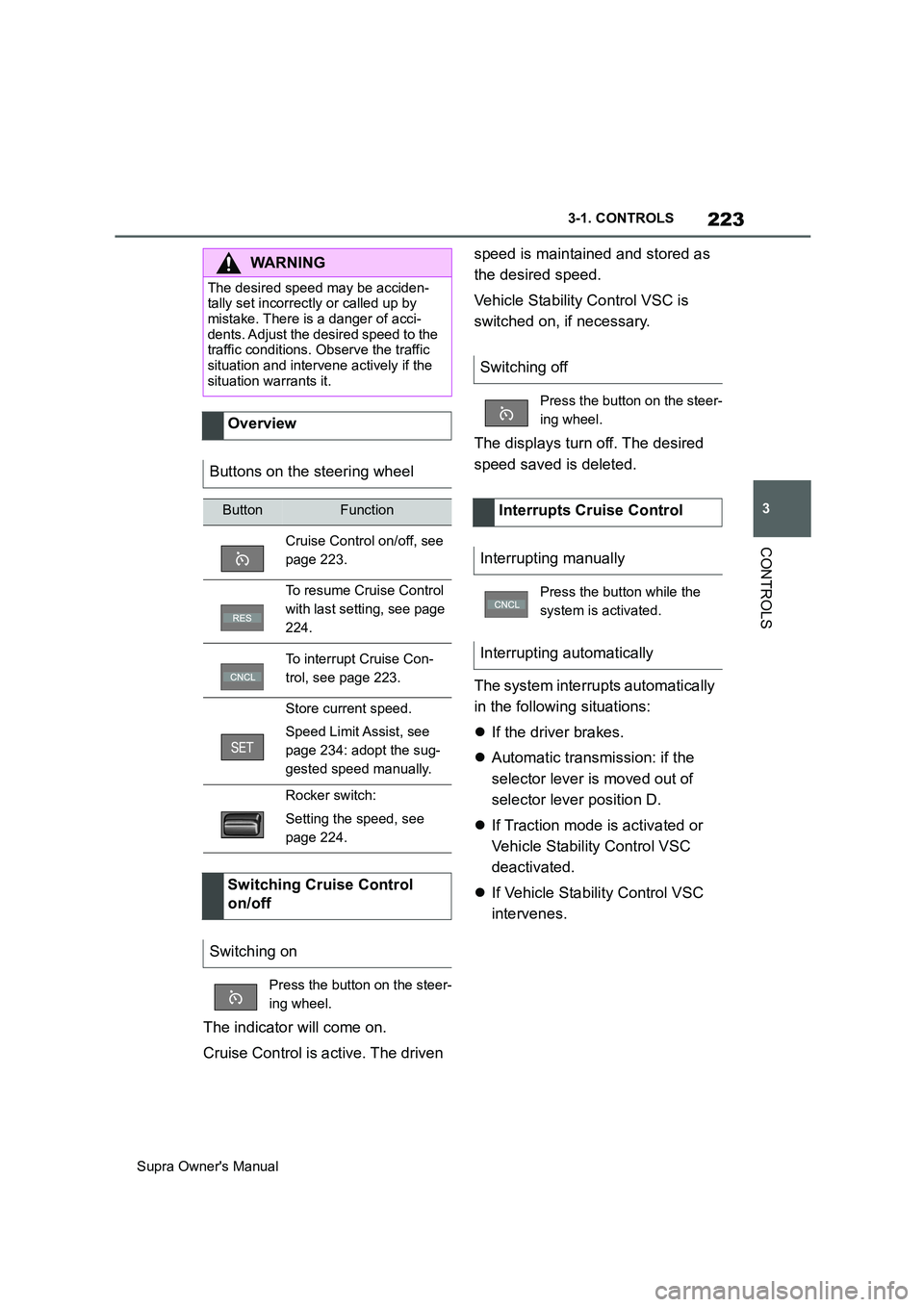
Overview
Buttons on the steering wheel
ButtonFunction
Cruise Control on/off, see
page 223.
To resume Cruise Control
with last setting, see page
224.
To interrupt Cruise Con-
trol, see page 223.
Store current speed.
Speed Limit Assist, see
page 234: adopt the sug-
gested speed manually.
Rocker switch:
Setting the speed, see
page 224.
Switching Cruise Control
on/off
Switching on
Press the button on the steer-
ing wheel.
Switching off
Press the button on the steer-
ing wheel.
Interrupts Cruise Control
Interrupting manually
Press the button while the
system is activated.
Interrupting automatically
Page 225 of 456
225
3
Supra Owner's Manual3-1. CONTROLS
CONTROLS
saved speed is not excessively
large. Otherwise, there may be
inadvertent braking or acceleration.
Cruise Control is resumed with the
saved values.
The saved speed value is deleted
and can no longer be called up in
the following instances:
When the system is switched off.
When drive-ready state is
switched off.
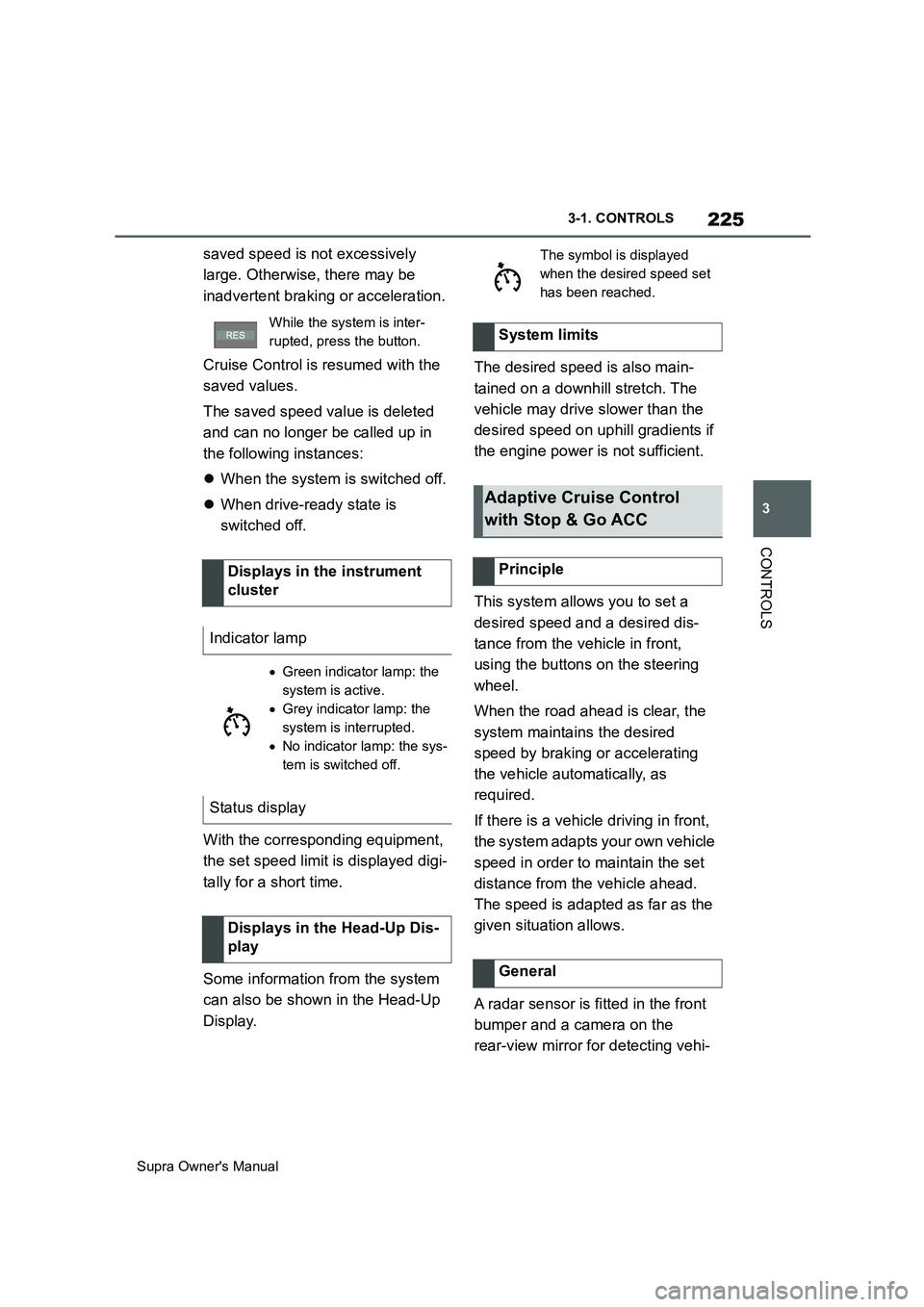
With the corresponding equipment,
the set speed limit is displayed digi-
tally for a short time.
Some information from the system
can also be shown in the Head-Up
Display.The desired speed is also main-
tained on a downhill stretch. The
vehicle may drive slower than the
desired speed on uphill gradients if
the engine power is not sufficient.
This system allows you to set a
desired speed and a desired dis-
tance from the vehicle in front,
using the buttons on the steering
wheel.
When the road ahead is clear, the
system maintains the desired
speed by braking or accelerating
the vehicle automatically, as
required.
If there is a vehicle driving in front,
the system adapts your own vehicle
speed in order to maintain the set
distance from the vehicle ahead.
The speed is adapted as far as the
given situation allows.
A radar sensor is fitted in the front
bumper and a camera on the
rear-view mirror for detecting vehi-
While the system is inter-
rupted, press the button.
Displays in the instrument
cluster
Indicator lamp
Green indicator lamp: the
system is active.
Grey indicator lamp: the
system is interrupted.
No indicator lamp: the sys-
tem is switched off.
Status display
Displays in the Head-Up Dis-
play
The symbol is displayed
when the desired speed set
has been reached.
System limits
Adaptive Cruise Control
with Stop & Go ACC
Principle
General
Page 227 of 456
227
3
Supra Owner's Manual3-1. CONTROLS
CONTROLS
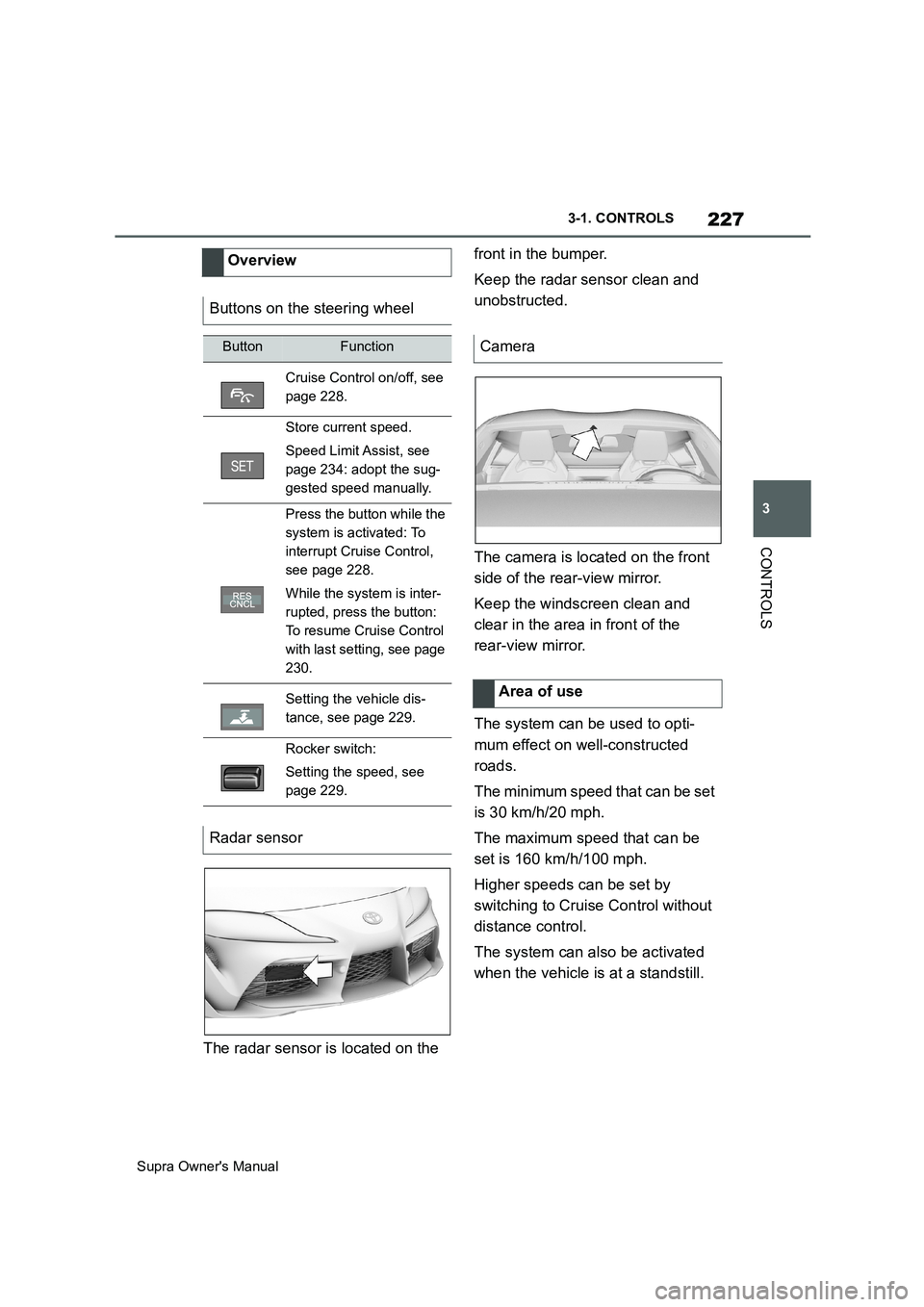
The radar sensor is located on the front in the bumper.
Keep the radar sensor clean and
unobstructed.
The camera is located on the front
side of the rear-view mirror.
Keep the windscreen clean and
clear in the area in front of the
rear-view mirror.
The system can be used to opti-
mum effect on well-constructed
roads.
The minimum speed that can be set
is 30 km/h/20 mph.
The maximum speed that can be
set is 160 km/h/100 mph.
Higher speeds can be set by
switching to Cruise Control without
distance control.
The system can also be activated
when the vehicle is at a standstill. Overview
Buttons on the steering wheel
ButtonFunction
Cruise Control on/off, see
page 228.
Store current speed.
Speed Limit Assist, see
page 234: adopt the sug-
gested speed manually.
Press the button while the
system is activated: To
interrupt Cruise Control,
see page 228.
While the system is inter-
rupted, press the button:
To resume Cruise Control
with last setting, see page
230.
Setting the vehicle dis-
tance, see page 229.
Rocker switch:
Setting the speed, see
page 229.
Radar sensor
Camera
Area of use
Page 228 of 456
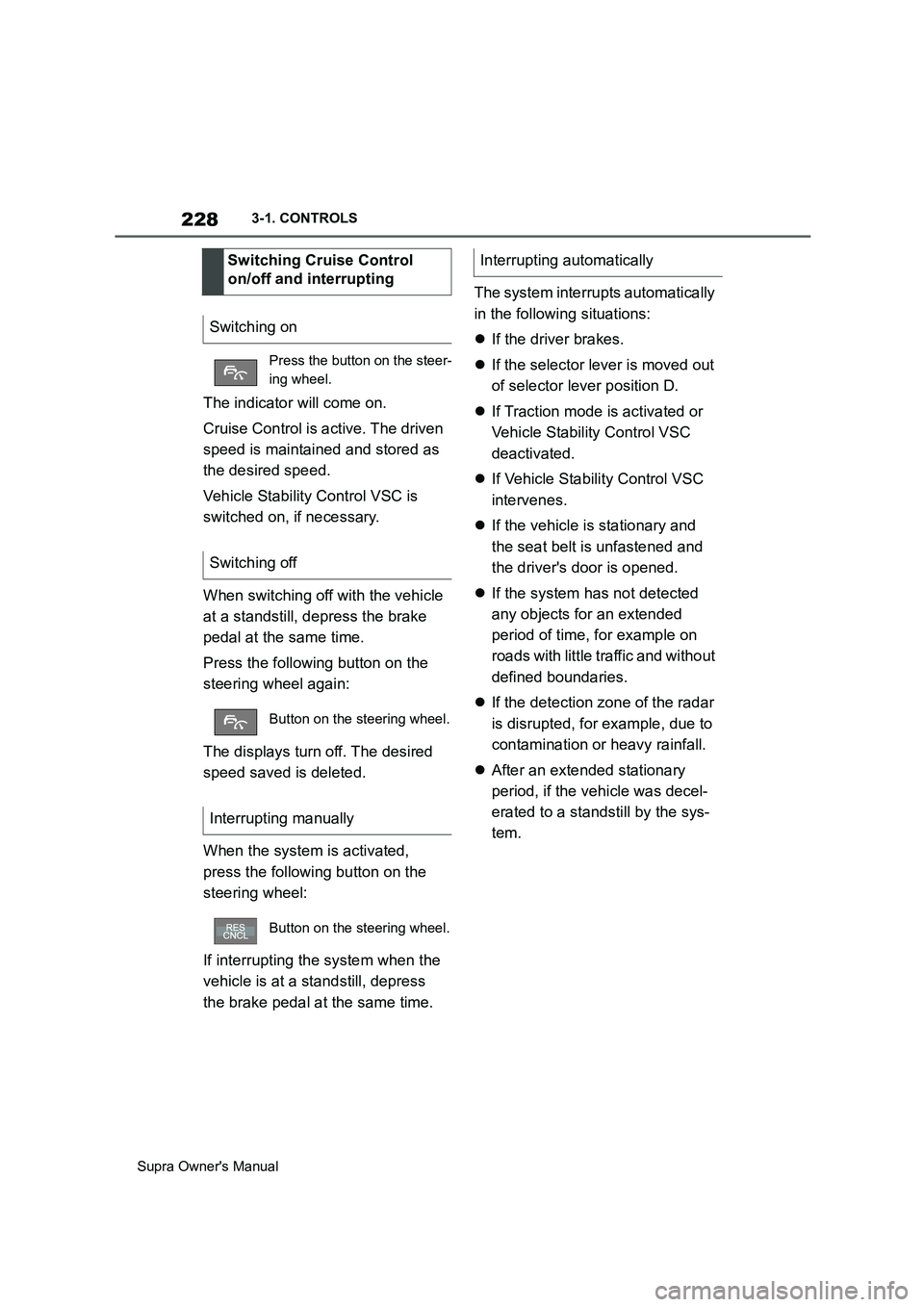
228
Supra Owner's Manual3-1. CONTROLS
The indicator will come on.
Cruise Control is active. The driven
speed is maintained and stored as
the desired speed.
Vehicle Stability Control VSC is
switched on, if necessary.
When switching off with the vehicle
at a standstill, depress the brake
pedal at the same time.
Press the following button on the
steering wheel again:
The displays turn off. The desired
speed saved is deleted.
When the system is activated,
press the following button on the
steering wheel:
If interrupting the system when the
vehicle is at a standstill, depress
the brake pedal at the same time.The system interrupts automatically
in the following situations:
If the driver brakes.
If the selector lever is moved out
of selector lever position D.
If Traction mode is activated or
Vehicle Stability Control VSC
deactivated.
If Vehicle Stability Control VSC
intervenes.
If the vehicle is stationary and
the seat belt is unfastened and
the driver's door is opened.
If the system has not detected
any objects for an extended
period of time, for example on
roads with little traffic and without
defined boundaries.
If the detection zone of the radar
is disrupted, for example, due to
contamination or heavy rainfall.
After an extended stationary
period, if the vehicle was decel-
erated to a standstill by the sys-
tem. Switching Cruise Control
on/off and interrupting
Switching on
Press the button on the steer-
ing wheel.
Switching off
Button on the steering wheel.
Interrupting manually
Button on the steering wheel.
Interrupting automatically
Page 235 of 456
235
3
Supra Owner's Manual3-1. CONTROLS
CONTROLS
detect a change in the speed limit
on the route, it is possible to adopt
this new speed limit value for the
following systems:
Manual Speed Limiter.
Cruise Control.
Adaptive Cruise Control with
Stop & Go function.
The speed value is proposed as a
new desired speed for adopting.
The relevant system must be acti-
vated for the speed value to be
adopted.Via Toyota Supra Command:
1"My vehicle"
2"Vehicle settings"
3"Speed Assistant"
A message is displayed in the
instrument cluster if the system and
the Cruise Control are switched on. Safety notes
WARNING
The system does not relieve you of
your personal responsibility to assess
the traffic situation correctly. Due to
system limitations, it cannot respond
independently and appropriately in all
traffic conditions. There is a danger of
accidents. Adapt your driving style to
the traffic conditions. Observe the
traffic situation and intervene actively
if the situation warrants it.
WARNING
The desired speed may be acciden-
tally set incorrectly or called up by
mistake. There is a danger of acci-
dents. Adjust the desired speed to the
traffic conditions. Observe the traffic
situation and intervene actively if the
situation warrants it.
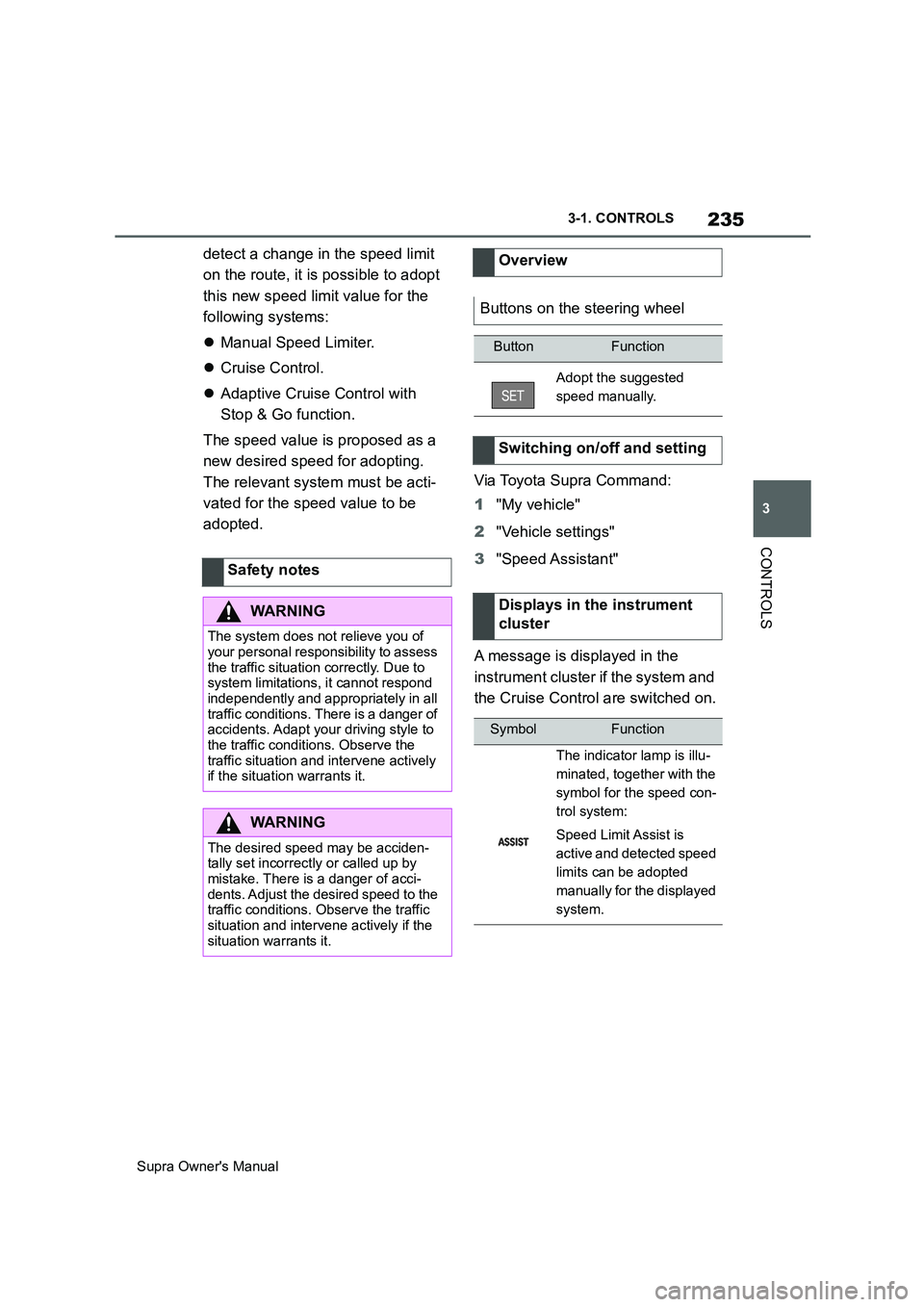
Overview
Buttons on the steering wheel
ButtonFunction
Adopt the suggested
speed manually.
Switching on/off and setting
Displays in the instrument
cluster
SymbolFunction
The indicator lamp is illu-
minated, together with the
symbol for the speed con-
trol system:
Speed Limit Assist is
active and detected speed
limits can be adopted
manually for the displayed
system.