wheel TOYOTA SUPRA 2019 Workshop Manual
[x] Cancel search | Manufacturer: TOYOTA, Model Year: 2019, Model line: SUPRA, Model: TOYOTA SUPRA 2019Pages: 456, PDF Size: 88.65 MB
Page 217 of 456
217
3
Supra Owner's Manual3-1. CONTROLS
CONTROLS
Loss of grip of the front wheels
which can lead to understeer.
Driving stability during acceleration
and cornering is restricted if VSC is
deactivated.
To assist driving stability, re-acti-
vate VSC as soon as possible.
VSC OFF is displayed in the instru-
ment cluster when VSC is deacti-
vated. Safety notes
WARNING
The system does not relieve you of
your personal responsibility to assess
the traffic situation correctly. Due to
system limitations, it cannot respond
independently and appropriately in all
traffic conditions. There is a danger of
accidents. Adapt your driving style to
the traffic conditions. Observe the
traffic situation and intervene actively
if the situation warrants it.
WARNING
When driving with a roof load, for
example with a roof rack, the higher
centre of gravity can mean that driv-
ing safety is no longer guaranteed in
critical driving situations. There is a
danger of accidents or damage to
property. Do not deactivate Vehicle
Stability Control VSC when driving
with a roof load.
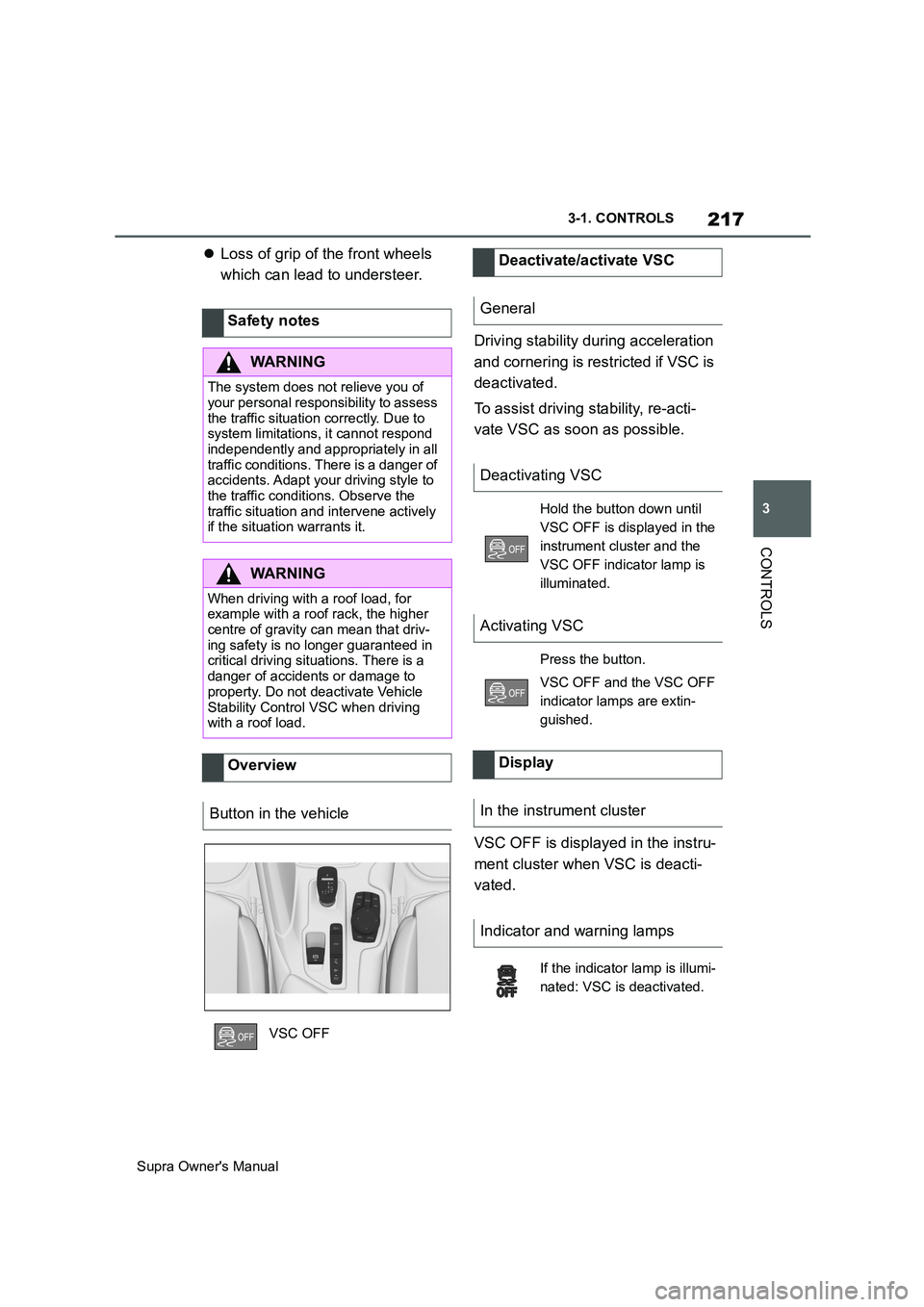
Overview
Button in the vehicle
VSC OFF
Deactivate/activate VSC
General
Deactivating VSC
Hold the button down until
VSC OFF is displayed in the
instrument cluster and the
VSC OFF indicator lamp is
illuminated.
Activating VSC
Press the button.
VSC OFF and the VSC OFF
indicator lamps are extin-
guished.
Display
In the instrument cluster
Indicator and warning lamps
If the indicator lamp is illumi-
nated: VSC is deactivated.
Page 219 of 456
219
3
Supra Owner's Manual3-1. CONTROLS
CONTROLS
When Traction mode is activated,
TRACTION is displayed in the
instrument cluster.
In certain situations, VSC is acti-
vated automatically:
If Adaptive Cruise Control with
Stop&Go function ACC is acti-
vated.In the event of a braking inter-
vention by the Toyota Supra
Safety Systems.
In the event of a flat tyre.
The active differential steplessly
locks the rear axle depending on
the driving conditions. This pro-
vides optimal power transfer in all
driving conditions by helping pre-
vent wheel spin at either rear
wheel.
The driver is responsible for a driv-
ing style appropriate to the situa-
tion. Activate/deactivate Traction
mode
Activating Traction mode
Press the button.
TRACTION is displayed in
the instrument cluster and the
VSC OFF indicator lamp is
illuminated.
Deactivating Traction mode
Press the button again.
TRACTION and the VSC
OFF indicator light are extin-
guished.
Display
Display in the instrument cluster
Indicator and warning lamps
The indicator lamp is illumi-
nated: Traction mode has
been activated.
Automatic programme
change
Active differential
Page 220 of 456
220
Supra Owner's Manual3-1. CONTROLS
This chapter describes all standard,
country-specific and special equip-
ment available for the model series.
It may therefore describe equip-
ment and functions which are not
installed in your vehicle, for exam-
ple on account of the optional
equipment selected or the country
specification. This also applies to
safety-relevant functions and sys-
tems. Please comply with the rele-
vant laws and regulations when
using the corresponding functions
and systems.
The system can be used to set a
speed limit so that speed restric-
tions are not exceeded.
The system enables speeds from a
value of 30 km/h/20 mph and above
to be set as a speed limit. Below
the set speed limit, the vehicle can
be driven without restriction.The current speed is adopted as
the speed limit.
When switching on at a standstill or
driving at low speed, 30 km/h/20
mph is set as the speed limit.
When activating the speed limit it is
possible that Vehicle Stability Con-
trol VSC will be switched on and
the drive mode switched to NOR-
MAL.
The system switches off automati-
Driver Assistance Sys-
tems
Vehicle equipment
Manual Speed Limiter
Principle
General
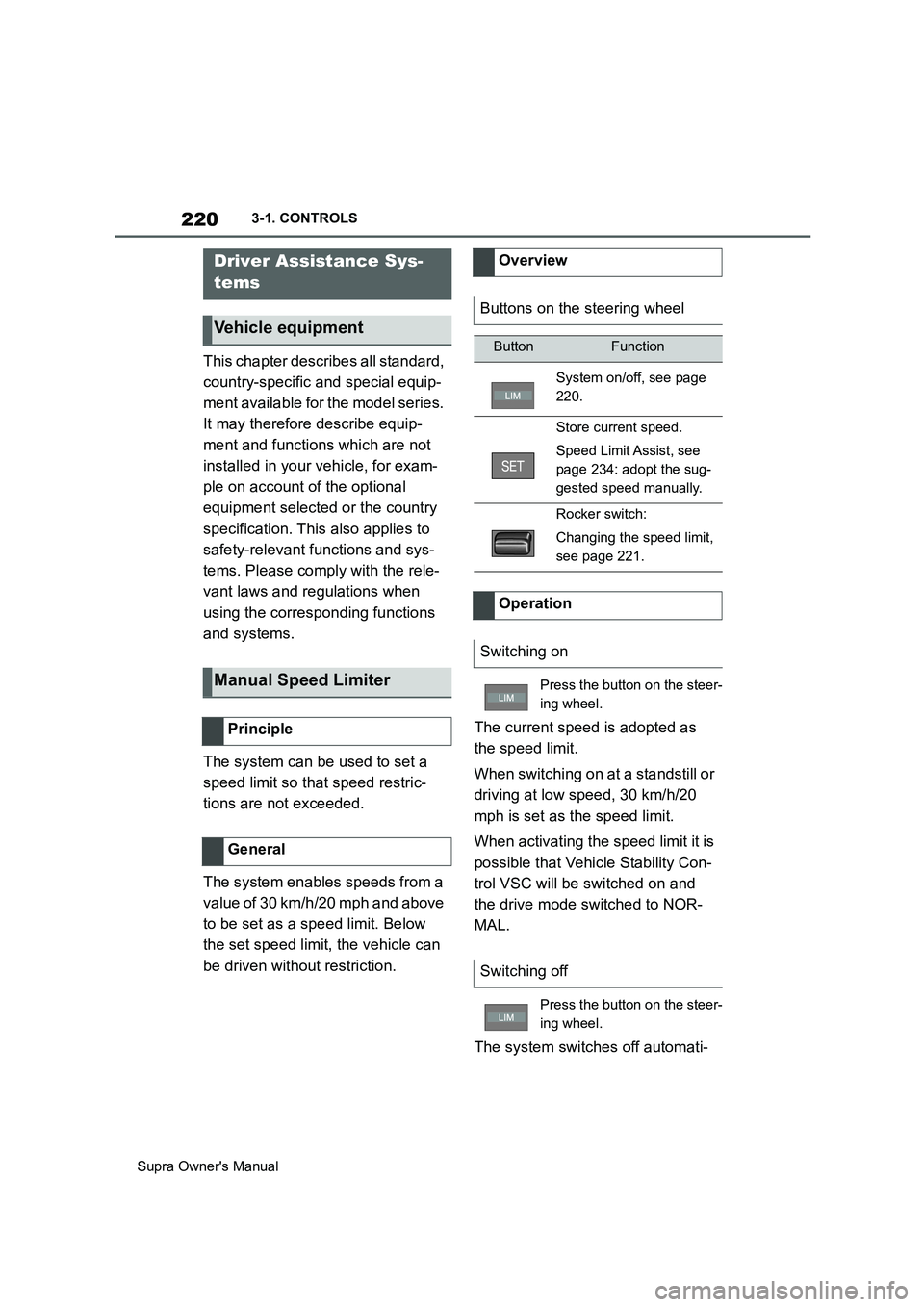
Overview
Buttons on the steering wheel
ButtonFunction
System on/off, see page
220.
Store current speed.
Speed Limit Assist, see
page 234: adopt the sug-
gested speed manually.
Rocker switch:
Changing the speed limit,
see page 221.
Operation
Switching on
Press the button on the steer-
ing wheel.
Switching off
Press the button on the steer-
ing wheel.
Page 221 of 456
221
3
Supra Owner's Manual3-1. CONTROLS
CONTROLS
cally in the following situations, for
example:
When switching the engine off.
When switching on Cruise Con-
trol.
When activating sport mode
using the sport mode switch.
The displays turn off.
The system is interrupted when
reverse gear is engaged or the
transmission is in neutral.
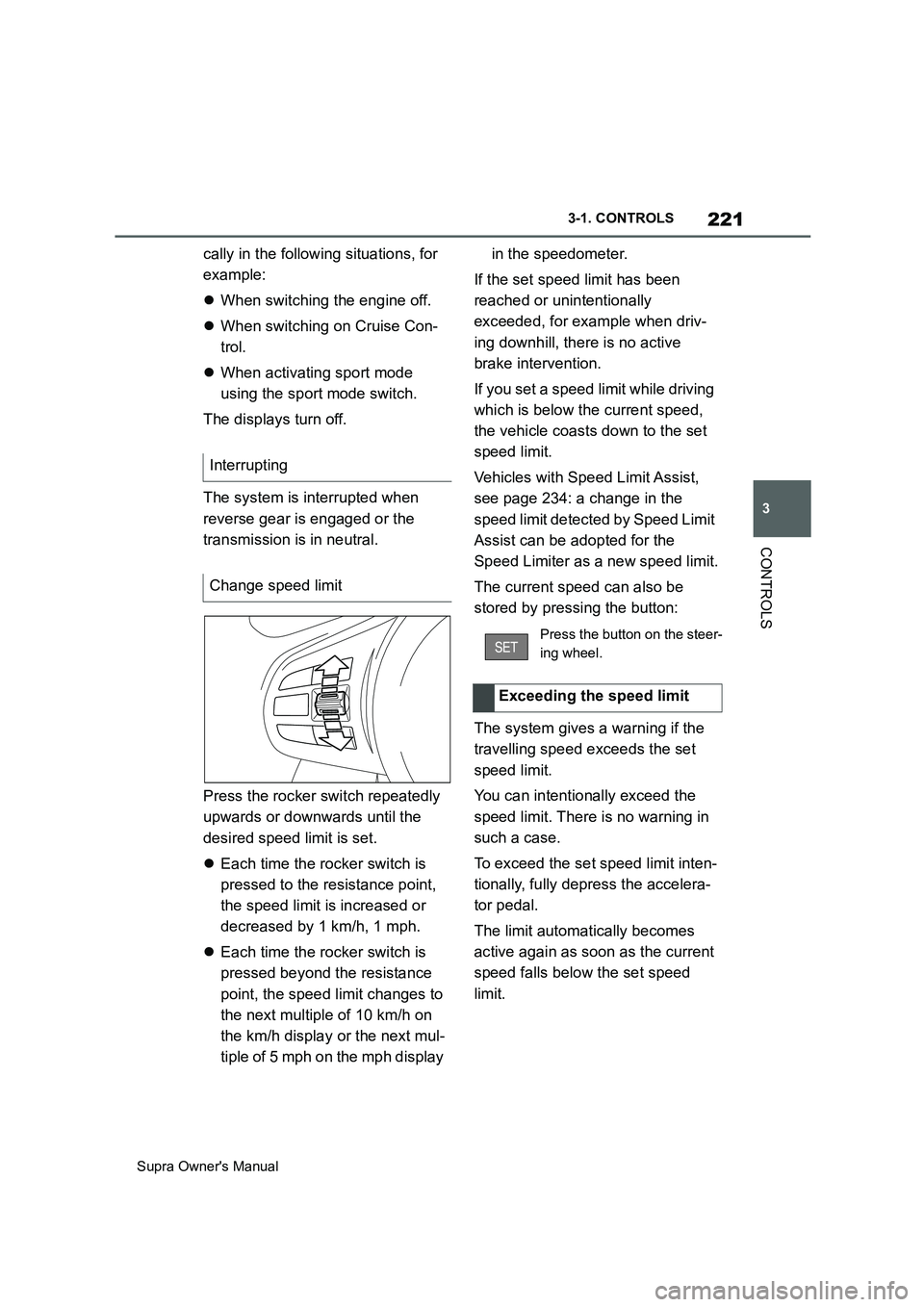
Press the rocker switch repeatedly
upwards or downwards until the
desired speed limit is set.
Each time the rocker switch is
pressed to the resistance point,
the speed limit is increased or
decreased by 1 km/h, 1 mph.
Each time the rocker switch is
pressed beyond the resistance
point, the speed limit changes to
the next multiple of 10 km/h on
the km/h display or the next mul-
tiple of 5 mph on the mph display in the speedometer.
If the set speed limit has been
reached or unintentionally
exceeded, for example when driv-
ing downhill, there is no active
brake intervention.
If you set a speed limit while driving
which is below the current speed,
the vehicle coasts down to the set
speed limit.
Vehicles with Speed Limit Assist,
see page 234: a change in the
speed limit detected by Speed Limit
Assist can be adopted for the
Speed Limiter as a new speed limit.
The current speed can also be
stored by pressing the button:
The system gives a warning if the
travelling speed exceeds the set
speed limit.
You can intentionally exceed the
speed limit. There is no warning in
such a case.
To exceed the set speed limit inten-
tionally, fully depress the accelera-
tor pedal.
The limit automatically becomes
active again as soon as the current
speed falls below the set speed
limit. Interrupting
Change speed limit
Press the button on the steer-
ing wheel.
Exceeding the speed limit
Page 222 of 456
222
Supra Owner's Manual3-1. CONTROLS
Depending on the vehicle specifica-
tions, the set speed limit will be dis-
played.
This system allows a desired speed
to be set using the buttons on the
steering wheel. The desired speed
is then maintained by the system.
To do this, the system automatically
accelerates and brakes the vehicle as necessary.
Depending on the vehicle settings,
the characteristics of the Cruise
Control may change. Warning when the speed limit
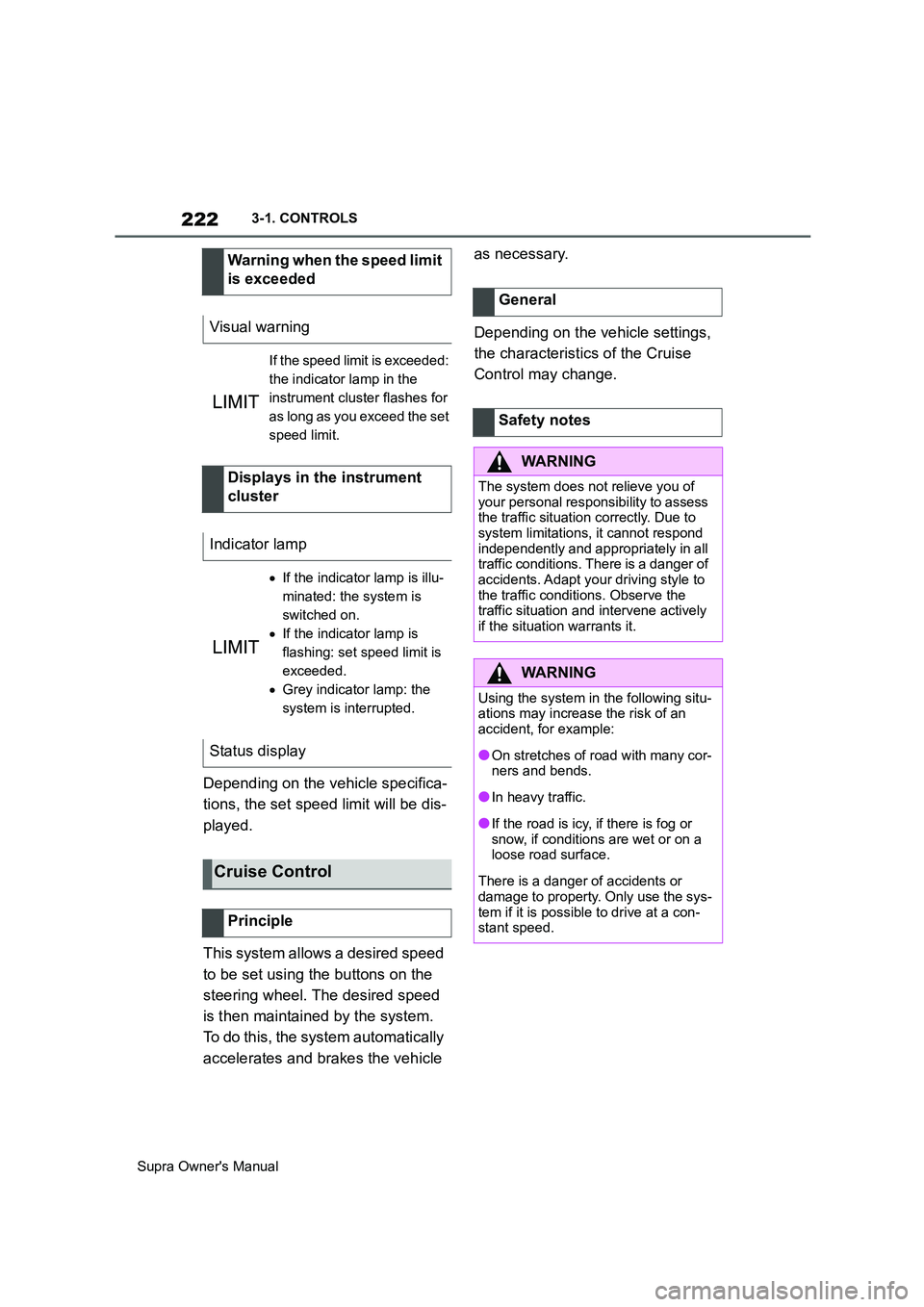
is exceeded
Visual warning
If the speed limit is exceeded:
the indicator lamp in the
instrument cluster flashes for
as long as you exceed the set
speed limit.
Displays in the instrument
cluster
Indicator lamp
If the indicator lamp is illu-
minated: the system is
switched on.
If the indicator lamp is
flashing: set speed limit is
exceeded.
Grey indicator lamp: the
system is interrupted.
Status display
Cruise Control
Principle
General
Safety notes
WARNING
The system does not relieve you of
your personal responsibility to assess
the traffic situation correctly. Due to
system limitations, it cannot respond
independently and appropriately in all
traffic conditions. There is a danger of
accidents. Adapt your driving style to
the traffic conditions. Observe the
traffic situation and intervene actively
if the situation warrants it.
WARNING
Using the system in the following situ-
ations may increase the risk of an
accident, for example:
●On stretches of road with many cor-
ners and bends.
●In heavy traffic.
●If the road is icy, if there is fog or
snow, if conditions are wet or on a
loose road surface.
There is a danger of accidents or
damage to property. Only use the sys-
tem if it is possible to drive at a con-
stant speed.
Page 223 of 456
223
3
Supra Owner's Manual3-1. CONTROLS
CONTROLS
The indicator will come on.
Cruise Control is active. The driven speed is maintained and stored as
the desired speed.
Vehicle Stability Control VSC is
switched on, if necessary.
The displays turn off. The desired
speed saved is deleted.
The system interrupts automatically
in the following situations:
If the driver brakes.
Automatic transmission: if the
selector lever is moved out of
selector lever position D.
If Traction mode is activated or
Vehicle Stability Control VSC
deactivated.
If Vehicle Stability Control VSC
intervenes.
WARNING
The desired speed may be acciden-
tally set incorrectly or called up by
mistake. There is a danger of acci-
dents. Adjust the desired speed to the
traffic conditions. Observe the traffic
situation and intervene actively if the
situation warrants it.
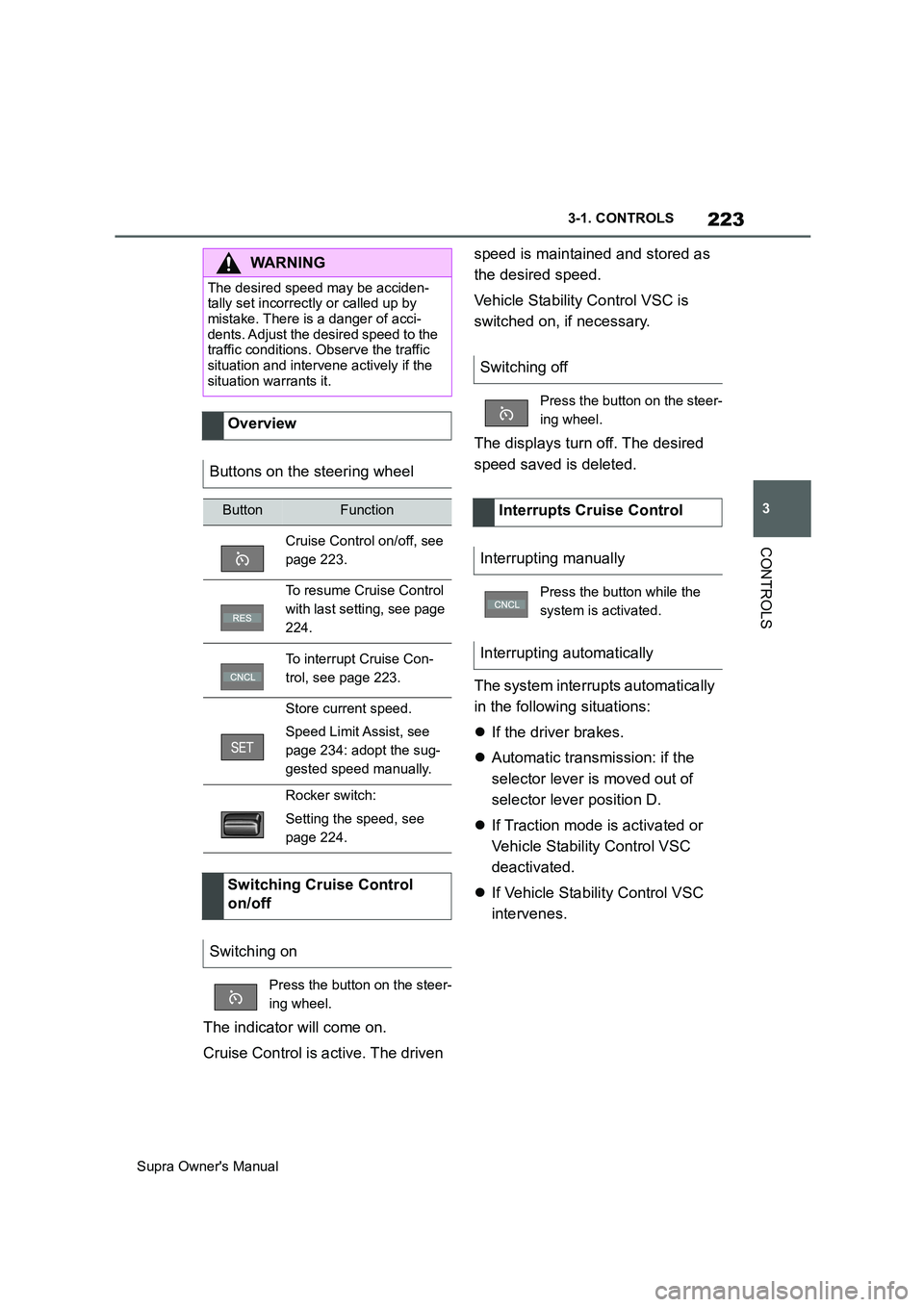
Overview
Buttons on the steering wheel
ButtonFunction
Cruise Control on/off, see
page 223.
To resume Cruise Control
with last setting, see page
224.
To interrupt Cruise Con-
trol, see page 223.
Store current speed.
Speed Limit Assist, see
page 234: adopt the sug-
gested speed manually.
Rocker switch:
Setting the speed, see
page 224.
Switching Cruise Control
on/off
Switching on
Press the button on the steer-
ing wheel.
Switching off
Press the button on the steer-
ing wheel.
Interrupts Cruise Control
Interrupting manually
Press the button while the
system is activated.
Interrupting automatically
Page 225 of 456
225
3
Supra Owner's Manual3-1. CONTROLS
CONTROLS
saved speed is not excessively
large. Otherwise, there may be
inadvertent braking or acceleration.
Cruise Control is resumed with the
saved values.
The saved speed value is deleted
and can no longer be called up in
the following instances:
When the system is switched off.
When drive-ready state is
switched off.
With the corresponding equipment,
the set speed limit is displayed digi-
tally for a short time.
Some information from the system
can also be shown in the Head-Up
Display.The desired speed is also main-
tained on a downhill stretch. The
vehicle may drive slower than the
desired speed on uphill gradients if
the engine power is not sufficient.
This system allows you to set a
desired speed and a desired dis-
tance from the vehicle in front,
using the buttons on the steering
wheel.
When the road ahead is clear, the
system maintains the desired
speed by braking or accelerating
the vehicle automatically, as
required.
If there is a vehicle driving in front,
the system adapts your own vehicle
speed in order to maintain the set
distance from the vehicle ahead.
The speed is adapted as far as the
given situation allows.
A radar sensor is fitted in the front
bumper and a camera on the
rear-view mirror for detecting vehi-
While the system is inter-
rupted, press the button.
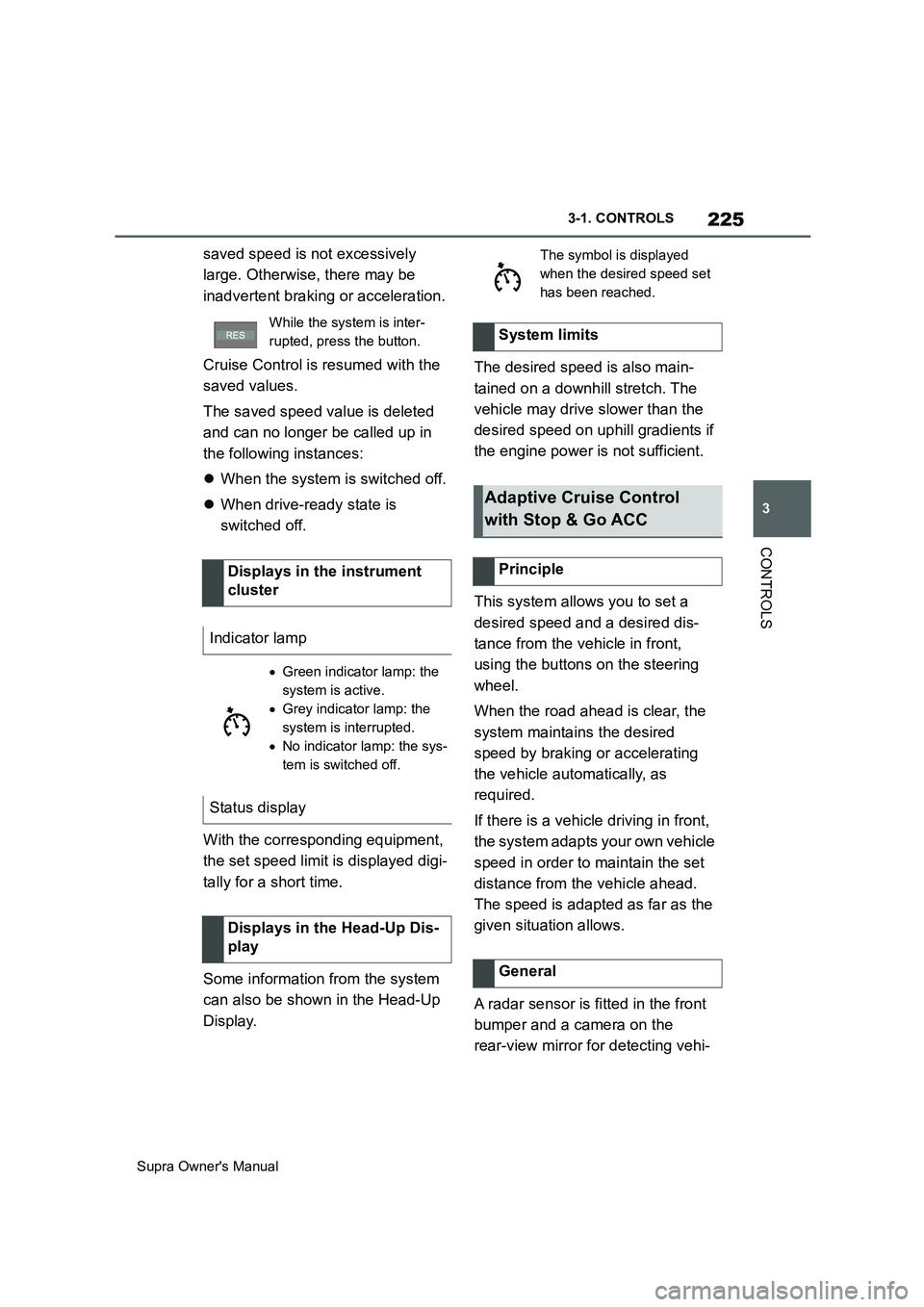
Displays in the instrument
cluster
Indicator lamp
Green indicator lamp: the
system is active.
Grey indicator lamp: the
system is interrupted.
No indicator lamp: the sys-
tem is switched off.
Status display
Displays in the Head-Up Dis-
play
The symbol is displayed
when the desired speed set
has been reached.
System limits
Adaptive Cruise Control
with Stop & Go ACC
Principle
General
Page 226 of 456
226
Supra Owner's Manual3-1. CONTROLS
cles driving in front.
Depending on the vehicle settings,
the characteristics of the Cruise
Control may change.
The distance can be set in several
stages, and is dependent on the
individual speed for reasons of
safety.
If the vehicle ahead brakes to a
standstill and sets off again shortly
afterwards, the system can recog-
nise this within the given context.
Safety notes
WARNING
The system does not relieve you of
your personal responsibility to assess
the traffic situation correctly. Due to
system limitations, it cannot respond
independently and appropriately in all
traffic conditions. There is a danger of
accidents. Adapt your driving style to
the traffic conditions. Observe the
traffic situation and intervene actively
if the situation warrants it.
WARNING
An unsecured vehicle can start mov-
ing and rolling away. There is a dan-
ger of accidents. Before leaving the
vehicle, secure it to prevent it from
rolling away.
Observe the following to ensure that
the vehicle is secured against rolling
away:
●Apply the parking brake.
●Turn the front wheels towards the
kerb on upward or downward gradi-
ents.
●Additionally secure the vehicle on
upward or downward gradients, for
example with a chock.
WARNING
The desired speed may be acciden-
tally set incorrectly or called up by
mistake. There is a danger of acci-
dents. Adjust the desired speed to the
traffic conditions. Observe the traffic
situation and intervene actively if the
situation warrants it.
WARNING
There is a danger of accidents if the
difference in speed relative to other
vehicles is excessively high. This may
occur, for example, in the following
situations:
●When quickly approaching a slowly
moving vehicle.
●If another vehicle suddenly veers
into the vehicle's own lane.
●When quickly approaching station-
ary vehicles.
There is a danger of injury or even
death. Observe the traffic situation
and intervene actively if the situation
warrants it.
Page 227 of 456
227
3
Supra Owner's Manual3-1. CONTROLS
CONTROLS
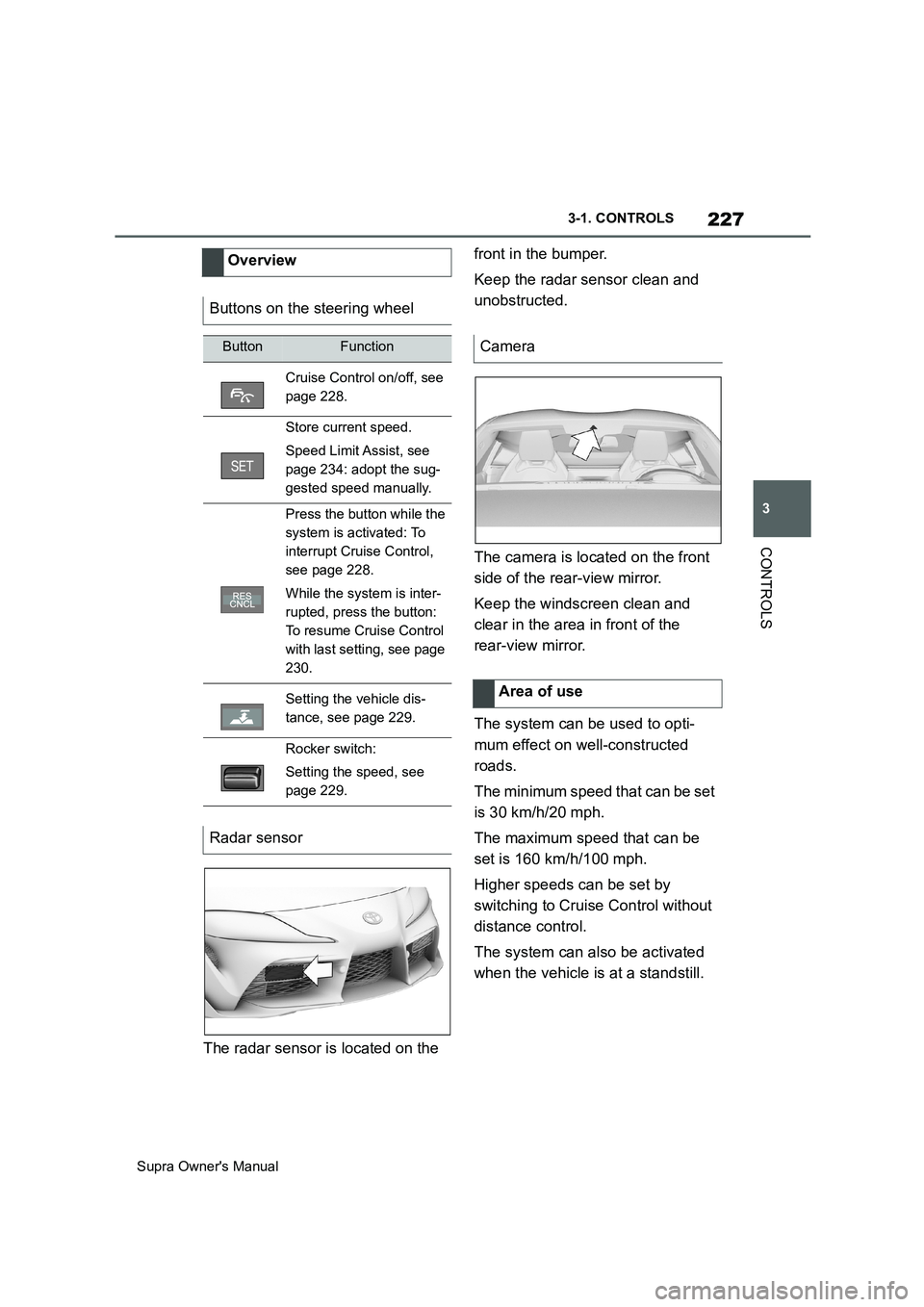
The radar sensor is located on the front in the bumper.
Keep the radar sensor clean and
unobstructed.
The camera is located on the front
side of the rear-view mirror.
Keep the windscreen clean and
clear in the area in front of the
rear-view mirror.
The system can be used to opti-
mum effect on well-constructed
roads.
The minimum speed that can be set
is 30 km/h/20 mph.
The maximum speed that can be
set is 160 km/h/100 mph.
Higher speeds can be set by
switching to Cruise Control without
distance control.
The system can also be activated
when the vehicle is at a standstill. Overview
Buttons on the steering wheel
ButtonFunction
Cruise Control on/off, see
page 228.
Store current speed.
Speed Limit Assist, see
page 234: adopt the sug-
gested speed manually.
Press the button while the
system is activated: To
interrupt Cruise Control,
see page 228.
While the system is inter-
rupted, press the button:
To resume Cruise Control
with last setting, see page
230.
Setting the vehicle dis-
tance, see page 229.
Rocker switch:
Setting the speed, see
page 229.
Radar sensor
Camera
Area of use
Page 228 of 456
228
Supra Owner's Manual3-1. CONTROLS
The indicator will come on.
Cruise Control is active. The driven
speed is maintained and stored as
the desired speed.
Vehicle Stability Control VSC is
switched on, if necessary.
When switching off with the vehicle
at a standstill, depress the brake
pedal at the same time.
Press the following button on the
steering wheel again:
The displays turn off. The desired
speed saved is deleted.
When the system is activated,
press the following button on the
steering wheel:
If interrupting the system when the
vehicle is at a standstill, depress
the brake pedal at the same time.The system interrupts automatically
in the following situations:
If the driver brakes.
If the selector lever is moved out
of selector lever position D.
If Traction mode is activated or
Vehicle Stability Control VSC
deactivated.
If Vehicle Stability Control VSC
intervenes.
If the vehicle is stationary and
the seat belt is unfastened and
the driver's door is opened.
If the system has not detected
any objects for an extended
period of time, for example on
roads with little traffic and without
defined boundaries.
If the detection zone of the radar
is disrupted, for example, due to
contamination or heavy rainfall.
After an extended stationary
period, if the vehicle was decel-
erated to a standstill by the sys-
tem. Switching Cruise Control
on/off and interrupting
Switching on
Press the button on the steer-
ing wheel.
Switching off
Button on the steering wheel.
Interrupting manually
Button on the steering wheel.
Interrupting automatically