display TOYOTA SUPRA 2023 Owner's Manual
[x] Cancel search | Manufacturer: TOYOTA, Model Year: 2023, Model line: SUPRA, Model: TOYOTA SUPRA 2023Pages: 372, PDF Size: 6.32 MB
Page 54 of 372
543-1. CONTROLS
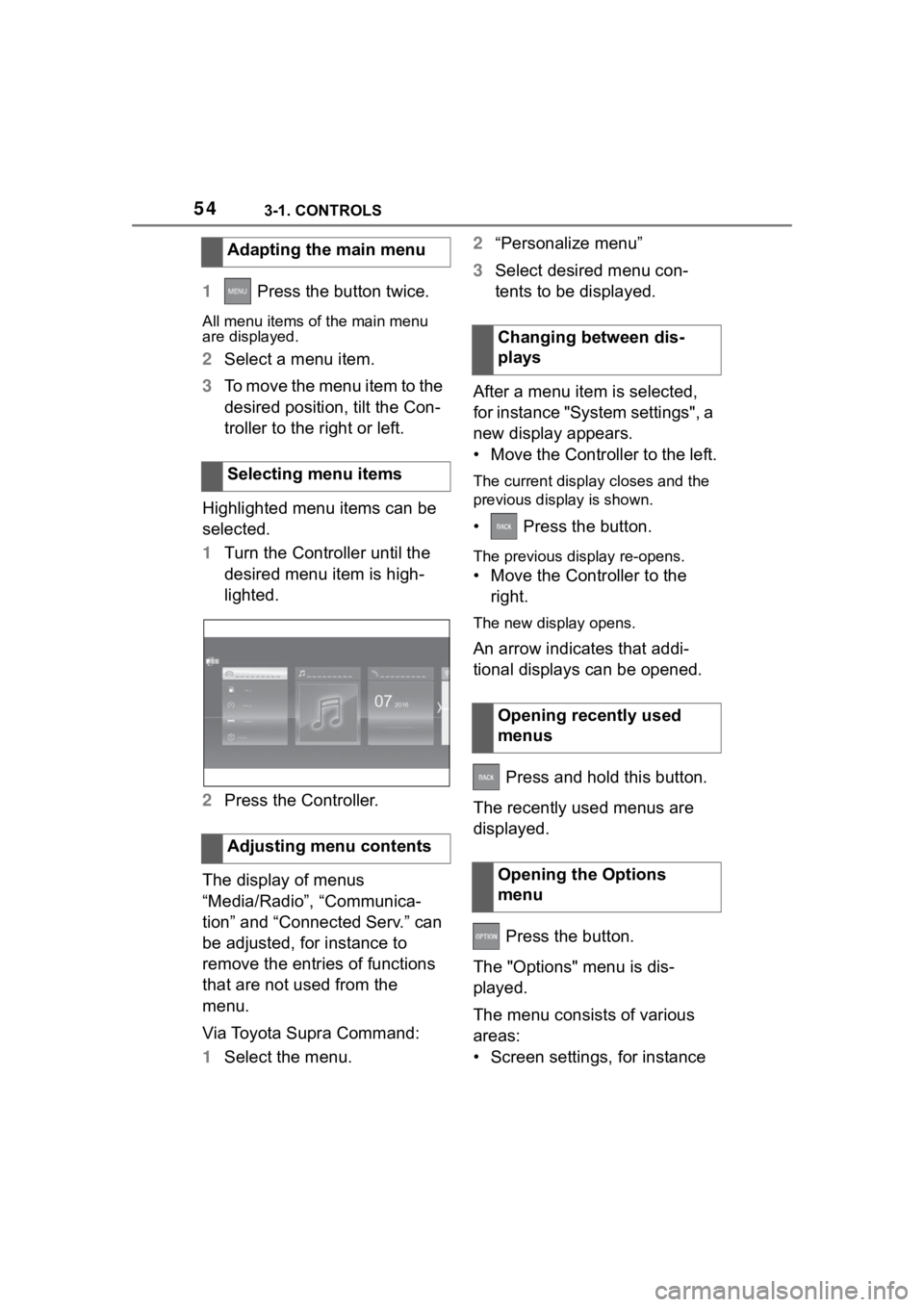
1 Press the button twice.
All menu items of the main menu
are displayed.
2Select a menu item.
3 To move the menu item to the
desired position, tilt the Con-
troller to the right or left.
Highlighted menu items can be
selected.
1 Turn the Controller until the
desired menu item is high-
lighted.
2 Press the Controller.
The display of menus
“Media/Radio”, “Communica-
tion” and “Connected Serv.” can
be adjusted, for instance to
remove the entries of functions
that are not used from the
menu.
Via Toyota Supra Command:
1 Select the menu. 2
“Personalize menu”
3 Select desired menu con-
tents to be displayed.
After a menu item is selected,
for instance "System settings", a
new display appears.
• Move the Controller to the left.
The current display closes and the
previous display is shown.
• Press the button.
The previous display re-opens.
• Move the Controller to the right.
The new display opens.
An arrow indicates that addi-
tional displays can be opened.
Press and hold this button.
The recently used menus are
displayed.
Press the button.
The "Options" menu is dis-
played.
The menu consists of various
areas:
• Screen settings, for instance
Adapting the main menu
Selecting menu items
Adjusting menu contents
Changing between dis-
plays
Opening recently used
menus
Opening the Options
menu
Page 55 of 372
553-1. CONTROLS
3
CONTROLS
"Split screen".
• Control options for the selected main menu, for
instance for "Media/Radio".
• If applicable, further operating options for the selected menu,
for instance "Save station".
Settings, such as brightness,
can be entered.
Via Toyota Supra Command:
1 "My Vehicle"
2 "System settings"
3 "Displays"
4 "Control display"
5 "Brightness at night"
6 Turn the Controller until the
desired setting is displayed.
7 Press the Controller.
1 Turn the Controller: select let-
ter or number.
2 : confirm entry. For alphabetical lists with more
than 30 entries, the letters for
which there is an entry are dis-
played at the left edge.
1
Turn the Controller to the left
or right quickly.
All letters for which there are
entries are displayed on the left
edge.
2Select the first letter of the
desired entry.
The first entry of the selected letter
is displayed.
The Control Display is equipped
with a touchscreen.
Touch screen with your fingers.
Do not use any objects.
Tap on the symbol.
Changing settings
Entering letters and num-
bers
Input
Deleting
SymbolFunction
Press the Controller:
delete lette r or number.
Hold the Controller down:
delete all letters or num-
bers.
Using alphabetical lists
Operating via Control Dis-
play
General information
Opening the main menu
Page 56 of 372
563-1. CONTROLS
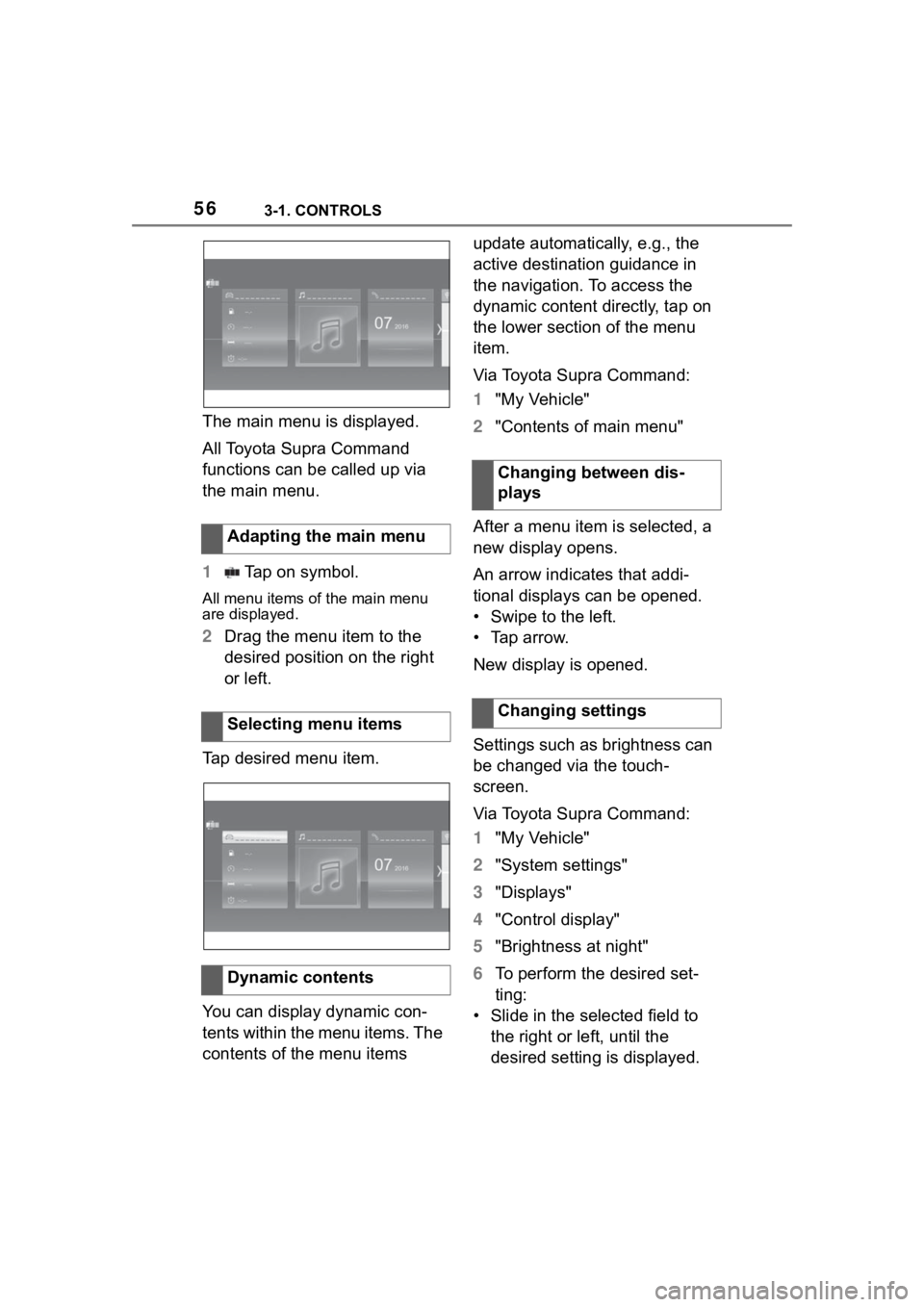
The main menu is displayed.
All Toyota Supra Command
functions can be called up via
the main menu.
1 Tap on symbol.
All menu items of the main menu
are displayed.
2Drag the menu item to the
desired position on the right
or left.
Tap desired menu item.
You can display dynamic con-
tents within the menu items. The
contents of the menu items update automatically, e.g., the
active destination guidance in
the navigation. To access the
dynamic content directly, tap on
the lower section of the menu
item.
Via Toyota Supra Command:
1
"My Vehicle"
2 "Contents of main menu"
After a menu item is selected, a
new display opens.
An arrow indicates that addi-
tional displays can be opened.
• Swipe to the left.
• Tap arrow.
New display is opened.
Settings such as brightness can
be changed via the touch-
screen.
Via Toyota Supra Command:
1 "My Vehicle"
2 "System settings"
3 "Displays"
4 "Control display"
5 "Brightness at night"
6 To perform the desired set-
ting:
• Slide in the selected field to the right or left, until the
desired setting is displayed.
Adapting the main menu
Selecting menu items
Dynamic contents
Changing between dis-
plays
Changing settings
Page 57 of 372
573-1. CONTROLS
3
CONTROLS
• , Tap on symbol.
1Depending on the equip-
ment, tap the symbol on
the Control Display.
A keyboard is displayed in the Con-
trol Display.
2Enter letters and numbers.
The navigation map can be
moved with the Control Display.
Depending on the equipment,
some Toyota Supra Command functions can be operated using
the touchpad on the Controller.
Via Toyota Supra Command:
1
"My Vehicle"
2 "System settings"
3 "Touchpad"
4 Select the desired setting:
• "Speller": enter letters and numbers.
• "Map": using the map.
• "Search fields": write letters without selecting the list field.
• "Audio feedback": pro- nounces entered letters and
numbers.
Entering letters requires some
practice at the beginning. When
entering, pay attention to the fol-
lowing:
• The system distinguishes between upper and
lower-case letters and num-
bers. To make entries, it may
be necessary to change
between upper and
lower-case letters, numbers
and characters, refer to page
55.
• Enter characters as they are displayed on the Control Dis-
play.
• Always enter associated char-
Entering letters and num-
bers
Input
Deleting
SymbolFunction
Tapping the symbol:
deletes the letter or num-
ber.
Tapping and holding the
symbol all letters: deletes
all letters or numbers.
Operating navigation map
FunctionOperation
Enlarge/shrink
map.Drag in or out
with the fingers.
Touchpad
General information
Selecting functions
Entering letters and num-
bers
Page 58 of 372
583-1. CONTROLS
acters, such as accents or
periods so that the letter can
be clearly recognized. The set
language determines what
input is possible. Where nec-
essary, enter special charac-
ters via the Controller.
The map in the navigation sys-
tem can be moved via the con-
trol display. The Toyota Supra Command
functions can be stored on the
programmable memory buttons
and called up directly, for
instance radio stations, naviga-
tion destinations and phone
numbers.
1
Select function via Toyota
Supra Command.
2 Press and hold the
desired button until a signal
sounds.
Press the button.
The function will work immedi-
ately. This means, for instance
that the number is dialed when a
phone number is selected.
Entering special charac-
ters
EntryOperation
Delete a charac-
ter.Swipe to the left
on the touchpad.
Enter a blank
space.
Swipe to the
right in the cen-
ter of the touch-
pad.
Enter a hyphen.
Swipe to the
right in the upper
area of the
touchpad.
Enter an under-
score.
Swipe to the
right in the lower
area of the
touchpad.
Using the map
FunctionOperation
Move map.
Swipe in the
appropriate
direction.
Enlarge/shrink
map.Drag in or out on
the touchpad
with fingers.
Display menu.Tap once.
Programmable memory
buttons
General information
Storing a function
Running a function
FunctionOperation
Page 59 of 372
593-1. CONTROLS
3
CONTROLS
Touch buttons with finger. Do
not wear gloves or use objects.
The button assignment is dis-
played at the top edge of
screen.
1Press and hold buttons 1 and
8 simultaneously for approx.
5 seconds.
2 "OK"
Most functions displayed on the
Control Display can be operated
by voice commands via the
voice activation system. The
system supports you with
announcements during input.
• Functions that can only be used when the vehicle is sta-
tionary can only be operated
via the voice activation sys-
tem to a limited extent.
• The system uses a special microphone on the driver's
side.
• ›...‹ in the Owner's Manual denotes verbal instructions to use with the voice activation
system.
• A language must be set via Toyota Supra Command that
is supported by the voice acti-
vation system. To set the lan-
guage, refer to page 63
• Always say commands in the language of the voice activa-
tion system.
1 Press the button on the
steering wheel.
2 Wait for the signal.
3 Say the command.
No other commands may be
available. In this case, operate
the function via Toyota Supra
Command.
Displaying the key assign-
ment
Deleting the button
assignments
Operation via voice
Concept
General information
Functional requirements
Using the voice activation
system
Activating the voice activa-
tion system
This symbol indicates that
the voice activation sys-
tem is active.
Terminating the voice activa-
tion system
Press the button on the
steering wheel or ›Can-
cel‹.
Page 60 of 372
603-1. CONTROLS
Most menu items on the Control
Display can be voiced as com-
mands.
Commands from other menus
can also be spoken.
You may select list entries such
as phone list entries via voice
activation. Read these list
entries out loud exactly as they
are shown in the respective list.
The following is displayed in the
top area of the Control Display:
• Some possible commands for the current menu.
• Some possible commands from other menus.
• Status of the voice recogni- tion.
• Encrypted connection is not available.
• To have the available spoken instructions read out loud:
›Voice commands‹.
• To have information on the operating principle of the
voice activation system read
out loud: ›General information on voice control‹.
• To have help for the current menu read out loud: ›Help‹.
Do not use the voice activation
system to initiate an Emergency
Request. In stressful situations,
the voice and vocal pitch can
change. This can unnecessarily
delay the establishment of a
phone connection.
Instead, use the SOS button,
refer to page 323, close to the
interior mirror.
You can set the system to use
standard dialog or a short ver-
sion.
The short version of the voice
dialog plays back short mes-
sages in abbreviated form.
Via Toyota Supra Command:
1 "My Vehicle"
2 "System settings"
3 "Language"
4 "Speech mode:"
5 Select the desired setting.
Possible commands
General information
Displaying possible com-
mands
Help on the voice activation
systemInformation for Emergency
Requests
Adjusting
Setting the voice dialog
Page 62 of 372
623-1. CONTROLS
If it was not possible to activate
voice command response, the
list of Bluetooth devices appears
on the Control Display.This chapter describes all stan-
dard, country-specific and
optional features offered with
the series. It also describes fea-
tures that are not necessarily
available in your vehicle, e. g.,
due to the selected options or
country versions. This also
applies to safety-related func-
tions and systems. When using
these functions and systems,
the applicable laws and regula-
tions must be observed.
Via Toyota Supra Command:
1"My Vehicle"
2 "System settings"
3 If necessary, "Language"
4 "Language:"
5 Select the desired setting.
For voice dialog for the voice
activation system, refer to page
61.General settings
Vehicle features and
options
Language
Setting the language
Setting the voice dialog
Page 63 of 372
633-1. CONTROLS
3
CONTROLS
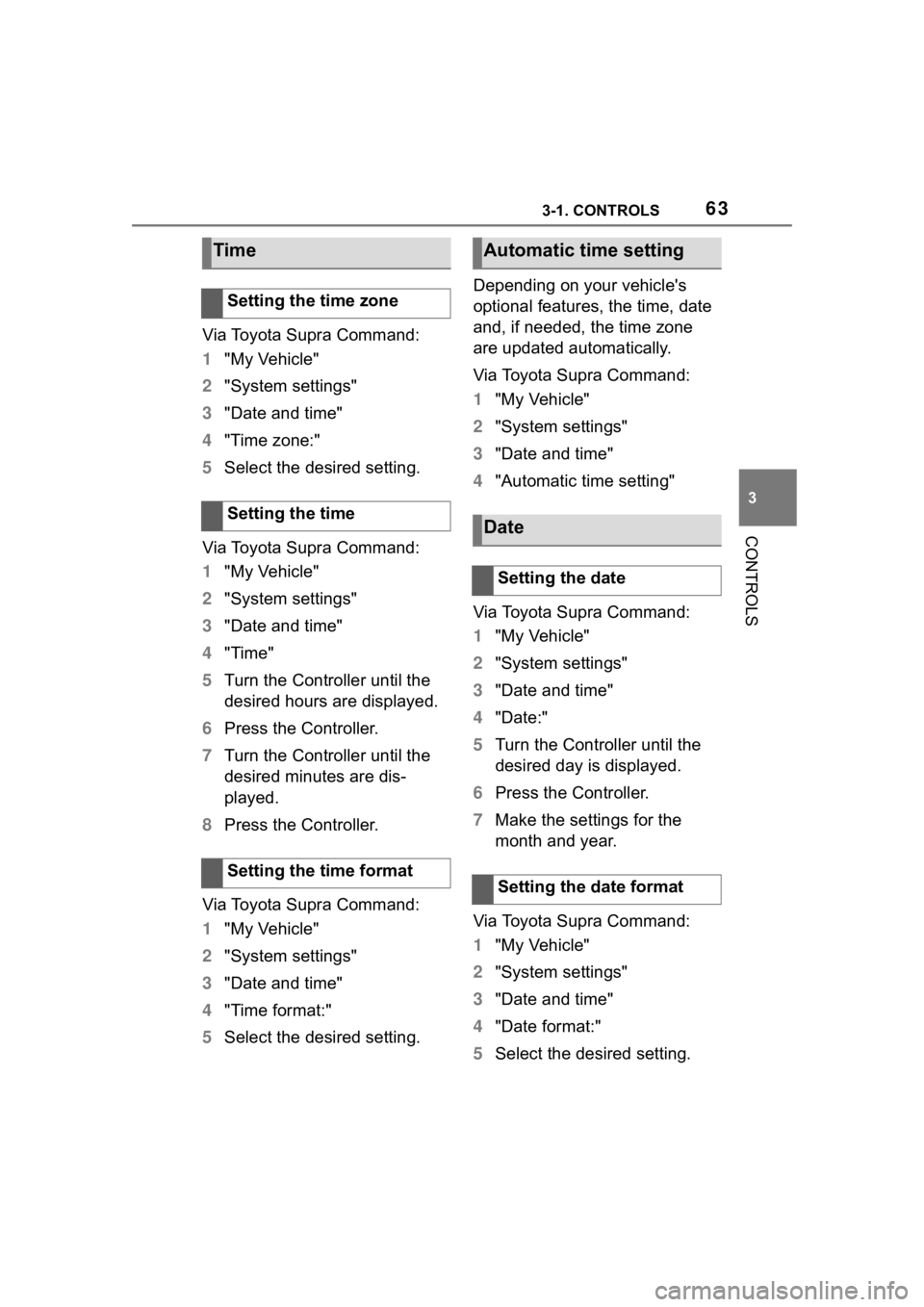
Via Toyota Supra Command:
1"My Vehicle"
2 "System settings"
3 "Date and time"
4 "Time zone:"
5 Select the desired setting.
Via Toyota Supra Command:
1 "My Vehicle"
2 "System settings"
3 "Date and time"
4 "Time"
5 Turn the Controller until the
desired hours are displayed.
6 Press the Controller.
7 Turn the Controller until the
desired minutes are dis-
played.
8 Press the Controller.
Via Toyota Supra Command:
1 "My Vehicle"
2 "System settings"
3 "Date and time"
4 "Time format:"
5 Select the desired setting. Depending on your vehicle's
optional features, the time, date
and, if needed, the time zone
are updated automatically.
Via Toyota Supra Command:
1
"My Vehicle"
2 "System settings"
3 "Date and time"
4 "Automatic time setting"
Via Toyota Supra Command:
1 "My Vehicle"
2 "System settings"
3 "Date and time"
4 "Date:"
5 Turn the Controller until the
desired day is displayed.
6 Press the Controller.
7 Make the settings for the
month and year.
Via Toyota Supra Command:
1 "My Vehicle"
2 "System settings"
3 "Date and time"
4 "Date format:"
5 Select the desired setting.
Time
Setting the time zone
Setting the time
Setting the time format
Automatic time setting
Date
Setting the date
Setting the date format
Page 64 of 372
643-1. CONTROLS
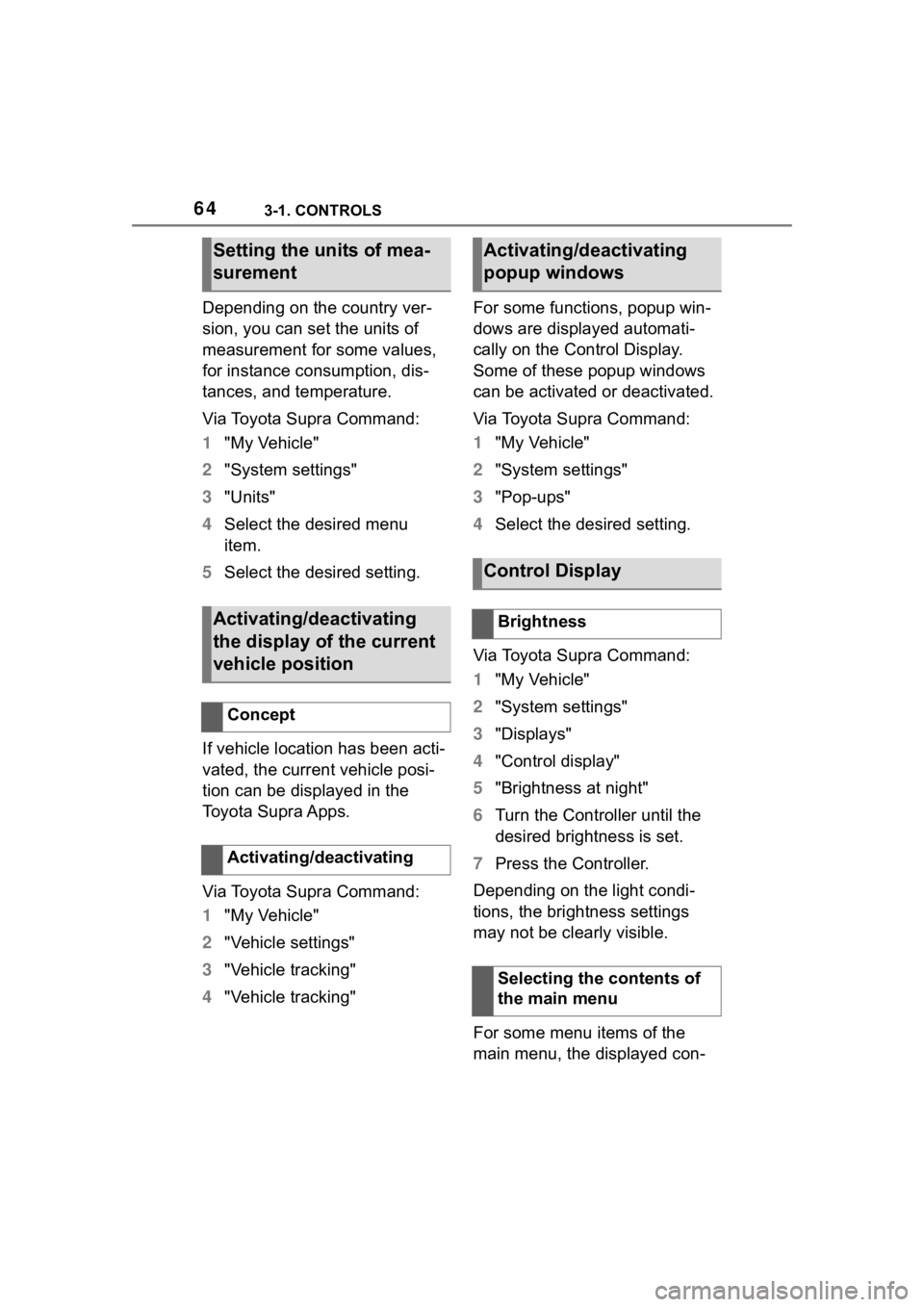
Depending on the country ver-
sion, you can set the units of
measurement for some values,
for instance consumption, dis-
tances, and temperature.
Via Toyota Supra Command:
1"My Vehicle"
2 "System settings"
3 "Units"
4 Select the desired menu
item.
5 Select the desired setting.
If vehicle location has been acti-
vated, the current vehicle posi-
tion can be displayed in the
Toyota Supra Apps.
Via Toyota Supra Command:
1 "My Vehicle"
2 "Vehicle settings"
3 "Vehicle tracking"
4 "Vehicle tracking" For some functions, popup win-
dows are displayed automati-
cally on the Control Display.
Some of these popup windows
can be activated or deactivated.
Via Toyota Supra Command:
1
"My Vehicle"
2 "System settings"
3 "Pop-ups"
4 Select the desired setting.
Via Toyota Supra Command:
1 "My Vehicle"
2 "System settings"
3 "Displays"
4 "Control display"
5 "Brightness at night"
6 Turn the Controller until the
desired brightness is set.
7 Press the Controller.
Depending on the light condi-
tions, the brightness settings
may not be clearly visible.
For some menu items of the
main menu, the displayed con-
Setting the units of mea-
surement
Activating/deactivating
the display of the current
vehicle position
Concept
Activating/deactivating
Activating/deactivating
popup windows
Control Display
Brightness
Selecting the contents of
the main menu